

Calendly's caps, removed, then open sourced
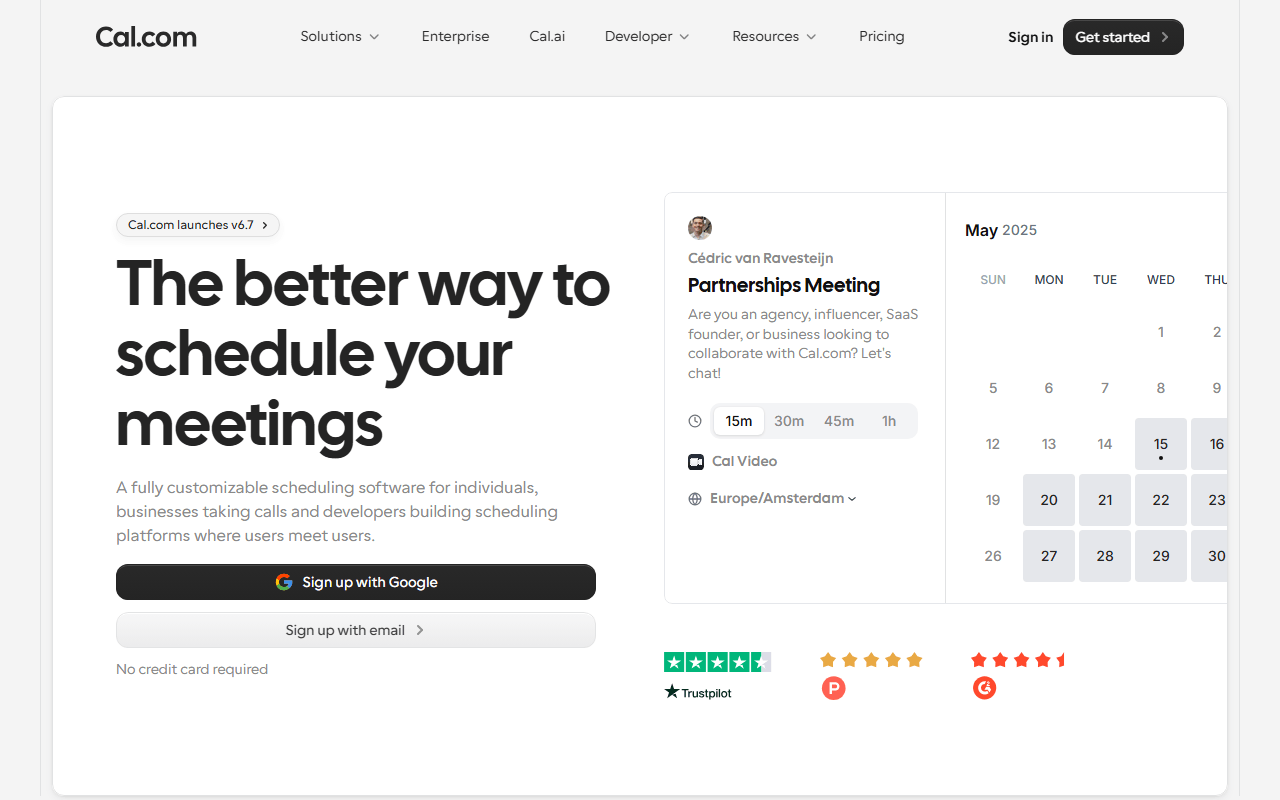
Cal.com is scheduling software that turns your calendar into a booking link, and it is the tool most people land on after deciding Calendly's free plan is too thin. Where Calendly gives you one event type for free, Cal.com gives you unlimited ones, plus unlimited connected calendars, on a plan that costs nothing (as of July 2026).
The second thing that makes it different is ownership. The core is open source under AGPLv3, so the whole product runs on your own server if you want it to. Most people never will, but the option changes the relationship: you are not locked into a pricing page you did not write.
Day to day it feels like a modern, slightly denser Calendly. You set availability schedules, attach buffers and minimum notice, connect Google Meet or Zoom, and share a cal.com/yourname link. Payments through Stripe or PayPal work on the free plan, which is unusual at this price.
The four people Cal.com actually suits
- Freelancers and consultants who need several booking types (intro call, paid session, follow-up) without paying per seat
- Anyone charging for bookings, since Stripe payments are included free
- Developers who want an API-first scheduler or an escape hatch to self-hosting
- Teams leaving Calendly who want a lower per-seat bill at $12 versus $16 for comparable team features
What free covers, and where the $12 price starts
As of July 2026, the free Individual plan covers one user with unlimited event types, unlimited calendar connections, email and SMS notifications, 100+ app integrations, the mobile app, browser extension, Stripe and PayPal payments, Salesforce and HubSpot sync, and a Calendly importer.
What it does not cover: anything involving more than one person. Round-robin, collective events, managed event types, routing forms, and booking analytics all sit behind Teams at $12 per user per month billed yearly. Branding removal is also a Teams feature, which is the free plan's most annoying gap.
The /ee licence, and two other limits on the free plan
The interface has more surface area than Calendly's, and the extra settings mean a slower first hour. If you want one booking link and nothing else, that complexity is a cost, not a feature.
Self-hosting is genuinely free but genuinely work. You need Node.js, a PostgreSQL database, and the willingness to run migrations and backups yourself. It is a weekend project for a developer and not a realistic path for a non-technical user, so read "free if you can run Docker" literally here.
There is also a licensing wrinkle worth knowing: the /ee directory holding enterprise features is under a commercial license, not AGPLv3. You cannot self-host your way to the paid team features.
Our call: start free, budget for the second person
If you are one person who needs more than one booking link, Cal.com is the easiest recommendation in this category, and the free plan is not a trial in disguise. Team buyers should compare the $12 per user tier against Calendly's $16 on the specific features they use rather than assuming the cheaper option wins. And treat self-hosting as a real project, not a free lunch.
Reader reviews
What people who actually use Cal.com think of it.
No reviews of Cal.com yet. If you have used it, yours would be the first.
The useful part is the specifics: what you used it for, and where it got in your way.
Loading...