Discover honest, community-driven software alternatives. Learn about our mission

Free scheduling tools that do not stop at one event type

A scheduling tool turns your calendar into a booking link. You set your hours, connect Google or Outlook, share one URL, and people pick a slot that is actually free. No more trading emails about Tuesday.

Most people arrive here from Calendly or Acuity. Calendly's free plan stops at one event type and one connected calendar, so a 15-minute intro call and a 60-minute session already push you to a paid seat. Acuity skips the free plan altogether and gives you a trial, then bills per practitioner. Once a small team adds up those per-seat charges, the yearly total gets hard to justify for what is, in the end, a booking link.

Our pick is Cal.com. It gives one person unlimited event types for free, includes Stripe payments at no cost, and ships as open source you can self-host if you ever want out.

8 free tools, ranked and reviewed as of July 2026.

Who each of these is for, starting with our pick

Best overall

Cal.com logo

Cal.com

Best FreeScheduling Tool

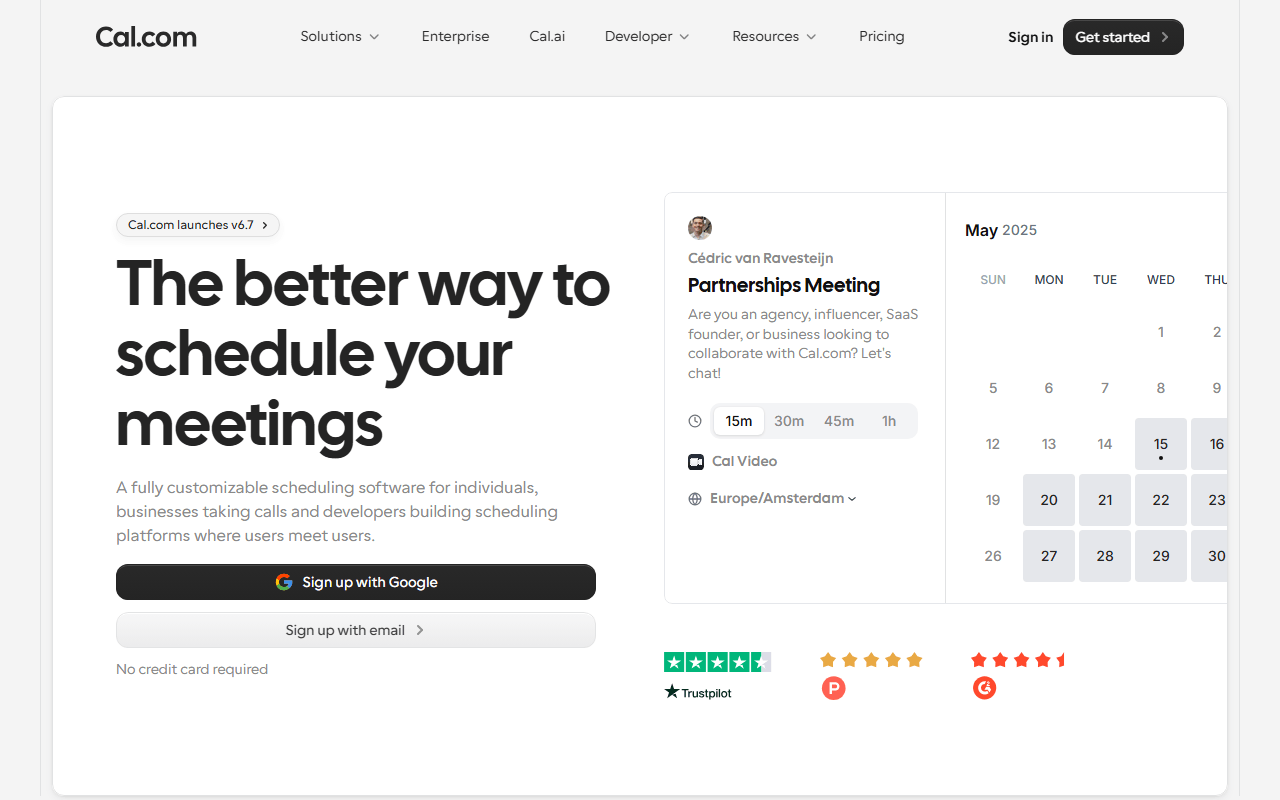
Cal.com is the closest thing to a drop-in Calendly replacement, and the free plan is not a trick. One person gets unlimited event types, unlimited connected calendars, 100+ integrations, and Stripe or PayPal payments at no cost (as of July 2026). The core is open source under AGPLv3, so you can self-host it and skip the vendor entirely.

Cal.com wins because its free plan is not a demo. One person gets unlimited event types, unlimited connected calendars, 100+ integrations, and Stripe or PayPal payments without paying a cent (as of July 2026), which is more than most paid tiers elsewhere. The catch is real: the free tier is single-user, so round-robin and team pages need the $12 per seat plan, and self-hosting the open source core is genuine work. You need Node.js, a PostgreSQL database, and the patience to run your own updates and backups. Free if you can run Docker, in other words, and single-player until you pay.

Read our Cal.com review

Best for setting up in five minutes

Connect a calendar, set your hours, share a link: the free plan allows unlimited bookings across unlimited scheduling links (as of July 2026), with the wall at two calendar syncs, Google Meet only, and no payments.

Best for finding one date a whole group can make

It polls a group for a date instead of selling a slot, and the Hobby plan does that free forever (as of July 2026), though a finished poll is cleared once its dates have passed and 30 days go by with no activity.

Best for a clinic or salon with several staff

Services, providers, working plans, and customer records with no subscription and no commission on bookings (as of July 2026), free under GPL-3.0 as long as you can run PHP 8.2 and MySQL yourself.

Open this for how we weighed free plans against trials

We rank by how far the free option actually gets you, not by feature checklists. Free-forever plans beat trials, and a tool you can self-host for nothing beats one that only rents. We are blunt about the caps too, so a one-time lifetime deal is not filed next to a genuinely free-forever plan, and a trial is not dressed up as a free tier.

One table: event types, calendar syncs, and payments

#ToolFree planStarting priceCountry
1
Cal.com logo
Cal.com
Yes$12/monthUnited States
2
Zcal logo
Zcal
Yes-United States
3
Koalendar logo
Koalendar
Yes$6.99/monthFrance
4
TidyCal logo
TidyCal
Yes$29 one-timeUnited States
5
Rallly logo
Rallly
Yes$56/yearGermany
6
Easy!Appointments logo
Easy!Appointments
Free / open source-Greece
7
Calendly logo
Calendly
Yes$10/monthUnited States
8
Acuity Scheduling logo
Acuity Scheduling
No$16/monthUnited States

Every scheduler on the list, and where its free plan stops

1.

Cal.com

Best FreeScheduling Tool

Cal.com is the closest thing to a drop-in Calendly replacement, and the free plan is not a trick. One person gets unlimited event types, unlimited connected calendars, 100+ integrations, and Stripe or PayPal payments at no cost (as of July 2026). The core is open source under AGPLv3, so you can self-host it and skip the vendor entirely.

Cal.com screenshot
  • Free plan, paid from $12/month (as of July 2026)
  • United States
  • Open source (AGPL-3.0 (core), commercial license for the /ee enterprise directory)
Best for:
Freelancers and consultants who need several booking types without paying per seat, anyone charging for bookings, and developers who want an API-first scheduler or a self-hosting escape hatch.
The catch:
The free tier is single-user. Round-robin, team pages, and branding removal all need the $12 per seat Teams plan. Self-hosting is genuinely free but genuine work: Node.js, a PostgreSQL database, and your own updates and backups.
2.

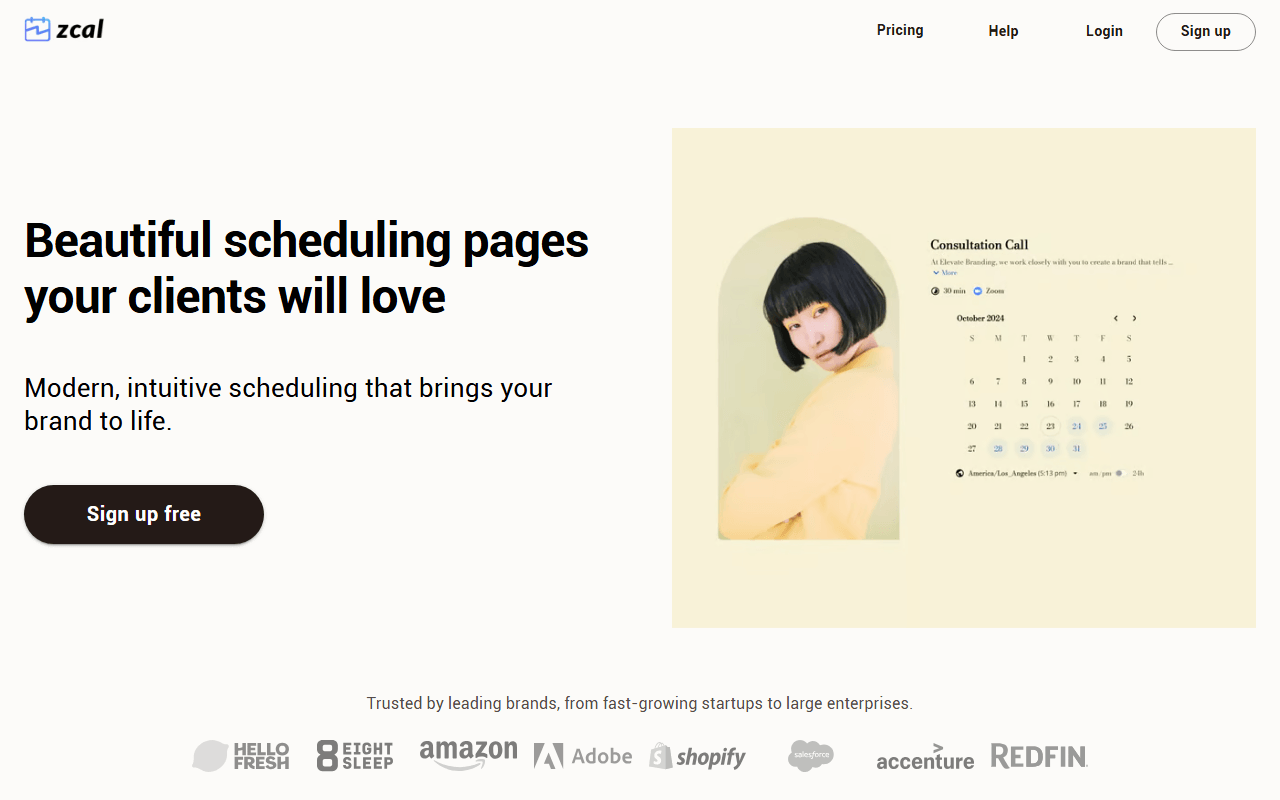
Zcal pairs one of the most generous free tiers in scheduling with booking pages that actually look designed. You get unlimited scheduling links, unlimited connected calendars, meeting polls, and video call integrations for free (as of July 2026). If your booking link is a client's first impression, Zcal makes it a good one.

Zcal screenshot
  • Free plan (as of July 2026)
  • United States
Best for:
Solo consultants, coaches, and recruiters who want several free booking links and care how the page looks, plus anyone who currently runs a scheduler alongside Doodle for group availability.
The catch:
The free plan keeps Zcal branding on your page and takes a 3% fee on paid bookings on top of Stripe's cut. Past a few hundred dollars a month, that fee outruns a flat Pro seat. It is cloud-only, with no self-hosting.
3.

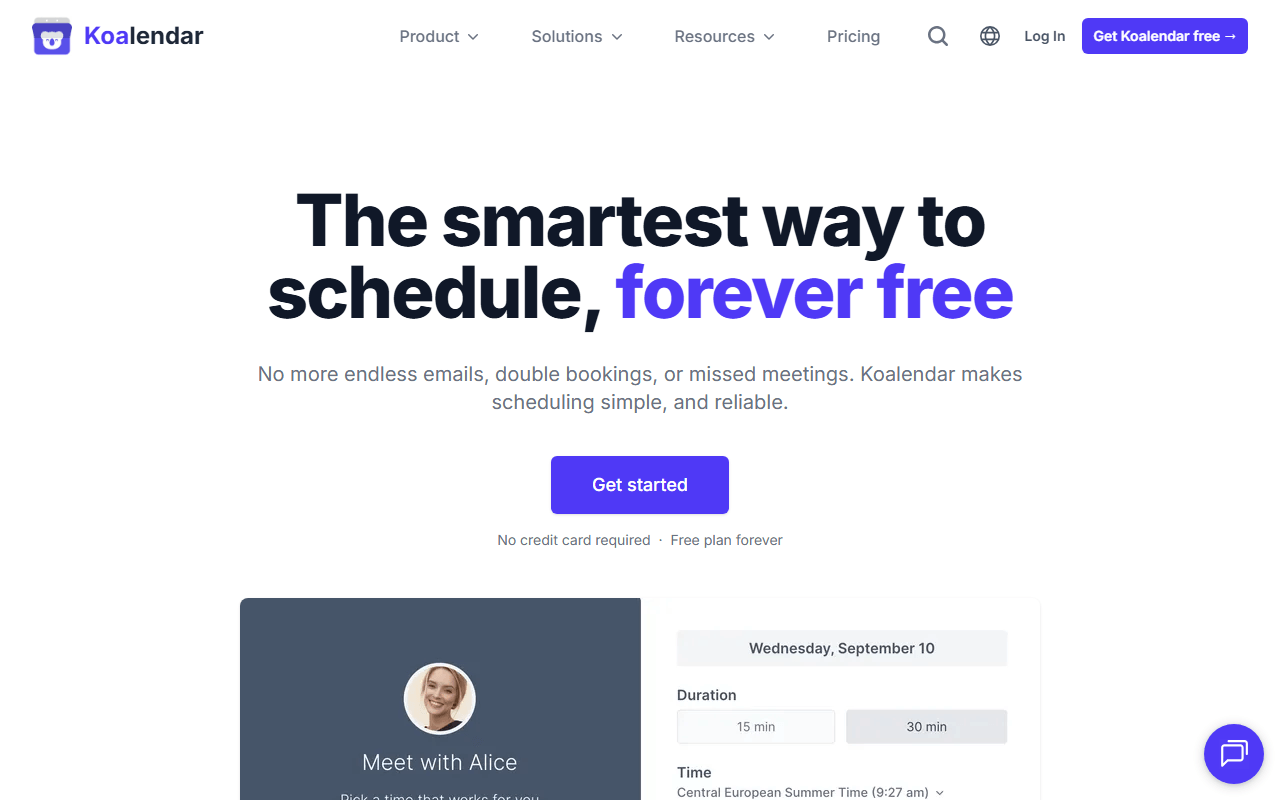
Koalendar is the tool for people who found Calendly and Cal.com heavier than the problem. You connect a calendar, set your hours, and share a link in about five minutes. The free plan allows unlimited bookings across unlimited scheduling links, which most rivals cap (as of July 2026).

Koalendar screenshot
  • Free plan, paid from $6.99/month (as of July 2026)
  • France
Best for:
People who want a dead-simple booking link without a settings maze, and small service businesses embedding a booking page on a plain website who do not charge for meetings.
The catch:
The free plan caps you at two calendar syncs and Google Meet only, with no payments, SMS reminders, or round-robin. Pro is $6.99 per seat, and Koalendar counts each bookable resource as a seat, so a studio with four rooms pays for four.
4.

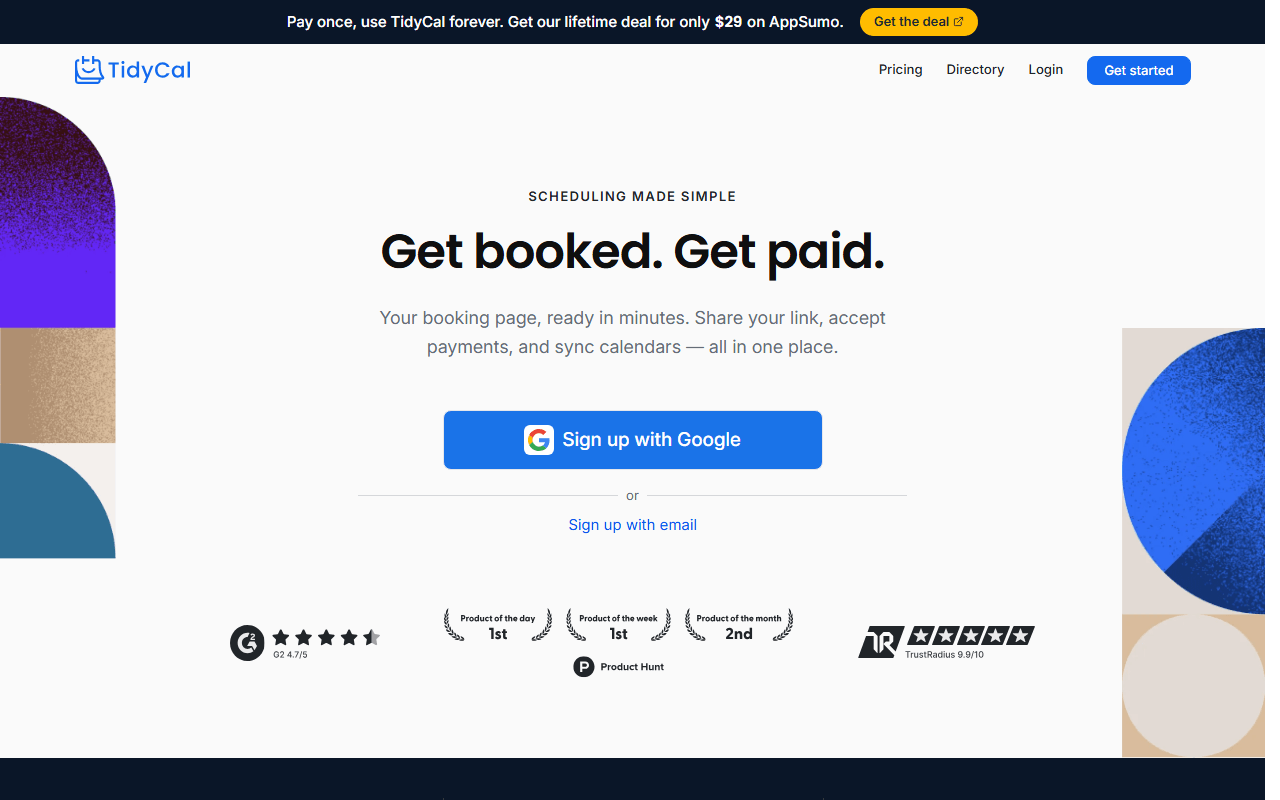
TidyCal is a budget scheduler from AppSumo, and its real pitch is a $29 one-time lifetime deal, not a free-forever plan. There is a free tier with unlimited bookings and booking types (as of July 2026), but custom domains, SMS reminders, and most integrations sit behind the paid unlock. Think of it as the cheapest way to stop paying a monthly subscription.

TidyCal screenshot
  • Free plan, paid from $29 one-time (as of July 2026)
  • United States
Best for:
Freelancers who resent a recurring bill for a booking link and want a scheduler paid for once, plus agencies who need several booking accounts at a fixed one-time cost.
The catch:
This is cheap, not free-forever. The lifetime deals live on AppSumo as promotions, not a stable price, so verify before planning around them. The interface is functional rather than polished, and a lifetime purchase means trusting one company's roadmap with no monthly leverage to leave.
5.

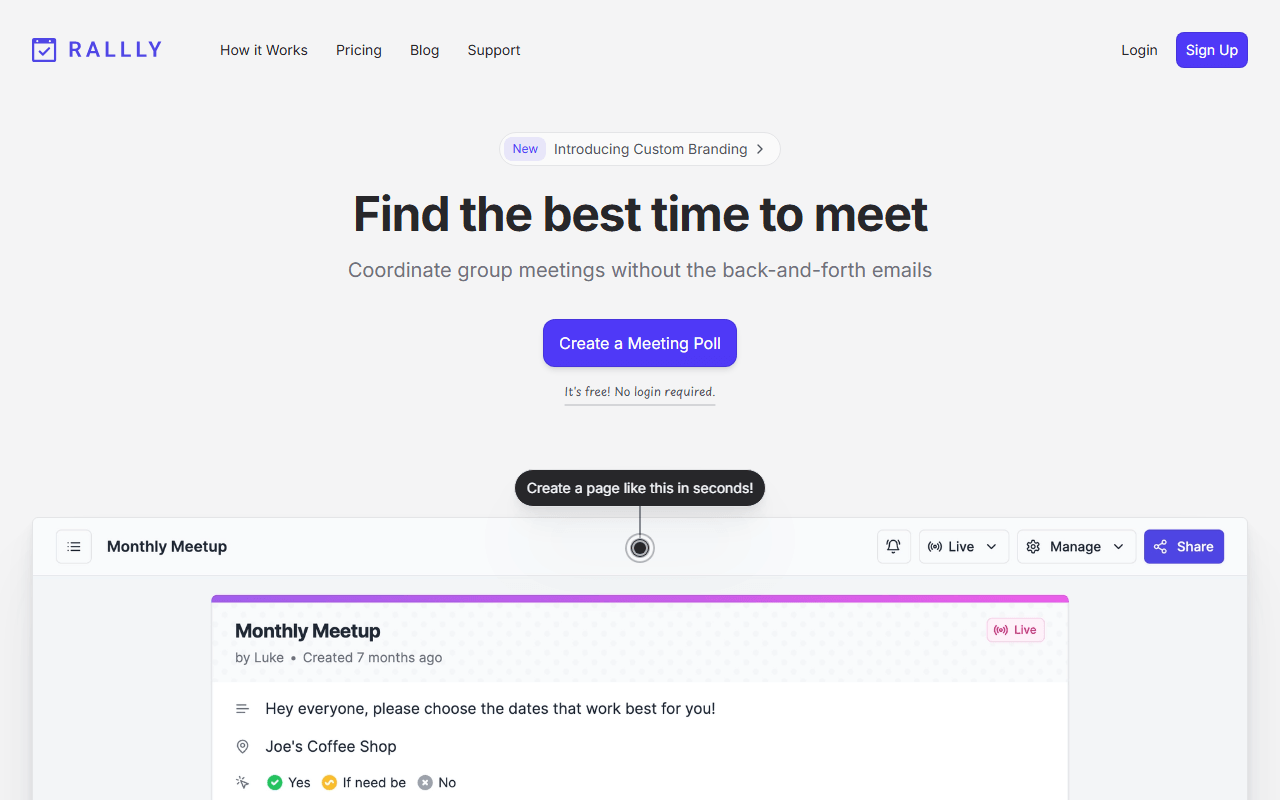
Rallly is the open source answer to Doodle, not to Calendly. You propose several dates, share one link, and a group votes on which ones work, with no accounts needed for voters. It solves group availability rather than one-to-one booking, so it complements a booking tool instead of replacing one. The Hobby plan is free forever and it self-hosts under AGPLv3.

Rallly screenshot
  • Free plan, paid from $56/year (as of July 2026)
  • Germany
  • Open source (AGPL-3.0)
Best for:
Teams, committees, clubs, and families picking a date across many calendars, and privacy-minded groups that want poll data on their own infrastructure.
The catch:
This is group polling, not 1:1 booking. There are no availability schedules, round-robin, or payment links, so it will not replace Calendly. On the free Hobby plan, a poll is deleted once all its dates pass and it sits inactive for 30 days, so export anything you need to keep.
6.

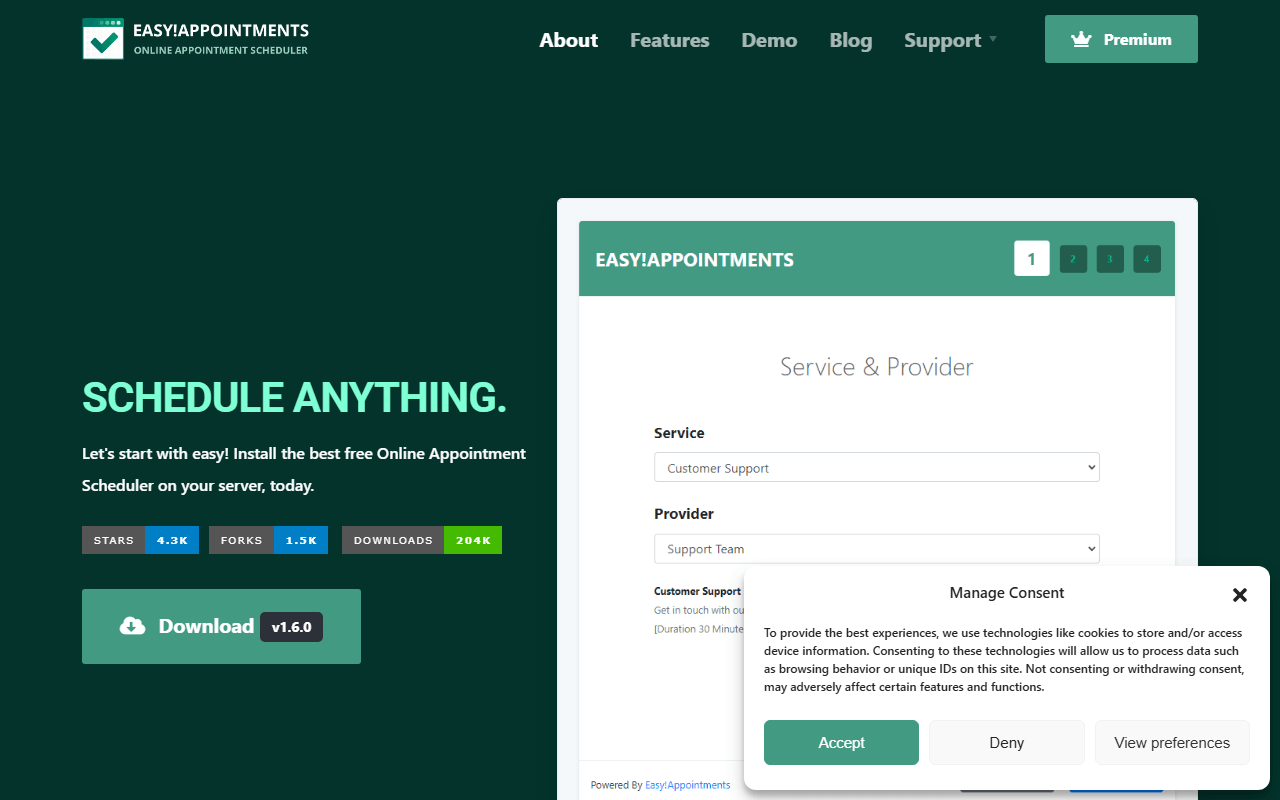
Easy!Appointments is a fully free, open source appointment system you install on your own PHP and MySQL hosting. It models services, providers, working plans, and customer records, which is the structure a clinic or salon actually needs. No subscription and no commission on bookings, in exchange for running the server yourself (GPL-3.0, version 1.6.0 shipped May 2026).

Easy!Appointments screenshot
  • Completely free (as of July 2026)
  • Greece
  • Open source (GPL-3.0)
Best for:
Clinics, salons, garages, and studios with multiple staff and service types, and businesses that need appointment data on their own server for privacy or compliance reasons.
The catch:
Free means free if you can run a LAMP stack. You supply Apache or Nginx, PHP 8.2 or newer, and MySQL, plus your own updates, backups, and security. The interface looks its age, and native integrations are thin next to Cal.com's.
7.

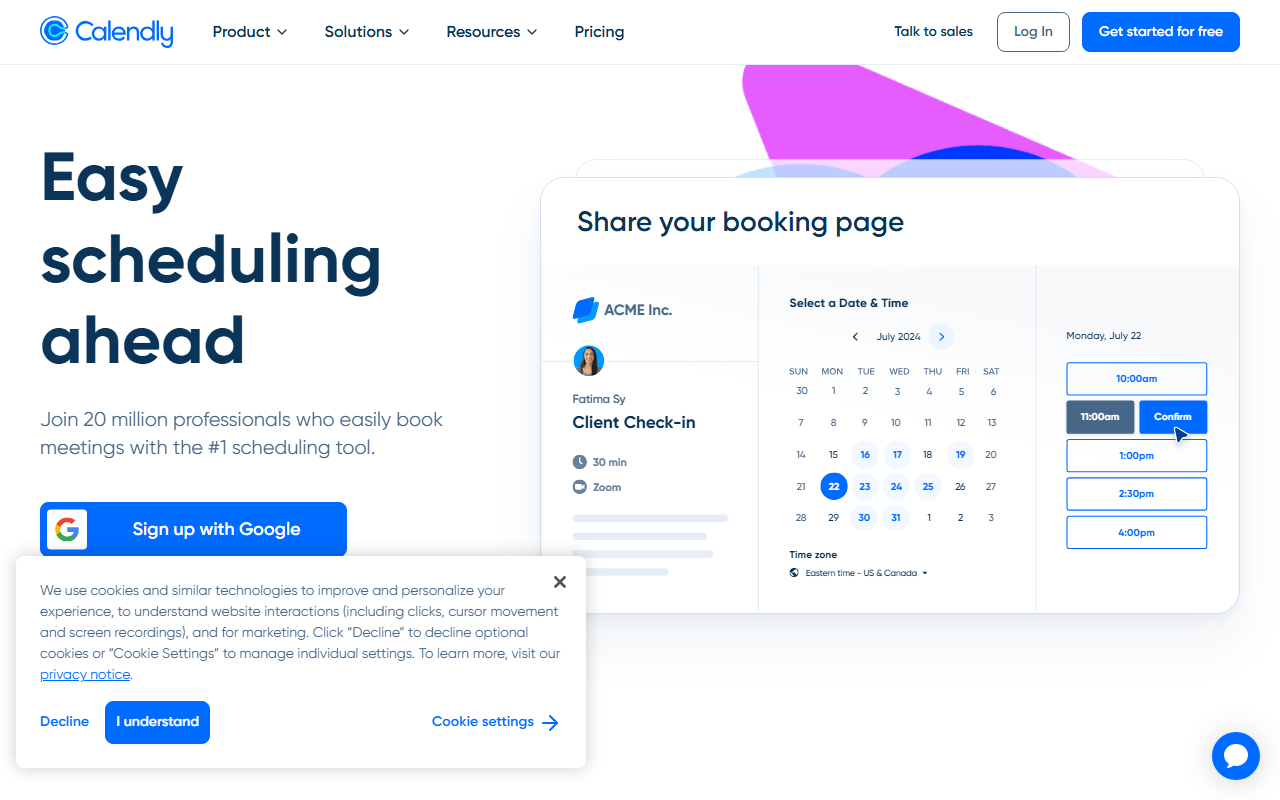
Calendly built this category and is still the tool most people mean by 'send me your scheduling link'. The experience for the person booking is about as smooth as it gets, and the integration catalogue is deep. It appears here for one narrow reason: the free plan is one of the tightest around, capped at one event type and one connected calendar (as of July 2026).

Calendly screenshot
  • Free plan, paid from $10/month (as of July 2026)
  • United States
Best for:
Companies that need routing, admin controls, and a large integration catalogue, and sales teams running round-robin distribution across many reps.
The catch:
The free plan's single event type is the wall most people hit, and a trial silently downgrades to it when it ends. Paid seats are $10 to $16 per month, so a five-person team pays $960 a year. There is no self-hosting, and branding removal is paid.
8.

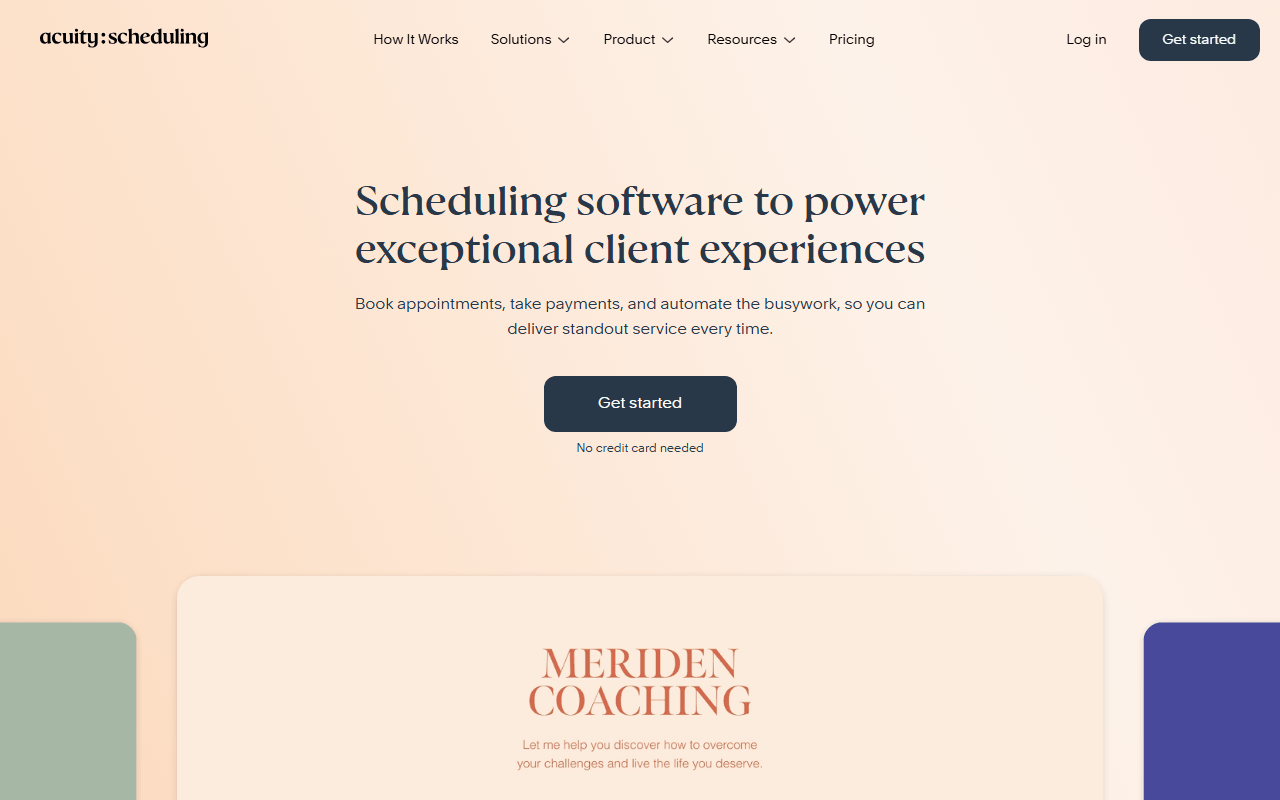
Acuity Scheduling is Squarespace-owned appointment software for businesses that sell time: coaches, therapists, salons, and clinics. It handles intake forms, packages, memberships, staff calendars, and payments well. It is on this list as an incumbent, not a free alternative, because there is no free plan, only a trial.

Acuity Scheduling screenshot
  • From $16/month (as of July 2026)
  • United States
Best for:
Established service businesses that already pay for scheduling and want deep appointment features like memberships, packages, and HIPAA options on the higher tiers.
The catch:
There is no free tier, only a trial, so this is a paid incumbent rather than a free option. Plans run $16 to $49 per month billed annually, and the useful extras like text reminders and packages start on the $27 Growing tier.

Which one should you actually set up?

Start with what you need. If you want unlimited event types for free, go with Cal.com. If an attractive booking page is what sells you, Zcal puts the most care into how the page looks to the person booking. If you just want something dead simple you can set up in five minutes, Koalendar is the lightest option, and if the job is really finding one date that suits a whole group, Rallly runs group polls rather than one-to-one booking. If you run a clinic or salon and want to host the appointments yourself, Easy!Appointments is the free self-hosted pick.

Free plans, trials, and switching without losing your links

What is the best free scheduling tool?

For one person, Cal.com. Its free plan covers unlimited event types, unlimited connected calendars, and Stripe or PayPal payments (as of July 2026), which is more than Calendly, Zcal, or Koalendar give you for nothing. If you need a team feature like round-robin, you move to a paid seat at $12 per user per month, but for solo booking links it is hard to beat.

Which of these tools is actually free forever, not a trial?

Cal.com, Zcal, Koalendar, and Rallly all have genuine free-forever plans (as of July 2026). Easy!Appointments is fully free and open source if you host it yourself. TidyCal has a free tier but is best known for a $29 one-time lifetime deal, not a full free plan. Acuity Scheduling has no free plan at all, only a trial, so it sits here as an incumbent rather than a free option.

Can I move off Calendly without losing my setup?

Cal.com ships a Calendly importer that pulls your event types across, so you do not rebuild them by hand. You still reconnect your calendar and video apps and update any links you have already shared. Most other tools on this list start you from scratch, so factor that in if you have a lot of event types.

What is the catch with the free plans?

Every free plan holds something back. Calendly caps you at one event type and one calendar. Zcal keeps its branding on your page and takes a 3% fee on paid bookings. Koalendar limits you to two calendar syncs and no payments. Cal.com's free tier is single-user. Read the specific cap before you commit, because that is usually the reason you would end up paying.

Do I need to be technical to use these?

For the hosted tools, no. Cal.com, Zcal, Koalendar, TidyCal, and Calendly all work from a browser with no setup beyond connecting a calendar. Self-hosting Cal.com, Rallly, or Easy!Appointments is a different matter and needs a server, a database, and someone comfortable running updates. If that is not you, stick with a hosted free plan.

Keep exploring

Browse every category, or read our full reviews of the tools above.