

Discover honest, community-driven software alternatives. Learn about our mission

Koalendar logo

Koalendar review

A deliberately simple booking tool with unlimited free bookings and a setup that takes about five minutes.

Facts checked July 2026

Visit KoalendarSee alternatives
koalendar.com
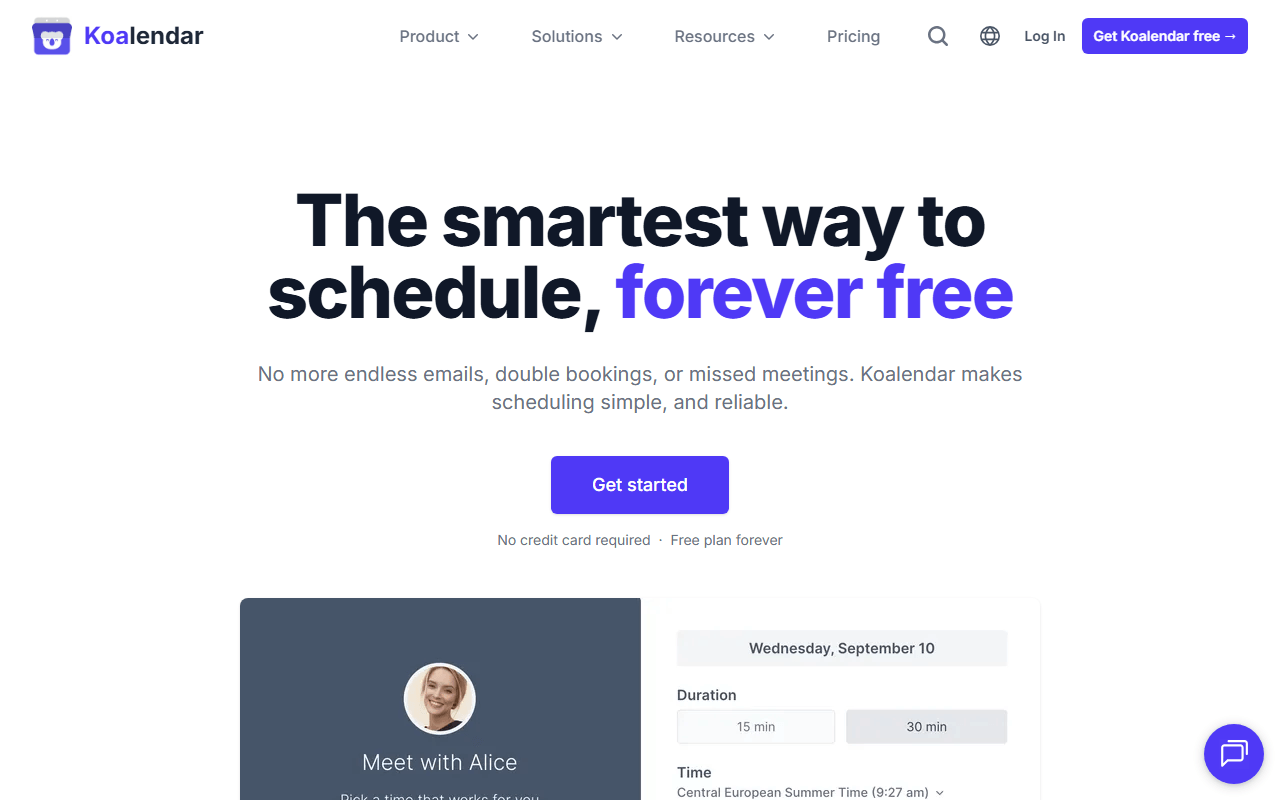
Koalendar homepage screenshot

Koalendar at a glance

Free plan
Yes
Free plan score
61/100Usable
Starting price
$6.99/month
Based in
France
Company
Koalendar
Founded
2020

Our take

Koalendar trades features for speed: unlimited free bookings and a five-minute setup, with payments and reminders held back for the $6.99 Pro plan.

Koalendar stopped adding features, on purpose

You connect a calendar, set your hours, get a booking link, and you are done. There is no routing forms tab, no workflows builder, and no dashboard full of settings you will never open.

That focus shows in the free plan, which lets you take unlimited bookings across unlimited scheduling links. Most free tiers in this category cap the number of event types; Koalendar caps calendar syncs instead, which is a limit far fewer people ever hit.

Three people who want less scheduler, not more

  • People who tried Calendly or Cal.com and found the setup heavier than the problem
  • Anyone who needs several free booking links but does not charge for meetings
  • Small service businesses embedding a booking page on a simple website

Free Forever, and the features it holds back for a price

As of July 2026, Free Forever covers unlimited bookings and unlimited scheduling links, two calendar syncs across Google, Outlook, or iCloud, Google Meet video links, booking pages in 30+ languages, and website embeds. No credit card is asked for.

The list of what is missing is specific and worth reading before you commit: no payments, no SMS reminders, no custom branding, no group sessions, no round-robin, and Google Meet is the only video option. Zoom and Teams users are paying customers by definition.

The two-calendar limit, and what counts as a seat

The two-calendar cap is tighter than it looks. If you have a work calendar, a personal one, and a shared team calendar, you are already over it and conflicts will slip through.

Pro is priced per seat, and Koalendar counts a bookable resource as a seat. A studio with four rooms pays for four seats, which changes the math from $6.99 to $28 a month fast.

The integration list is short. If you need CRM sync, Zapier-heavy automation, or an API, this is the wrong tool and you should be on Cal.com.

Simple until you need to charge for a booking

Koalendar is the right pick when simplicity is the actual requirement, and its unlimited free bookings beat Calendly's single event type without argument. The moment you need to charge for a booking, send an SMS reminder, or connect a third calendar, you are paying, and at that point compare the $6.99 against Cal.com's free tier, which includes payments at no cost.

What Koalendar offers

  • Calendar sync
  • Group & round-robin scheduling
  • Payment collection
  • Custom booking pages
  • Buffers & availability rules
  • Video call integration
  • Automated reminders
  • Embeddable widget
  • Team scheduling

Not included

  • Self-hosting

Koalendar plans and pricing

Free forever: unlimited bookings and unlimited scheduling links, 2 calendar syncs, Google Meet, and website embeds

A seat can be a person or a bookable resource, so a studio with several rooms pays per room

Free Forever

Free

Unlimited bookings and scheduling links with Google, Outlook, or iCloud sync and embeddable booking pages

2 calendar syncs, Google Meet only, no payments, no SMS reminders, no branding removal, no group sessions

Pro

$6.99/mo

Unlimited calendar syncs, Stripe payments, custom email and SMS reminders, round-robin and collective scheduling, and branding removal

Per seat, per month billed annually; $9.99 per seat on monthly billing

Teams

Free

Custom pricing for 10+ seats with dedicated support and onboarding

As of July 2026. Check current pricing on the Koalendar pricing page.

Koalendar's free plan score

How good Koalendar's free plan really is, judged on four things and weighted into one number.

61/100

Usable

Unlimited free bookings, capped at two calendars and no payments.

Free plan generosity

72/100

Feature depth for the category

46/100

Freedom and honesty

68/100

What free users report

55/100

Scored July 2026. How we calculate the free plan score.

Frequently asked questions about Koalendar

Is Koalendar free forever or a trial?

Free forever, with no credit card required. As of July 2026 the free plan includes unlimited bookings and unlimited scheduling links, two calendar syncs, Google Meet, and website embeds.

Can I take payments on Koalendar's free plan?

No. Stripe payments are a Pro feature at $6.99 per seat per month billed annually, or $9.99 billed monthly. If you sell sessions, this is the tool's main upgrade trigger.

How many calendars can I connect for free?

Two, across Google, Outlook, or iCloud. That is enough for a work and personal calendar, but if you check availability against three or more you will need Pro for unlimited syncs.

Latest Koalendar news

Changes that affect what you get for free: pricing, free plan limits, ownership, and whether the project is still maintained. Not every release.

We checked Koalendar's own blog, changelog and release notes in July 2026 and found nothing that changes the picture above.

Reader reviews

What people who actually use Koalendar think of it.

No reviews of Koalendar yet. If you have used it, yours would be the first.

The useful part is the specifics: what you used it for, and where it got in your way.

Loading...