Free alternatives to Calendly
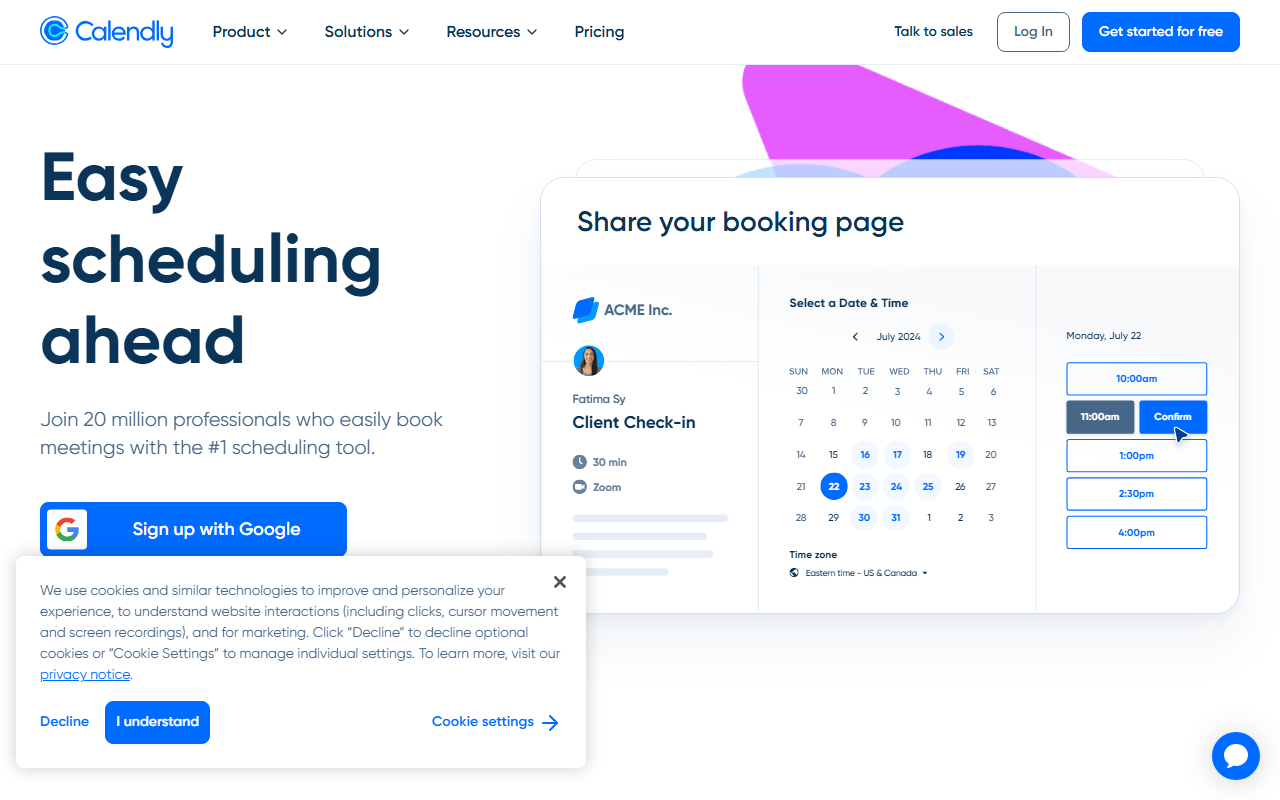
Calendly's free plan gives you exactly one event type and one connected calendar (as of July 2026), so the moment you want a 15-minute intro call and a 45-minute session you are on the paid tier. From there it is $10 per seat per month for Standard and $16 for Teams, billed annually, and every new colleague adds to the bill. The free booking pages also carry Calendly's branding, which is a small thing until the link is the first impression a client gets of you.
Facts checked as of July 2026Read our Calendly review
Jump to an alternative


Cal.com
Best Free Alternative ToCalendlyUnlimited free event types where Calendly allows one
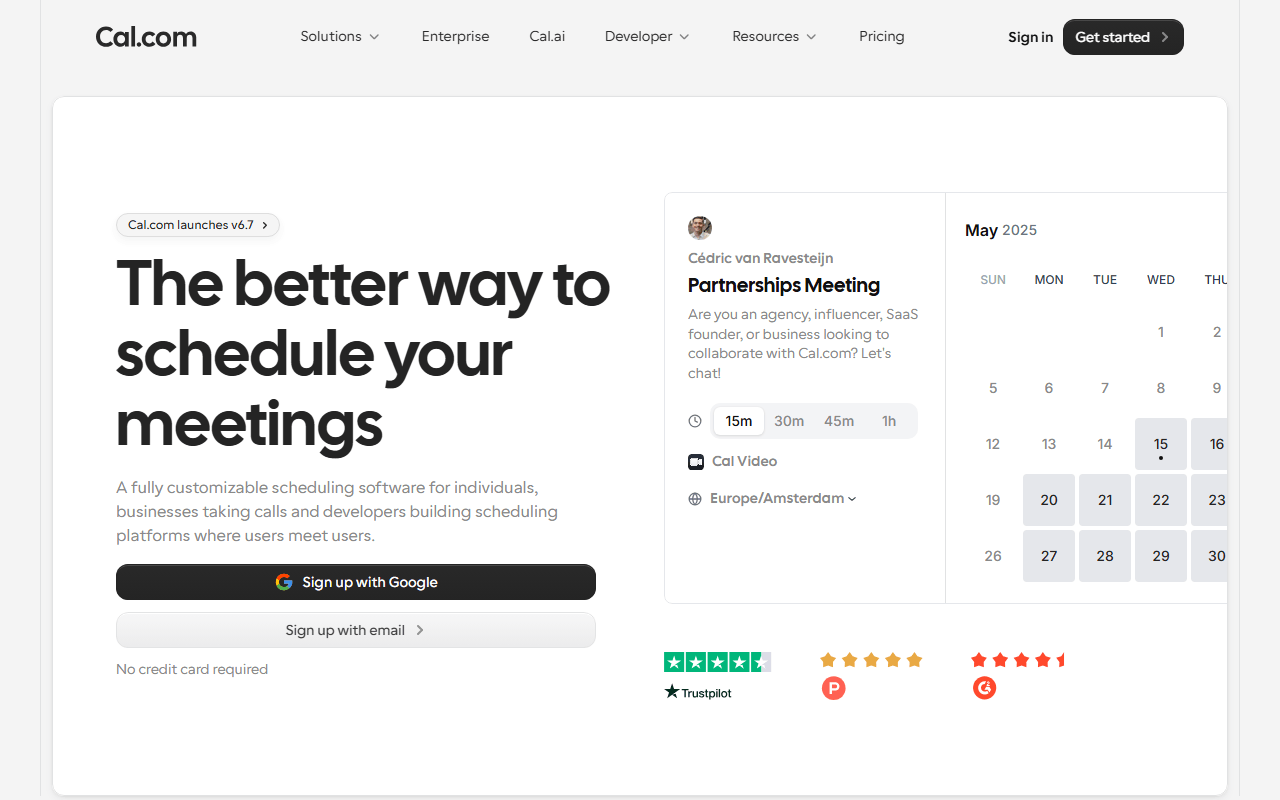
Cal.com is where most people leaving Calendly end up, because it removes the exact limit that pushed them out. The free plan covers unlimited event types and unlimited connected calendars for one person, and it throws in Stripe and PayPal payments, 100+ integrations, and a Calendly importer that moves your event types across so you are not rebuilding by hand. Being AGPLv3 at the core, you also keep the option of self-hosting if you ever want off the platform entirely.
- Free plan, paid from $12/month (as of July 2026)
- United States
- Open source (AGPL-3.0 (core), commercial license for the /ee enterprise directory)
 United States
- Best for:
- Solo users who need several booking types and possibly want to charge for them
- The catch:
- Branding removal and anything involving a second person sit on the $12 per user Teams plan, so free means genuinely single-player.
Compared to Calendly
- Advantage: Unlimited event types free versus Calendly's single one
- Advantage: Unlimited calendar connections free versus Calendly's one
- Advantage: Stripe and PayPal payments included on the free plan
- Advantage: Teams at $12 per user undercuts Calendly Teams at $16
- Advantage: Open source core you can self-host, which Calendly has no answer to
- Tradeoff: More settings and a slower first setup than Calendly
- Worth knowing: Both charge to remove branding from booking pages
Unlimited free booking links plus built-in group polls
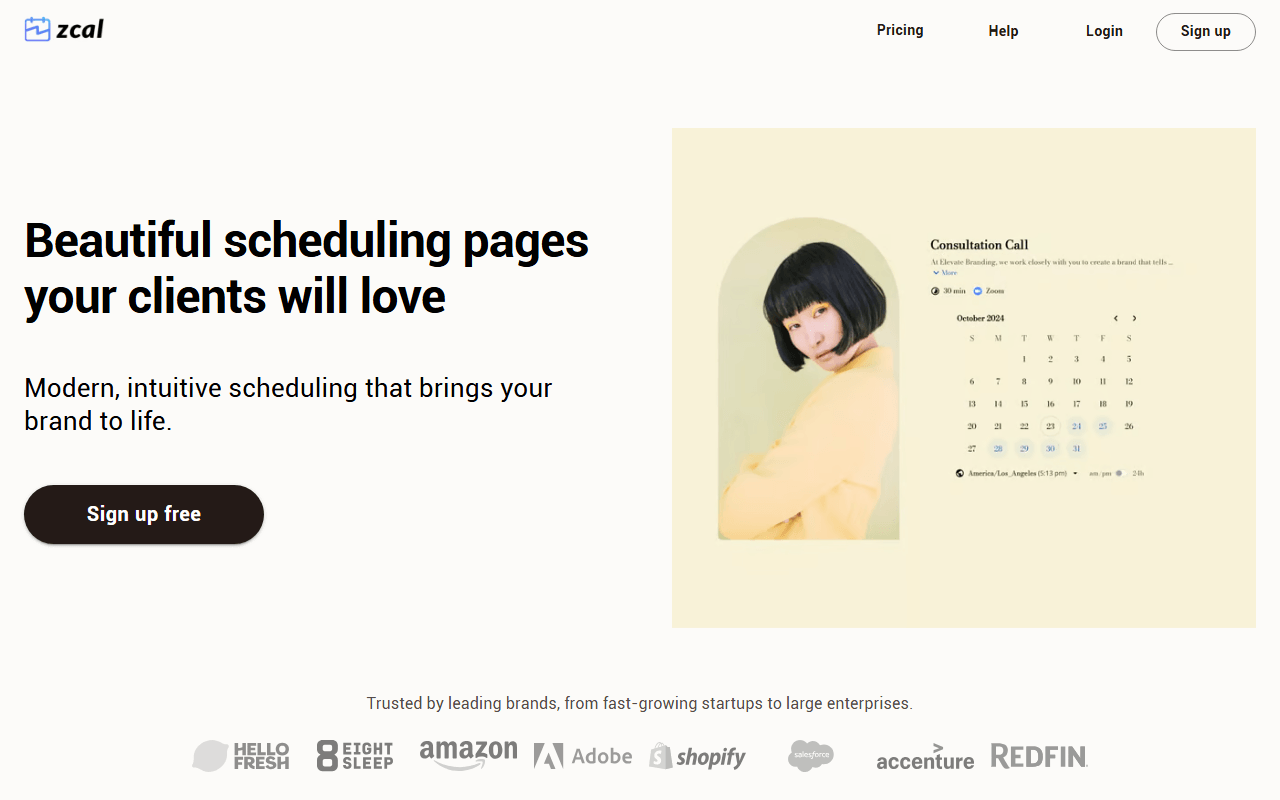
Zcal's free plan covers unlimited scheduling links, unlimited connected calendars, and meeting polls, so it fixes Calendly's cap and replaces Doodle at the same time. The booking pages get more design attention than anything else here, with cover images and a layout that looks intentional. If you charge for bookings, note that Zcal takes 3% on the free plan on top of Stripe's fees, which is the real price of not subscribing.
- Free plan (as of July 2026)
- United States
- Best for:
- Consultants and coaches who want a good-looking free booking page and group polls in one tool
- The catch:
- The 3% platform fee on paid bookings grows with your revenue and overtakes a flat Pro subscription once you pass a few hundred dollars a month.
Compared to Calendly
- Advantage: Unlimited free scheduling links versus Calendly's one event type
- Advantage: Meeting polls included free; Calendly's equivalent needs a paid seat
- Advantage: Booking pages are more designed than Calendly's default
- Advantage: Upgrading to Pro clears both the branding and the 3% payment fee
- Tradeoff: 3% fee on paid bookings on the free plan; Calendly takes no cut
- Tradeoff: Team scheduling only on the paid Business plan
- Tradeoff: Smaller integration catalogue than Calendly's
Unlimited free bookings with a setup that takes about five minutes
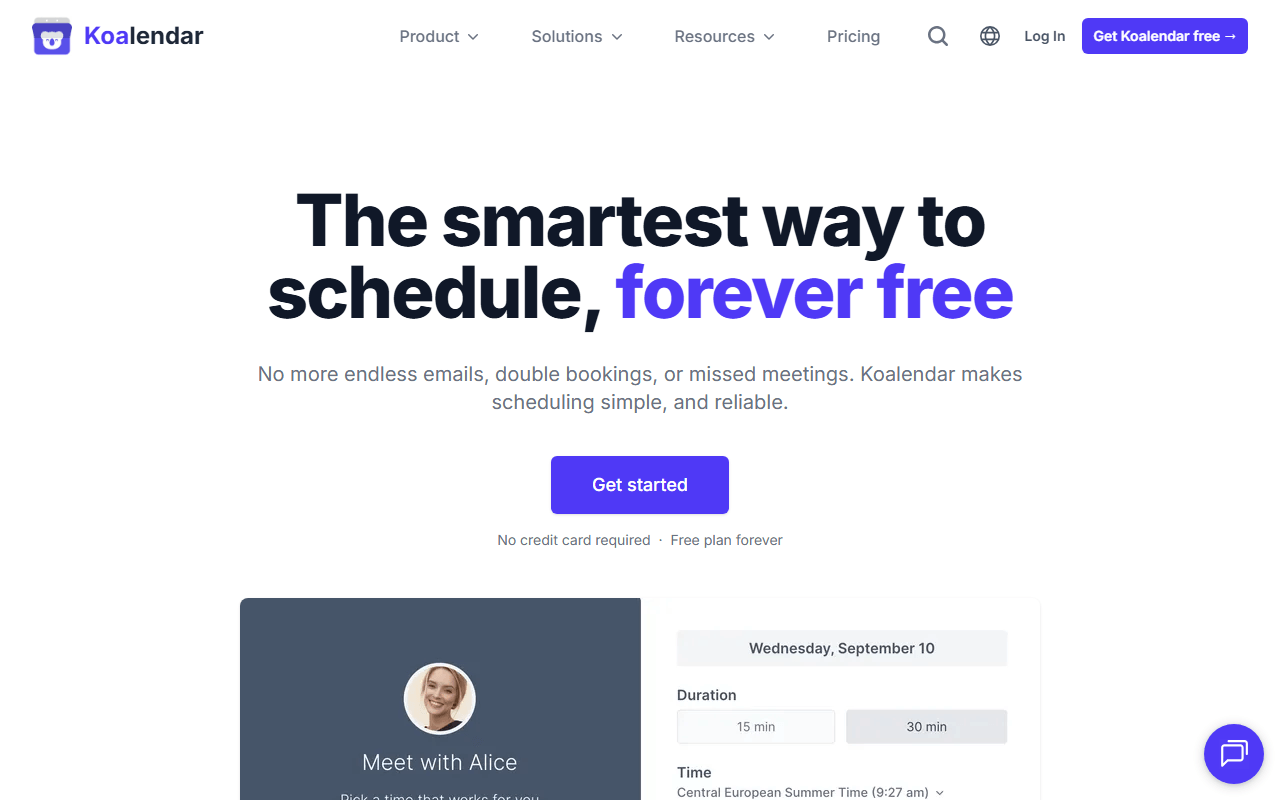
Koalendar is the option for people who found Calendly heavier than the problem deserved. Its free plan allows unlimited bookings and unlimited scheduling links, so the event-type wall disappears, and the interface has almost nothing to configure. The trade is a shorter feature list: two calendar syncs, Google Meet only, and no payments until you pay $6.99 per seat per month.
- Free plan, paid from $6.99/month (as of July 2026)
- France
 France
- Best for:
- People who need several free booking links and do not charge for meetings
- The catch:
- Two calendar syncs is tight, and a seat counts a bookable resource, so a studio with four rooms pays for four.
Compared to Calendly
- Advantage: Unlimited free scheduling links versus Calendly's single event type
- Advantage: Noticeably faster to set up than Calendly
- Advantage: Pro at $6.99 per seat is cheaper than Calendly Standard at $10
- Tradeoff: Free plan caps calendar syncs at 2
- Tradeoff: No payments, SMS reminders, or Zoom on the free plan
- Tradeoff: Far fewer integrations and no API worth planning around
A $29 one-time payment instead of a monthly subscription
TidyCal is the answer for people whose complaint about Calendly is the recurring bill rather than the features. Its free tier does allow unlimited bookings and unlimited booking types, but the product people actually buy is the $29 one-time lifetime deal on AppSumo, which unlocks the paid feature set permanently. Weigh that against Calendly Standard at $10 a month and it pays back in three months, assuming the deal is still listed when you look.
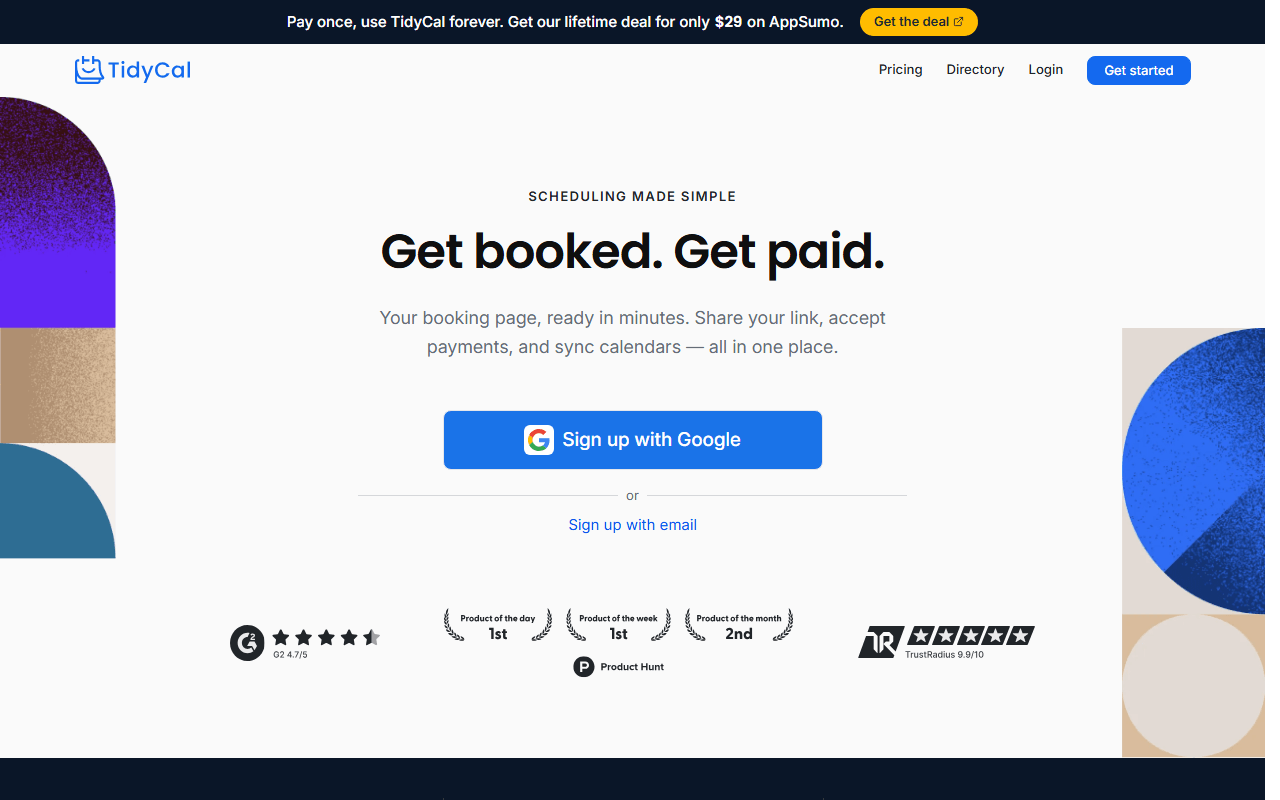
- Free plan, paid from $29 one-time (as of July 2026)
- United States
- Best for:
- Freelancers who want a scheduler paid for once and then forgotten
- The catch:
- This is a lifetime deal, not a free-forever product, and the interface is plainer than Calendly's.
Compared to Calendly
- Advantage: Unlimited booking types on the free tier versus Calendly's one
- Advantage: $29 one-time replaces a $120-a-year Calendly Standard seat
- Advantage: Agency tier at $79 one-time covers multiple booking accounts
- Tradeoff: Free tier holds back custom domains, SMS reminders, and most integrations
- Tradeoff: Booking pages look plainer than Calendly's
- Worth knowing: Lifetime pricing lives on AppSumo, so availability can change
Completely free and self-hosted, with no vendor and no per-seat bill
Easy!Appointments is the only tool here with no pricing page to worry about. It is GPL-3.0, free for commercial use, takes no commission on bookings, and models services, providers, and working plans the way a clinic or salon actually operates. Version 1.6.0 landed in May 2026, so it is maintained. What it asks in return is a server running PHP 8.2 and MySQL, and someone willing to keep it patched.
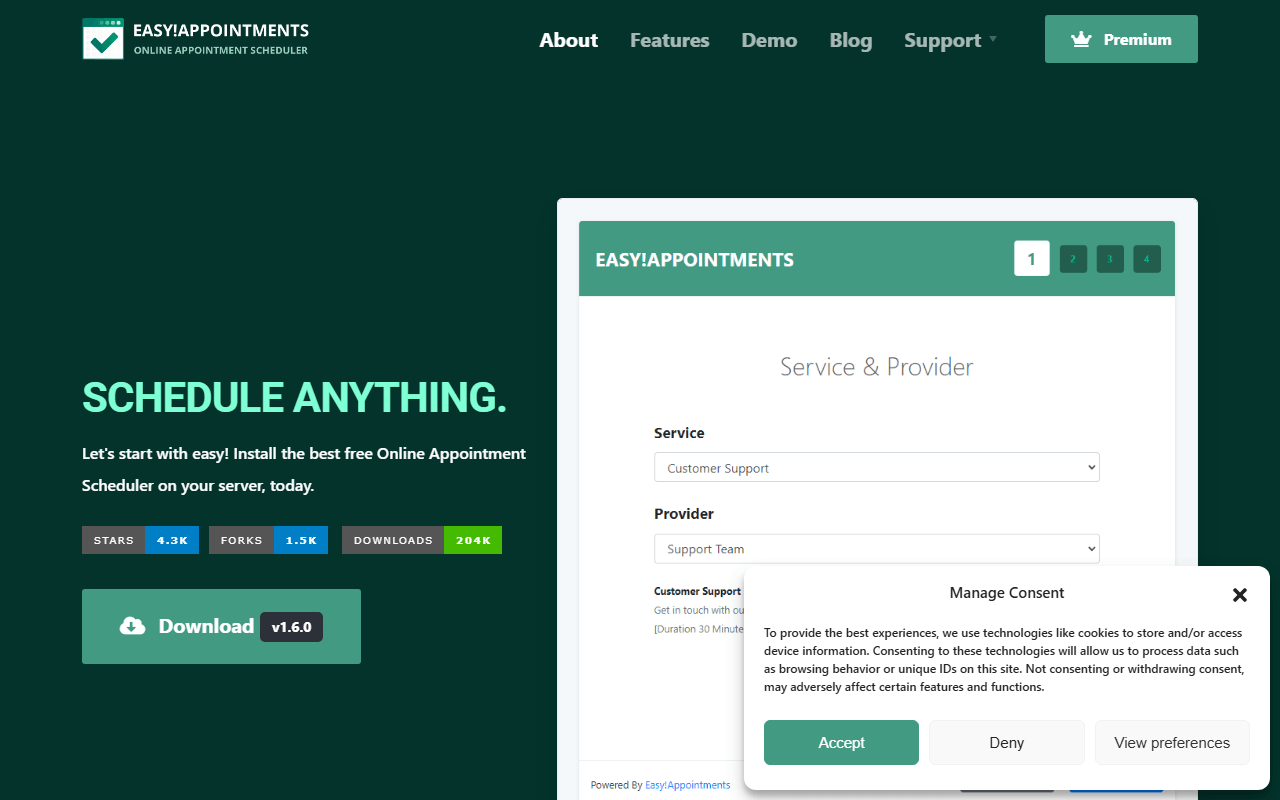
- Completely free (as of July 2026)
- Greece
- Open source (GPL-3.0)
 Greece
- Best for:
- Multi-practitioner service businesses that already have hosting and want to own the data
- The catch:
- Free only means free if you can run a LAMP stack, and the interface looks a decade older than Calendly's.
Compared to Calendly
- Advantage: No subscription and no per-seat cost at any scale
- Advantage: Appointment data stays on your own server
- Advantage: Models services, providers, and working plans natively
- Tradeoff: You supply and maintain PHP, MySQL, backups, and TLS
- Tradeoff: No hosted edition, so there is no five-minute signup path
- Tradeoff: Dated interface and a short integration list
Group availability polls, the one thing Calendly's free plan cannot do
Rallly is on this list with a caveat: it is not a Calendly replacement and we would rather say so than sell you the swap. It solves group scheduling, proposing several dates and letting a team vote, which is a different job from publishing a booking link. It is free, AGPLv3, and self-hosts from a Docker image, so it works well as the second half of a free stack alongside Cal.com.
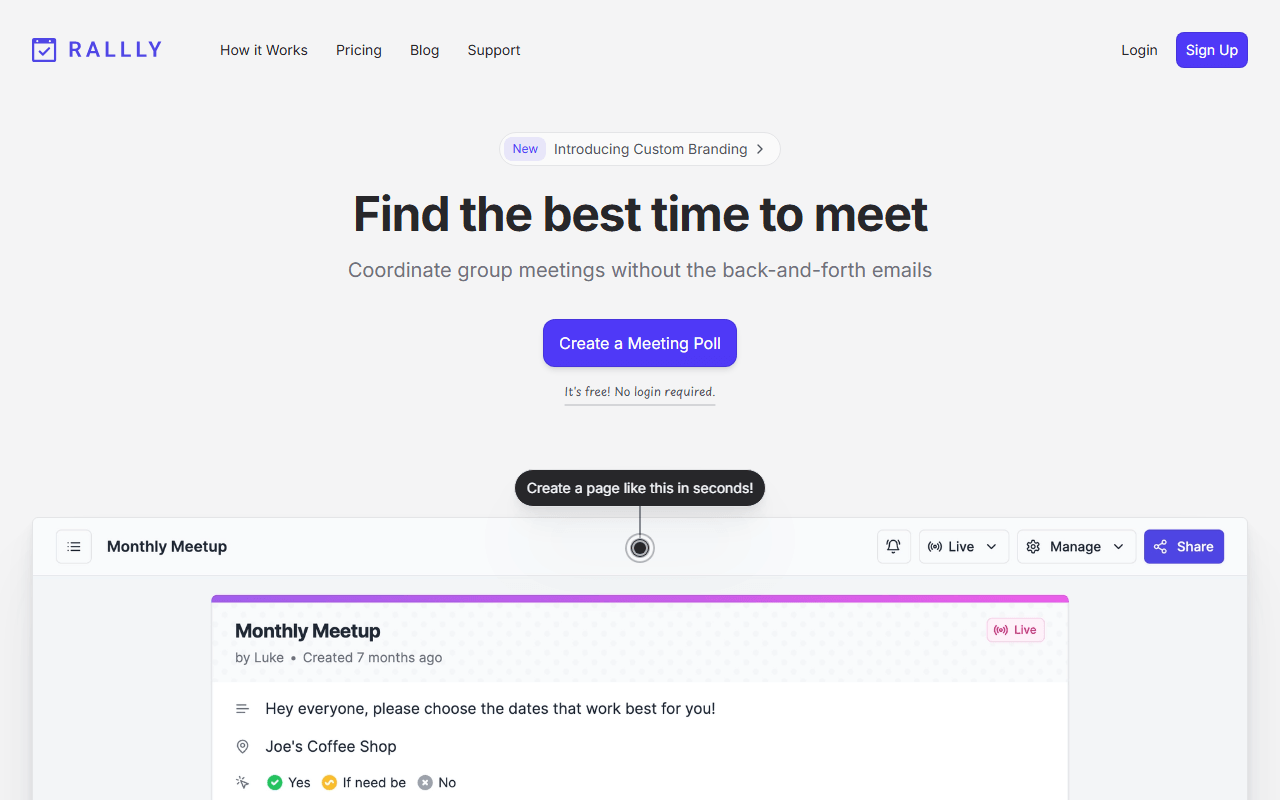
- Free plan, paid from $56/year (as of July 2026)
- Germany
- Open source (AGPL-3.0)
 Germany
- Best for:
- Teams and committees picking a date that works across many calendars
- The catch:
- No availability schedules, no payments, no booking links, and hosted free polls are auto-deleted 30 days after their dates pass.
Compared to Calendly
- Advantage: Group polls are free; Calendly's equivalent needs a paid seat
- Advantage: Self-hostable under AGPLv3 with no licence cost
- Advantage: Participants vote without creating an account
- Tradeoff: Not a one-to-one booking tool at all, so it cannot replace Calendly
- Tradeoff: No payments, round-robin, or availability rules
- Tradeoff: Free hosted polls are deleted after 30 days of inactivity
Per-business pricing with packages and memberships, not a free alternative
Acuity is worth naming because a lot of people leaving Calendly are actually leaving the wrong category. If you sell blocks of sessions, run intake forms, or manage several practitioners, Acuity does things no booking-link tool does, and its pricing is per business rather than per seat, so it can undercut Calendly Teams once you have a few staff. It has no free plan though, only a trial, so it belongs here as context rather than as a way to spend nothing.
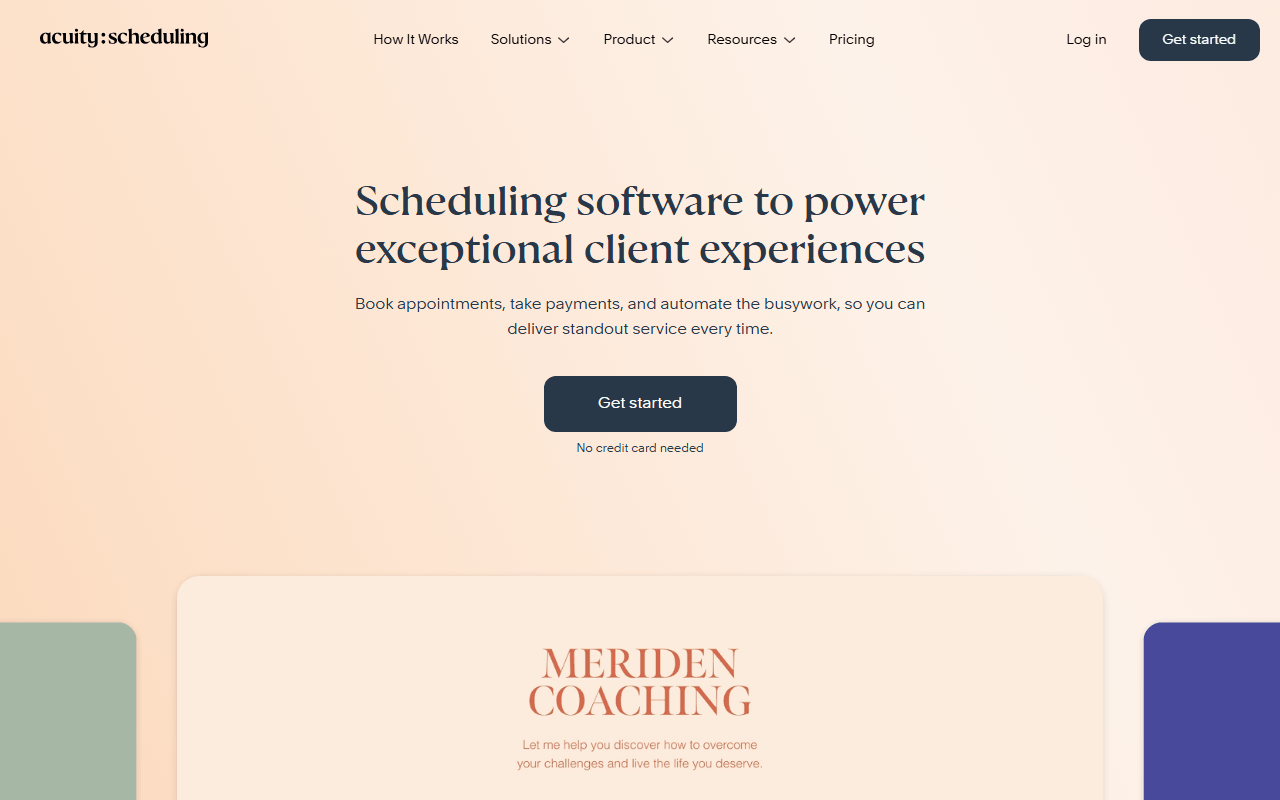
- From $16/month (as of July 2026)
- United States
- Best for:
- Coaches, clinics, and salons selling packages or memberships across multiple staff
- The catch:
- There is no free tier at all, and text reminders only appear on Growing at $27, not the $16 entry plan.
Compared to Calendly
- Advantage: Priced per business, so 6 staff on Growing cost $27 versus $96 on Calendly Teams
- Advantage: Packages, memberships, and gift certificates that Calendly does not offer
- Advantage: HIPAA compliance options on the Powerhouse plan
- Tradeoff: No free plan, only a trial, unlike Calendly's free tier
- Tradeoff: Setup takes an afternoon rather than five minutes
- Tradeoff: SMS reminders require the $27 Growing plan
How to choose
Count your booking types first, because that single number decides most of this. If you need more than one and you are working solo, Cal.com's free plan ends the discussion: unlimited event types, payments included, nothing to pay. Pick Zcal instead if the booking page's appearance matters or you also send group polls, and Koalendar if you want the setup done in five minutes with nothing to configure. Only go self-hosted with Easy!Appointments or Cal.com if a developer is doing it, and remember Rallly answers a different question entirely.