
Discover honest, community-driven software alternatives. Learn about our mission

Vikunja logo

Vikunja review

Lightweight open source to-do and project app you can self-host for free.

Facts checked July 2026

Visit VikunjaSee alternatives
vikunja.io
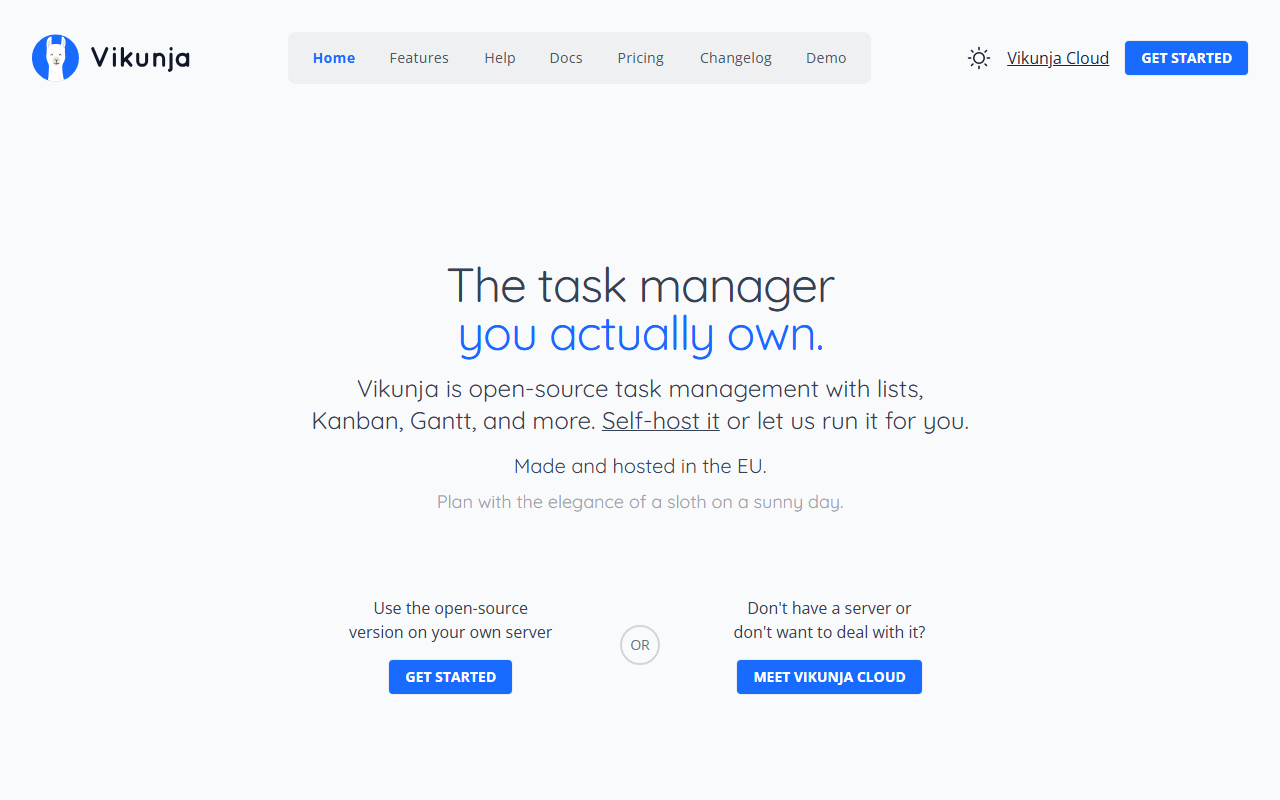
Vikunja homepage screenshot

Vikunja at a glance

Free plan
Yes
Free plan score
61/100Usable
Starting price
€4/month
Open source
AGPL-3.0
Founded
2018

Our take

Vikunja is a genuinely free, pleasant self-hosted task manager for individuals and small teams, as long as you accept that free means running it yourself.

Four views, one small server

Vikunja is an open source task and project app that deliberately stays small. Projects hold tasks you can view as a list, kanban board, table, or Gantt chart, with labels, reminders, relations between tasks, and sharing. It runs on a single small server or even a Raspberry Pi.

For families, homelabs, and teams of a few

  • Individuals and families who have outgrown a plain to-do list
  • Homelab owners who want task management next to their other self-hosted apps
  • Small teams that need boards and due dates, not sprints and reports

Free on your own box, priced at 4 euros in the cloud

Vikunja is open source (AGPL-3.0). As of July 2026, self-hosting is free with all core features. Vikunja Cloud has no free tier: Personal is 4 euros/month for one user with 10GB storage, and Organization is 5 euros per user/month with 50GB shared storage, each with a 14-day trial. A paid add-on brings admin panels and time tracking to self-hosted installs.

What staying small limits: automations, reports, apps

  • No free hosted option; free requires your own server and your own backups
  • No built-in automations, sprints, or reporting; this is task management, not an agile suite
  • Integrations are thin compared with the big platforms (CalDAV and an API, little else native)
  • The mobile app is community-maintained and behind the web app

We would run this one, but not for sprints

For personal projects and small self-hosted teams, Vikunja hits a sweet spot: light, fast, and honestly licensed. Teams that need automations or sprint tooling should pick Plane or OpenProject instead.

What Vikunja offers

  • Kanban boards
  • Gantt & timeline
  • Self-hosting
  • Mobile apps

Not included

  • Agile & sprints
  • Automations
  • Time tracking
  • No user cap on free plan
  • App integrations
  • Docs & wiki

Vikunja plans and pricing

Free to self-host under AGPL-3.0 with all core features; Vikunja Cloud has no free tier, only a 14-day trial

Free means running it yourself; it fits on a small VPS or a Raspberry Pi, but the server is your job.

Self-hosted

Free

All core features, no user limit, AGPL-3.0 licensed

Your server, your backups

Cloud Personal

€4/mo

Hosted for 1 user with 10GB storage (40 euros a year)

Cloud Organization

€5/mo

Hosted teams with 50GB shared storage and priority email support

Price is per user in EUR

As of July 2026. Check current pricing on the Vikunja pricing page.

Vikunja's free plan score

How good Vikunja's free plan really is, judged on four things and weighted into one number.

61/100

Usable

Free only if you self-host, and small on purpose.

Free plan generosity

66/100

Feature depth for the category

48/100

Freedom and honesty

78/100

What free users report

50/100

Scored July 2026. How we calculate the free plan score.

Frequently asked questions about Vikunja

Does Vikunja have Gantt charts?

Yes, and they are free on the self-hosted build. Projects can be viewed as a list, a kanban board, a table or a Gantt chart, with labels, reminders and relations between tasks (as of July 2026). What is missing is the layer above that: no automations, no sprints and no reporting at any tier.

Is there a Vikunja mobile app?

There is, but it is community-maintained and trails the web app (as of July 2026). If checking and updating tasks on a phone is how you actually work, try the app before you commit, because this is the gap people notice first after installing.

What licence is Vikunja under?

AGPL-3.0, with the code public at github.com/go-vikunja/vikunja. Self-hosting brings no user cap, no branding, no quota and no account with anybody (as of July 2026). One caveat: a paid add-on covers admin panels and time tracking, and it applies to self-hosted installs too.

How much does Vikunja Cloud cost?

Cloud Personal is 4 euros a month for one user with 10GB of storage, which works out at 40 euros a year, and Cloud Organization is 5 euros per user per month with 50GB shared and priority email support (as of July 2026). Both come with a 14-day trial rather than a free tier underneath.

Can Vikunja replace Trello or Todoist for a team?

For a small team that needs boards, due dates and reminders, yes. For anything with ceremony around it, no: there are no built-in automations, sprints or reporting, and integrations amount to CalDAV and an API (as of July 2026). Teams that need sprint tooling should look at Plane or OpenProject instead.

Latest Vikunja news

Changes that affect what you get for free: pricing, free plan limits, ownership, and whether the project is still maintained. Not every release.

  • PricingAffects the free plan

    Vikunja added a paid Pro tier, and took nothing out of the free build

    Version 2.4.0 puts an admin panel, time tracking and audit logs behind a licence key for self-hosted instances. No existing feature moved, the Pro code stays AGPLv3 in the same repo, and SSO and LDAP are still free. Pro is waitlist only for now.

    Vikunja changelog, Vikunja's own announcement

  • Security

    Vikunja 2.4.0 fixes ten security bugs, several in kanban access control

    Ten vulnerabilities, most reported by outside researchers and several with CVEs. Some let any user read, complete or wipe other people's kanban boards on the same instance, so anyone self-hosting should update.

    Vikunja changelog, Vikunja's own announcement

Checked July 2026.

Reader reviews

What people who actually use Vikunja think of it.

No reviews of Vikunja yet. If you have used it, yours would be the first.

The useful part is the specifics: what you used it for, and where it got in your way.

Loading...