

Discover honest, community-driven software alternatives. Learn about our mission

Free project management tools, ranked by how many people they let in

Project management tools answer three questions for a team: who is doing what, by when, and what is stuck. The good ones fade into the background once the work is set up. The expensive ones charge for every person you add.

That seat math is why people leave the incumbents. New Asana free accounts stop at 2 users as of November 2025, and Monday.com's free plan covers 2 seats and 3 boards. Jira still gives you 10 free users, so teams leave it over setup and admin work rather than price. Once a small team needs timelines, automations, or a fourth seat, the paid tiers start around $9 to $11 per user per month (as of July 2026).

Our pick for most teams is ClickUp. Its Free Forever plan has no user cap and no task cap, so a whole team can share boards, sprints, and docs without counting seats. The catch is 60MB of total storage, which we cover below.

13 free tools, ranked and reviewed as of July 2026.

Pick by the shape of your team, not the feature list

Best overall

ClickUp logo

ClickUp

Best FreeProject Management Tool

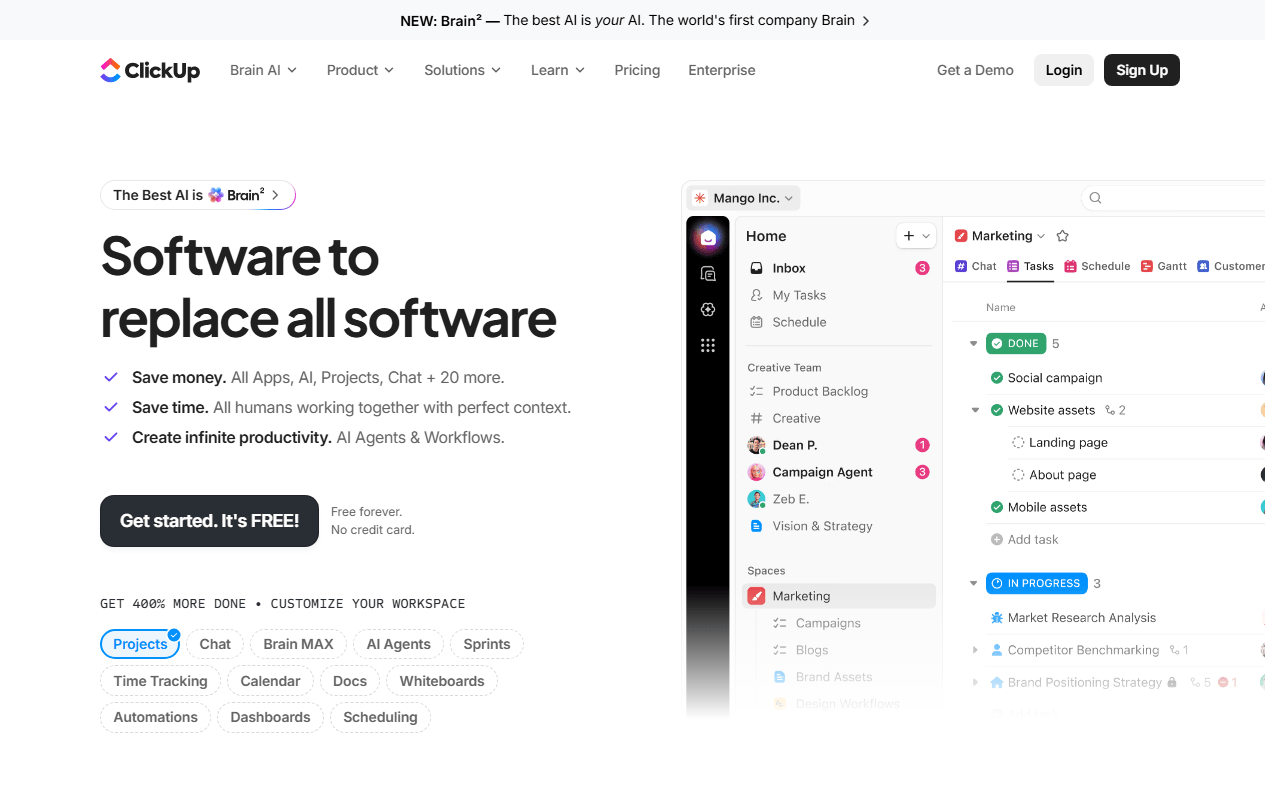
ClickUp packs tasks, kanban boards, sprints, docs, and a calendar into one app, and shows the same work as a list, a board, or a calendar. The Free Forever plan is the standout: unlimited tasks and unlimited members, so a whole team fits without paying per seat (as of July 2026). Paid plans start at $7 per user per month for unlimited storage, Gantt charts, and native time tracking.

ClickUp wins because its Free Forever plan is the rare one a whole team can actually live on: unlimited members, unlimited tasks, plus kanban boards, sprints, docs, and a calendar, where Asana and Monday.com now cap new free accounts at 2 users or seats (as of July 2026). You get list, board, and calendar views without paying per person. The real catch is storage: 60MB total across the workspace, which runs out fast if you attach files to tasks, so keep attachments in Google Drive or Dropbox. The interface also packs a lot in, and most teams need a week or two before it stops feeling busy.

Read our ClickUp review

Best for a team that just wants one board

Free for 10 collaborators and 10 boards per workspace, with unlimited cards and 250 automation runs a month (as of July 2026). Calendar, timeline and dashboard views only arrive with Premium at $10 per user.

Best for a small engineering team

Free for unlimited members, with cycles, triage and roadmaps included rather than configured, but capped at 250 issues and 2 teams (as of July 2026), so budget $10 per user once the backlog outgrows that.

Best if the data has to stay on your servers

The GPL-3.0 Community Edition self-hosts free with no user limit, Gantt charts and dependencies included (as of July 2026). There is no free cloud tier, only a 14-day trial, so you pay in admin time instead.

What we counted, and what we refused to count as free

We rank these tools by how far a real team gets before the free plan asks for money, so seat caps and task limits weigh more than feature checklists. We separate two kinds of free: a hosted plan you can sign up for today, and open source you host yourself, because 'free to self-host' means you also run the server, the updates, and the backups. When a 'free forever' plan is really a 14-day trial or a 2-user demo, we say so up front.

Seats, tasks and storage for all of them, in one table

#ToolFree planStarting priceCountry
1
ClickUp logo
ClickUp
Yes$7/monthUnited States
2
Trello logo
Trello
Yes$5/monthAustralia
3
Plane logo
Plane
Yes$6/month-
4
Notion logo
Notion
Yes$10/monthUnited States
5
Linear logo
Linear
Yes$10/monthUnited States
6
OpenProject logo
OpenProject
Yes€5.95/monthGermany
7
Vikunja logo
Vikunja
Yes€4/month-
8
Taiga logo
Taiga
Yes€5/monthSpain
9
Focalboard logo
Focalboard
Free / open source--
10
Asana logo
Asana
Yes$10.99/monthUnited States
11
Basecamp logo
Basecamp
Yes$15/monthUnited States
12
Jira logo
Jira
Yes$7.91/monthAustralia
13
Monday.com logo
Monday.com
Yes€9/monthIsrael

The full ranking, with the catch on each free tier

1.

ClickUp

Best FreeProject Management Tool

ClickUp packs tasks, kanban boards, sprints, docs, and a calendar into one app, and shows the same work as a list, a board, or a calendar. The Free Forever plan is the standout: unlimited tasks and unlimited members, so a whole team fits without paying per seat (as of July 2026). Paid plans start at $7 per user per month for unlimited storage, Gantt charts, and native time tracking.

ClickUp screenshot
  • Free plan, paid from $7/month (as of July 2026)
  • United States
Best for:
Teams that want boards, sprints, and docs in one place instead of three subscriptions.
The catch:
Free storage is 60MB total across the workspace, and the interface takes a week or two to settle. Gantt charts and time tracking need a paid plan.
2.

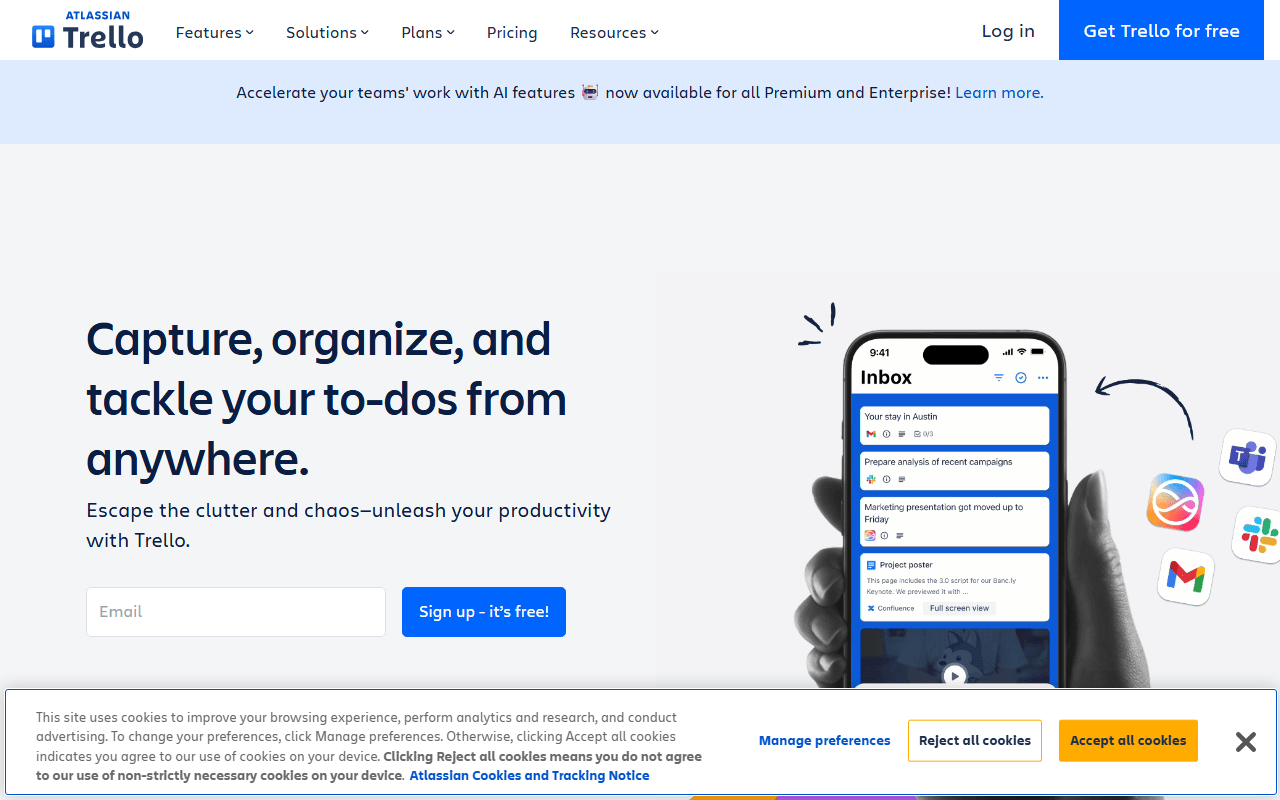
Trello is the kanban board most people learn first: lists of cards you drag from 'To do' to 'Done', with checklists, due dates, and Power-Ups for extras. The free plan gives you unlimited cards and unlimited Power-Ups, capped at 10 boards and 10 collaborators per workspace, plus 250 automation runs a month (as of July 2026). It is owned by Atlassian, the company behind Jira.

Trello screenshot
  • Free plan, paid from $5/month (as of July 2026)
  • Australia
Best for:
Small teams and personal projects that just need a shared visual board.
The catch:
The 10-collaborator cap per workspace is the wall most teams hit first, and there is no Gantt, timeline, or reporting without Premium at $10 per user.
3.

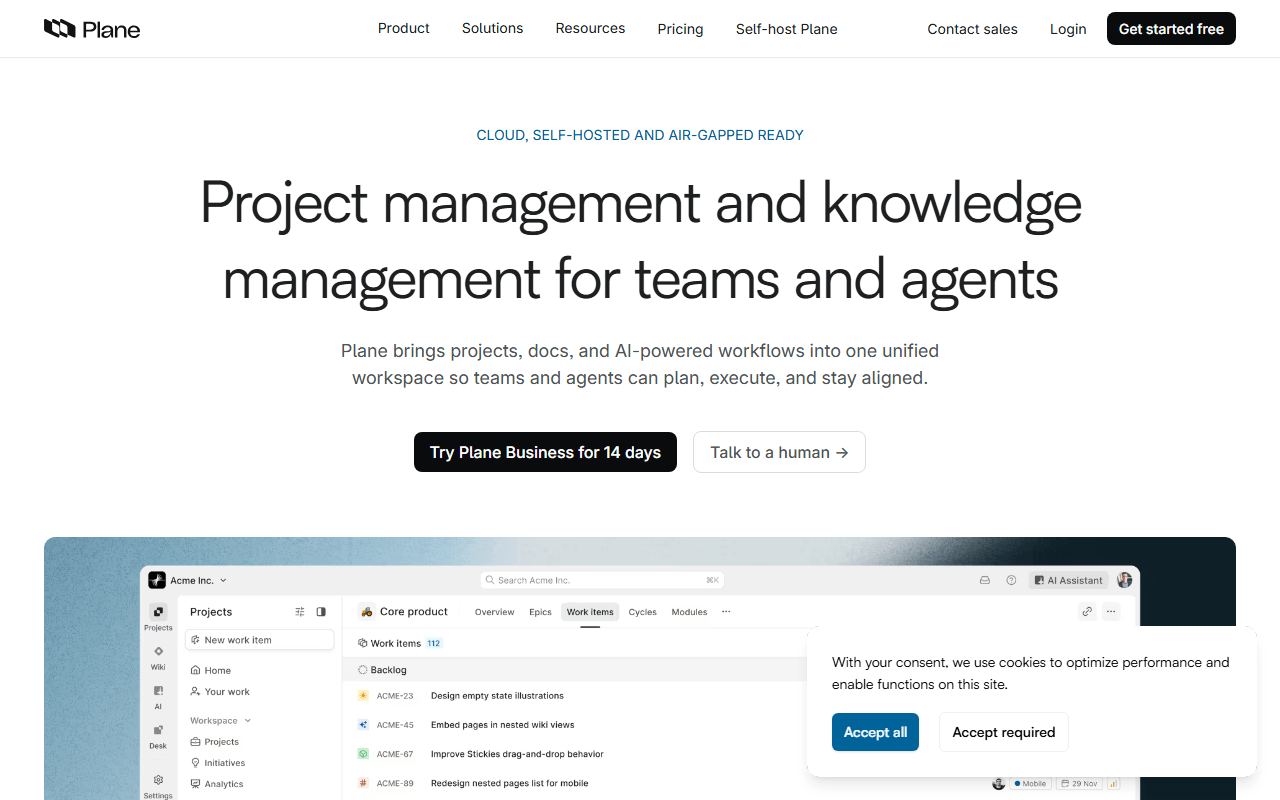
Plane is an open source tracker for software teams, with work items, cycles for sprint planning, modules, and five layouts including kanban and a Gantt-style view. The cloud free plan covers up to 12 members per workspace; the AGPL Community Edition is free to self-host with no member cap (as of July 2026). Pro is $6 per seat per month.

Plane screenshot
  • Free plan, paid from $6/month (as of July 2026)
  • Open source (AGPL-3.0)
Best for:
Product teams up to 12 who want Jira-style structure with a self-hosting escape hatch.
The catch:
Self-hosting needs Docker familiarity, and time tracking, templates, and recurring work items sit behind paid tiers even when you host it yourself.
4.

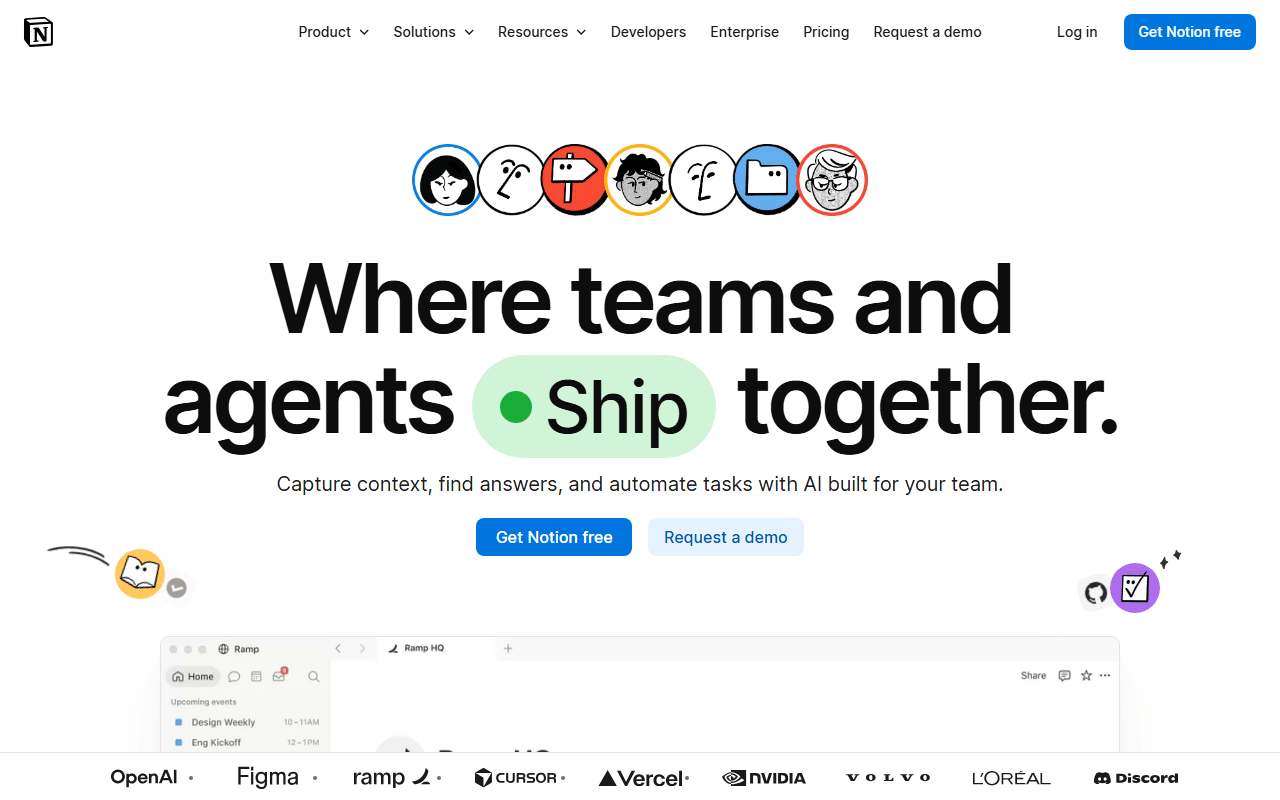
Notion is a workspace where pages hold text, tables, and databases you can shape into boards, timelines, and task trackers, so your specs and tasks live together. For project management you build a tasks database and view it as a board, calendar, or timeline. The free plan is unlimited for one person; add a second member and the workspace hits a block limit (as of July 2026).

Notion screenshot
  • Free plan, paid from $10/month (as of July 2026)
  • United States
Best for:
Solo founders and small teams whose project work is mostly documents with a task list attached.
The catch:
The free plan is effectively single-player, and there are no native sprints, story points, or workload views; you assemble them from databases. Uploads cap at 5MB.
5.

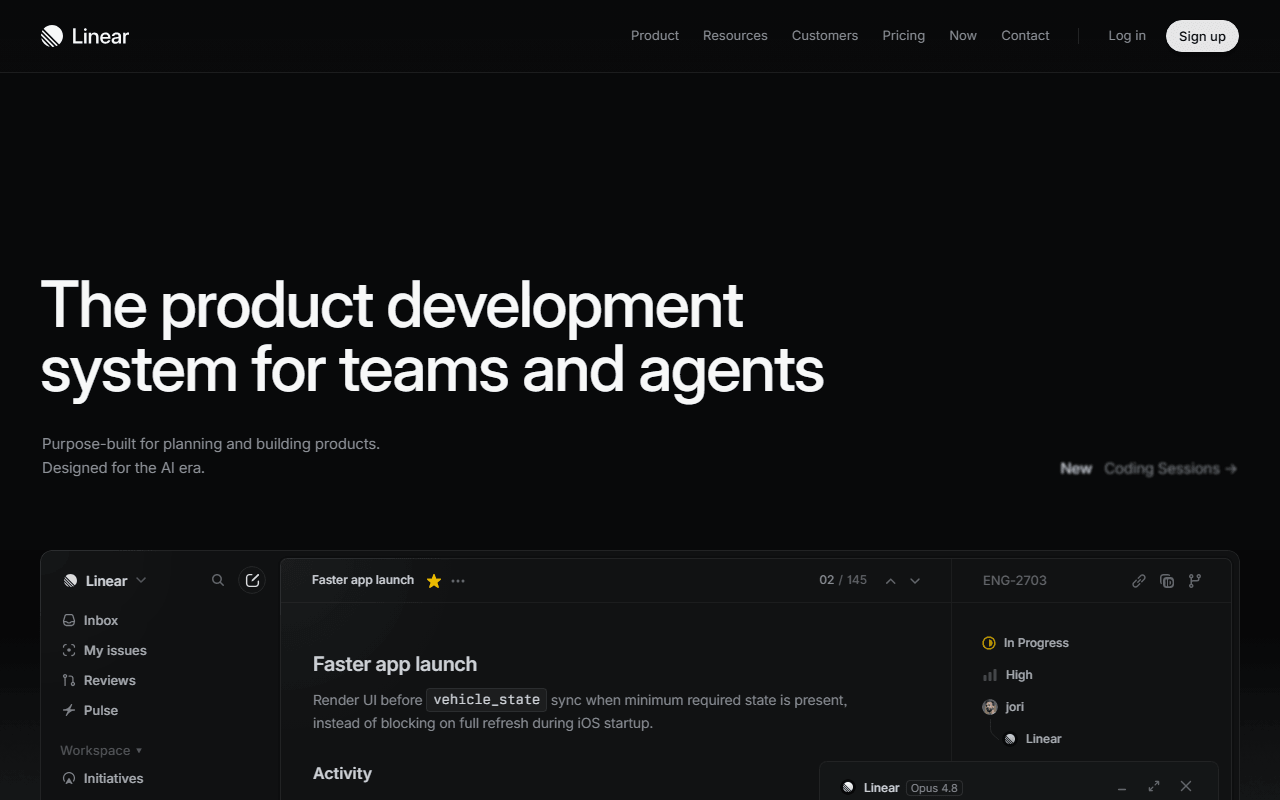
Linear is a fast, keyboard-first issue tracker for product and engineering teams, with cycles, triage, and roadmaps built in rather than bolted on. The free plan allows unlimited members but caps you at 250 issues and 2 teams (as of July 2026), which suits a small team trying it out. Basic is $10 per user per month and removes the issue cap.

Linear screenshot
  • Free plan, paid from $10/month (as of July 2026)
  • United States
Best for:
Software teams that find Jira slow and want opinionated defaults instead of workflow design meetings.
The catch:
250 issues is a few months of active use, not a permanent home, and there is no self-hosted option. It is built for software work, so ops and marketing teams will find it narrow.
6.

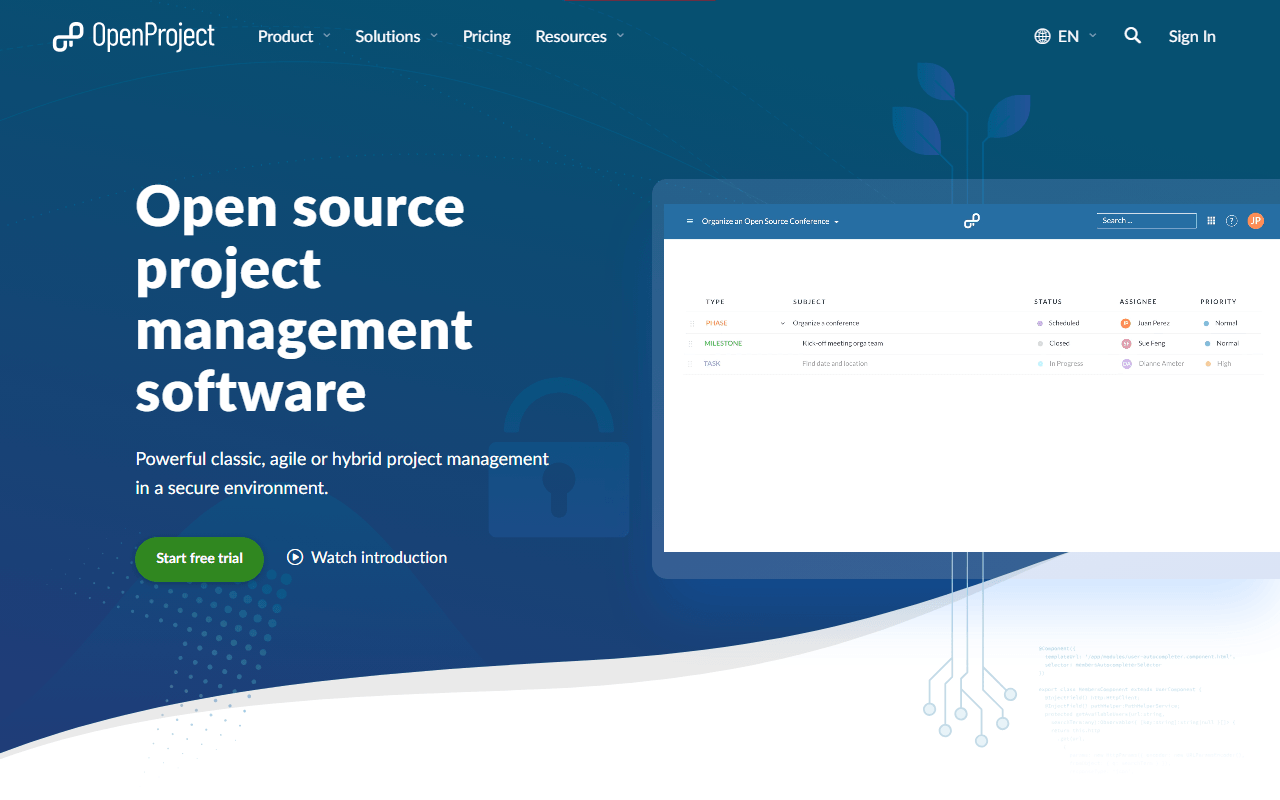
OpenProject is a mature German open source platform for classic and hybrid project management: work packages, Gantt charts with dependencies, agile boards, and time and cost tracking. The Community Edition is free to self-host with no user limit (as of July 2026). Paid Enterprise plans start at 5.95 euros per user per month with a 25-user minimum.

OpenProject screenshot
  • Free plan, paid from €5.95/month (as of July 2026)
  • Germany
  • Open source (GPL-3.0)
Best for:
Organizations that need Gantt charts and dependencies without paying per seat, or must keep data on their own servers.
The catch:
There is no free cloud tier, only a 14-day trial, so free genuinely means running your own server. The interface looks dated next to Linear or Plane.
7.

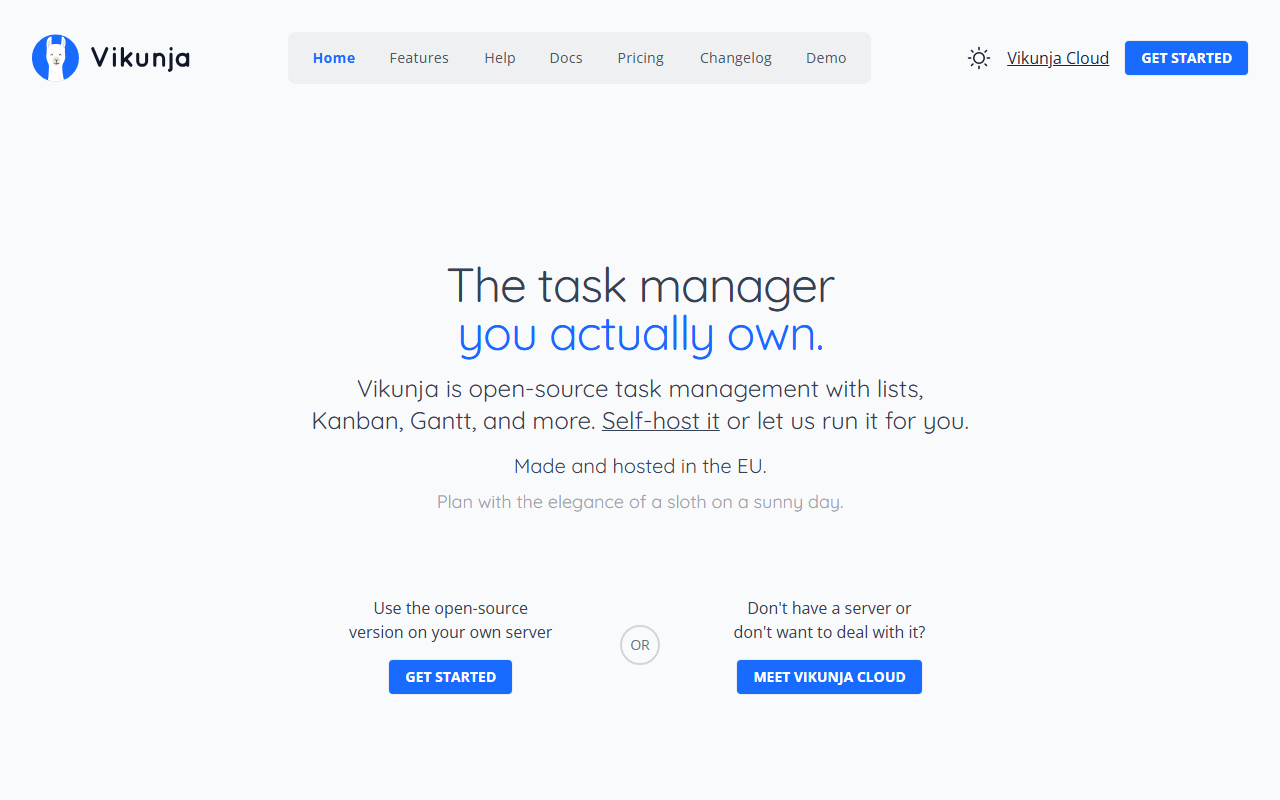
Vikunja is a small, self-hostable task and project app with list, kanban, table, and Gantt views, plus labels, reminders, and relations between tasks. It runs on a small VPS or even a Raspberry Pi. Self-hosting is free under AGPL-3.0; Vikunja Cloud starts at 4 euros a month with no free tier (as of July 2026).

Vikunja screenshot
  • Free plan, paid from €4/month (as of July 2026)
  • Open source (AGPL-3.0)
Best for:
Individuals, families, and homelab owners who have outgrown a plain to-do list.
The catch:
No built-in automations, sprints, or reporting, and the integrations are thin (CalDAV and an API, little else native). The mobile app is community-maintained and behind the web app.
8.

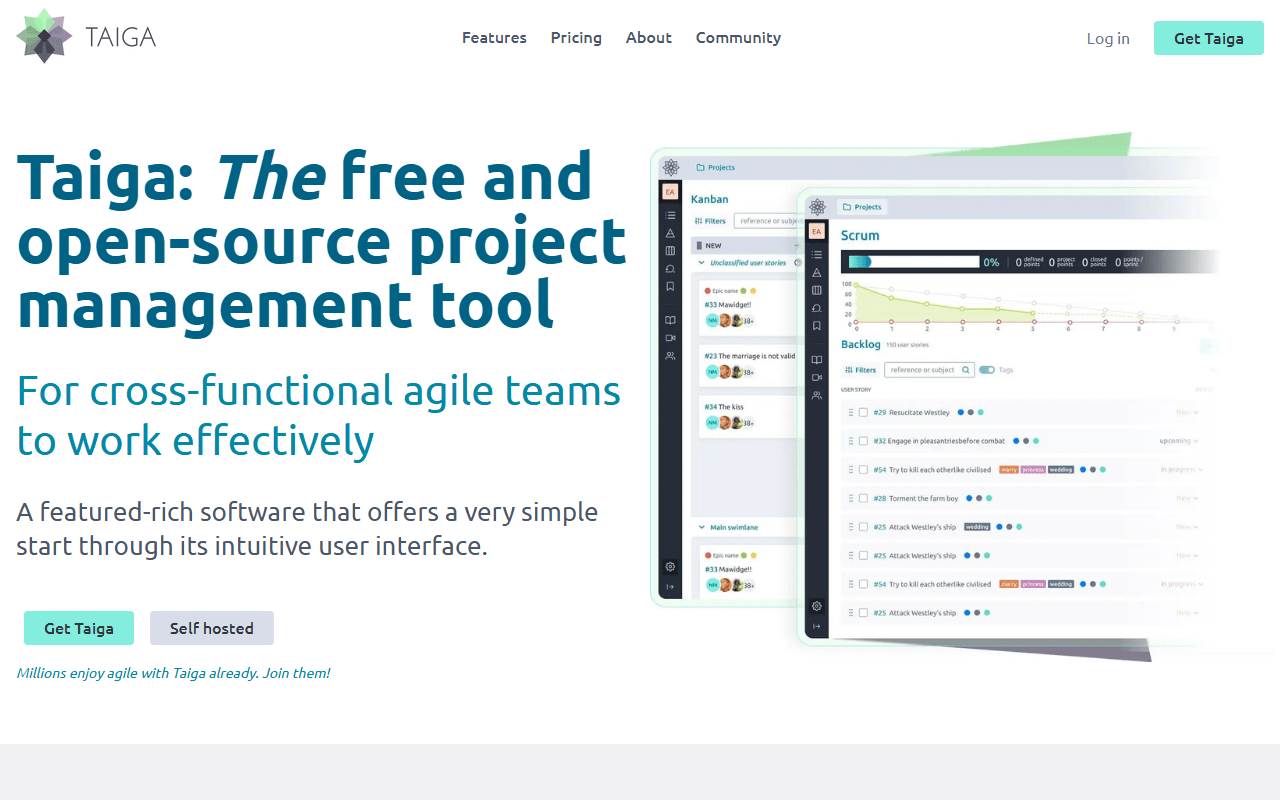
Taiga is an open source tool built around scrum: product backlogs, sprint planning with story points, burndown charts, kanban boards, and issue tracking. Self-hosting is free under MPL-2.0 with no user limit. The hosted free plan shrank to 1 public and 1 private project with 10MB storage (as of July 2026).

Taiga screenshot
  • Free plan, paid from €5/month (as of July 2026)
  • Spain
  • Open source (MPL-2.0)
Best for:
Self-hosting teams that actually run scrum and want the ceremonies modeled properly.
The catch:
The hosted free plan is now too small for more than one team project, and development has slowed, so check the changelog before betting on it.
9.

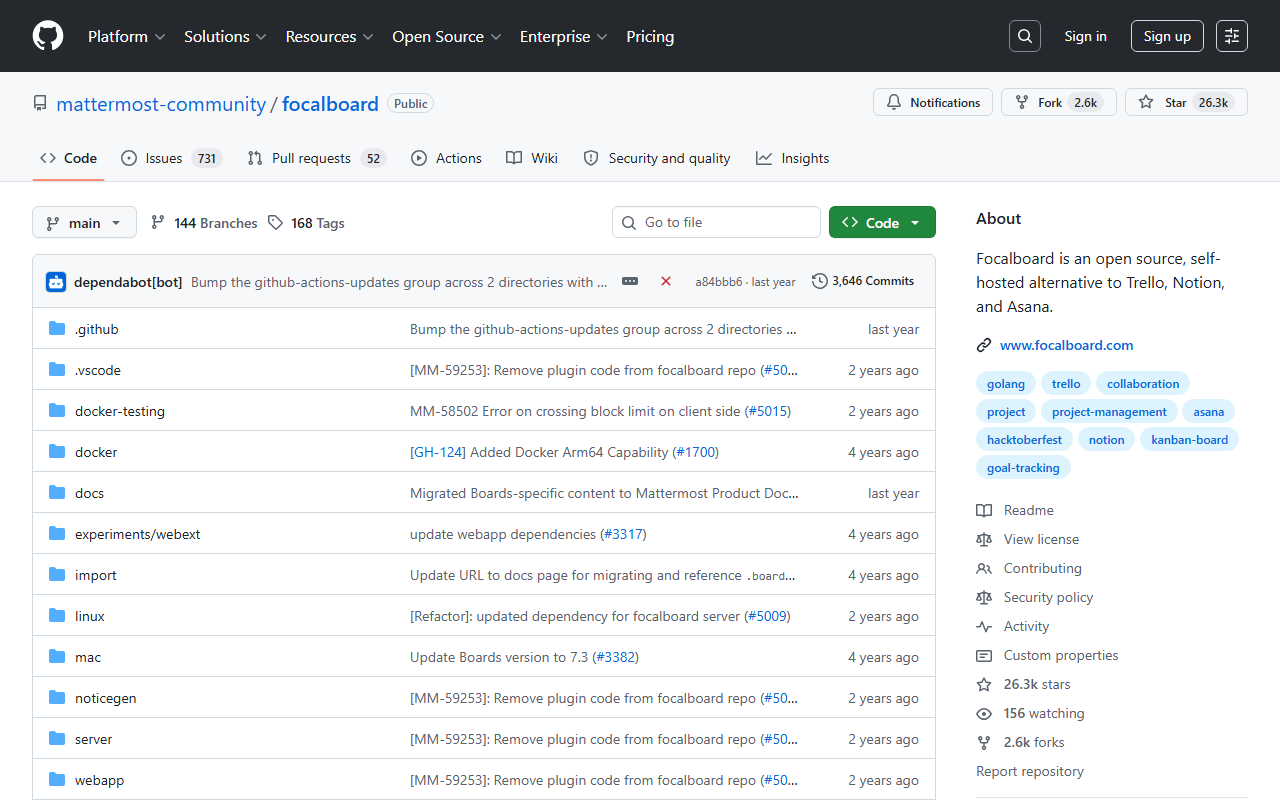
Focalboard is an open source, Trello-style board tool from Mattermost: boards with cards, custom properties, filters, and table or calendar views, as a desktop app or a self-hosted server. It is completely free with no user limits. But Mattermost moved the standalone project to the community in August 2024, and as of July 2026 it has no active maintainer and no release since June 2024.

Focalboard screenshot
  • Completely free (as of July 2026)
  • Open source (AGPL-3.0 (source), MIT (compiled builds))
Best for:
Individuals who want a private, offline-capable board on their own machine, with a frozen feature set.
The catch:
No active maintainer means new features are unlikely and security fixes are slow or absent, so we do not recommend it for team data you expect to keep past this year.
10.

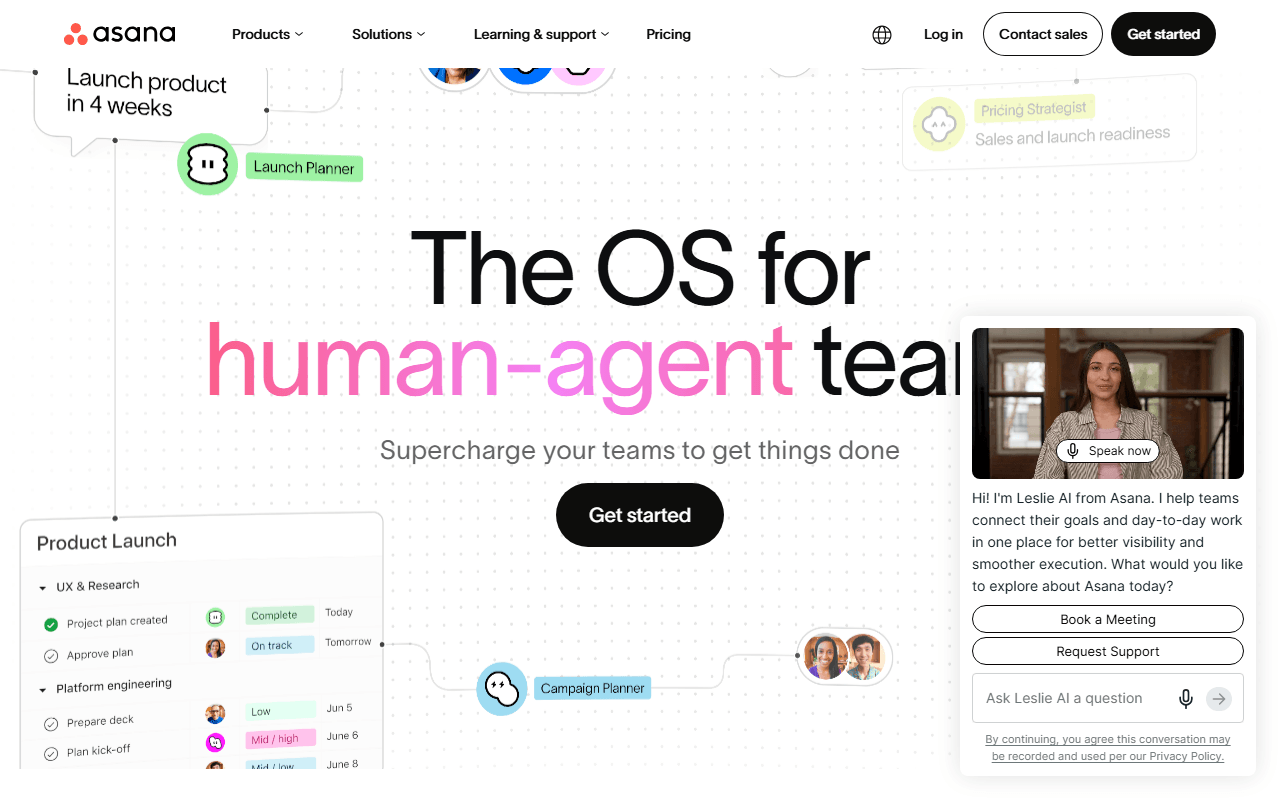
Asana is a polished work management platform with list, board, and calendar views, plus portfolios and reporting on paid tiers, and one of the most approachable designs in the category. The catch is the free plan: accounts created since November 12, 2025 are capped at 2 users, where older accounts were grandfathered at up to 10 (as of July 2026). Starter is $10.99 per user per month billed annually.

Asana screenshot
  • Free plan, paid from $10.99/month (as of July 2026)
  • United States
Best for:
Cross-functional marketing and operations teams that outgrew spreadsheets and will pay per seat for polish.
The catch:
New free accounts stop at 2 users, and timeline, automations, and forms all start at the $10.99 Starter tier.
11.

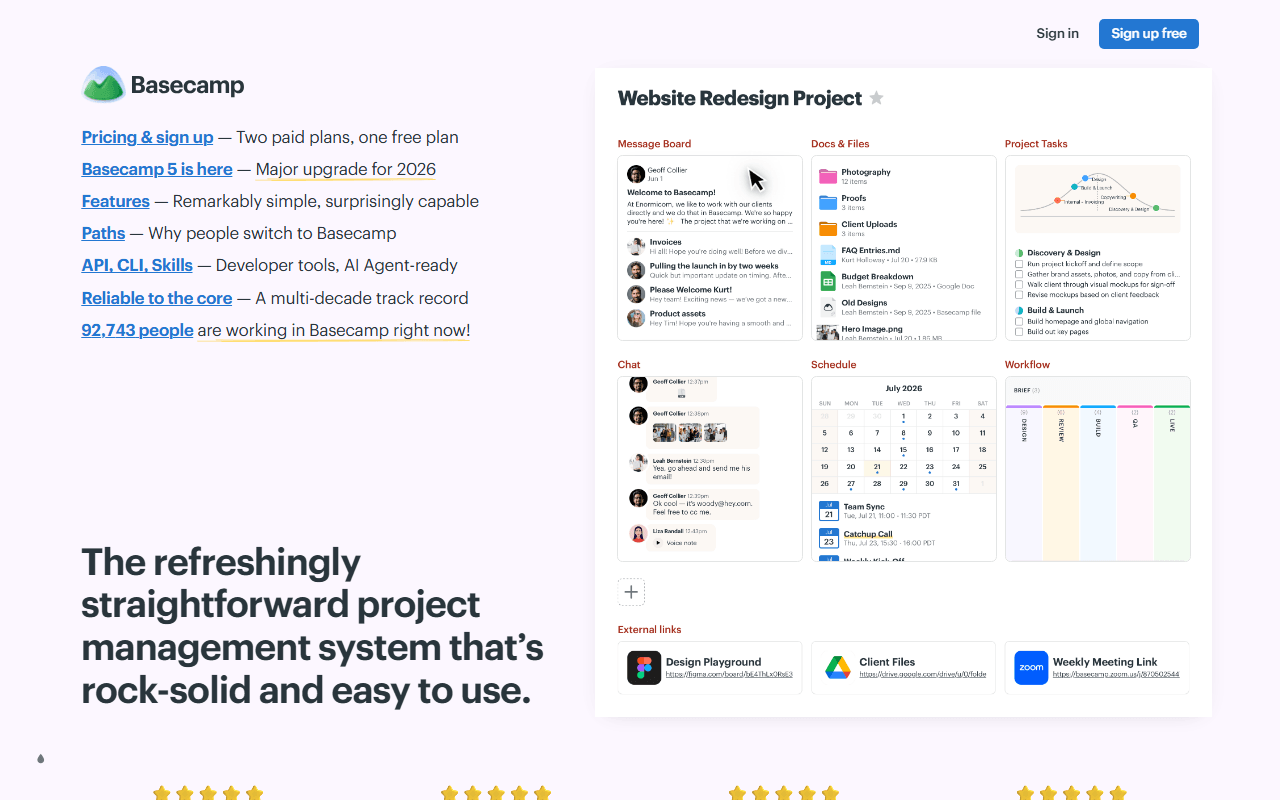
All-in-one team workspace from 37signals, free for exactly one project.

Basecamp screenshot
  • Free plan, paid from $15/month (as of July 2026)
  • United States
12.

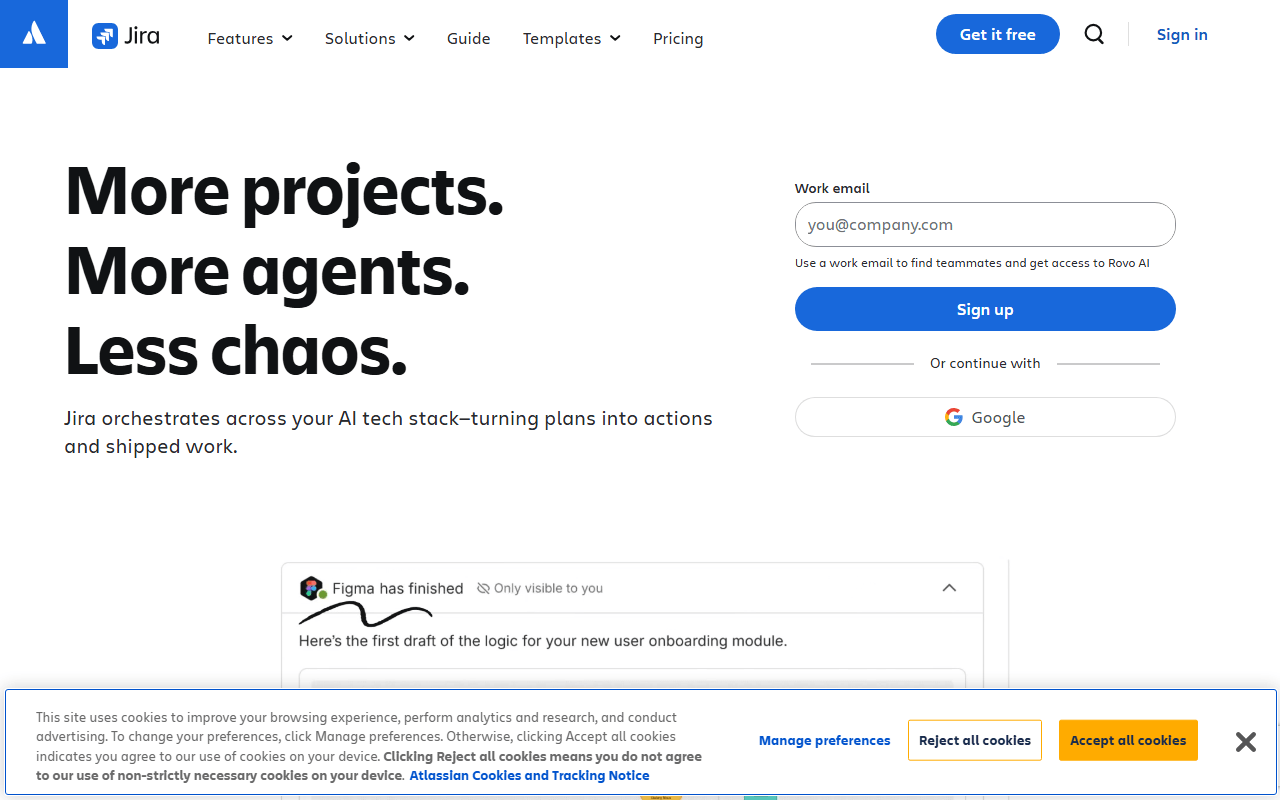
Jira is Atlassian's issue and project tracker, the software-team standard for two decades: scrum and kanban boards, backlogs, customizable workflows, agile reports, and thousands of add-ons. Unlike many incumbents it has a genuine free tier for up to 10 users with 2GB storage (as of July 2026). Standard runs about $8 per user per month.

Jira screenshot
  • Free plan, paid from $7.91/month (as of July 2026)
  • Australia
Best for:
Software teams of 10 or fewer that want enforceable workflows, permissions, and audit trails for free.
The catch:
People leave Jira over complexity and admin overhead, not price, and Atlassian may deactivate inactive free sites.
13.

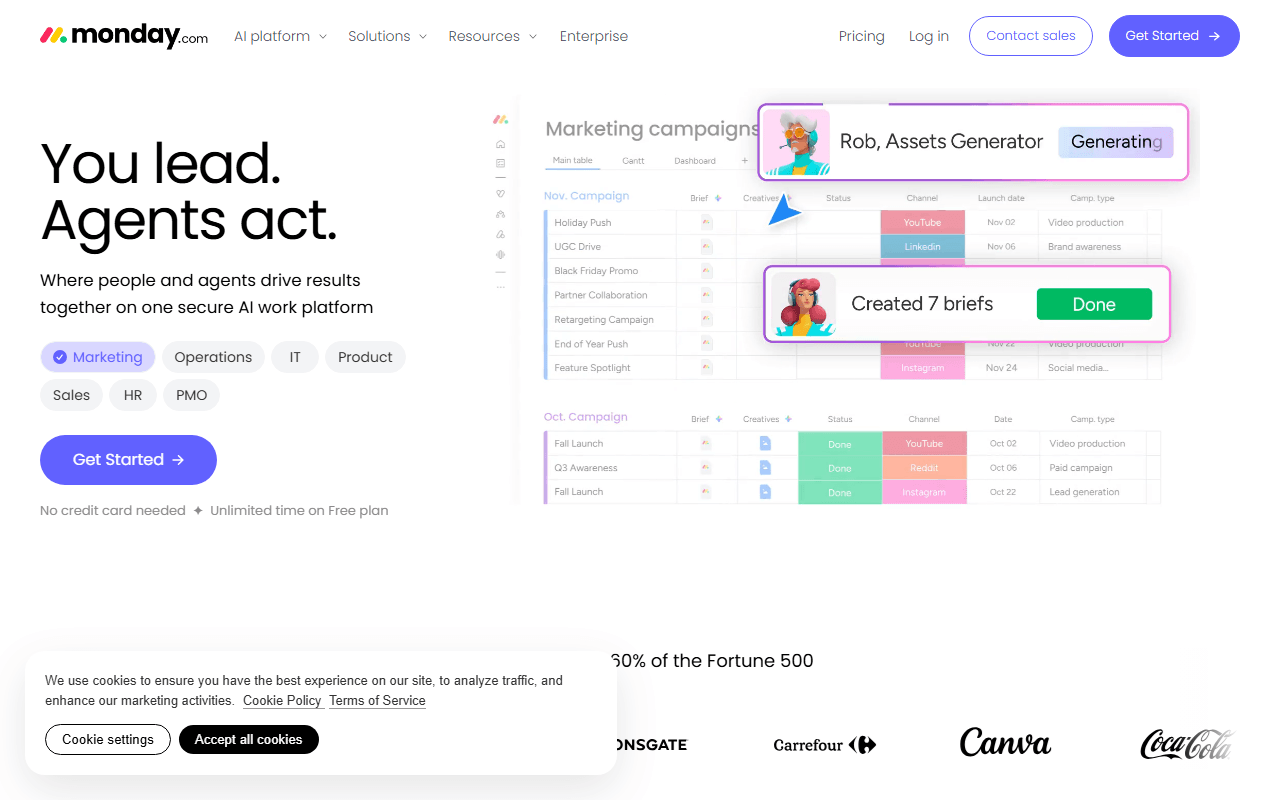
Monday.com is a colorful work platform built on customizable, spreadsheet-like boards with automations and dashboards you assemble to fit your process. The free plan is among the smallest of the major players: 2 seats, 3 boards, and 3 docs, which works as a demo more than a plan (as of July 2026). Paid work management plans start around 9 euros per seat per month.

Monday.com screenshot
  • Free plan, paid from €9/month (as of July 2026)
  • Israel
Best for:
Operations and client-services teams with budget that live in status columns and dashboards.
The catch:
At 2 seats and 3 boards, any real team pays from day one, and timeline views, automations, and integrations start at the Standard tier.

The constraint that decides this: hosting, simplicity or feel

If you need to keep data on your own servers, self-host Plane or OpenProject; Plane is friendlier to set up, OpenProject gives you real Gantt charts. If you just want a shared board with almost nothing to learn, start with Trello. If your project work is mostly documents with a task list attached, Notion keeps both on the same page. And if you build software and the tool's feel matters to you, try Linear, as long as you can live within 250 issues while you evaluate.

Free plans, seat caps and self-hosting, answered

What is the best free project management tool?

For most teams, ClickUp. Its Free Forever plan has no user cap and no task cap, so a whole team can share kanban boards, sprints, and docs without paying per seat (as of July 2026). The tradeoff is 60MB of total storage, so keep attachments in Google Drive or Dropbox. If you want a simple shared board instead, Trello is free for 10 collaborators per workspace; if you need to self-host, Plane and OpenProject are free under open source licenses.

Is any project management tool free for unlimited users?

Yes. ClickUp's free plan has no member cap, and Linear allows unlimited members too, though it caps you at 250 issues. If you self-host, the open source options have no user limit at all: Plane's Community Edition, OpenProject, Vikunja, and Taiga are all free to run on your own server (as of July 2026). The trade with self-hosting is that you run the server, updates, and backups yourself.

Which free plans recently got smaller?

Two of the big incumbents cut theirs. Asana accounts created on or after November 12, 2025 are capped at 2 users, where older accounts were grandfathered at up to 10. Monday.com's free plan covers 2 seats and 3 boards. Taiga's hosted free plan also shrank, to 1 public and 1 private project with 10MB storage. If you signed up years ago and had more room, check whether your account still qualifies (as of July 2026).

What is the difference between a free cloud plan and free self-hosting?

A free cloud plan means you sign up and the provider runs everything, but these usually cap members or tasks (ClickUp, Trello, Plane, and Linear all do). Free self-hosting means the software is open source and the license costs nothing, but you run the server, updates, and backups. Plane, OpenProject, Vikunja, and Taiga all self-host for free with no user limit; budget some admin time and, in most cases, Docker familiarity.

Keep exploring

Browse every category, or read our full reviews of the tools above.