Free alternatives to Trello
Trello is the easiest board to start with, and it gets thin the moment your work outgrows simple kanban. The free plan caps you at 10 boards and 10 collaborators per workspace, with 250 automation runs a month and no Gantt, timeline, or reporting until Premium at $10 per user (as of July 2026). If you have hit the collaborator wall or need more than cards in columns, these tools give you more structure for free.
Facts checked as of July 2026Read our Trello review
Jump to an alternative




ClickUp
Best Free Alternative ToTrelloUnlimited free members and views beyond kanban, against Trello's 10-collaborator wall
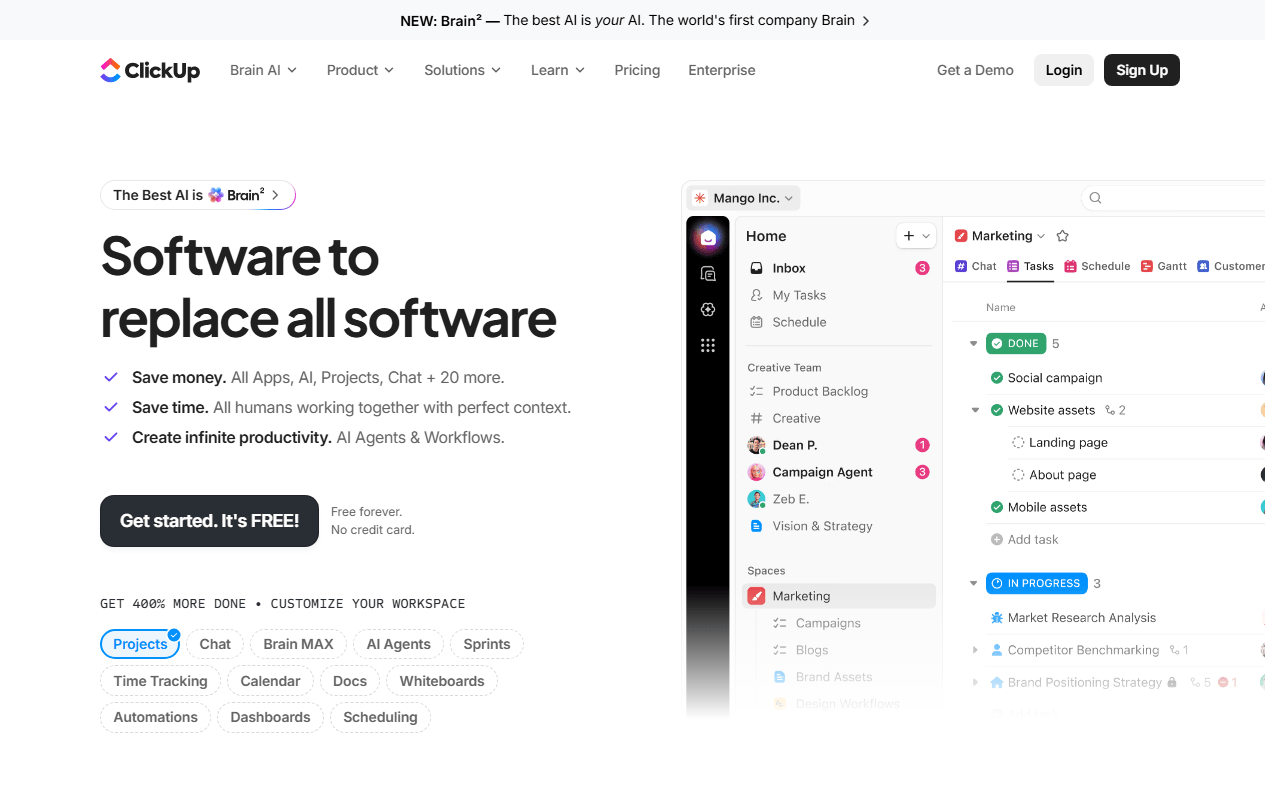
ClickUp is the natural step up when a Trello board stops being enough. The Free Forever plan adds list and calendar views, sprints, and docs on top of boards, with unlimited members and unlimited tasks (as of July 2026). The catch is 60MB of total storage and an interface busier than Trello's.
- Free plan, paid from $7/month (as of July 2026)
- United States
 United States
- Best for:
- Teams that outgrew Trello's board and its 10-collaborator cap
- The catch:
- 60MB total free storage and a week or two to learn the denser interface
Compared to Trello
- Advantage: Unlimited free members against Trello's 10 per workspace
- Advantage: List, calendar, sprints, and docs, not just a board
- Advantage: First paid tier is $7 per user against Trello Premium at $10
- Tradeoff: 60MB total storage; Trello caps per attachment (10MB) instead
- Tradeoff: Busier interface; Trello is productive in an hour
- Worth knowing: Both offer kanban boards and basic automations on free
Sprints, cycles, and a Gantt-style view Trello has never offered
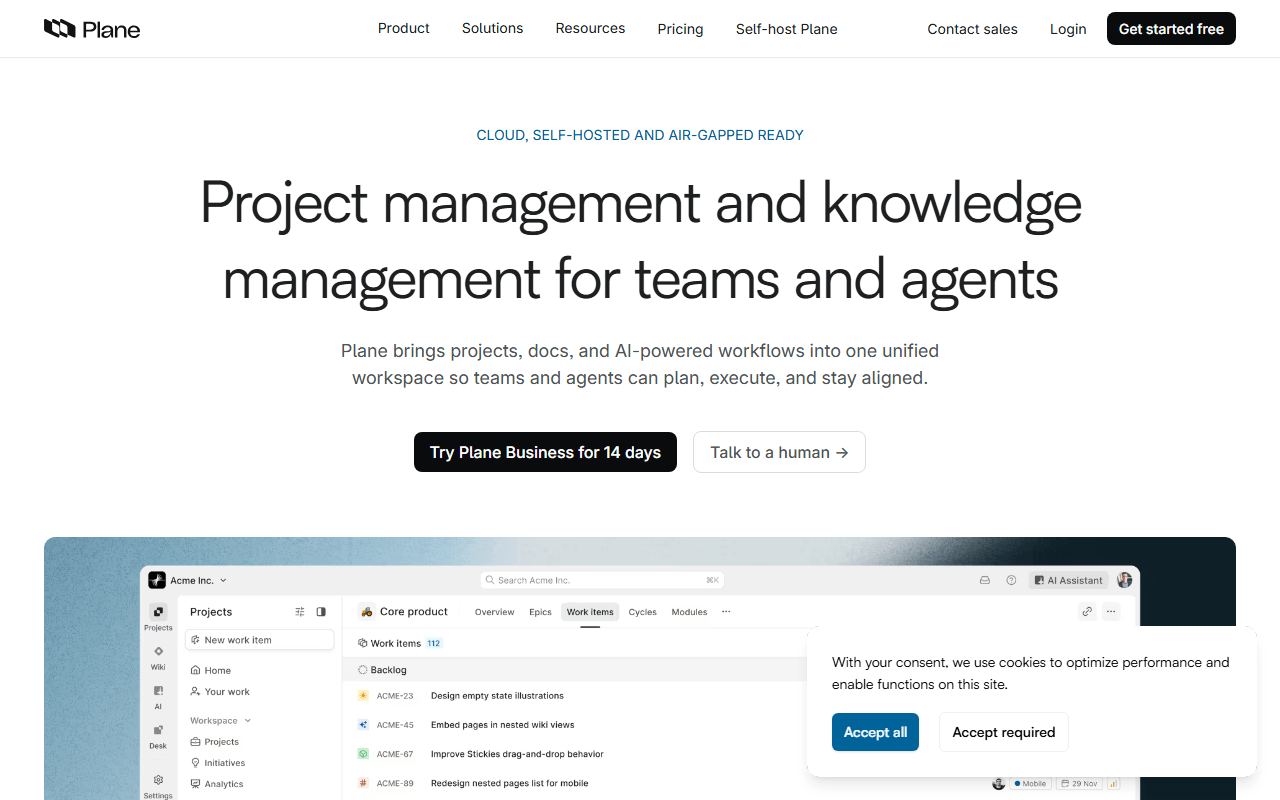
Plane gives a Trello board real structure: cycles for sprint planning, modules, and five layouts including a Gantt-style view. The cloud free plan covers 12 members; the AGPL Community Edition self-hosts with no cap (as of July 2026). It leans toward software teams, so it is more tool than a simple board needs.
- Free plan, paid from $6/month (as of July 2026)
- Open source (AGPL-3.0)
- Best for:
- Software teams who outgrew Trello and want sprints without Jira's setup
- The catch:
- Self-hosting needs Docker, and it is aimed at product work more than general task tracking
Compared to Trello
- Advantage: Cycles and modules give sprint structure Trello lacks
- Advantage: Gantt-style and spreadsheet views beyond the board
- Advantage: Self-hostable under AGPL-3.0; Trello is cloud-only
- Worth knowing: Cloud free tier caps at 12 members against Trello's 10
- Tradeoff: More setup and more concepts than a plain Trello board
A board plus docs and databases on the same page
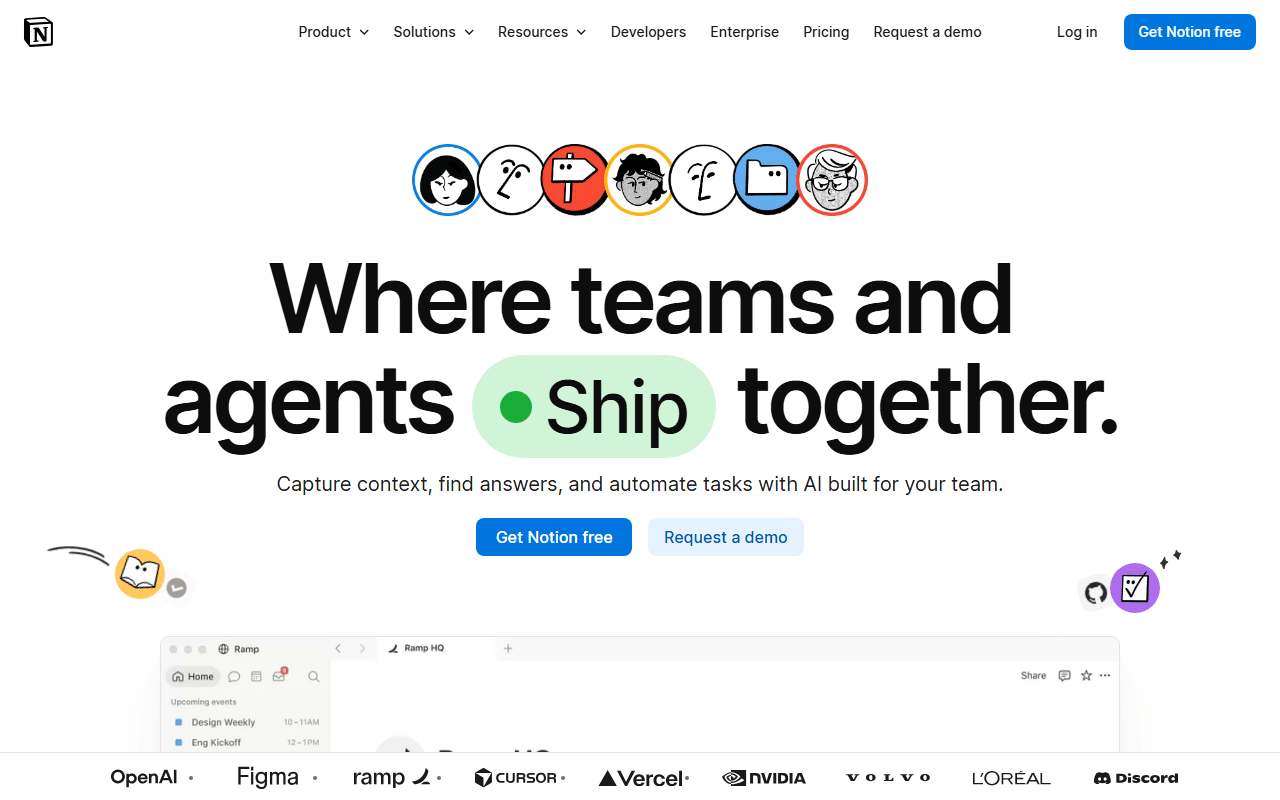
Notion turns a board into part of a bigger workspace: your tasks database can show as a board, calendar, or timeline next to specs and notes. The free plan is unlimited for one person with 10 guests; a second full member triggers a block limit (as of July 2026). It is more flexible than Trello and more work to set up.
- Free plan, paid from $10/month (as of July 2026)
- United States
- Best for:
- Solo users and freelancers who want a board next to their notes
- The catch:
- The free plan is effectively single-player, unlike Trello's 10 collaborators
Compared to Trello
- Advantage: Timeline and calendar views free; Trello reserves them for Premium
- Advantage: Docs and tasks share one page
- Tradeoff: Free workspaces with 2 or more members hit a block limit; Trello allows 10 collaborators
- Tradeoff: No native automations to match Trello's Butler rules
- Worth knowing: You build your own board; Trello's works out of the box
A fast tracker with sprints, for software teams a board cannot hold
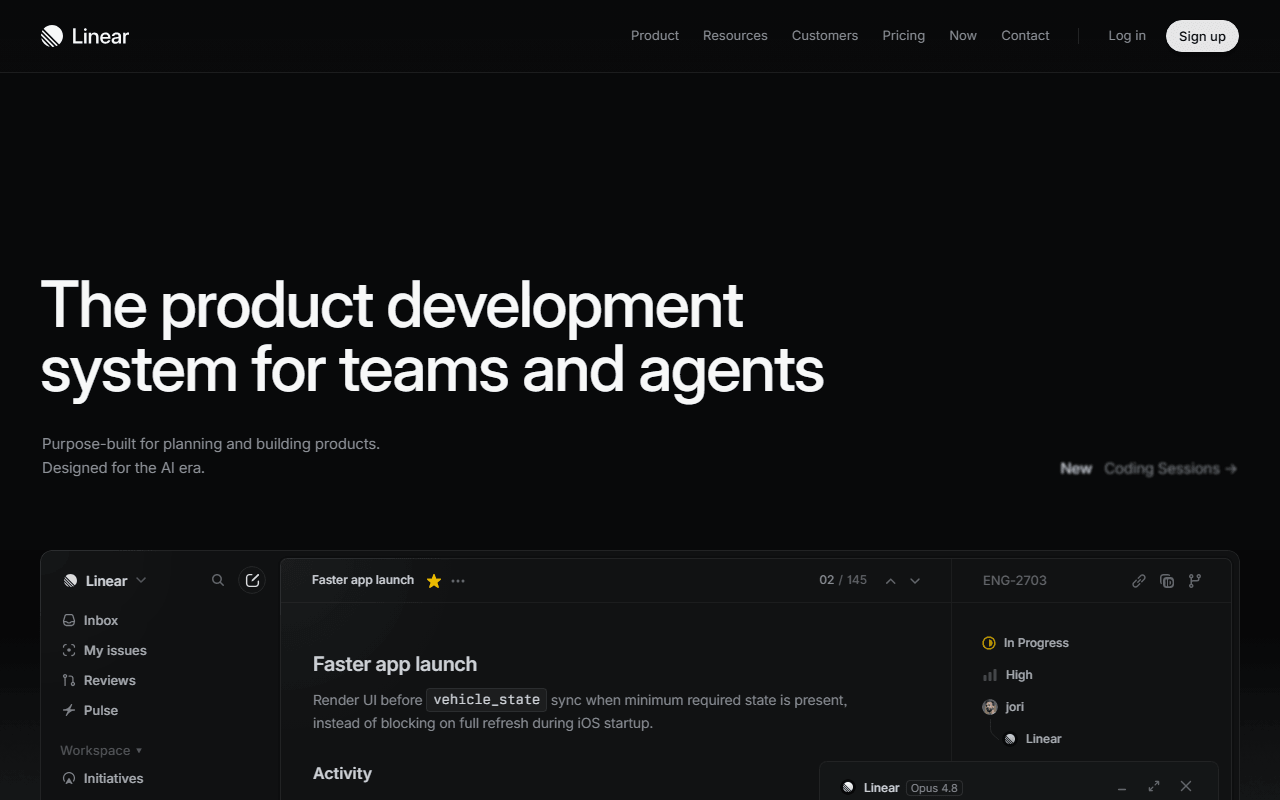
Linear is a keyboard-first issue tracker with cycles, triage, and roadmaps built in. The free plan allows unlimited members but caps you at 250 issues and 2 teams (as of July 2026). It is a different category from Trello, aimed squarely at software work, and it does that far better than a board of cards.
- Free plan, paid from $10/month (as of July 2026)
- United States
- Best for:
- Engineering teams who tracked bugs in Trello and hit its limits
- The catch:
- 250-issue cap on free, no self-host, and it only suits software teams
Compared to Trello
- Advantage: Cycles, triage, and roadmaps included free; Trello has none of these
- Advantage: Unlimited free members against Trello's 10 collaborators
- Tradeoff: 250-issue cap on free; Trello's cards are unlimited
- Tradeoff: Built for software; general project work will find it narrow
- Tradeoff: No self-hosted option
Free Gantt charts and dependencies when self-hosted
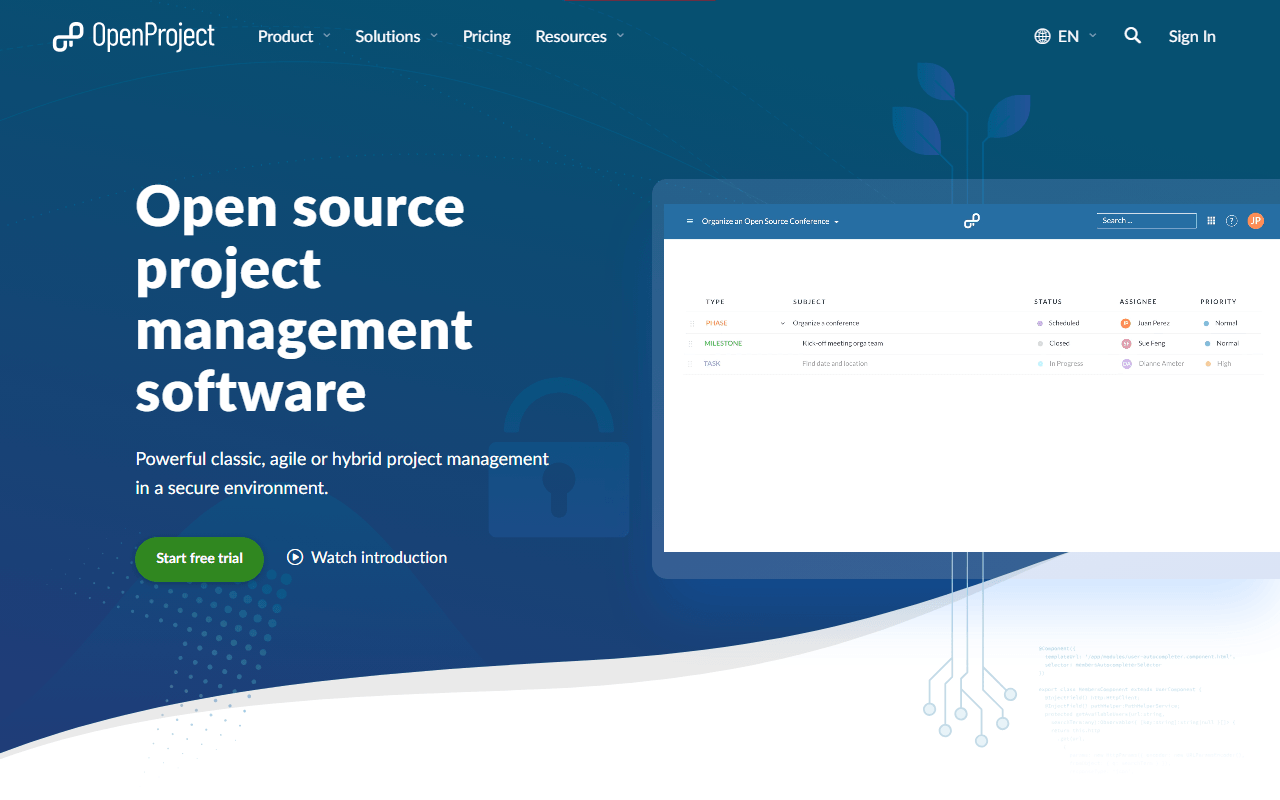
OpenProject brings planning Trello never attempts: work packages, Gantt charts with dependencies, and time tracking, free to self-host with no user limit under GPL-3.0. There is no free cloud tier, only a 14-day trial (as of July 2026). It is heavy next to Trello, so this is for teams whose work genuinely needs a timeline.
- Free plan, paid from €5.95/month (as of July 2026)
- Germany
- Open source (GPL-3.0)
 Germany
- Best for:
- Teams that outgrew boards and need real Gantt planning for free
- The catch:
- Free means self-hosting; there is no free cloud option
Compared to Trello
- Advantage: Gantt charts with dependencies free self-hosted; Trello has no timeline free
- Advantage: No user limit on the Community Edition against Trello's 10
- Advantage: Time and cost tracking built in
- Tradeoff: You run the server, updates, and backups
- Tradeoff: Far heavier and more dated than a Trello board
The same simplicity, self-hosted, with no 10-collaborator cap
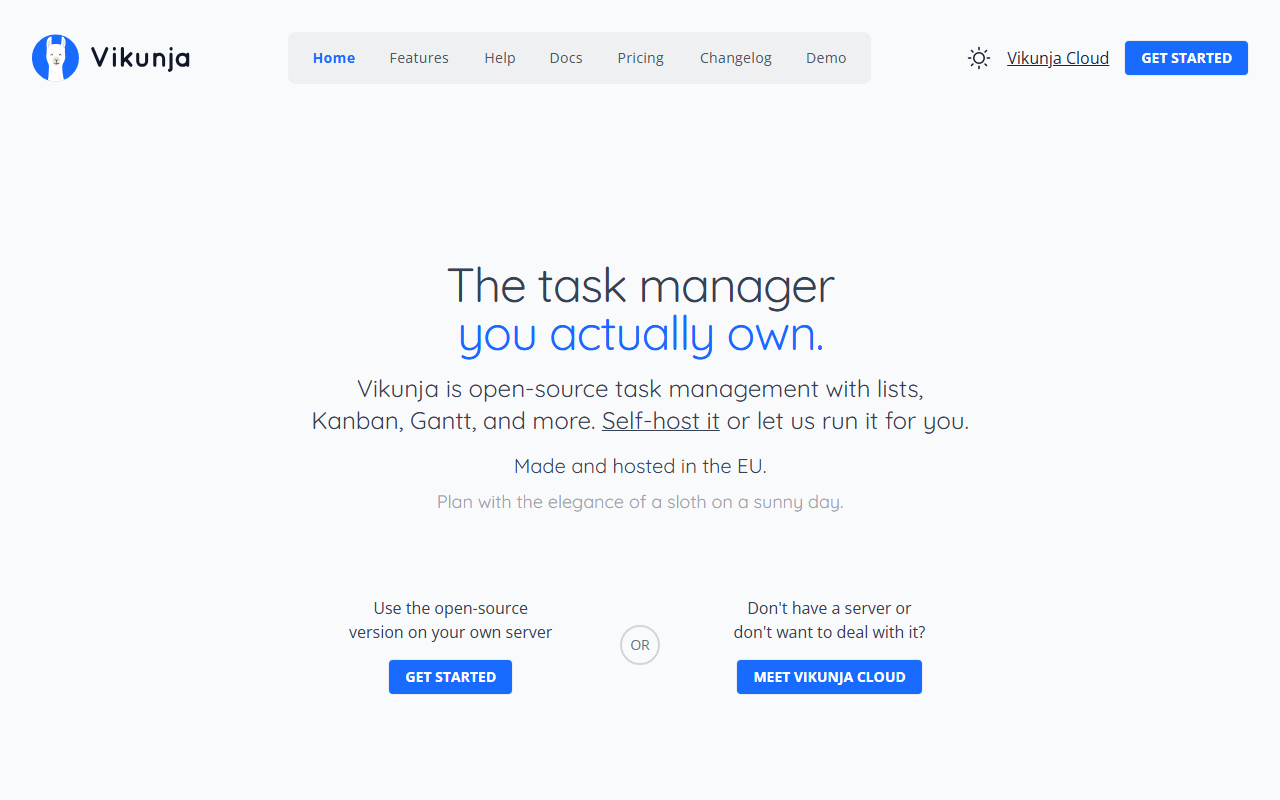
Vikunja is a small self-hosted task app that keeps Trello's simplicity while dropping the seat cap. List, kanban, table, and Gantt views, free under AGPL-3.0 and light enough for a Raspberry Pi (as of July 2026). Self-hosting is the only free option; Vikunja Cloud has no free tier.
- Free plan, paid from €4/month (as of July 2026)
- Open source (AGPL-3.0)
- Best for:
- Individuals and homelab owners who want a private, uncapped board
- The catch:
- You run the server, and there are no automations to match Trello's Butler
Compared to Trello
- Advantage: No collaborator cap when self-hosted; Trello stops at 10
- Advantage: Gantt view included, which Trello reserves for Premium
- Advantage: As light and simple to use as a Trello board
- Tradeoff: No free hosted option; the cloud tier has no free plan
- Tradeoff: No built-in automations or Power-Up ecosystem
List, board, and calendar views free, if 2 users is enough
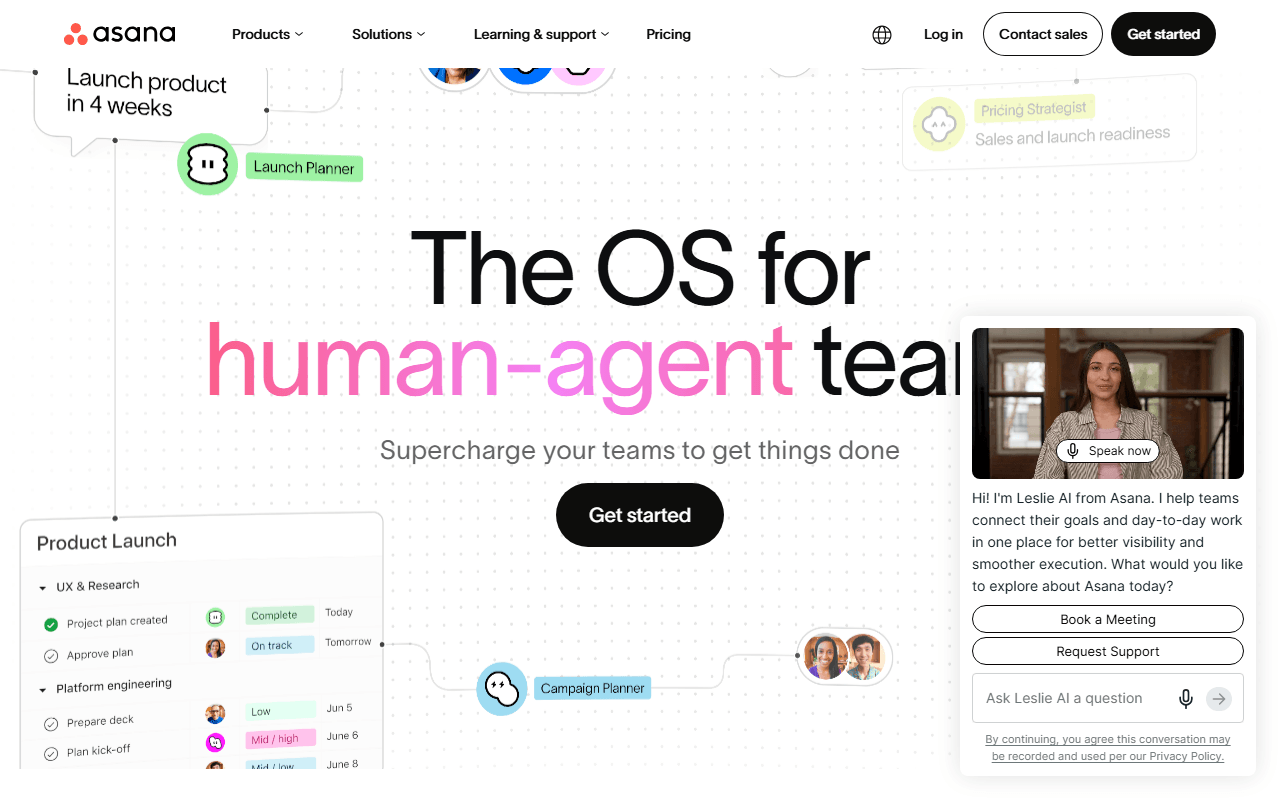
Asana gives you more views than Trello on free (list, board, and calendar) with a more structured project model. The trade is seats: accounts created since November 12, 2025 stop at 2 users, where Trello allows 10 collaborators (as of July 2026). It is honest context here, stronger on structure but tighter on team size.
- Free plan, paid from $10.99/month (as of July 2026)
- United States
- Best for:
- Pairs who want more than a board and will stay within 2 free users
- The catch:
- New free accounts cap at 2 users, and timeline and automations start at $10.99 per user
Compared to Trello
- Advantage: List, board, and calendar views on free; Trello free is board-only
- Advantage: More structured projects and subtasks than Trello's checklists
- Tradeoff: New free accounts stop at 2 users; Trello allows 10 collaborators
- Tradeoff: Timeline and automations start at the $10.99 Starter tier
How to choose
If you want everything Trello lacks without paying per seat, ClickUp is the widest free plan and our top pick. If your work is really software tickets, Plane or Linear give you sprints and cycles Trello never had. And if you just want a bigger, simpler board on your own terms, self-host Vikunja and the collaborator cap goes away. Rebuild one active board in your top pick before you migrate the rest.