

Discover honest, community-driven software alternatives. Learn about our mission

Asana logo

Asana review

Polished work management for teams, with a free plan that recently got much smaller.

Facts checked July 2026

Visit AsanaSee alternatives
asana.com
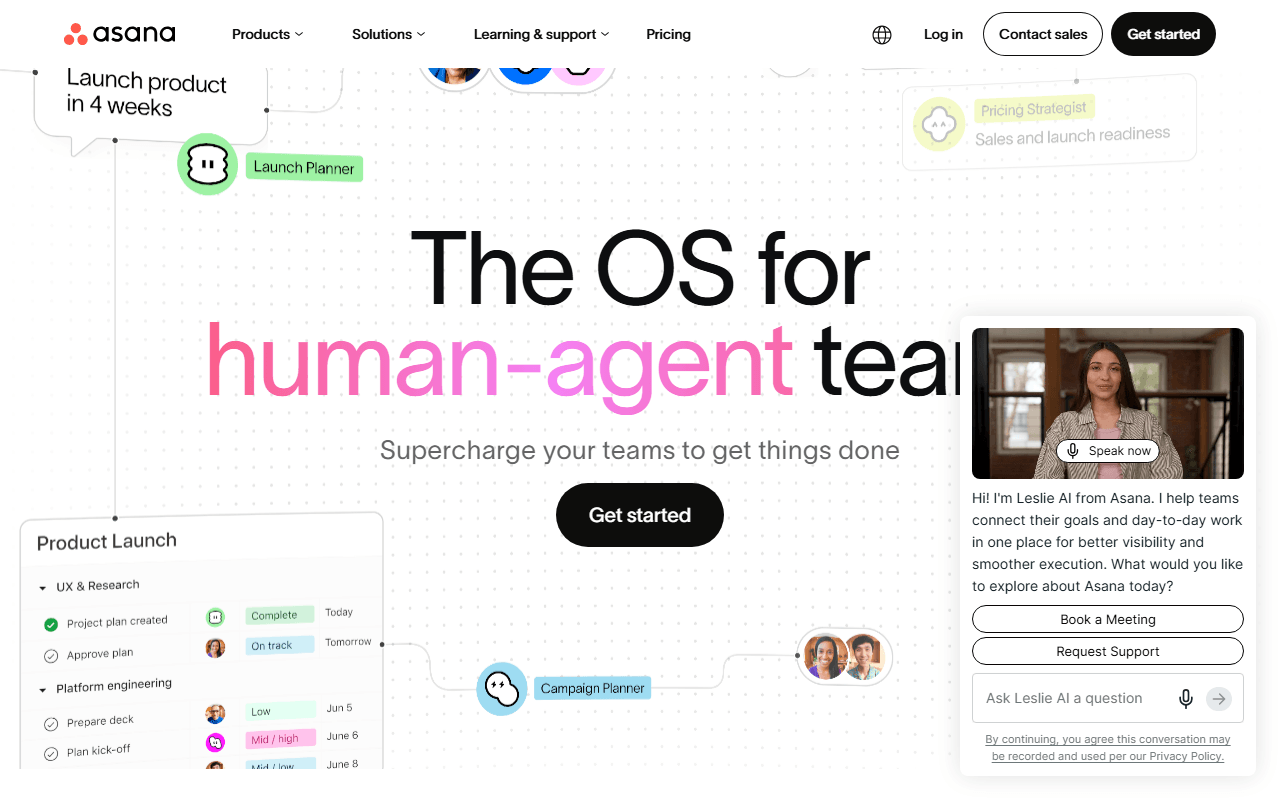
Asana homepage screenshot

Asana at a glance

Free plan
Yes
Free plan score
41/100Limited
Starting price
$10.99/month
Based in
United States
Company
Asana
Founded
2008

Our take

Asana is a mature, well-designed platform, but the free plan's cut to 2 users for new accounts pushes most small teams toward paid tiers or alternatives.

Polish is what Asana actually sells

Asana is a work management platform for tracking tasks, projects, and goals across teams. It offers list, board, and calendar views on every plan, with timeline (Gantt), workflows, forms, and reporting on paid tiers. The design is one of the most approachable in the category, which is a real reason teams stay.

The teams Asana is still built for

  • Marketing, operations, and cross-functional teams that outgrew spreadsheets
  • Organizations that want portfolios and goal tracking across many projects
  • Teams willing to pay per seat for polish and dependable mobile apps

Two free users since November 2025, priced at $10.99 after

Asana is freemium. As of July 2026, the free Personal plan includes unlimited tasks and projects with list, board, and calendar views and 100MB per file, but accounts created on or after November 12, 2025 are capped at 2 users (older accounts were grandfathered at up to 10). Starter is $10.99/user/month billed annually and adds timeline, Gantt, and automations; Advanced is $24.99/user/month with portfolios and workload.

Where the 2-user limit sends people

ClickUp allows unlimited members and tasks on its free plan, where new Asana accounts stop at 2 users. Trello gives small teams 10 free collaborators with a simpler board model. Plane and OpenProject offer timeline views for free (hosted for 12 members, or self-hosted) that Asana reserves for its $10.99 Starter tier.

Two people should stay, everyone else should shop

If your team really is two people, the free Personal plan is a fine place to stay: unlimited tasks and projects, plus the list, board, and calendar views most small teams live in. Past two, you are paying $10.99 per user per month billed annually before timeline, automations, or forms appear, and that is the moment to compare rather than upgrade on reflex. We would pay it when the polish and the mobile apps are the reason your team stays put, and not when what you actually need is seats. If it is seats, our free Asana alternatives list starts with the tools that never count your second user.

What Asana offers

  • Kanban boards
  • Gantt & timeline
  • Automations
  • App integrations
  • Mobile apps

Not included

  • Agile & sprints
  • Time tracking
  • Self-hosting
  • No user cap on free plan
  • Docs & wiki

Asana plans and pricing

Free Personal plan for up to 2 users with unlimited tasks and projects and 100MB per file

Free accounts created before November 12, 2025 were grandfathered at up to 10 users; new accounts stop at 2.

Personal

Free

Unlimited tasks and projects with list, board, and calendar views

Up to 2 users, 100MB per file

Starter

$10.99/mo

Adds timeline, Gantt, automations, forms, and custom fields

Price is per user, billed annually ($13.49 billed monthly)

Advanced

$24.99/mo

Adds portfolios, goals, workload, approvals, and time tracking

Price is per user, billed annually ($30.49 billed monthly)

As of July 2026. Check current pricing on the Asana pricing page.

Asana's free plan score

How good Asana's free plan really is, judged on four things and weighted into one number.

41/100

Limited

Two users on new accounts, and the features people want start at $10.99.

Free plan generosity

32/100

Feature depth for the category

46/100

Freedom and honesty

48/100

What free users report

45/100

Scored July 2026. How we calculate the free plan score.

Frequently asked questions about Asana

Can a team of five still use Asana's free plan?

No, not on a new account. Free accounts created on or after November 12, 2025 stop at 2 users, where accounts created before that date were grandfathered at up to 10 (as of July 2026). A five-person team pays for Starter at $10.99 per user per month billed annually, which is over $650 a year.

What do you actually get free in Asana, besides the two seats?

Unlimited tasks and unlimited projects, with list, board and calendar views, and 100MB per file (as of July 2026). Three views is more than Trello gives away free, and the per-file allowance is larger than ClickUp's entire 60MB free workspace. Inside two seats it is a complete way to run work, not a demo.

How much does Asana cost per user?

Starter is $10.99 per user per month billed annually, or $13.49 billed monthly, and it brings timeline, Gantt, automations, forms and custom fields (as of July 2026). Advanced is $24.99 per user and adds portfolios, goals, workload, approvals and time tracking.

Can you self-host Asana?

No. Asana is hosted only, with no self-hosted or open source edition at any price (as of July 2026). If keeping project data on your own server matters, OpenProject is the closest match in this category for timeline-driven planning, and Plane is the closest for task-driven work.

Is Asana worth paying for, or should you switch?

We would pay when the polish and the mobile apps are the reason your team stays put, and switch when what you actually need is seats. If it is seats, ClickUp's free plan has no member cap and Trello takes 10 collaborators, both for nothing. If your team really is two people, staying on Asana free is a perfectly good answer.

Latest Asana news

Changes that affect what you get for free: pricing, free plan limits, ownership, and whether the project is still maintained. Not every release.

We have not checked Asana's announcements yet. When we do, anything that changes the free plan or the price will show up here.

Reader reviews

What people who actually use Asana think of it.

No reviews of Asana yet. If you have used it, yours would be the first.

The useful part is the specifics: what you used it for, and where it got in your way.

Loading...