Free alternatives to Asana
Asana's free plan used to cover a small team; accounts created since November 12, 2025 stop at 2 users. The features people actually leave spreadsheets for, like timeline views, automations, and forms, start at $10.99 per user per month billed annually (as of July 2026), which puts a 5-person team over $650 a year. These seven tools give you more seats, more features, or both, for free.
Facts checked as of July 2026Read our Asana review
Jump to an alternative




ClickUp
Best Free Alternative ToAsanaUnlimited free members and tasks, where new Asana free accounts stop at 2 users
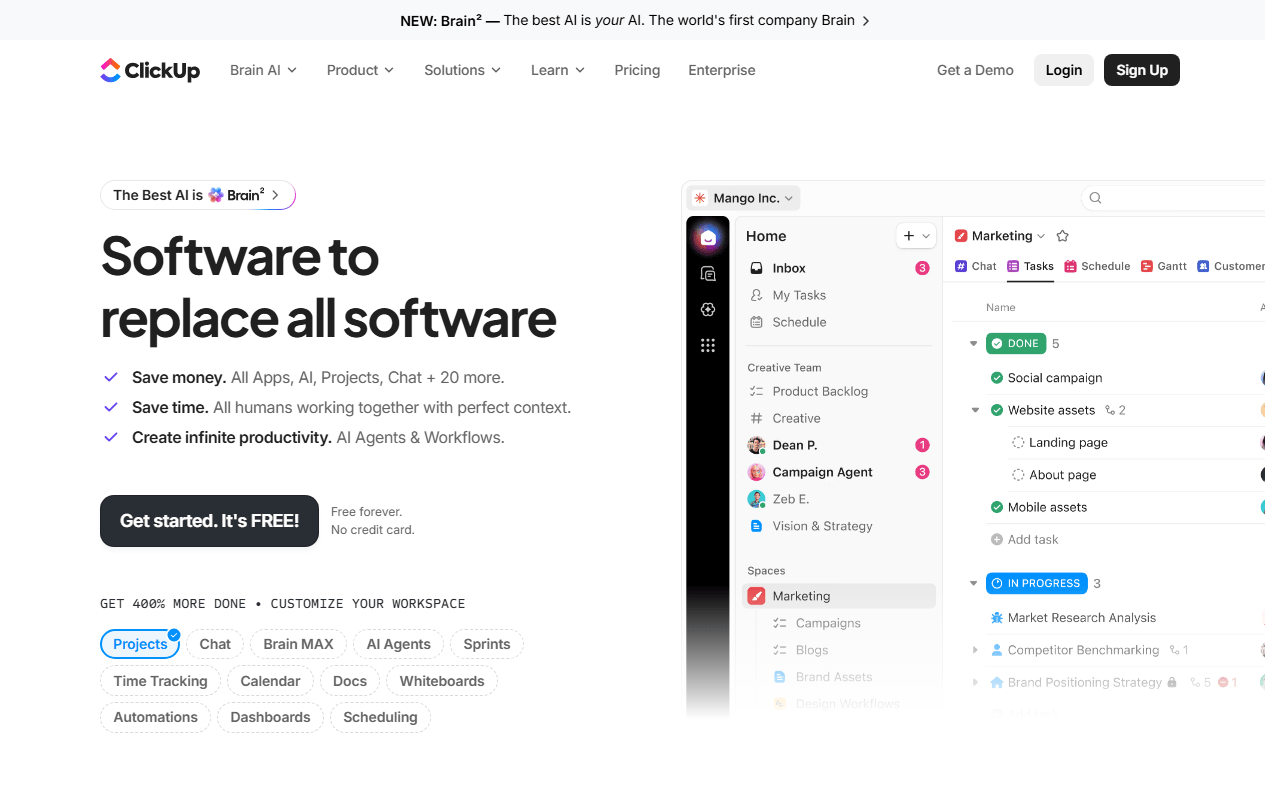
ClickUp is the closest thing to Asana without the seat math. You get list, board, and calendar views plus sprints, docs, and 1 form on the Free Forever plan, with unlimited members and unlimited tasks (as of July 2026). The interface is busier than Asana's, but nothing here sits behind a 2-user gate.
- Free plan, paid from $7/month (as of July 2026)
- United States
 United States
- Best for:
- Teams of 3 or more who want Asana's breadth without paying per seat
- The catch:
- 60MB of total free storage, so attachments need to live in Drive or Dropbox
Compared to Asana
- Advantage: Unlimited free members; new Asana free accounts stop at 2 users
- Advantage: Sprints and collaborative docs included free; Asana has no free equivalent
- Advantage: First paid tier is $7 per user against Asana's $10.99
- Tradeoff: 60MB of total free storage against Asana's 100MB per file
- Tradeoff: Busier interface; Asana is easier to learn in the first week
- Worth knowing: Both offer list, board, and calendar views on the free plan
10 free collaborators and a simpler board model for small teams
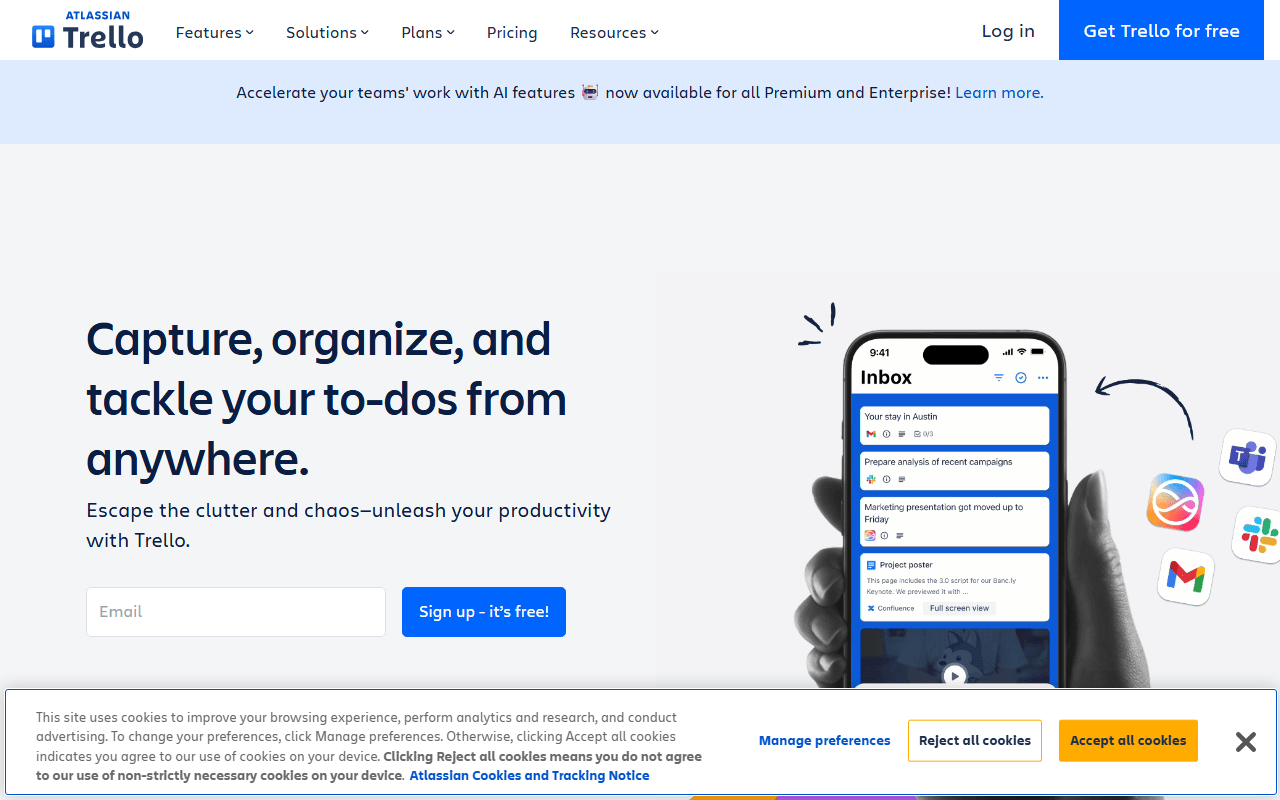
Trello trades Asana's project structure for one very good kanban board. The free plan includes unlimited cards, 10 boards, and 10 collaborators per workspace, with 250 automation runs a month (as of July 2026). If your team tracked work in Asana as one long list anyway, this is less tool and less friction.
- Free plan, paid from $5/month (as of July 2026)
- Australia
 Australia
- Best for:
- Small teams whose whole process fits on a shared board
- The catch:
- No timeline, dependencies, or reporting without Premium at $10 per user
Compared to Asana
- Advantage: 10 free collaborators against 2 on new Asana accounts
- Advantage: 250 free automation runs a month; Asana saves rules for its $10.99 Starter tier
- Advantage: Standard is $5 per user against Asana Starter at $10.99
- Tradeoff: Board view only on free; Asana's free plan has list, board, and calendar
- Tradeoff: Subtasks are just checklists; no dependencies or workload views
- Tradeoff: 10MB per attachment on free against Asana's 100MB
Free hosted tier for 12 members, plus a self-hosted edition Asana has no answer to
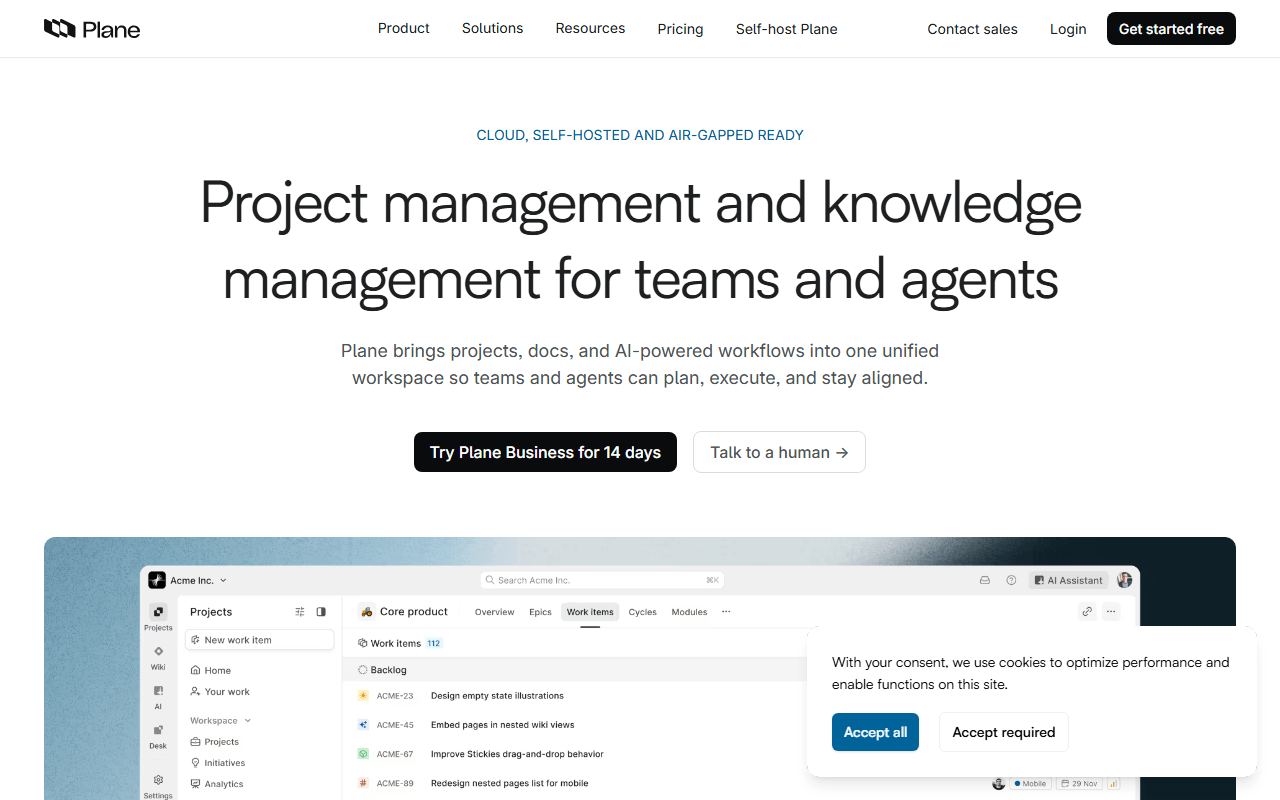
Plane is an open source tracker whose free cloud tier covers 12 members with cycles, modules, and multiple views including a Gantt-style layout (as of July 2026). It comes from the software-tracker world, so it leans work items and sprints rather than Asana's portfolios, but the free tier is a real plan, not a demo.
- Free plan, paid from $6/month (as of July 2026)
- Open source (AGPL-3.0)
- Best for:
- Product teams up to 12 who want structure plus a self-hosting escape hatch
- The catch:
- A younger product with a thinner integration catalog than Asana's
Compared to Asana
- Advantage: Free cloud tier fits 12 members against Asana's 2
- Advantage: Timeline and Gantt-style views free; Asana charges $10.99 per user for timeline
- Advantage: Self-hostable under AGPL-3.0; Asana is cloud-only
- Tradeoff: Fewer integrations and rougher edges than a platform from 2008
- Worth knowing: Built for software teams first; marketing and ops workflows need adapting
Tasks live inside your docs and wikis instead of a separate tool
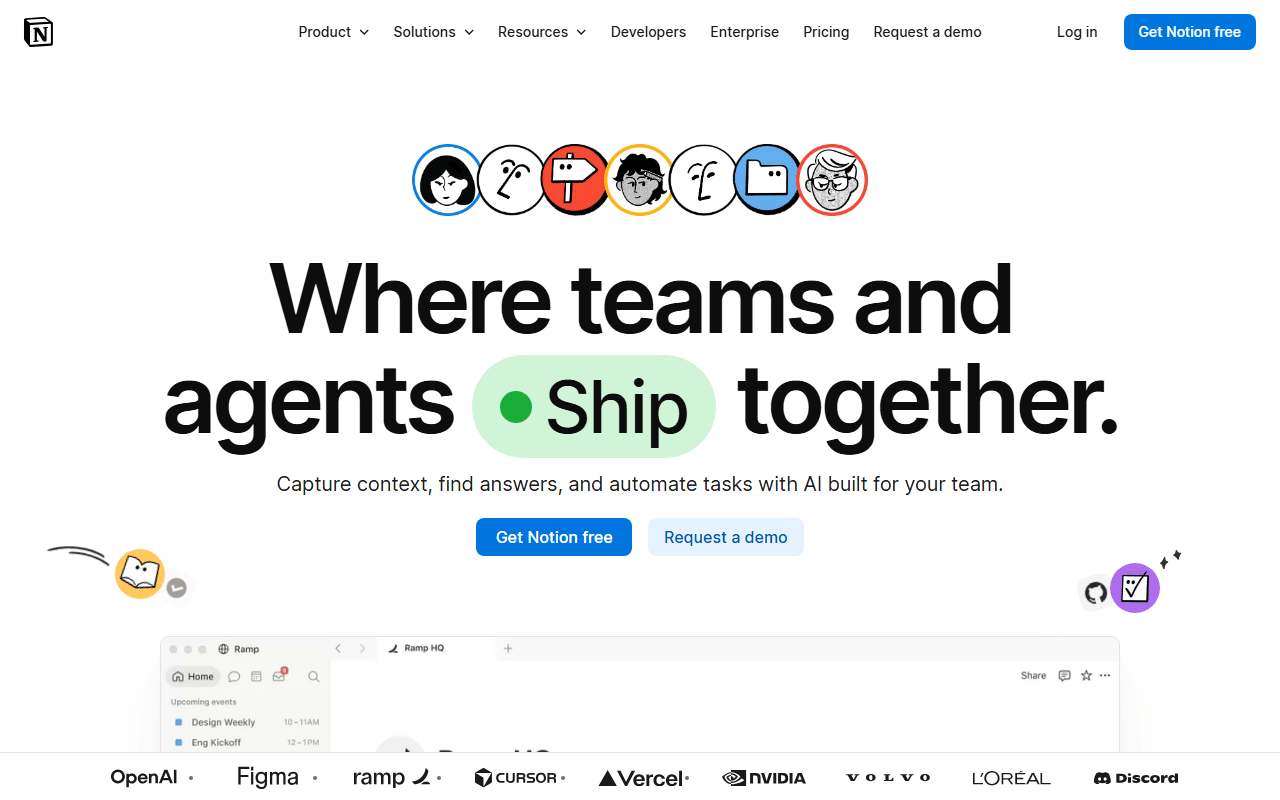
Notion is not a project tracker, it is a workspace you shape into one: a tasks database viewed as a board, calendar, or timeline next to your specs and notes. Free is unlimited for one person with up to 10 guests (as of July 2026); add a second full member and the workspace hits a block limit.
- Free plan, paid from $10/month (as of July 2026)
- United States
- Best for:
- Solo founders and freelancers whose tasks belong next to their notes
- The catch:
- The free plan is effectively single-player; teams pay $10 per member for Plus
Compared to Asana
- Advantage: Unlimited pages and databases for one person; shape any workflow you want
- Advantage: Docs, wiki, and tasks in one tool; Asana needs a separate docs app
- Tradeoff: Free workspaces with 2 or more members hit a block limit; Asana free at least covers 2 users fully
- Tradeoff: No native automations, workload, or reporting; you assemble views by hand
- Worth knowing: Plus at $10 per member lands within a dollar of Asana Starter
Gantt charts and dependencies free when self-hosted; Asana charges $10.99/user for timeline
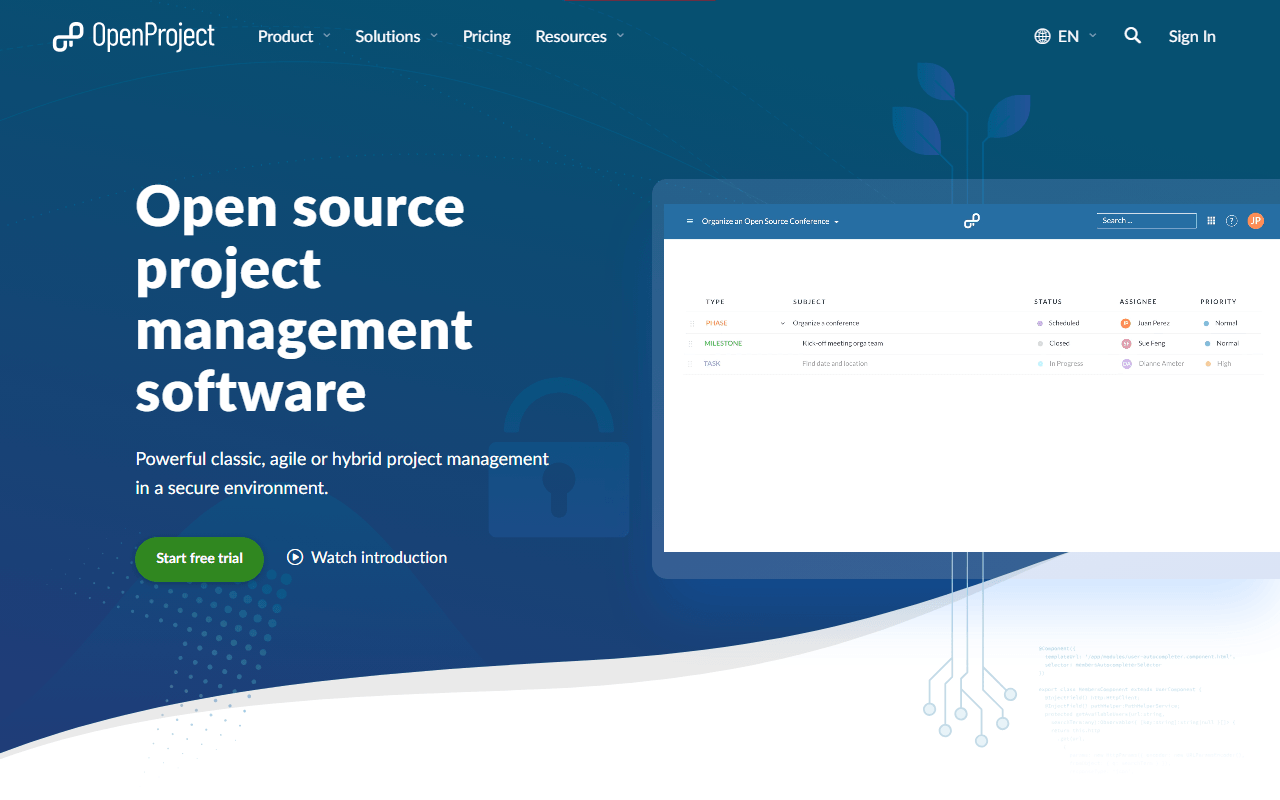
OpenProject is the classic-project-management answer: work packages, Gantt charts with dependencies, agile boards, and time tracking, free to self-host with no user limit under GPL-3.0. There is no free cloud tier (as of July 2026), so this is the pick when you have a server and Asana's timeline paywall was the last straw.
- Free plan, paid from €5.95/month (as of July 2026)
- Germany
- Open source (GPL-3.0)
 Germany
- Best for:
- Teams that need real Gantt planning and can run their own server
- The catch:
- Free means self-hosted; the cloud version only offers a 14-day trial
Compared to Asana
- Advantage: Gantt charts with dependencies free self-hosted; Asana's timeline starts at $10.99 per user
- Advantage: No user limit on the Community Edition
- Advantage: Project data stays on your own infrastructure
- Tradeoff: You handle installation, upgrades, and backups yourself
- Tradeoff: The interface is functional but dated next to Asana's polish
Self-hosted for free with list, kanban, and Gantt views and no seat count
Vikunja is a small open source task manager with list, kanban, table, and Gantt views, free to self-host under AGPL-3.0 and light enough for a Raspberry Pi. It covers tasks, due dates, labels, and sharing rather than Asana's portfolios and goals, which for many small teams is the whole job anyway.
- Free plan, paid from €4/month (as of July 2026)
- Open source (AGPL-3.0)
- Best for:
- Individuals and small teams comfortable running a small server
- The catch:
- No automations, reporting, or sprints; it stays deliberately simple
Compared to Asana
- Advantage: All four views, including Gantt, free when self-hosted
- Advantage: No seat count or per-user pricing, ever
- Tradeoff: No free hosted option; Vikunja Cloud starts at 4 euros a month (as of July 2026)
- Tradeoff: Integrations are thin next to Asana's catalog (CalDAV and an API, little else)
- Worth knowing: Task management, not portfolio management; goals and workload have no equivalent
Faster, keyboard-first tracking for product teams, free with unlimited members
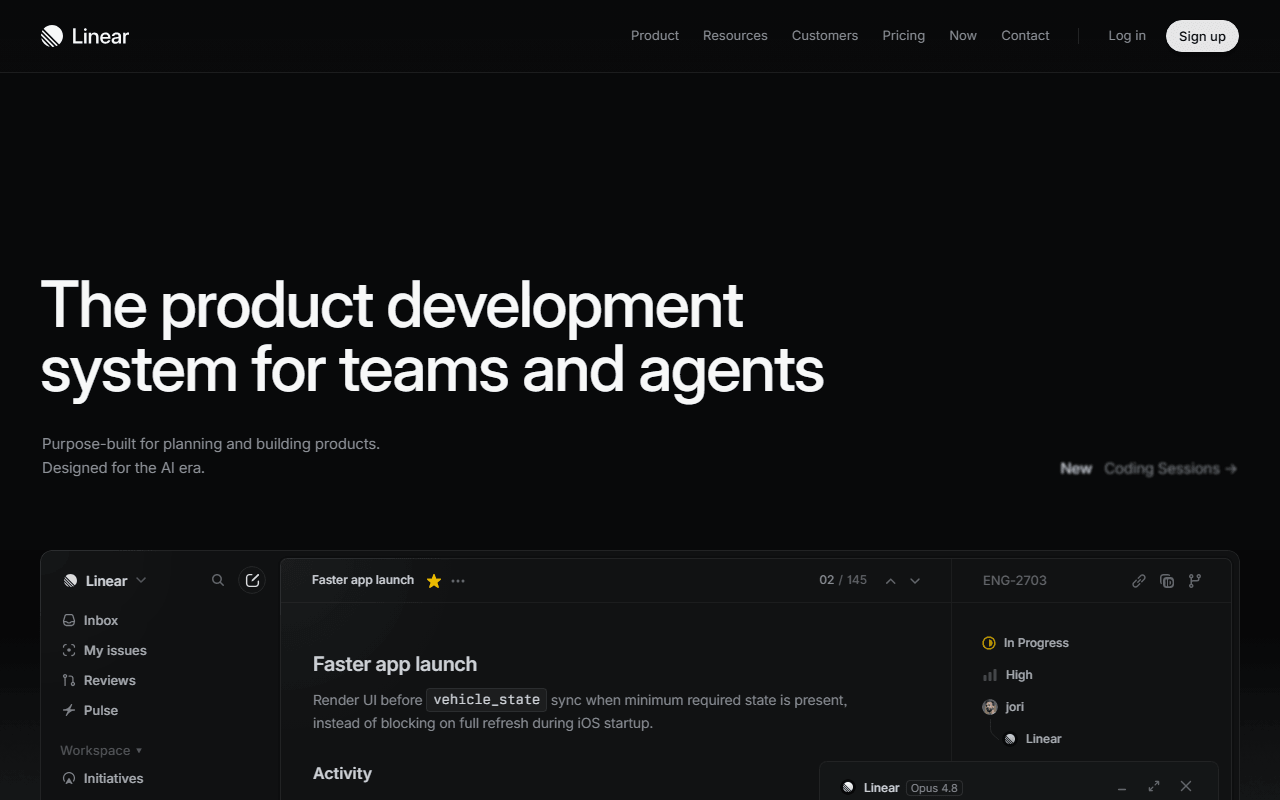
Linear is a keyboard-first issue tracker where cycles, triage, and roadmaps come standard. The free plan takes unlimited members but caps you at 250 issues and 2 teams (as of July 2026), so treat it as a generous evaluation rather than a forever plan. It sits last here only because it replaces Asana for software teams, not for everyone else.
- Free plan, paid from $10/month (as of July 2026)
- United States
- Best for:
- Software teams who care how a tool feels 200 times a day
- The catch:
- The 250-issue cap means free is a long trial, not a home
Compared to Asana
- Advantage: Unlimited free members against Asana's 2-user cap
- Advantage: Cycles, triage, and roadmaps included free; Asana's automations start at $10.99
- Tradeoff: 250 issues total on free; an active team fills that in a few months
- Tradeoff: Built for software work; ops and marketing teams will find it narrow
- Worth knowing: Basic at $10 per user lands close to Asana Starter at $10.99
How to choose
Start with what breaks first: seats or features. If you just need everyone in the same workspace for free, ClickUp has no member cap and Trello takes 10 collaborators. If what you really miss is Asana's timeline, OpenProject gives you Gantt charts for the cost of running a server. And if your team really is 2 people, staying on Asana's free plan is a perfectly fine answer.