

Discover honest, community-driven software alternatives. Learn about our mission

Notion logo

Notion review

Docs, wikis, and project databases in one workspace, free for personal use.

Facts checked July 2026

Visit NotionSee alternatives
notion.com
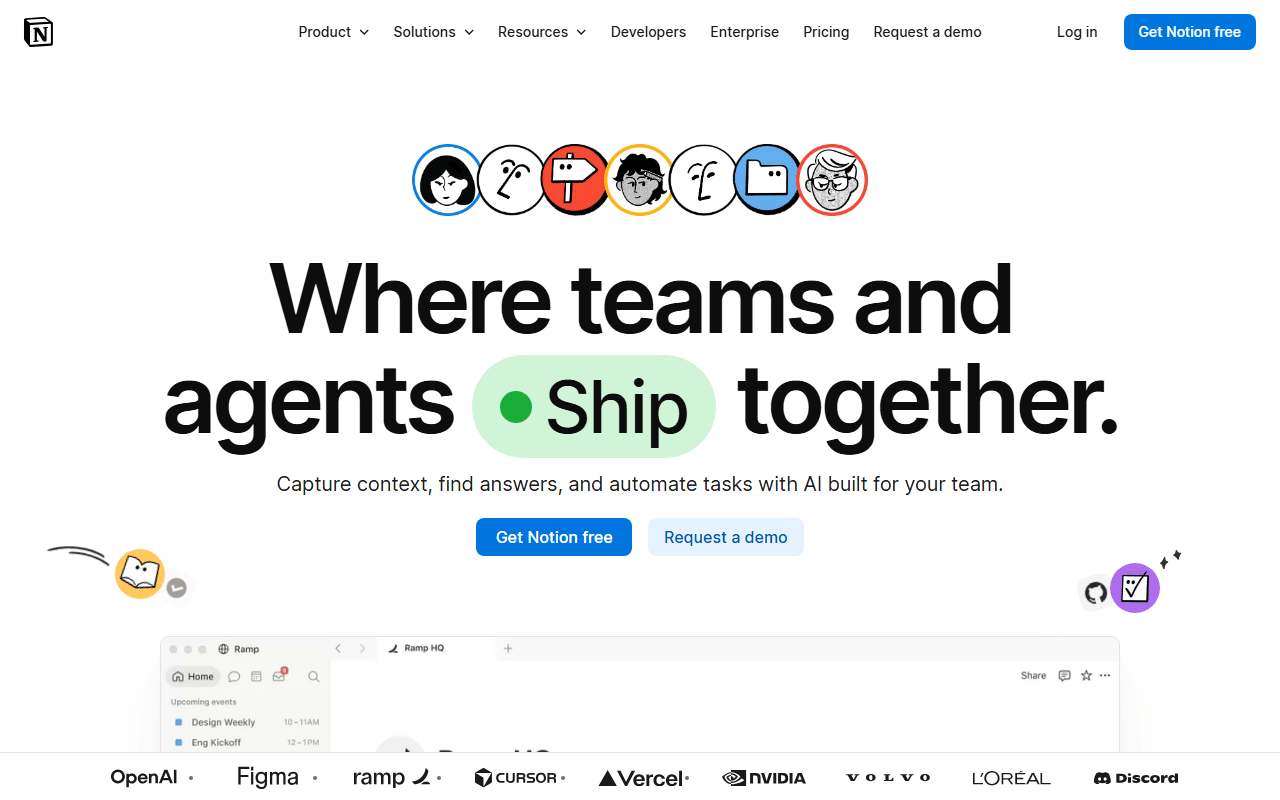
Notion homepage screenshot

Notion at a glance

Free plan
Yes
Free plan score
55/100Usable
Starting price
$10/month
Based in
United States
Company
Notion Labs
Founded
2013

Our take

Notion is the best free option when your project tracking is really docs plus a task database, but its free plan is built for individuals, not teams.

A doc that can also be a task database

Notion is a workspace where pages can contain anything: text, tables, kanban boards, timelines, and databases that link to each other. For project management you build (or copy) a tasks database and view it as a board, calendar, or timeline next to your specs and meeting notes.

Who gets the most from Notion as a tracker

  • Solo founders and freelancers who want tasks living inside their notes
  • Teams whose "project management" is mostly documents with a task list attached
  • People who enjoy shaping their own system instead of adopting someone else's

Free for one, priced per member from $10 the moment you invite

Notion is freemium. As of July 2026, the free plan gives individuals unlimited pages and blocks, up to 10 guests, 5MB file uploads, and 7 days of page history. Add a second member and the workspace becomes block-limited, which in practice is a trial for teams. Plus is $10/member/month and Business is $20/member/month, both cheaper billed annually.

One member is the real limit, plus 5MB and 7 days

  • The free plan is effectively single-player; a 2-person workspace hits the block cap
  • No native sprints, story points, or workload views; you assemble them from databases
  • 5MB upload cap and 7-day history on free are tight for real project archives
  • Databases slow down noticeably once they hold thousands of items

Great for one writer, thin for a team on a budget

If your work is more writing than ticket-tracking, Notion free is hard to beat for one person. For a team on a budget, ClickUp or Plane will manage actual projects further before asking for money.

What Notion offers

  • Kanban boards
  • Gantt & timeline
  • App integrations
  • Mobile apps
  • Docs & wiki

Not included

  • Agile & sprints
  • Automations
  • Time tracking
  • Self-hosting
  • No user cap on free plan
  • Markdown notes
  • Local-first storage
  • Works offline
  • Cross-device sync
  • Backlinks & graph view
  • End-to-end encryption
  • Collaboration
  • Web clipper

Notion plans and pricing

Free with unlimited pages for individuals, up to 10 guests, 5MB file uploads, and 7 days of page history; workspaces with 2 or more members hit a block limit

Free

Free

Unlimited pages and blocks for one member, 10 guests, 7-day page history

Block-limited once a workspace has 2 or more members, 5MB per upload

Plus

$10/mo

Unlimited blocks for teams, unlimited uploads, 30-day page history

Price is per member, billed annually; more billed monthly

Business

$20/mo

Adds SAML SSO, private teamspaces, and longer page history

Price is per member, billed annually; more billed monthly

As of July 2026. Check current pricing on the Notion pricing page.

Notion's free plan score

How good Notion's free plan really is, judged on four things and weighted into one number.

55/100

Usable

Unlimited for one person, block-limited the moment you add a second.

Free plan generosity

58/100

Feature depth for the category

50/100

Freedom and honesty

58/100

What free users report

52/100

Scored July 2026. How we calculate the free plan score.

Frequently asked questions about Notion

How do you actually track projects in Notion?

You build a tasks database, then view the same records as a board, a calendar or a timeline next to your specs and meeting notes. Nothing is preconfigured, so you are assembling a tracker rather than adopting one. There are no native sprints, story points or workload views at any price (as of July 2026).

How big a file can you upload on Notion's free plan?

5MB per upload, which rules out most design files and video (as of July 2026). Free workspaces also keep only 7 days of page history and allow 10 guests. Plus at $10 per member per month billed annually lifts uploads entirely and extends history to 30 days.

What does Notion cost per person?

Plus is $10 per member per month and Business is $20, both billed annually and both more expensive billed monthly (as of July 2026). Plus is the tier nearly everyone buys, since it removes the block limit that arrives with your second member. Business adds SAML SSO, private teamspaces and longer page history.

Can you self-host Notion?

No. Notion is hosted only, so your pages sit on their servers on every plan (as of July 2026). You can export your content, and nothing forces Notion branding onto your pages, but there is no way to run it yourself.

Does Notion slow down with big project databases?

Yes, noticeably, once a database holds thousands of items. That is the practical ceiling on using Notion as a long-running tracker, and it arrives regardless of which plan you are on. Teams tracking high volumes of tickets are better served by a purpose-built tracker like ClickUp or Plane.

Latest Notion news

Changes that affect what you get for free: pricing, free plan limits, ownership, and whether the project is still maintained. Not every release.

We have not checked Notion's announcements yet. When we do, anything that changes the free plan or the price will show up here.

Reader reviews

What people who actually use Notion think of it.

No reviews of Notion yet. If you have used it, yours would be the first.

The useful part is the specifics: what you used it for, and where it got in your way.

Loading...