Free alternatives to Notion
Notion's free plan is generous until it is not: 5 MB file uploads, 10 guests, and 7 days of page history, and the moment a real team forms you are at $10 per member per month, or $20 on Business (as of July 2026). The other complaint has nothing to do with price. Notion needs a connection to do almost anything, and your pages live in its database rather than in files you hold. These free tools fix one or both of those.
Facts checked as of July 2026Read our Notion review
Jump to an alternative





AppFlowy
Best Free Alternative ToNotionThe closest open source copy of Notion's block editor and database views, and self-hosting drops every limit
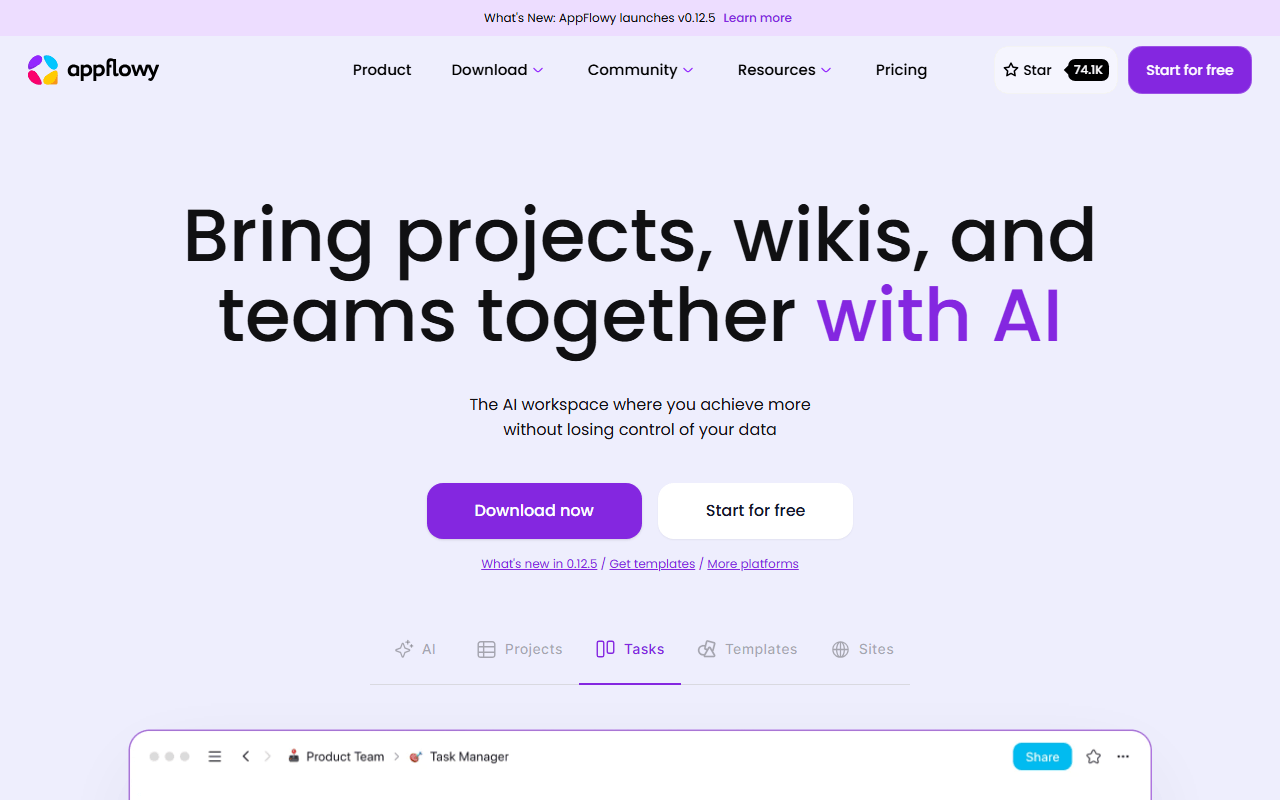
AppFlowy is the one that feels like Notion when you open it: slash commands, block editing, and grid, board, and calendar views over the same data. It is local-first, so unlike Notion it keeps working offline, and it is AGPL-3.0, so you can run the whole stack on your own server with no member or storage caps. The hosted free plan covers one collaborative workspace with up to 2 members, unlimited pages and blocks, and 5 GB of storage as of July 2026.
- Free plan, paid from $10/month (as of July 2026)
- Singapore
- Open source (AGPL-3.0)
 Singapore
- Best for:
- Teams that want Notion's shape without per-seat pricing or vendor lock-in
- The catch:
- Two members on the free cloud tier, and database relations and rollups are noticeably thinner than Notion's.
Compared to Notion
- Advantage: Works fully offline, where Notion is close to unusable without a connection
- Advantage: Self-hostable under AGPL-3.0, so no per-seat bill and no lock-in
- Advantage: Unlimited pages and blocks on the free plan
- Tradeoff: Hosted free plan caps you at 2 workspace members
- Tradeoff: Relations, rollups, and formulas are shallower than Notion's
- Tradeoff: Barely any templates or third-party integrations by comparison
Every page is also an infinite whiteboard, so planning and writing happen in one document instead of two apps
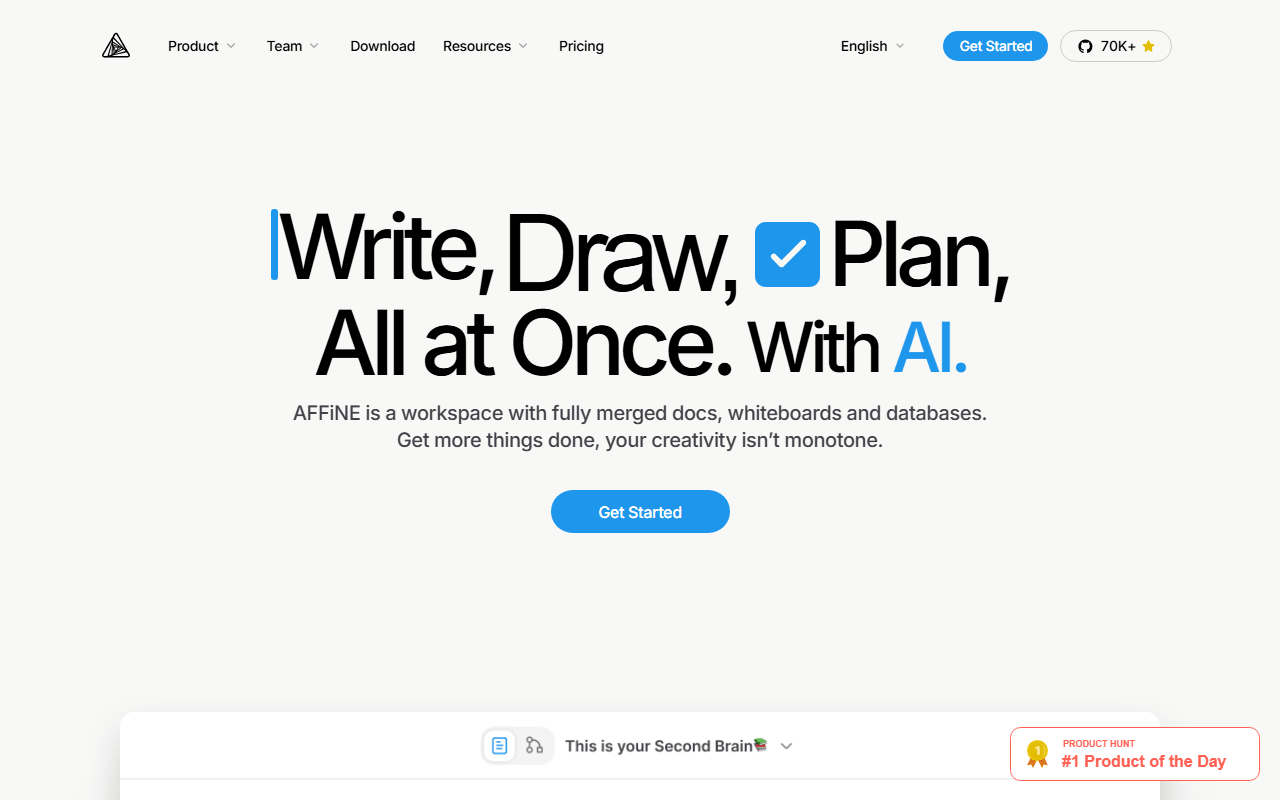
AFFiNE covers Notion's docs and databases and then does something Notion cannot: flip any page into edgeless mode and its blocks become objects on an infinite canvas. For anyone who keeps a Notion page open next to a FigJam board, that collapses two tools into one. Free gives 10 GB of cloud storage, up to 3 members, 7 days of version history, and unlimited local workspaces, and the client is MIT licensed so self-hosting is an option.
- Free plan, paid from $6.75/month (as of July 2026)
- Singapore
- Open source (MIT (client); server directory under a separate license)
- Best for:
- People whose Notion pages always end up needing a diagram next to them
- The catch:
- The 3-device login cap on free is tight, and it ships fast enough that sync bugs still turn up.
Compared to Notion
- Advantage: Document and whiteboard in one object, which Notion has no equivalent for
- Advantage: Unlimited local workspaces that do not touch the cloud quota
- Advantage: MIT-licensed client with self-hosting available
- Advantage: 10 GB free storage against Notion's 5 MB per-file limit
- Tradeoff: Free plan allows only 3 logged-in devices and 3 members
- Tradeoff: Less stable than Notion, and worth backing up
Notion-style structure with end-to-end encryption, so the company hosting your workspace cannot read it
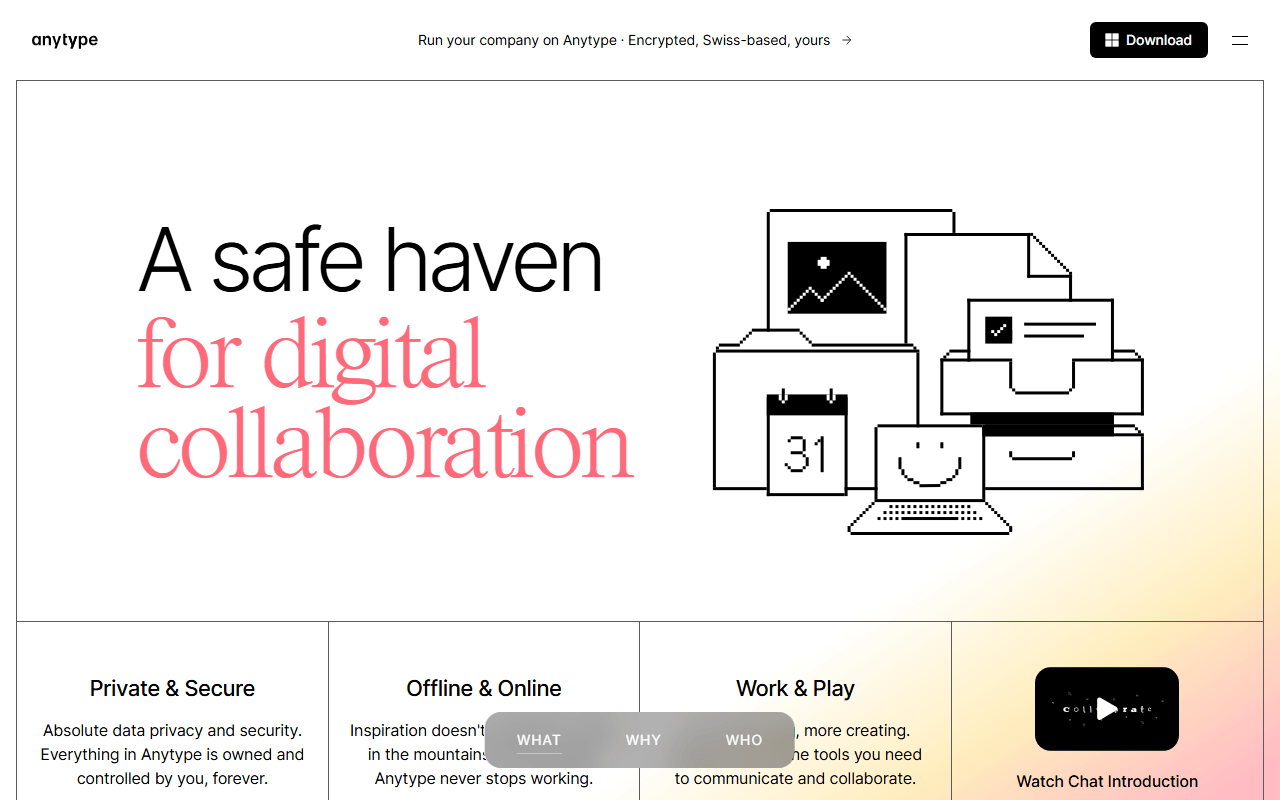
Anytype is the answer to the Notion question nobody asks until later: who else can read this. Everything is encrypted on your device and synced peer-to-peer, and local storage is unlimited on every tier. Instead of pages inside databases you get typed objects joined by relations, which is more flexible once it clicks and slower for the first fortnight. Free includes 100 MB of remote sync storage and 10 shared spaces, with paid tiers from $4 per month buying only more space.
- Free plan, paid from $4/month (as of July 2026)
- Switzerland
 Switzerland
- Best for:
- Private workspaces where encryption matters more than collaboration features
- The catch:
- 100 MB of free sync storage, no web app, and a source-available license rather than true open source.
Compared to Notion
- Advantage: End-to-end encrypted, where Notion can read everything in your workspace
- Advantage: Local-first and fully usable offline
- Advantage: Unlimited local objects with no page or block quota
- Advantage: Paid tiers buy storage, not features, so nothing is paywalled
- Tradeoff: Only 100 MB of remote sync storage on free
- Tradeoff: No web app, no API ecosystem, and very few integrations
- Tradeoff: Learning objects and relations takes real time
Trades databases for speed and ownership: every page becomes a Markdown file on your disk, free and with no limits
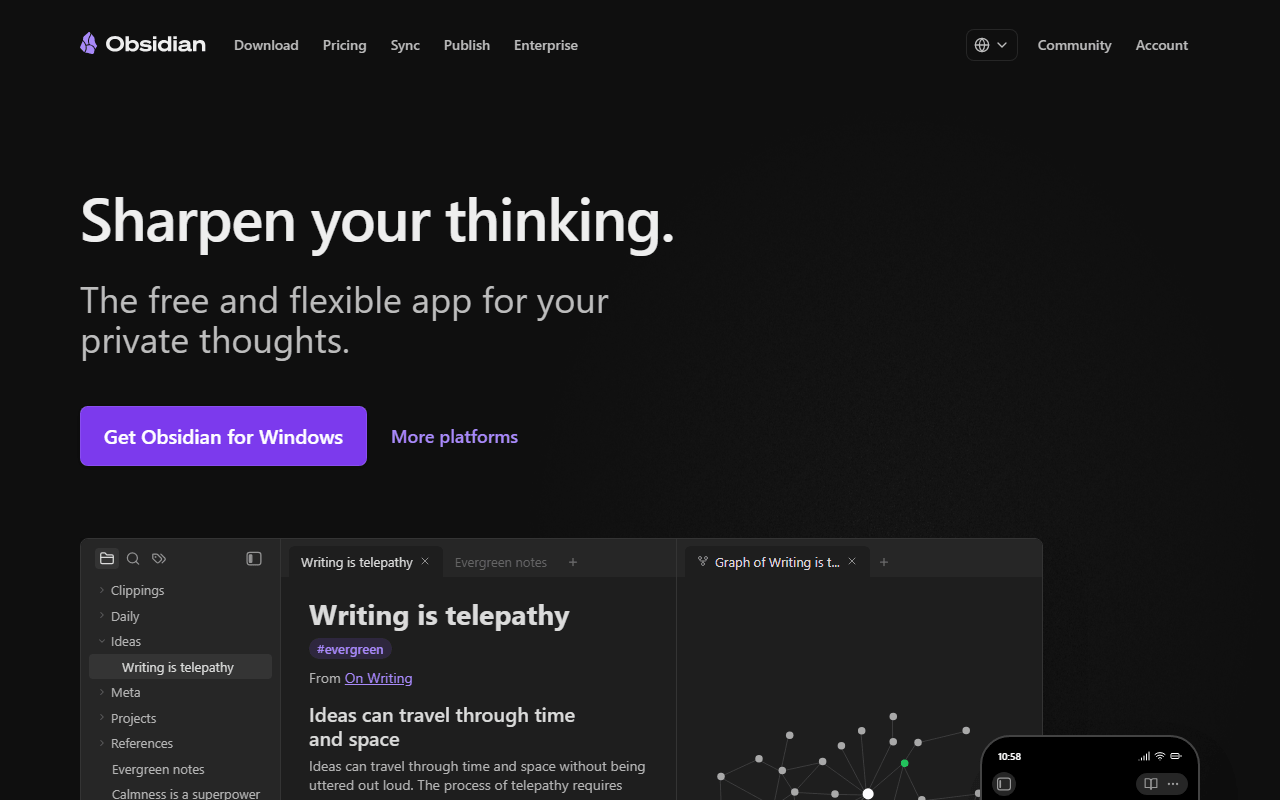
Most people use Notion as a wiki with a few tables, and for that Obsidian is faster, free, and yours. There is no note limit, no device limit, and no locked features on personal use, and the editor opens instantly where Notion pages load. Plugins like Dataview reproduce a surprising amount of database behaviour. What you give up is real-time collaboration, which Obsidian simply does not do.
- Free plan, paid from $4/month (as of July 2026)
- Canada
 Canada
- Best for:
- Solo Notion users who mostly write, link, and occasionally make a table
- The catch:
- No real-time collaboration and no true databases, so a shared team workspace is out of scope.
Compared to Notion
- Advantage: Notes are Markdown files you own, not rows in Notion's database
- Advantage: Opens and searches far faster than Notion on large workspaces
- Advantage: Fully offline with no page history limits or upload caps
- Tradeoff: No real-time collaborative editing at all
- Tradeoff: Databases only exist through plugins like Dataview, and they are not equivalent
- Tradeoff: Free for personal use, but company use needs a $50 per user per year commercial license
Block references and a built-in database in a free offline app, with a one-time payment instead of per-seat billing
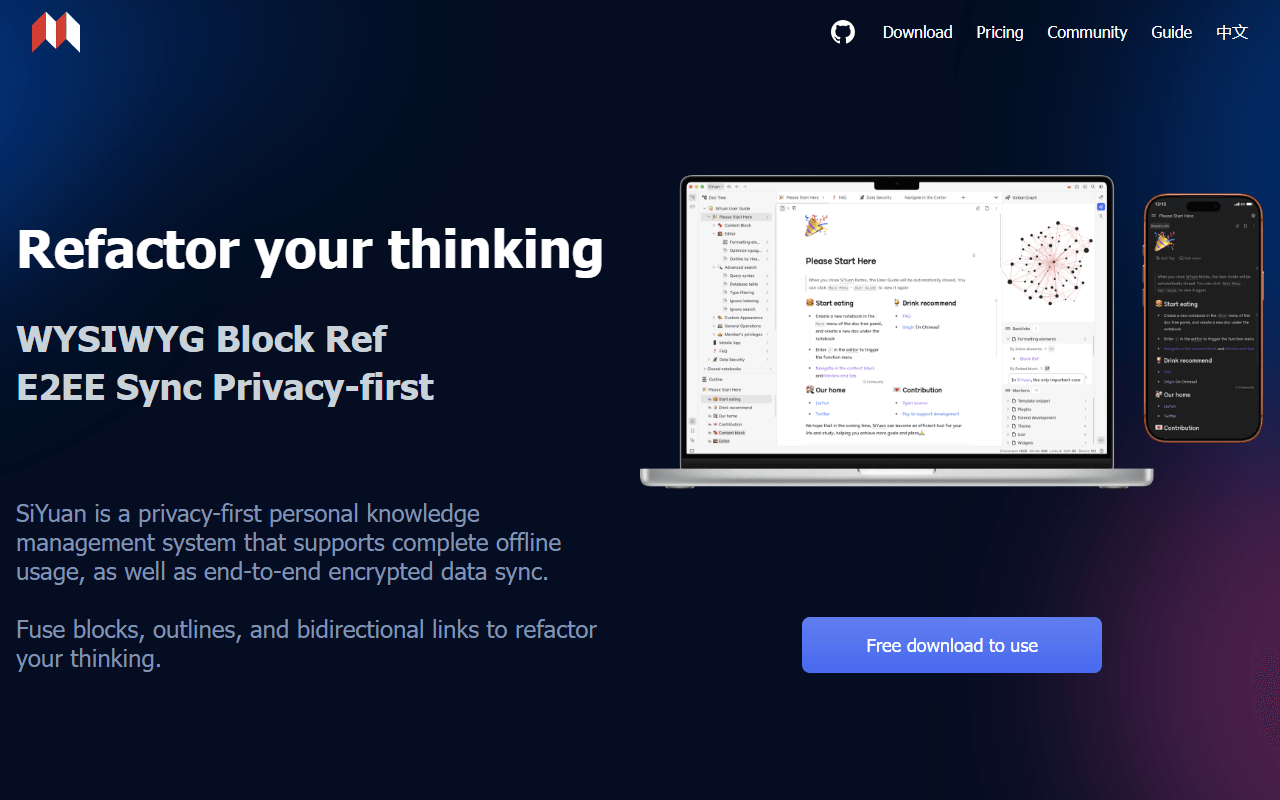
SiYuan lands between Obsidian and Notion: block-level references and backlinks like a knowledge base, plus attribute views that do much of what a Notion database does. It runs entirely offline with no account, the app is free for life under AGPL-3.0, and sync is a one-time $64 through your own S3 or WebDAV rather than a monthly bill. PDF annotation and flashcards come included.
- Free plan, paid from $64 one-time (as of July 2026)
- China
- Open source (AGPL-3.0)
 China
China- Best for:
- Individuals who want Notion-style structure with no subscription at all
- The catch:
- Notes are stored as JSON rather than Markdown files, and the English documentation is rough.
Compared to Notion
- Advantage: No subscription of any kind, against Notion's $10 per member per month
- Advantage: Block-level references and backlinks that Notion does not offer
- Advantage: Fully offline with an official Docker image for self-hosting
- Tradeoff: Data is stored as local JSON, so portability needs an export step
- Tradeoff: No real-time collaboration or team permissions
- Tradeoff: English docs are translated and the community is small
Entirely free and open source with no plan to upgrade to, built for capture rather than page hierarchies
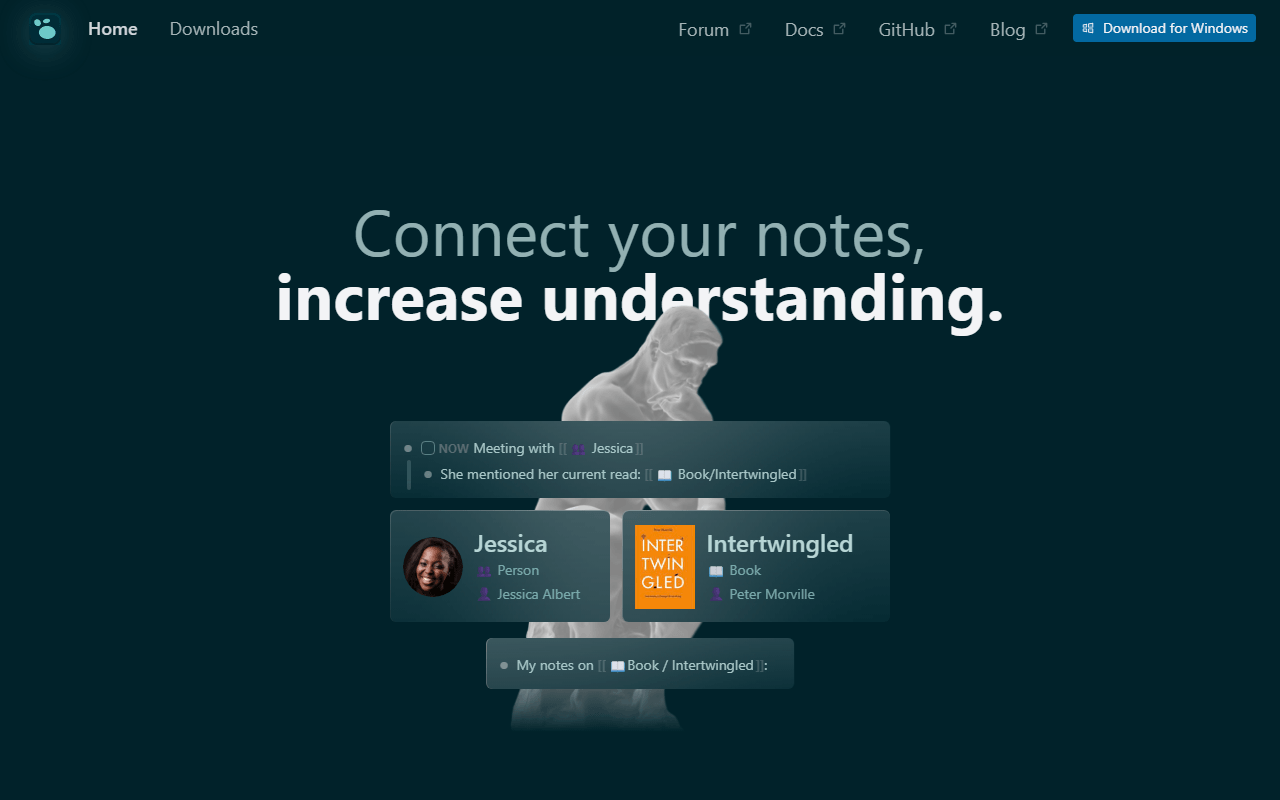
Logseq is the opposite of a Notion workspace and that is the point. There are no databases and no shared pages; there is a daily journal, blocks, links, and queries, all stored as local Markdown under AGPL-3.0 with nothing behind a paywall. If your Notion had quietly become a place you dumped thoughts and never found them again, this is the tool built for exactly that job.
- Completely free (as of July 2026)
- United States
- Open source (AGPL-3.0)
 United States
- Best for:
- Capture-first note-takers who never really used Notion's databases
- The catch:
- No collaboration, no databases, and official sync is still beta and limited to backers.
Compared to Notion
- Advantage: Every feature free forever under AGPL-3.0, with no seats to buy
- Advantage: Local Markdown files instead of pages inside a hosted database
- Advantage: Block-level queries and backlinks that Notion cannot match
- Tradeoff: No databases, boards, or calendar views
- Tradeoff: No real-time collaboration or sharing
- Tradeoff: Official sync remains beta and gated to Open Collective backers
How to choose
Work out which half of Notion you actually use. If it is databases, boards, and shared docs, AppFlowy is the closest match and self-hosting removes its member cap entirely. If it is writing and linking ideas, Obsidian or Logseq will feel faster and give you files you own. Pick Anytype if encryption matters more than collaboration, and AFFiNE if half your pages should really have been a whiteboard. None of them match Notion's template library or integrations, so if your workspace runs on Zapier and shared databases with a dozen people, staying and paying is a legitimate answer.