
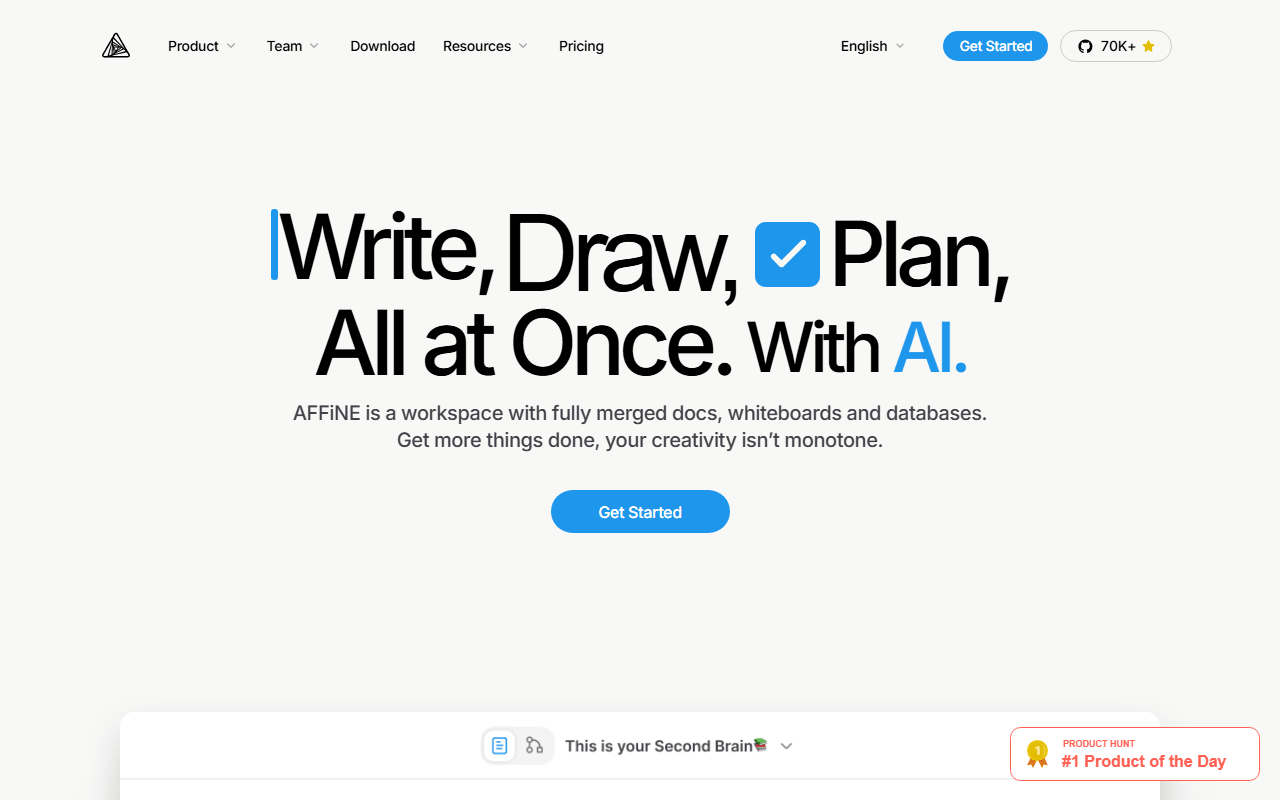

One document, two modes: page and edgeless
AFFiNE puts a document editor and an infinite canvas on top of the same content. Write a page in page mode, switch to edgeless mode, and the blocks become cards you can move around, connect with arrows, and sketch on. Add database views on top and you have roughly Notion plus Miro in one app, with the client MIT licensed on GitHub.
For anyone keeping a doc and a canvas in sync by hand
- People who plan visually and write linearly and are tired of keeping two apps in sync
- Teams of three or fewer who want a shared modern workspace for free
- Anyone who wants unlimited local-only workspaces with cloud sync as an option
- Self-hosters looking for a docs-plus-whiteboard tool in a single deployment
10 GB free, Pro priced at $6.75, lifetime at $499.99
As of July 2026, free means 10 GB of cloud storage, a 10 MB maximum file size, up to 3 workspace members, 3 logged-in devices, 7 days of version history, and unlimited local workspaces. Pro is $6.75 per month billed annually for 100 GB, 100 MB files, 10 members, and 30 days of history. Team is $10 per seat per month with a 10-seat minimum. There is also a Believer plan at $499.99 once for lifetime Pro with 1 TB. Self-hosting is free.
Three devices is the limit that bites first
- The 3-device login cap is unusually restrictive. A laptop, a desktop, a phone, and a tablet already exceeds it
- 10 MB per file on free rules out most video and large PDF attachments
- Stability has been the recurring complaint. It ships fast, and occasional sync and rendering bugs come with that
- Databases are usable but shallow next to Notion's relations and rollups
- The dual-mode concept takes a while to click, and some blocks behave differently between page and edgeless mode
Worth testing on the free 10 GB, worth backing up
AFFiNE is the most interesting product in this category and not yet the most reliable one. If the document-and-canvas combination solves a real problem for you, the free tier is generous enough to test properly, and unlimited local workspaces mean you can keep the bulk of your notes off the 10 GB quota. Treat it as a tool you should back up rather than a system of record, at least until the sync rough edges settle.
Reader reviews
What people who actually use AFFiNE think of it.
No reviews of AFFiNE yet. If you have used it, yours would be the first.
The useful part is the specifics: what you used it for, and where it got in your way.
Loading...