Discover honest, community-driven software alternatives. Learn about our mission

Which free note-taking app still leaves you owning your notes?

You want one place to capture notes, build a knowledge base, and write docs you can find again later. The job is simple; the tools keep making it complicated with note caps, per-seat bills, and pages you cannot easily take with you.

Most people arrive here after Evernote squeezed its free plan to 50 notes (as of July 2026), Notion's per-member pricing added up once a team formed, or Confluence's editor and search wore them down. The deeper worry is usually ownership: your notes sit in someone else's database, and the terms can change on writing you already did.

Our pick is Obsidian, because your notes stay as plain Markdown files in a folder you control, so the app can change its pricing and your notes still open in any text editor.

11 free tools, ranked and reviewed as of July 2026.

Four apps, depending on what you refuse to give up

Best overall

Obsidian logo

Obsidian

Best FreeNote-Taking App

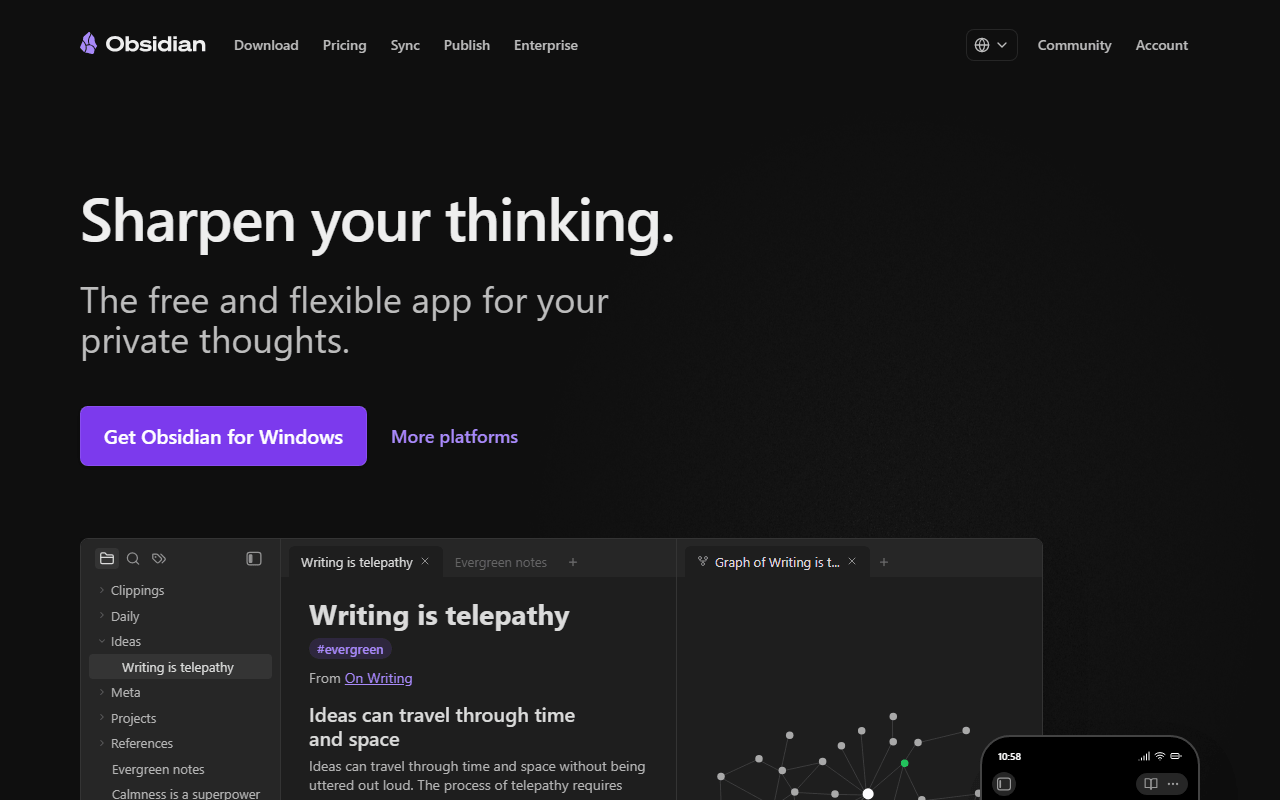
Obsidian is our number one because it removes the question every other app leaves open: what happens to your notes later. It points at a folder of Markdown files you own, adds backlinks, a graph view, canvas, and over a thousand community plugins, and charges nothing for personal use with no note or device limits (as of July 2026).

Obsidian wins because it answers the one question every other tool here leaves open: what happens to your notes later. They are Markdown files in a folder, so if the pricing changes or the company disappears, you keep them and read them in any editor. The app is free for personal use with no note, device, or feature limits (as of July 2026), and a community plugin library over a thousand deep fills most gaps. The catch is real: it is not open source, so you cannot self-host or fork it; sync across devices is a paid add-on at $4 per user per month billed annually unless you wire up iCloud or Dropbox yourself; and the empty-folder start has a learning curve that can eat a weekend before you take a useful note.

Read our Obsidian review

Best for bringing an Evernote archive over

The apps are free and AGPL-3.0 on every platform, and syncing through your own Dropbox, Nextcloud, WebDAV, or S3 costs nothing, with the best-tested ENEX importer here (as of July 2026). The interface looks a decade old.

Best for a two-person team, or a self-hosted one

The free plan covers one collaborative workspace with 2 members, unlimited pages and blocks, and 5 GB of storage (as of July 2026), and self-hosting the AGPL-3.0 code removes those caps if you can run Docker.

Best for a private journal on every device

It is the only app here that syncs unlimited end-to-end encrypted notes across unlimited devices for free, but that free plan is plain text with no attachments and no rich formatting (as of July 2026).

Why a hosted 'free forever' plan scores below a folder of files

We rank these on how much of the app is genuinely free, how easily you can leave with your notes, and whether the code is open source or the storage is local-first. A 'free forever' plan that locks your data in a hosted database scores lower than one that keeps files on your own disk. Where a tool is source-available rather than OSI open source, or where 'free' is really a trial, we say so, and we date the pricing and limits that change (as of July 2026).

The free tier and the first paid price, app by app

#ToolFree planStarting priceCountry
1
Obsidian logo
Obsidian
Yes$4/monthCanada
2
Logseq logo
Logseq
Free / open source-United States
3
Joplin logo
Joplin
Yes€2.4/monthUnited Kingdom
4
AppFlowy logo
AppFlowy
Yes$10/monthSingapore
5
AFFiNE logo
AFFiNE
Yes$6.75/monthSingapore
6
Anytype logo
Anytype
Yes$4/monthSwitzerland
7
SiYuan logo
SiYuan
Yes$64 one-timeChina
8
Standard Notes logo
Standard Notes
Yes$90/yearSwitzerland
9
Notion logo
Notion
Yes$10/monthUnited States
10
Evernote logo
Evernote
Yes$99/yearItaly
11
Confluence logo
Confluence
Yes$6.05/monthAustralia

The full ranking, from local Markdown files to team wikis

1.

Obsidian

Best FreeNote-Taking App

Obsidian is our number one because it removes the question every other app leaves open: what happens to your notes later. It points at a folder of Markdown files you own, adds backlinks, a graph view, canvas, and over a thousand community plugins, and charges nothing for personal use with no note or device limits (as of July 2026).

Obsidian screenshot
  • Free plan, paid from $4/month (as of July 2026)
  • Canada
Best for:
Anyone building a long-term personal knowledge base they want to still own in ten years.
The catch:
It is not open source, so you cannot self-host it, and sync across devices is a paid add-on at $4 per user per month billed annually unless you set up iCloud or Dropbox yourself.
2.

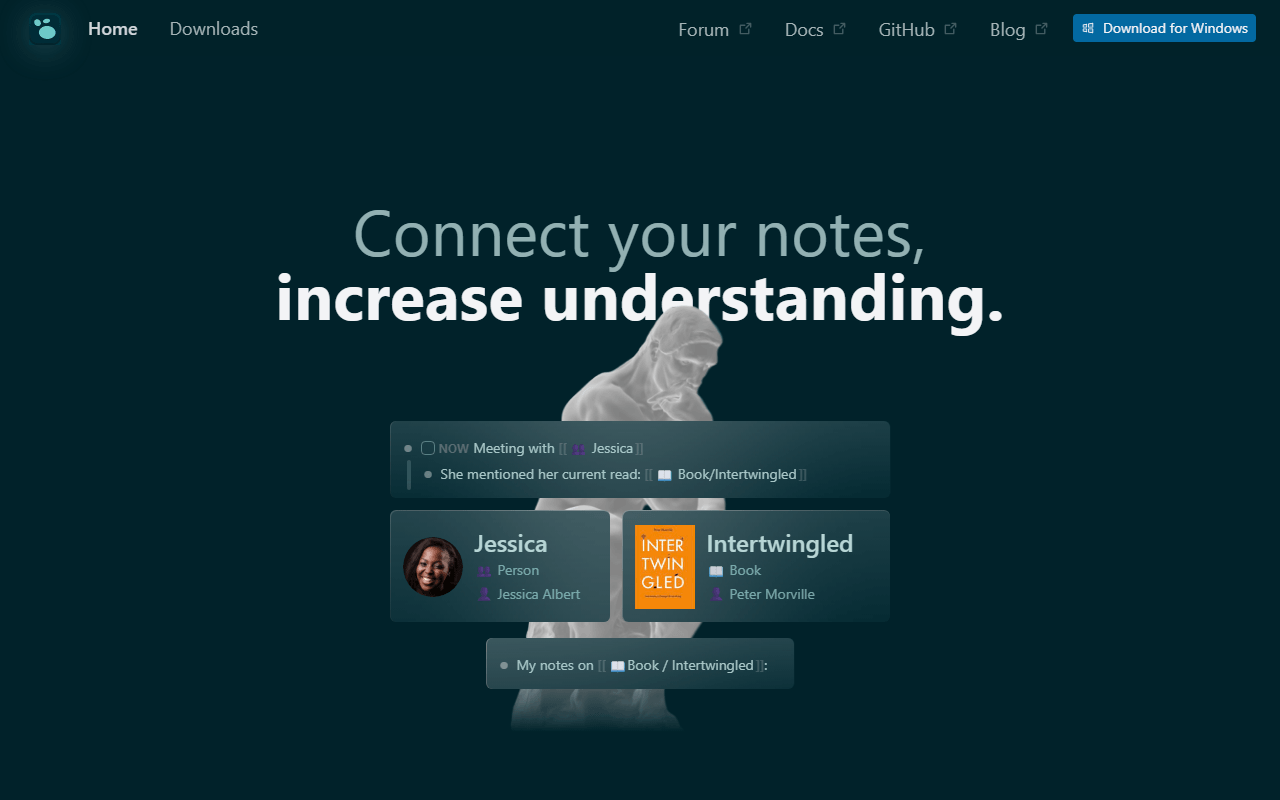
Logseq is the pick when open source is a requirement, not a preference. It is a fully free AGPL-3.0 outliner that opens to today's journal, stores everything as local Markdown or Org-mode files, and links and queries at the block level, which suits capture-first note-takers well.

Logseq screenshot
  • Completely free (as of July 2026)
  • United States
  • Open source (AGPL-3.0)
Best for:
Daily-journal note-takers who want open source code and block-level links.
The catch:
The rewrite to a database backend has been slow, mobile lags on large graphs, and official sync is still beta and limited to backers.
3.

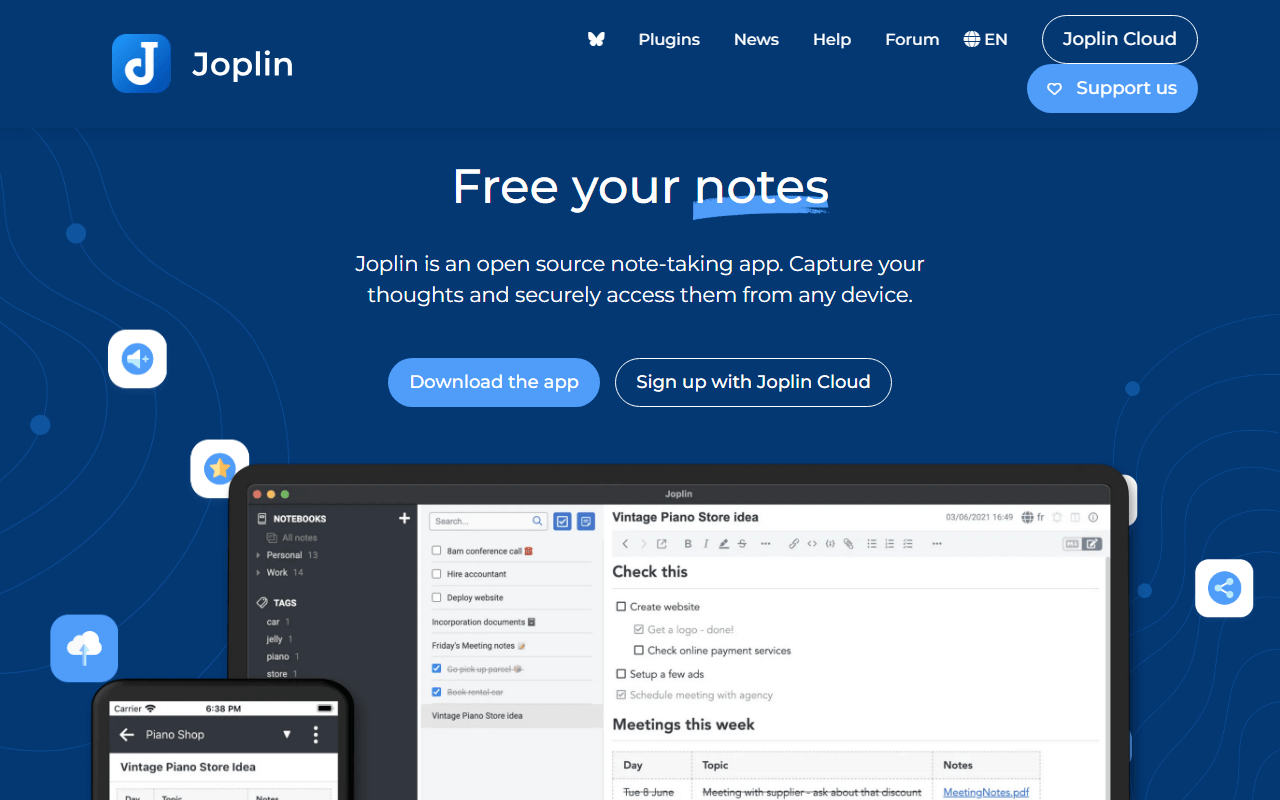
Joplin is the closest free stand-in for the old Evernote workflow: notebooks, tags, attachments, and a browser clipper, all AGPL-3.0. It syncs with end-to-end encryption you switch on yourself to Dropbox, OneDrive, Nextcloud, WebDAV, or S3 at no cost, and its ENEX importer is the best-tested one here.

Joplin screenshot
  • Free plan, paid from €2.4/month (as of July 2026)
  • United Kingdom
  • Open source (AGPL-3.0-or-later)
Best for:
People leaving Evernote who want the same notebooks, tags, and clipper without a subscription.
The catch:
The interface looks a decade old, encryption is off until you enable it, and there is no search inside scanned images.
4.

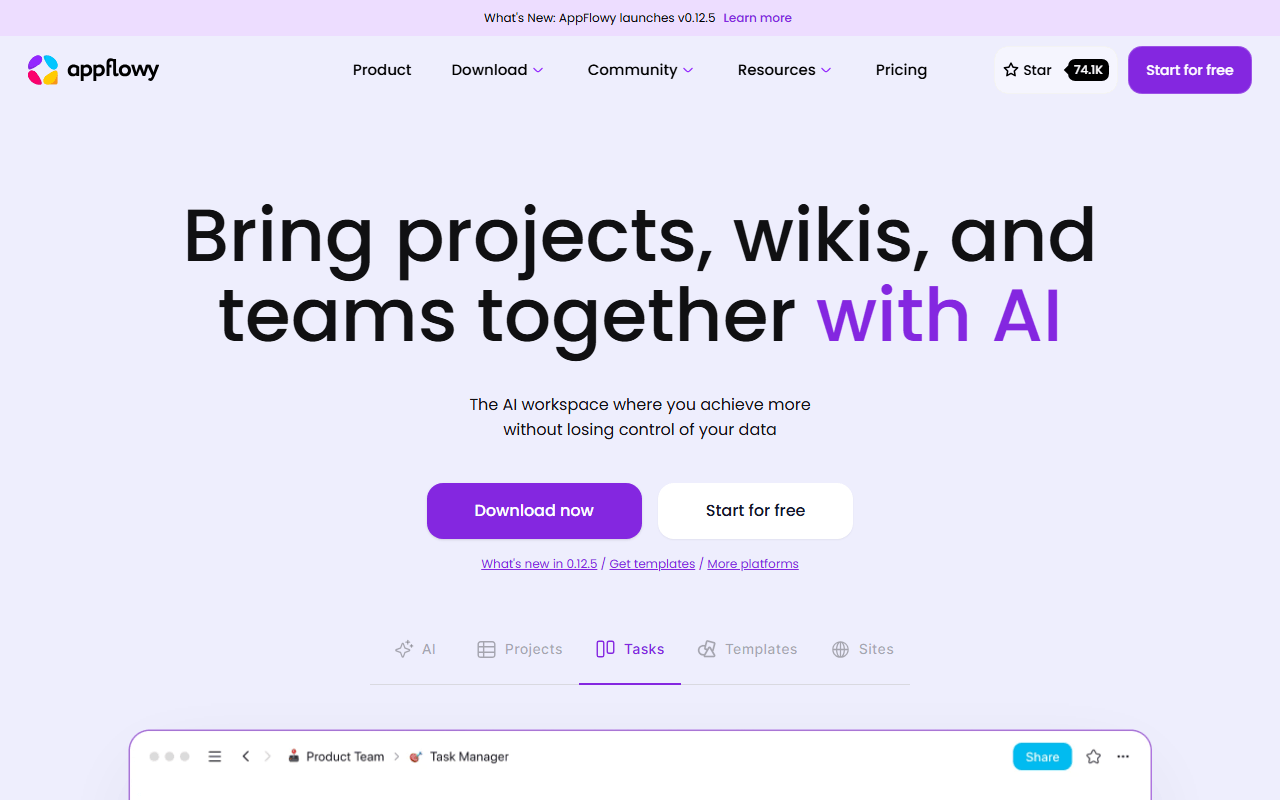
AppFlowy is the most Notion-shaped open source option, with a block editor, slash commands, and grid, board, and calendar database views. It is local-first, so it works offline, and self-hosting the AGPL-3.0 stack removes every limit if you can run Docker.

AppFlowy screenshot
  • Free plan, paid from $10/month (as of July 2026)
  • Singapore
  • Open source (AGPL-3.0)
Best for:
Small teams that want Notion's shape without per-seat pricing or lock-in.
The catch:
The hosted free plan stops at 2 members and 5 GB (as of July 2026), and database relations and rollups are thinner than Notion's.
5.

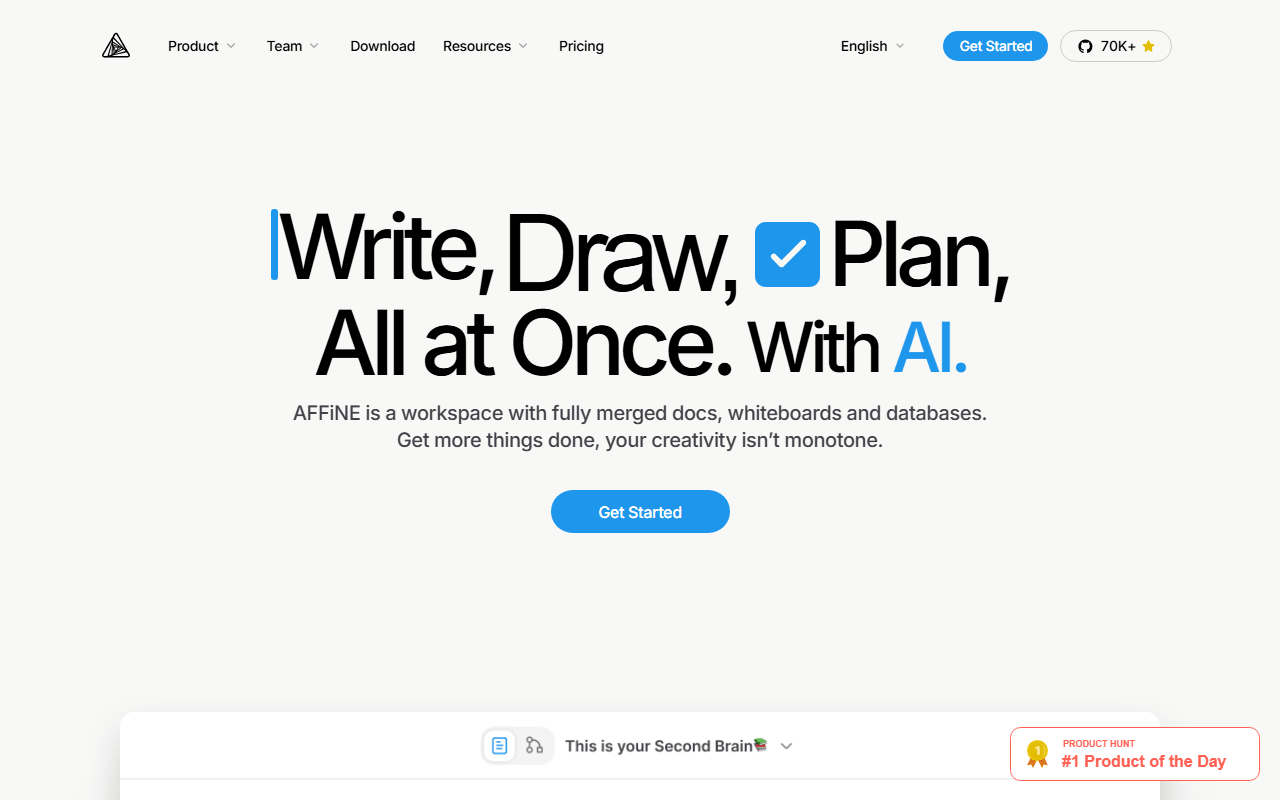
AFFiNE is the only tool here where a document and a whiteboard are the same object: write a page, flip it to edgeless mode, and its blocks become cards on an infinite canvas. The client is MIT licensed, the free plan gives 10 GB and up to 3 members, and unlimited local workspaces stay off that quota (as of July 2026).

AFFiNE screenshot
  • Free plan, paid from $6.75/month (as of July 2026)
  • Singapore
  • Open source (MIT (client); server directory under a separate license)
Best for:
People whose notes always end up needing a diagram sitting next to them.
The catch:
The 3-device login cap is tight, it ships fast enough that sync bugs still surface, and the server directory carries a separate license from the MIT client.
6.

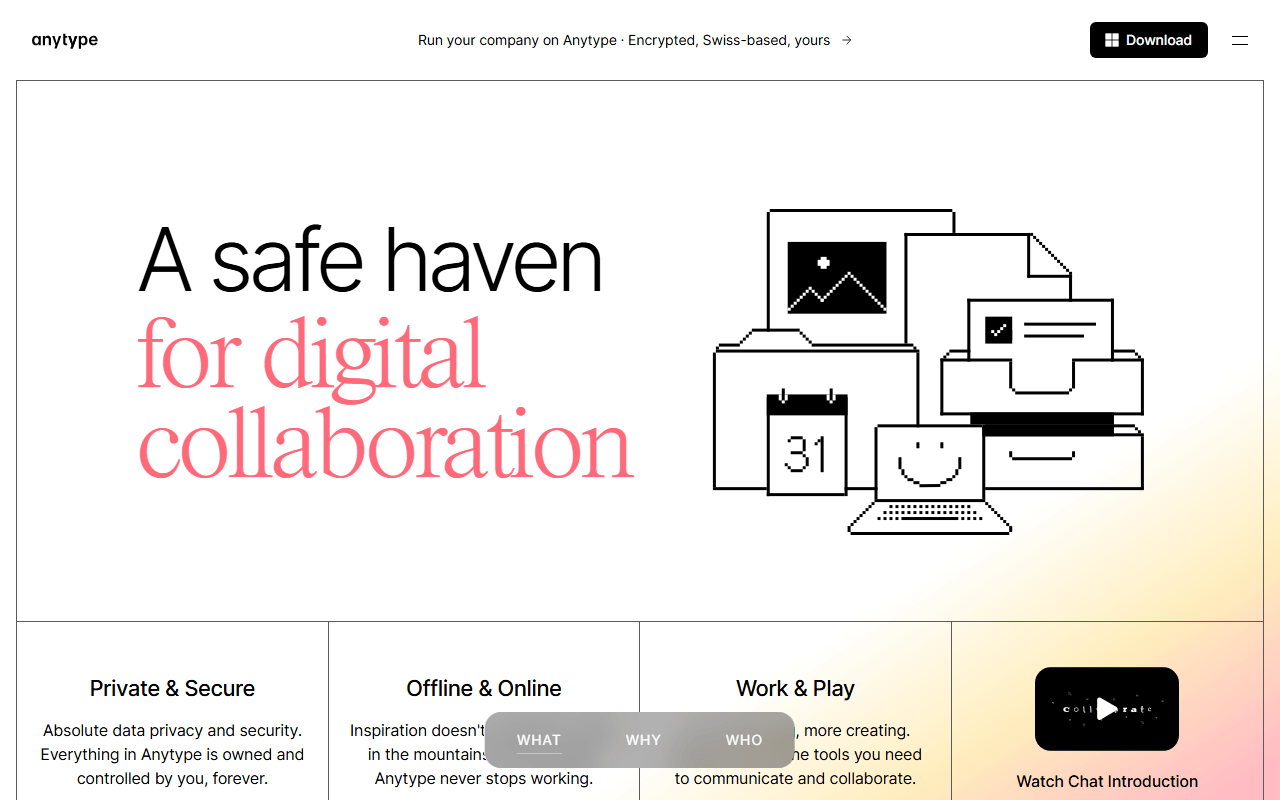
Anytype has the strongest privacy story in this category: everything is encrypted on your device before it syncs peer-to-peer, and local storage is unlimited on every tier. Instead of pages in folders you get typed objects joined by relations, closer to a personal database than a note app.

Anytype screenshot
  • Free plan, paid from $4/month (as of July 2026)
  • Switzerland
Best for:
Privacy-first users who want structure across their notes, not just folders and tags.
The catch:
Free gives only 100 MB of remote sync storage, there is no web app, and the license is source-available rather than OSI open source.
7.

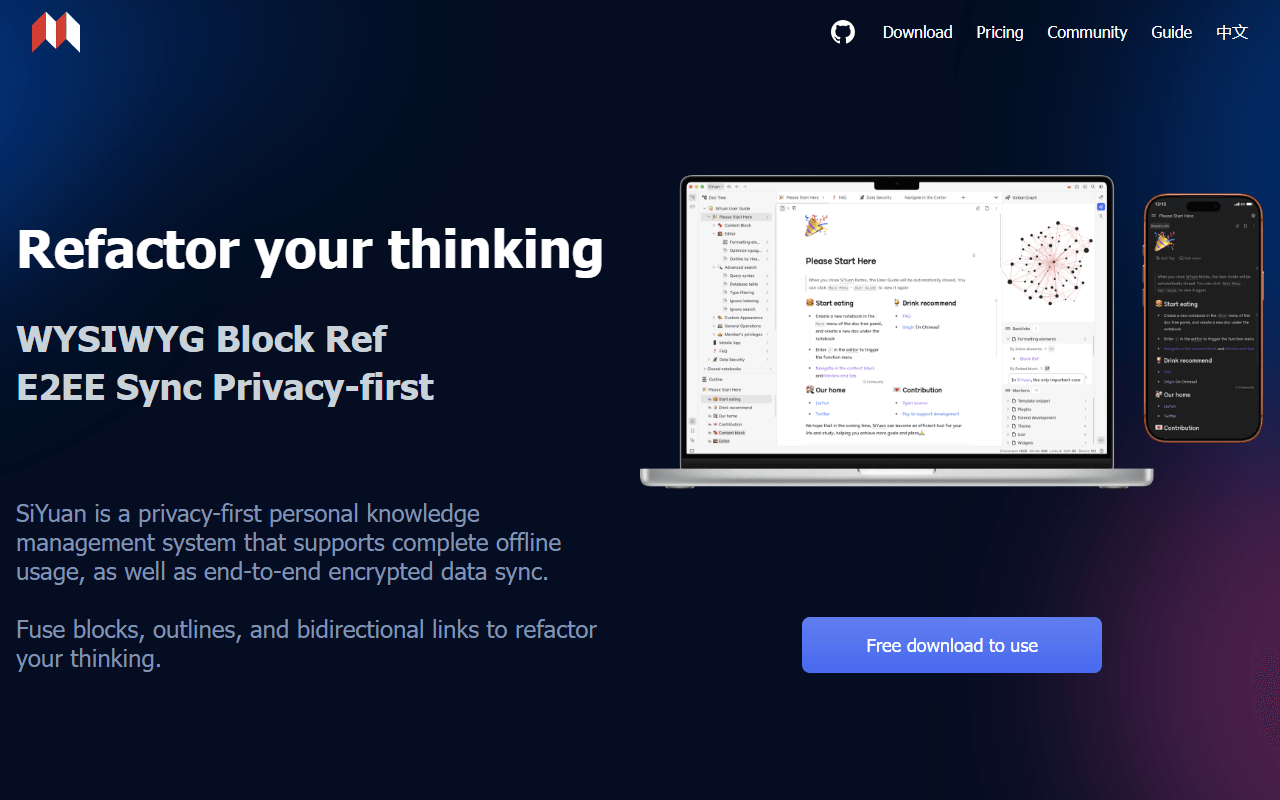
SiYuan is the rare note app with no subscription at all. It is a free-for-life AGPL-3.0 block-based knowledge base that runs fully offline, with block-level references, a built-in database, PDF annotation, and flashcards. Sync is a one-time payment of $64 through your own storage, or $148 for official cloud sync (as of July 2026).

SiYuan screenshot
  • Free plan, paid from $64 one-time (as of July 2026)
  • China
  • Open source (AGPL-3.0)
Best for:
People who want block references and PDF annotation offline, and prefer paying once or never.
The catch:
Notes are stored as JSON rather than plain Markdown files, and the English documentation is translated and rough.
8.

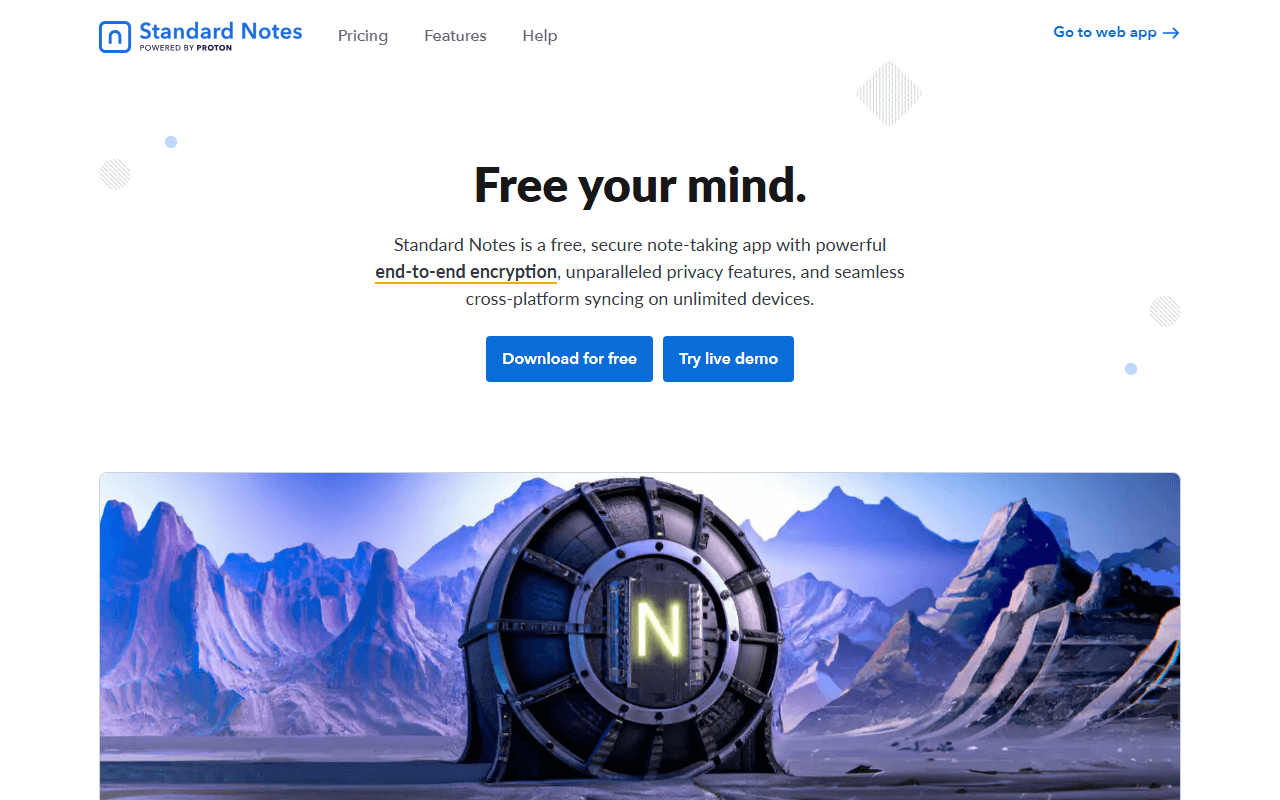
Standard Notes is the only app here that gives unlimited end-to-end encrypted notes synced across unlimited devices for free, with no trial clock. Encryption is the default, not a setting, and Proton has owned it since April 2024. The code is AGPL-3.0 with a self-hostable sync server.

Standard Notes screenshot
  • Free plan, paid from $90/year (as of July 2026)
  • Switzerland
  • Open source (AGPL-3.0)
Best for:
Private writing and journals that need to sync everywhere at no cost.
The catch:
The free plan is plain text with no attachments and no rich formatting, so it is a place to write, not a knowledge base.
9.

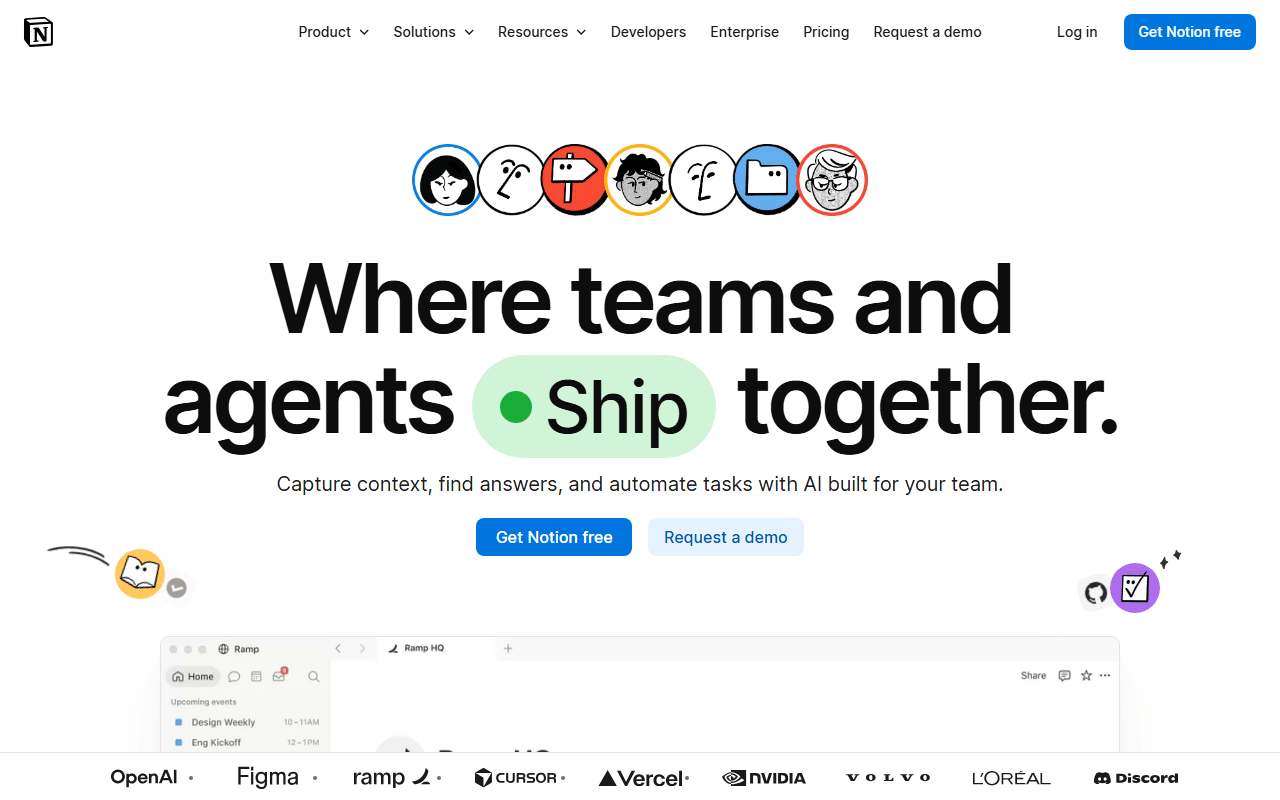
Notion is the all-in-one workspace people leave the others for: docs, notes, databases, and shared pages in one place, with a free plan that is generous for individuals. It is the polished option when you want databases and collaboration without running a server yourself.

Notion screenshot
  • Free plan, paid from $10/month (as of July 2026)
  • United States
Best for:
Individuals and teams who want docs and databases together and do not mind a cloud-only app.
The catch:
It is cloud-only and needs a connection for almost everything, so it can feel heavy and slow next to a local-first app like Obsidian, and your pages live in Notion's database rather than in files you hold.
10.

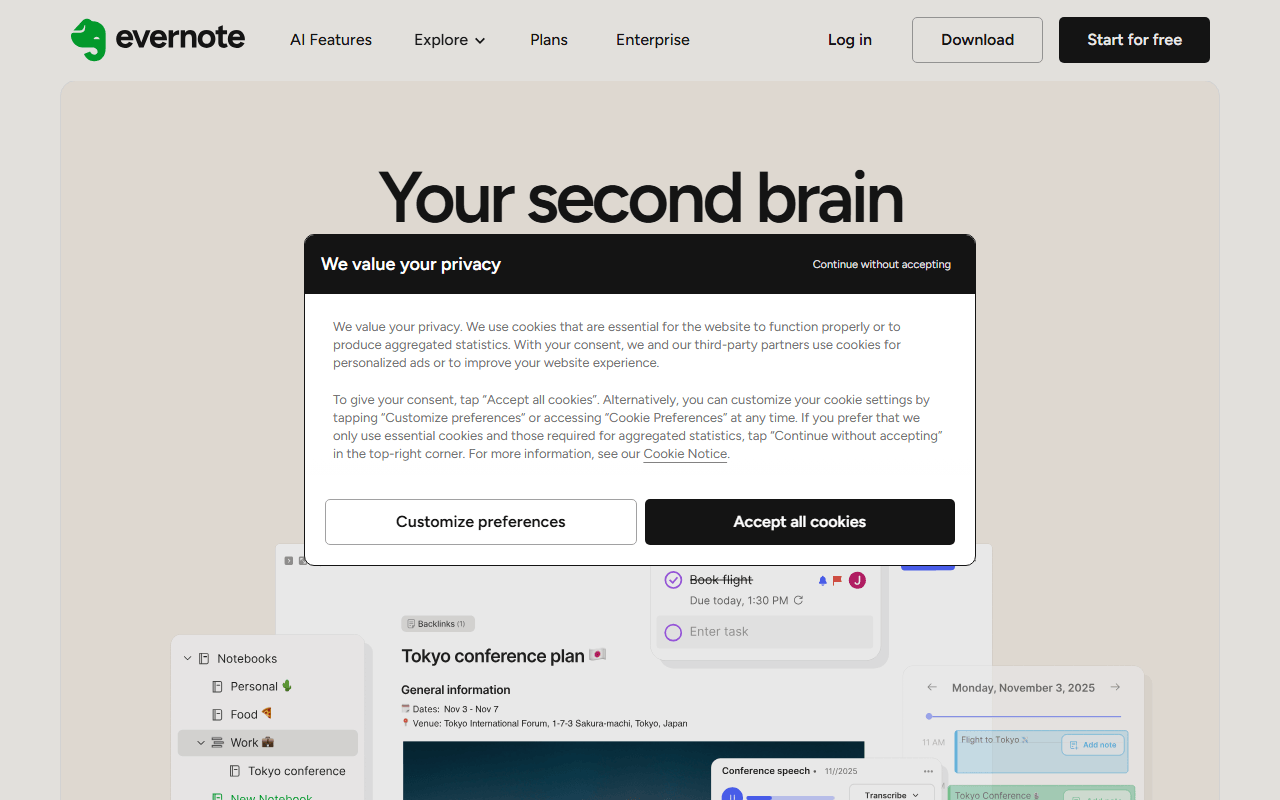
Evernote still has the best web clipper and the best search inside scanned images and PDFs, which is why some people keep paying. But Bending Spoons capped the free plan at 50 notes, 1 notebook, and a single synced device (as of July 2026), which is why most readers here are looking at alternatives.

Evernote screenshot
  • Free plan, paid from $99/year (as of July 2026)
  • Italy
Best for:
People with archives of scanned paper who rely on OCR search and will pay for it.
The catch:
The 50-note free plan is a trial in all but name, and Starter is $99 per year (as of July 2026).
11.

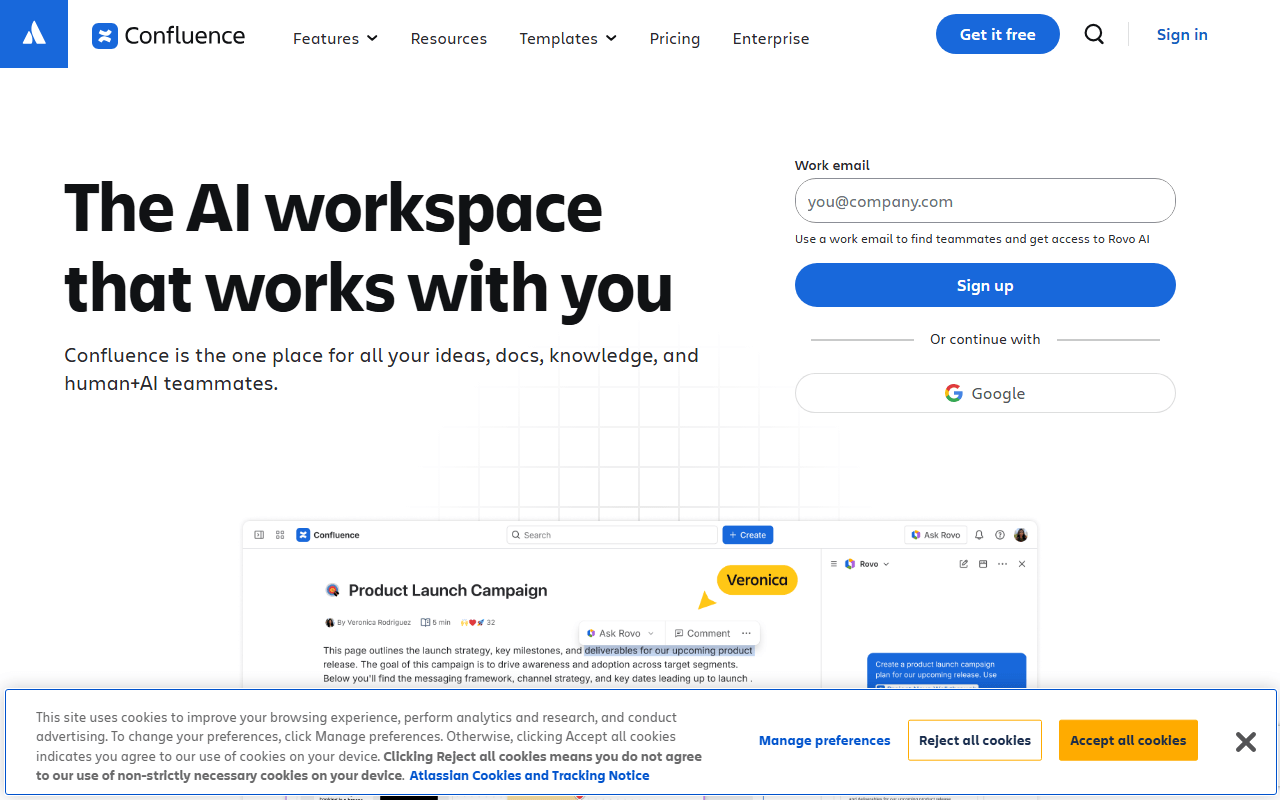
Confluence is the default team wiki when Jira is in the picture: spaces, page trees, templates, inline comments, and page permissions, with the free Cloud plan covering up to 10 users (as of July 2026). It is built for team documentation, not personal notes, and there is no offline mode or local storage.

Confluence screenshot
  • Free plan, paid from $6.05/month (as of July 2026)
  • Australia
Best for:
Engineering teams already running Jira who need a shared documentation wiki.
The catch:
The free plan has a hard 10-user ceiling and 2 GB of storage, and the editor and search feel dated next to newer docs tools.

Pick by what you cannot compromise on

Start from what you want out of it. If you want local Markdown files and connected notes, pick Obsidian, or Logseq if you think in bullets and want the app itself to be open source. If you want an all-in-one workspace with docs and databases, AppFlowy is the closest free match and Notion is the polished paid one. If self-hosting is the requirement, AppFlowy, AFFiNE, Joplin, SiYuan, and Standard Notes all run on your own server, while Anytype is the local-first, encrypted choice when privacy outranks everything else.

Ownership, migration, and what people ask before switching

What is the best free note-taking app in 2026?

We pick Obsidian. It is free for personal use with no note, device, or feature limits, and it stores every note as a plain Markdown file on your own disk, so you are never locked in (as of July 2026). If you need the app itself to be open source, Logseq is the pick; if you want a Notion-style workspace with databases, look at AppFlowy; and if encryption is the priority, Anytype or Standard Notes fit better.

What does local-first mean, and why does it matter for notes?

Local-first means your notes live in files on your own device and sync to the cloud as an option, not a requirement. It matters for two reasons: the app keeps working with no connection, and your data does not vanish if the company changes its terms or shuts down. Obsidian, Logseq, Joplin, SiYuan, Anytype, AppFlowy, and AFFiNE are all local-first to some degree, while Notion, Confluence, and Evernote are cloud-first and need a connection for most things.

Which of these note apps are open source?

Logseq, Joplin, AppFlowy, SiYuan, and Standard Notes are all licensed under AGPL-3.0. AFFiNE's client is MIT licensed, but its server directory carries a separate license, so check that before you build a commercial product on it. Anytype is source-available under the Any Source Available License 1.0, which is not the same as OSI-approved open source, so we do not label it open source. Obsidian, Notion, Evernote, and Confluence are closed source (as of July 2026).

Can I move my notes from one of these apps to another?

Usually yes, but how cleanly depends on the format. Apps that store plain Markdown files, like Obsidian and Logseq, are the easiest to leave because any other app can read the files directly. Joplin, Anytype, and SiYuan export to Markdown, but structure like tags, relations, or block references can flatten on the way out. Evernote exports ENEX files that Joplin, Obsidian, Anytype, and Notion can import, with Joplin generally handling large exports best.

What is the best free alternative to Notion for notes?

AppFlowy is the closest, because it copies Notion's block editor and grid, board, and calendar views, and self-hosting the AGPL-3.0 code removes the member and storage caps. The hosted free plan covers up to 2 members with 5 GB of storage (as of July 2026). If you mostly write and link rather than build databases, Obsidian will feel faster and gives you files you own, and AFFiNE adds a whiteboard to every page.


Keep exploring

Browse every category, or read our full reviews of the tools above.