Free alternatives to Obsidian
Obsidian is free for personal use with no limits, so why would you look elsewhere. Two reasons come up most. Sync across your devices is a paid add-on at $4 per user per month billed annually unless you wire up iCloud or Dropbox yourself, and the empty-folder start with plugins to configure is a lot for anyone who is not technical (as of July 2026). It is also closed source, so you cannot self-host or fork it. These free tools answer one or more of those.
Facts checked as of July 2026Read our Obsidian review
Jump to an alternative





Logseq
Best Free Alternative ToObsidianSame local Markdown files, but fully open source with no paid tier, so nothing about the app can be taken away later
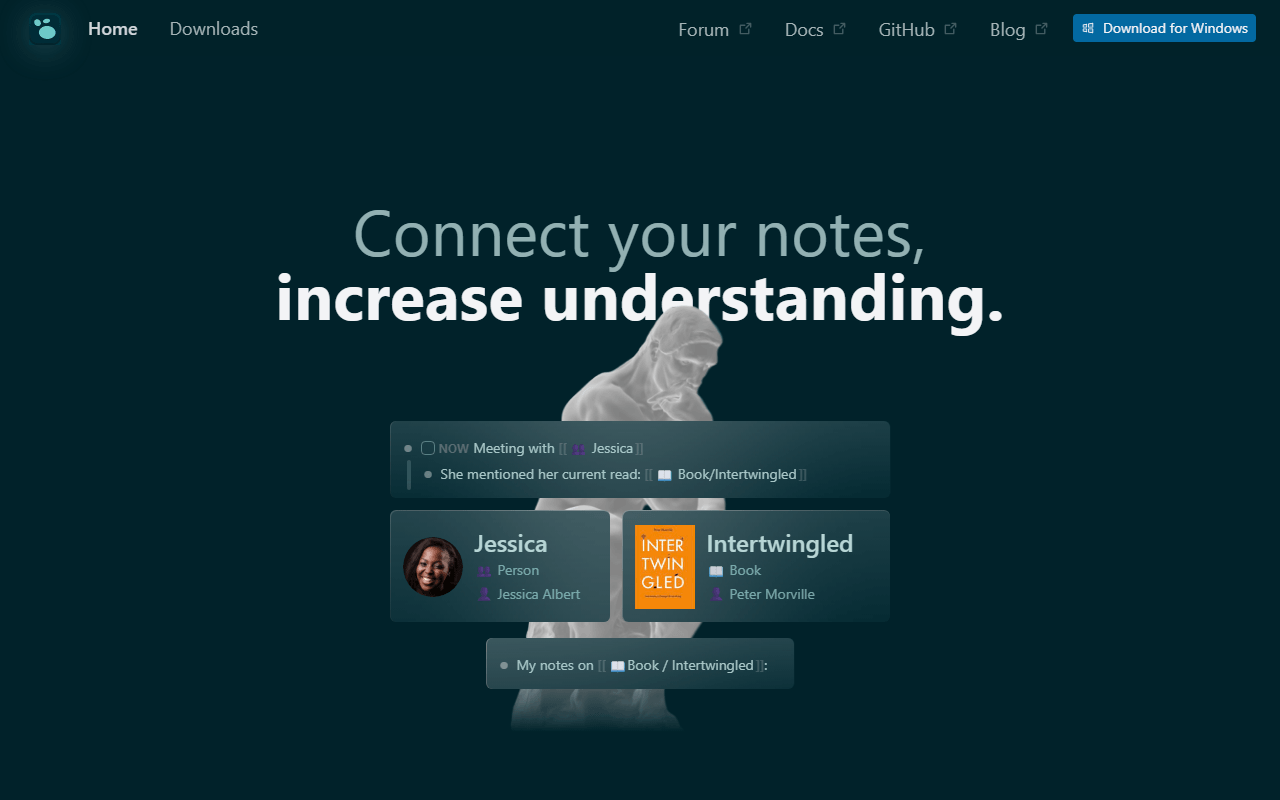
Logseq is the closest match to what Obsidian does well, minus the one thing Obsidian does not do: be open source. It opens to a daily journal, stores notes as local Markdown or Org-mode files you own, and links and queries at the block level, all free under AGPL-3.0 with no plan to upgrade to (as of July 2026). The difference in feel is the outliner model, where every line is a bullet, which suits capture and journaling more than long prose. Sync is the weak spot: official Sync is a beta perk for backers, so most people use iCloud, Dropbox, or Git, the same free routes Obsidian users already know.
- Completely free (as of July 2026)
- United States
- Open source (AGPL-3.0)
 United States
- Best for:
- Obsidian users who want open source code and think in bullets rather than pages
- The catch:
- The outliner format fights long-form writing, and official sync is still beta and limited to backers.
Compared to Obsidian
- Advantage: Fully open source under AGPL-3.0, where Obsidian's core is closed
- Advantage: Notes stay as local Markdown files you own, same as Obsidian
- Advantage: Every feature is free with no paid Sync or Publish tier
- Advantage: Block-level queries go deeper than Obsidian's out of the box
- Tradeoff: The outliner model is more rigid than Obsidian's free-form editor
- Tradeoff: Far smaller plugin ecosystem than Obsidian's thousand-plus
- Tradeoff: Mobile is slower on large graphs
Block references, a database, PDF annotation, and flashcards in one open source app, with sync as a one-time payment instead of monthly
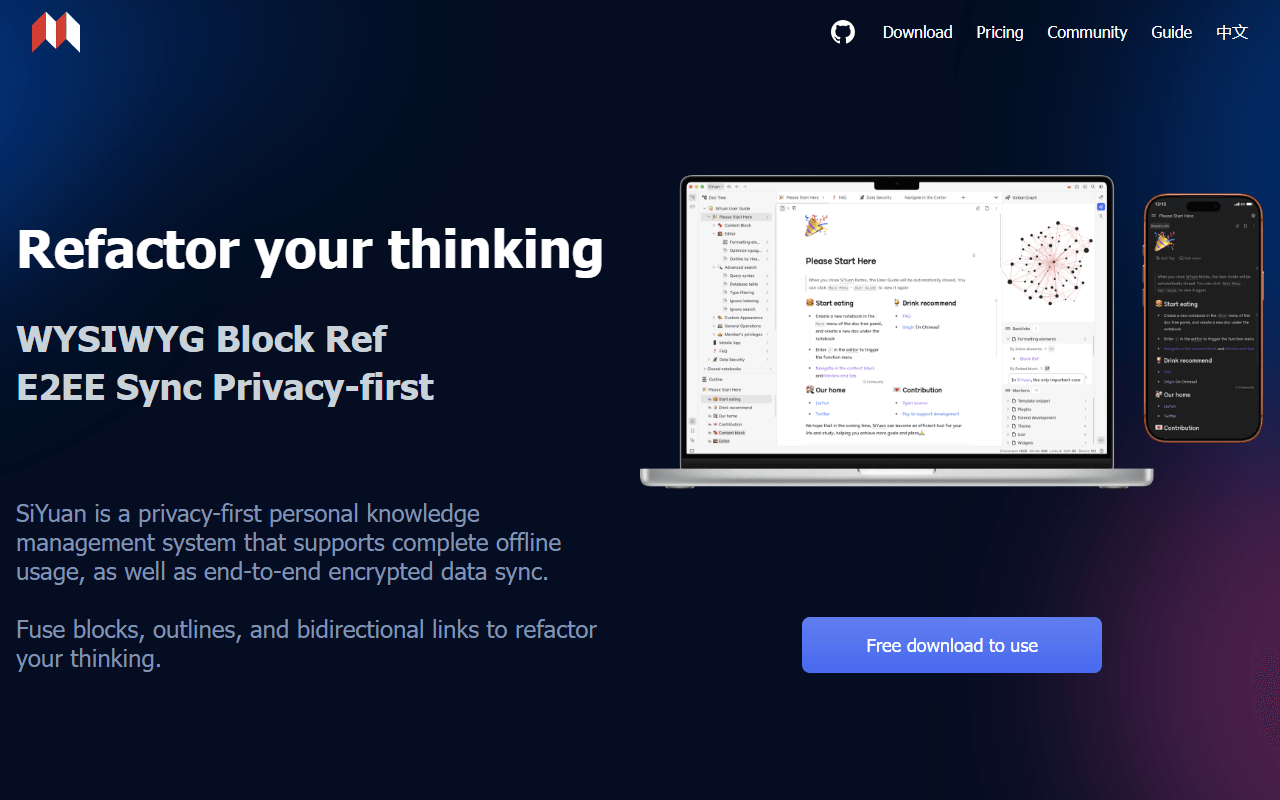
SiYuan gives you more inside the app than Obsidian does before you install a single plugin: block-level references, an attribute-view database, PDF annotation, and spaced-repetition flashcards, all free for life under AGPL-3.0 and working fully offline (as of July 2026). Where Obsidian charges $4 per user per month for Sync, SiYuan charges once: $64 to sync through your own S3 or WebDAV, or $148 for official cloud sync with 8 GB. The tradeoff is the storage format. Notes are kept as JSON rather than plain Markdown files, so leaving is an export rather than just opening the folder.
- Free plan, paid from $64 one-time (as of July 2026)
- China
- Open source (AGPL-3.0)
 China
China- Best for:
- People who want block references and PDF annotation built in, and prefer paying once or never
- The catch:
- Notes are stored as JSON rather than plain Markdown, and the English documentation is translated and rough.
Compared to Obsidian
- Advantage: Open source under AGPL-3.0, where Obsidian is closed
- Advantage: Block references, database, PDF annotation, and flashcards built in, no plugins needed
- Advantage: Sync is a one-time payment, not Obsidian's $4 per user per month
- Tradeoff: Notes are stored as JSON, so portability needs an export step unlike Obsidian's plain files
- Tradeoff: English docs and community support are thinner than Obsidian's
- Tradeoff: The interface is denser on first launch
Free encrypted sync to storage you already own, plus a real web clipper Obsidian only gets through community add-ons
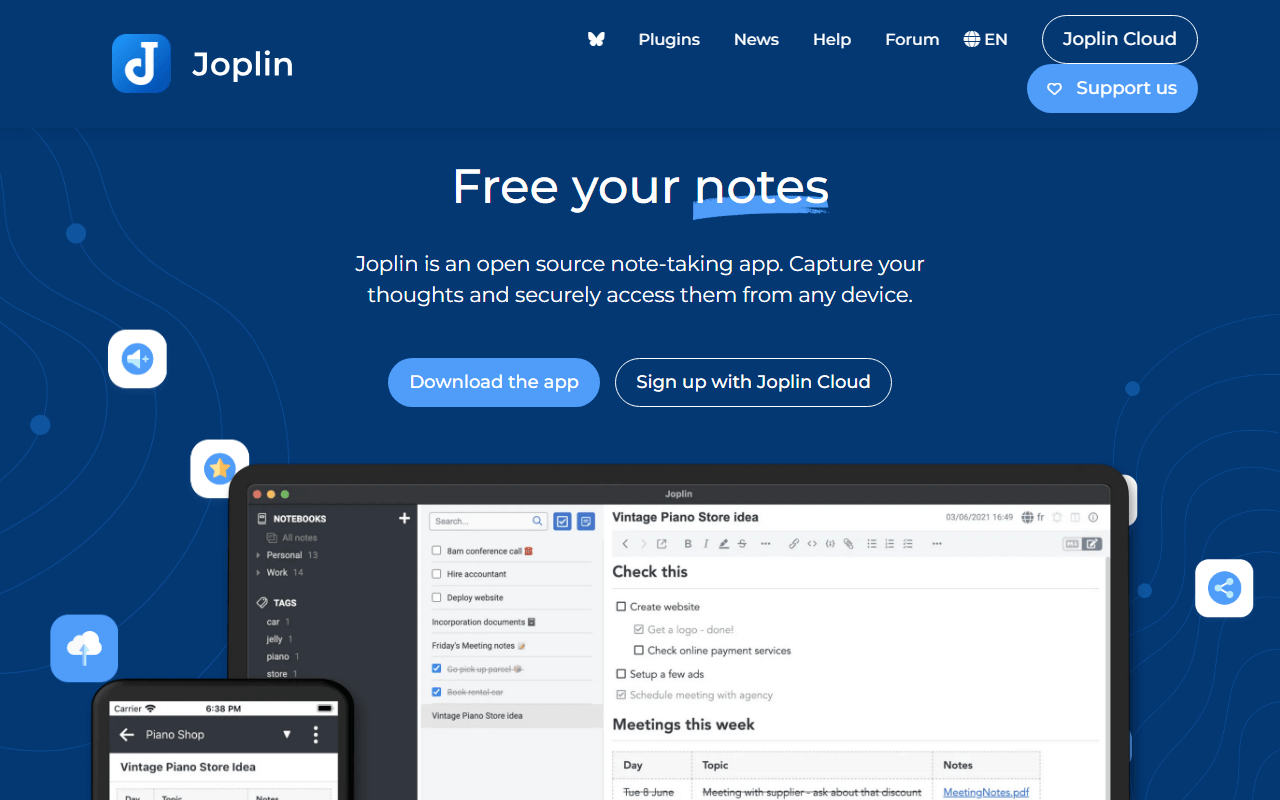
Joplin removes the two Obsidian gaps that cost money or effort: sync and clipping. Sync runs free to Dropbox, OneDrive, Nextcloud, WebDAV, or S3 with end-to-end encryption you switch on, and the browser clipper saves articles straight into a notebook, where Obsidian relies on a community plugin for the same job. It is free and open source under AGPL-3.0 on every platform (as of July 2026). The catch is age: the notebooks-and-tags interface looks a decade old next to Obsidian.
- Free plan, paid from €2.4/month (as of July 2026)
- United Kingdom
- Open source (AGPL-3.0-or-later)
 United Kingdom
- Best for:
- Obsidian users who want free encrypted sync and a dependable web clipper without paying
- The catch:
- The interface looks dated, and it lacks Obsidian's backlinks, graph view, and plugin depth.
Compared to Obsidian
- Advantage: Free encrypted sync to your own storage, where Obsidian Sync is $4 per user per month
- Advantage: Built-in web clipper, where Obsidian's is a community add-on
- Advantage: Open source under AGPL-3.0, and Joplin Server self-hosts
- Tradeoff: No graph view or backlinks between notes
- Tradeoff: The interface is plainer and older than Obsidian's
- Tradeoff: No plugin ecosystem near Obsidian's size
Adds the databases, boards, and real-time collaboration Obsidian was never built for
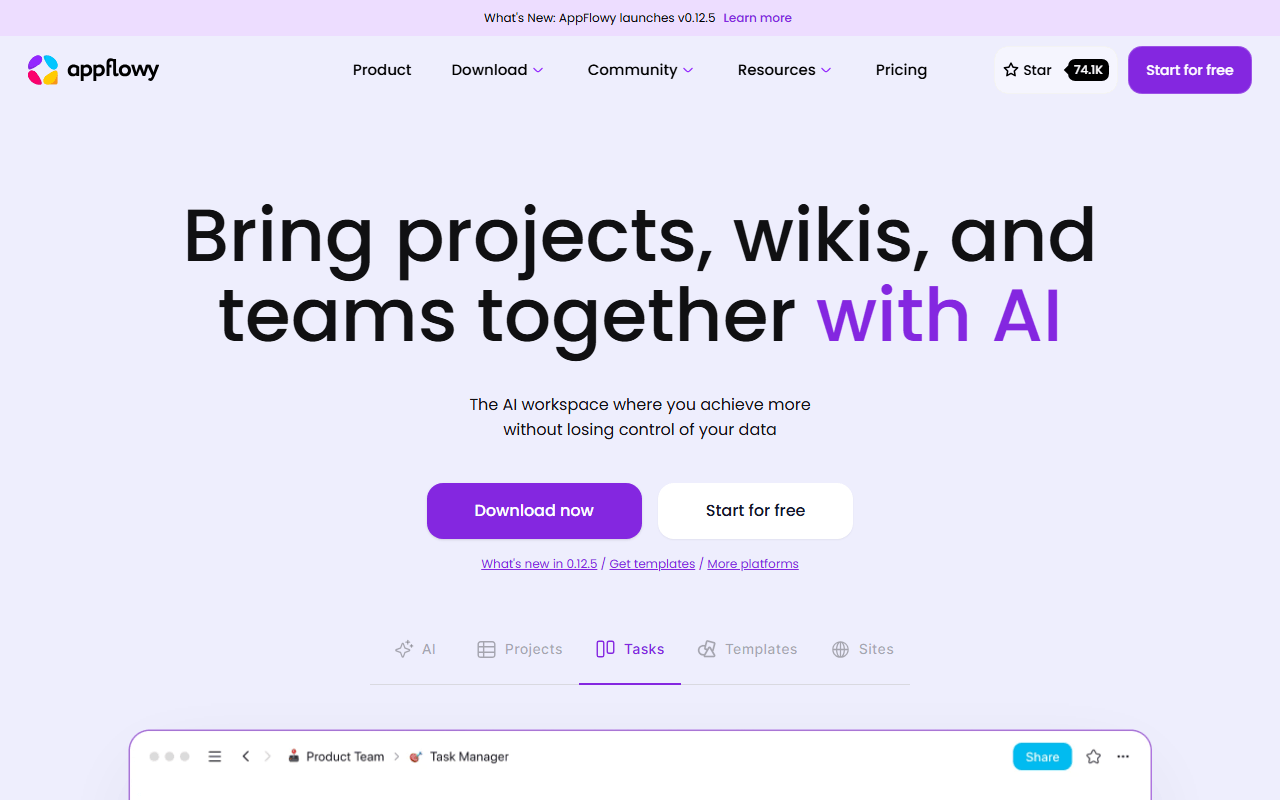
If what pushed you off Obsidian was the lack of databases or the fact that it is a single-player app, AppFlowy is the workspace-shaped answer. You get a block editor with slash commands plus grid, board, and calendar views, with real-time collaboration, all local-first so it still works offline. The hosted free plan covers one workspace of up to 2 members with 5 GB of storage, and self-hosting the AGPL-3.0 code removes those caps if you can run Docker (as of July 2026). It is a younger project, so database relations and rollups are thinner than a mature tool's.
- Free plan, paid from $10/month (as of July 2026)
- Singapore
- Open source (AGPL-3.0)
 Singapore
- Best for:
- People who wanted Obsidian to have databases and shared pages
- The catch:
- The hosted free plan stops at 2 members, and the database features still have gaps.
Compared to Obsidian
- Advantage: Real database views (grid, board, calendar) that Obsidian has only through plugins
- Advantage: Real-time collaboration, which Obsidian does not do at all
- Advantage: Open source under AGPL-3.0 and self-hostable, removing the free caps
- Tradeoff: Hosted free tier caps you at 2 members
- Tradeoff: Relations, rollups, and formulas are shallower than a mature workspace
- Tradeoff: Not a plain-file store, so notes live in the app rather than a Markdown folder
Every page doubles as an infinite whiteboard, so diagrams and notes live in one document
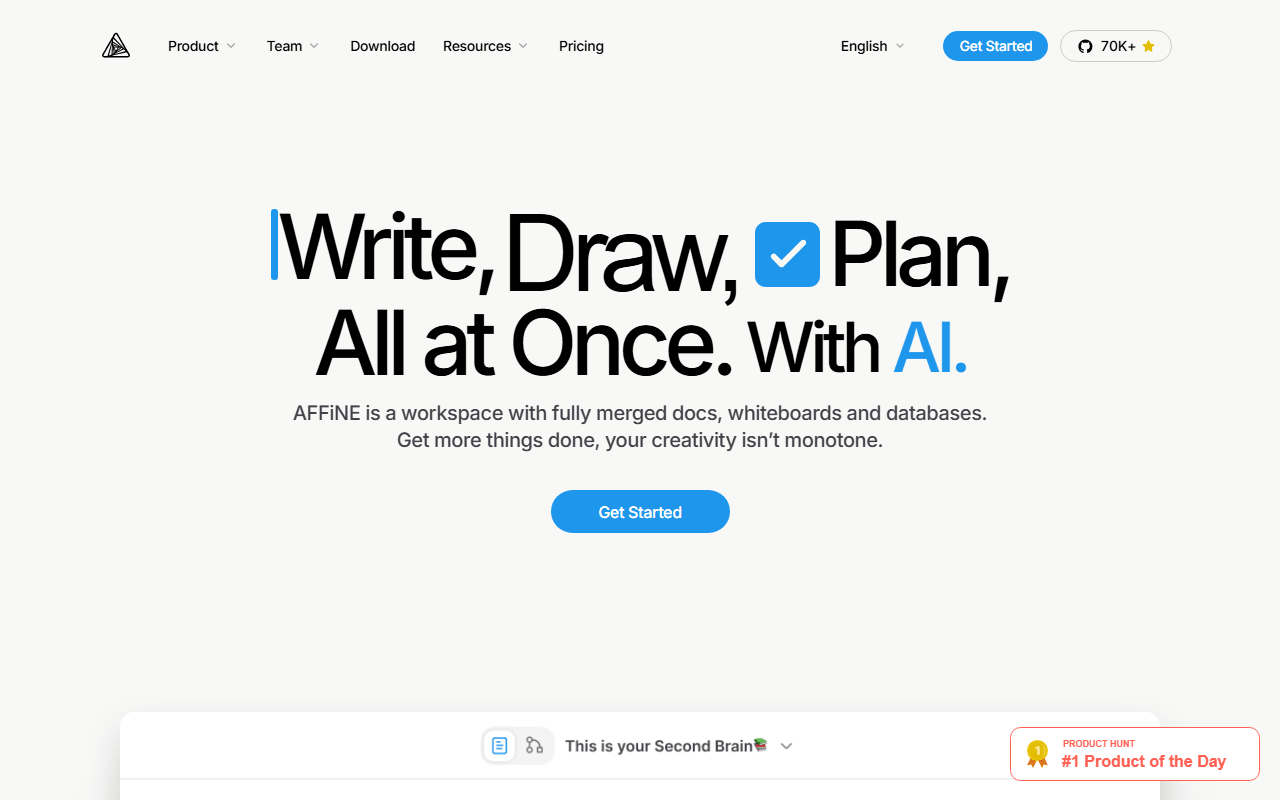
AFFiNE is the pick when your Obsidian notes kept needing a diagram next to them. Any page flips into edgeless mode, where its blocks become cards on an infinite canvas you can connect and draw on, and it adds databases on top. The free plan gives 10 GB of cloud storage, up to 3 members, 7 days of version history, and unlimited local workspaces that stay off that quota (as of July 2026). The client is MIT licensed, though the server directory carries a separate license, and it ships fast enough that sync bugs still surface.
- Free plan, paid from $6.75/month (as of July 2026)
- Singapore
- Open source (MIT (client); server directory under a separate license)
- Best for:
- Obsidian users whose notes always end up beside a whiteboard or diagram
- The catch:
- The 3-device login cap is tight, and stability is not yet at Obsidian's level.
Compared to Obsidian
- Advantage: Document and whiteboard in one object, which Obsidian has no equivalent for
- Advantage: Real-time collaboration, which Obsidian lacks
- Advantage: MIT-licensed client with free self-hosting, where Obsidian is closed
- Tradeoff: Only 3 logged-in devices on the free plan
- Tradeoff: Less stable than Obsidian, and worth backing up
- Tradeoff: Notes are not plain Markdown files on disk
End-to-end encryption on every note by default, which Obsidian does not provide
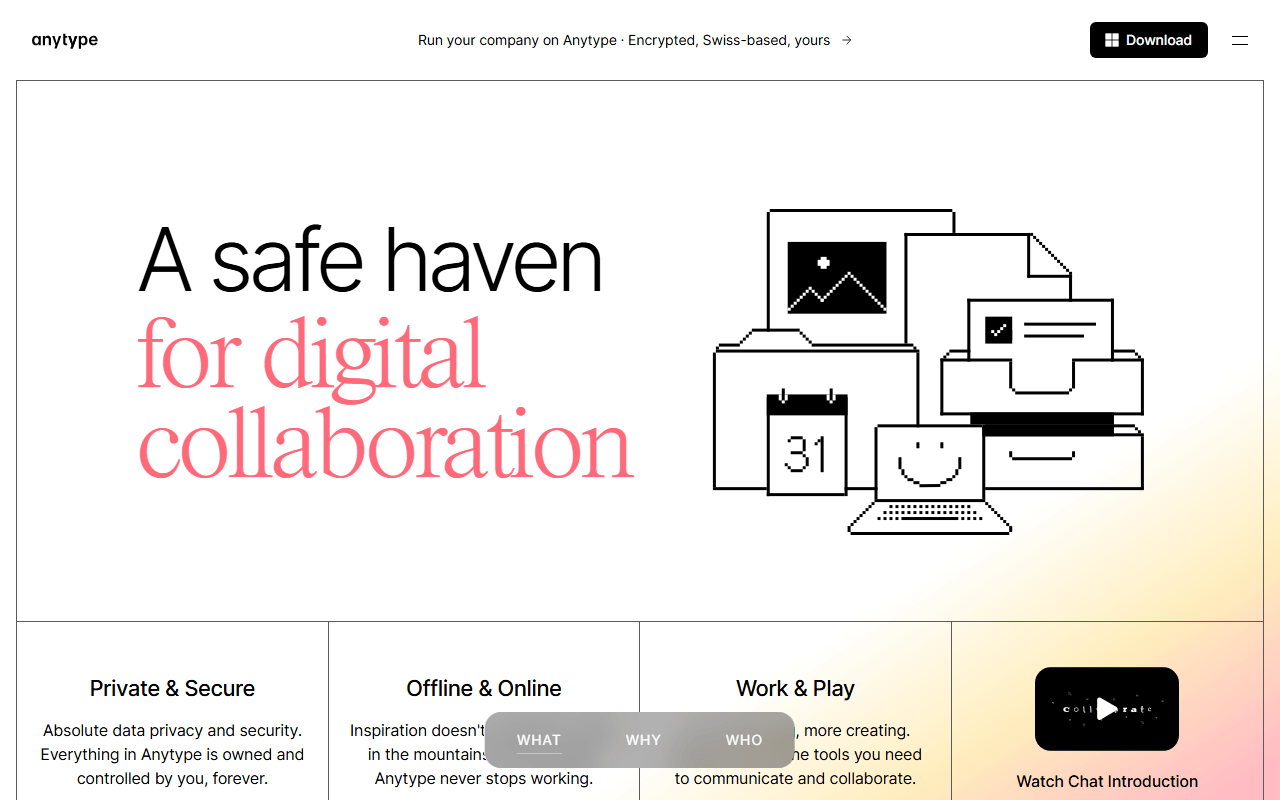
Anytype is the choice when you want Obsidian's ownership feeling plus encryption Obsidian never had. Everything is encrypted on your device before it syncs peer-to-peer, local storage is unlimited on every tier, and structure comes from typed objects and relations rather than folders (as of July 2026). Free includes 100 MB of remote sync storage and 10 shared spaces, and paid tiers from $4 per month only buy more sync space. It is source-available rather than OSI open source, and the object model takes longer to learn than a folder of Markdown.
- Free plan, paid from $4/month (as of July 2026)
- Switzerland
 Switzerland
- Best for:
- Privacy-first users who want structure across their notes and encryption by default
- The catch:
- Only 100 MB of free sync storage, no web app, and a source-available license rather than open source.
Compared to Obsidian
- Advantage: End-to-end encrypted by default, which Obsidian is not
- Advantage: Unlimited local objects with structure beyond folders and tags
- Advantage: Paid tiers buy sync storage, not features
- Tradeoff: Only 100 MB of remote sync storage on free
- Tradeoff: Source-available, not OSI open source, and the object model is a steeper start than Obsidian's folder
- Tradeoff: Notes are typed objects, not the plain Markdown files Obsidian gives you
Unlimited encrypted notes synced across unlimited devices for free, where Obsidian charges for Sync
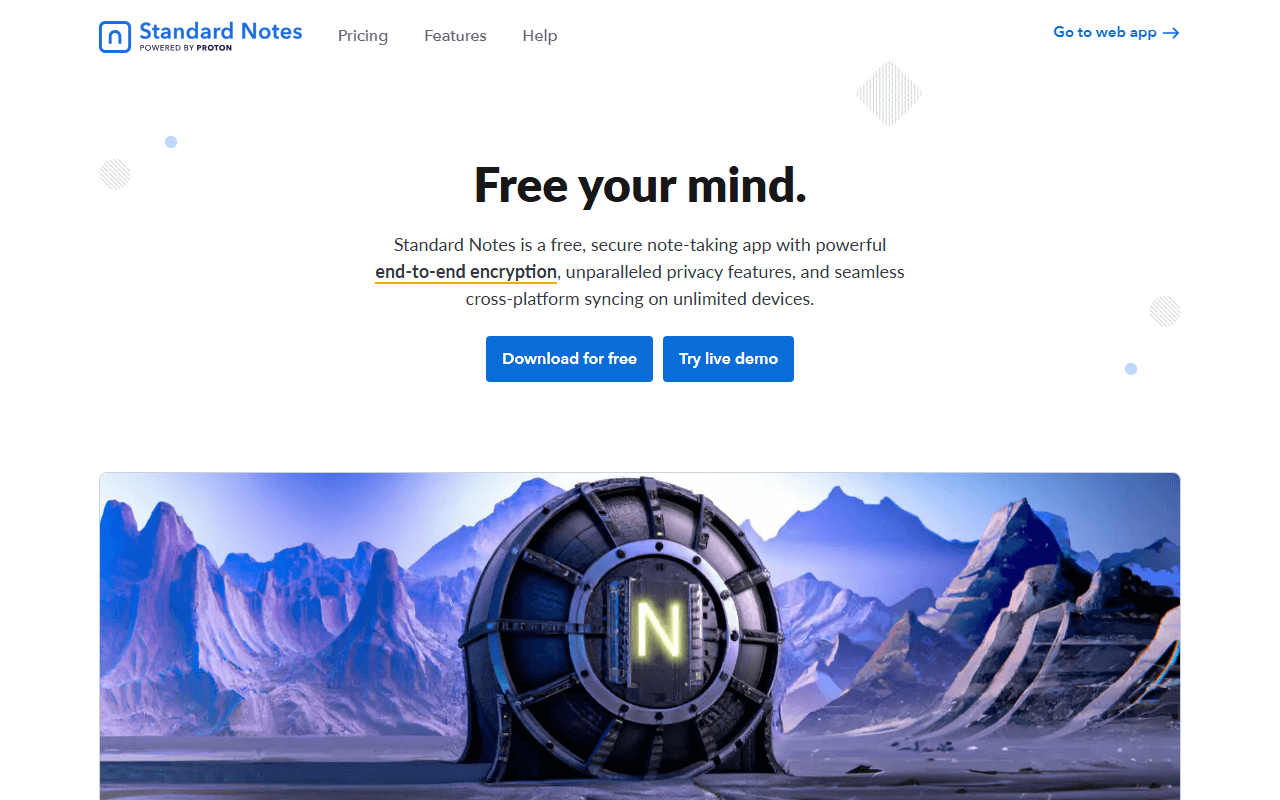
Standard Notes solves the Obsidian sync bill directly: unlimited notes synced across unlimited devices with end-to-end encryption, free and with no trial clock, backed by Proton (as of July 2026). Encryption is the default, not a setting. The trade is severe for a knowledge base: the free plan is plain text with no attachments and no backlinks, so it is a place to write, not a place to build a linked vault. Rich formatting and Super notes arrive on Productivity at $90 a year.
- Free plan, paid from $90/year (as of July 2026)
- Switzerland
- Open source (AGPL-3.0)
- Best for:
- Private writing and journals that need to sync everywhere at no cost
- The catch:
- Free is plain text with no attachments, backlinks, or graph, so it is not a knowledge base.
Compared to Obsidian
- Advantage: Unlimited encrypted device sync free, where Obsidian Sync is $4 per user per month
- Advantage: End-to-end encrypted by default, which Obsidian is not
- Advantage: Open source under AGPL-3.0 with a self-hostable sync server
- Tradeoff: No backlinks, graph, or plugins, so it is not a knowledge base
- Tradeoff: Free plan is plain text with no attachments
- Tradeoff: Rich formatting needs Productivity at $90 per year
How to choose
Start with why Obsidian did not fit. If the sticking point was closed source, Logseq gives you the same local Markdown files with fully open source code and no paid tier. If it was the paid sync, Joplin and Standard Notes both sync free, and SiYuan charges once instead of monthly. If you wanted databases and shared pages Obsidian never had, AppFlowy or AFFiNE is the workspace-shaped answer, and Anytype is the pick when encryption outranks everything. None of them match Obsidian's plugin library, so if that is what you rely on, staying is fine.