Free alternatives to Evernote
Evernote's free plan is now 50 notes in 1 notebook, synced to a single device, which is a trial in everything but name. The cheapest way to keep using it is Starter at $99 a year, and unlimited notes only arrive on Advanced at $249.99 a year (as of July 2026). If a decade of notes suddenly sits behind a paywall, these are the free apps that take the export and give you the workflow back.
Facts checked as of July 2026Read our Evernote review
Jump to an alternative




Joplin
Best Free Alternative ToEvernoteImports your ENEX export with attachments and tags intact, then gives you the same notebooks-and-clipper workflow for free
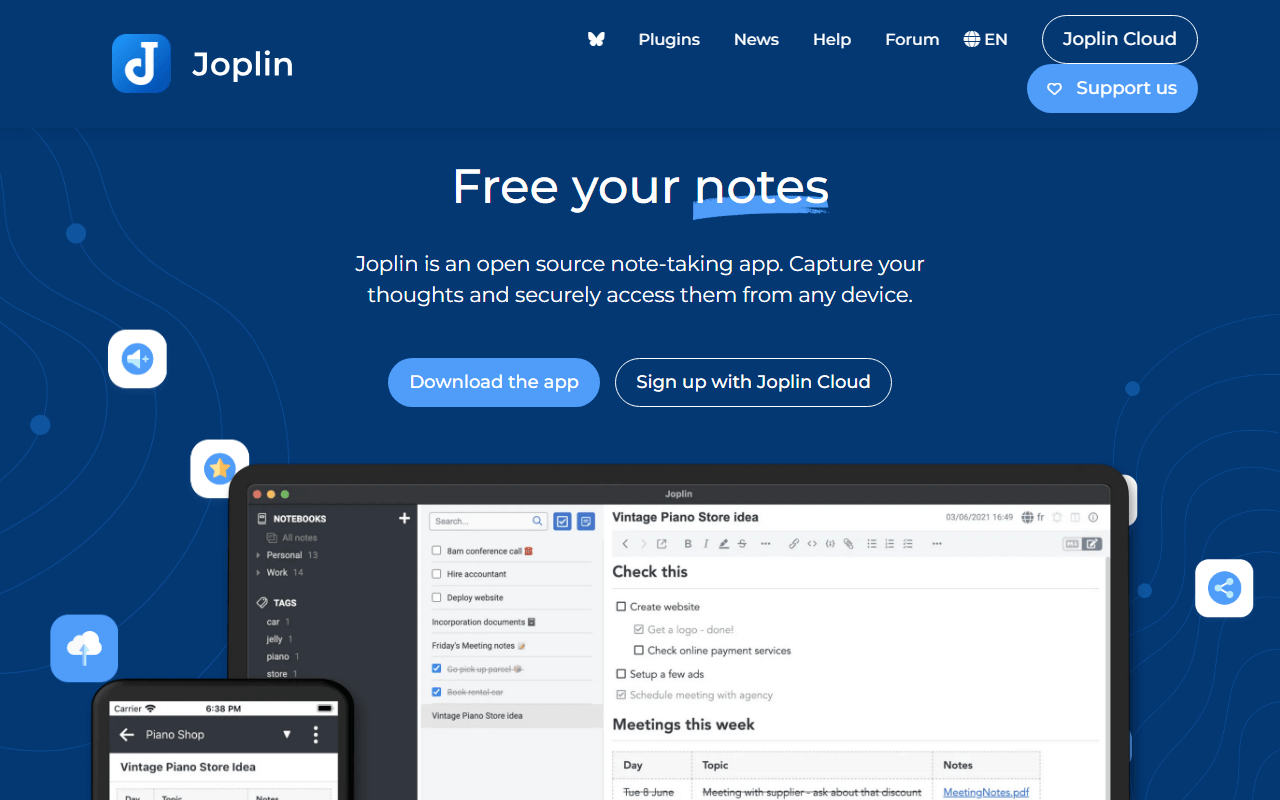
Joplin is the shortest path off Evernote because it was built by someone solving the same problem. Notebooks, sub-notebooks, tags, attachments, and a browser clipper all map onto what you already had, and the ENEX importer is the best-tested one in this category. Sync goes wherever you want, including Dropbox, OneDrive, Nextcloud, WebDAV, or S3 at no cost, with end-to-end encryption you switch on in settings. Joplin Cloud is optional and starts at EUR 2.40 per month billed yearly.
- Free plan, paid from €2.4/month (as of July 2026)
- United Kingdom
- Open source (AGPL-3.0-or-later)
 United Kingdom
- Best for:
- Evernote refugees who want the same notebooks, tags, and clipper without a subscription
- The catch:
- The interface looks its age, and there is no equivalent to Evernote's search inside scanned images.
Compared to Evernote
- Advantage: Unlimited notes and notebooks on the free apps, against Evernote's 50-note cap
- Advantage: Sync to unlimited devices free using storage you already have
- Advantage: Imports Evernote ENEX files with attachments, tags, and metadata
- Advantage: Open source under AGPL-3.0, and Joplin Server can be self-hosted
- Tradeoff: No OCR, so text inside scanned photos and PDFs is not searchable
- Tradeoff: The interface is plainer and less polished than Evernote's
- Worth knowing: Encryption is off until you turn it on, unlike a managed cloud default
Free with no note limit and every note stored as a Markdown file on your own disk, so this is the last migration
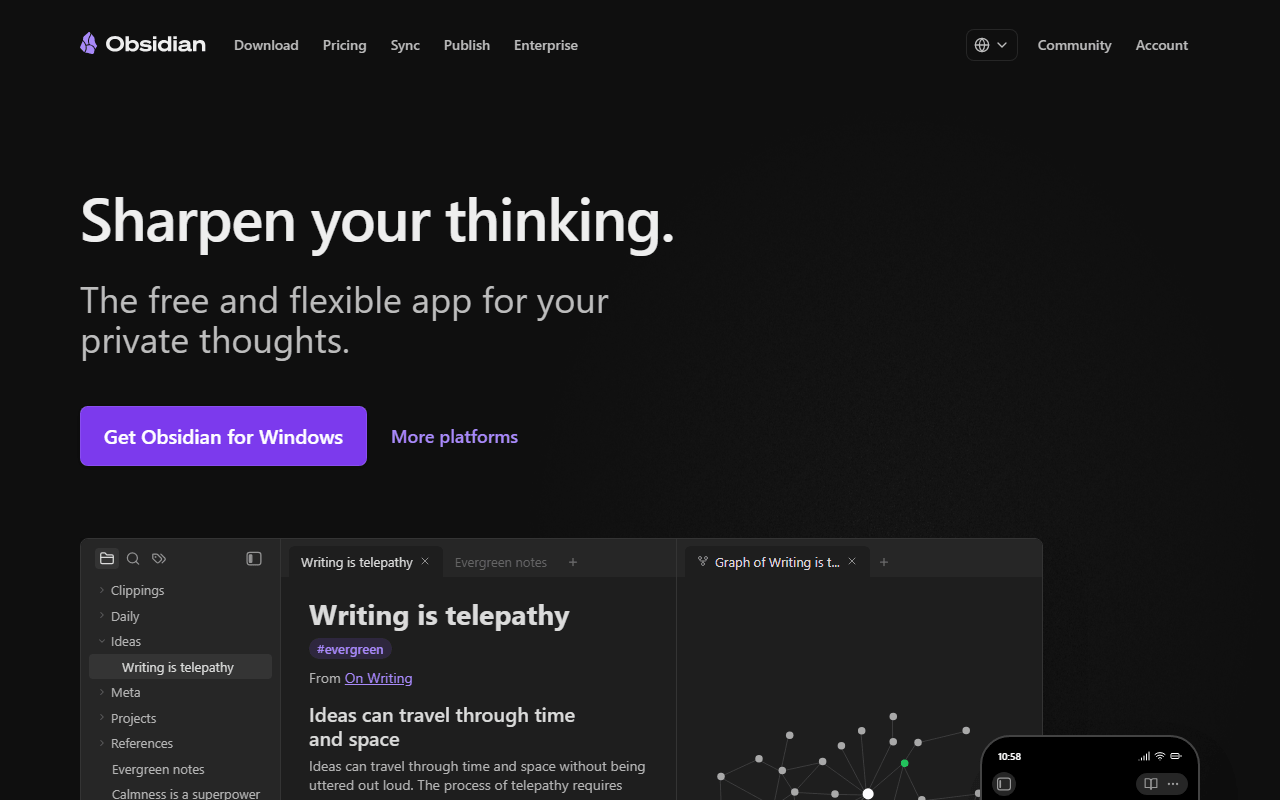
If the reason you are leaving is that a company changed the terms on notes you had already written, Obsidian removes that risk permanently. Your vault is a folder of Markdown files, readable in any text editor with no export step, and the app is free for personal use with no caps on notes, devices, or features. Community importers handle Evernote ENEX files, and plugins fill most of the gaps. Sync is $4 per user per month billed annually, or free through iCloud, Dropbox, or Syncthing.
- Free plan, paid from $4/month (as of July 2026)
- Canada
 Canada
- Best for:
- People who want their notes in plain files they will still be able to open in 2040
- The catch:
- The Evernote import is a community plugin rather than an official path, and formatting from complex clips needs cleanup.
Compared to Evernote
- Advantage: No note, notebook, or device limits on the free personal plan
- Advantage: Notes are Markdown files you own, so no future export is needed
- Advantage: Backlinks and graph view, which Evernote has never offered
- Advantage: Over a thousand community plugins covering most missing features
- Tradeoff: Web clipper is a community add-on and less reliable than Evernote's
- Tradeoff: No OCR or search inside scanned documents
- Tradeoff: Company use needs a $50 per user per year commercial license, though personal use is free
Unlimited encrypted notes synced across unlimited devices, free, where Evernote free stops at one device
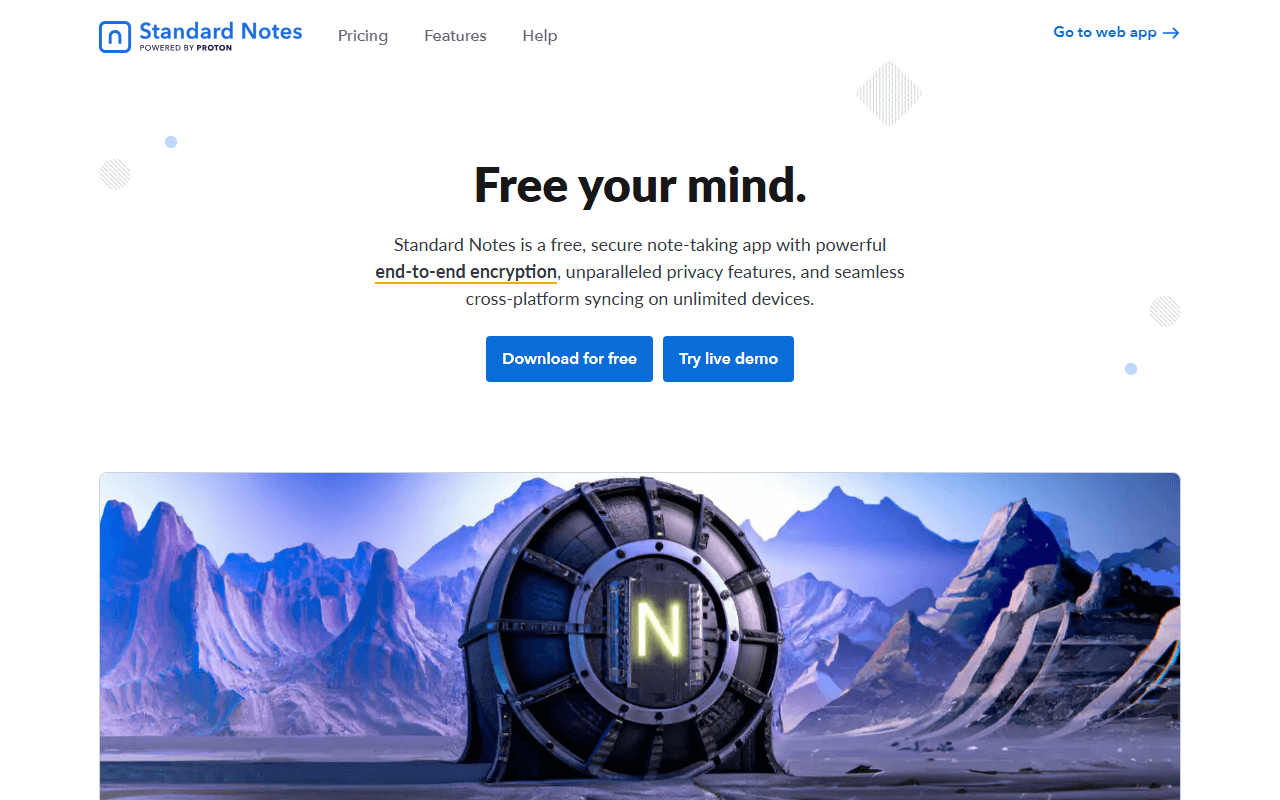
Evernote's single-device limit on free is the sting most people notice first, and Standard Notes removes exactly that. The free plan syncs unlimited notes across web, desktop, and mobile with end-to-end encryption Proton stands behind, and there is no trial clock. The trade is stark: free is plain text with no attachments, so it replaces Evernote for writing but not for archiving. Productivity at $90 a year adds rich Super notes and a year of revision history.
- Free plan, paid from $90/year (as of July 2026)
- Switzerland
- Open source (AGPL-3.0)
 Switzerland
- Best for:
- Private writing and journals that need to sync everywhere without costing anything
- The catch:
- Free is plain text with no attachments, so it cannot hold the PDFs and images Evernote was storing.
Compared to Evernote
- Advantage: Unlimited device sync on free, where Evernote allows exactly 1
- Advantage: End-to-end encrypted by default, so the vendor cannot read your notes
- Advantage: Open source under AGPL-3.0 with a self-hostable sync server
- Tradeoff: No file attachments at all on the free plan
- Tradeoff: No web clipper, so article capture has to be manual
- Tradeoff: Rich formatting requires Productivity at $90 per year
Everything encrypted on your device with unlimited local objects, so the vendor can never read or ration your notes
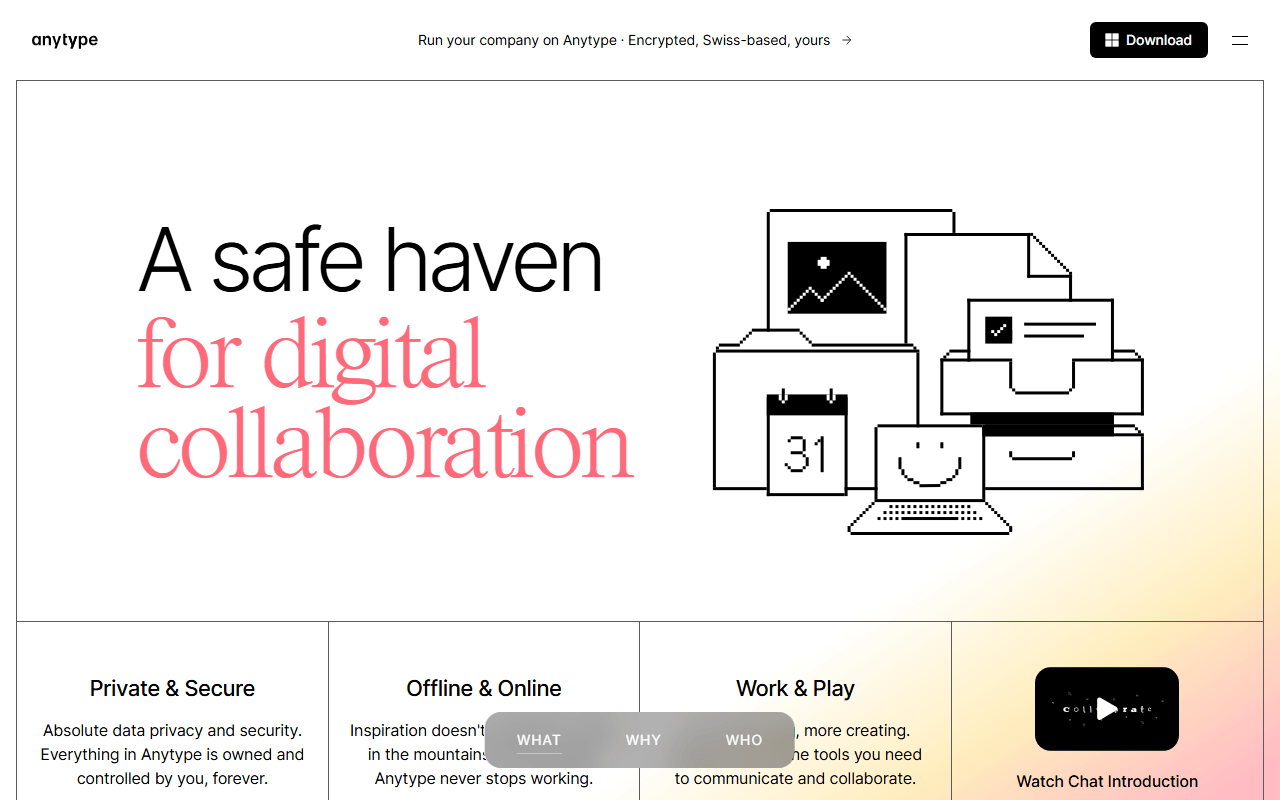
Anytype answers a different Evernote complaint: not the price, but the fact that your notes sat readable on someone else's server. Notes are typed objects encrypted locally and synced peer-to-peer, and local storage is unlimited on every tier. Structure comes from relations between objects rather than notebooks, which is more capable and takes longer to learn. Free includes 100 MB of remote sync storage and 10 shared spaces; paid tiers start at $4 per month and only buy more sync space.
- Free plan, paid from $4/month (as of July 2026)
- Switzerland
- Best for:
- Privacy-driven leavers who want structure across their notes, not just notebooks
- The catch:
- 100 MB of free sync storage fills fast with attachments, and the license is source-available rather than open source.
Compared to Evernote
- Advantage: Unlimited notes stored locally, against Evernote's 50-note free cap
- Advantage: End-to-end encrypted and fully offline capable
- Advantage: Objects and relations give more structure than notebooks and tags
- Tradeoff: Only 100 MB of remote storage on free, so attachments are constrained
- Tradeoff: No web app and no web clipper to match Evernote's capture
- Tradeoff: The object model takes a week or two to feel natural
Fully free and open source with no paid tier at all, storing notes as local Markdown you can leave with any time
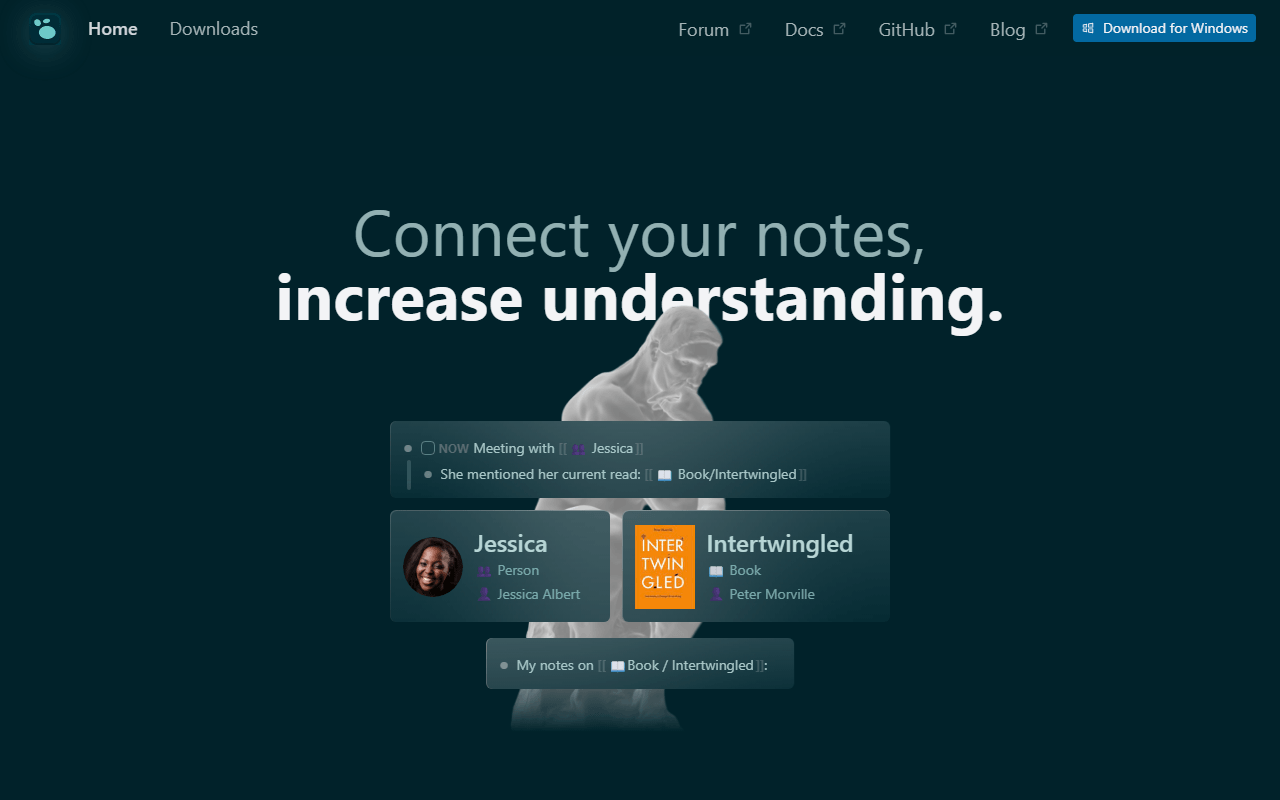
Logseq is the option with nothing to sell you. Every feature is free under AGPL-3.0, funded by donations, and your notes are local Markdown or Org-mode files. Where Evernote organized by notebook, Logseq organizes by daily journal and block-level links, which suits capture-first note-takers well and long documents poorly. Sync is the one rough spot: official Sync is a beta perk for backers, so most people use iCloud, Dropbox, or Git.
- Completely free (as of July 2026)
- United States
- Open source (AGPL-3.0)
 United States
- Best for:
- Daily capture and connected thinking with zero cost and open source code
- The catch:
- No web clipper worth relying on, and official sync is still beta and limited to backers.
Compared to Evernote
- Advantage: Every feature free forever with no plan to upgrade to
- Advantage: Notes stay as local Markdown files, so leaving costs nothing
- Advantage: Block-level links and backlinks Evernote has no answer for
- Tradeoff: No reliable ENEX import path, so migration is manual
- Tradeoff: Official sync is beta and gated to Open Collective backers
- Tradeoff: The outliner format fights you if you write long prose
Free offline app with built-in PDF annotation and flashcards, and one-time payments instead of a yearly bill
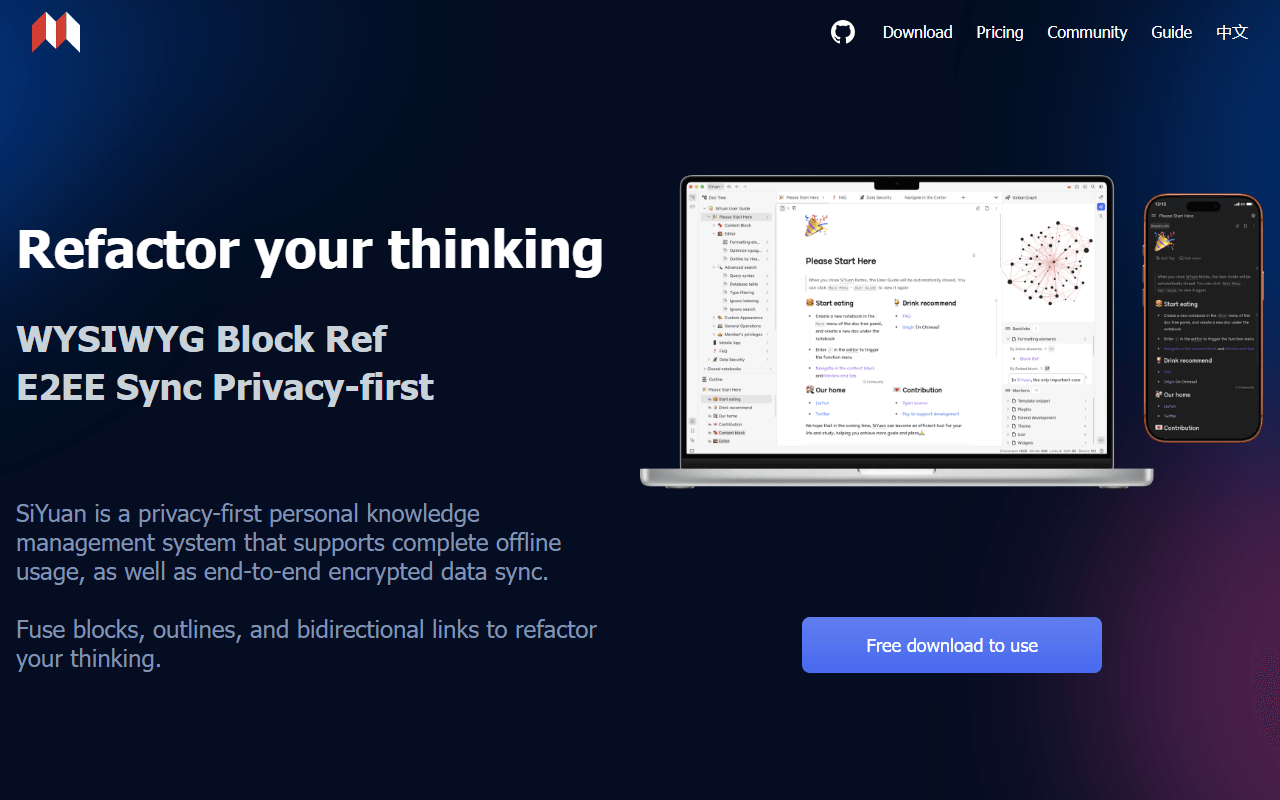
SiYuan is worth a look if what pushed you out was the subscription itself. The app is free for life under AGPL-3.0 and works entirely offline with no account, and the only paid options are one-time: $64 to sync through your own S3 or WebDAV storage, or $148 for official sync with 8 GB. It also folds in PDF annotation and spaced-repetition flashcards, which Evernote users often bolt on with a second tool.
- Free plan, paid from $64 one-time (as of July 2026)
- China
- Open source (AGPL-3.0)
 China
China- Best for:
- People who want to pay once, or never, and who annotate PDFs alongside their notes
- The catch:
- The English documentation is translated and awkward, and notes are stored as JSON rather than plain Markdown files.
Compared to Evernote
- Advantage: No subscription anywhere, against Evernote's $99 per year entry point
- Advantage: Works fully offline with no account required
- Advantage: PDF annotation and flashcards built in, no extra tool needed
- Tradeoff: Any sync at all costs a one-time $64, where Evernote bundles it
- Tradeoff: Local storage is JSON, so Markdown portability is via export
- Tradeoff: English docs and community support are thin
Turns your notes into a workspace with databases and views, self-hostable and free with no member cap
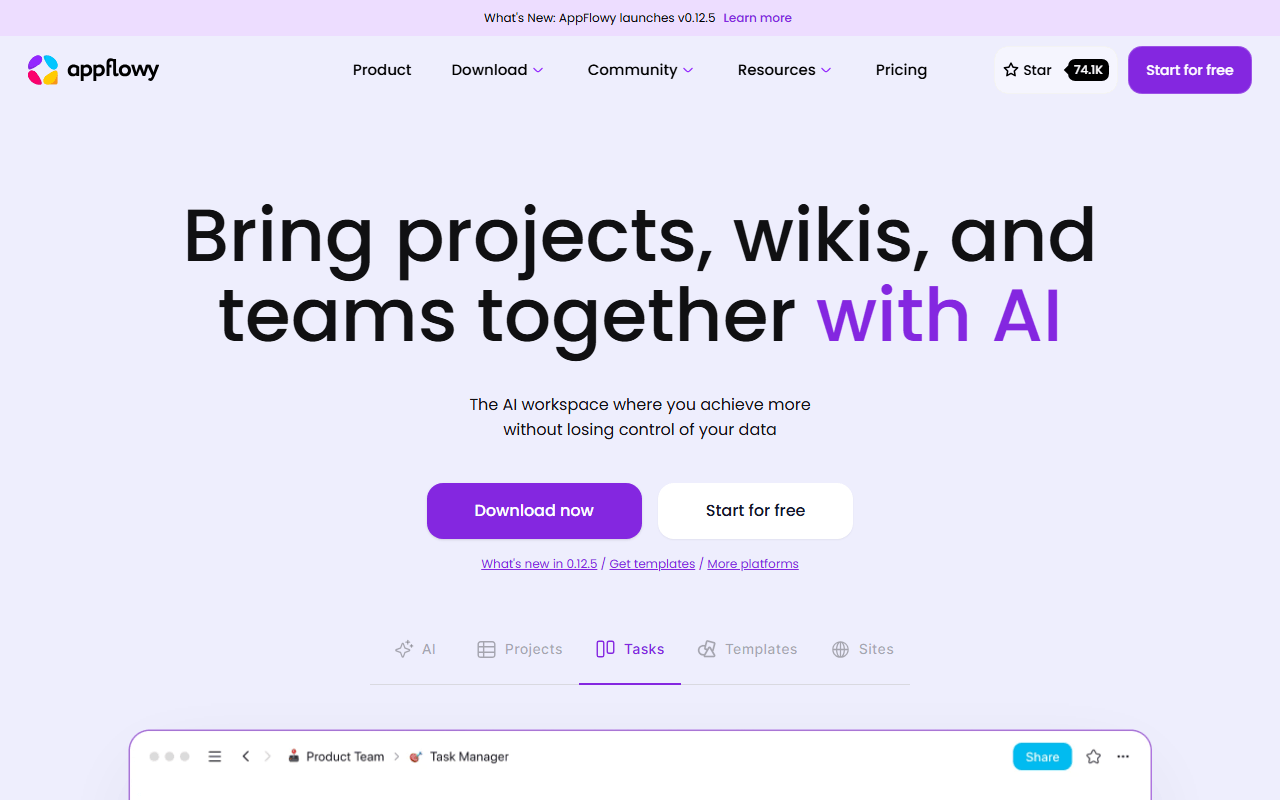
If your Evernote had grown into a project tracker held together with tags, AppFlowy is the upgrade rather than the replacement. You get a block editor with slash commands plus grid, board, and calendar database views, all local-first so it works offline. The hosted free plan covers a workspace of up to 2 members with 5 GB of storage; self-hosting the AGPL-3.0 code removes every cap if you can run Docker.
- Free plan, paid from $10/month (as of July 2026)
- Singapore
- Open source (AGPL-3.0)
 Singapore
- Best for:
- Turning a messy note archive into structured docs and trackers
- The catch:
- No ENEX import and no web clipper, so getting your Evernote content in is a manual job.
Compared to Evernote
- Advantage: Unlimited pages and blocks on the free plan
- Advantage: Database views for tracking work, which Evernote never had
- Advantage: Self-hosting under AGPL-3.0 removes all limits
- Tradeoff: No Evernote import path, so migration is copy and paste
- Tradeoff: No web clipper for capturing articles
- Tradeoff: Hosted free tier stops at 2 workspace members
How to choose
Start with what you actually stored in Evernote. If it is clipped articles, notebooks, and attachments, Joplin reads your ENEX export directly and reproduces that workflow for nothing. If it is mostly text you want to keep for the next twenty years, Obsidian's folder of Markdown files is the safer long-term home. Pick Standard Notes if confidentiality is the point and you can live without formatting or attachments on the free tier. And if what you really miss is search inside scanned documents, be honest that no free tool here matches Evernote on that, and paying may still be right.