Free alternatives to Joplin
Joplin is free and open source and its sync goes anywhere you like, so the reasons people move on are about feel, not cost. The interface looks a decade old, because parts of it are. Encryption is off until you switch it on, the rich text mode is weaker than the Markdown one, and you have to supply and manage your own sync target (as of July 2026). These free apps keep the own-your-notes idea while fixing the part of Joplin that wore you down.
Facts checked as of July 2026Read our Joplin review
Jump to an alternative



Obsidian
Best Free Alternative ToJoplinA modern editor over local Markdown files you own, free for personal use with no limits
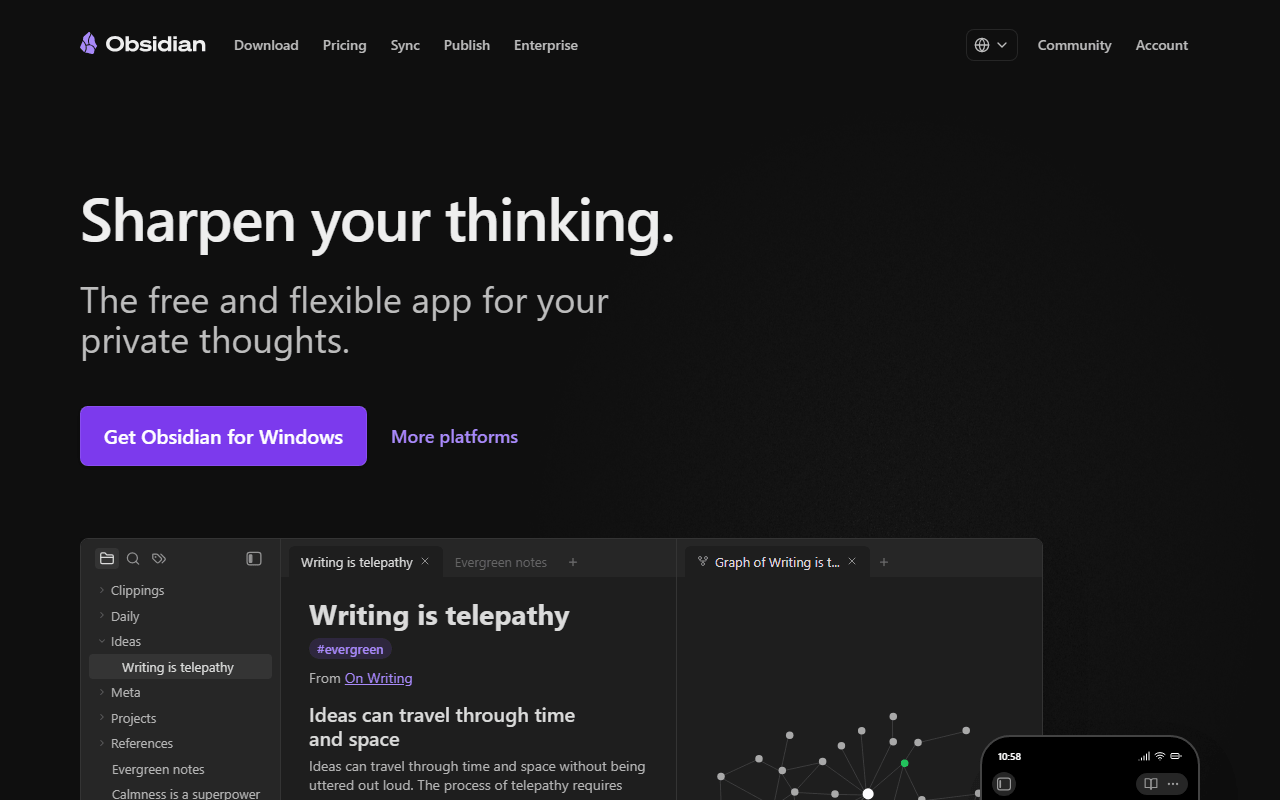
Obsidian is the usual upgrade from Joplin for people who want a faster, better-looking app without giving up local files. Notes are plain Markdown in a folder you control, the editor is quick and clean where Joplin feels utilitarian, and a plugin library over a thousand deep fills most gaps (as of July 2026). Personal use is free with no note, device, or feature limits. The trade runs the other way on sync and clipping: Obsidian Sync is $4 per user per month billed annually unless you use iCloud or Dropbox, and its web clipper is a community add-on rather than the built-in one Joplin ships.
- Free plan, paid from $4/month (as of July 2026)
- Canada
 Canada
- Best for:
- Joplin users who want a modern interface and plain Markdown files
- The catch:
- Sync is a paid add-on, and the core is closed source.
Compared to Joplin
- Advantage: Faster, more modern editor than Joplin's dated interface
- Advantage: Notes are plain Markdown files, easy to leave with
- Advantage: Backlinks, graph view, and a huge plugin library Joplin lacks
- Tradeoff: Sync is $4 per user per month, where Joplin syncs free to your own storage
- Tradeoff: Web clipper is a community add-on, not built in like Joplin's
- Tradeoff: Closed source, where Joplin is AGPL-3.0
Encryption is on by default and sync is free across unlimited devices, fixing Joplin's opt-in encryption and self-managed sync
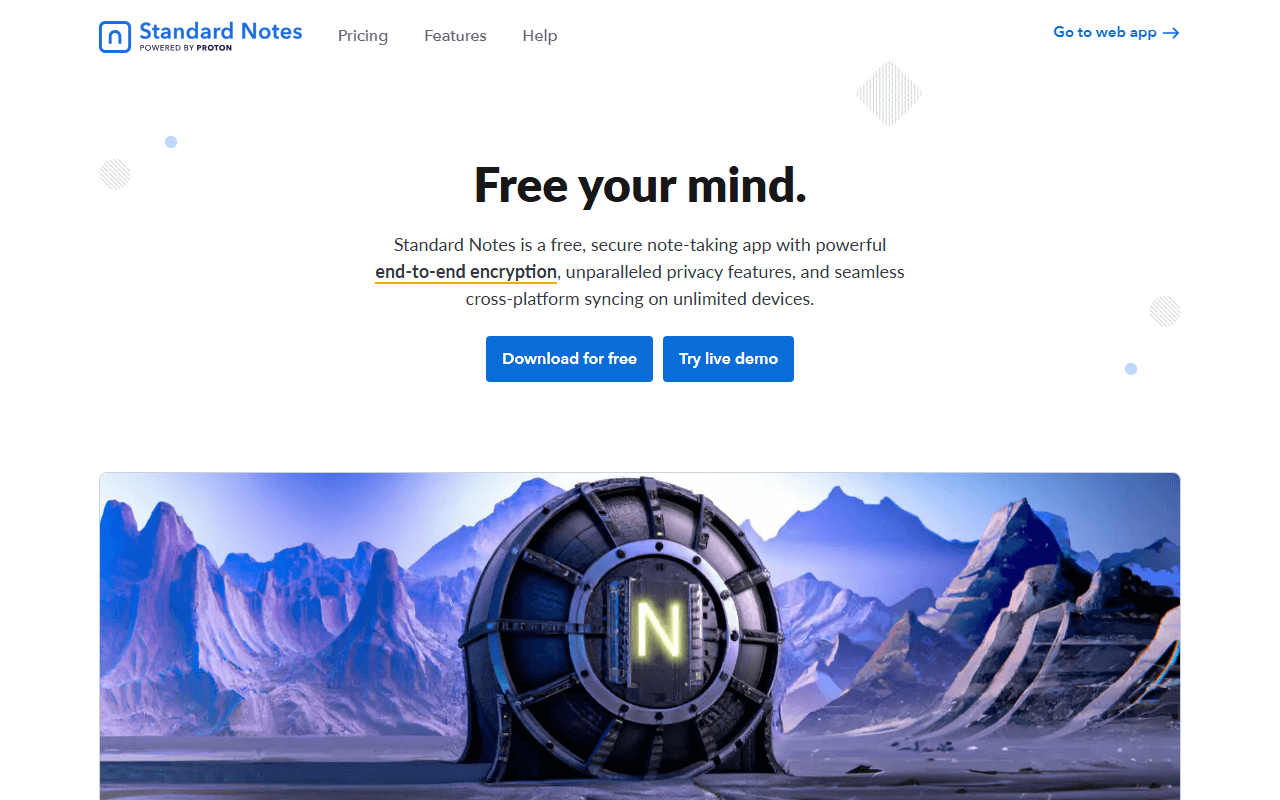
Standard Notes answers two Joplin frictions at once: encryption you have to remember to enable, and a sync target you have to set up yourself. Here encryption is the default, and the free plan syncs unlimited notes across unlimited devices at no cost, backed by Proton (as of July 2026). The cost is formatting. Free is plain text with no attachments, so it replaces Joplin for writing but not for the PDFs and images Joplin stores. Rich Super notes arrive on Productivity at $90 a year.
- Free plan, paid from $90/year (as of July 2026)
- Switzerland
- Open source (AGPL-3.0)
 Switzerland
- Best for:
- Joplin users who want encryption by default and zero-setup free sync
- The catch:
- Free is plain text with no attachments, and rich formatting needs a $90-a-year plan.
Compared to Joplin
- Advantage: Encryption on by default, where Joplin's is off until you enable it
- Advantage: Free managed sync across unlimited devices, no target to configure
- Advantage: Open source under AGPL-3.0 with a self-hostable server
- Tradeoff: Free plan is plain text with no attachments, where Joplin handles both
- Tradeoff: No web clipper, which Joplin has
- Tradeoff: Rich formatting needs Productivity at $90 per year
Adds block references, a database, PDF annotation, and flashcards Joplin does not have, in a fresher offline app
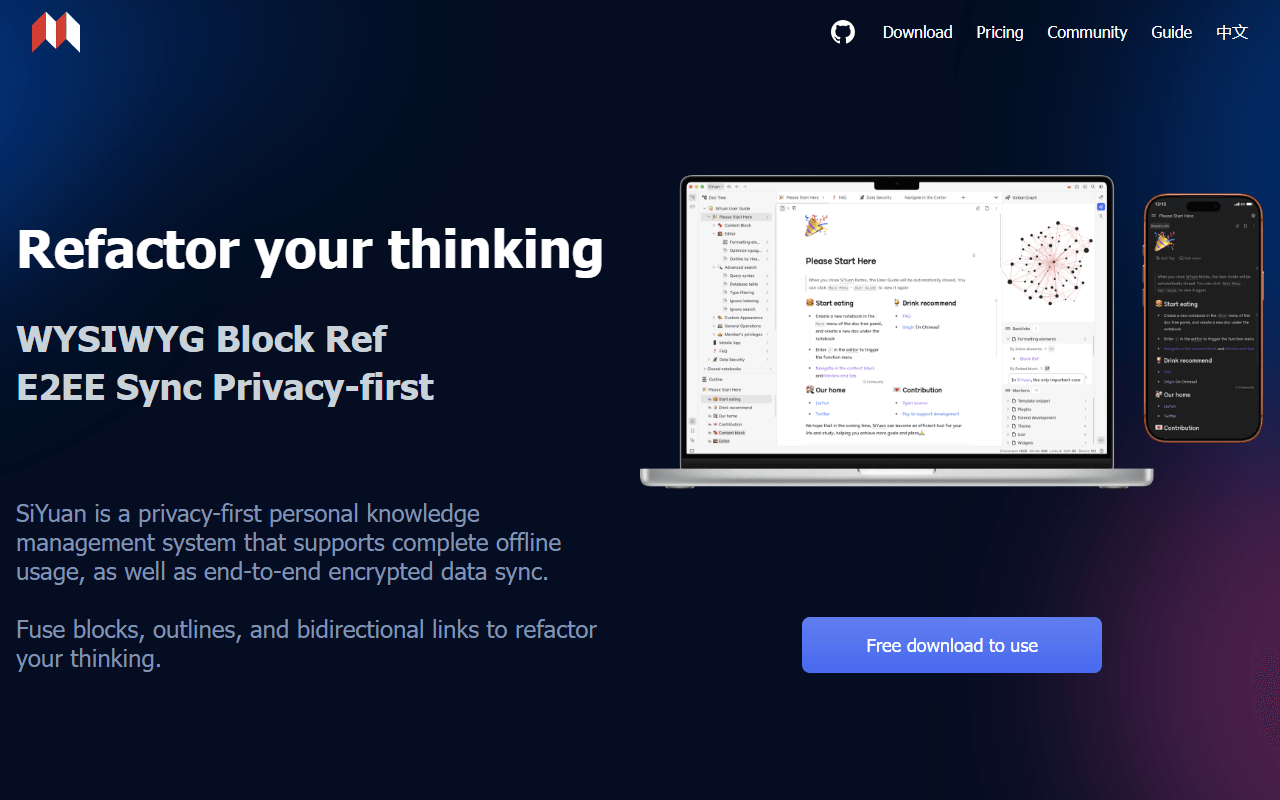
SiYuan is the step up for Joplin users who want more than notebooks and tags. Every block is referenceable, and it bundles an attribute-view database, PDF annotation, and spaced-repetition flashcards, free for life under AGPL-3.0 and fully offline (as of July 2026). Sync is a one-time payment rather than a self-managed target: $64 through your own S3 or WebDAV, or $148 for official cloud sync with 8 GB. Notes are stored as JSON rather than the Markdown Joplin keeps, so portability is via export.
- Free plan, paid from $64 one-time (as of July 2026)
- China
- Open source (AGPL-3.0)
 China
China- Best for:
- Joplin users who want block references and PDF annotation in a fresher app
- The catch:
- Notes are JSON rather than Markdown, and the English documentation is rough.
Compared to Joplin
- Advantage: Block references, database, and flashcards Joplin lacks
- Advantage: Built-in PDF annotation
- Advantage: A newer interface than Joplin's
- Tradeoff: Sync costs a one-time payment, where Joplin syncs free to your own storage
- Tradeoff: Notes stored as JSON, not Markdown
- Tradeoff: English docs and community are thin
End-to-end encrypted by default with structured objects instead of notebooks and tags
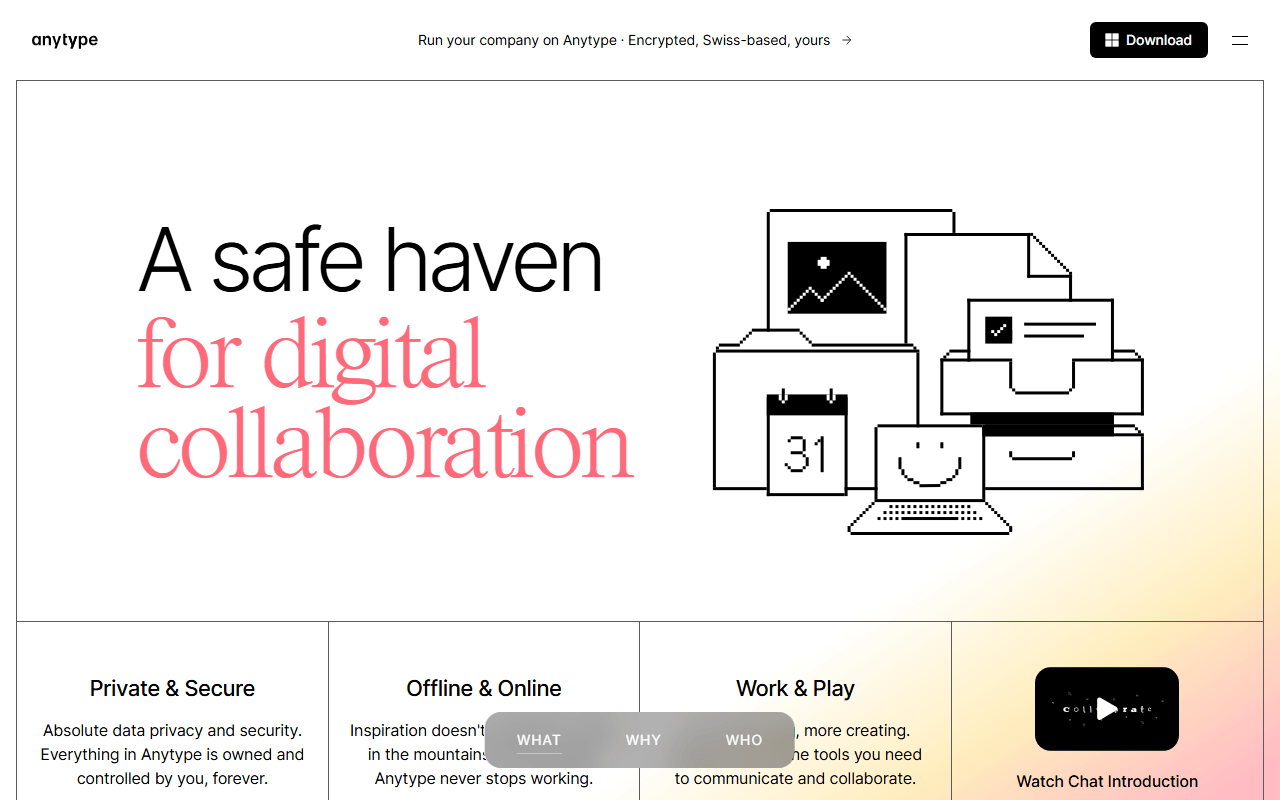
Anytype suits Joplin users who want encryption without the opt-in step and more structure than notebooks give. Everything is encrypted on your device before syncing peer-to-peer, local storage is unlimited, and notes are typed objects joined by relations (as of July 2026). Free includes 100 MB of remote sync storage and 10 shared spaces, with paid tiers from $4 per month buying more space. It is source-available rather than OSI open source, a step from Joplin's AGPL license, and the object model takes time to learn.
- Free plan, paid from $4/month (as of July 2026)
- Switzerland
- Best for:
- Joplin users who want default encryption and database-like structure
- The catch:
- 100 MB of free sync storage, no web app, and a source-available license.
Compared to Joplin
- Advantage: Encryption on by default, where Joplin's is opt-in
- Advantage: Objects and relations give more structure than notebooks and tags
- Advantage: Unlimited local storage and full offline use
- Tradeoff: Only 100 MB of remote sync storage on free, where Joplin's own storage sets its own limits
- Tradeoff: Source-available, not open source like Joplin
- Tradeoff: No web clipper and no web app
A Notion-style workspace with databases and collaboration, not just notebooks
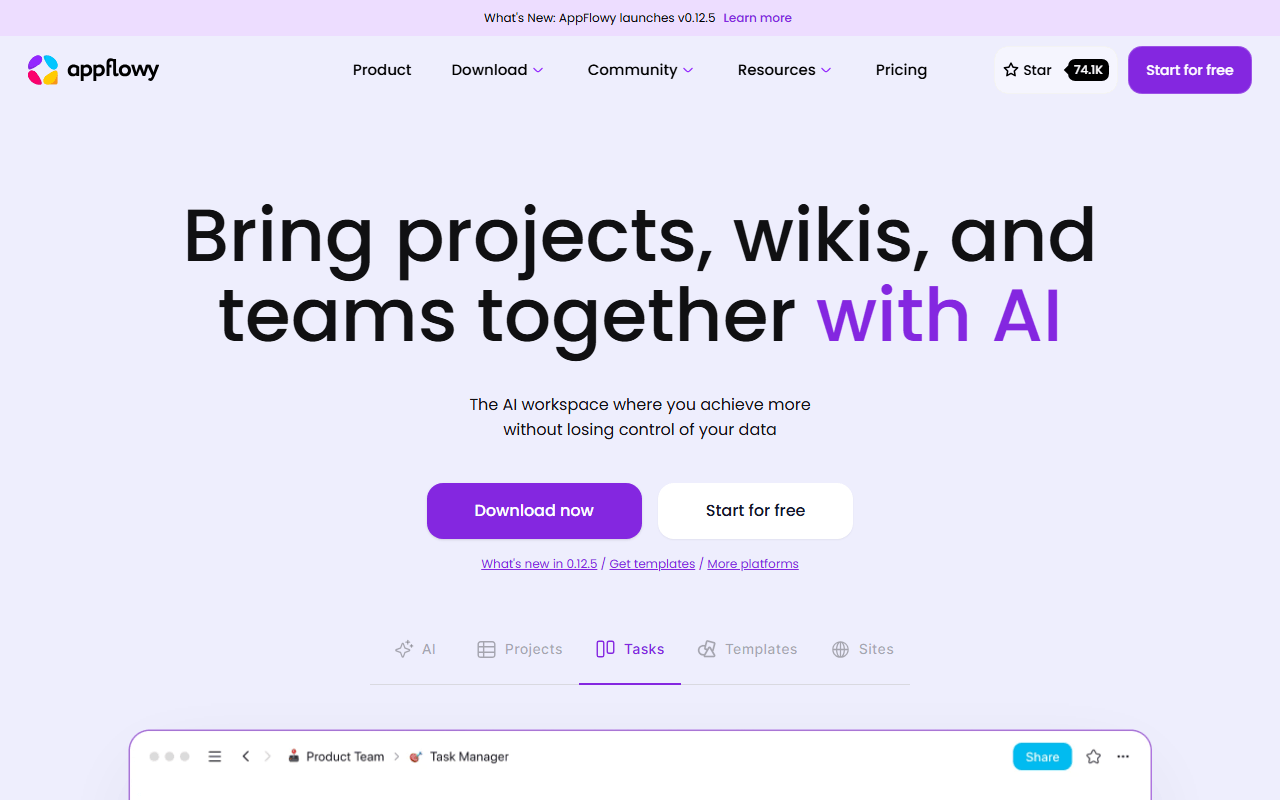
AppFlowy is the pick if your Joplin notes had grown into trackers and shared docs. You get a block editor with grid, board, and calendar views and real-time collaboration, all local-first so it works offline. The hosted free plan covers one workspace of up to 2 members with 5 GB of storage, and self-hosting the AGPL-3.0 code removes those caps if you can run Docker (as of July 2026). There is no ENEX or notebook importer, so moving Joplin content in is a manual job.
- Free plan, paid from $10/month (as of July 2026)
- Singapore
- Open source (AGPL-3.0)
 Singapore
- Best for:
- Joplin users who want databases and shared pages rather than notebooks
- The catch:
- Hosted free stops at 2 members, and there is no Joplin import path.
Compared to Joplin
- Advantage: Grid, board, and calendar database views Joplin does not have
- Advantage: Real-time collaboration Joplin lacks
- Advantage: Open source under AGPL-3.0 and self-hostable
- Tradeoff: Hosted free tier caps at 2 members
- Tradeoff: No import path from Joplin
- Tradeoff: No web clipper
Documents and an infinite whiteboard in one app, plus databases
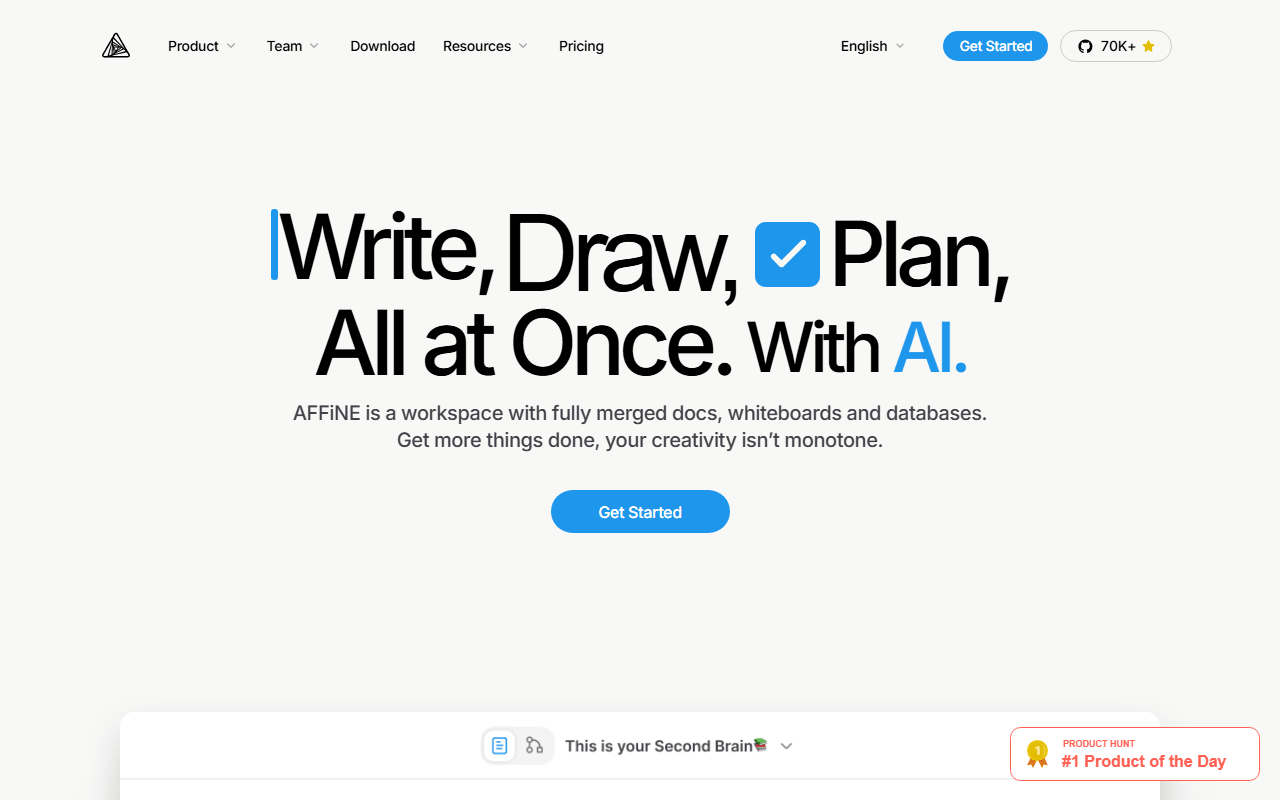
AFFiNE is worth a look if your Joplin notes kept needing a diagram. Any page flips into edgeless mode where blocks become whiteboard objects, and it adds database views on top. Free gives 10 GB of cloud storage, up to 3 members, 7 days of version history, and unlimited local workspaces off that quota (as of July 2026). The client is MIT licensed with the server directory under a separate license, and stability is the recurring complaint, so back it up.
- Free plan, paid from $6.75/month (as of July 2026)
- Singapore
- Open source (MIT (client); server directory under a separate license)
- Best for:
- Joplin users who want a whiteboard and databases alongside their notes
- The catch:
- The 3-device login cap is tight, and sync bugs still surface.
Compared to Joplin
- Advantage: Document and whiteboard in one object, which Joplin has no equivalent for
- Advantage: Database views Joplin lacks
- Advantage: Modern interface with 10 GB of free storage
- Tradeoff: Only 3 logged-in devices on free
- Tradeoff: Less stable than Joplin
- Tradeoff: No built-in web clipper
Fully free and open source with local Markdown files and block-level links
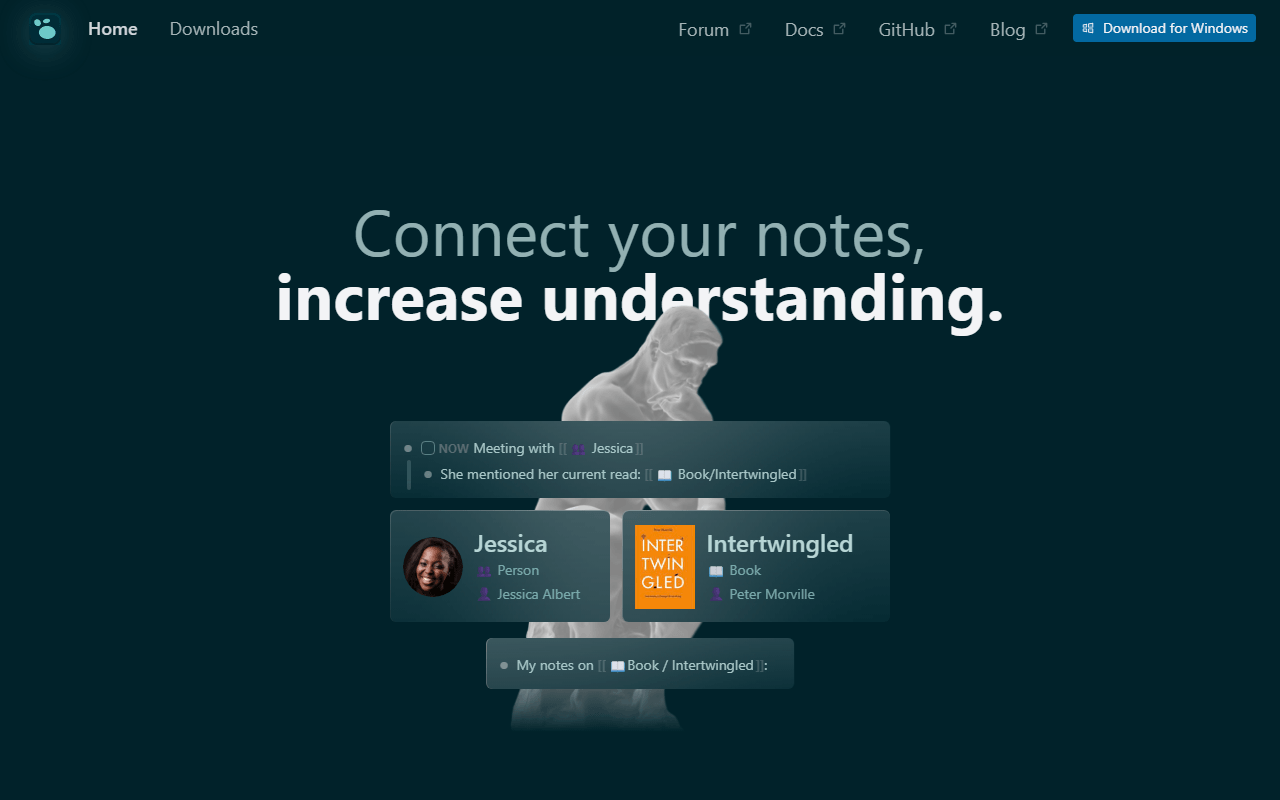
Logseq is the option if you want to stay open source and local but leave the dated notebook interface behind. It opens to a daily journal, stores notes as local Markdown or Org-mode files, and links and queries at the block level, all free under AGPL-3.0 (as of July 2026). It is an outliner, so it suits capture over long prose. Sync is the weak spot, the same as Joplin in spirit: official Sync is beta and backer-only, so most people use iCloud, Dropbox, or Git.
- Completely free (as of July 2026)
- United States
- Open source (AGPL-3.0)
 United States
- Best for:
- Joplin users who want an open source, block-linked outliner
- The catch:
- The outliner format fights long prose, and official sync is beta and backer-only.
Compared to Joplin
- Advantage: Block-level links and queries Joplin does not have
- Advantage: Fully open source under AGPL-3.0
- Advantage: Notes stay as local Markdown files
- Tradeoff: No built-in web clipper like Joplin's
- Tradeoff: Official sync is beta and gated to backers
- Tradeoff: The outliner model fights long-form notes
How to choose
If the dated interface is the problem, Obsidian is the modern local-Markdown answer, though sync there costs $4 per user per month unless you set up your own. If you want encryption on by default, Standard Notes and Anytype both encrypt everything before it leaves your device. SiYuan adds block references and PDF annotation Joplin never had, and AppFlowy or AFFiNE is the pick if you want databases and a workspace rather than notebooks. If your main need was the Evernote-style clipper, know that Joplin's is still one of the better free ones, so the interface is what you are really trading up for.