
Discover honest, community-driven software alternatives. Learn about our mission

Confluence logo

Confluence review

Atlassian's team documentation workspace, free for up to 10 users and tightly wired into Jira.

Facts checked July 2026

Visit ConfluenceSee alternatives
atlassian.com
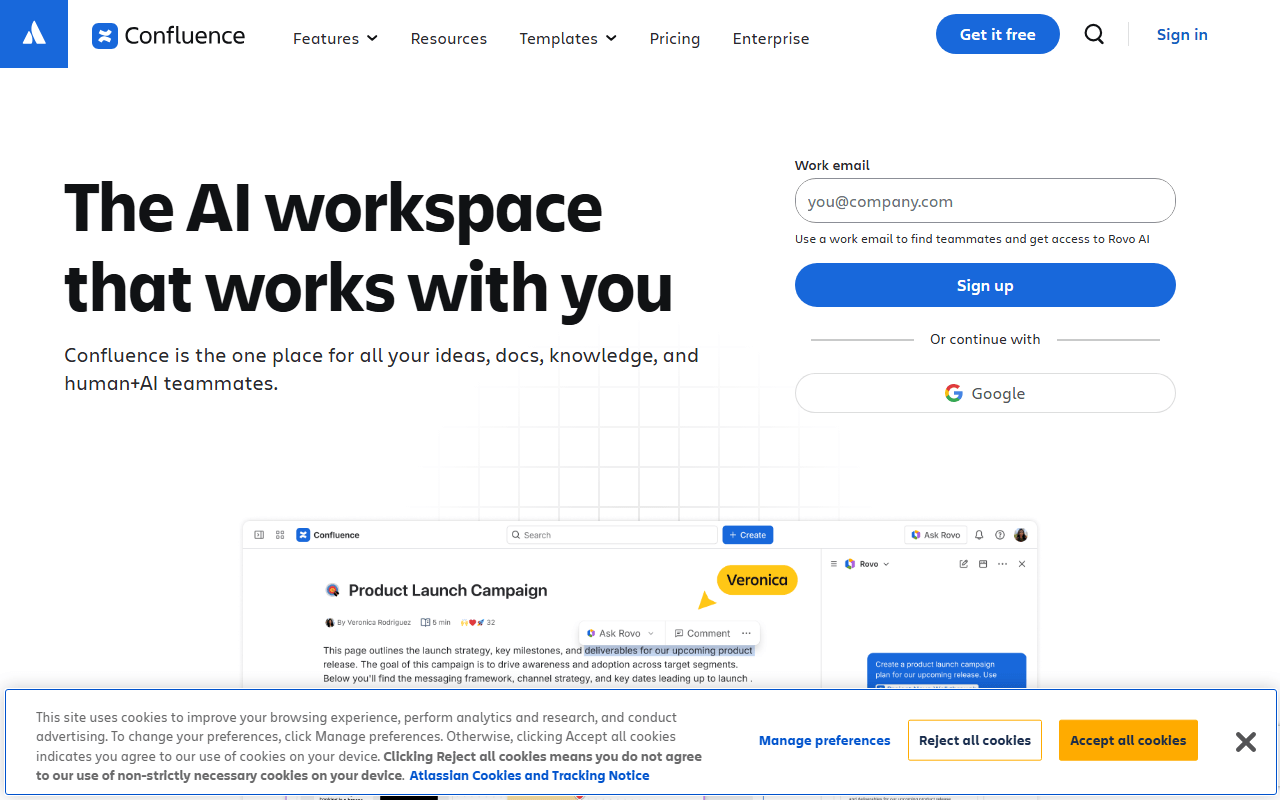
Confluence homepage screenshot

Confluence at a glance

Free plan
Yes
Free plan score
52/100Limited
Starting price
$6.05/month
Open source
Proprietary
Based in
Australia
Company
Atlassian

Our take

Confluence is still the default team wiki when Jira is in the picture, and its free 10-user tier is genuinely usable, but the editor and search feel dated next to newer docs tools.

A wiki that earns its place by sitting next to Jira

Confluence is Atlassian's team wiki: content lives in spaces, spaces hold page trees, and pages carry templates, inline comments, mentions, and version history. Its real advantage is Jira. Linking a requirements page to an epic, embedding a live issue table, and keeping both in the same permission model is something no standalone docs tool does as cleanly.

Jira teams, and three groups besides

  • Engineering teams already running Jira
  • Companies that need page-level permissions, audit trails, and admin controls
  • Long-lived documentation like runbooks, specs, and onboarding guides
  • Small teams of 10 or fewer who can sit on the free plan indefinitely

Ten free seats, then tiered per-user pricing from $6.05

As of July 2026, Confluence Cloud is free for up to 10 users with unlimited spaces and pages, 2 GB of total file storage, and community support. That is a real free tier, not a trial, and a ten-person startup can run its documentation on it for years.

Standard adds page permissions, external collaboration, and business-hours support with 250 GB of storage, quoted at roughly $6.05 per user per month for a small team. Atlassian's pricing is tiered, so the per-user rate drops as you add seats. Premium adds unlimited storage, analytics, and 24/7 support, and Enterprise is annual-only with multi-site and data residency options. Premium and Enterprise prices come from Atlassian's calculator rather than a published flat rate.

Search, the editor, and the 2 GB storage limit

  • The editor is slower and more rigid than Notion's, and heavy pages get sluggish
  • Search is a long-standing complaint. Finding the right page in a large instance is genuinely hard
  • No offline access and no local storage, so a connection is mandatory
  • 2 GB of storage on free is shared across the entire site, which images and attachments eat quickly
  • Costs compound. Confluence alone is rarely the whole bill once Jira and marketplace apps are added

Last in this category, and not because it is bad

If your team lives in Jira, Confluence is the least friction you will find and the free 10-user plan is a genuine offer. If it does not, you are inheriting Atlassian's ecosystem and its interface habits for a wiki, and AppFlowy self-hosted or a Notion workspace will feel lighter. We rank it last in this category because it solves a team documentation problem rather than a note-taking one.

What Confluence offers

  • Cross-device sync
  • Collaboration
  • Web clipper
  • Mobile apps

Not included

  • Markdown notes
  • Local-first storage
  • Works offline
  • Backlinks & graph view
  • Self-hosting
  • End-to-end encryption

Confluence plans and pricing

Free for up to 10 users with unlimited spaces and pages, 2 GB of file storage, and community support only

Atlassian uses tiered per-user pricing that falls as seat count rises, so the Standard rate quoted for a small team is not what a 300-seat team pays. Premium and Enterprise pricing comes from Atlassian's calculator rather than a fixed list price.

Free

Free

Unlimited spaces and pages for a small team

10 users maximum, 2 GB file storage, community support

Standard

$6.05/mo

Per user per month, adding page permissions, external collaboration, and business-hours support

250 GB file storage, 100 automation rule runs per month

Premium

Free

Adds unlimited storage, analytics, admin insights, more automation, and 24/7 support

Enterprise

Free

Annual billing only, with multiple sites, SSO, and data residency controls

As of July 2026. Check current pricing on the Confluence pricing page.

Confluence's free plan score

How good Confluence's free plan really is, judged on four things and weighted into one number.

52/100

Limited

A genuine free wiki for ten people, in the cloud, with no offline copy.

Free plan generosity

64/100

Feature depth for the category

48/100

Freedom and honesty

38/100

What free users report

50/100

Scored July 2026. How we calculate the free plan score.

Frequently asked questions about Confluence

Is Confluence free?

Confluence Cloud has a free plan for up to 10 users with unlimited spaces and pages, 2 GB of file storage, and community support (as of July 2026). Past 10 users you move to Standard, which Atlassian quotes at around $6.05 per user per month for small teams on tiered pricing.

What is the catch with the Confluence free plan?

Three things: the hard 10-user ceiling, 2 GB of file storage shared across the whole site, and no page-level permissions, so anyone in the site can see any space. Support is community forums only.

Is Confluence a good fit for personal notes?

Not really. It is built for team documentation with spaces, approvals, and permissions, and it has no offline mode or local storage. For personal knowledge management, Obsidian or Logseq will feel much faster.

Latest Confluence news

Changes that affect what you get for free: pricing, free plan limits, ownership, and whether the project is still maintained. Not every release.

We checked Confluence's own blog, changelog and release notes in July 2026 and found nothing that changes the picture above.

Reader reviews

What people who actually use Confluence think of it.

No reviews of Confluence yet. If you have used it, yours would be the first.

The useful part is the specifics: what you used it for, and where it got in your way.

Loading...