Free alternatives to Confluence
Confluence Cloud is free for up to 10 users, and the eleventh person is usually what starts this search: past that line every seat is billed, with Standard quoted at around $6.05 per user per month for a small team (as of July 2026). The other complaints are older and have nothing to do with the invoice. The editor slows down on heavy pages, search in a large instance is a long-running frustration, and there is no offline mode or local copy, so the wiki holding your runbooks is only ever as available as your connection.
Facts checked as of July 2026Read our Confluence review
Jump to an alternative




AppFlowy
Best Free Alternative ToConfluenceSelf-host it under AGPL-3.0 and the user cap disappears entirely
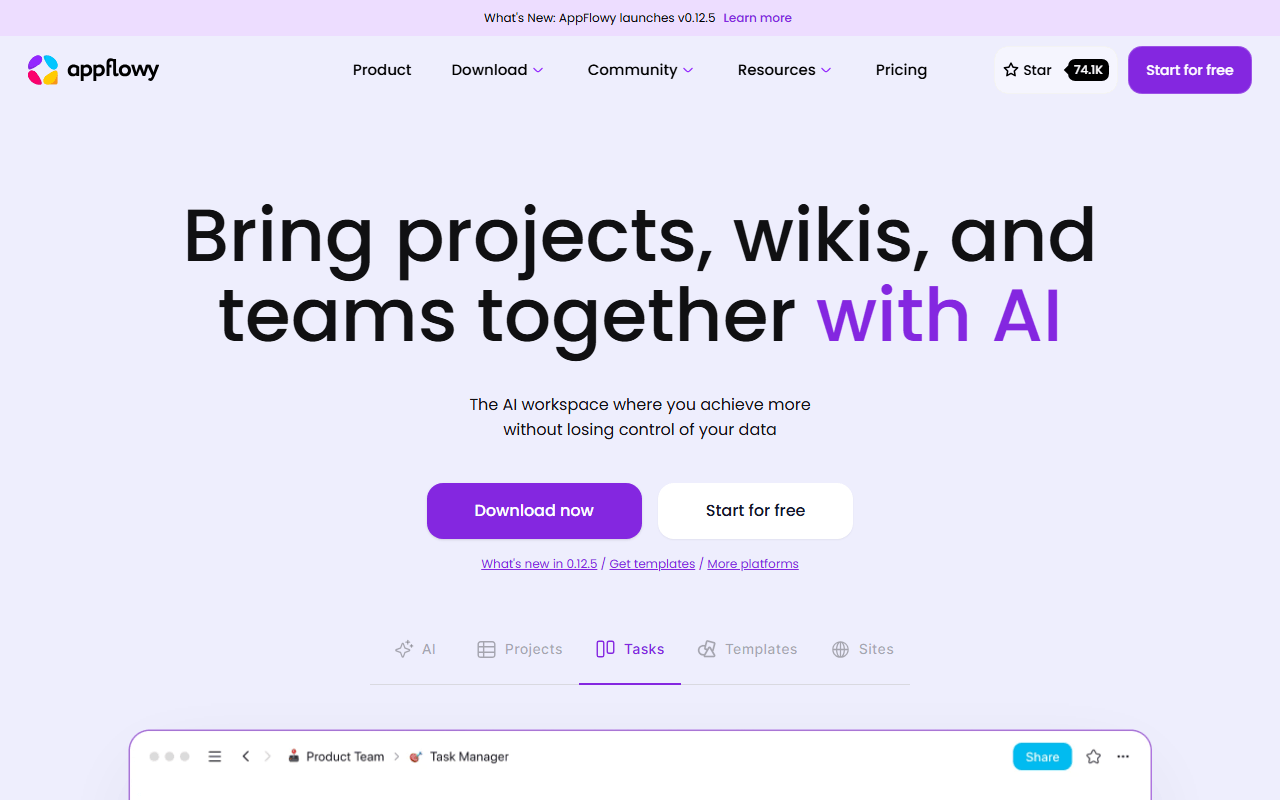
AppFlowy does Confluence's job (shared docs, real-time editing, structure) without the seat math, provided you host it. Self-hosting the AGPL-3.0 stack removes the member and storage caps completely, so a team of 40 costs the same as a team of 4. Be clear about what free means here: the hosted plan covers one workspace with up to 2 members, unlimited pages and blocks, and 5 GB of storage as of July 2026, so an unlimited team means running Docker, Postgres, and object storage yourself. It is also local-first, so it keeps working on a bad connection, which Confluence does not.
- Free plan, paid from $10/month (as of July 2026)
- Singapore
- Open source (AGPL-3.0)
 Singapore
- Best for:
- Teams pushing past Confluence's 10-user ceiling who have someone willing to run a Docker stack
- The catch:
- Unlimited free only exists if you self-host; the hosted free tier stops at 2 members, and database relations and rollups are thin.
Compared to Confluence
- Advantage: Self-hosted has no user cap at all, against Confluence free's hard 10-user ceiling
- Advantage: Local-first, so docs stay readable and editable offline
- Advantage: 5 GB of storage on the hosted free plan against Confluence free's 2 GB per site
- Advantage: AGPL-3.0, so documentation can sit on infrastructure you control
- Tradeoff: The hosted free tier allows 2 members where Confluence free allows 10
- Tradeoff: No Jira integration, and nothing matching Confluence's admin and permission controls
Any page flips into an infinite whiteboard, so diagrams live in the doc
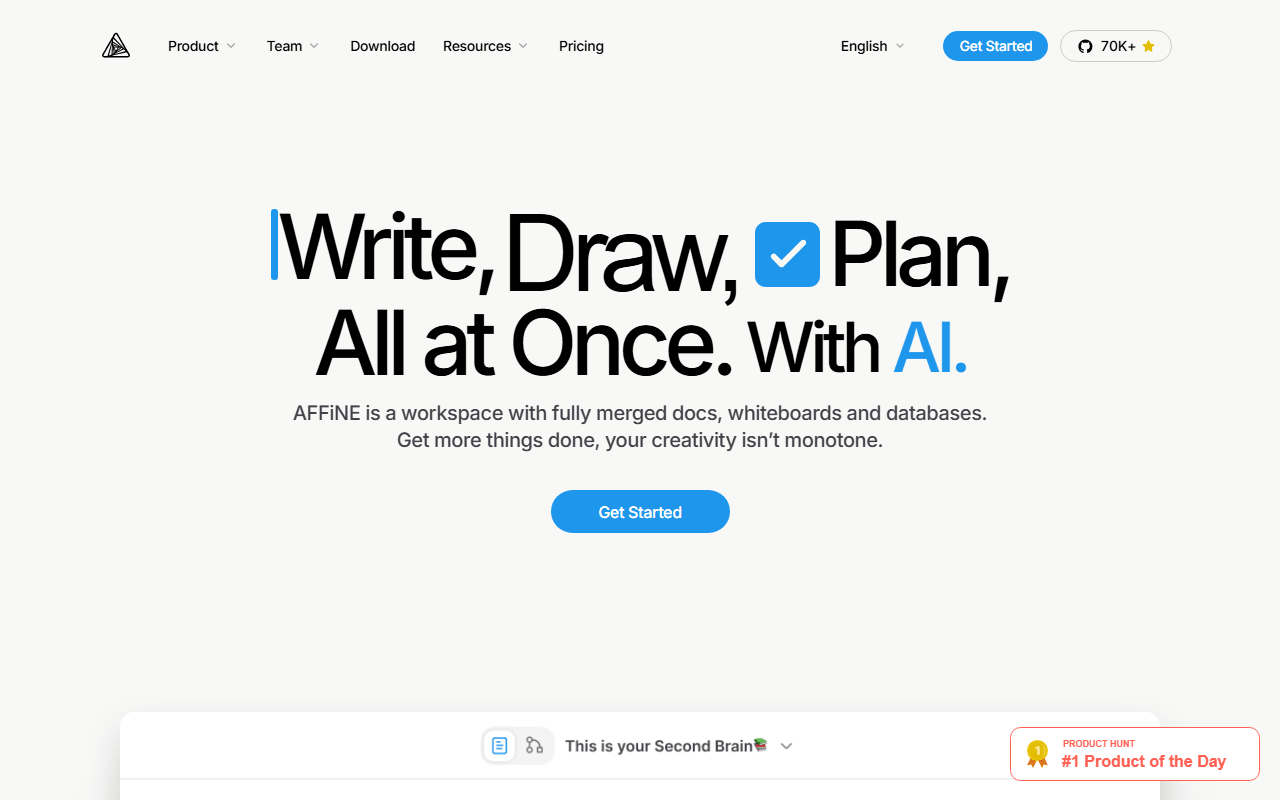
Confluence pages usually end up embedding a diagram made somewhere else, and AFFiNE removes that round trip by making the page and the canvas the same object. The free plan gives 10 GB of cloud storage, up to 3 workspace members, 3 logged-in devices, 7 days of version history, and a 10 MB file cap, plus unlimited local workspaces that do not count against the quota (as of July 2026). The client is MIT licensed and self-hosting is free, which is the route to a team larger than three. The server directory carries its own separate license, so read that before you build anything commercial on top.
- Free plan, paid from $6.75/month (as of July 2026)
- Singapore
- Open source (MIT (client); server directory under a separate license)
- Best for:
- Small documentation teams whose specs always need a diagram sitting next to the text
- The catch:
- 3 members and 3 logged-in devices on free is tight, and it ships fast enough that sync and rendering bugs still surface.
Compared to Confluence
- Advantage: 10 GB of free cloud storage against Confluence free's 2 GB across the whole site
- Advantage: Documents and whiteboards are one object, which Confluence has no equivalent for
- Advantage: Self-hosting is free and lifts the member cap
- Advantage: Works offline, and unlimited local workspaces stay off the cloud quota
- Tradeoff: 3 members on free, so it is a smaller team ceiling than Confluence's 10
- Tradeoff: Less stable than Confluence, which is a real objection for a system of record
The hosted wiki people actually enjoy writing in, with no 10-user ceiling
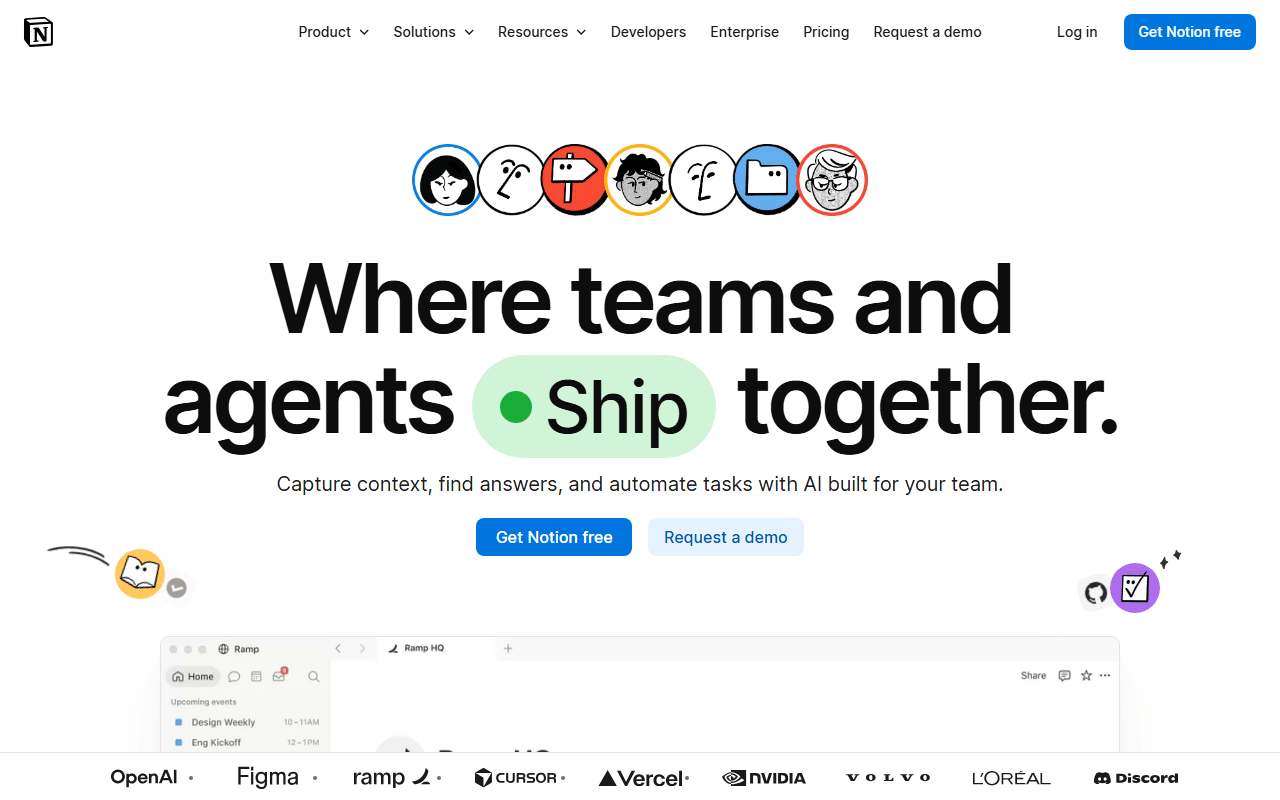
If the problem with Confluence is the editor and the search rather than the bill, Notion is the straight swap, and it is the only tool on this list that needs no server admin from you. The free plan is built around an individual workspace with 5 MB file uploads, 10 guests, and 7 days of page history (as of July 2026), so a documentation team lands on paid at $10 per member per month, or $20 on Business. That is more per seat than Confluence Standard's roughly $6.05, so pick Notion for the writing experience and the template and integration ecosystem, not to save money. It also needs a connection for almost everything, so it does not fix Confluence's offline gap.
- Free plan, paid from $10/month (as of July 2026)
- United States
 United States
- Best for:
- Teams leaving Confluence because writing in it is a chore, not because of the price
- The catch:
- A real team is a paid plan at $10 per member per month, which costs more per seat than the Confluence Standard tier you were escaping.
Compared to Confluence
- Advantage: No 10-user ceiling, and the editor is faster and less rigid than Confluence's
- Advantage: Much larger template and integration ecosystem for docs and trackers
- Advantage: Databases and views built in, where Confluence relies on tables and macros
- Tradeoff: $10 per member per month is above Confluence Standard's roughly $6.05 per user
- Tradeoff: Free plan gives 7 days of page history and 5 MB uploads, thin for team documentation
- Tradeoff: Close to unusable offline and no self-hosting, so the lock-in question is unchanged
10 shared spaces free, all end-to-end encrypted
Anytype is the pick when the documentation is sensitive enough that hosting matters more than polish. The free plan includes 10 shared spaces, unlimited objects stored locally, and full end-to-end encryption, with 100 MB of remote storage for syncing and sharing (as of July 2026). Paid tiers from $4 per month buy more sync storage rather than unlocking features, and you can self-host an any-sync node instead of paying at all. Structure comes from typed objects and relations instead of spaces and page trees, which is more flexible than Confluence and slower to learn.
- Free plan, paid from $4/month (as of July 2026)
- Switzerland
 Switzerland
- Best for:
- Small teams documenting things they would rather no hosting company could read
- The catch:
- 100 MB of free remote storage fills fast with screenshots, there is no web app, and the license is source-available rather than OSI open source.
Compared to Confluence
- Advantage: 10 shared spaces on free with end-to-end encryption Confluence does not offer
- Advantage: Unlimited local objects and full offline use, where Confluence needs a connection
- Advantage: Paid tiers buy sync storage, not features, and self-hosting a sync node is free
- Tradeoff: 100 MB of remote storage on free against Confluence's 2 GB of file storage
- Tradeoff: No web app, so every reader has to install a desktop or mobile client
- Tradeoff: Almost no integrations and nothing resembling Confluence's admin controls
Notebook trees and encrypted sync you can run on your own Docker server
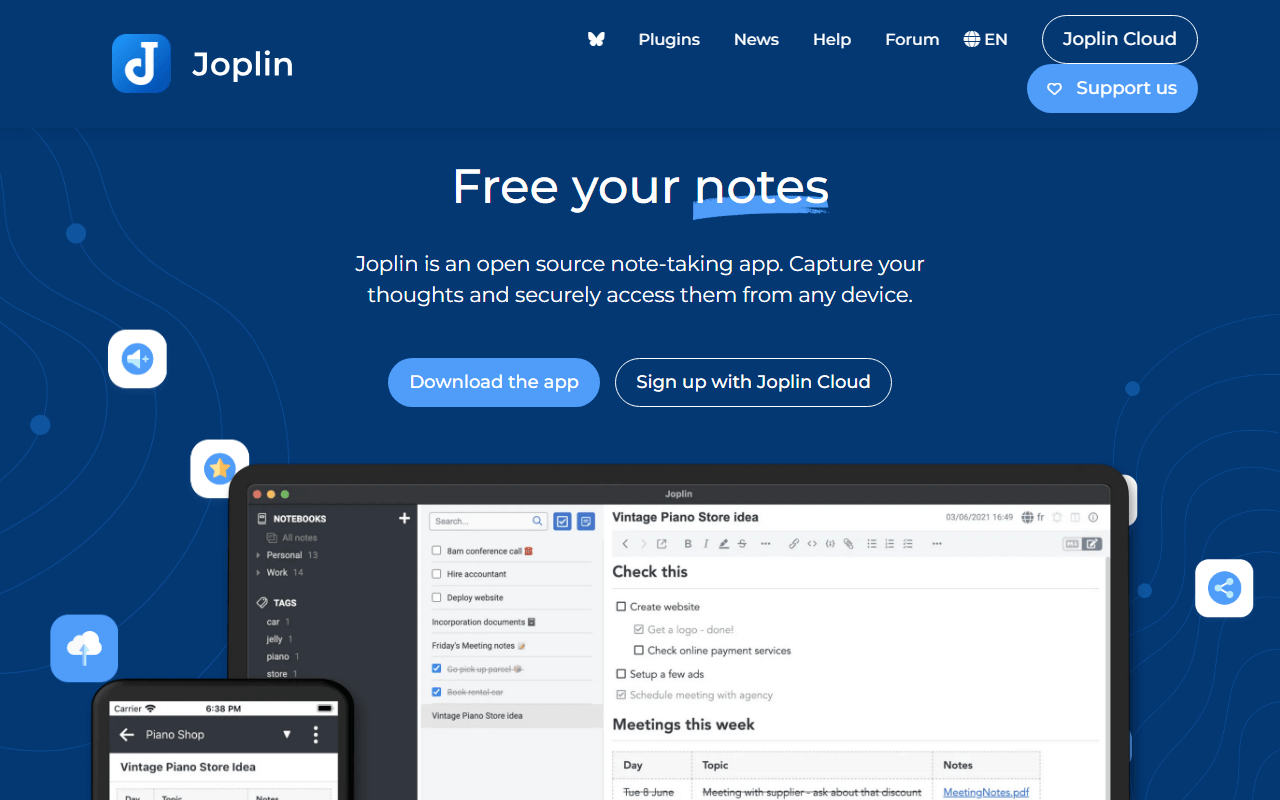
Joplin gets used as a small team knowledge base more often than its note-app label suggests, because notebooks and sub-notebooks behave a lot like a Confluence page tree. The apps are free and AGPL-3.0 on every platform with unlimited notes, and sync goes to Dropbox, OneDrive, Nextcloud, WebDAV, or S3 at no cost. Sharing is where money or effort enters: notebook sharing and publishing arrive on Joplin Cloud Pro at EUR 4.79 per month billed yearly, with Teams at EUR 6.69 per user per month billed yearly and a two-user minimum, or you self-host Joplin Server in Docker to get the same sharing features for free (as of July 2026).
- Free plan, paid from €2.4/month (as of July 2026)
- United Kingdom
- Open source (AGPL-3.0-or-later)
 United Kingdom
- Best for:
- Technical teams that want an owned, encrypted documentation store and can run Joplin Server
- The catch:
- The interface looks a decade old next to Confluence, and search is literal and slow once the collection is large.
Compared to Confluence
- Advantage: Free apps with unlimited notes and no user cap at all
- Advantage: End-to-end encryption you enable yourself, and sync to storage you already pay for
- Advantage: Joplin Server self-hosts in Docker and gives the same sharing as the paid cloud
- Advantage: Works fully offline, which Confluence never does
- Tradeoff: Sharing is not free unless you self-host, otherwise Cloud Pro is EUR 4.79 per month
- Tradeoff: No page permissions, no approvals, and a dated interface next to Confluence's
Free with no limits and every page a Markdown file on disk
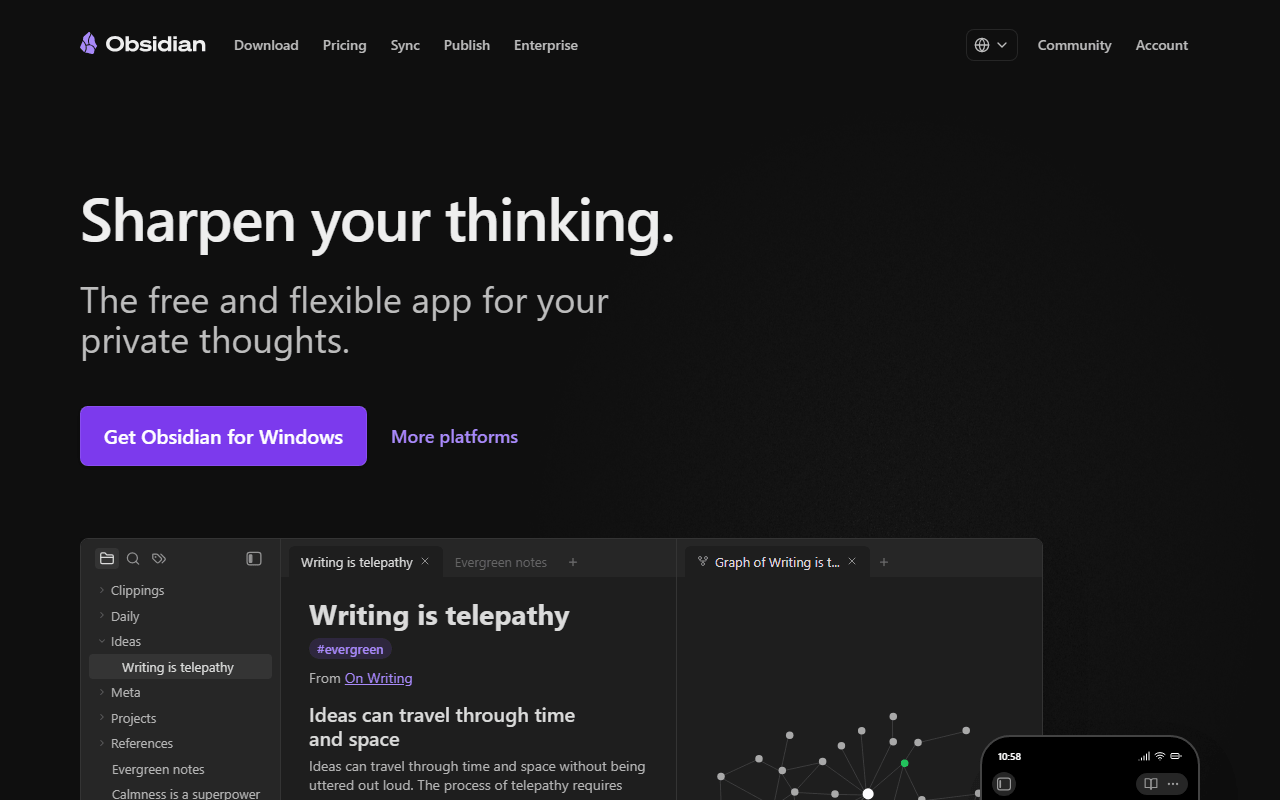
Plenty of Confluence instances are one person maintaining docs everyone else reads, and for that Obsidian is faster and free. There is no note, device, or feature limit on personal use, pages open instantly where Confluence pages load, and everything stays as Markdown files you can move anywhere. It is a weak fit for an actual team: there is no real-time co-editing, and a shared vault is not the same as two people in one doc. A company of two or more people using it for work also needs a $50 per user per year commercial license.
- Free plan, paid from $4/month (as of July 2026)
- Canada
 Canada
- Best for:
- One or two people who write the documentation while everyone else just reads it
- The catch:
- No real-time collaboration and no permissions, and team use at a company needs a $50 per user per year commercial license.
Compared to Confluence
- Advantage: No user, note, or device limits on the free personal plan
- Advantage: Pages are Markdown files you own, so there is no Atlassian export to plan for later
- Advantage: Opens and searches far faster than a large Confluence instance, and works offline
- Tradeoff: No real-time collaborative editing, which is the core of a team wiki
- Tradeoff: No spaces, page permissions, approvals, or admin controls
- Tradeoff: Company use costs $50 per user per year, and the app is not open source
How to choose
Decide first whether you can run a server. If someone on the team is comfortable with Docker, AppFlowy self-hosted is the only option here that gives an unlimited-user wiki for nothing, and AFFiNE is the same trade with a whiteboard attached. If nobody can, you are choosing between small hosted free tiers (3 members on AFFiNE, 2 on AppFlowy) and simply paying, in which case Notion buys a better writing experience at $10 per member per month while Confluence Standard is cheaper per seat. Two questions settle most of it: does your documentation need to link to Jira issues, and does anyone outside the writing team need read-only access with permissions on it. If the answer to either is yes, nothing on this list replaces Confluence cleanly, and staying on the free 10-user plan until you truly outgrow it is the honest recommendation.