Free alternatives to Logseq
Logseq is fully free and open source, so the reasons to look around are about fit, not money. The big one is the outliner model: everything is a bullet, which is great for daily capture and awkward for long prose. Sync is the other. Official Sync is still a beta perk for Open Collective backers, the rewrite to a database backend has been slow, and mobile lags on large graphs (as of July 2026). These free tools keep the local-first, own-your-notes idea while changing one of those.
Facts checked as of July 2026Read our Logseq review
Jump to an alternative






Obsidian
Best Free Alternative ToLogseqDocument-first instead of an outliner, with local Markdown files and a plugin library over a thousand deep
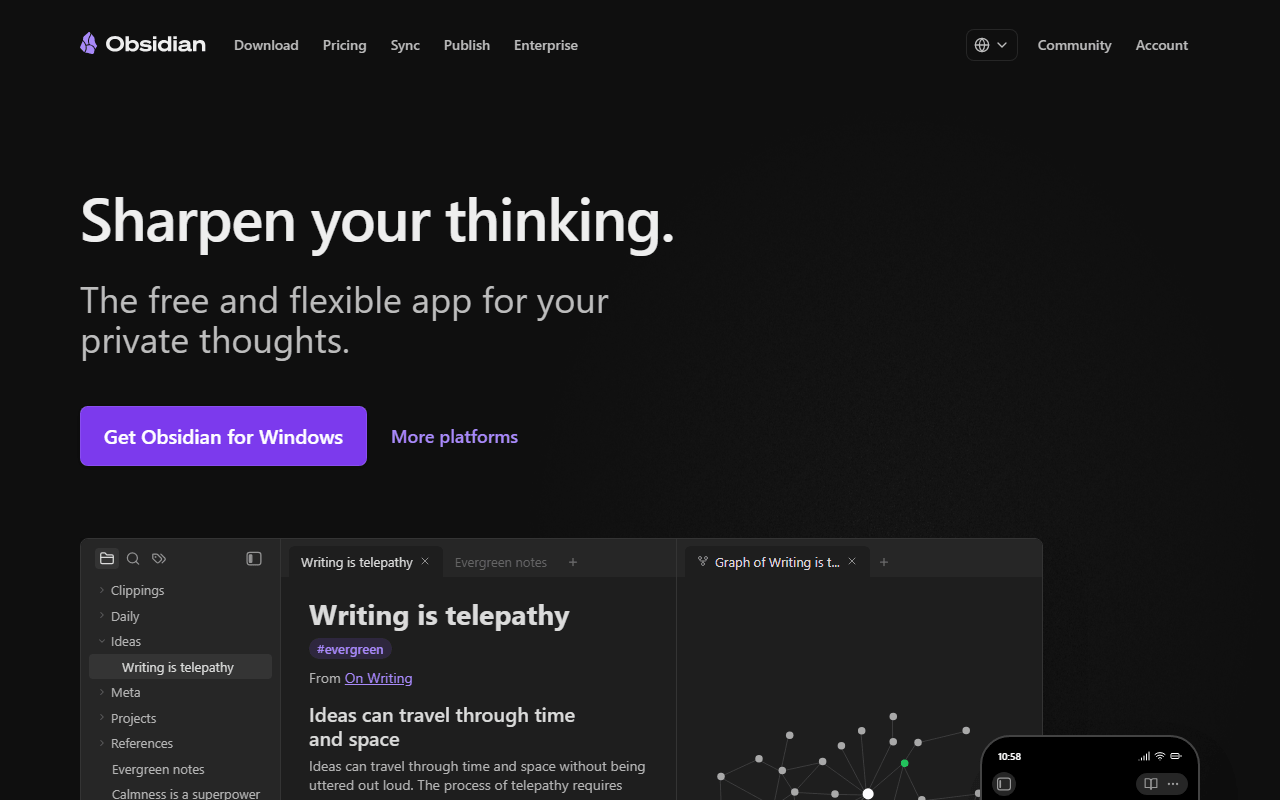
Obsidian is where most people go when Logseq's bullet-everything model or its slow pace starts to grate. It writes and reads the same kind of local Markdown files, so your notes stay yours, but the editor is free-form prose rather than an outline, and the community plugin library is the largest in this category (as of July 2026). Development is visibly active, which is the contrast people feel most after Logseq. The catches are that the core is closed source and sync across devices is a paid add-on at $4 per user per month billed annually, unless you use iCloud, Dropbox, or Git.
- Free plan, paid from $4/month (as of July 2026)
- Canada
 Canada
- Best for:
- Logseq users who want document-style writing and an active, plugin-rich app
- The catch:
- The core is closed source, and Sync is $4 per user per month unless you wire up your own.
Compared to Logseq
- Advantage: Free-form document editor, not Logseq's bullet-only outliner
- Advantage: Over a thousand community plugins, far more than Logseq offers
- Advantage: More actively developed than Logseq's file-based version
- Worth knowing: Stores the same local Markdown files you own
- Tradeoff: Closed source, where Logseq is fully AGPL-3.0
- Tradeoff: Sync across devices is a paid $4 per user per month add-on
Keeps Logseq's block-level references but works as a document app too, and it is genuinely open source and actively built
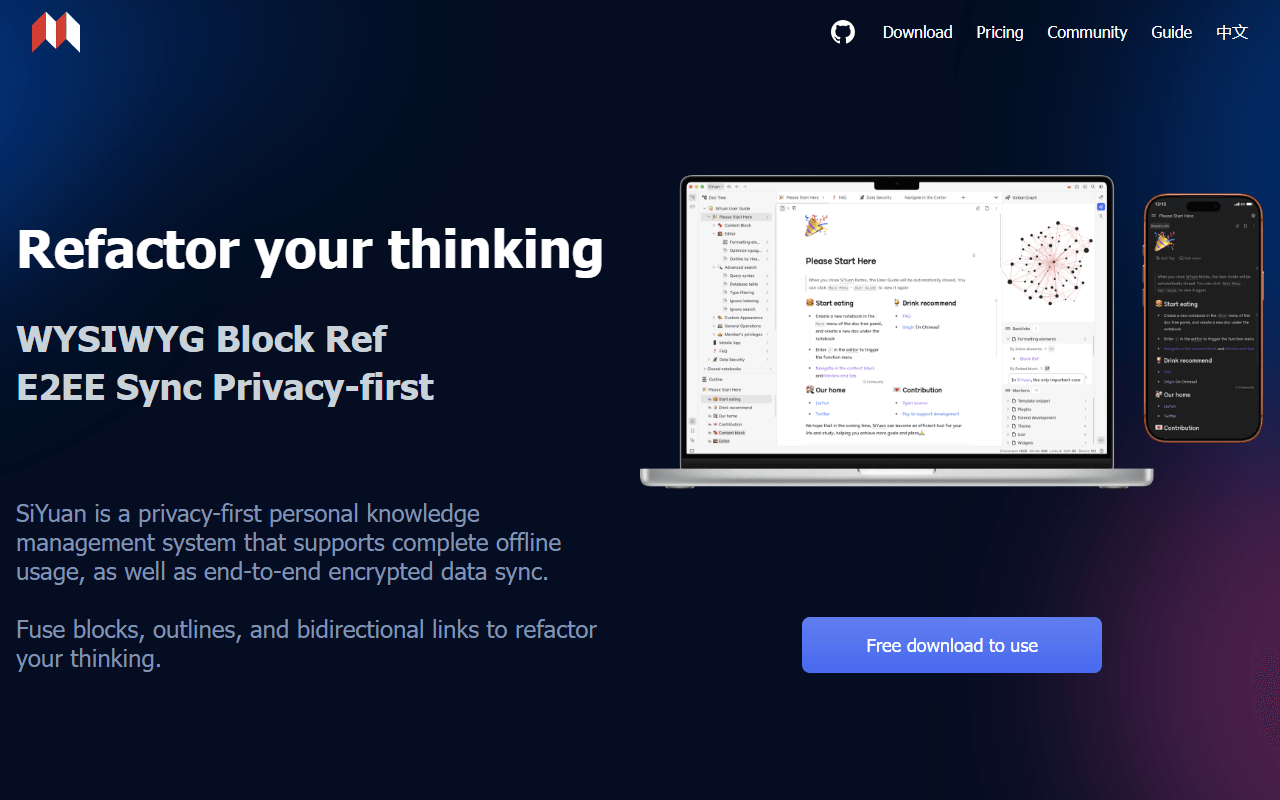
SiYuan is the natural open source step from Logseq for people who like block references but not the strict outliner. Every block has an ID for references and backlinks, and it adds an attribute-view database, PDF annotation, and flashcards, all free for life under AGPL-3.0 and fully offline (as of July 2026). Unlike Logseq's beta-and-backers sync, SiYuan sells sync as a one-time payment: $64 through your own S3 or WebDAV, or $148 for official cloud sync with 8 GB. The tradeoff is that notes are stored as JSON rather than the plain Markdown Logseq keeps on disk.
- Free plan, paid from $64 one-time (as of July 2026)
- China
- Open source (AGPL-3.0)
 China
China- Best for:
- Logseq users who want block references in a document app and steadier development
- The catch:
- Notes are JSON rather than plain Markdown, and the English documentation is rough.
Compared to Logseq
- Worth knowing: Open source under AGPL-3.0, like Logseq
- Advantage: Block references and backlinks without forcing a strict outliner
- Advantage: Sync is a one-time payment, not Logseq's beta backer-only service
- Advantage: Database, PDF annotation, and flashcards built in
- Tradeoff: Notes stored as JSON, where Logseq keeps plain Markdown files
- Tradeoff: English docs and community are thinner
Adds databases, boards, and real-time collaboration Logseq does not have
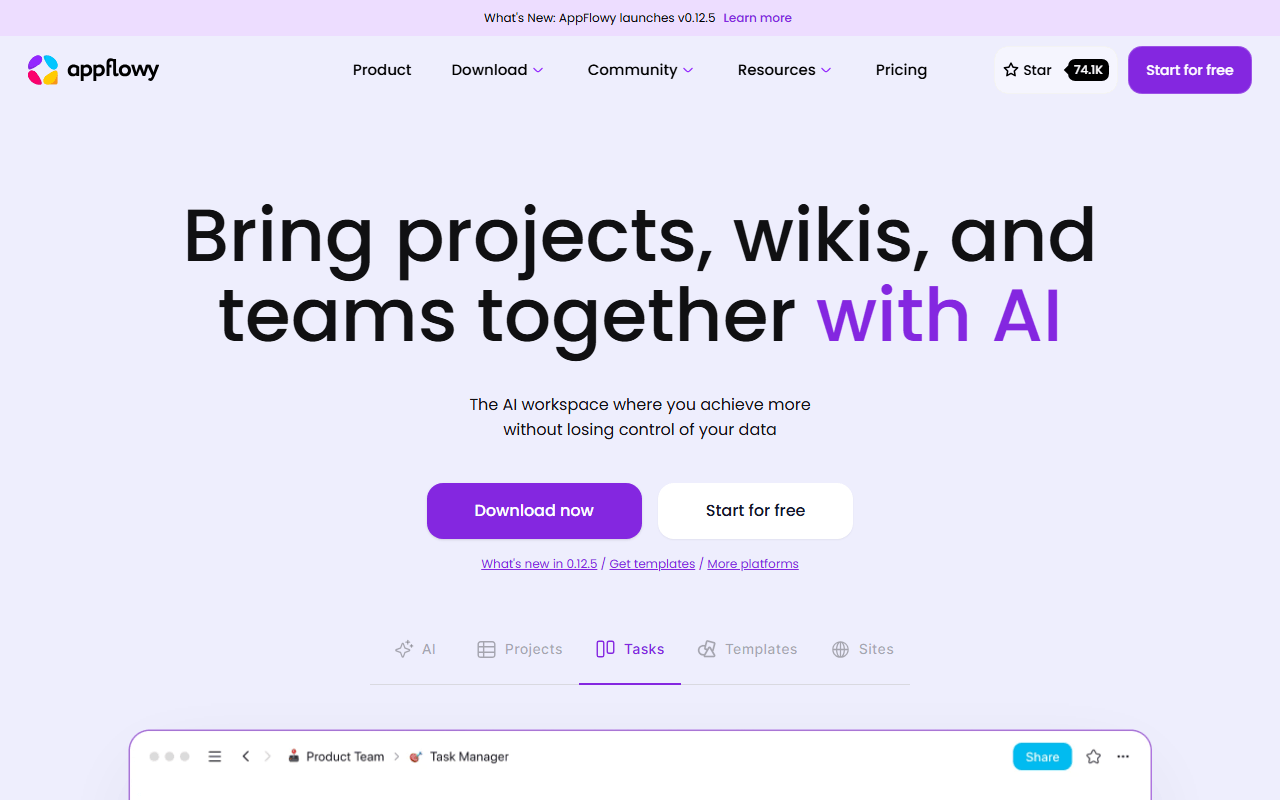
AppFlowy is the pick if you outgrew Logseq's single-player, database-free model. It copies Notion's block editor with grid, board, and calendar views and adds real-time collaboration, all local-first so it works offline. The hosted free plan covers one workspace of up to 2 members with 5 GB of storage, and self-hosting the AGPL-3.0 code lifts those caps if you run Docker (as of July 2026). It does not keep plain Markdown files, so it is a different ownership model than Logseq's folder.
- Free plan, paid from $10/month (as of July 2026)
- Singapore
- Open source (AGPL-3.0)
 Singapore
- Best for:
- Logseq users who need databases, shared pages, or real-time collaboration
- The catch:
- Hosted free stops at 2 members, and it does not store plain Markdown files.
Compared to Logseq
- Advantage: Grid, board, and calendar database views Logseq lacks
- Advantage: Real-time collaboration, which Logseq does not do
- Advantage: Open source under AGPL-3.0 and self-hostable
- Tradeoff: Hosted free tier caps at 2 members
- Tradeoff: Notes live in the app, not a Markdown folder you own
- Tradeoff: Younger, so database relations and rollups are thinner
A notebook-and-clipper workflow with free encrypted sync that actually ships, unlike Logseq's beta sync
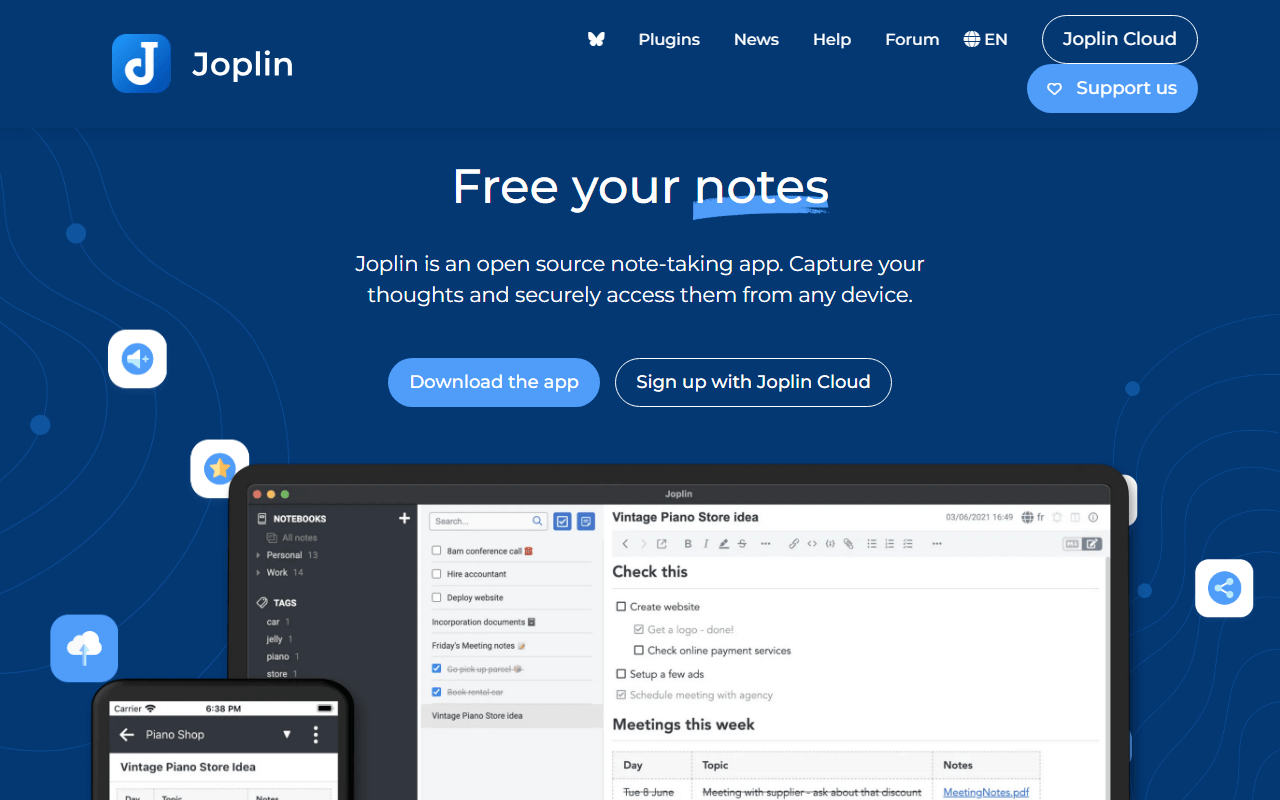
Joplin trades Logseq's outliner for classic notebooks and tags, and fixes the sync story in the process. It syncs free with end-to-end encryption to Dropbox, OneDrive, Nextcloud, WebDAV, or S3, and its browser clipper saves articles straight into a notebook, where Logseq has no real clipper. It is free and open source under AGPL-3.0 on every platform (as of July 2026). The interface is the cost: it looks a decade old, and there are no block references or graph view.
- Free plan, paid from €2.4/month (as of July 2026)
- United Kingdom
- Open source (AGPL-3.0-or-later)
 United Kingdom
- Best for:
- Logseq users who want reliable free sync and a clipper more than an outliner
- The catch:
- The interface is dated, and there are no block references or backlinks.
Compared to Logseq
- Advantage: Free encrypted sync that ships today, where Logseq's is beta and backer-only
- Advantage: Built-in web clipper Logseq does not have
- Advantage: Open source under AGPL-3.0 and self-hostable
- Tradeoff: No block-level references or backlinks
- Tradeoff: No graph view
- Tradeoff: The interface looks dated next to Logseq
End-to-end encryption by default with structure through objects and relations
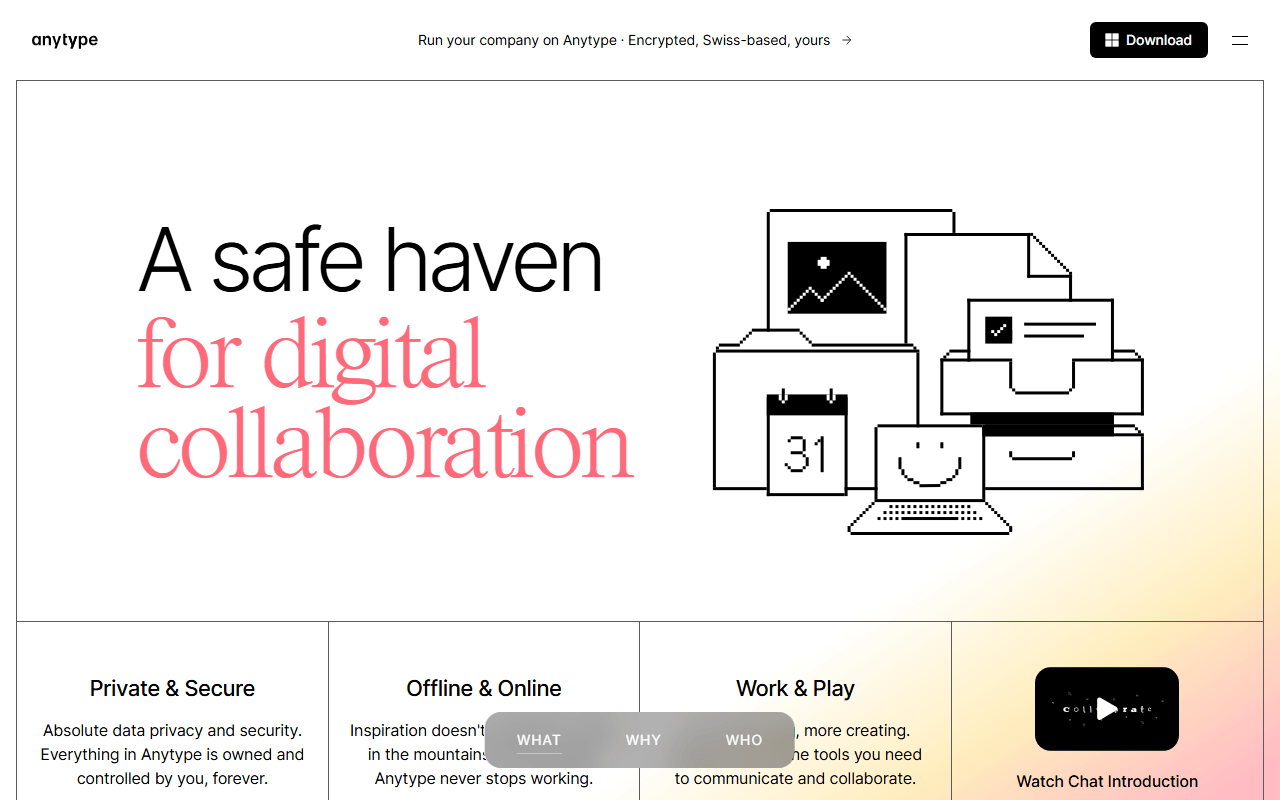
Anytype suits Logseq users who liked linking ideas but want encryption and a richer structure than bullets. Notes are typed objects joined by relations, encrypted on your device before syncing peer-to-peer, with unlimited local storage (as of July 2026). Free includes 100 MB of remote sync storage and 10 shared spaces, and paid tiers from $4 per month buy only more space. It is source-available rather than OSI open source, a step down from Logseq's AGPL license, and the object model takes real time to learn.
- Free plan, paid from $4/month (as of July 2026)
- Switzerland
 Switzerland
- Best for:
- Logseq users who want encrypted, structured notes beyond an outline
- The catch:
- 100 MB of free sync storage, no web app, and a source-available license rather than open source.
Compared to Logseq
- Advantage: End-to-end encrypted by default, which Logseq is not
- Advantage: Objects and relations give more structure than bullets and links
- Worth knowing: Unlimited local storage, capped only on remote sync
- Tradeoff: Source-available, not OSI open source like Logseq's AGPL
- Tradeoff: Only 100 MB of remote sync storage on free
- Tradeoff: The object model is a steeper start than an outliner
Turns any page into an infinite whiteboard and adds databases, neither of which Logseq has
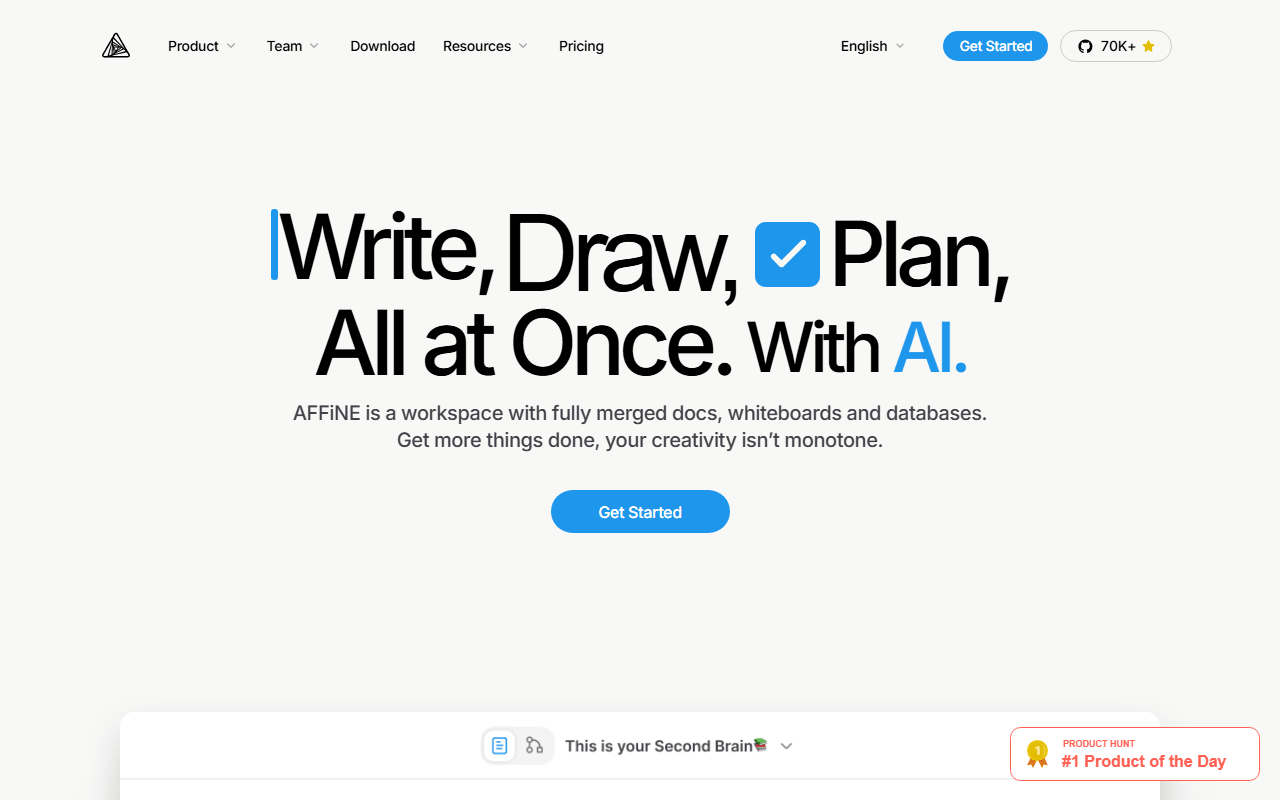
AFFiNE is the choice if your Logseq notes kept wanting a canvas or a table. Any page flips into edgeless mode where blocks become objects on an infinite whiteboard, and it layers databases on top. Free gives 10 GB of cloud storage, up to 3 members, 7 days of version history, and unlimited local workspaces off that quota (as of July 2026). The client is MIT licensed with the server directory under a separate license, and it ships fast enough that sync bugs still turn up.
- Free plan, paid from $6.75/month (as of July 2026)
- Singapore
- Open source (MIT (client); server directory under a separate license)
- Best for:
- Logseq users whose notes end up needing a whiteboard or database
- The catch:
- The 3-device login cap is tight, and it is less stable than Logseq.
Compared to Logseq
- Advantage: Document and whiteboard in one object, which Logseq has no equivalent for
- Advantage: Database views Logseq does not offer
- Advantage: 10 GB of free cloud storage with self-hosting available
- Tradeoff: Only 3 logged-in devices on free
- Tradeoff: Less stable than Logseq
- Tradeoff: Not a plain Markdown store
How to choose
If the outliner is what wore you down, Obsidian is the natural switch: document-first, local Markdown, and the largest plugin library here, though its core is closed and Sync costs $4 per user per month. If you want to stay open source, Logseq's closest peers are SiYuan for block references and Joplin for a notebook workflow. Pick AppFlowy or AFFiNE if you want databases and collaboration Logseq does not have, and Anytype when encryption is the priority. Your notes are local Markdown, so trying another app costs you nothing but time.