Free alternatives to ClickUp
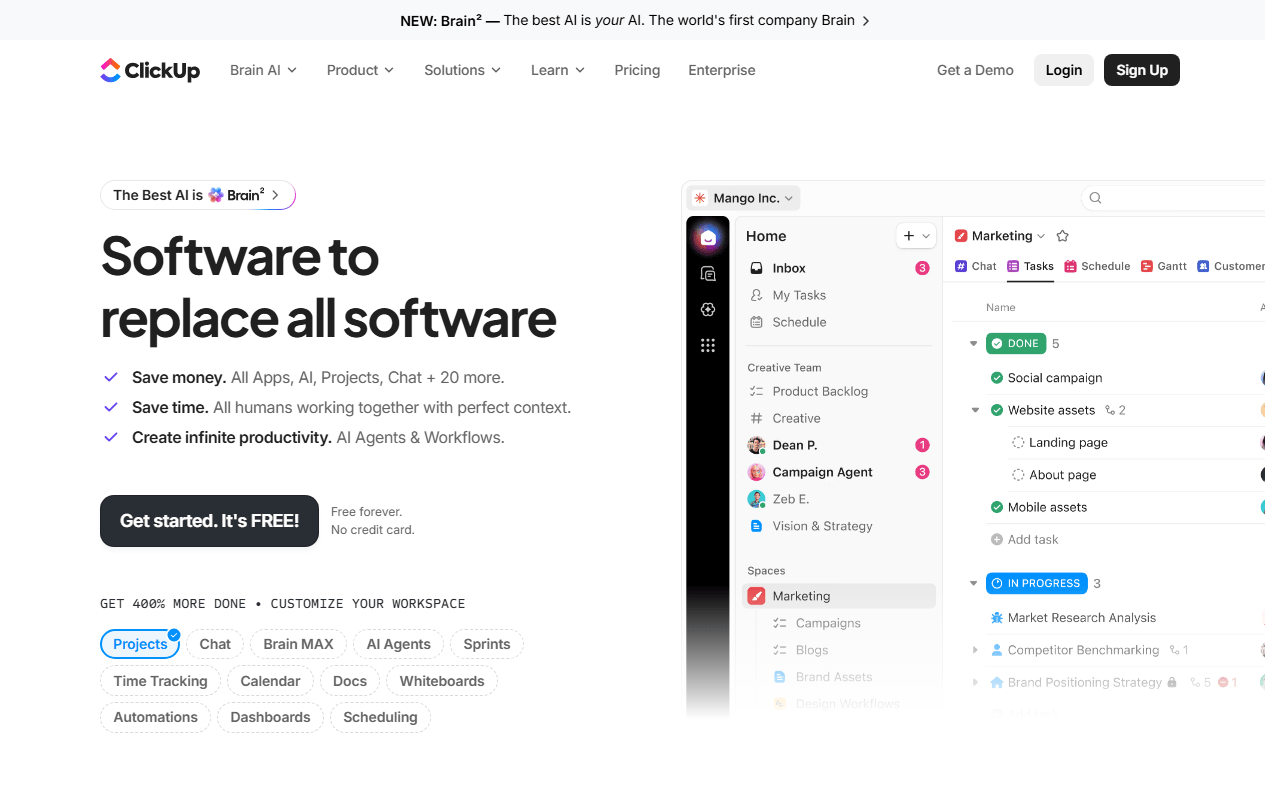
ClickUp's free plan is generous on seats and stingy on storage: unlimited members and tasks, but 60MB total across the whole workspace (as of July 2026). The other complaint is the interface, which packs list, board, docs, sprints, and automations into one screen and takes a week or two to feel calm. If the storage cap or the busyness is what sent you here, these tools trade some breadth for room or for a cleaner start.
Facts checked as of July 2026Read our ClickUp review
Jump to an alternative




Trello
Best Free Alternative ToClickUpOne simple board you learn in an hour, against ClickUp's week-long ramp
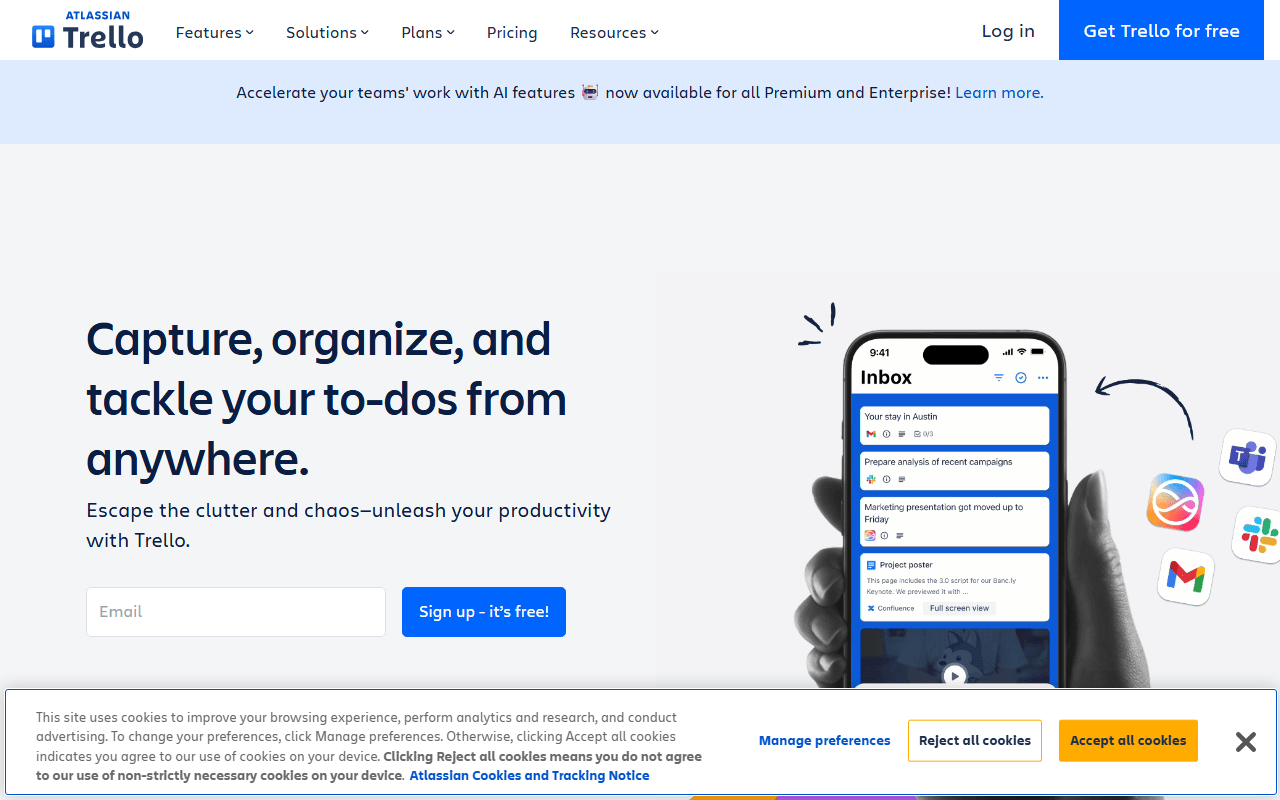
Trello is the antidote to feature overload: lists of cards you drag from To do to Done, and little else to configure. The free plan gives you unlimited cards, 10 boards, and 10 collaborators per workspace, with 250 automation runs a month (as of July 2026). You lose ClickUp's sprints, docs, and unlimited members, but most people are productive in their first hour.
- Free plan, paid from $5/month (as of July 2026)
- Australia
 Australia
- Best for:
- Small teams who found ClickUp heavier than the work they track
- The catch:
- 10 collaborators per workspace, and no Gantt, timeline, or reporting without Premium at $10 per user
Compared to ClickUp
- Advantage: Productive in an hour; ClickUp takes a week or two to settle
- Advantage: Storage is capped per attachment (10MB) rather than as a tiny 60MB workspace total
- Advantage: Unlimited Power-Ups on free for calendar views and GitHub links
- Tradeoff: Caps at 10 collaborators per workspace; ClickUp's free plan has no member limit
- Tradeoff: No sprints, docs, or time tracking; ClickUp bundles all three
- Tradeoff: Board view is the whole story; ClickUp offers list, board, and calendar free
Self-host and the 60MB storage cap disappears entirely
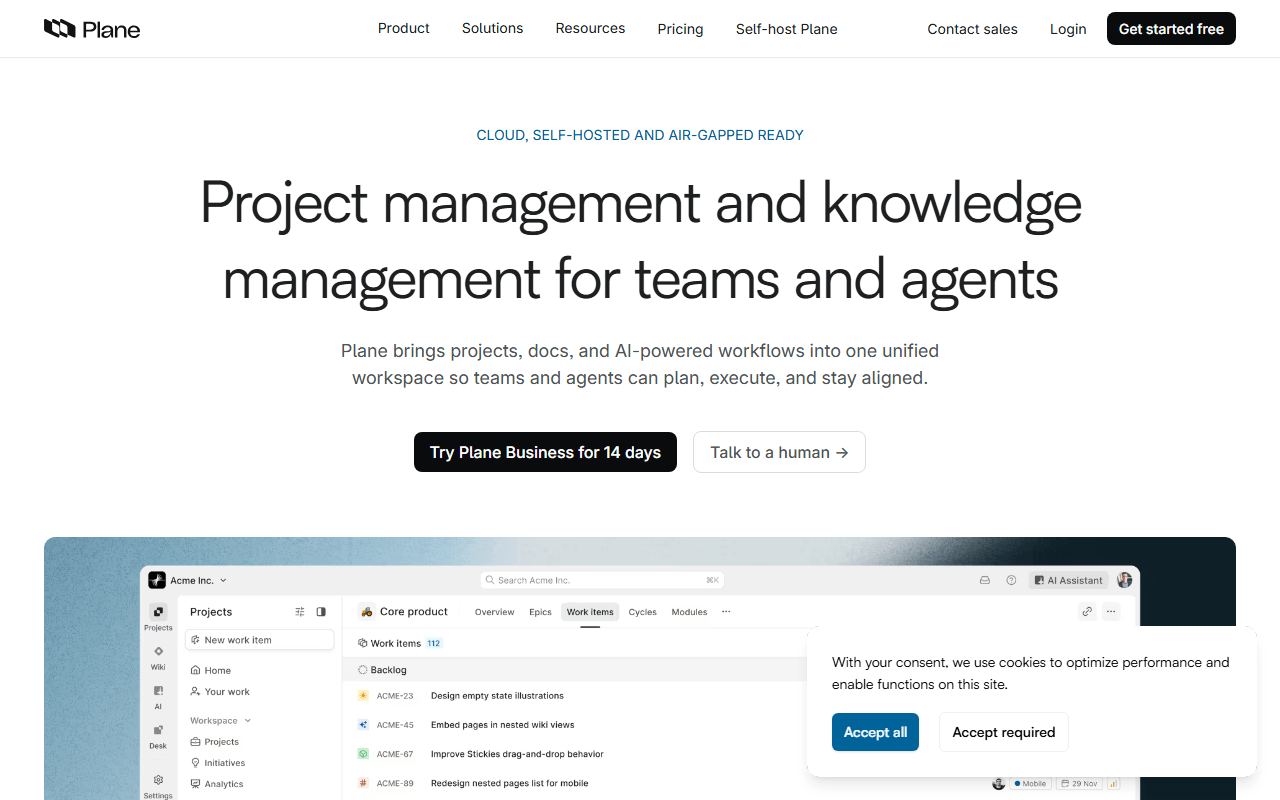
Plane is an open source tracker with the structure ClickUp gives you (cycles for sprints, modules, multiple views) minus the everything-at-once feeling. The cloud free plan covers 12 members; the AGPL Community Edition is free to self-host with no member cap and storage bounded only by your own disk (as of July 2026). It is younger than ClickUp, so the integration catalog is thinner.
- Free plan, paid from $6/month (as of July 2026)
- Open source (AGPL-3.0)
- Best for:
- Product teams who liked ClickUp's sprints but hit the storage cap
- The catch:
- Self-hosting needs Docker, and time tracking and templates sit behind paid tiers even when you host it
Compared to ClickUp
- Advantage: Self-hosted storage is bounded by your disk, not 60MB
- Advantage: Cycles and modules give ClickUp-style sprint structure
- Advantage: Cleaner, more focused interface than ClickUp's dense one
- Tradeoff: Cloud free tier caps at 12 members; ClickUp's has none
- Tradeoff: Self-hosting is your server to run and update
- Worth knowing: Both put time tracking behind a paid plan
Docs and tasks on one page, without ClickUp's dense toolbar
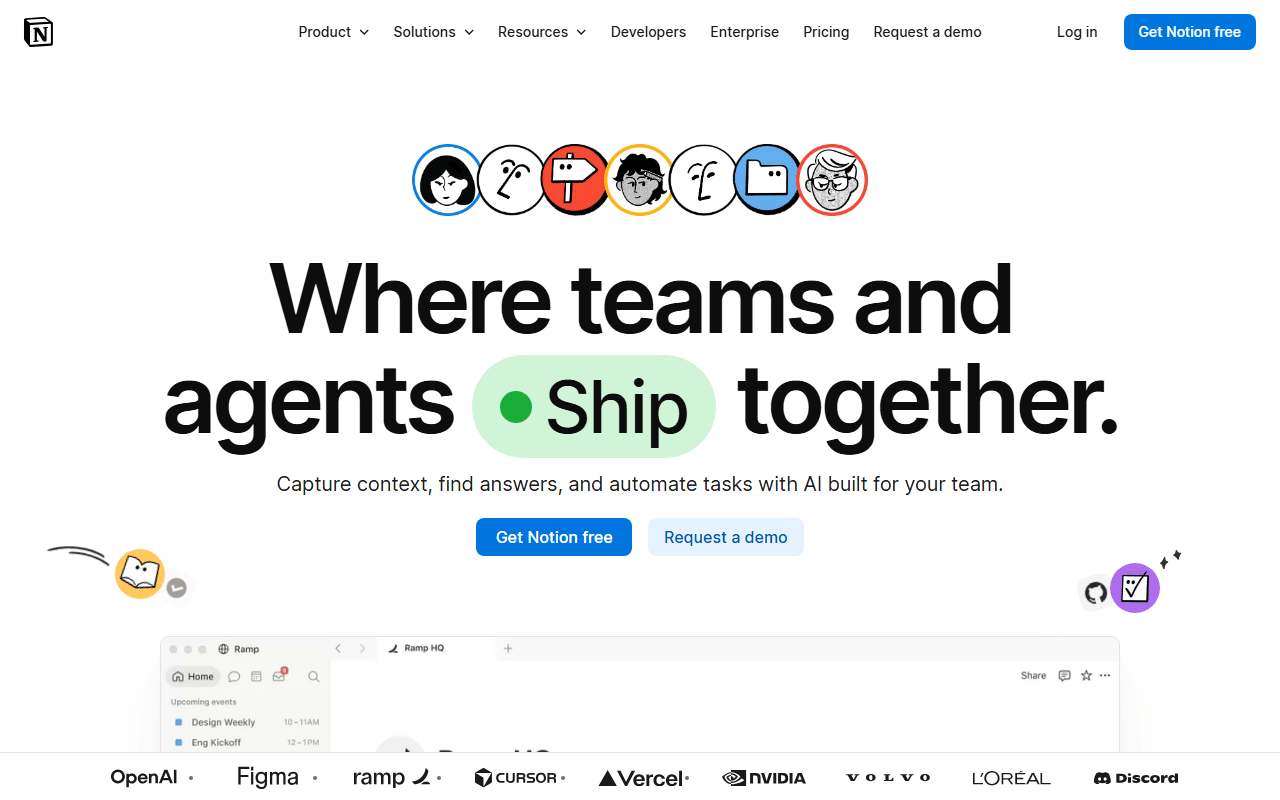
Notion is a workspace you shape into a tracker: a tasks database viewed as a board, calendar, or timeline, sitting next to your specs and notes. The free plan is unlimited pages for one person with up to 10 guests; add a second full member and the workspace hits a block limit (as of July 2026). It is calmer than ClickUp, but you assemble your own system instead of getting one out of the box.
- Free plan, paid from $10/month (as of July 2026)
- United States
 United States
- Best for:
- Solo founders whose ClickUp workspace was mostly docs anyway
- The catch:
- The free plan is effectively single-player, and there are no native sprints or workload views
Compared to ClickUp
- Advantage: Docs, wiki, and tasks share one page; ClickUp keeps docs in a side module
- Advantage: Cleaner canvas than ClickUp's packed interface
- Tradeoff: Free workspaces with 2 or more members hit a block limit; ClickUp free has no member cap
- Tradeoff: No native sprints, story points, or automations; you build views by hand
- Tradeoff: 5MB upload cap on free against ClickUp's 60MB workspace pool
A faster, quieter tracker built for software teams
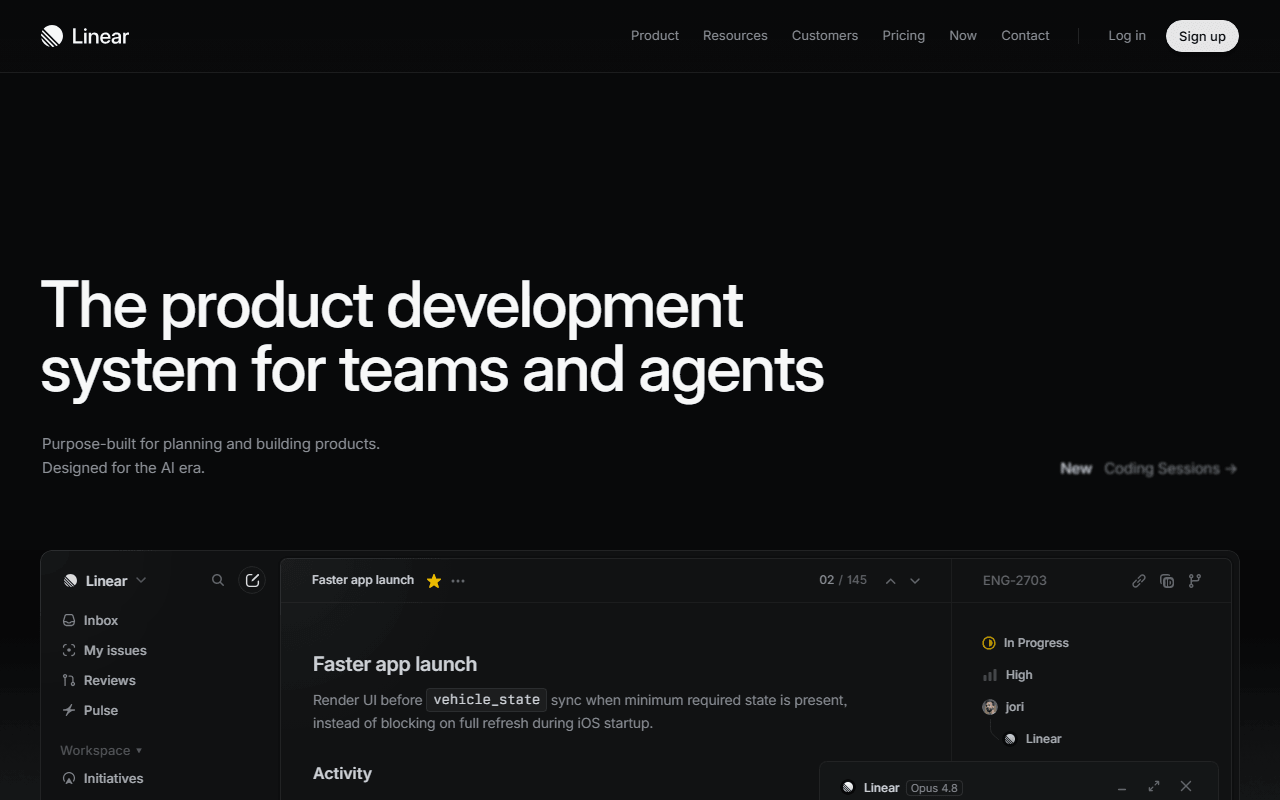
Linear is a keyboard-first issue tracker where cycles, triage, and roadmaps come standard rather than as add-ons. The free plan takes unlimited members but caps you at 250 issues and 2 teams (as of July 2026), so it is a long trial, not a permanent home. It does far less than ClickUp on purpose, which is the point if ClickUp felt sprawling.
- Free plan, paid from $10/month (as of July 2026)
- United States
- Best for:
- Software teams who wanted ClickUp's sprints without the sprawl
- The catch:
- 250 issues total, no self-host, and it only really fits software work
Compared to ClickUp
- Advantage: Opinionated defaults instead of ClickUp's configure-everything approach
- Advantage: Cycles, triage, and roadmaps included free
- Worth knowing: Both offer unlimited members on the free plan
- Tradeoff: 250-issue cap on free; ClickUp's free tasks are unlimited
- Tradeoff: Built for software; ops and marketing teams will find it narrow
- Tradeoff: No self-hosted option
Real Gantt charts free when self-hosted; ClickUp gates Gantt behind paid
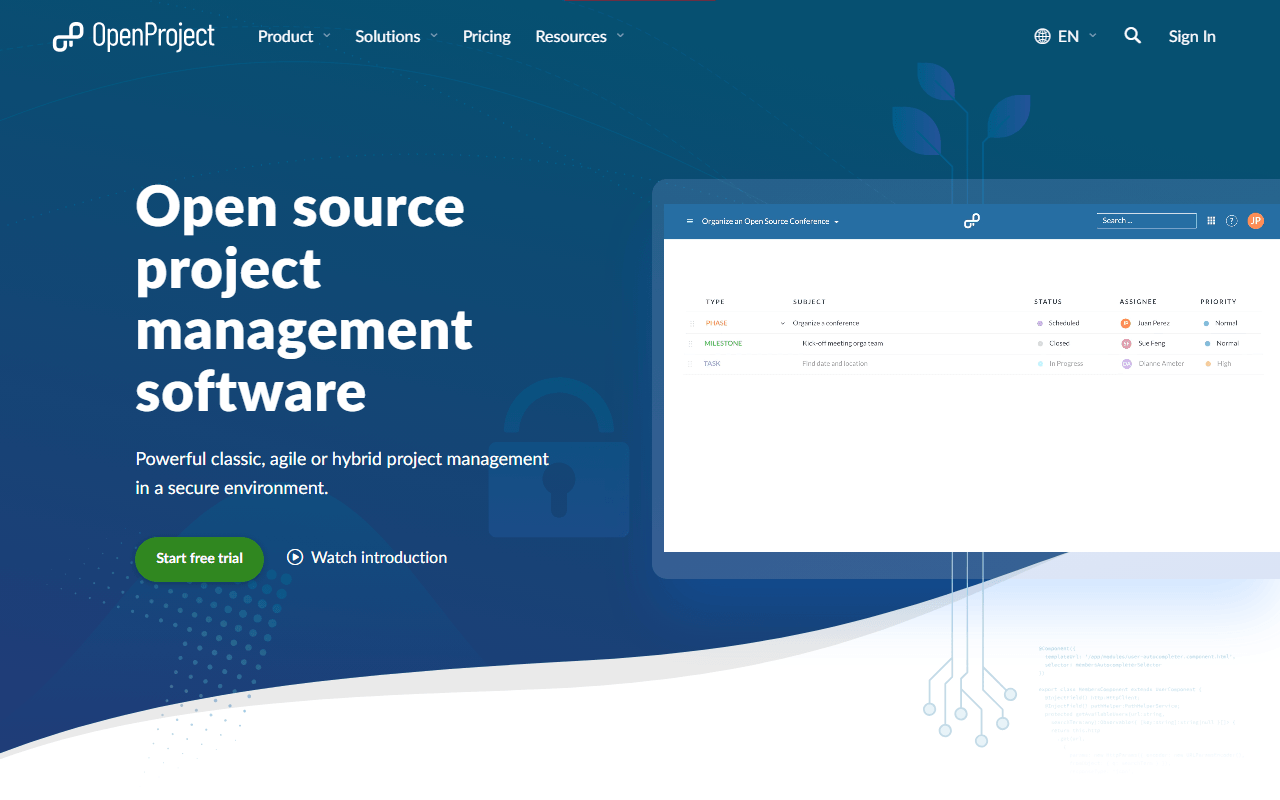
OpenProject is the classic-planning answer: work packages, Gantt charts with dependencies, agile boards, and time tracking, free to self-host with no user limit under GPL-3.0. There is no free cloud tier, only a 14-day trial (as of July 2026), so this is the pick when you have a server and ClickUp's paid Gantt was the sticking point. The interface is dated next to ClickUp.
- Free plan, paid from €5.95/month (as of July 2026)
- Germany
- Open source (GPL-3.0)
 Germany
- Best for:
- Teams that need Gantt planning free and can run a server
- The catch:
- Free means self-hosting; there is no free cloud option
Compared to ClickUp
- Advantage: Gantt charts with dependencies free self-hosted; ClickUp reserves Gantt for paid
- Advantage: No storage cap beyond your own disk
- Advantage: No user limit on the Community Edition
- Tradeoff: You run installation, upgrades, and backups yourself
- Tradeoff: Interface is functional but dated next to ClickUp
A light self-hosted task app with no storage cap and no seat count
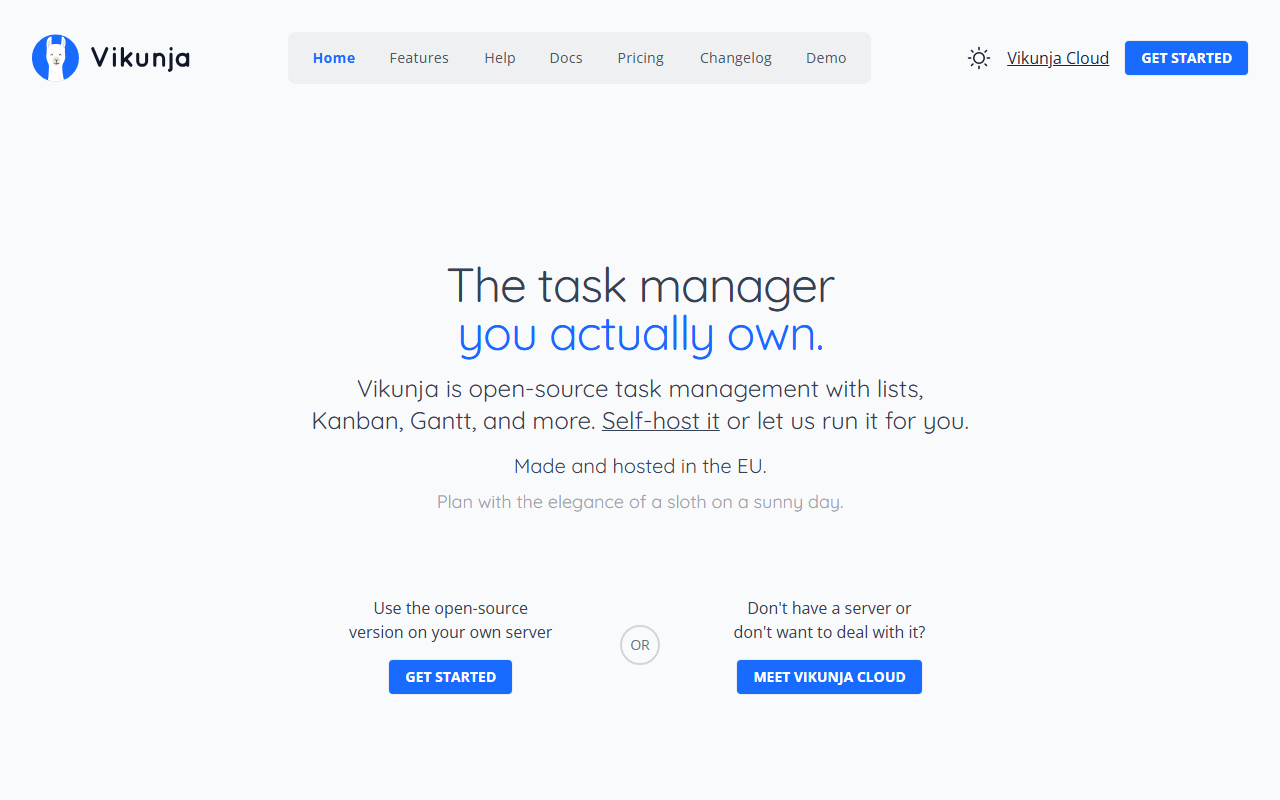
Vikunja is a small open source task manager with list, kanban, table, and Gantt views, free to self-host under AGPL-3.0 and light enough for a Raspberry Pi. It handles tasks, due dates, labels, and sharing rather than ClickUp's sprints and dashboards, which for many teams is the whole job. Self-hosting is the only free option; Vikunja Cloud starts at 4 euros a month (as of July 2026).
- Free plan, paid from €4/month (as of July 2026)
- Open source (AGPL-3.0)
- Best for:
- Individuals and small teams who want ClickUp's basics on their own server
- The catch:
- No automations, sprints, or reporting, and the mobile app trails the web app
Compared to ClickUp
- Advantage: Self-hosted storage bounded by your disk, not 60MB
- Advantage: All four views, including Gantt, free when self-hosted
- Advantage: No per-user pricing or seat count, ever
- Tradeoff: No automations, sprints, or dashboards; far narrower than ClickUp
- Tradeoff: No free hosted option; the cloud tier has no free plan
More approachable design, if you can live inside a 2-user free plan
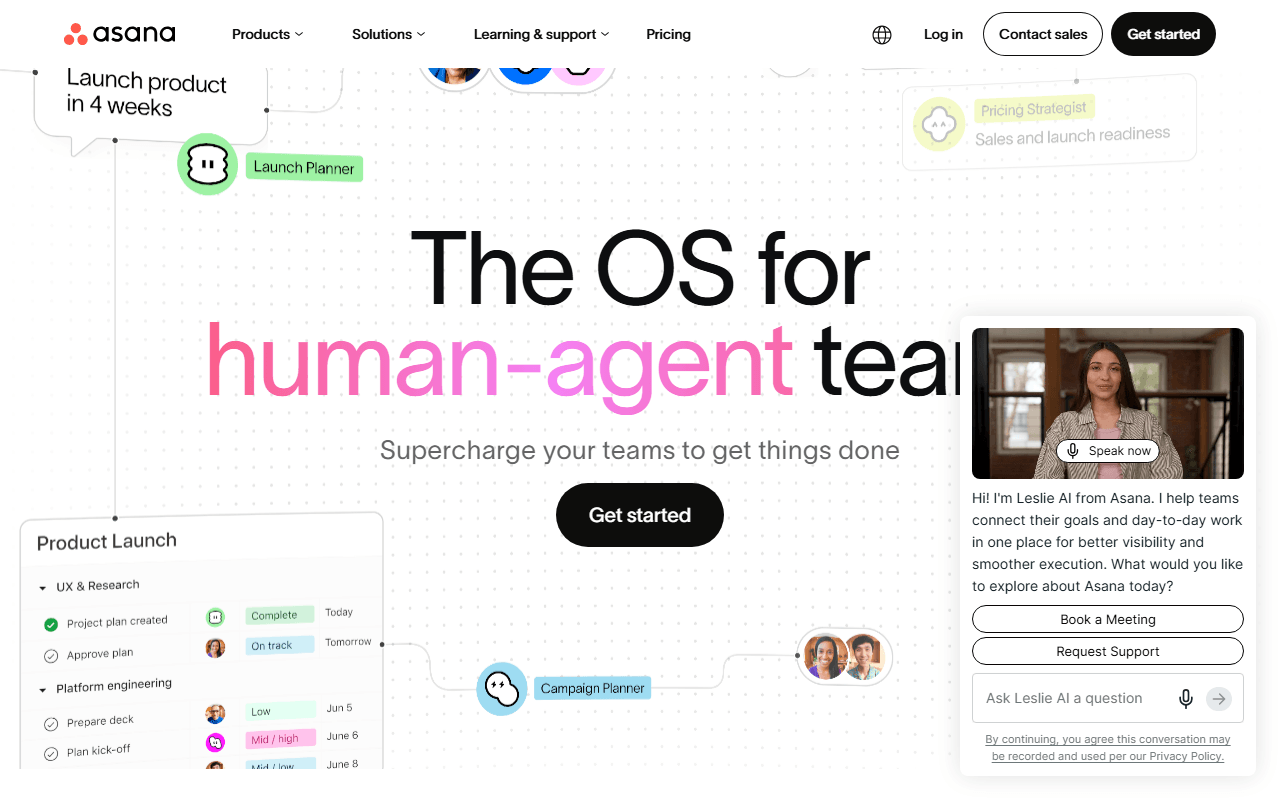
Asana is the polished incumbent, with list, board, and calendar views and one of the easiest interfaces to learn in the category. That polish comes with a much smaller free plan: accounts created since November 12, 2025 stop at 2 users, where ClickUp's free plan has no member cap (as of July 2026). It is here as honest context, not as a free-for-teams pick.
- Free plan, paid from $10.99/month (as of July 2026)
- United States
- Best for:
- Two-person teams who value design polish over ClickUp's breadth
- The catch:
- New free accounts cap at 2 users, and timeline and automations start at $10.99 per user
Compared to ClickUp
- Advantage: Easier to learn than ClickUp in the first week
- Advantage: 100MB per file on free against ClickUp's 60MB workspace total
- Tradeoff: New free accounts stop at 2 users; ClickUp's free plan has no cap
- Tradeoff: Timeline, automations, and forms start at the $10.99 Starter tier
How to choose
If ClickUp felt like too much tool, start with Trello, one clean board with almost nothing to learn. If you liked the structure but hated the storage squeeze, self-host Plane or OpenProject and the cap disappears. If your work is more writing than tickets, Notion keeps docs and tasks on the same page. And if you build software, Linear is the nicest of these to drive, as long as 250 issues covers your trial.