Free alternatives to Monday.com
Monday.com's free plan covers 2 seats and 3 boards, which works as a demo, not a plan. The features people associate with Monday, like timeline views, automations, and integrations, start at the Standard tier, around 12 euros per seat per month billed annually (as of July 2026). If you want board-style tracking without the per-seat bill, these five tools go much further for free.
Facts checked as of July 2026Read our Monday.com review
Jump to an alternative



ClickUp
Best Free Alternative ToMonday.comUnlimited free members with docs and sprints, against Monday's 2-seat, 3-board free plan
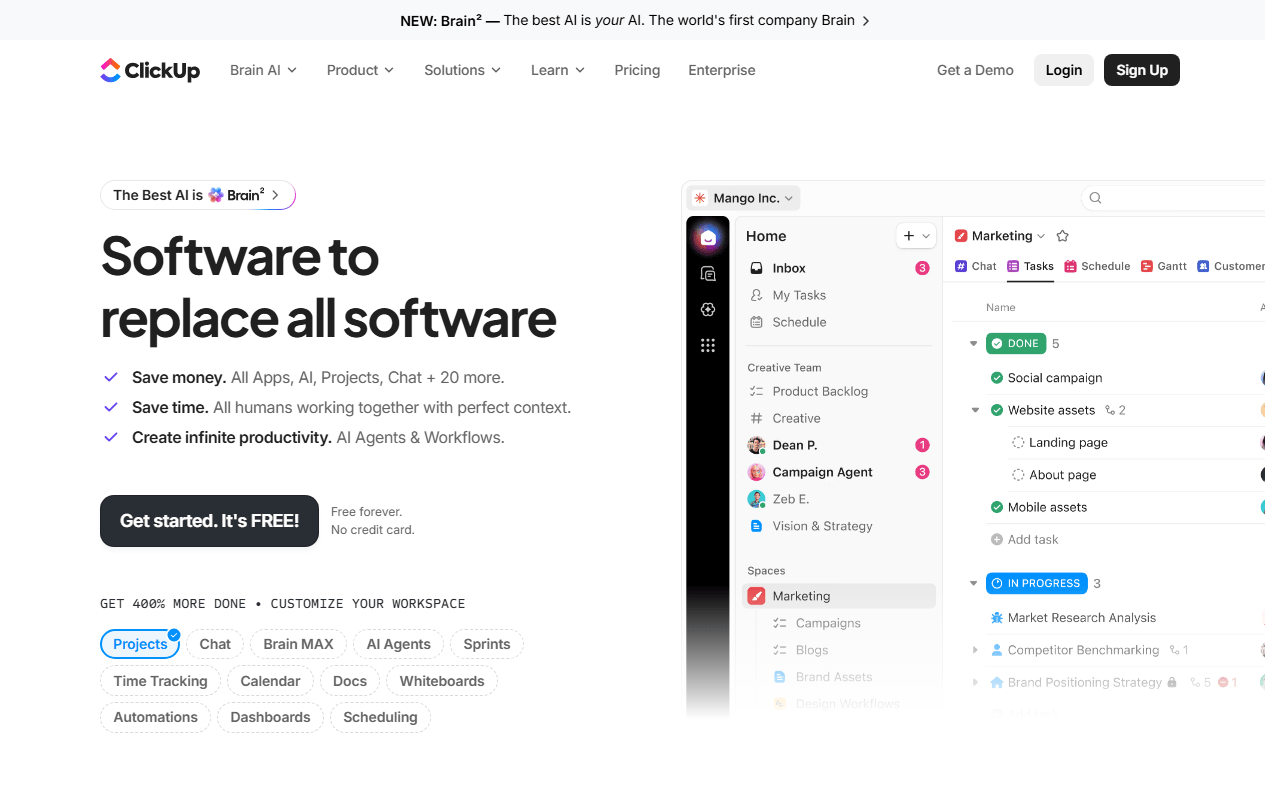
ClickUp covers most of what people buy Monday for: custom views, dashboards, docs, and automations in one workspace. The difference is at the bottom of the pricing page: unlimited free members and unlimited tasks against Monday's 2 seats and 3 boards (as of July 2026).
- Free plan, paid from $7/month (as of July 2026)
- United States
 United States
- Best for:
- Teams replacing Monday wholesale without shrinking what they track
- The catch:
- 60MB of free storage and an interface that takes a week or two to feel calm
Compared to Monday.com
- Advantage: Unlimited free members and tasks against 2 seats and 3 boards
- Advantage: Free plan includes docs and sprints; Monday sells dev tooling as a separate product
- Advantage: Paid tiers start at $7 per user against Monday's roughly 9 euros
- Tradeoff: 60MB of total free storage; attachments need an external home
- Tradeoff: Monday's boards are easier for non-technical teams to read at a glance
- Worth knowing: Both want to be your everything-platform, with the busyness that brings
10 boards and 10 collaborators free, with far less setup than a work OS
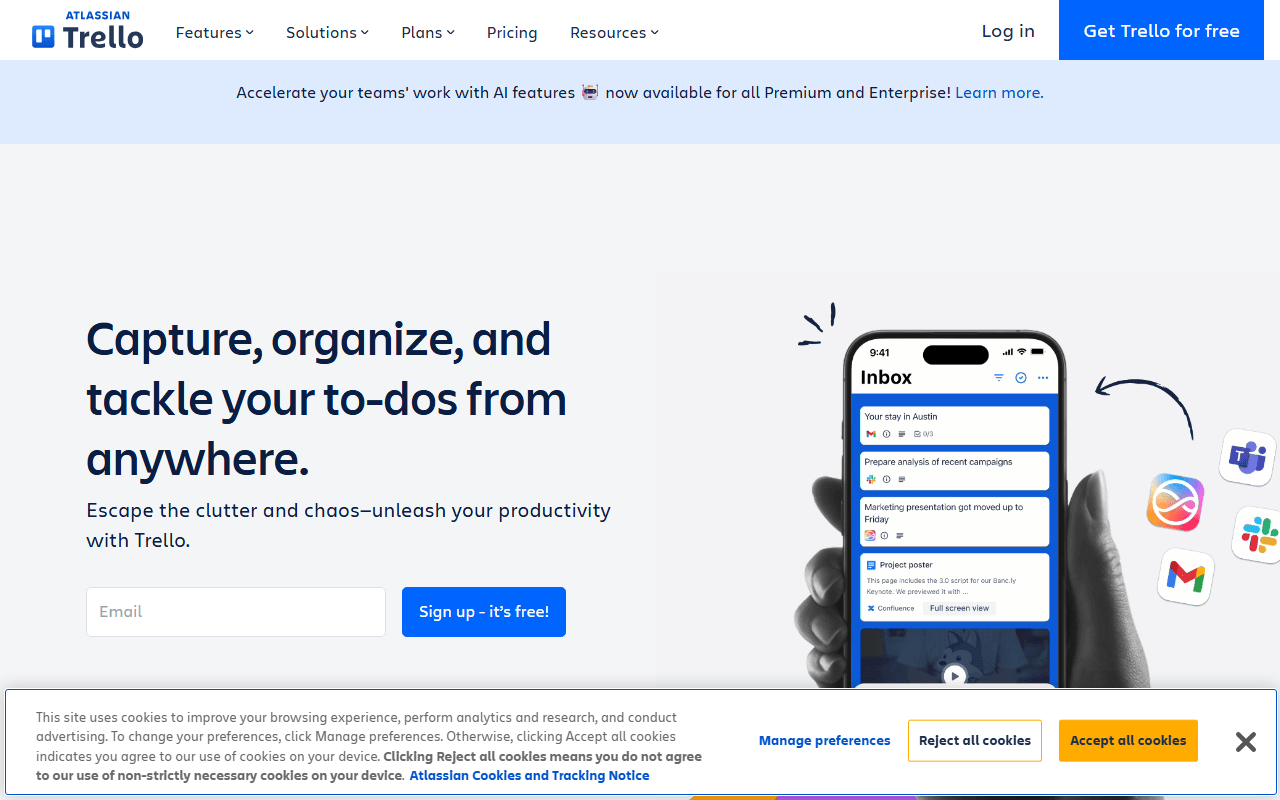
If your Monday boards were really status columns for a small team, Trello does that job with 10 free collaborators, 10 boards, and unlimited cards (as of July 2026). You give up the spreadsheet feel and the dashboards; in exchange there is almost nothing to configure or teach.
- Free plan, paid from $5/month (as of July 2026)
- Australia
 Australia
- Best for:
- Small teams who used Monday as a shared task board, not an operations platform
- The catch:
- No dashboards, formula columns, or timeline without Premium at $10 per user
Compared to Monday.com
- Advantage: 10 collaborators and 10 boards free against Monday's 2 seats and 3 boards
- Advantage: 250 free automation runs a month; Monday reserves automations for Standard
- Advantage: Minutes to learn instead of an afternoon of board setup
- Tradeoff: Cards in lists only on free; no table view, formulas, or dashboards
- Tradeoff: 10MB per attachment on the free plan
Free for 12 hosted members with spreadsheet, board, and Gantt-style layouts
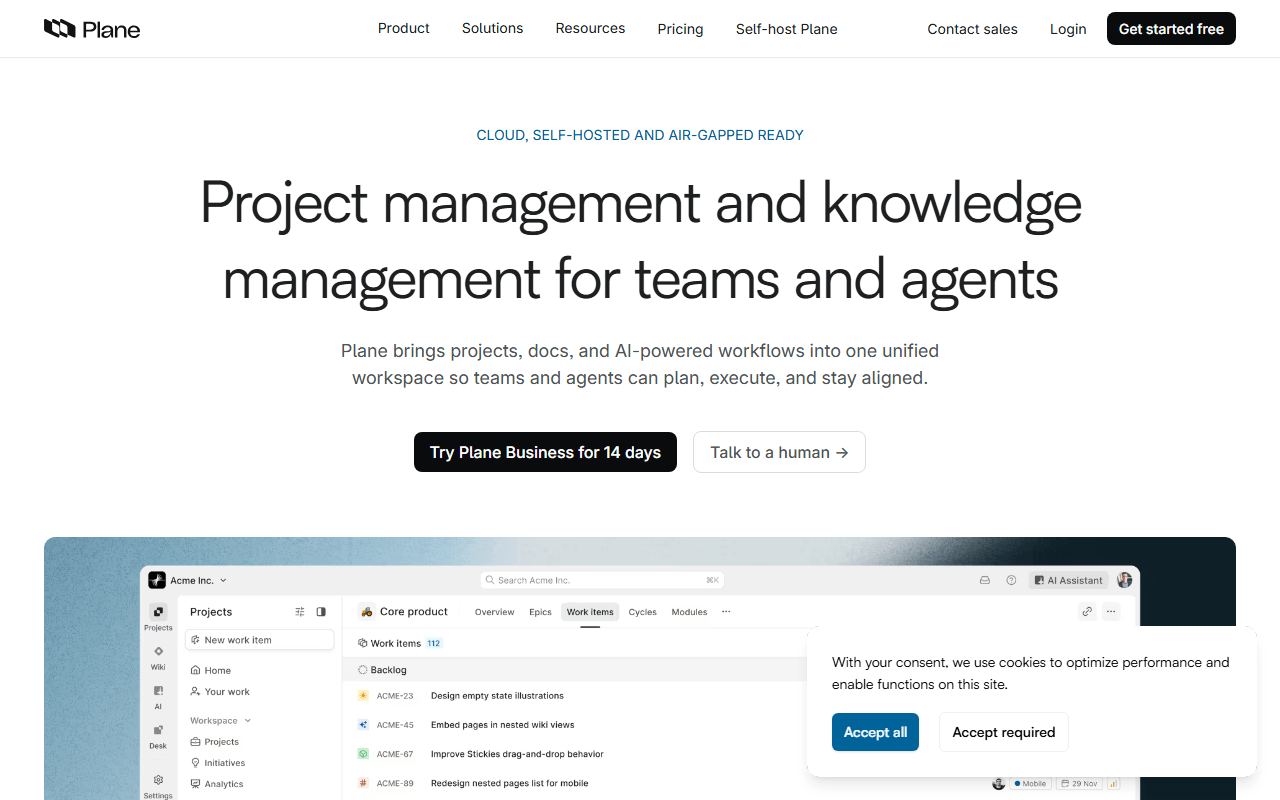
Plane's spreadsheet, board, and Gantt-style layouts land surprisingly close to Monday's views, and the free cloud tier covers 12 members (as of July 2026). It grew up as a software tracker, so you get work items and cycles rather than colorful status pulses, plus an AGPL self-hosted edition if you ever want out of the cloud.
- Free plan, paid from $6/month (as of July 2026)
- Open source (AGPL-3.0)
- Best for:
- Teams up to 12 who want Monday-style multiple views with a self-hosting option
- The catch:
- Aimed at product and software teams; client-services workflows take some adapting
Compared to Monday.com
- Advantage: 12 free cloud members against Monday's 2 seats
- Advantage: Timeline and spreadsheet layouts free; Monday's timeline starts at Standard, about 12 euros per seat
- Advantage: Self-hostable Community Edition with no member cap
- Tradeoff: No dashboard builder to match Monday's reporting
- Tradeoff: Younger product with a thin integration catalog
Databases you can shape like Monday boards, free for individual use with 10 guests
Notion databases can be shaped into something very like a Monday board: status columns, people, dates, and grouped views, sitting inside your docs. Free is unlimited for one member with up to 10 guests (as of July 2026); a second full member triggers the block limit, so teams should budget for Plus at $10 per member.
- Free plan, paid from $10/month (as of July 2026)
- United States
- Best for:
- Individuals and duos who want boards living inside their docs
- The catch:
- Free is single-player in practice; a 2-person workspace hits the block cap
Compared to Monday.com
- Advantage: Build exactly the board you want, with docs and wikis in the same tool
- Advantage: Free for one member with 10 guests; enough for client-facing boards
- Tradeoff: Workspaces with 2 or more members hit a block limit; Monday's free plan at least seats 2 fully
- Tradeoff: Automations need third-party tools; Monday builds them in from Standard up
- Worth knowing: Databases slow down once they hold thousands of items
Lightweight self-hosted boards and Gantt views without per-seat pricing
Vikunja rebuilds the customizable-board idea as a small open source app: list, kanban, table, and Gantt views with labels and task relations. Self-hosting is free under AGPL-3.0 with no user limit; the hosted cloud starts at 4 euros a month with no free tier (as of July 2026).
- Free plan, paid from €4/month (as of July 2026)
- Open source (AGPL-3.0)
- Best for:
- Self-hosters who want Monday-ish boards on their own server for nothing
- The catch:
- Free requires running the server yourself; there is no free hosted plan
Compared to Monday.com
- Advantage: No seat pricing at all when self-hosted
- Advantage: Table and Gantt views free; Monday sells timeline from Standard up
- Tradeoff: No automations or dashboards
- Tradeoff: You maintain the server and the backups
- Worth knowing: Covers task tracking; it will not replace Monday's CRM or service products
How to choose
Match the tool to what you actually used Monday for. If it was the full package of views, dashboards, and automations, ClickUp is the only free plan with comparable range. If it was really a shared status board, Trello or a self-hosted Vikunja will do the job with less to learn. Whichever you pick, rebuild one live board and run it in parallel for a week; that tells you more than any comparison table.