
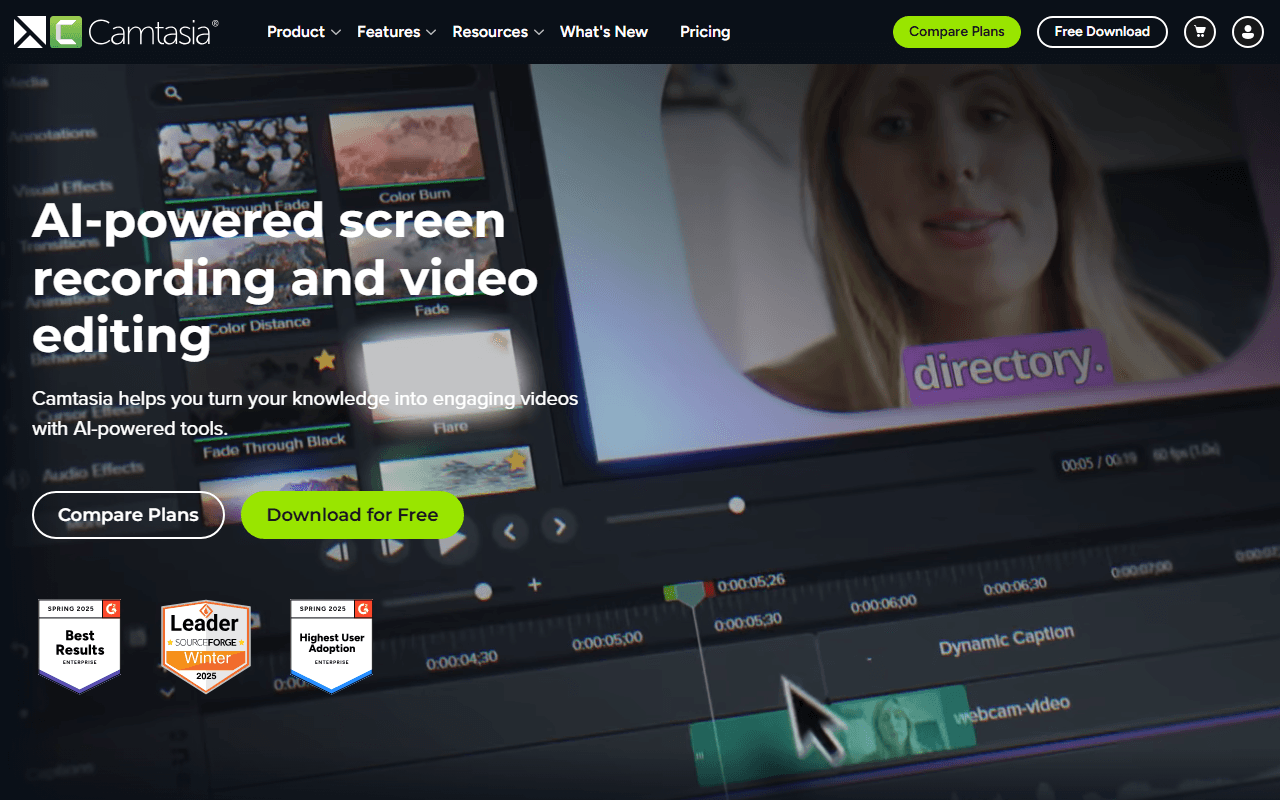

Cursor effects, quizzes and SCORM, in one timeline
Camtasia is a screen recorder with a full timeline editor attached, made by TechSmith, a Michigan company that has been selling software since 1987. It records screen, camera, system audio and microphone onto separate tracks, which sounds like a detail until the third take: you can re-time the voiceover against the screen afterwards instead of recording the whole thing again.
What distinguishes it is the set of things nobody puts in a free recorder. Cursor effects and cursor-path editing, callouts, animations, and quizzes that export as SCORM packages an LMS can actually consume. Since 2025 there is also a thick AI layer on top: script generation, AI voiceover across 200+ voices, translation, and generated avatars. It is a production tool rather than a send-a-link tool, and it is priced like one.
Who actually needs a recorder and an editor in one
- Corporate L&D teams and instructional designers who need quizzing and SCORM delivery
- Software companies producing a tutorial library rather than the occasional clip
- Windows shops, where the obvious Mac answer (ScreenFlow) is not an option at all
- Teams who want per-seat licences they can reassign as people join and leave
Starter is priced at $39 and still watermarks exports
Start with the trap. Camtasia has a free version and TechSmith says so plainly: the full editor, every editing feature, no time limit, with the single limitation that exported videos include a watermark until you upgrade. What is much less obvious is that the $39 a year Starter plan carries the watermark too. TechSmith's own store lists Starter's contents as "Camtasia Editor (watermarked)".
The cheapest watermark-free plan is Essentials at $179.88 a year, which also adds text-based editing, filler-word removal, captions, cursor effects, animations, and quizzes with SCORM export. Create is $249 a year for AI script generation, AI voiceover across 200+ voices and translation. Pro is $599 a year for avatar generation in 49 styles, transcript generation and script translation. Business licensing lists at $198 per seat a year, falling to $158.40 per seat at 1 to 9 seats and $150.48 at 10 to 99, with education at $129.88 per seat at 1 to 9 seats and self-serve stopping at 99 seats. Every figure here is annual (as of July 2026), because no monthly billing option exists at any tier. A 20% first-year promotion was live when we checked, with no stated end date, so treat the list prices as the real ones.
Non-transferable licences, and five other limits
- The free version and the $39 Starter plan both watermark every export, so the honest entry price is $179.88 a year
- Individual licences are bound to the email address that bought them and cannot be transferred to another person
- Perpetual licences are gone. TechSmith's support site says Camtasia 2025 is subscription only, tied to the 12 February 2025 release, and Camtasia 2024 loses support on 31 December 2026 without maintenance (2 October 2027 with it)
- Every tier is an annual commitment, with no monthly option to try a quarter and stop
- Avatars and script translation are Pro only at $599 a year, more than twice the price of Create
- Windows and macOS only, and macOS 14.0 is the floor, with macOS 26.0 or newer recommended
Buy it for SCORM, skip it for everything else
If you are building course material that has to land in an LMS with a quiz attached, Camtasia does the whole chain and very little else does, and $179.88 a year is a fair price for that. If you only need to record your screen and hand someone the file, it is the wrong shape and the wrong money, and the watermark means you cannot even prove that to yourself for free. Reviewers rate the paid product well, at G2 4.6 across roughly 1,661 reviews and Capterra 4.5 across 452, though both figures came from search snippets in July 2026 because the sites blocked us, so hold them loosely. If price is what brought you here, the free Camtasia alternatives replace the recording half well and none of them replaces the editor, which is a gap we would rather name than paper over.
Reader reviews
What people who actually use Camtasia think of it.
No reviews of Camtasia yet. If you have used it, yours would be the first.
The useful part is the specifics: what you used it for, and where it got in your way.
Loading...