Free alternatives to Camtasia
Camtasia's free version is the whole editor with a watermark stamped on every export, and the $39 a year Starter plan keeps that watermark, so the first price at which you get a clean video is $179.88 a year (as of July 2026). Every tier is an annual subscription now, because perpetual licences ended with the February 2025 release. Be clear about what a swap costs you, though. Everything below replaces the recording half of Camtasia, and several of these do it better than Camtasia does. None of them replaces the timeline editor, the callouts, the cursor effects or the SCORM quizzing. For that half we now rank ten [free video editors](/best/video-editing), and DaVinci Resolve gives you a far deeper timeline than Camtasia's for nothing. What no free tool we have found does is the instructional layer: the cursor-path editing, the callouts and the SCORM packages an LMS expects. If that layer is why you use Camtasia, record with something below, edit with a free editor, and keep Camtasia for the quizzing.
Facts checked as of July 2026Read our Camtasia review
Jump to an alternative


Cap
Best Free Alternative ToCamtasiaThe only free tool here with a real editing step, and the whole stack is self-hostable
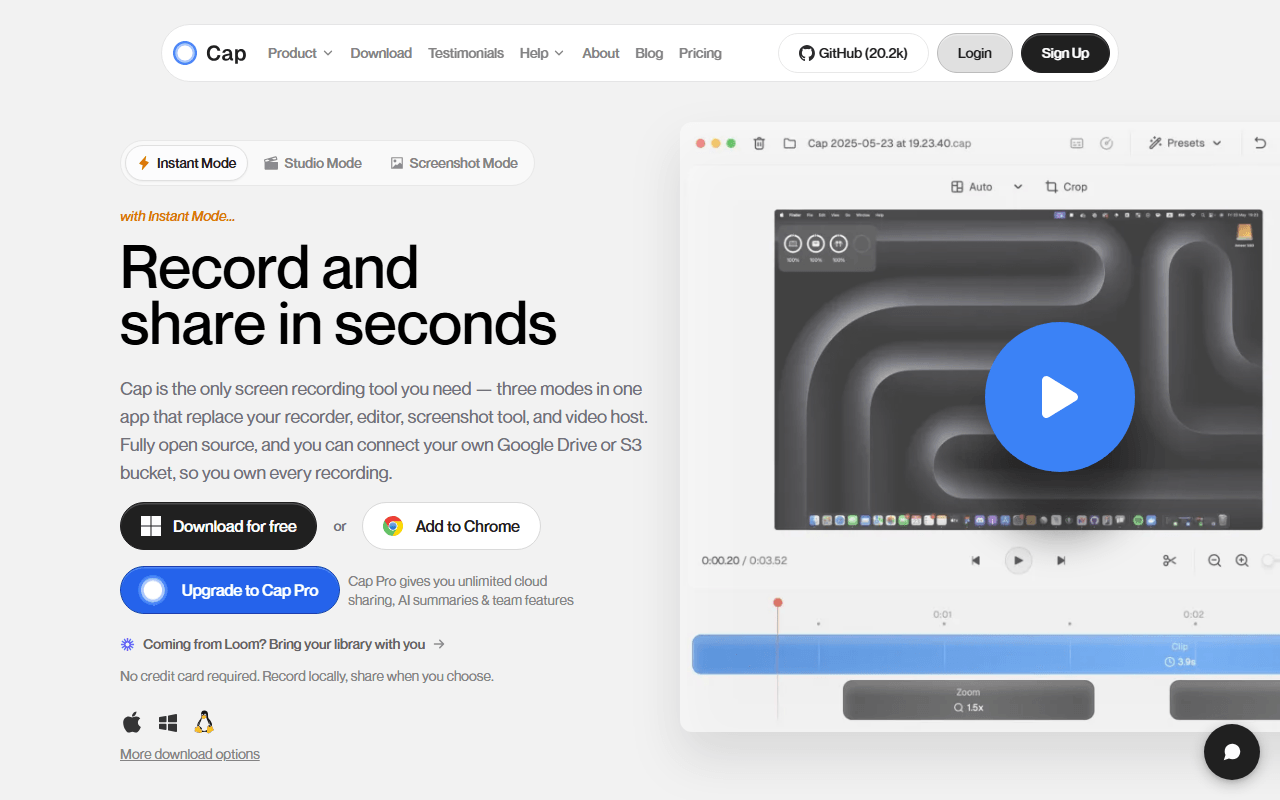
Cap is the closest free tool to what Camtasia is actually for, which is a recording that looks made rather than captured. Studio Mode records locally at high quality and drops you into an editor with automatic zoom on clicks, background padding, and export up to 4K/60fps, so a plain screen capture comes out looking deliberate with no work from you. It runs on macOS and Windows, exactly Camtasia's two platforms, and it is open source under AGPLv3 with MIT components, so the desktop app, web app, API, database, media server and storage all self-host with Docker Compose.
- Free plan, paid from $29/year (as of July 2026)
- Open source (AGPL-3.0 (parts of the codebase are MIT))
- Best for:
- Camtasia users whose real need is a polished-looking recording rather than a course package
- The catch:
- The free tier is personal use only and caps recordings at 5 minutes, so free-forever really means self-hosting, and Studio Mode is nowhere near Camtasia's timeline.
Compared to Camtasia
- Advantage: No watermark on free exports, which is the one thing Camtasia's free version does
- Advantage: A $29 per year Desktop License buys unlimited local recording with commercial rights, against $179.88 a year for Camtasia Essentials
- Advantage: Open source, and self-hosting the whole stack removes the recording limits entirely
- Advantage: Auto-zoom on clicks and 4K/60fps export cover the polish most Camtasia users want
- Tradeoff: No SCORM export, no quizzing, no cursor-path editing and no callouts, so course work stays on Camtasia
- Tradeoff: The hosted free tier is personal use only and stops at 5 minutes per recording
- Worth knowing: Both run on macOS and Windows, and neither has a Linux recorder
Completely free with no watermark, no length cap, and capture quality you control yourself
If what you record are hour-long lessons, OBS Studio removes the entire pricing question. It is GPL-2.0, completely free, with no account, no watermark, no length limit and no paid tier at all, on Windows, macOS and Linux. You set the encoder, bitrate and frame rate yourself, which is why a two-hour course capture at high quality is unremarkable here and awkward on hosted tools. It also streams live to Twitch, YouTube or any RTMP endpoint, something Camtasia does not do.
- Completely free (as of July 2026)
- Open source (GPL-2.0-or-later)
- Best for:
- Long lessons, webinars and anything where capture quality and running time matter most
- The catch:
- It ends at a file on your disk. There is no editor at all, so every cut, callout and caption Camtasia gives you has to happen somewhere else.
Compared to Camtasia
- Advantage: Free forever with no watermark, against Camtasia's watermark on both the free version and $39 Starter
- Advantage: Runs on Linux, where Camtasia has never shipped
- Advantage: Full control of encoder, bitrate and resolution, plus live streaming Camtasia does not offer
- Tradeoff: No timeline editor, so it cannot trim a mistake without a second tool
- Tradeoff: No quizzing, no SCORM, no captions and no cursor effects
- Tradeoff: Roughly an hour of scene and source setup before your first usable take
Free Chrome extension with the annotation Camtasia charges Essentials for
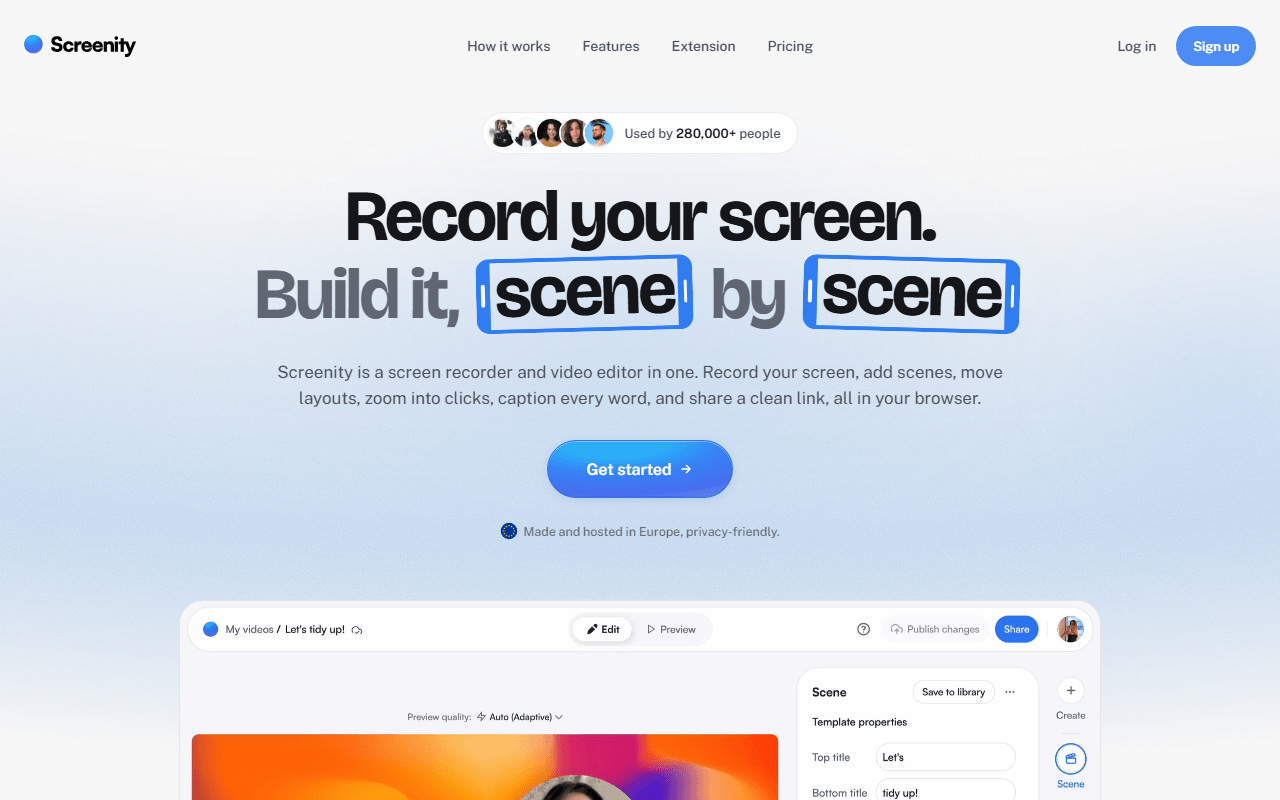
Screenity is the free tool that gets closest to Camtasia's on-screen emphasis features. The GPL-3.0 Chrome extension records screen, tab, window or camera with no account and no time limit, and while you record you can draw on the screen, add arrows and text, blur a customer's email address live, and spotlight the cursor with click ripples. Camtasia puts cursor effects behind Essentials at $179.88 a year. Screenity gives you the live version for nothing, and writes the file to your own machine.
- Free plan, paid from $10/month (as of July 2026)
- Open source (GPL-3.0)
- Best for:
- Support and teaching clips where marking up the screen matters more than a timeline
- The catch:
- Free ends with a file, not a link, and share links plus scene-based editing need Screenity Pro at $10 per month. Chrome only.
Compared to Camtasia
- Advantage: Unlimited free recording with no watermark, on a tool Camtasia charges $179.88 a year to match
- Advantage: Live drawing, arrows, text and blur during the take, where Camtasia annotates afterwards
- Advantage: Open source under GPL-3.0 and runnable in local-only mode from source, with no account
- Tradeoff: Free editing is trimming, so no multi-track timeline and no SCORM quizzing
- Tradeoff: Chrome only, so it cannot capture anything outside the browser the way Camtasia does
- Worth knowing: Screenity Pro is $10 per month, which is cheaper per year than Camtasia Essentials
Unlimited free hosted recording that also writes the step-by-step guide for you
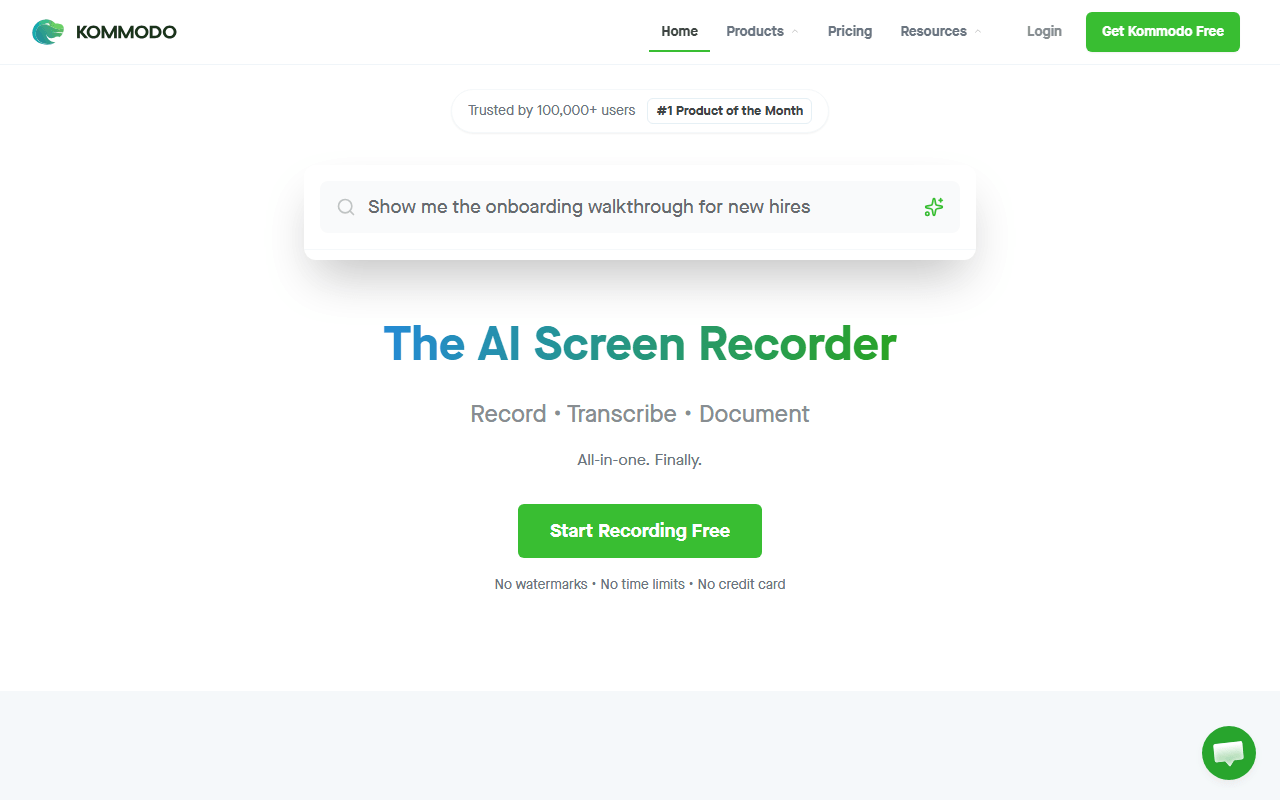
Kommodo is the closest free answer to the documentation half of Camtasia's job. Its free tier advertises unlimited videos of unlimited length with no watermark (as of July 2026), plus hosted share links, transcription, AI summaries and a written step-by-step guide generated from what happened on screen. Camtasia sells SOP creation from Starter upward. Kommodo generates the same kind of artefact for nothing, and if the deliverable your team actually wants is a document rather than a video, that is the whole job done.
- Free plan (as of July 2026)
- United States
 United States
- Best for:
- Internal process documentation where the written guide matters more than production value
- The catch:
- There is no published paid pricing at all and no self-hosting, so you are trusting a small company to keep giving away what its competitors sell.
Compared to Camtasia
- Advantage: Free with no watermark and no length cap, where Camtasia watermarks everything below $179.88 a year
- Advantage: Auto-generated step-by-step written guides, the free counterpart to Camtasia's SOP creation
- Advantage: Hosted share links and transcription included, which Camtasia does not do at all
- Tradeoff: The editor is light, so no multi-track timeline, cursor effects, quizzing or SCORM
- Tradeoff: No published pricing table, so there is no way to plan for what a paid tier would cost
- Tradeoff: Closed source and cloud-only, where Camtasia at least records to your own disk
Free Windows capture with annotation, GIFs and automatic upload to storage you own
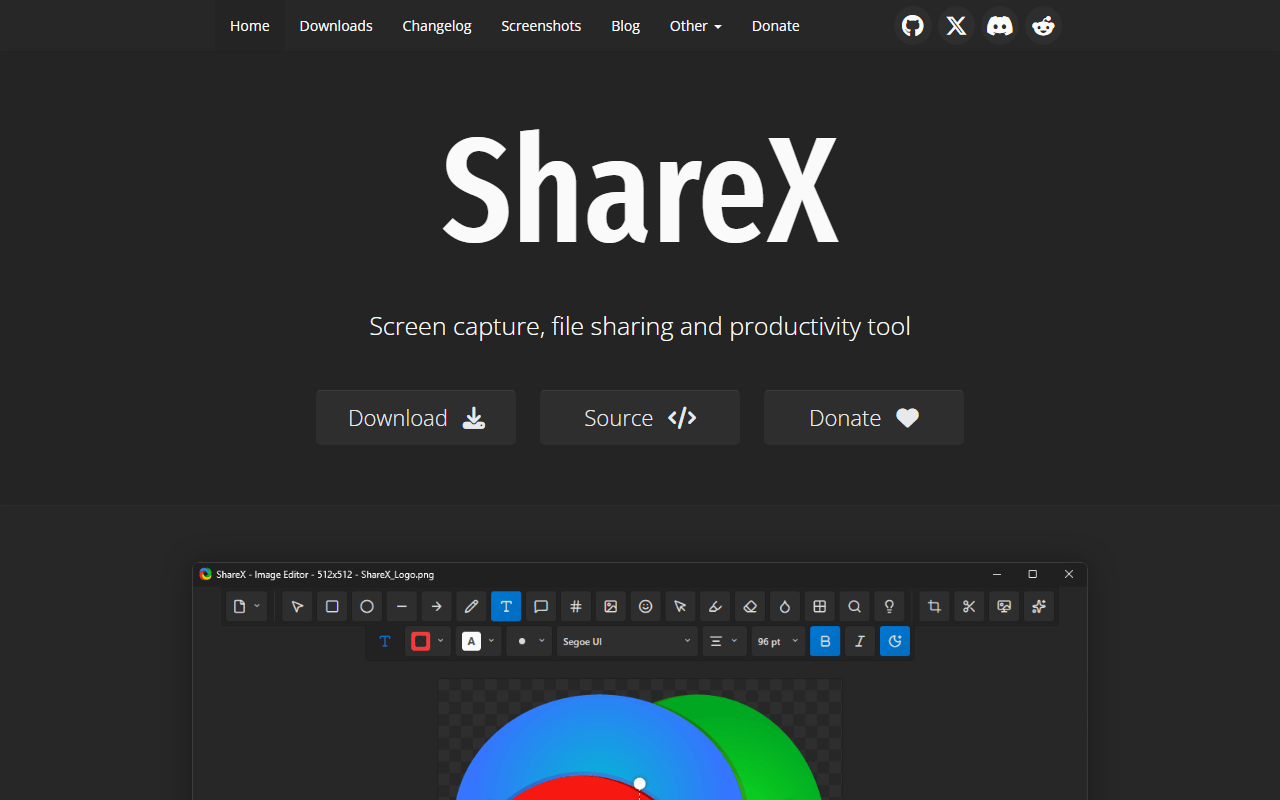
For the Windows half of Camtasia's audience, ShareX is the free workhorse. It is GPL-3.0 with no account, no ads and no paid tier, and it has shipped since 2007. It records video and GIFs, does scrolling capture and OCR, and has a genuinely good annotation editor with shapes, text, blur and pixelation. Point it at your own Amazon S3, Google Cloud Storage or Cloudflare R2 bucket and a public link lands on your clipboard the moment the recording stops, which is a workflow Camtasia has no answer to.
- Completely free (as of July 2026)
- Open source (GPL-3.0)
- Best for:
- Windows teams who want annotated clips and automatic links without a subscription
- The catch:
- Windows only, the interface is dense, and you configure the upload destination yourself before any link appears.
Compared to Camtasia
- Advantage: Completely free with no watermark and no feature gates
- Advantage: GIF export and OCR, and links served from a bucket in your own name
- Advantage: Annotation with shapes, text, blur and pixelation at no cost
- Tradeoff: Windows only, so it covers half of Camtasia's platforms
- Tradeoff: No timeline editing, no captions, no quizzing and no SCORM
- Worth knowing: Storage costs are yours, usually cents a month for a few hundred clips
A genuinely free tier for the send-a-link job Camtasia was never built to do
Loom is here for the Camtasia user who overbought. If most of what you record is a five-minute explanation for one colleague, a timeline editor is ceremony you do not need. Loom's free Starter plan allows 25 videos per person at 5 minutes each in workspaces of up to 50 members, with transcription in 50+ languages included (verified July 2026), and the link is on your clipboard before you have closed the app. Viewers comment at a timestamp and you can see who watched.
- Free plan, paid from $18/month (as of July 2026)
- United States
- Best for:
- Short internal explanations that never needed an editor in the first place
- The catch:
- Twin free limits of 25 videos and 5 minutes each, and Business is $18 per user per month, priced per creator, so a team of ten recorders is $180 a month.
Compared to Camtasia
- Advantage: A real free tier with no watermark, against a Camtasia free version that watermarks every export
- Advantage: Hosted links, transcription, comments and viewer analytics, none of which Camtasia does
- Advantage: Nothing to configure, so recording starts in seconds rather than after a project setup
- Tradeoff: The free plan stops at 25 videos of 5 minutes each, which is useless for course work
- Tradeoff: Editing is trimming, so no callouts, cursor effects, quizzing or SCORM
- Tradeoff: Videos live on Loom's servers with no self-hosting, where Camtasia records to your disk
- Worth knowing: Business at $18 per user per month costs more per year than Camtasia Essentials for one person
How to choose
Work out which half of Camtasia you actually use. If it is the polish, Cap is the closest free thing here, because Studio Mode gives you auto-zoom on clicks and a real export step rather than a raw file. If it is capture quality and length, OBS Studio has no ceiling at all and runs on Windows, macOS and Linux. If you want a link instead of a file, Kommodo gives away unlimited hosted recordings and Loom is the polished version with a 25-video cap. ShareX is the Windows answer for links served from storage you own, and Screenity is the pick when marking up the screen mid-recording is the point. What none of them does is edit like Camtasia: if you need the timeline, the callouts, the cursor-path editing or SCORM quizzing, budget for a separate editor or keep paying TechSmith, because pretending the swap is clean would waste your afternoon.