
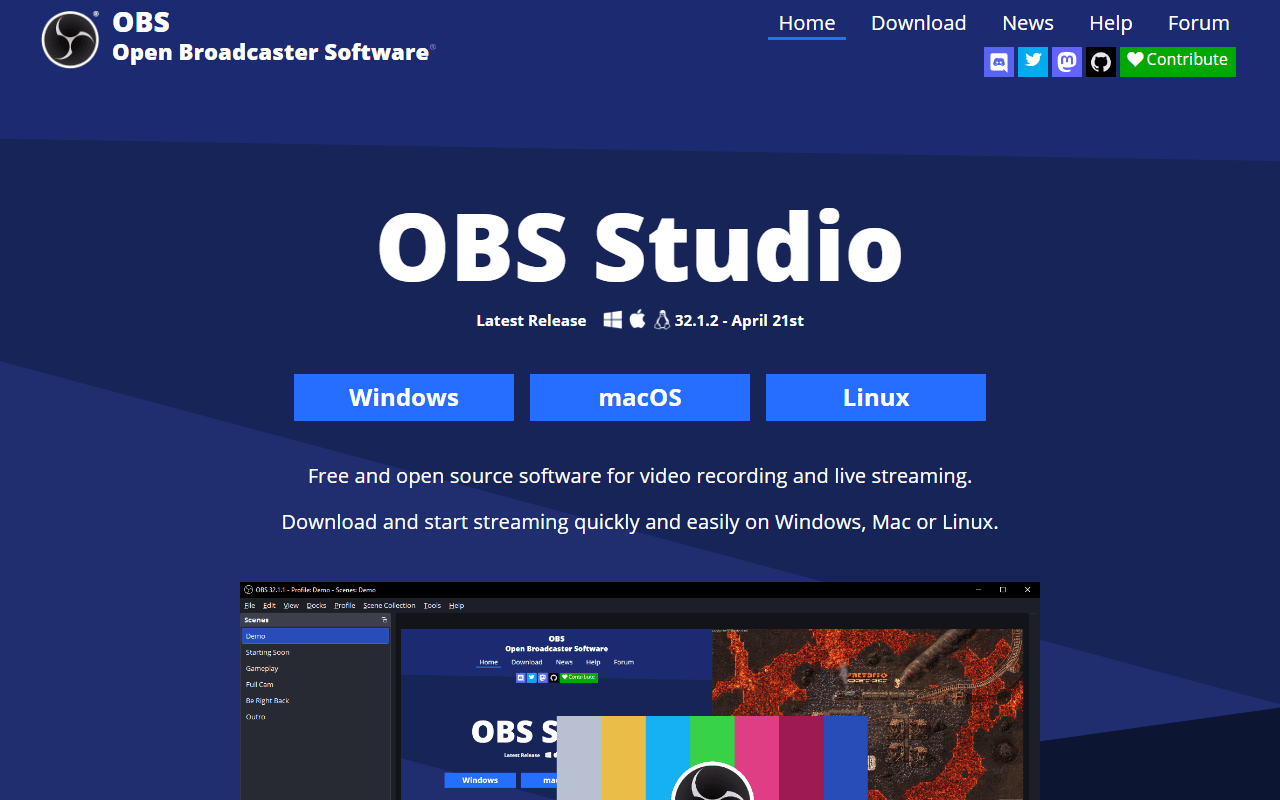
The scene mixer that became everyone's recorder
You build scenes out of sources (a monitor, a window, a webcam, a microphone, an image, a live browser page), arrange them on a canvas, and switch between scenes while recording or streaming. It runs on Windows, macOS, and Linux, and it is GPL-2.0 open source.
It is worth being clear about what OBS is not. It is not a share-a-link tool. There is no cloud, no transcript, no viewer analytics, no "copy link" button. OBS gives you a video file at whatever quality your GPU can encode, and what happens next is your problem. That is the whole trade.
Two hours long, live, or Linux
- Streamers and anyone broadcasting to Twitch, YouTube, or an RTMP endpoint
- High-quality recordings where you control the encoder, bitrate, and frame rate
- Multi-source production: picture-in-picture, scene switching, overlays, multiple audio tracks
- Long recordings (webinars, courses, full workshops) that would blow past any hosted tool's cap
- Linux users, who have almost no other serious option
Sponsored by Twitch and NVIDIA, priced at nothing
There is no plan. OBS Studio is completely free with no account, no watermark, no recording length limit, and no paid tier, and it always has been. The project is sustained by sponsorships from companies including YouTube, Twitch, NVIDIA, and AMD, plus donations. Verified July 2026.
Unlimited recording, sharply limited convenience
- The learning curve is the real cost. Scenes, sources, encoders, bitrates, and output settings all need configuring before your first take
- No cloud hosting, no share links, no transcription, no analytics. It ends at a file on your disk
- Editing is not part of the product. Trimming a mistake means opening a video editor
- The default settings are tuned for streaming, so first-time recordings often come out larger or lower quality than they should
- Overkill for a 90-second "here is where that button is" video, which is most of what people record
Keep it installed, but not for a 90-second clip
OBS is the most capable free recorder available and the least convenient. If you are producing anything with real production value, streaming, or recording for an hour at a stretch, nothing else here comes close and it costs nothing forever. If you just want to explain a spreadsheet to a colleague and send a link, OBS will make you build a scene first, and you should use Cap, Kommodo, or Screenity instead. Plenty of people keep OBS installed alongside one of those and use each for what it is good at.
Reader reviews
What people who actually use OBS Studio think of it.
No reviews of OBS Studio yet. If you have used it, yours would be the first.
The useful part is the specifics: what you used it for, and where it got in your way.
Loading...