
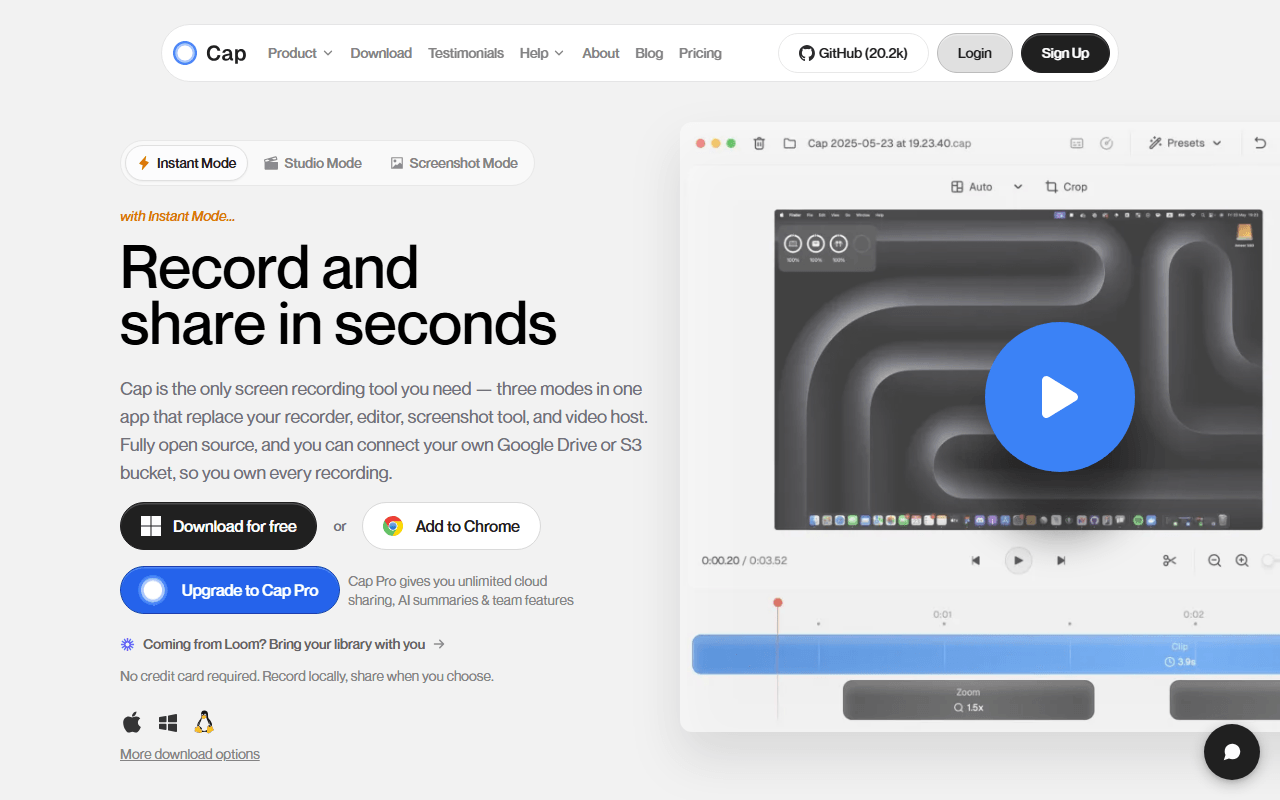
Loom's loop, on a server you can run yourself
Cap is an open source screen recorder built around the same idea as Loom: hit record, talk over your screen, then send someone a link. The difference is where the video ends up. Cap can save straight to your disk, upload to Cap's cloud, or upload to infrastructure you run yourself, because the web app, API, database, media server, and object storage are all self-hostable with Docker Compose.
The desktop app has two modes. Instant Mode is the Loom-style flow, record and get a link. Studio Mode records locally at higher quality and drops you into an editor with automatic zoom on clicks, background padding, and export up to 4K/60fps. That editor is the part that makes Cap recordings look better than the average screen capture without any real effort from you.
Leaving Loom, or never allowed to use it
- Teams that want async video but cannot send customer screens to a third-party SaaS
- Developers and technical teams who already run Docker and would rather host it themselves
- Anyone leaving Loom who wants the same workflow without per-creator pricing
- People who want a polished recording (zoom, padding, 4K) without opening a video editor
Five free minutes, then $29 a year is the whole price jump
As of July 2026, Cap's free tier is for personal use and caps you at 5 minutes per recording and 5 minutes per shareable link. You do get the full Studio Mode editor, 4K/60fps export, export to any format, and team workspaces at no cost.
The paid ladder starts low. A Desktop License is $29 per year and gives you unlimited local recording and editing plus commercial use rights, along with 20 cloud share links a month. Cap Pro is $12 per user per month, or $8.16 per user per month billed annually, and adds unlimited cloud storage and links, AI titles and transcription, a custom domain, password-protected shares, and viewer analytics.
The important asterisk: self-hosting the open source stack is free and has no recording limits at all. You trade a subscription for a server and the time to maintain it.
The 5-minute limit, the personal-use licence, and no Linux
- The 5-minute cap on the free tier is a real ceiling, and it is the same cap Loom's free plan has
- Free use is licensed for personal use only, so a team cannot legitimately run on it
- The desktop app is macOS and Windows only. There is no Linux build of the recorder
- Self-hosting is genuinely free but assumes you are comfortable with Docker Compose, object storage, and keeping it patched
- It is a young product with a small team, so the integration list is short next to Loom's
Would we switch? Only for the ownership
If you want Loom's convenience but not Loom's terms, Cap is the first thing to try. The hosted free tier is not more generous than Loom's, so switching for the free plan alone gains you little. The reason to move is ownership: for $29 a year you get unlimited local recording with commercial rights, and if you self-host, the limits disappear entirely and the videos never leave your infrastructure. That combination does not exist anywhere else in this category.
Reader reviews
What people who actually use Cap think of it.
No reviews of Cap yet. If you have used it, yours would be the first.
The useful part is the specifics: what you used it for, and where it got in your way.
Loading...