Free alternatives to Cap
Cap is our top free pick in this category, so if you are here you have probably hit one of its edges. The hosted free tier caps every recording at 5 minutes and is licensed for personal use only (as of July 2026), the way around that is self-hosting with Docker Compose, and the desktop app runs on macOS and Windows but not Linux. If you love the idea but do not want to run a server or wait out a 5-minute limit, these free recorders cover the same job different ways.
Facts checked as of July 2026Read our Cap review
Jump to an alternative


Kommodo
Best Free Alternative ToCapUnlimited free recording length with a share link, and no Docker to run
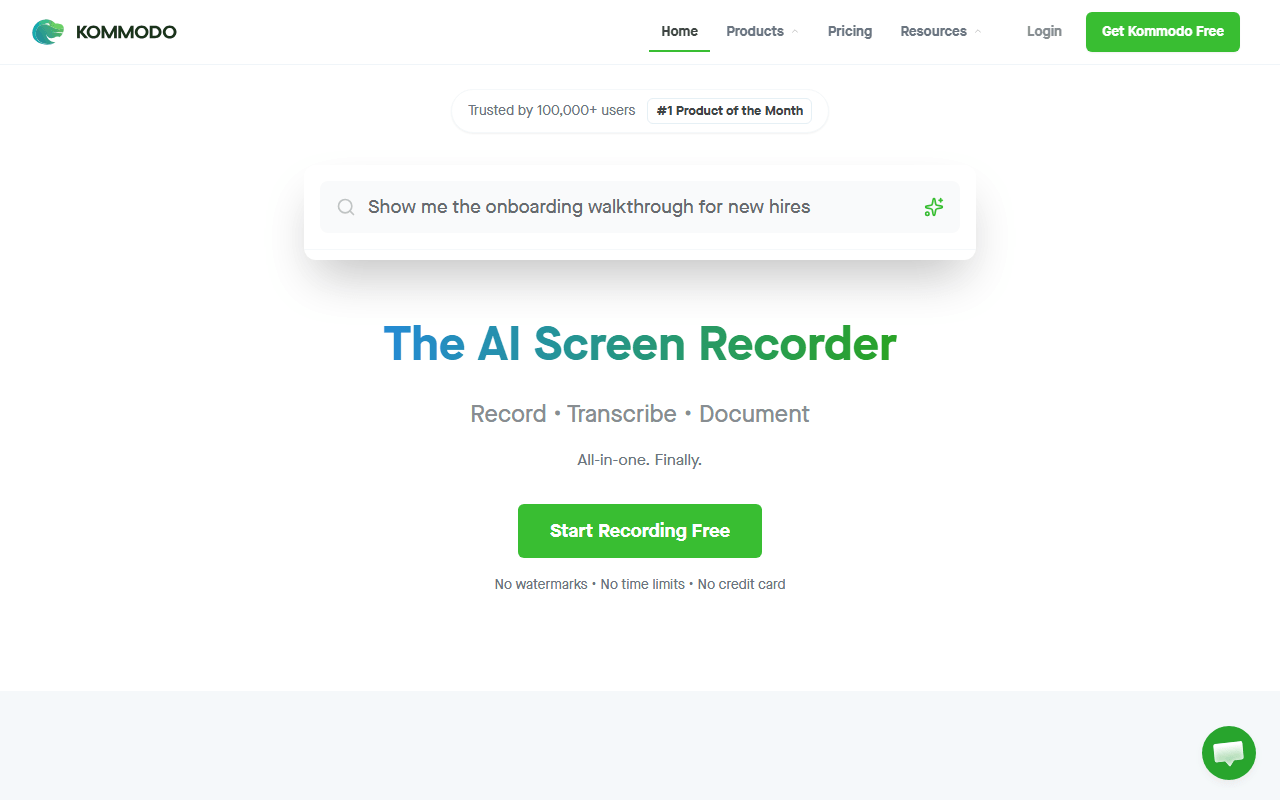
Kommodo (formerly Komodo Decks) fixes the exact thing that pushes people off Cap's free tier: the 5-minute cap. Its free plan advertises unlimited videos of unlimited length with no watermark (as of July 2026), plus hosted share links, transcription, AI summaries, and step-by-step guides. You get Cap's record-and-link workflow without either the 5-minute ceiling or the self-hosting homework.
- Free plan (as of July 2026)
- United States
 United States
- Best for:
- Anyone who wants Cap's share-link workflow with no length limit and nothing to self-host
- The catch:
- It is closed source and cloud-only with no published paid pricing, so you cannot self-host it the way you can Cap.
Compared to Cap
- Advantage: Unlimited free recording length, versus Cap's 5-minute free cap
- Advantage: Free share links with no personal-use-only restriction
- Advantage: Transcription, AI summaries, and generated guides included free
- Advantage: No Docker or server to run, unlike Cap's self-hosted route
- Tradeoff: Closed source with no self-hosting, where Cap is open and self-hostable
- Tradeoff: No published paid pricing, so future costs are unknowable
- Tradeoff: Cloud-only, so no local or offline recording like Cap's Studio Mode
Free unlimited local recording in the browser, no 5-minute cap and no account
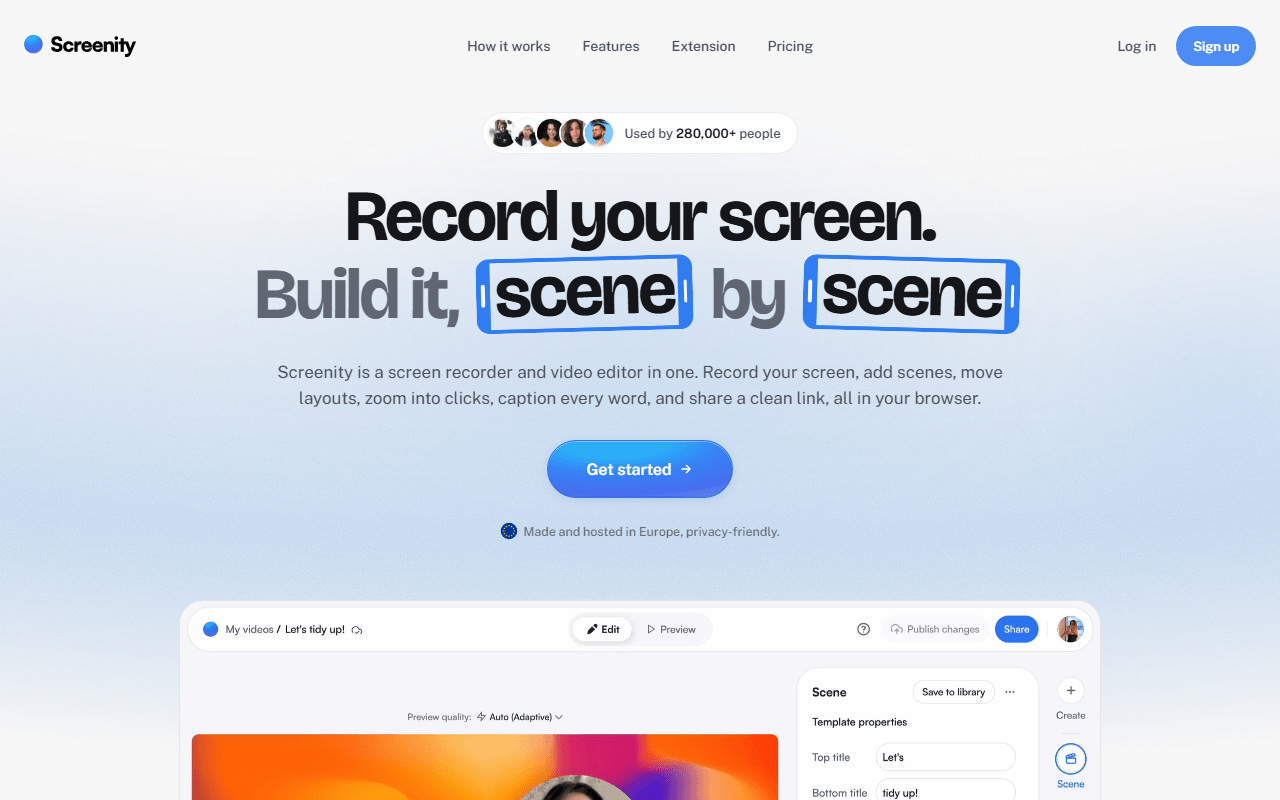
Screenity is a free GPL-3.0 Chrome extension that records your screen, a tab, a window, or your camera with no account and no time limit, because everything writes to your own machine. It shares Cap's open-source, own-your-files spirit but skips the desktop install and the 5-minute free cap entirely. Its own strength is live annotation: draw, blur a region, and spotlight the cursor mid-recording, which Cap's editor handles after the fact.
- Free plan, paid from $10/month (as of July 2026)
- Open source (GPL-3.0)
- Best for:
- Chrome users who want unlimited free local recording with drawing, without installing a desktop app
- The catch:
- Free gives you a file, not a share link, and the extension is Chrome only, so no Firefox, Safari, or full desktop capture.
Compared to Cap
- Advantage: No 5-minute cap on free recordings, unlike Cap's hosted free tier
- Advantage: Open source under GPL-3.0 and fully local, matching Cap's ownership pitch
- Advantage: Live drawing and blur while recording, which Cap does not do live
- Tradeoff: No free share link, where Cap's free tier at least gives you a 5-minute one
- Tradeoff: Chrome only, versus Cap's macOS and Windows desktop apps
- Tradeoff: No auto-zoom or 4K editor like Cap's Studio Mode
Completely free with no limits, plus Linux support and streaming Cap lacks
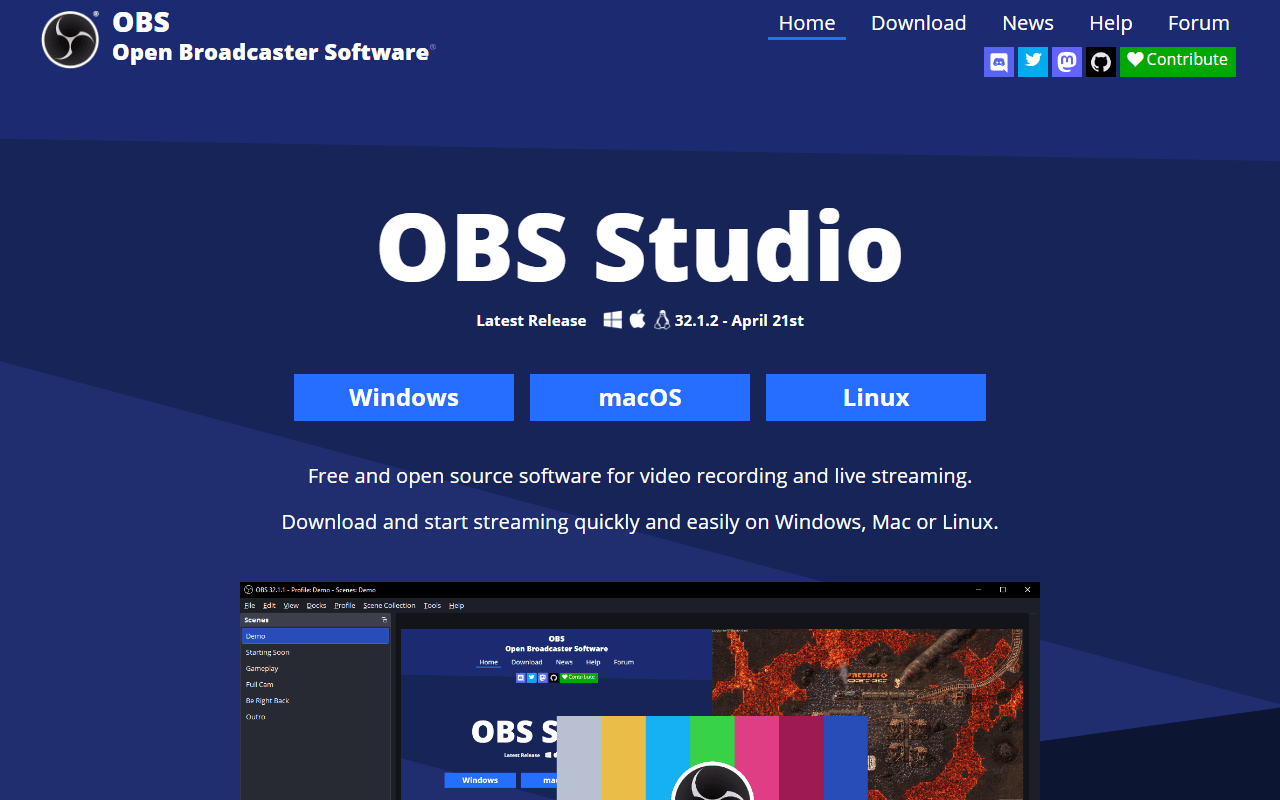
OBS Studio is the completely free option with no account, no watermark, and no length limit on Windows, macOS, and Linux. Where Cap's free tier stops at 5 minutes and its desktop app skips Linux, OBS records for hours at whatever quality your hardware allows and runs everywhere. The tradeoff is that OBS is a broadcasting console, so you build scenes and set encoders before recording, and you end with a file and no share link.
- Completely free (as of July 2026)
- Open source (GPL-2.0-or-later)
- Best for:
- People who need Linux, live streaming, or long high-quality recordings that Cap's free tier will not allow
- The catch:
- The setup is involved and there is no cloud, share link, transcript, or editor, so it ends at a file on your disk.
Compared to Cap
- Advantage: Completely free with no 5-minute cap or personal-use restriction
- Advantage: Runs on Linux, which Cap's desktop app does not
- Advantage: Live streaming to Twitch, YouTube, or RTMP, which Cap does not do
- Tradeoff: No share link, transcript, or editor, all of which Cap has
- Tradeoff: Setup takes about an hour before your first recording
- Tradeoff: No self-host-and-share-link workflow like Cap's web app
Free Windows capture that auto-uploads to your own storage, no 5-minute cap
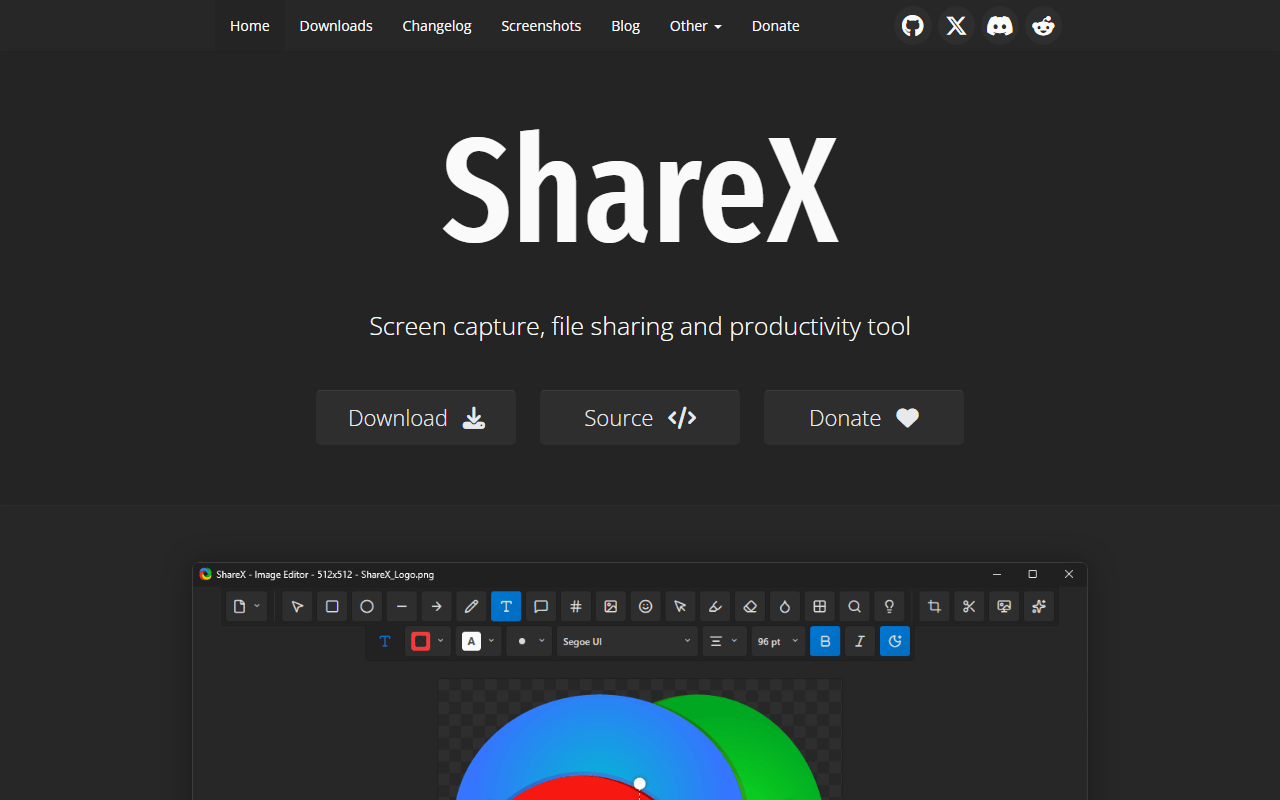
ShareX is completely free under GPL-3.0 and gives Windows users the ownership Cap sells, from a different angle. Record screen video or a GIF, annotate it, and ShareX uploads it to your own Amazon S3, Google Cloud Storage, or Cloudflare R2 bucket with the public link on your clipboard the instant you stop. There is no 5-minute cap and no personal-use clause, just your own storage bill, usually cents.
- Completely free (as of July 2026)
- Open source (GPL-3.0)
- Best for:
- Windows users who want Cap-style ownership with automatic share links from storage they control
- The catch:
- It is Windows only and dense to configure, and camera-overlay talking-head recording is not its strength.
Compared to Cap
- Advantage: No 5-minute cap and no personal-use restriction, unlike Cap's free tier
- Advantage: Auto-uploads to your own bucket and copies the link, so you own the files outright
- Advantage: GIF export, OCR, and scrolling capture Cap does not offer
- Advantage: Completely free with no subscription
- Tradeoff: Windows only, versus Cap's macOS and Windows apps
- Tradeoff: No polished auto-zoom editor like Cap's Studio Mode
- Tradeoff: Setup of upload destinations is a one-time chore
The polished async workflow Cap was built to imitate, with a real if thin free tier
Loom is the tool Cap set out to replace, and it is still the smoothest version of record-and-send-a-link. The free Starter plan gives you 25 videos of 5 minutes each per person (as of July 2026), the same 5-minute ceiling as Cap's free tier but capped at 25 videos and hosted for you. It is worth a look only if you value the polish and the ecosystem, since on freeness alone Cap's self-hosted route wins.
- Free plan, paid from $18/month (as of July 2026)
- United States
- Best for:
- Teams who want the most refined async-video experience and are willing to pay once they outgrow the free tier
- The catch:
- The free plan stops at 25 videos of 5 minutes each and it is closed source with no self-hosting, the opposite of Cap.
Compared to Cap
- Advantage: More polished share, comment, and viewer-tracking experience than Cap
- Advantage: Embeds into Jira and Confluence via Atlassian
- Advantage: Hosted for you with no server to run
- Tradeoff: Same 5-minute free cap as Cap, plus a 25-video limit
- Tradeoff: Closed source with no self-hosting escape hatch, unlike Cap
- Tradeoff: Business is $18 per user per month, priced per creator
Free Mac recorder for quick clips and GIFs when Cap feels like overkill
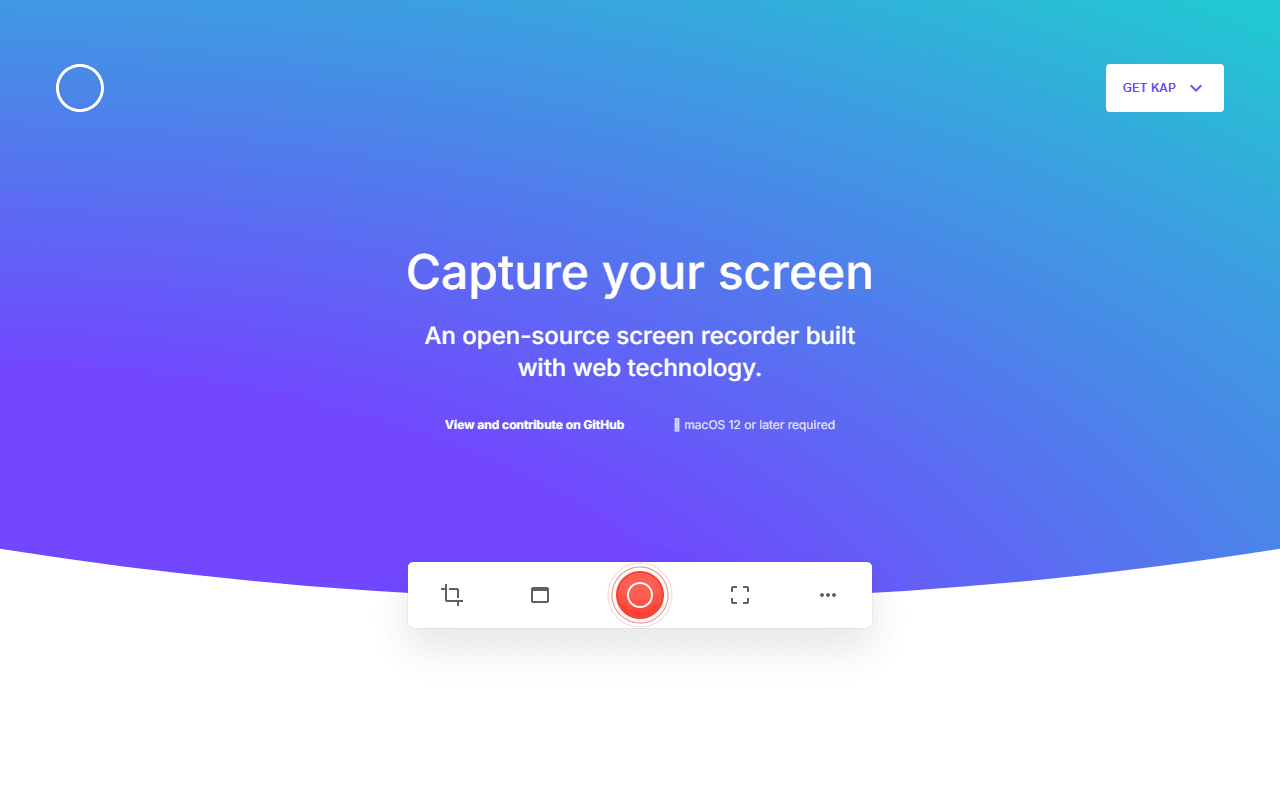
Kap is a small MIT-licensed macOS recorder for the moments a full Cap session is more than you need. Drag a box, record, trim, export as video or GIF. It is completely free with no account and no 5-minute cap, and GIF export is the reason most people keep it around. Think of it as the quick-clip companion to Cap rather than a replacement for the share-link workflow.
- Completely free (as of July 2026)
- Open source (MIT)
- Best for:
- Mac users who want a fast GIF or short clip with no account and no length limit
- The catch:
- The last tagged release is v3.6.0 from October 2022, so confirm it works on your macOS version first.
Compared to Cap
- Advantage: No 5-minute cap and no personal-use clause on free recordings
- Advantage: GIF export, which Cap does not focus on
- Advantage: Completely free and open source under MIT, like Cap's roots
- Tradeoff: macOS only, and no Windows build like Cap has
- Tradeoff: No share links, cloud, or Studio-style editor
- Tradeoff: Last release was October 2022, so maintenance is uncertain
How to choose
If the 5-minute cap is the problem and you do not want to touch Docker, start with Kommodo: it records unlimited length for free and still hands you a share link. Pick Screenity when you want free local recording with live annotation in Chrome, or OBS Studio when you need Linux, streaming, or hours of high-quality footage. ShareX covers Windows users who want links from their own storage, and Loom is worth it only if you are buying the polish, since its free plan is thinner than Cap's self-hosted setup. Kap stays useful for quick Mac GIFs.