Discover honest, community-driven software alternatives. Learn about our mission

ShareX logo

ShareX review

Free open source capture tool for Windows: screenshots, screen recording, GIFs, annotation, and automatic upload anywhere.

Facts checked July 2026

Visit ShareXSee alternatives
getsharex.com
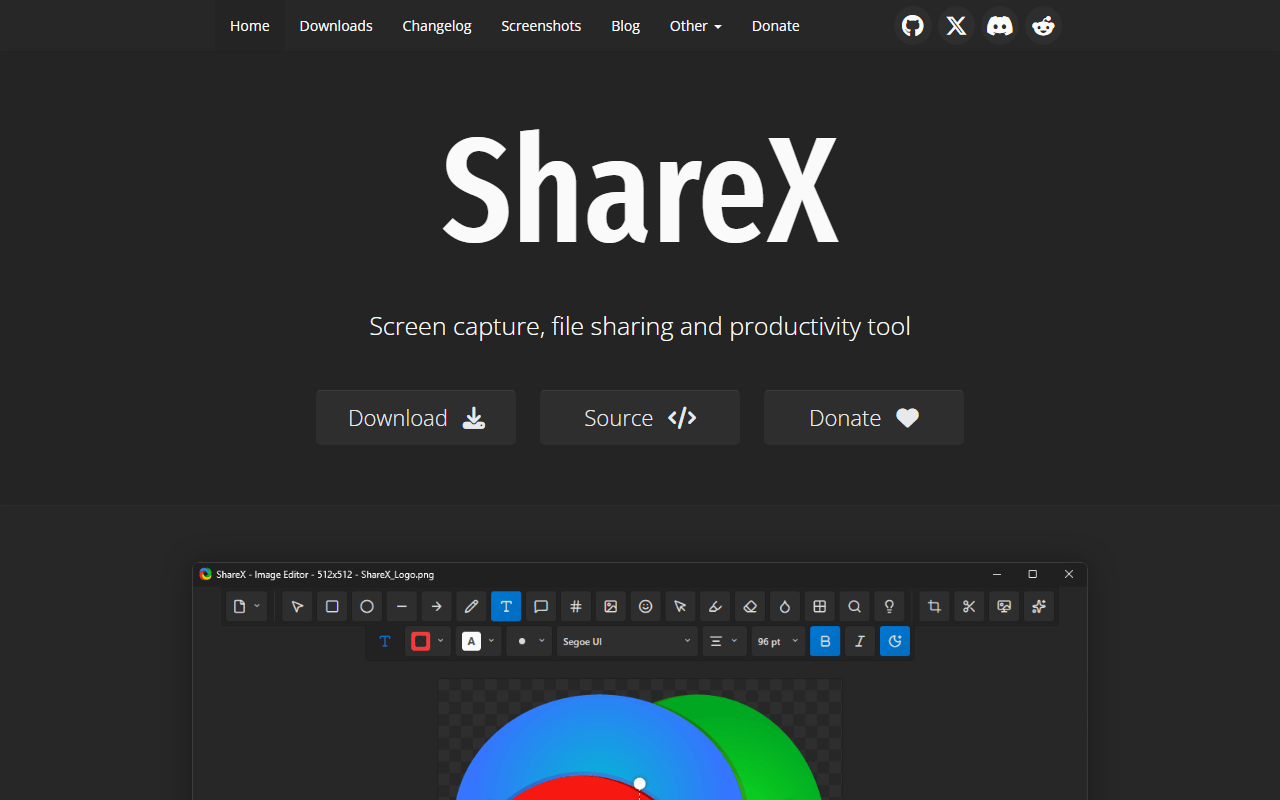
ShareX homepage screenshot

ShareX at a glance

Free plan
Completely free
Free plan score
85/100Outstanding
Starting price
Free
Open source
GPL-3.0
Company
ShareX Team
Founded
2007

Our take

A free Windows capture workhorse that can produce a share link automatically, provided you are willing to point it at your own storage bucket first.

Screenshots, GIFs, OCR, and an upload chain you define

ShareX is a Windows capture tool with an unusually long memory: the project traces back to 2007 and it still ships regular releases. It takes screenshots (full screen, window, region, scrolling page), records video, exports GIFs, runs OCR, and includes a genuinely good annotation editor with shapes, arrows, text, blur, and pixelation.

The part people stay for is the workflow engine. Every capture triggers a chain you define: annotate it, save it here, copy this to the clipboard, upload it there. Point ShareX at your own Amazon S3, Google Cloud Storage, or Cloudflare R2 bucket and a public URL lands in your clipboard a second after you finish recording. That is Loom's core loop, assembled from parts you own.

Windows users who would rather own the storage

  • Windows users who take a lot of screenshots and want them annotated and uploaded automatically
  • Developers filing bug reports, where GIFs beat both screenshots and video
  • Anyone who wants share links but wants them served from their own storage
  • Documentation work: scrolling capture and OCR are rare in free tools

Free since 2007, and the only price is your S3 bill

ShareX is completely free under GPL-3.0. No account, no ads, no watermark, no feature gates, and no paid version, verified July 2026. The only money involved is whatever your chosen upload destination charges, and object storage for a few hundred clips costs cents.

No transcripts, no analytics, and a Windows-only limit

  • Windows only, with no macOS or Linux build planned
  • The interface is dense. The main window is a wall of options, and first-time configuration is intimidating
  • Upload destinations need setting up. Out of the box you get a file, not a link
  • No transcription, no captions, no viewer analytics, no comments on videos
  • Video editing is trimming at best, so anything more means a real editor
  • Camera overlay is not its strength, so talking-head walkthroughs are better served elsewhere

Take it as a capture layer, not a Loom replacement

ShareX is the free tool that pays you back the most for one afternoon of setup. Configure a capture chain and an S3 or R2 destination once, and you get annotated screenshots, clips, and GIFs with a public link on your clipboard forever, at no subscription cost. It is not trying to be Loom, though: no faces, no transcripts, no analytics, no comment threads. Take it as the Windows power user's capture layer, and pair it with Cap or OBS when you need to actually be on camera.

What ShareX offers

  • Screen recording
  • Cloud hosting & share links
  • Local-only recording
  • GIF export
  • Annotation & drawing

Not included

  • Webcam overlay
  • Editing & trimming
  • Transcription & captions
  • Self-hosting
  • Live streaming

ShareX plans and pricing

Completely free with no account, no ads, no watermark, and no paid tier

ShareX is free and open source under GPL-3.0. Upload destinations are your own accounts, so any storage cost is between you and that provider.

Free

Free

All capture, recording, GIF, OCR, annotation, and upload features with unlimited use

None

As of July 2026. Check current pricing on the ShareX pricing page.

ShareX's free plan score

How good ShareX's free plan really is, judged on four things and weighted into one number.

85/100

Outstanding

Free forever, and the only free way to get share links from storage you own.

Free plan generosity

95/100

Feature depth for the category

80/100

Freedom and honesty

95/100

What free users report

66/100

Scored July 2026. How we calculate the free plan score.

Frequently asked questions about ShareX

Is ShareX free?

Completely. It is GPL-3.0 open source with no paid tier, no ads, and no account requirement. The project has been going since 2007.

Can ShareX give me a share link like Loom?

Yes, but you supply the destination. Configure an upload target such as Amazon S3, Google Cloud Storage, or Cloudflare R2 and ShareX copies the URL to your clipboard the moment a capture finishes. Setup is a one-time job that takes a few minutes.

Does ShareX record video and GIFs?

Both. It records screen video and can output animated GIFs directly, which is why it is popular for issue trackers and documentation.

Is there a macOS or Linux version?

No. ShareX is Windows only. On macOS, Kap covers the GIF and short-clip use case.

Latest ShareX news

Changes that affect what you get for free: pricing, free plan limits, ownership, and whether the project is still maintained. Not every release.

We checked ShareX's own blog, changelog and release notes in July 2026 and found nothing that changes the picture above.

Reader reviews

What people who actually use ShareX think of it.

No reviews of ShareX yet. If you have used it, yours would be the first.

The useful part is the specifics: what you used it for, and where it got in your way.

Loading...