Free alternatives to ShareX
ShareX is completely free under GPL-3.0 with no watermark and no limits, so price is never the reason to leave it. Two things send people looking. It is Windows only, so nothing here helps if you move to a Mac or Linux, and it hands you a file rather than a share link until you set up your own upload destination. If you want cross-platform recording, a built-in share link, or a friendlier setup than ShareX's dense workflow engine, these free tools cover the same ground.
Facts checked as of July 2026Read our ShareX review
Jump to an alternative


Cap
Best Free Alternative ToShareXOpen source like ShareX, but cross-platform with a share link that needs no bucket setup
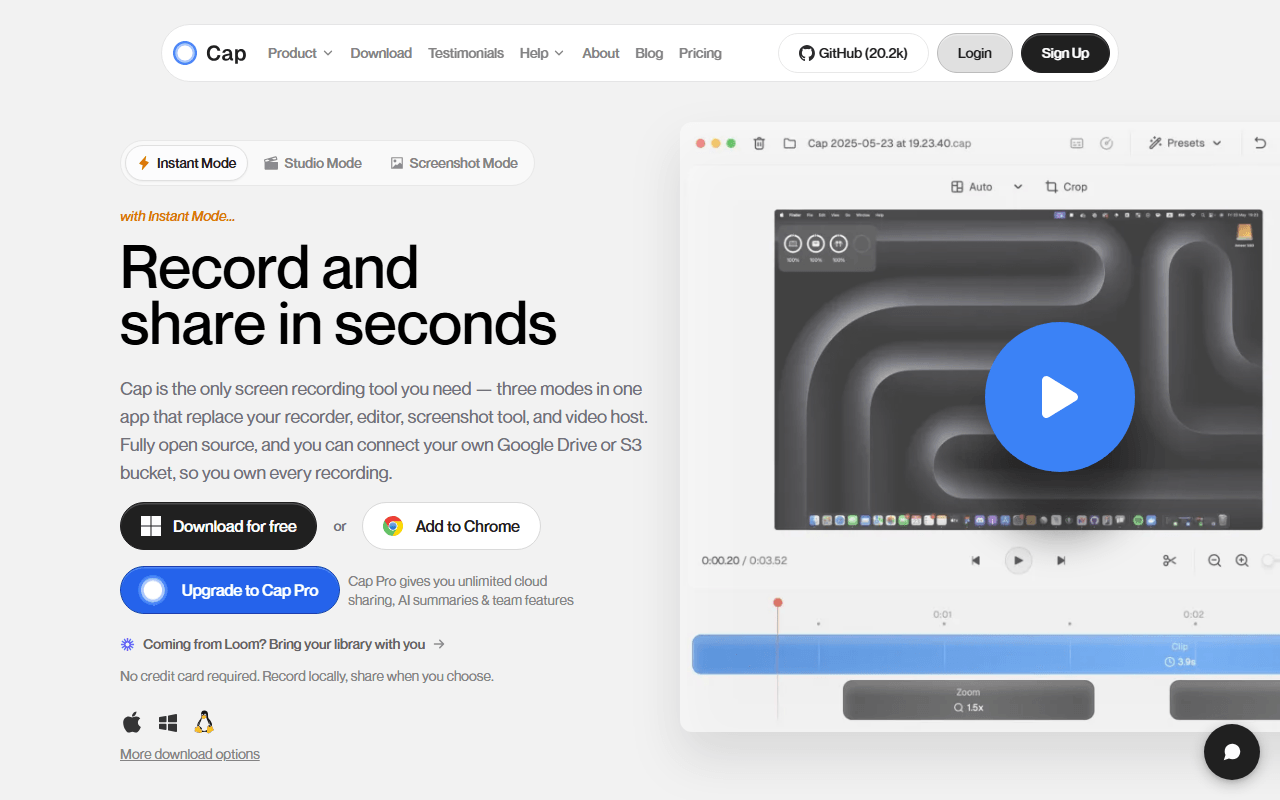
Cap keeps ShareX's open-source, own-your-files spirit and adds the two things ShareX makes you work for: a share link out of the box and a Mac build. The desktop app on macOS and Windows records and hands you a link with no S3 bucket to configure, plus a Studio Mode editor with auto-zoom and 4K export. For ownership, the whole backend self-hosts with Docker Compose. The free tier caps hosted recordings at 5 minutes (as of July 2026), which self-hosting removes.
- Free plan, paid from $29/year (as of July 2026)
- Open source (AGPL-3.0 (parts of the codebase are MIT))
- Best for:
- ShareX users who want a built-in share link and macOS support without giving up open source
- The catch:
- The free tier caps hosted recordings at 5 minutes where ShareX is unlimited, and there is no Linux desktop app or GIF-first workflow.
Compared to ShareX
- Advantage: Built-in share link with no upload destination to configure first
- Advantage: Runs on macOS as well as Windows, where ShareX is Windows only
- Advantage: Studio Mode editor with auto-zoom and 4K export beyond ShareX's trimming
- Advantage: Open source and self-hostable, matching ShareX's ownership pitch
- Tradeoff: Hosted free tier caps recordings at 5 minutes, while ShareX has no limit
- Tradeoff: No GIF export, scrolling capture, or OCR like ShareX's
- Tradeoff: No Linux desktop app
Completely free with no limits, and it runs on Linux and macOS as well as Windows
OBS Studio matches ShareX on price, completely free with no account, no watermark, and no length limit, and beats it on reach by running on Windows, macOS, and Linux. It records at whatever quality your hardware allows and streams to Twitch, YouTube, or any RTMP endpoint. Like ShareX it is open source and ends with a local file, but it is a broadcasting console, so you build scenes and set encoders before your first take.
- Completely free (as of July 2026)
- Open source (GPL-2.0-or-later)
- Best for:
- ShareX users moving to macOS or Linux, or who need streaming and high-quality long recordings
- The catch:
- There is no share link, GIF export, or OCR, and the setup is heavier than ShareX's.
Compared to ShareX
- Advantage: Runs on Windows, macOS, and Linux, versus ShareX's Windows-only build
- Advantage: Completely free with no limits, like ShareX
- Advantage: Live streaming and multi-source scene mixing ShareX does not do
- Advantage: Open source under GPL-2.0, like ShareX
- Tradeoff: No built-in share link or auto-upload to your own storage
- Tradeoff: No GIF export, OCR, or scrolling capture
- Tradeoff: Setup takes about an hour before your first recording
Free unlimited recording in the browser, so it works on any OS Chrome runs on
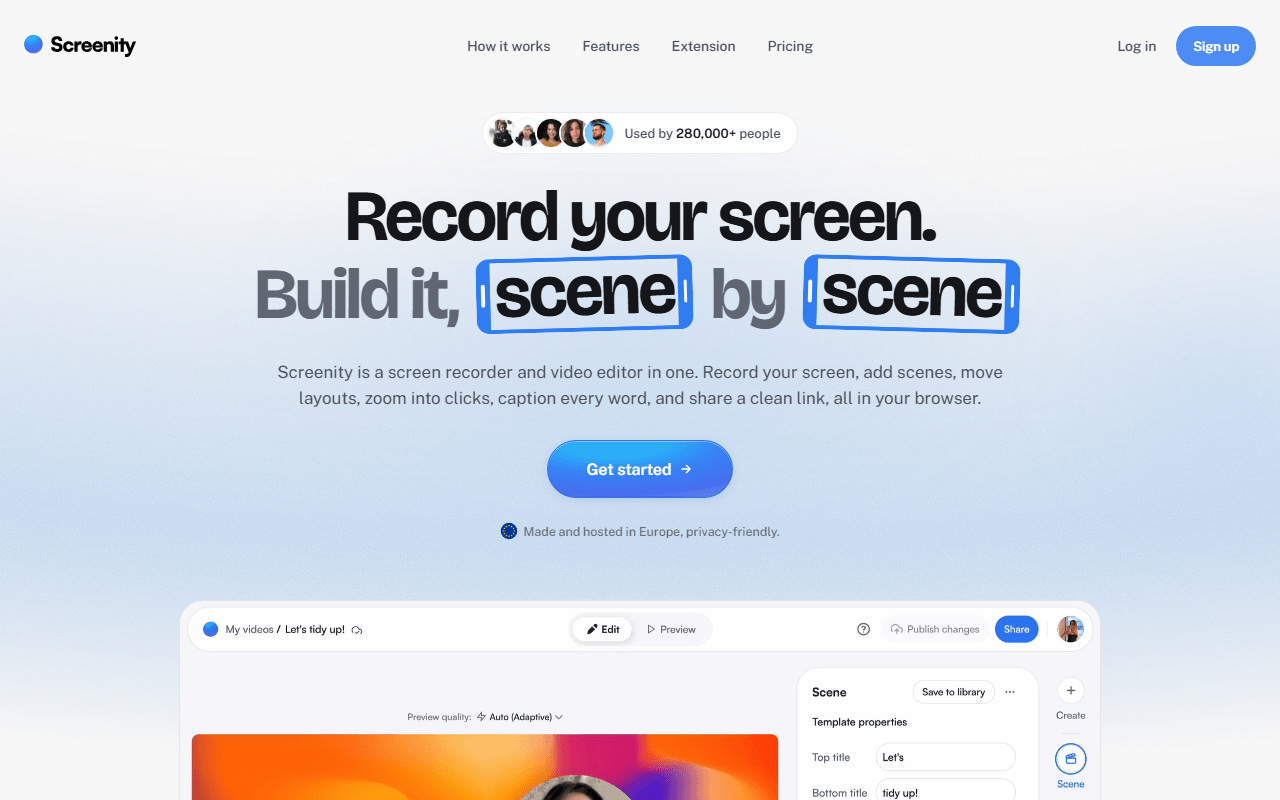
Screenity is a free GPL-3.0 Chrome extension that records your screen, a tab, a window, or your camera with no account and no time limit. Because it lives in Chrome, it sidesteps ShareX's Windows-only limit and runs on macOS and Linux too. It shares ShareX's annotation instinct but does it live: draw, add text, blur a region, and spotlight the cursor while recording, rather than marking up after the fact.
- Free plan, paid from $10/month (as of July 2026)
- Open source (GPL-3.0)
- Best for:
- People who want ShareX-style annotation and ownership on macOS or Linux, inside the browser
- The catch:
- Free gives you a file, not a share link, and it is Chrome only, so no Firefox or Safari.
Compared to ShareX
- Advantage: Runs anywhere Chrome does, including macOS and Linux, unlike Windows-only ShareX
- Advantage: Live drawing, blur, and cursor spotlight while recording
- Advantage: Unlimited free local recording with no account, like ShareX
- Advantage: Open source under GPL-3.0, like ShareX
- Tradeoff: No auto-upload to your own storage or clipboard link like ShareX's
- Tradeoff: Chrome only, so not a full desktop capture tool
- Tradeoff: No GIF export, OCR, or scrolling capture
Free hosted recording with a share link and nothing to configure
Kommodo (formerly Komodo Decks) hands you the thing ShareX makes you build: a share link, with no bucket to set up. Its free tier advertises unlimited videos of unlimited length with no watermark (as of July 2026), plus transcription, AI summaries, and step-by-step guides. If you liked ShareX's automatic-link idea but not the configuration work, Kommodo does it hosted and cross-platform.
- Free plan (as of July 2026)
- United States
 United States
- Best for:
- People who want an automatic share link with zero setup, on more than just Windows
- The catch:
- It is closed source and cloud-only with no published paid pricing, so the files live on their servers, not yours.
Compared to ShareX
- Advantage: Free hosted share link with nothing to configure, versus ShareX's bucket setup
- Advantage: Runs on the web, macOS, Windows, and mobile, unlike Windows-only ShareX
- Advantage: Transcription and AI summaries ShareX does not offer
- Tradeoff: Closed source and cloud-only, where ShareX is open and local
- Tradeoff: Your recordings live on their servers, not storage you own
- Tradeoff: No GIF export, OCR, or scrolling capture like ShareX's
The most polished hosted record-and-send flow, cross-platform with a real free tier
Loom, now part of Atlassian, is the smoothest hosted version of the automatic-link idea ShareX assembles by hand. Record your screen and camera and the link is transcribed and ready before you close the app, on macOS, Windows, and mobile. The free Starter plan stops at 25 videos of 5 minutes each per person (as of July 2026), tighter than ShareX's no-limit recording, but every recording ships as a link with no setup.
- Free plan, paid from $18/month (as of July 2026)
- United States
- Best for:
- People who want a polished hosted link with a camera bubble, not a self-assembled upload chain
- The catch:
- The free plan caps you at 25 videos of 5 minutes each, it is closed source and cloud-only, and Business is $18 per user per month.
Compared to ShareX
- Advantage: Instant hosted share link with transcription and no setup
- Advantage: Runs on macOS, Windows, and mobile, unlike Windows-only ShareX
- Advantage: Camera bubble, viewer comments, and watch tracking ShareX does not do
- Tradeoff: Free plan caps you at 25 videos of 5 minutes each, where ShareX is unlimited
- Tradeoff: Closed source and cloud-only, where ShareX is open and local
- Tradeoff: No GIF export, OCR, or scrolling capture
Free Mac recorder for quick clips and GIFs, the ShareX GIF habit on macOS
Kap is the closest thing to ShareX's quick-GIF workflow for Mac users, since ShareX itself never left Windows. This small MIT-licensed macOS recorder drags a box around the screen, records, trims, and exports as video or GIF, with no account. It does not auto-upload to your own storage the way ShareX does, but for fast clips and GIFs on a Mac it is the natural fit.
- Completely free (as of July 2026)
- Open source (MIT)
- Best for:
- Mac users who want ShareX's quick-GIF habit, which ShareX cannot give them on macOS
- The catch:
- The last tagged release is v3.6.0 from October 2022, so confirm it runs on your macOS version, and it has no auto-upload or share link.
Compared to ShareX
- Advantage: Runs on macOS, which ShareX never will
- Advantage: GIF export for quick clips, like ShareX's
- Advantage: Completely free and open source with no account, like ShareX
- Tradeoff: No auto-upload to your own storage or clipboard link
- Tradeoff: Last release was October 2022, so maintenance is a real question
- Tradeoff: No OCR, scrolling capture, or annotation workflow like ShareX's
How to choose
If you want ShareX's own-your-files approach with a share link built in and macOS support, start with Cap: it is open source and gives you a link without configuring a storage bucket first. Pick OBS Studio when you need Linux, streaming, or long high-quality recordings, or Screenity when you want free unlimited recording in the browser with live drawing. Kommodo is the free hosted option that hands you a link with nothing to set up, Loom is the most polished hosted flow within its 25-video free cap, and Kap covers quick Mac clips and GIFs.