
Everything Kap does fits in one sentence
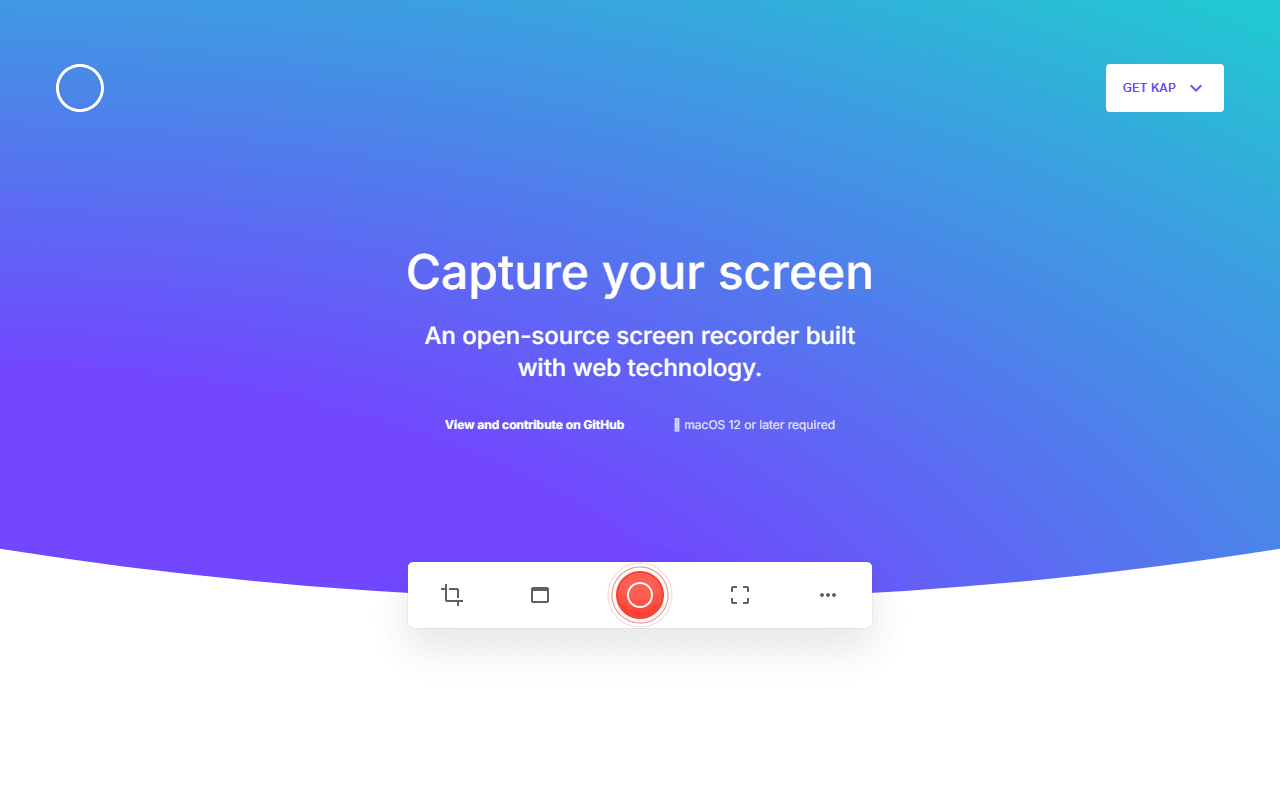
Kap is a small macOS screen recorder from the Wulkano studio, released under the MIT license. You drag a box around the part of the screen you care about, record, trim the ends, and export. That is the entire product, and its restraint is the point: there is no project file, no scene setup, no account, and no sign-in wall.
It is built with web technology, which is why it feels light and why it also uses more memory than a fully native recorder would on long takes. For the clips it is designed for, that never comes up.
For the Mac user who just needs a GIF now
- Mac users who need a GIF for a pull request, an issue, or a Slack thread right now
- Short product clips where opening OBS would be absurd
- Anyone who wants a recorder that never asks for an email address
Free on Homebrew Cask, and there is no price list
Kap is completely free under the MIT license. No account, no watermark, no recording cap, no paid tier, verified July 2026. Install it from the site or with Homebrew Cask, in both Apple Silicon and Intel builds.
The real limit is the calendar: v3.6.0, October 2022
- The last tagged release is v3.6.0 from October 2022, so the project has been quiet for years. Check that it works on your macOS version before depending on it
- macOS only
- No cloud hosting and no share links. You get a file and upload it yourself
- Editing is trimming. No zoom, no annotation, no captions, no multi-scene work
- Long recordings are not its strength, given the Electron-style architecture
Fine for quick clips, risky as your only recorder
Kap earns its place for one job: fast clips and GIFs on a Mac with zero ceremony. Nothing else here does that with less friction. The honest caveat is maintenance, because a recorder whose last release is from October 2022 is a bet on macOS not breaking it. Keep it for quick captures and keep Cap or OBS installed for anything you would actually publish.
Reader reviews
What people who actually use Kap think of it.
No reviews of Kap yet. If you have used it, yours would be the first.
The useful part is the specifics: what you used it for, and where it got in your way.
Loading...