Discover honest, community-driven software alternatives. Learn about our mission

Free screen recorders, from a one-click link to a full studio

You need to record your screen, sometimes with your face in the corner, and get it to someone else without booking a meeting. That is the whole job here, from a fifteen-second bug report to a 20-minute onboarding walkthrough you would rather not repeat.

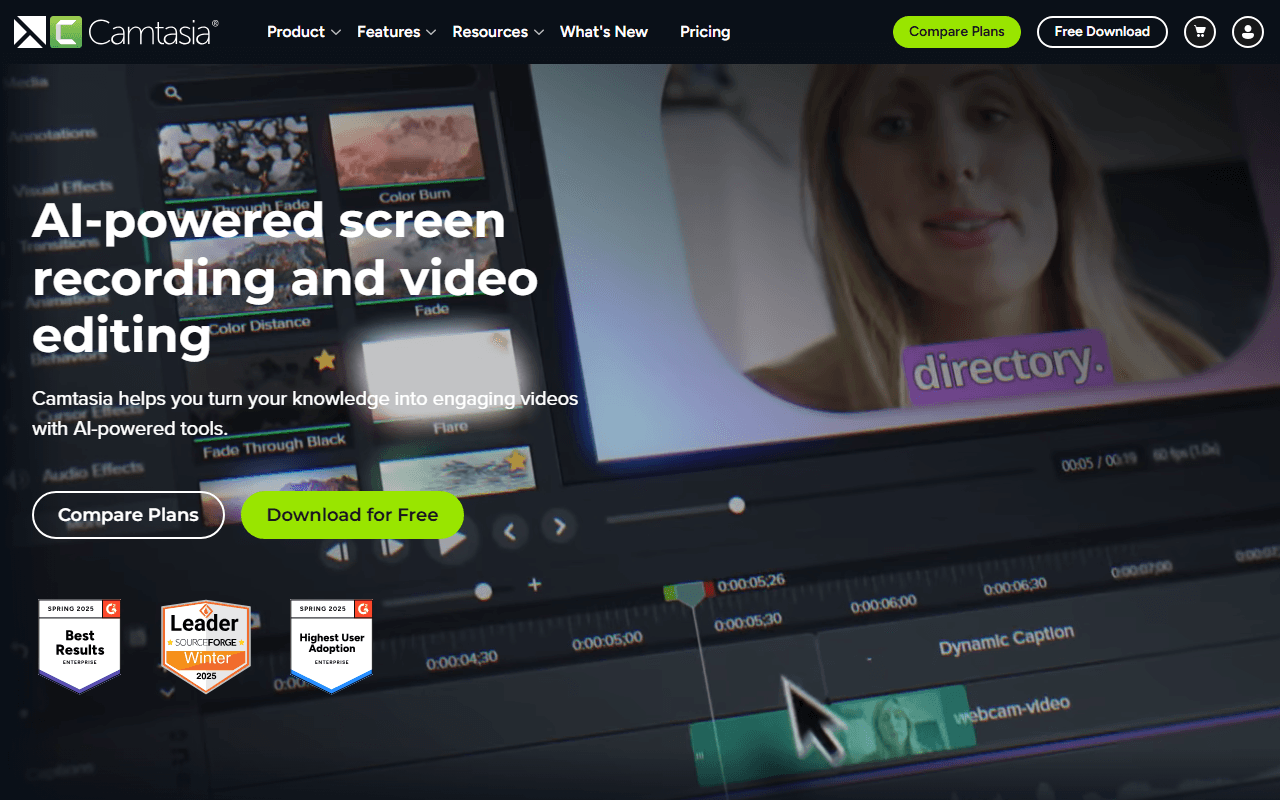
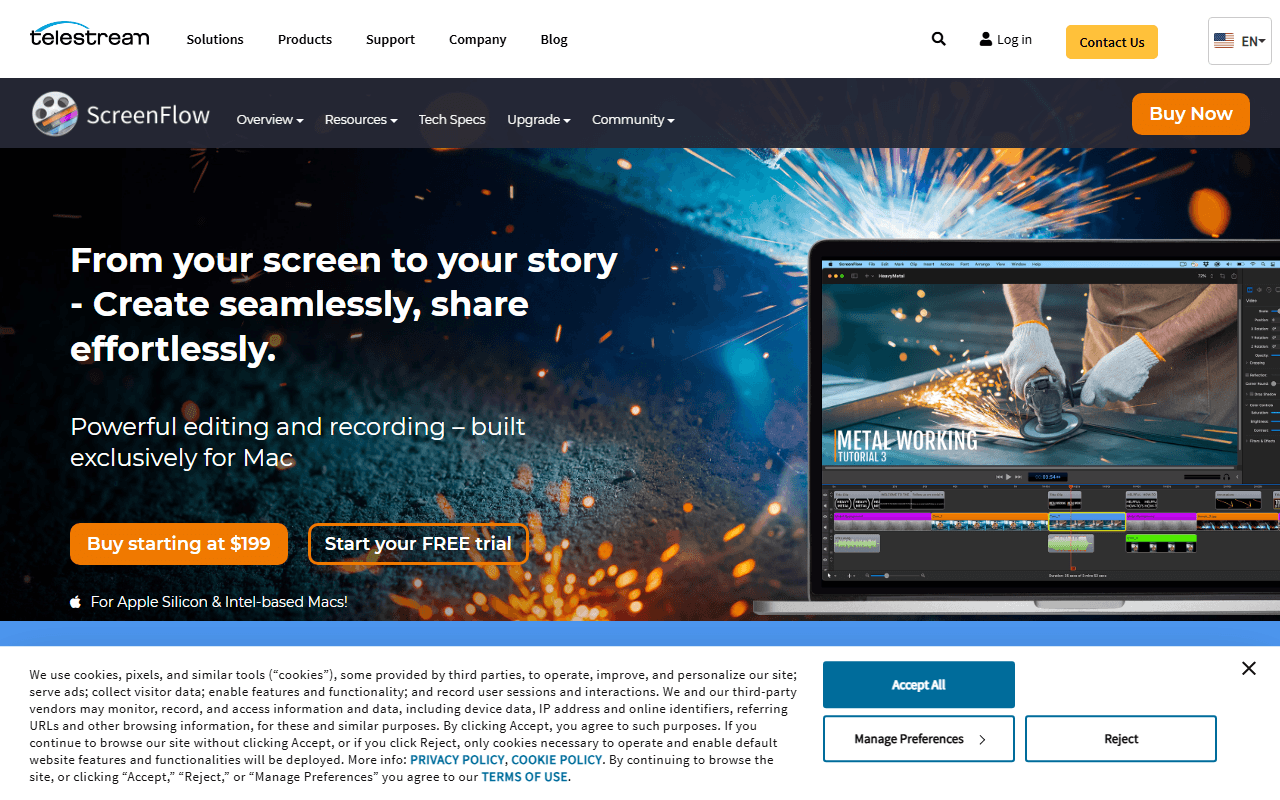
Most people arrive because the obvious tools cost more than they want to pay. Loom's free plan stops at 25 videos of 5 minutes each, Camtasia is an annual subscription starting at $179.88 a year for a watermark-free export, and ScreenFlow is $199 as a one-time purchase (all as of July 2026). Plenty of free recorders either stamp a watermark on the result or cut you off after a few minutes.

Our pick is Cap. It gives you Loom's record-and-send-a-link workflow as open source software you can self-host, so for $29 a year, or free on your own server, the recordings stay on infrastructure you control.

10 free tools, ranked and reviewed as of July 2026.

What we would open first, and when we would not

Best overall

Cap logo

Cap

Best FreeVideo Recording Tool

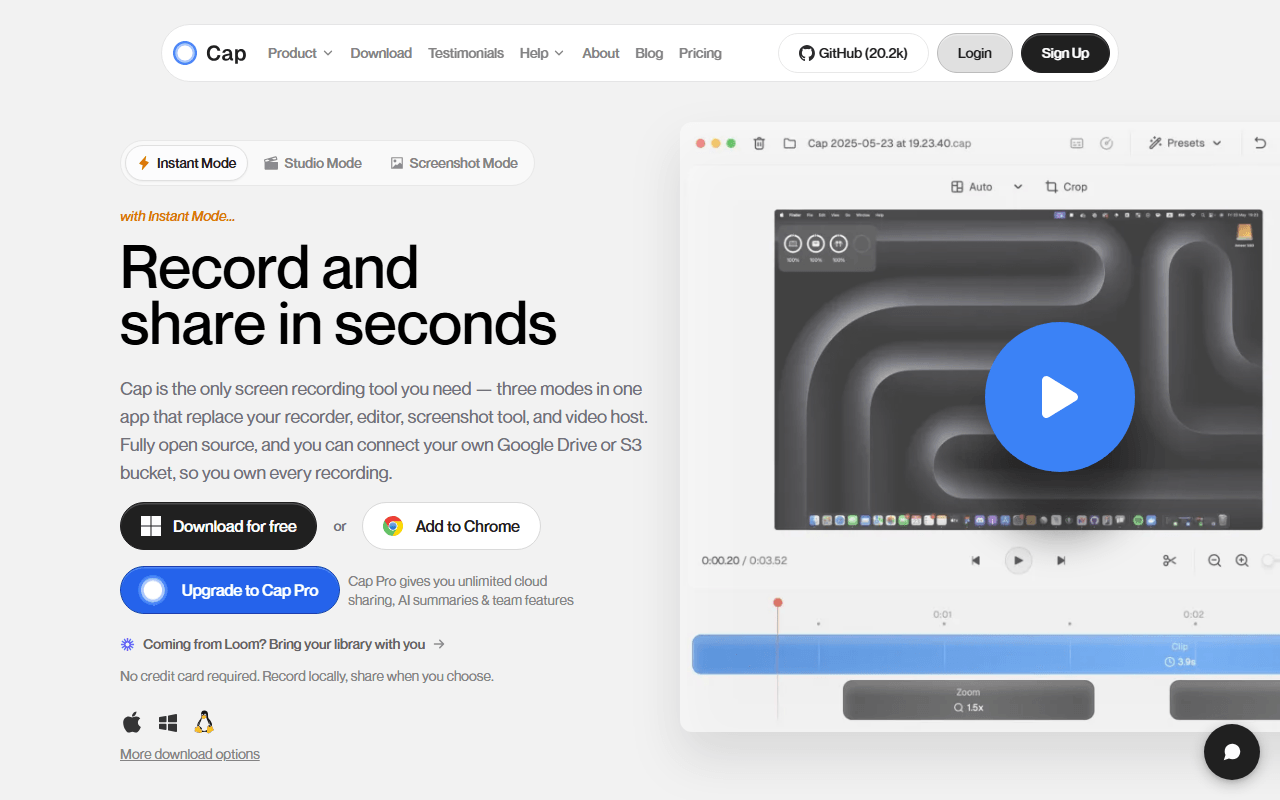
Cap is the open source take on Loom. Record your screen and camera on macOS or Windows, then get a share link or a local file, with a Studio Mode editor that adds auto-zoom on clicks and 4K/60fps export. The whole backend self-hosts with Docker Compose, so the videos stay on infrastructure you own, and a $29 per year Desktop License lifts the local recording limit and adds commercial rights.

Cap wins because it is the only tool here that reproduces Loom's exact loop, record and hand someone a link, as software you can run yourself. The desktop app on macOS and Windows does the instant share-link flow plus a Studio Mode editor with auto-zoom on clicks and 4K/60fps export, and the whole backend self-hosts with Docker Compose. A $29 per year Desktop License gives you unlimited local recording with commercial rights, roughly one month of Loom Business for a full year. The catch is real: the hosted free tier is personal use only and capped at 5 minutes per recording, the same limit as Loom, so free-forever actually means self-hosting, which assumes you are comfortable running Docker and keeping it patched.

Read our Cap review

Best for walkthroughs that run long

Unlimited recordings of unlimited length with no watermark, free (as of July 2026), though there is no self-hosting and no published paid tier to fall back on.

Best for streaming and hour-long takes

Completely free with no account, no watermark and no recording length limit (as of July 2026), so a course or a Twitch stream costs nothing, but you end up with a file on your disk and no share link.

Best if you already run your own storage

Free with no paid tier at all (as of July 2026), and a public link lands on your clipboard from your own Amazon S3, Google Cloud Storage, or Cloudflare R2 bucket the second a recording stops, though it is Windows only and you wire that destination up yourself.

Open this if you want to know what counted as free

We rank on how much you actually get for free, not on polish. A real free-forever plan beats a 7-day trial, no watermark and no length cap beat a generous-sounding tier that stops at five minutes, and open source or self-hosting earns extra credit because it means you keep both the tool and the files. Where a tool is paid-only, we say so and rank it last rather than pretend a trial counts as free.

What each free plan actually includes, in one table

#ToolFree planStarting priceCountry
1
Cap logo
Cap
Yes$29/year-
2
Kommodo logo
Kommodo
Yes-United States
3
Screenity logo
Screenity
Yes$10/month-
4
OBS Studio logo
OBS Studio
Free / open source--
5
ShareX logo
ShareX
Free / open source--
6
Kap logo
Kap
Free / open source--
7
Tella logo
Tella
No$13/month-
8
Loom logo
Loom
Yes$18/monthUnited States
9
Camtasia logo
Camtasia
No$39/yearUnited States
10
ScreenFlow logo
ScreenFlow
No$199 one-timeUnited States

Every recorder here, and who it is really for

1.

Cap

Best FreeVideo Recording Tool

Cap is the open source take on Loom. Record your screen and camera on macOS or Windows, then get a share link or a local file, with a Studio Mode editor that adds auto-zoom on clicks and 4K/60fps export. The whole backend self-hosts with Docker Compose, so the videos stay on infrastructure you own, and a $29 per year Desktop License lifts the local recording limit and adds commercial rights.

Cap screenshot
  • Free plan, paid from $29/year (as of July 2026)
  • Open source (AGPL-3.0 (parts of the codebase are MIT))
Best for:
Teams who want Loom's record-and-link workflow but need the recordings on infrastructure they control.
The catch:
The hosted free tier is personal use only and capped at 5 minutes per recording, the same as Loom, so free-forever really means self-hosting. The desktop app is macOS and Windows only.
2.

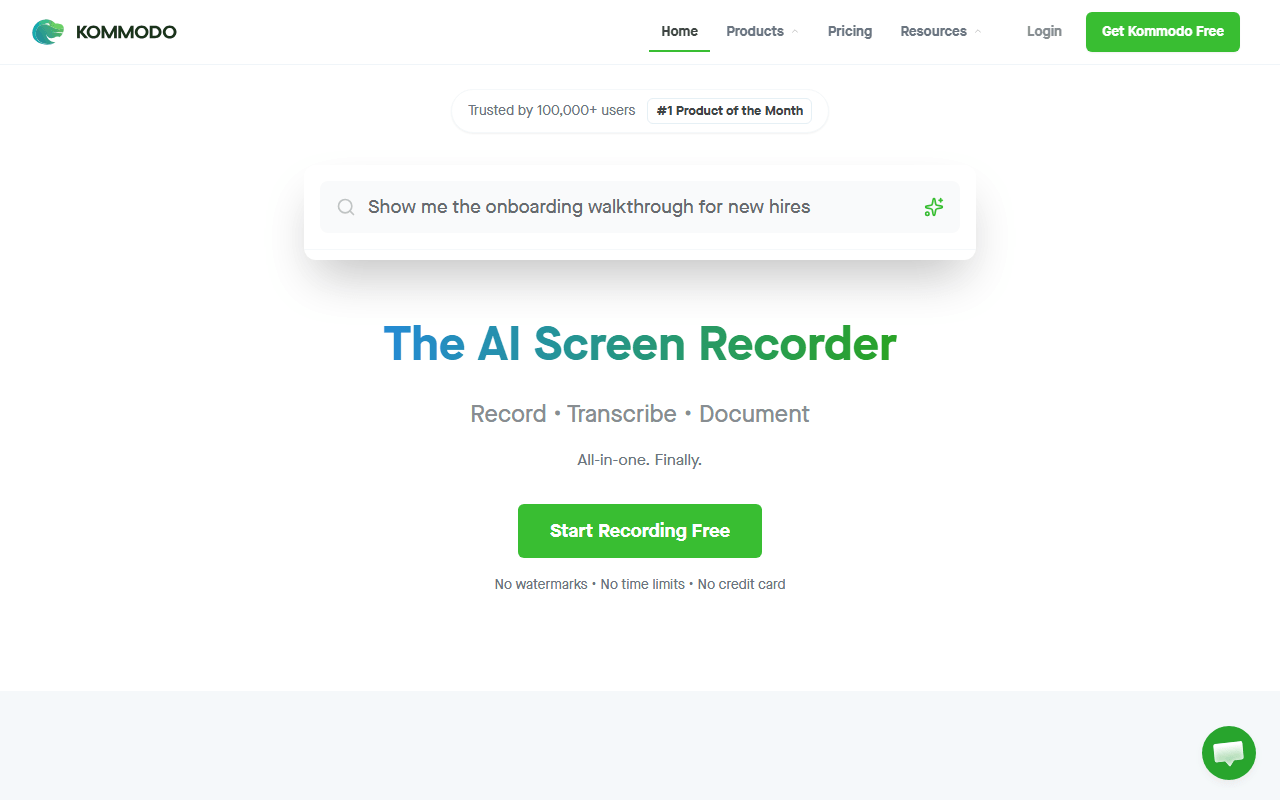
Kommodo (formerly Komodo Decks) is the hosted recorder with the widest free tier here: unlimited videos of unlimited length, no watermark, plus share links, transcription, AI summaries, and step-by-step written guides built from what happened on screen. If Loom's 5-minute cap is what pushed you out, this does the same job for free (as of July 2026).

Kommodo screenshot
  • Free plan (as of July 2026)
  • United States
Best for:
Anyone whose walkthroughs regularly run past five minutes and who wants a share link with nothing to set up.
The catch:
There is no published paid pricing and no self-hosting, so you are trusting a small company to keep giving away what its competitors charge for.
3.

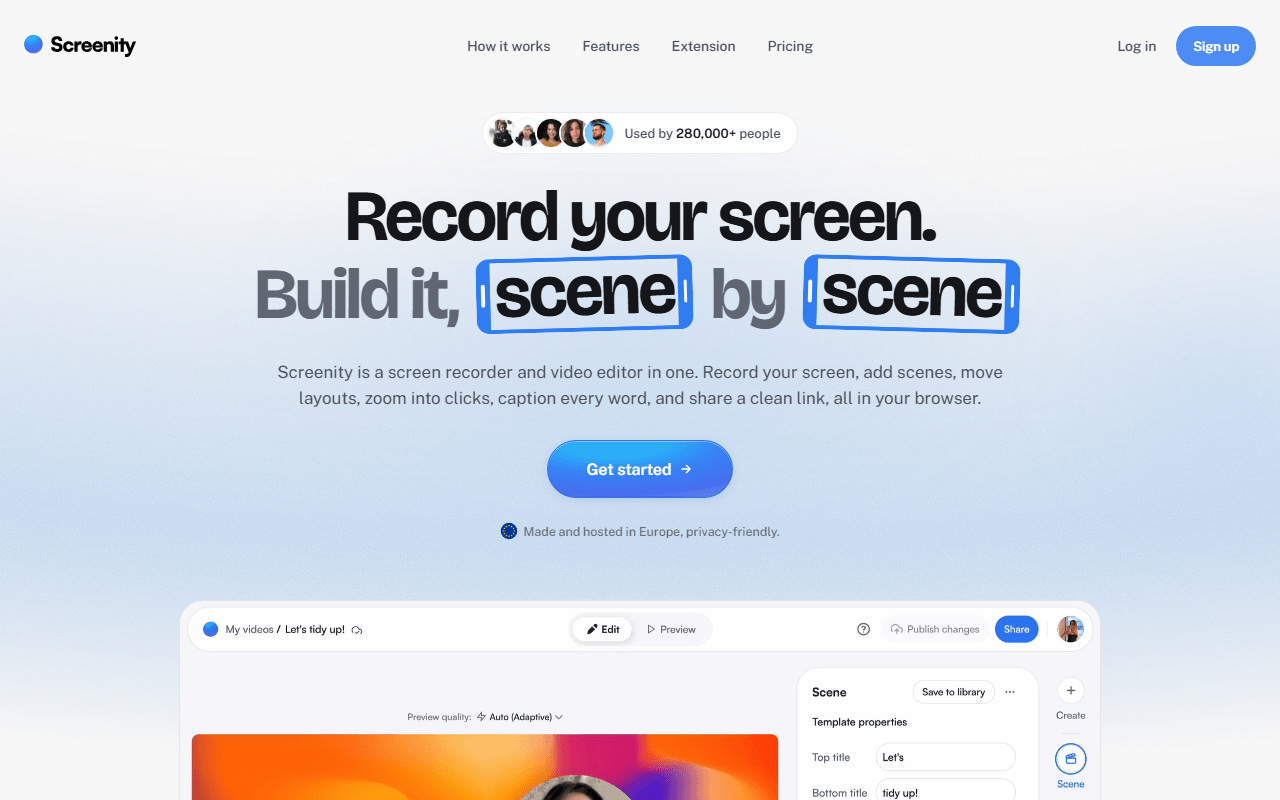
Screenity is a free GPL-3.0 Chrome extension that records your screen, a tab, a window, or your camera with no account and no time limit, because everything writes to your own machine. Its standout is annotation: draw on the screen while recording, add arrows and text, blur sensitive regions live, and spotlight the cursor with click ripples.

Screenity screenshot
  • Free plan, paid from $10/month (as of July 2026)
  • Open source (GPL-3.0)
Best for:
Support, teaching, and bug reports done in Chrome, where marking up the screen matters more than hosting.
The catch:
Free gives you a file, not a link. Share links need Screenity Pro at $10 per month, and the extension is Chrome only.
4.

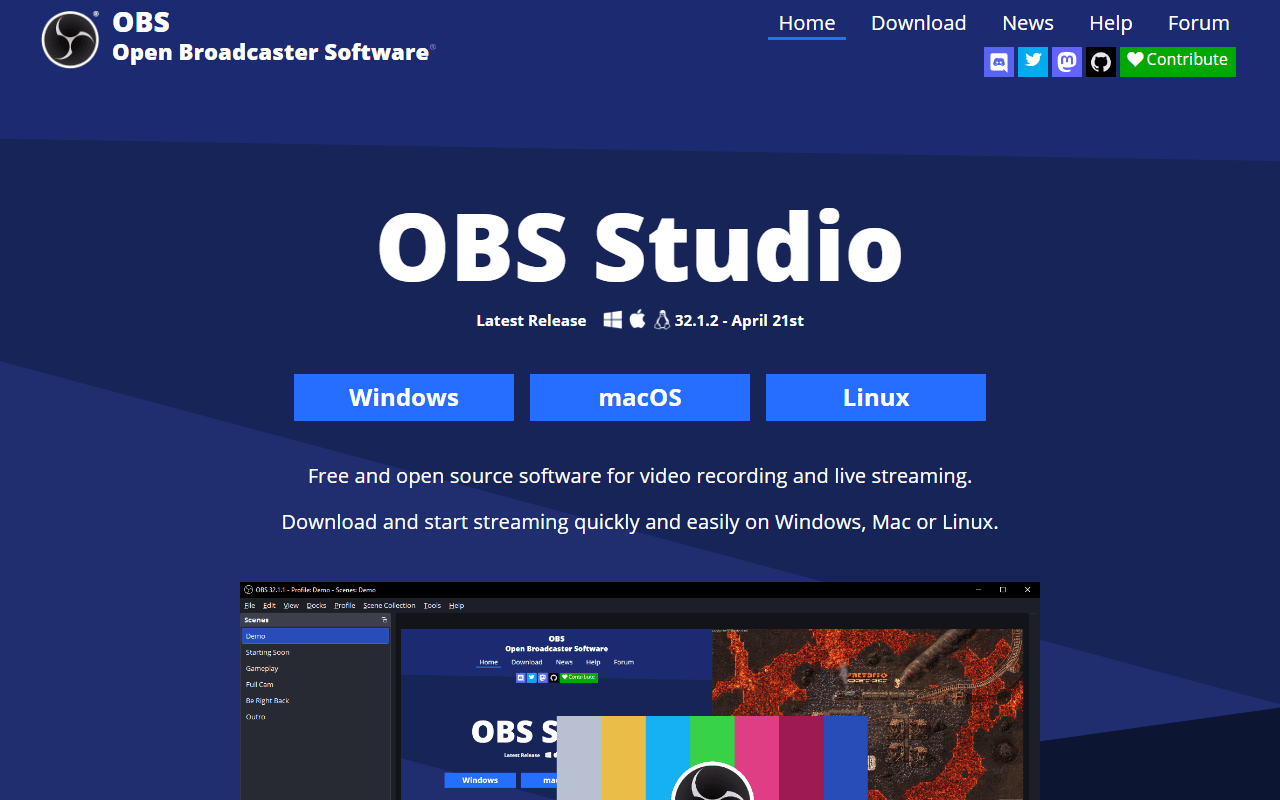
OBS Studio is broadcasting software that happens to be excellent at recording your screen. Mix screens, windows, cameras, and audio into scenes, record to disk at whatever quality your hardware allows, and stream to Twitch, YouTube, or any RTMP endpoint. It is completely free under GPL-2.0 on Windows, macOS, and Linux, with no account, no watermark, and no length limit.

OBS Studio screenshot
  • Completely free (as of July 2026)
  • Open source (GPL-2.0-or-later)
Best for:
Long recordings, webinars, courses, live streaming, and Linux users with almost no other serious option.
The catch:
The learning curve is real, and there is no cloud, share link, transcript, or analytics. It ends at a file on your disk.
5.

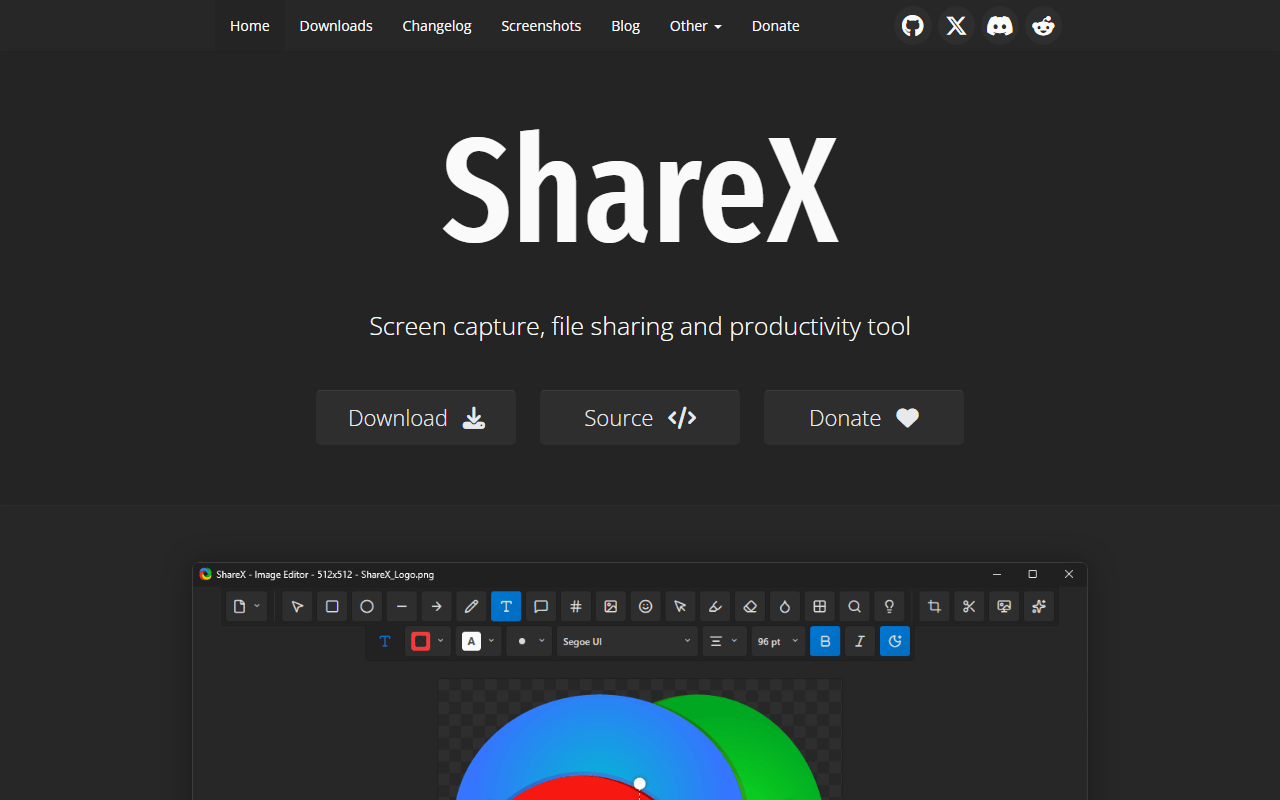
ShareX is a completely free GPL-3.0 Windows capture tool that has shipped since 2007. It grabs screenshots, scrolling pages, video, and GIFs, annotates them, and then runs a workflow you define. Point it at your own Amazon S3, Google Cloud Storage, or Cloudflare R2 bucket and a public link lands on your clipboard the second a recording stops.

ShareX screenshot
  • Completely free (as of July 2026)
  • Open source (GPL-3.0)
Best for:
Windows users who want automatic share links served from storage they own, plus GIFs, OCR, and scrolling capture.
The catch:
You set the upload destination up yourself, the interface is dense, and it is Windows only with no transcripts or analytics.
6.

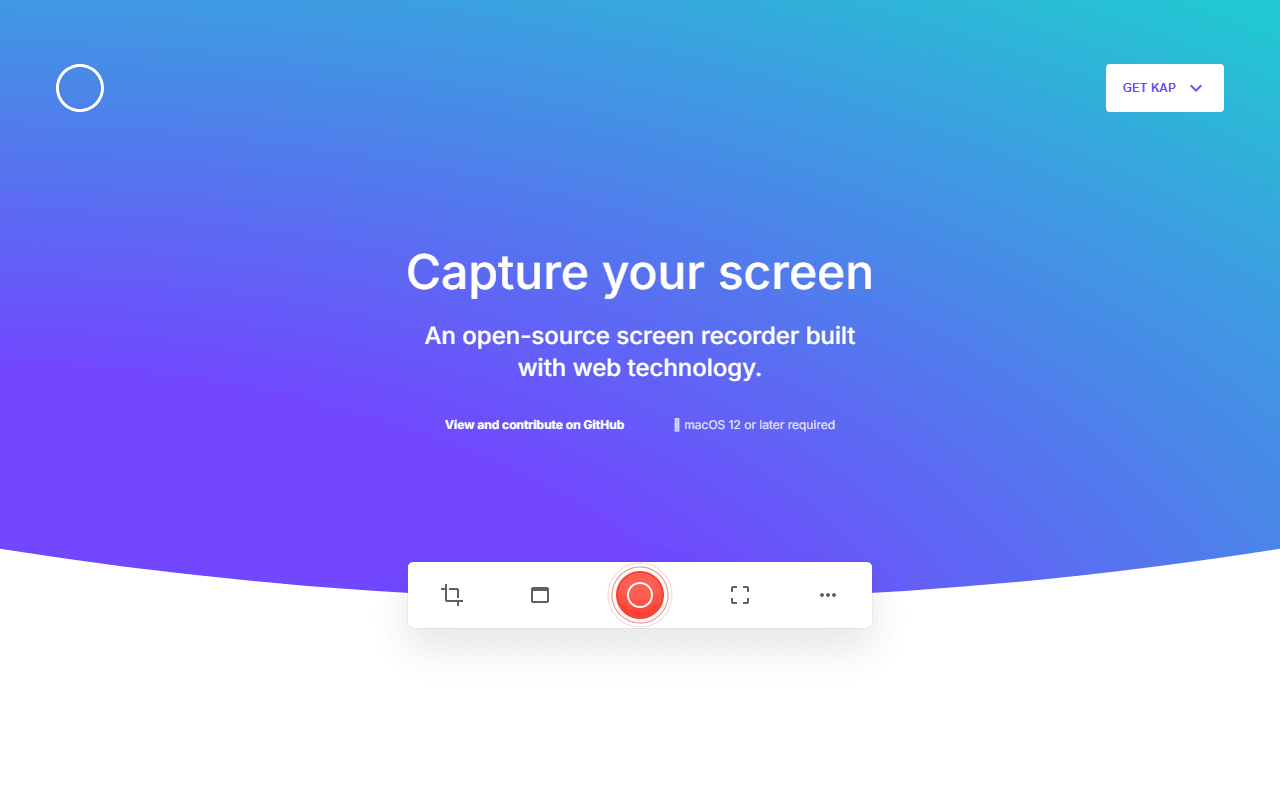
Kap is a small MIT-licensed macOS recorder built for one thing: drag a box around part of the screen, record, trim, and export as video or a GIF. It is completely free, asks for no account, and is the fastest way to turn a corner of your Mac screen into a clip for a pull request or a chat thread.

Kap screenshot
  • Completely free (as of July 2026)
  • Open source (MIT)
Best for:
Mac users who need a quick GIF or short clip for a pull request, issue, or chat, with zero setup.
The catch:
The last tagged release is v3.6.0 from October 2022, so development has been quiet for years. Check it runs on your macOS version before relying on it.
7.

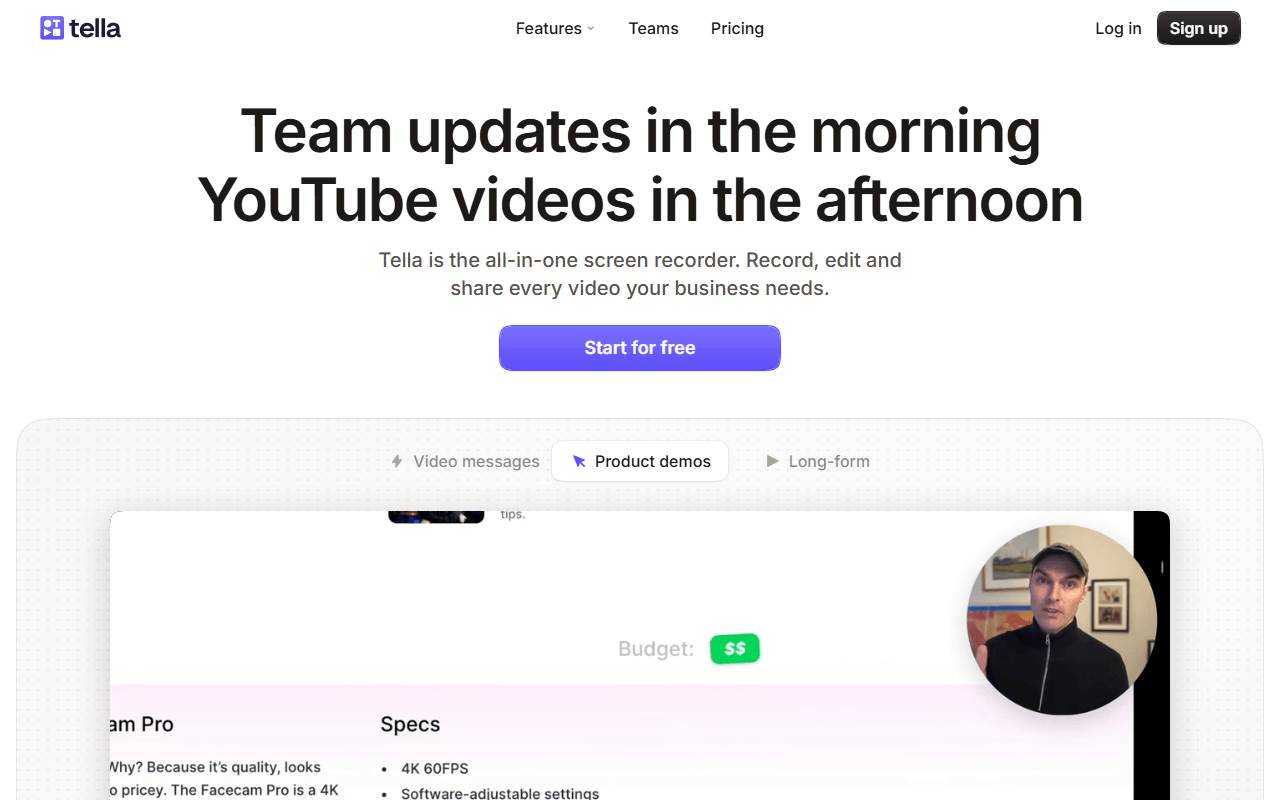
Tella is a browser-based screen and camera recorder with a genuinely good scene-based editor: record clips, arrange them as scenes, and restyle them with backgrounds, layouts, and zoom so a rough take looks produced. It is one of the nicest recorders here to actually use.

Tella screenshot
  • From $13/month (as of July 2026)
Best for:
Course creators and product marketers who want a polished, edited result without opening a real video editor.
The catch:
As of July 2026 Tella's own documentation says there is no forever-free plan, only a 7-day trial, with Pro at $13 per month, so it is a paid product rather than a free alternative.
8.

Loom, now part of Atlassian, turned screen recording into a messaging habit. Record your screen with a camera bubble and the video is uploaded, transcribed, and turned into a link before you finish closing the app, with viewer comments, reactions, and watch tracking. It is still the smoothest record-and-send experience there is.

Loom screenshot
  • Free plan, paid from $18/month (as of July 2026)
  • United States
Best for:
Distributed teams replacing status meetings with async video, especially those already in Jira and Confluence.
The catch:
The free Starter plan stops at 25 videos of 5 minutes each per person, and Business is $18 per user per month priced per creator, so the bill grows with everyone who records.
9.

TechSmith's screen recorder and timeline editor for tutorial video, with SCORM quizzing and a watermark on every free export.

Camtasia screenshot
  • From $39/year (as of July 2026)
  • United States
10.

The Mac-only screen recorder and timeline editor, bought once for $199, with a watermark on every unlicensed export.

ScreenFlow screenshot
  • From $199 one-time (as of July 2026)
  • United States

It comes down to where the video ends up

Start from what you actually record. For async Loom-style messages where the link is the point, Cap is the pick, with Kommodo as the free-length backup when your walkthroughs run long. For full screen recording, streaming, or hour-long courses, use OBS Studio and accept that you end up with a file to host yourself. For quick browser clips with drawing and blur, Screenity is the fastest route, while Windows power users get more from ShareX and Mac users chasing a fast GIF want Kap.

Questions we get about recording your screen

What is the best free screen recorder?

For the Loom-style record-and-share-a-link job, we pick Cap: it is open source, runs on macOS and Windows, and you can self-host it so the videos stay yours. If your recordings run longer than five minutes, Kommodo gives you unlimited free length with no watermark. For high-quality or long recordings and live streaming, OBS Studio is the most capable free option, and for quick browser clips with drawing, Screenity is the easiest. All figures as of July 2026.

Can I get Loom for free?

Loom has a free Starter plan, but it stops at 25 videos of 5 minutes each per person (as of July 2026), which most daily users hit fast. Cap reproduces the same record-and-link workflow and lets you self-host to remove the limits, and Kommodo offers unlimited free recording length. You keep Loom's convenience without the per-creator bill, which starts at $18 per user per month for Business.

Which free recorders avoid watermarks and time limits?

OBS Studio and ShareX are completely free with no watermark and no length cap, though both hand you a file rather than a share link. Screenity records unlimited local video in Chrome with no watermark, and Kommodo is the hosted option with no watermark and no length cap. Cap's free tier has no watermark but caps recordings at 5 minutes unless you self-host. Verified July 2026.

Are these genuinely free, or just trials?

Most are genuinely free. OBS Studio, ShareX, and Kap are completely free open source tools with no paid tier, Screenity's Chrome extension is free forever, and Cap and Kommodo have real free plans. The exception is Tella: as of July 2026 its own documentation says there is no forever-free plan, only a 7-day trial, so we list it as a paid option rather than a free alternative.

Do I need to install software to record my screen?

Not always. Screenity runs as a Chrome extension and Kommodo works through a browser extension or a desktop app, so you can record without a full install. Cap, OBS Studio, ShareX, and Kap are desktop apps, which usually means better quality and access to your whole screen rather than just a browser tab. Pick a browser tool for convenience and a desktop app when recording quality matters.

Keep exploring

Browse every category, or read our full reviews of the tools above.