Free alternatives to Tella
Tella has no free plan. As of July 2026 its own documentation says the product is paid, with a 7-day trial and then Pro at $13 per month, so a lot of "free Tella" articles are simply out of date. What people actually want from Tella is the polish: a scene-based editor that makes a rough screen recording look produced. Here are the free screen recorders that get you closest, ranked by how much of that you keep without paying.
Facts checked as of July 2026Read our Tella review
Jump to an alternative


Cap
Best Free Alternative ToTellaA free Studio Mode editor with auto-zoom, the closest thing to Tella's produced look
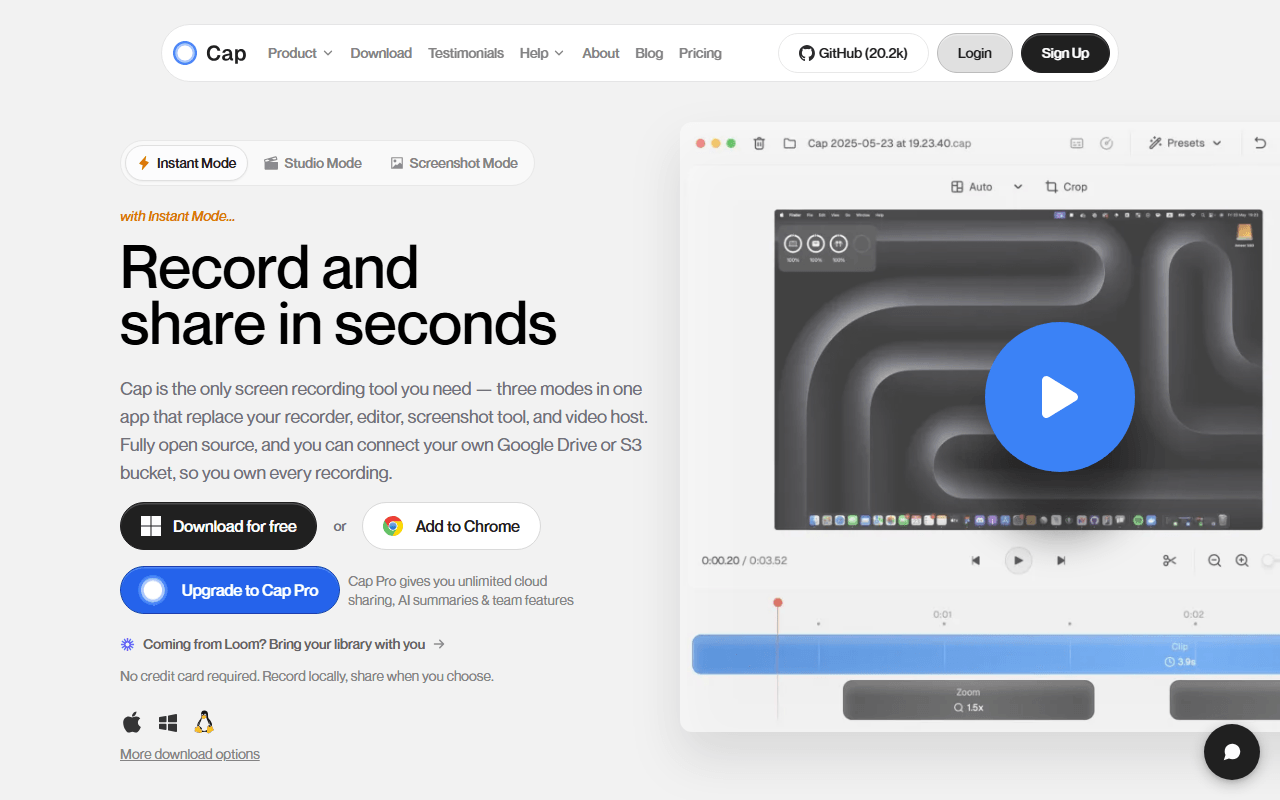
Cap is the free recorder that gets nearest to Tella's polished output. Its Studio Mode records locally, then drops you into an editor that auto-zooms on clicks, adds background padding, and exports up to 4K/60fps, so a plain screen capture comes out looking designed. It is open source, and the free tier includes that editor (as of July 2026), with the catch that hosted free recordings cap at 5 minutes unless you self-host.
- Free plan, paid from $29/year (as of July 2026)
- Open source (AGPL-3.0 (parts of the codebase are MIT))
- Best for:
- People who want Tella's produced-video feel without a subscription, working within or self-hosting around the 5-minute free cap
- The catch:
- The hosted free tier caps recordings at 5 minutes and the editor is not fully scene-based like Tella's, so heavy restyling still takes more work.
Compared to Tella
- Advantage: Free Studio Mode editor with auto-zoom and 4K export, versus Tella having no free plan at all
- Advantage: Open source and self-hostable, where Tella is closed and cloud-only
- Advantage: Native desktop app on macOS and Windows, not browser-bound like Tella
- Tradeoff: Editing is not fully scene-based the way Tella's is
- Tradeoff: Hosted free recordings cap at 5 minutes
- Tradeoff: No Linux desktop app
Genuinely free unlimited recording, where Tella gives you only a 7-day trial
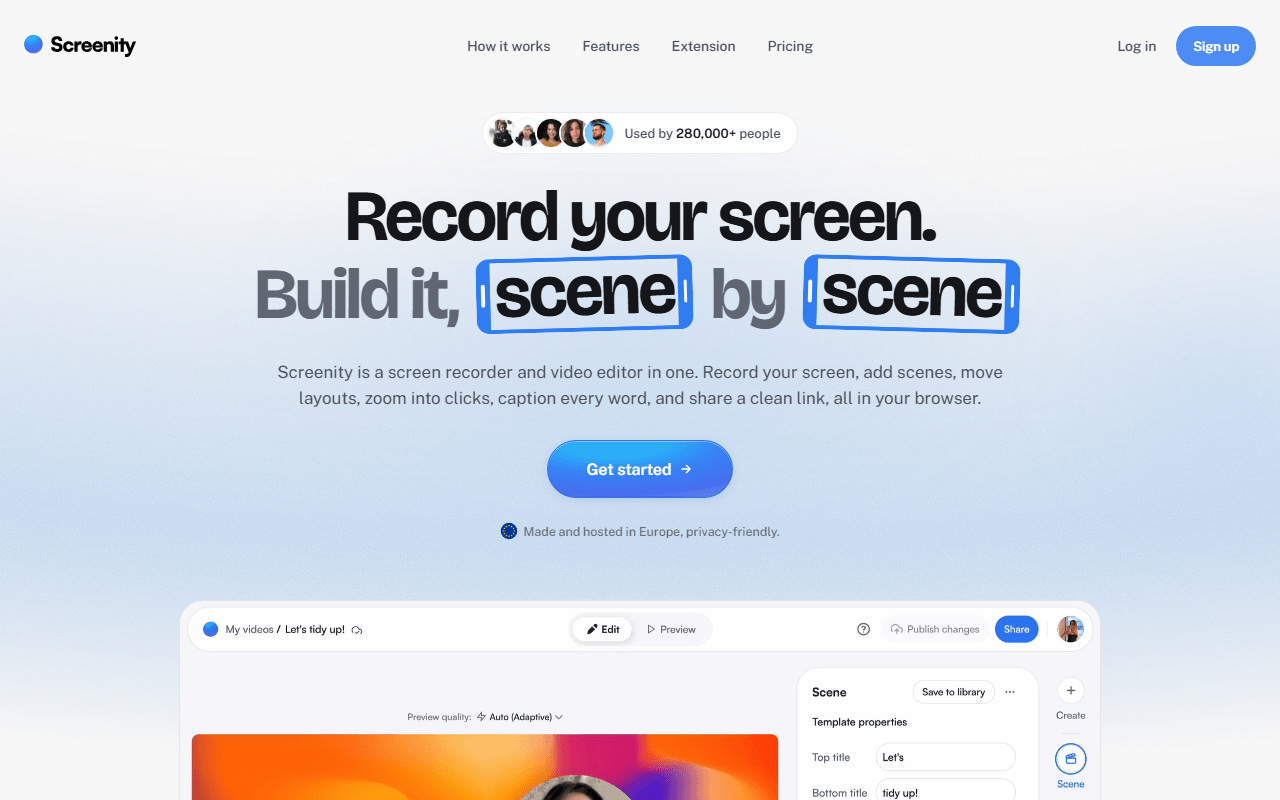
Screenity is the honest free answer where Tella is not free at all. The GPL-3.0 Chrome extension records your screen, a tab, a window, or your camera with no account and no time limit, writing to your own disk. You give up Tella's scene-based restyling, but you keep unlimited recording plus live annotation: draw, blur, and spotlight the cursor while you talk. Screenity Pro adds scene editing and auto-zoom at $10 per month if you later want more.
- Free plan, paid from $10/month (as of July 2026)
- Open source (GPL-3.0)
- Best for:
- Anyone who wants a genuinely free unlimited recorder and values live annotation over post-production styling
- The catch:
- The free tier gives you a file, not a share link, it is Chrome only, and the polished scene editing needs paid Pro.
Compared to Tella
- Advantage: Genuinely free and unlimited, where Tella has no free plan
- Advantage: Live drawing, blur, and cursor spotlight while recording
- Advantage: Open source and fully local, unlike Tella's cloud-only product
- Tradeoff: No scene-based restyling on the free tier, which is Tella's whole appeal
- Tradeoff: Chrome only, versus Tella running in any browser
- Tradeoff: Free tier has no share link
Free hosted recording with a share link and AI summaries, no trial clock
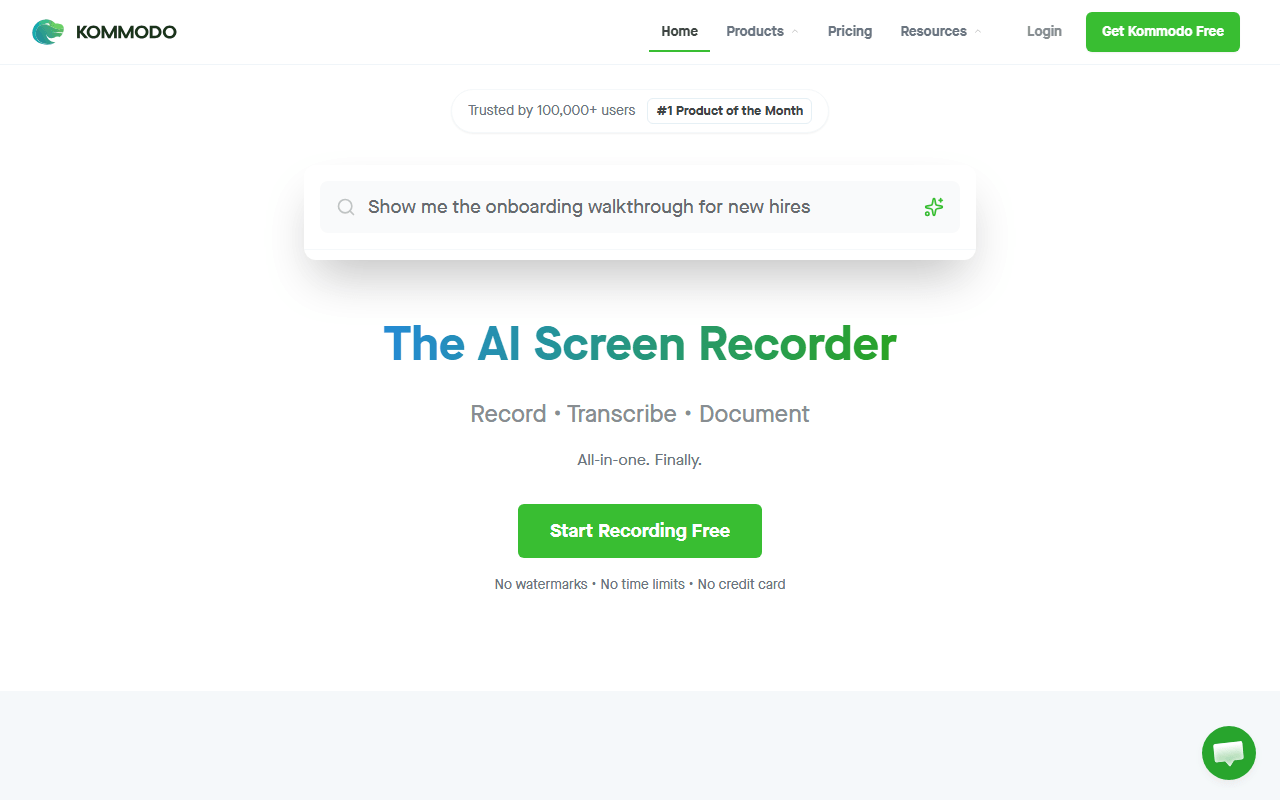
Kommodo (formerly Komodo Decks) is free where Tella charges, and hosted where Screenity is not. Its free tier advertises unlimited videos of unlimited length with no watermark (as of July 2026), plus share links, transcription, AI summaries, and step-by-step guides. You lose Tella's scene editor, but for recording a walkthrough and sending a link with a transcript, it costs nothing and never expires after 7 days.
- Free plan (as of July 2026)
- United States
 United States
- Best for:
- People who want a free hosted recorder with share links and transcription, not a paid editor
- The catch:
- The editor is lighter than Tella's, and it is closed source and cloud-only with no published paid pricing.
Compared to Tella
- Advantage: Free forever with a share link, versus Tella's 7-day trial then $13 per month
- Advantage: Unlimited recording length with no watermark
- Advantage: Transcription and AI summaries included free
- Tradeoff: Editor is lighter than Tella's scene-based one
- Tradeoff: Closed source and cloud-only with no self-hosting
- Tradeoff: No published paid pricing
Completely free and the highest recording quality here, though it does no editing
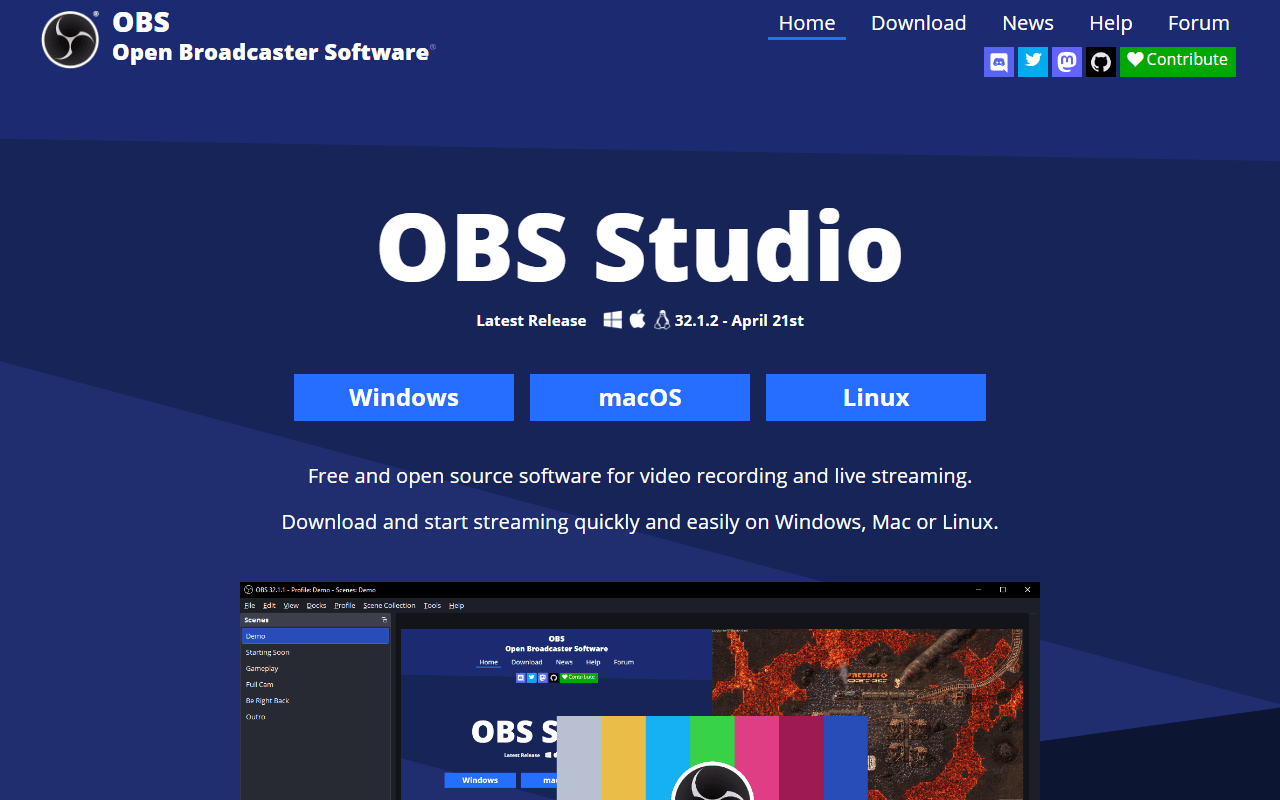
OBS Studio is completely free with no account, no watermark, and no length limit on Windows, macOS, and Linux. For raw recording quality it beats Tella, which is bounded by the browser tab. The catch is that OBS is the opposite of Tella in spirit: it is a broadcasting console with no editor, so it captures a pristine file and leaves all the styling and cutting to you.
- Completely free (as of July 2026)
- Open source (GPL-2.0-or-later)
- Best for:
- People who want the highest-quality free recording or streaming and will edit elsewhere
- The catch:
- There is no editor, no share link, and a real learning curve, so none of Tella's produced-video convenience is here.
Compared to Tella
- Advantage: Completely free with no trial, unlike Tella's paid-only model
- Advantage: Higher recording quality than Tella's browser-bound capture
- Advantage: Live streaming and Linux support Tella does not offer
- Tradeoff: No editor at all, the reverse of Tella's core strength
- Tradeoff: No share link, transcript, or analytics
- Tradeoff: Steep setup before your first recording
A polished hosted recorder with a real free tier, unlike Tella
Loom gives you a genuinely free tier where Tella gives you a trial. Record your screen and camera and the link is transcribed and ready before you close the app, with viewer comments and watch tracking. The free Starter plan stops at 25 videos of 5 minutes each per person (as of July 2026). It is less of an editor than Tella, but it is the smoothest free way to record and send something that looks tidy.
- Free plan, paid from $18/month (as of July 2026)
- United States
- Best for:
- Teams who want a polished hosted share link for free and can live within the 25-video, 5-minute cap
- The catch:
- The free plan caps you at 25 videos of 5 minutes each, and it is closed source and cloud-only.
Compared to Tella
- Advantage: Real free tier with share links, versus Tella having no free plan
- Advantage: Transcription, comments, and watch tracking built in
- Advantage: Smoother record-and-send flow than most free tools
- Tradeoff: Free plan caps you at 25 videos of 5 minutes each
- Tradeoff: Lighter editing than Tella's scene-based editor
- Tradeoff: Closed source and cloud-only
Free Windows capture with its own share links, no subscription
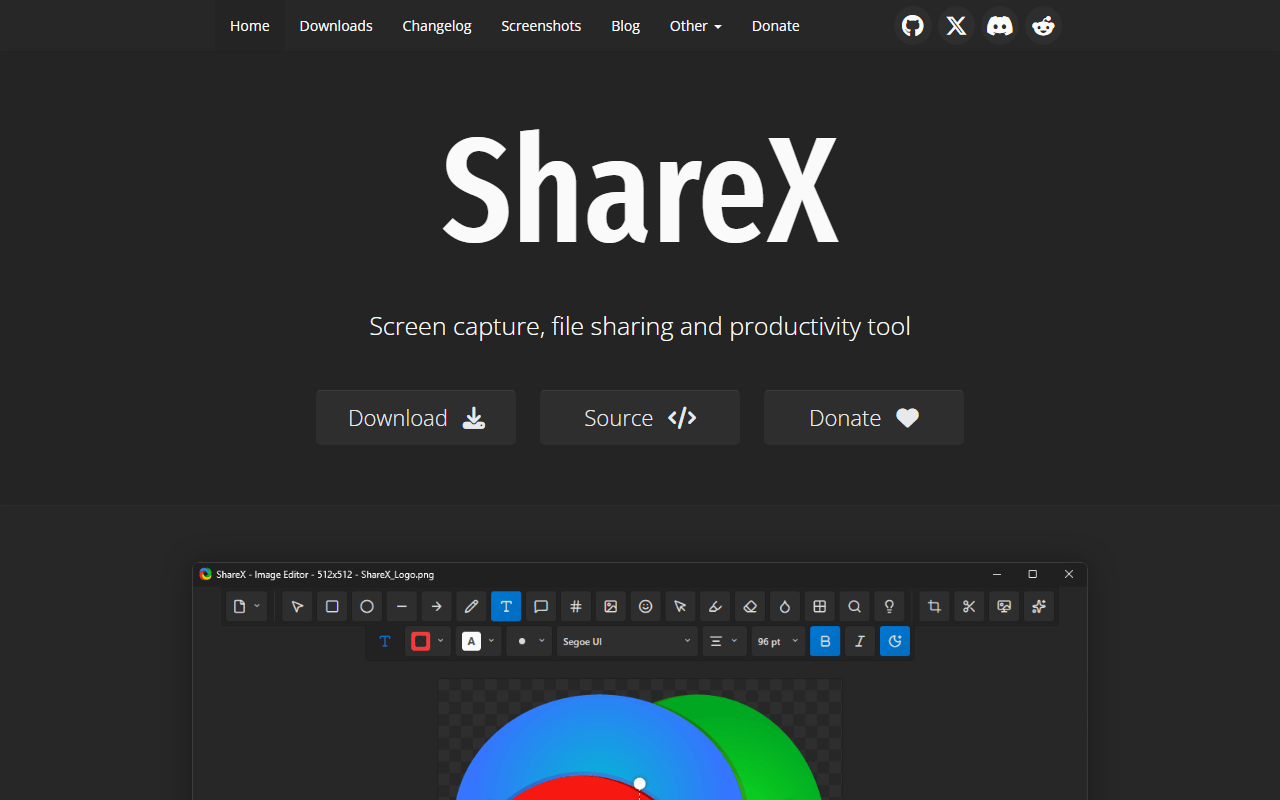
ShareX is completely free under GPL-3.0 and covers the recording and sharing job Tella charges for, minus the polish. Record screen video or a GIF, annotate it, and upload to your own S3, GCS, or R2 bucket with a link on your clipboard instantly. It will not restyle a take into a produced video the way Tella does, but it costs nothing and the files are yours.
- Completely free (as of July 2026)
- Open source (GPL-3.0)
- Best for:
- Windows users who want free recording with automatic share links from storage they own
- The catch:
- It is Windows only, dense to configure, and has no scene-based editing or camera-first workflow like Tella's.
Compared to Tella
- Advantage: Completely free with automatic share links, versus Tella's paid-only model
- Advantage: Uploads to your own storage, so you own the files
- Advantage: GIF export, OCR, and scrolling capture Tella does not offer
- Tradeoff: No scene-based editor or produced-video styling
- Tradeoff: Windows only
- Tradeoff: Dense interface with upload setup required
Free Mac recorder for quick clips and GIFs, no subscription
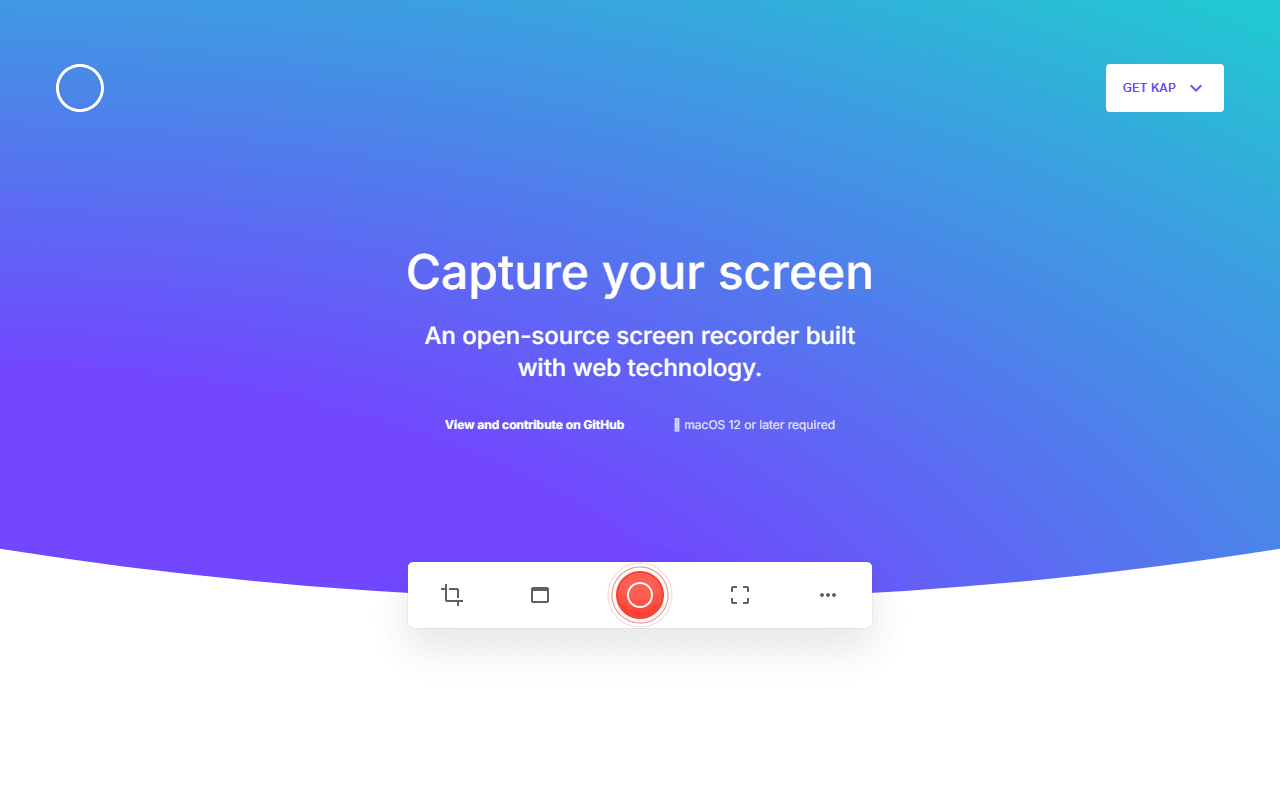
Kap is a small MIT-licensed macOS recorder for quick clips and GIFs, completely free and free of accounts. It does not pretend to do Tella's scene editing; it drags a box, records, trims, and exports. If your real need is a fast clip rather than a produced marketing video, Kap does it for nothing.
- Completely free (as of July 2026)
- Open source (MIT)
- Best for:
- Mac users who want a quick free clip or GIF rather than a produced, edited video
- The catch:
- The last tagged release is v3.6.0 from October 2022, so confirm macOS compatibility, and there is no scene editing.
Compared to Tella
- Advantage: Completely free with no trial or subscription, unlike Tella
- Advantage: GIF export for quick clips Tella does not focus on
- Advantage: No account and near-instant capture
- Tradeoff: No scene-based editor or produced-video styling
- Tradeoff: macOS only
- Tradeoff: Last release was October 2022, so maintenance is uncertain
How to choose
For the produced look Tella is known for, Cap comes closest for free: its Studio Mode editor auto-zooms on clicks and exports at 4K, and it is open source. Pick Screenity when you want free unlimited recording with live annotation in Chrome, or Kommodo when you want a free hosted link with transcription and no length cap. OBS Studio is the choice for the highest quality or streaming, though it does no editing at all, and Loom is the polished hosted option if its 25-video free cap is enough. ShareX and Kap round it out for Windows power users and quick Mac GIFs.