Free alternatives to Loom
Loom's free plan gives you 25 videos at 5 minutes each (as of July 2026), and a real walkthrough almost never fits in five minutes. The way out is Business at $18 per user per month, priced per creator, so the bill grows with every teammate who records rather than with how much anyone watches. Then there is the part people notice later: every link you have ever sent points at Loom's servers, which makes leaving harder the longer you stay.
Facts checked as of July 2026Read our Loom review
Jump to an alternative


Cap
Best Free Alternative ToLoomThe same record-and-share-a-link workflow, open source and self-hostable
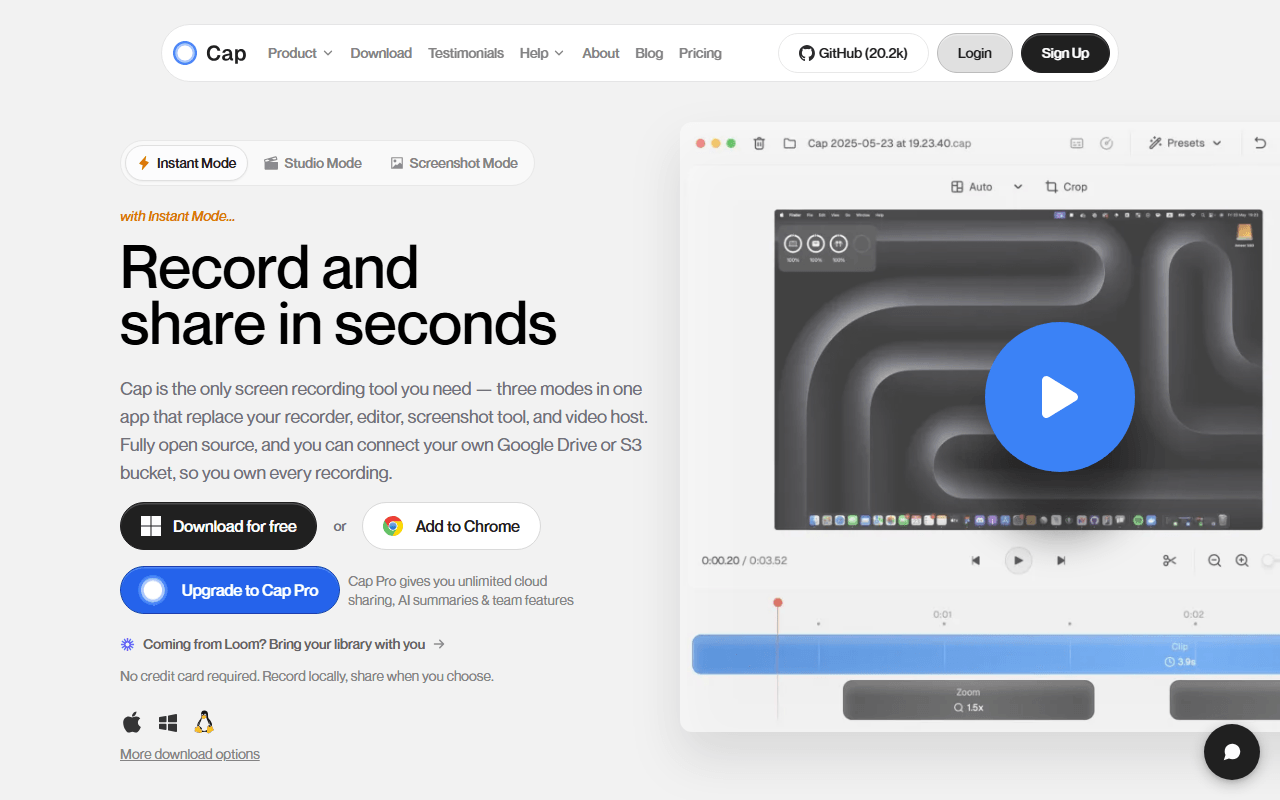
Cap is the closest thing to Loom that you can run yourself. The desktop app on macOS and Windows does Instant Mode (record, get a link) and Studio Mode (record locally, auto-zoom on clicks, export up to 4K/60fps). The reason it tops this list is not the free tier, which caps recordings at 5 minutes just like Loom's does, but what sits behind it: the web app, API, database, media server, and storage are all self-hostable with Docker Compose, and a $29 per year Desktop License gives you unlimited local recording with commercial rights. That is roughly one month of Loom Business for a year of unlimited recording.
- Free plan, paid from $29/year (as of July 2026)
- Open source (AGPL-3.0 (parts of the codebase are MIT))
- Best for:
- Teams who want Loom's workflow but need the videos on infrastructure they control
- The catch:
- The hosted free tier is personal use only and capped at 5 minutes, so free-forever really means self-hosting, and that means Docker.
Compared to Loom
- Advantage: Open source under AGPLv3 with MIT components, so you can read and change it
- Advantage: Self-host the whole stack with Docker Compose and the recording limits disappear
- Advantage: $29 per year Desktop License versus $18 per user per month for Loom Business
- Advantage: Studio Mode's auto-zoom and 4K/60fps export go past what Loom's editor does
- Tradeoff: Free tier caps recordings at 5 minutes, exactly like Loom's free plan
- Tradeoff: Free use is licensed for personal use only, so teams need a paid or self-hosted setup
- Worth knowing: Both offer a desktop app plus cloud hosting and share links
Unlimited free recordings of unlimited length, with share links and no watermark
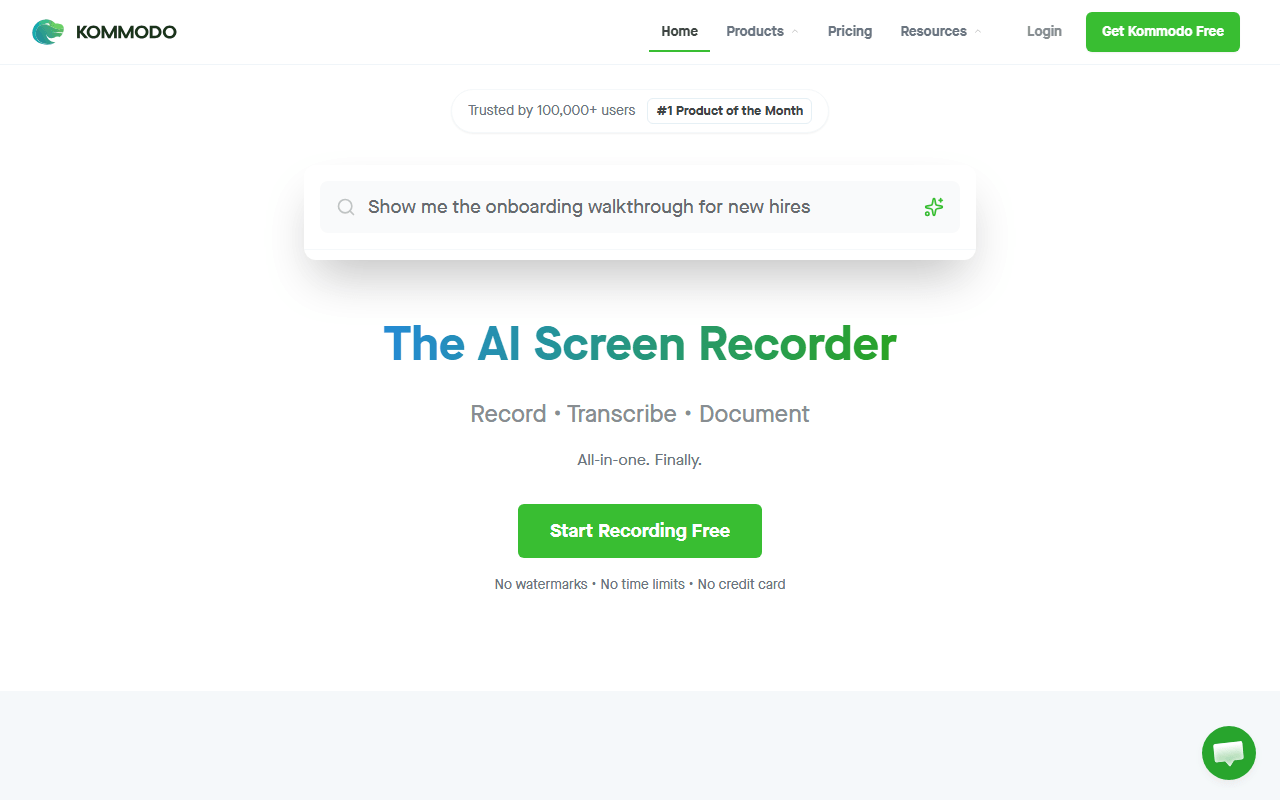
Kommodo (formerly Komodo Decks) is the answer if the 5-minute cap is what drove you here. Its free tier advertises unlimited videos of unlimited length with no watermark (as of July 2026), plus hosted share links, transcription, AI summaries, and step-by-step written guides generated from what happened on screen. For recording a 25-minute onboarding walkthrough and sending a link, it does for free what Loom charges $18 per user per month to do.
- Free plan (as of July 2026)
- United States
 United States
- Best for:
- Anyone whose recordings routinely run longer than five minutes
- The catch:
- There is no published paid pricing and no self-hosting, so you are trusting a small company to keep giving away what its competitors sell.
Compared to Loom
- Advantage: Unlimited recording length versus Loom's 5-minute free cap
- Advantage: Unlimited videos versus Loom's 25 per person on the free plan
- Advantage: Transcription, AI summaries, and generated step-by-step guides at no cost
- Advantage: No watermark on free recordings
- Tradeoff: No published pricing table, so future costs are unknowable
- Tradeoff: Closed source and cloud-only, so the ownership problem is the same as Loom's
- Worth knowing: Much smaller company than Atlassian-owned Loom
Free Chrome extension with unlimited local recording plus live drawing and blur
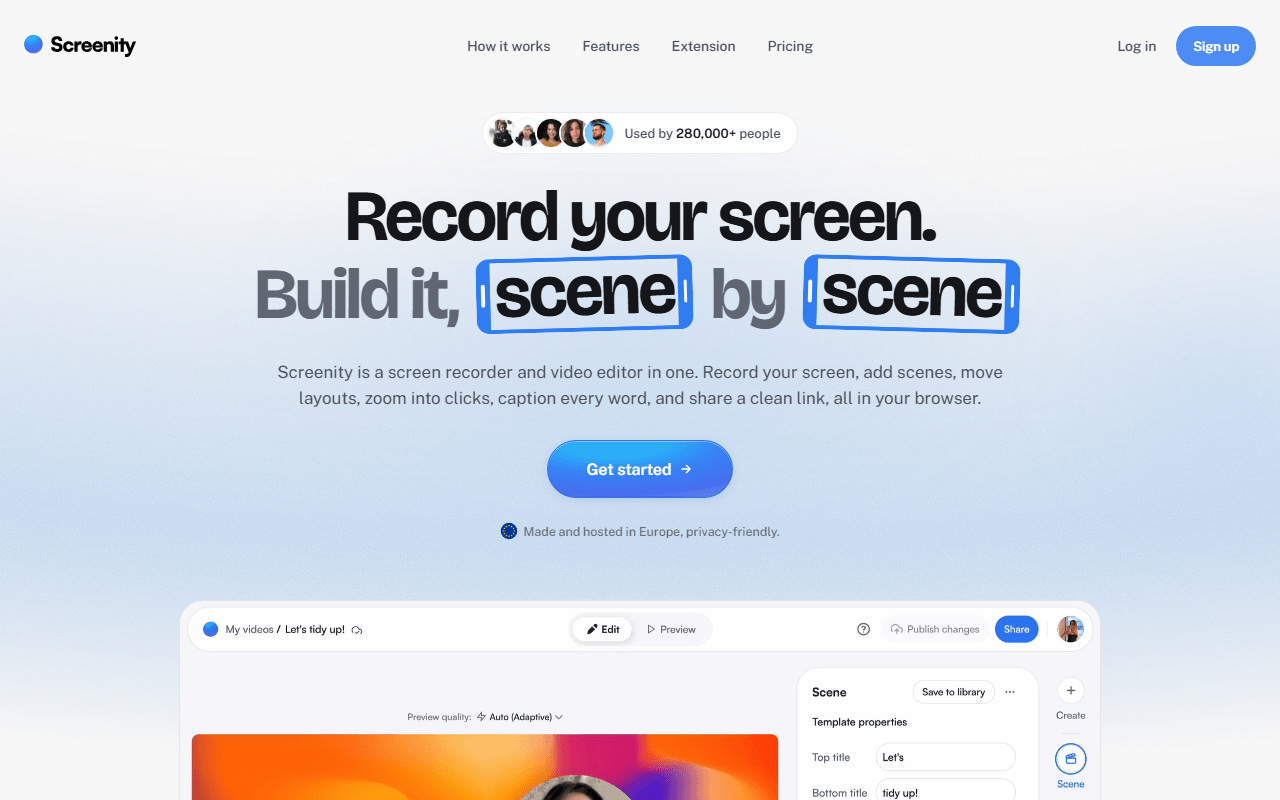
Screenity replaces the recording half of Loom and costs nothing. The GPL-3.0 Chrome extension records your screen, a tab, a window, or your camera with no account and no time limit, because everything writes to your own machine. What you gain over Loom is annotation: draw on the screen mid-recording, add arrows and text, blur a customer's email address live, and spotlight the cursor with click ripples. What you lose is the link.
- Free plan, paid from $10/month (as of July 2026)
- Open source (GPL-3.0)
- Best for:
- Support, teaching, and bug reports where marking up the screen matters more than hosting
- The catch:
- Free means a file, not a link. Share links need Screenity Pro at $10 per month, and the extension is Chrome only.
Compared to Loom
- Advantage: Unlimited recording length and unlimited videos, free
- Advantage: Draw, add text, and blur regions while recording, which Loom's free plan cannot do
- Advantage: Records locally with no account, so nothing is uploaded anywhere
- Advantage: Open source under GPL-3.0 and runnable in fully local-only mode from source
- Tradeoff: No free share links, so you have to host the file yourself
- Tradeoff: Chrome only, with no Firefox or Safari build
- Worth knowing: Screenity Pro at $10 per month is roughly half Loom Business at $18
Completely free, unlimited length, and better recording quality than Loom will ever offer
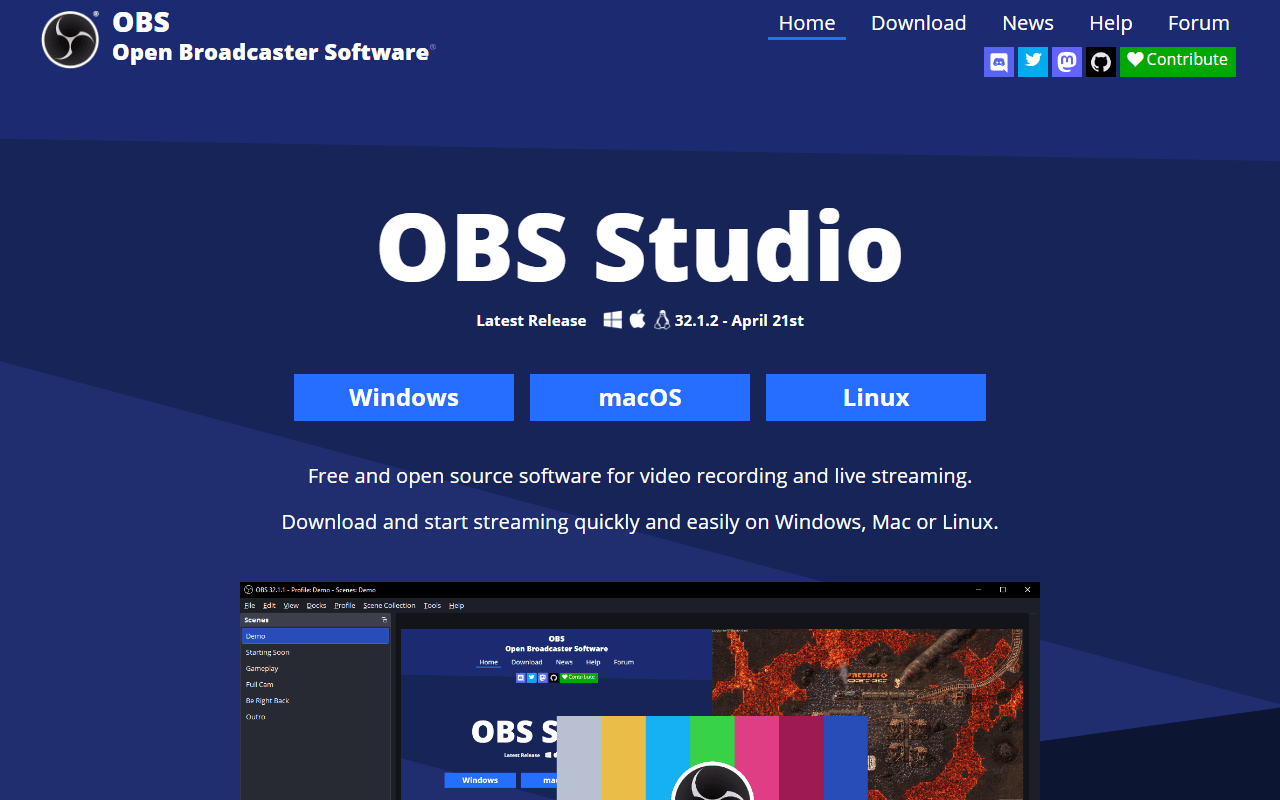
OBS Studio is the free option with no ceiling at all: no account, no watermark, no time limit, no paid tier, on Windows, macOS, and Linux. You control the encoder, bitrate, and frame rate, so a two-hour course recording at high quality is a normal Tuesday. Be clear about what you are signing up for, though. OBS is broadcasting software, not a share-a-link app. You configure scenes and sources before your first take, and what you end up with is a file on your disk.
- Completely free (as of July 2026)
- Open source (GPL-2.0-or-later)
- Best for:
- Long recordings, webinars, courses, live streaming, and Linux users with no other option
- The catch:
- The learning curve is real and there is no cloud, no link, no transcript, and no analytics. It ends at a video file.
Compared to Loom
- Advantage: Completely free forever with no video count or length limits
- Advantage: Full control of encoder, bitrate, and resolution for far better quality
- Advantage: Live streaming to Twitch, YouTube, or any RTMP endpoint, which Loom does not do
- Advantage: Runs on Linux, where Loom's desktop app does not
- Tradeoff: No cloud hosting, share links, transcription, or viewer analytics
- Tradeoff: Setup takes about an hour before your first recording
- Tradeoff: Wildly over-specified for a two-minute walkthrough
Free Windows capture tool that auto-uploads to your own S3 or R2 bucket and copies the link
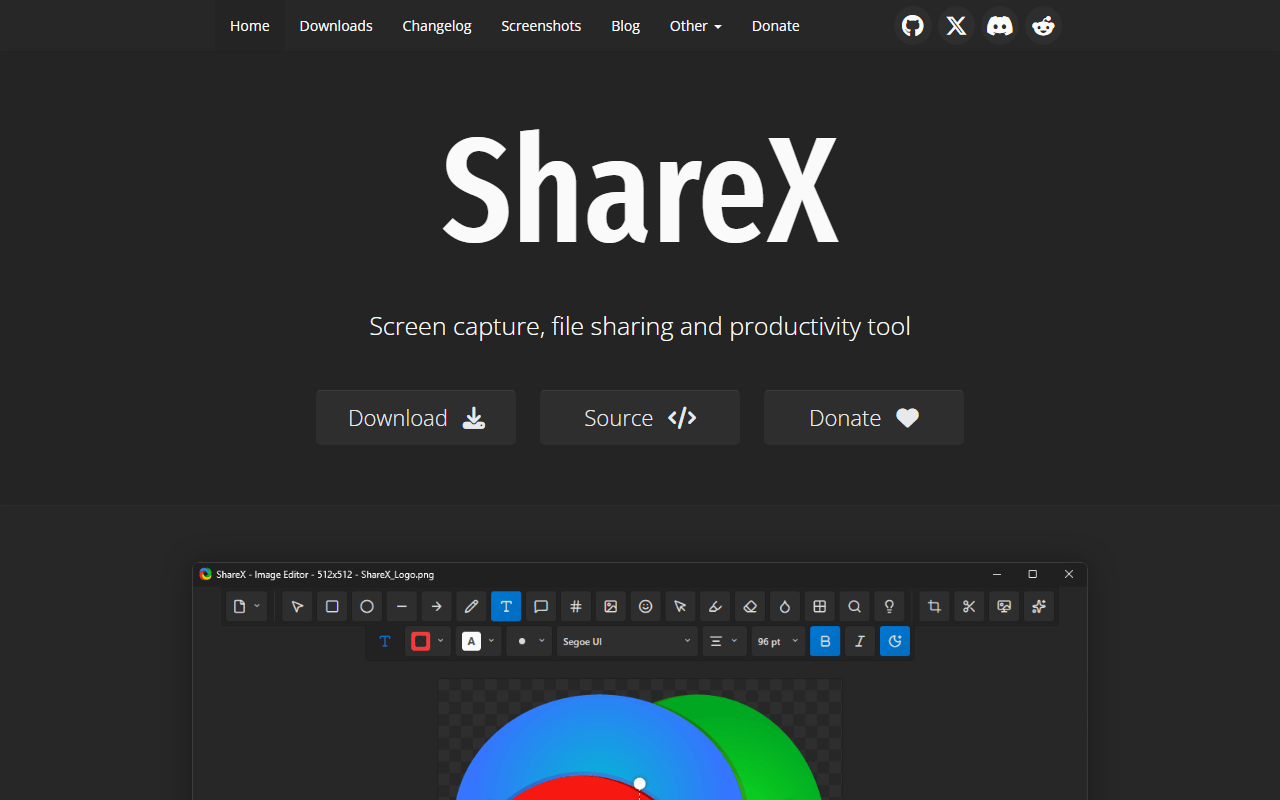
ShareX is the do-it-yourself version of Loom's convenience, and it is completely free under GPL-3.0. Capture a region, window, scrolling page, video, or GIF, annotate it, and ShareX runs whatever chain you configured next. Point it at your own Amazon S3, Google Cloud Storage, or Cloudflare R2 bucket and a public URL lands on your clipboard the second the recording stops. That is Loom's core loop, built from parts you own, for the price of object storage.
- Completely free (as of July 2026)
- Open source (GPL-3.0)
- Best for:
- Windows users who want automatic share links served from their own storage
- The catch:
- You have to set the destination up yourself, the interface is dense, and it is Windows only with no transcripts or analytics.
Compared to Loom
- Advantage: Completely free with no video or length limits
- Advantage: Auto-uploads to your own S3, GCS, or R2 and copies the link, so you own the files
- Advantage: GIF export, scrolling capture, and OCR, none of which Loom offers
- Advantage: Strong annotation editor with shapes, text, blur, and pixelation
- Tradeoff: Windows only
- Tradeoff: No transcription, captions, viewer analytics, or comments on videos
- Tradeoff: Requires one-time configuration before you get a link out of it
Free MIT-licensed Mac recorder for quick clips and GIFs, with no account at all
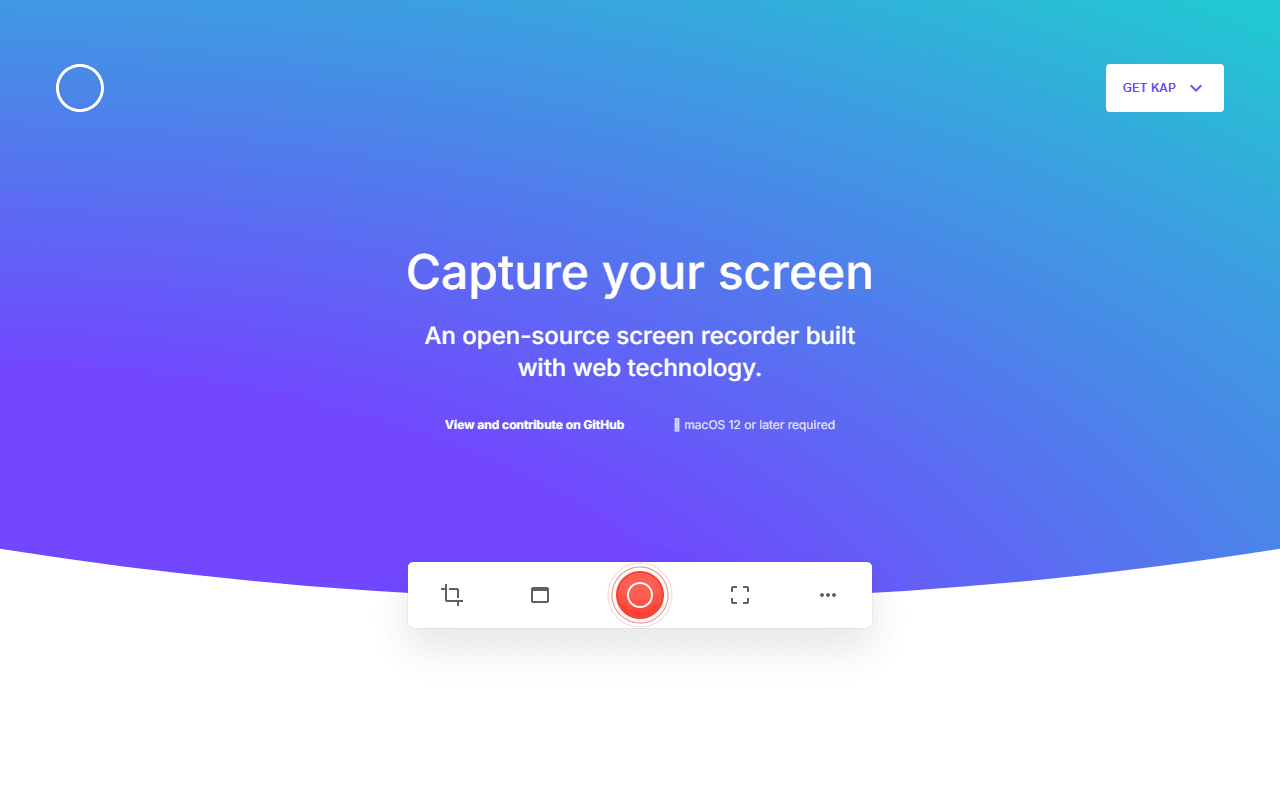
Kap is the smallest useful answer to Loom on a Mac. Drag a box around part of the screen, record, trim, export as video or GIF, done. It is MIT licensed, completely free, and never asks for an email address. It is on this list for the specific moment where opening Loom feels like too much ceremony for a fifteen-second clip going into a pull request.
- Completely free (as of July 2026)
- Open source (MIT)
- Best for:
- Mac users who need a fast GIF or short clip for a pull request, issue, or chat thread
- The catch:
- The last tagged release is v3.6.0 from October 2022, so check it still runs on your macOS version before relying on it.
Compared to Loom
- Advantage: Completely free with no account and no video limits
- Advantage: GIF export, which Loom does not offer
- Advantage: Faster to start and stop than Loom for very short clips
- Tradeoff: Last release dates to October 2022, so maintenance is a genuine question
- Tradeoff: macOS only
- Tradeoff: No cloud hosting, share links, transcription, or comments
How to choose
Start with the part of Loom you actually rely on. If it is the share link, Cap and Kommodo both reproduce it for free, so pick Cap if you want to self-host and own the files, or Kommodo if you want unlimited recording length with nothing to set up. If you only need the video and can host the file yourself, Screenity on Chrome, ShareX on Windows, and Kap on macOS all cost nothing forever. Keep OBS Studio for the long or high-quality recordings none of the hosted tools will let you make, and skip Tella here: it is a paid product with a 7-day trial, not a free alternative.