Free alternatives to OBS Studio
OBS Studio is completely free with no watermark and no time limit, so the reason to look elsewhere is almost never price. It is the setup. Before your first recording you configure scenes, sources, encoders, and bitrates, and when you stop you get a video file with no link, no transcript, and nothing to send. If you just want to record your screen and hand someone a link, OBS makes you build a broadcasting console first, and these are the free tools that skip that step.
Facts checked as of July 2026Read our OBS Studio review
Jump to an alternative


Cap
Best Free Alternative ToOBS StudioOpen source like OBS, but with the share link and editor OBS leaves out
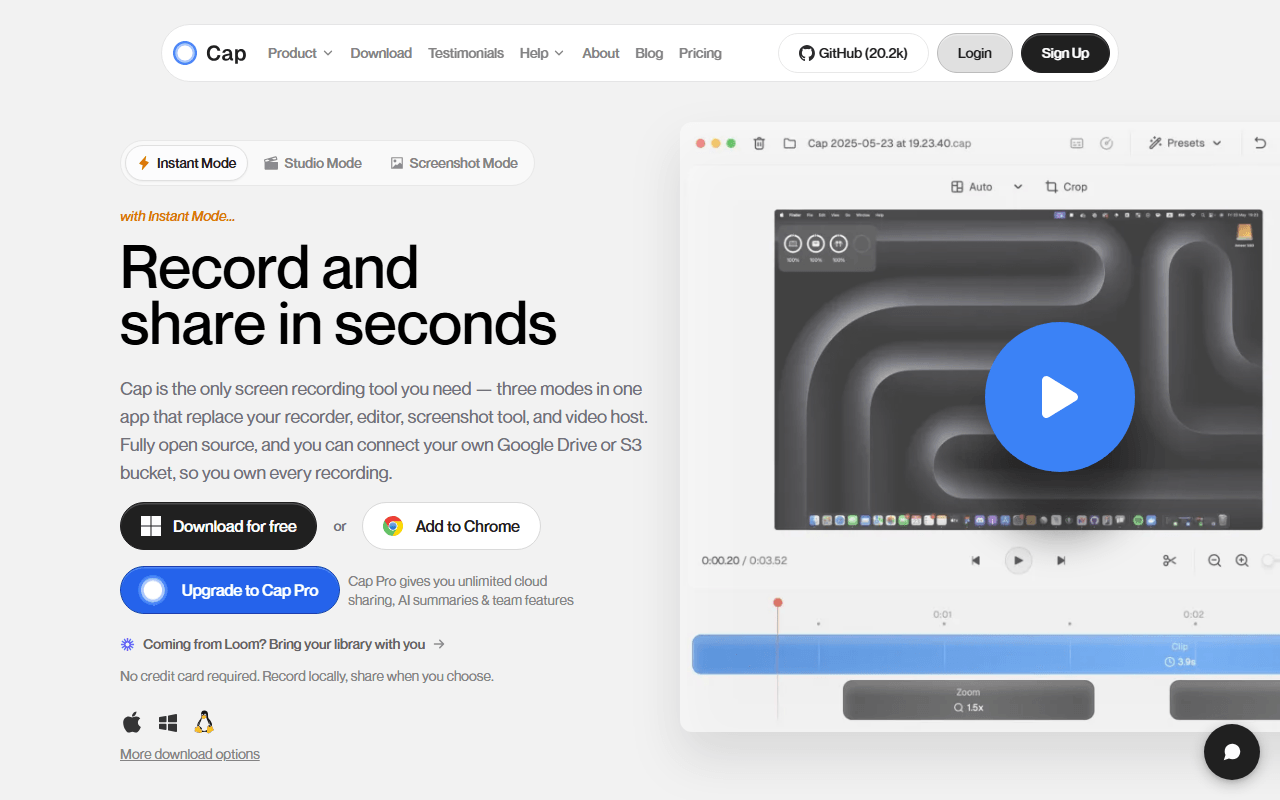
Cap is the open source recorder that picks up where OBS stops caring. Record on macOS or Windows and either save locally or get a share link, with a Studio Mode editor that auto-zooms on clicks and exports up to 4K/60fps. Where OBS hands you a raw file and a config screen, Cap hands you a link and a finished-looking video. The free tier caps recordings at 5 minutes (as of July 2026), but self-hosting the stack with Docker Compose removes that, and a $29 per year Desktop License lifts it for local recording.
- Free plan, paid from $29/year (as of July 2026)
- Open source (AGPL-3.0 (parts of the codebase are MIT))
- Best for:
- People who want OBS's open-source ownership but a record-and-share workflow instead of a broadcasting console
- The catch:
- The free tier caps recordings at 5 minutes and there is no live streaming, so OBS still wins for broadcasting.
Compared to OBS Studio
- Advantage: Adds instant share links, which OBS has no concept of
- Advantage: Studio Mode editor with auto-zoom, versus no editing at all in OBS
- Advantage: Open source like OBS, and the whole backend self-hosts with Docker
- Advantage: Ready to record in seconds, with no scenes or encoders to configure
- Tradeoff: Free tier caps recordings at 5 minutes, while OBS has no limit
- Tradeoff: No live streaming, which is OBS's core strength
- Tradeoff: macOS and Windows only, so no Linux desktop app like OBS has
Unlimited free hosted recording with a share link and nothing to install
Kommodo (formerly Komodo Decks) does the part OBS refuses to: it hosts the video and gives you a link. Its free tier advertises unlimited videos of unlimited length with no watermark (as of July 2026), plus transcription, AI summaries, and step-by-step written guides built from the recording. You trade OBS's control over encoders and quality for a workflow that ends in a URL instead of a file you still have to upload somewhere.
- Free plan (as of July 2026)
- United States
 United States
- Best for:
- Anyone who wants OBS-free recording that ends in a share link, with no setup and no length cap
- The catch:
- It is closed source and cloud-only with no published paid pricing, so you are trusting a small company to keep the free tier open.
Compared to OBS Studio
- Advantage: Hosted share links and transcription, which OBS does not do
- Advantage: Unlimited free recording length, matching OBS's no-limit recording
- Advantage: Nothing to configure, versus OBS's scene and encoder setup
- Tradeoff: No control over encoder, bitrate, or resolution the way OBS gives you
- Tradeoff: Closed source and cloud-only, unlike OBS's local GPL-2.0 build
- Tradeoff: No streaming and no offline recording
Free unlimited local recording plus live drawing, with no scene to build first
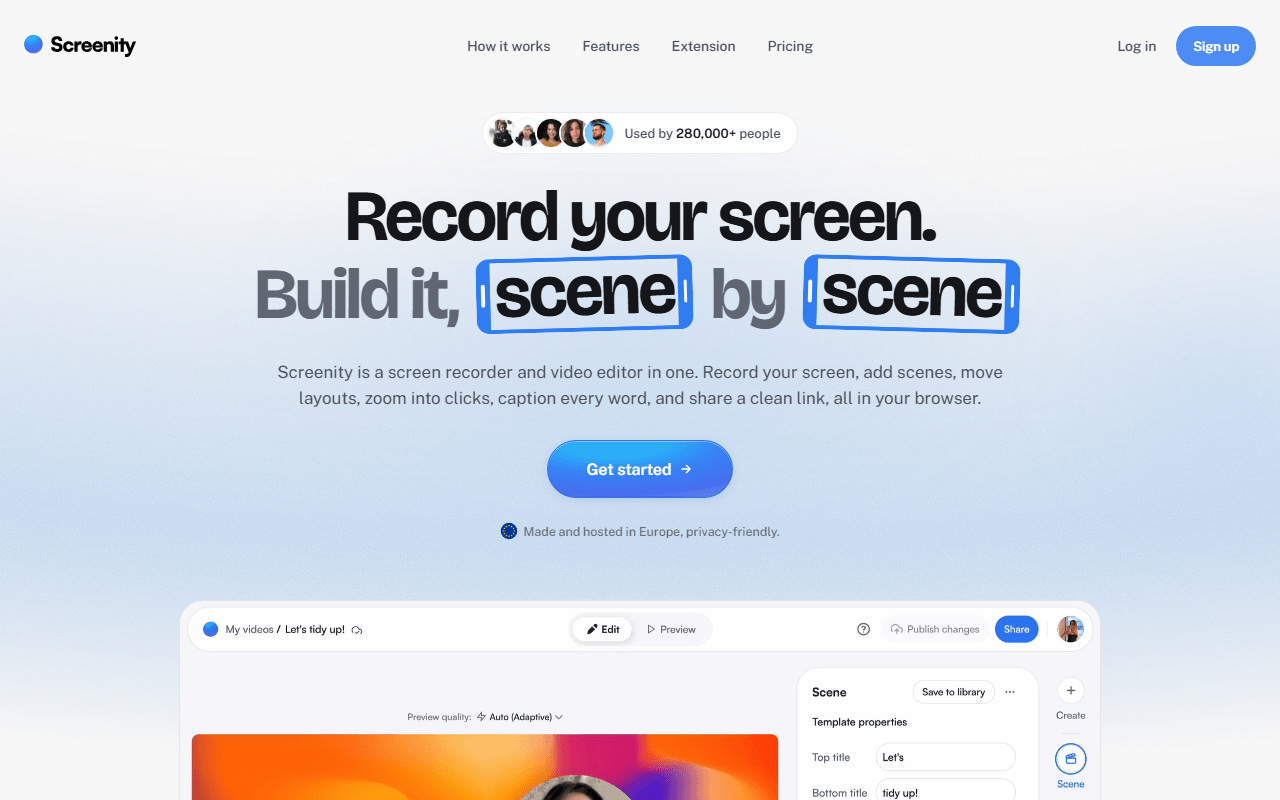
Screenity is a free GPL-3.0 Chrome extension that records your screen, a tab, a window, or your camera with no account and no time limit, because it writes to your own disk. Like OBS it is open source and records locally, but you skip the entire scenes-and-sources ritual: click record and go. Its own trick is live annotation, so you can draw, add arrows, blur a region, and spotlight the cursor while recording, which OBS cannot do without plugins.
- Free plan, paid from $10/month (as of July 2026)
- Open source (GPL-3.0)
- Best for:
- Browser-based walkthroughs and bug reports where drawing on the screen matters more than encoder control
- The catch:
- It is Chrome only and the free tier gives you a file, not a share link, so hosting is still your job.
Compared to OBS Studio
- Advantage: Records in seconds with no scene setup, unlike OBS
- Advantage: Live drawing, blur, and cursor spotlight while recording
- Advantage: Open source and fully local, like OBS, with no account
- Tradeoff: Chrome only, where OBS runs on Windows, macOS, and Linux
- Tradeoff: No streaming and no multi-source scene mixing
- Tradeoff: Long recordings live in browser storage, more fragile than OBS writing to disk
Free Windows capture that auto-uploads to your own storage and copies the link
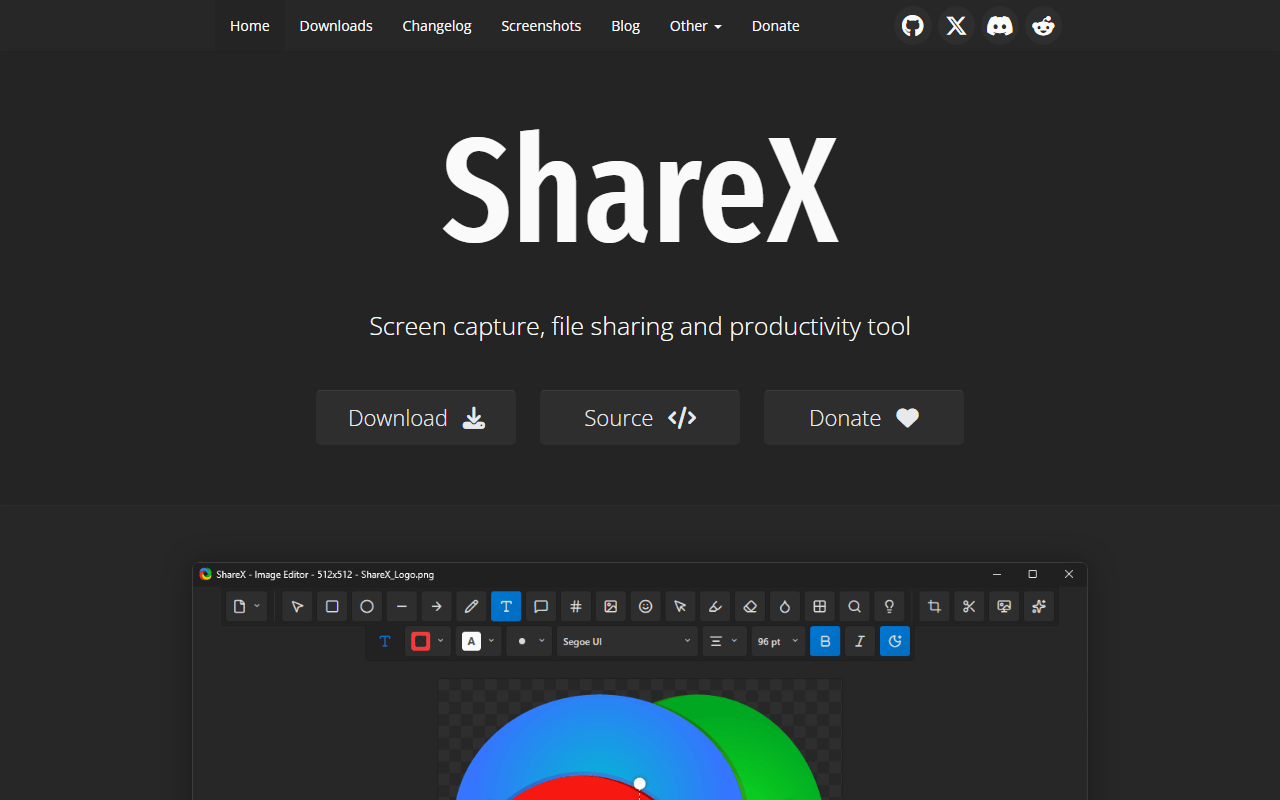
ShareX is completely free under GPL-3.0 and, like OBS, has been developed in the open for well over a decade. It records screen video and GIFs, runs OCR and scrolling capture, and then runs a workflow you define: annotate, save, and upload to your own Amazon S3, Google Cloud Storage, or Cloudflare R2 bucket, with the public link on your clipboard the moment recording stops. It is the free way to get OBS-style ownership plus the share link OBS never gives you.
- Completely free (as of July 2026)
- Open source (GPL-3.0)
- Best for:
- Windows users who want automatic share links from storage they own, plus GIFs and screenshots in one tool
- The catch:
- It is Windows only and the interface is dense, and you set the upload destination up yourself before any link appears.
Compared to OBS Studio
- Advantage: Auto-uploads to your own bucket and copies a link, which OBS does not
- Advantage: GIF export, OCR, and scrolling capture that OBS lacks
- Advantage: Completely free with no limits, like OBS
- Tradeoff: Windows only, versus OBS's three platforms
- Tradeoff: No streaming, scene mixing, or multi-track audio
- Tradeoff: No transcription or viewer analytics
The polished record-and-send-a-link habit OBS was never built for
Loom is the opposite of OBS in philosophy: press record, talk over your screen with a camera bubble, and the link is transcribed and on your clipboard before you close the app. Where OBS is a production console, Loom is a messaging tool. The free Starter plan stops at 25 videos of 5 minutes each per person (as of July 2026), which is thin, but for quick async messages it is far less work than building an OBS scene.
- Free plan, paid from $18/month (as of July 2026)
- United States
- Best for:
- Distributed teams sending quick async video messages who never wanted a broadcasting tool in the first place
- The catch:
- The free plan caps you at 25 videos of 5 minutes each, and it is closed source and cloud-only, the reverse of OBS.
Compared to OBS Studio
- Advantage: Instant share links and transcription, which OBS has no version of
- Advantage: Nothing to configure before recording
- Advantage: Viewer comments, reactions, and watch tracking OBS cannot offer
- Tradeoff: Free plan capped at 25 videos of 5 minutes each, where OBS is unlimited
- Tradeoff: Closed source and cloud-only, unlike OBS's local GPL-2.0 build
- Tradeoff: No streaming, no high-bitrate control, no local-only mode
Free Mac recorder for quick clips and GIFs, with none of OBS's setup
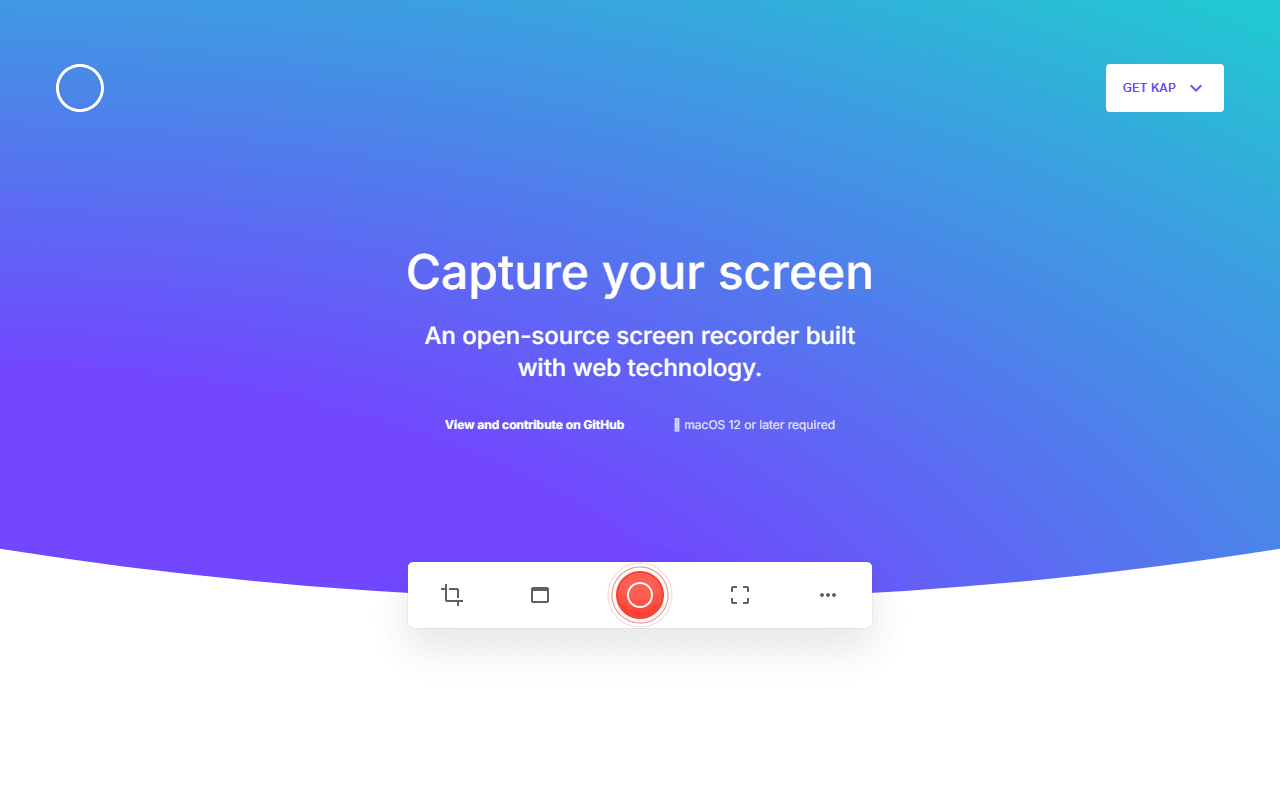
Kap is a small MIT-licensed macOS recorder that does one thing OBS makes surprisingly hard: grab a quick clip or GIF with zero ceremony. Drag a box around part of the screen, record, trim, export. It is completely free and never asks for an account. For a fifteen-second GIF going into a pull request, opening OBS is absurd and Kap is the answer.
- Completely free (as of July 2026)
- Open source (MIT)
- Best for:
- Mac users who want a fast clip or GIF without touching a scene or an encoder
- The catch:
- The last tagged release is v3.6.0 from October 2022, so check it runs on your macOS version before relying on it.
Compared to OBS Studio
- Advantage: GIF export in two clicks, which OBS does not do natively
- Advantage: No setup, versus OBS's scenes and encoders
- Advantage: Completely free and open source under MIT, like OBS
- Tradeoff: macOS only, where OBS is cross-platform
- Tradeoff: No streaming, scene mixing, or high-quality long recording
- Tradeoff: Last release was October 2022, so maintenance is a real question
How to choose
If your goal is record-and-send rather than broadcasting, start with Cap: it is open source like OBS but does the share link and the editor OBS leaves out. Pick Kommodo instead when you want that hosted link for free with no length cap and nothing to install, or Screenity when you live in Chrome and want to draw on the screen as you record. ShareX is the Windows answer for links served from your own storage, and Kap is the fastest route to a quick clip or GIF on a Mac. Keep OBS installed for streaming and long high-quality captures, since none of these replace it there.