Free alternatives to Kommodo
Kommodo, the recorder formerly called Komodo Decks, gives away more than almost anyone: unlimited free recordings of unlimited length with no watermark, plus share links, transcription, and AI summaries (as of July 2026). The reasons to look elsewhere are not about the free plan but about what sits under it. It is closed source and cloud-only with no published paid pricing, so every recording lives on a small company's servers, you cannot self-host, and you cannot predict what a future price change does. If you want the same job with files you own or a tool you can run yourself, here is where to look.
Facts checked as of July 2026Read our Kommodo review
Jump to an alternative


Cap
Best Free Alternative ToKommodoThe same record-and-link workflow, but open source and self-hostable so the files are yours
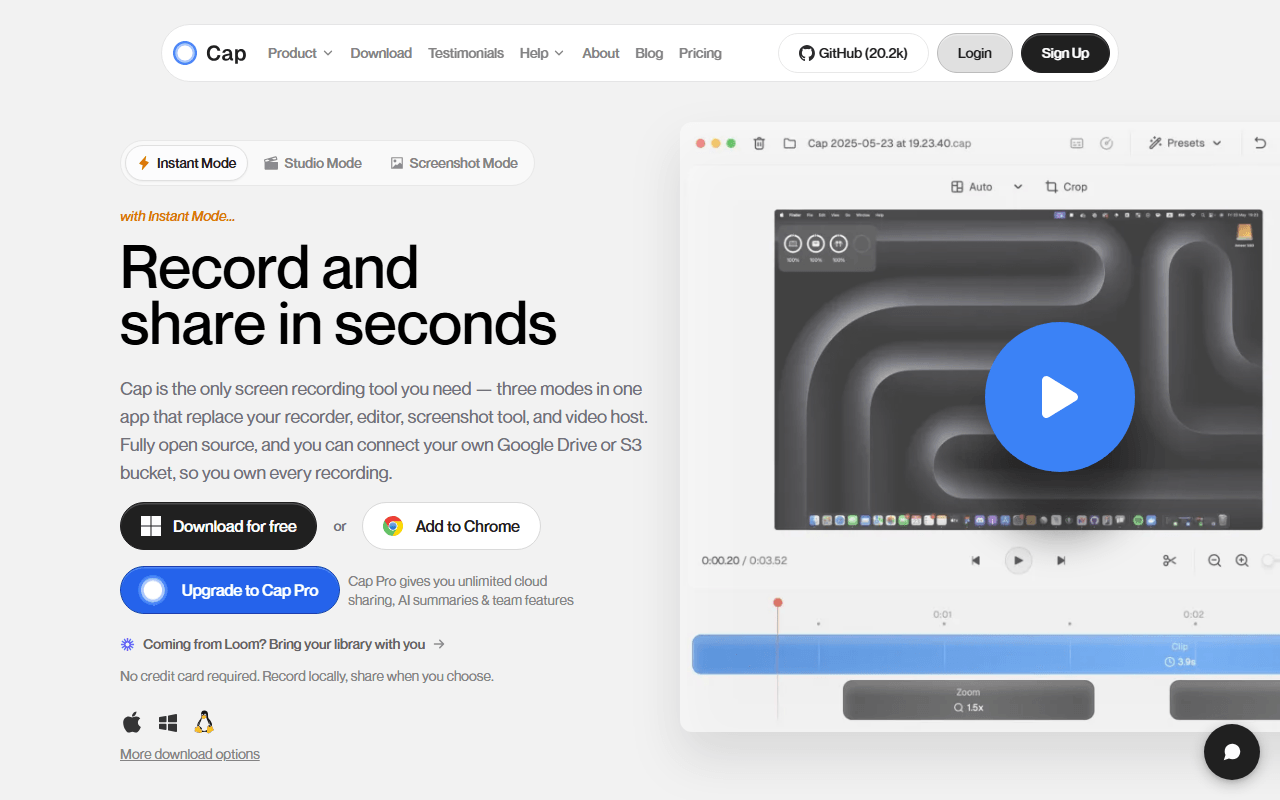
Cap does what Kommodo does, record your screen and hand someone a link, except you can run the whole thing yourself. The desktop app on macOS and Windows offers Instant Mode for the share link and a Studio Mode editor with auto-zoom on clicks and 4K/60fps export. It tops this list because it answers Kommodo's biggest question mark: the web app, API, database, and storage all self-host with Docker Compose, so the recordings never depend on someone else staying in business. The free tier caps hosted recordings at 5 minutes (as of July 2026), which self-hosting removes.
- Free plan, paid from $29/year (as of July 2026)
- Open source (AGPL-3.0 (parts of the codebase are MIT))
- Best for:
- People who like Kommodo's workflow but want the recordings on infrastructure they own
- The catch:
- The hosted free tier caps recordings at 5 minutes where Kommodo has no limit, so matching it for free means self-hosting with Docker.
Compared to Kommodo
- Advantage: Open source under AGPLv3 with MIT parts, versus Kommodo being closed source
- Advantage: Self-host the whole stack with Docker, so files never leave your infrastructure
- Advantage: Studio Mode editor with auto-zoom and 4K export beyond Kommodo's lighter editor
- Advantage: Published $29 per year Desktop License, where Kommodo has no pricing table at all
- Tradeoff: Hosted free tier caps recordings at 5 minutes, while Kommodo's free tier is unlimited
- Tradeoff: Removing that cap by self-hosting assumes you are comfortable with Docker
- Worth knowing: Both offer transcription and AI summaries on the share-link flow
Free unlimited local recording with live drawing, and nothing lives on someone else's server
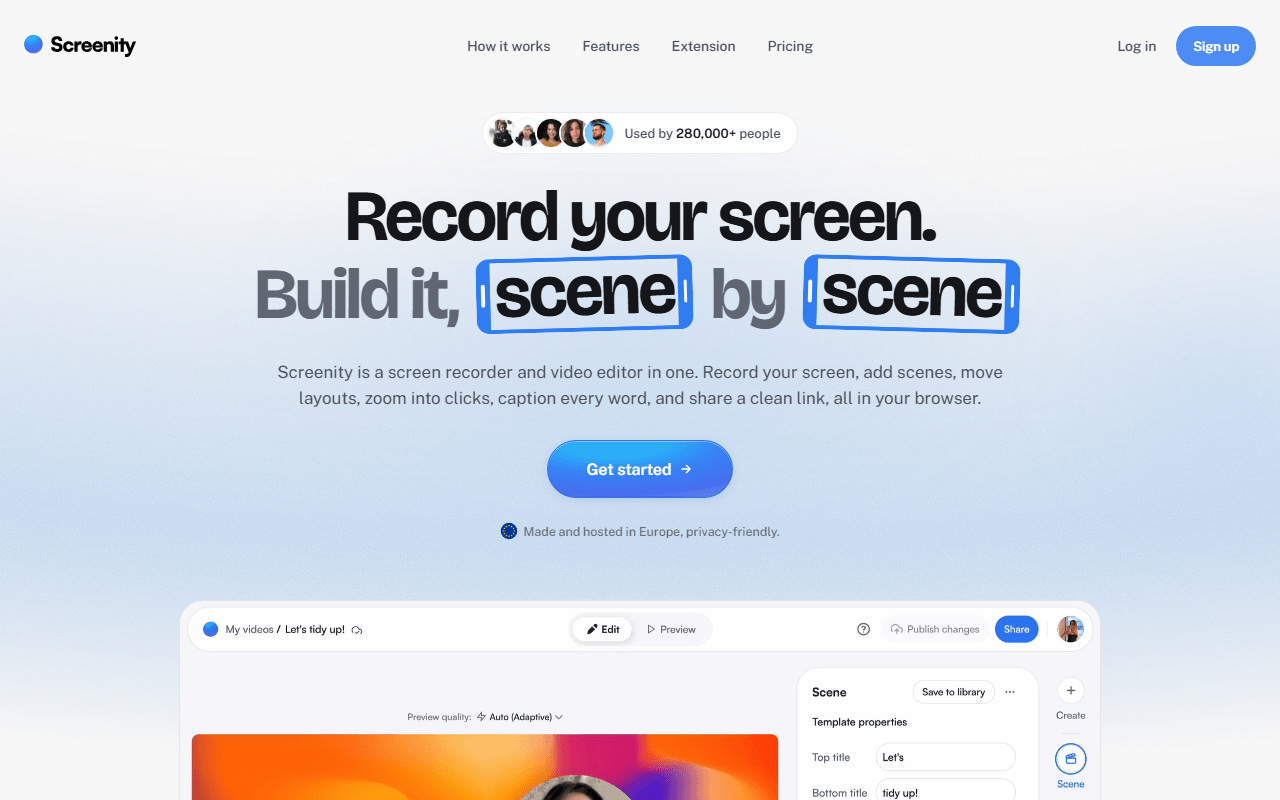
Screenity is a free GPL-3.0 Chrome extension that records your screen, a tab, a window, or your camera with no account and no time limit, because everything writes to your own machine. Where Kommodo keeps your videos in its cloud, Screenity keeps them on your disk, which sidesteps the trust question entirely. It also does something Kommodo does not: draw on the screen while recording, add arrows and text, blur a region live, and spotlight the cursor.
- Free plan, paid from $10/month (as of July 2026)
- Open source (GPL-3.0)
- Best for:
- Chrome users who want unlimited free recording with live annotation and no cloud dependency
- The catch:
- Free gives you a file, not a hosted share link like Kommodo's, and the extension is Chrome only.
Compared to Kommodo
- Advantage: Records locally with no account, so nothing depends on a third party's servers
- Advantage: Open source under GPL-3.0 and runnable in fully local-only mode from source
- Advantage: Live drawing, blur, and cursor spotlight while recording, which Kommodo does not do
- Advantage: Unlimited free recording length, matching Kommodo's free tier
- Tradeoff: No free hosted share link, where Kommodo's whole point is the link
- Tradeoff: Chrome only, with no Firefox or Safari build
- Tradeoff: No AI summaries or generated step-by-step guides like Kommodo's
Completely free with no limits, plus streaming and Linux Kommodo does not touch
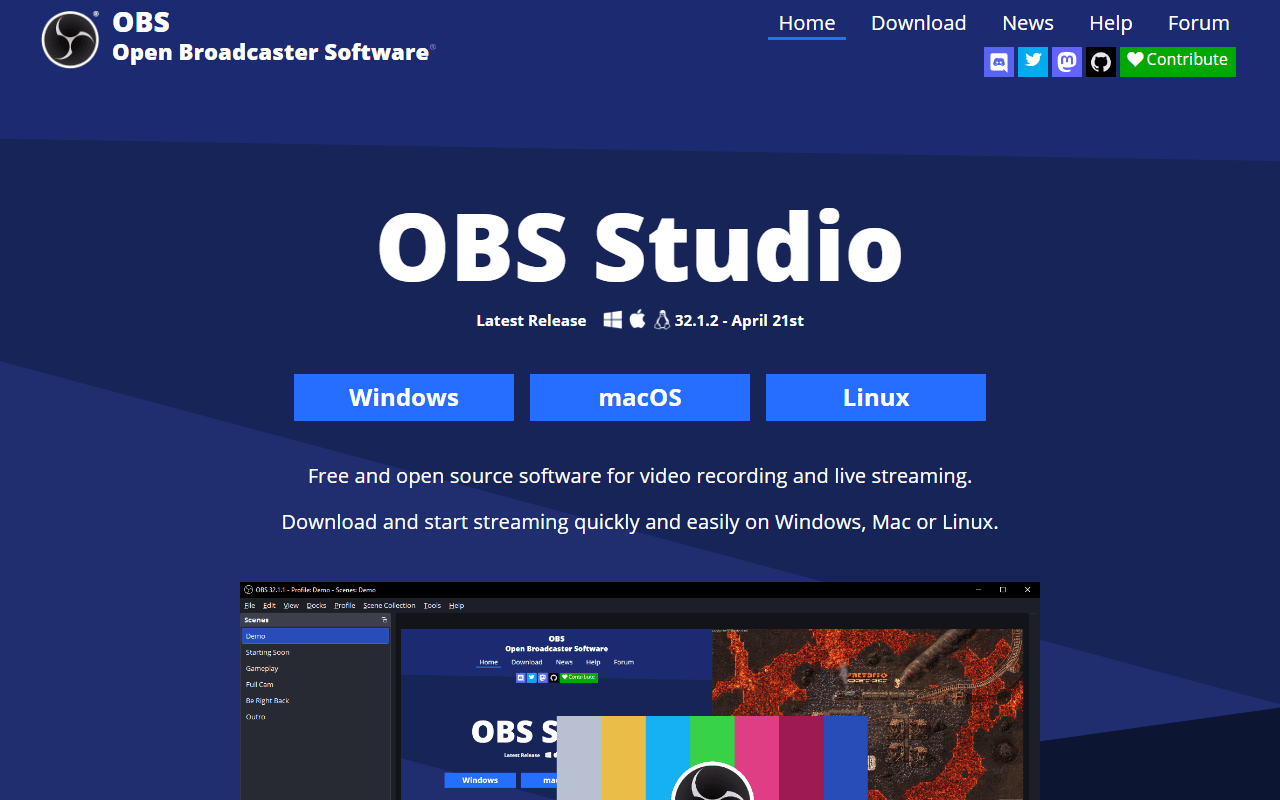
OBS Studio is completely free with no account, no watermark, and no length limit on Windows, macOS, and Linux. It records at whatever quality your hardware allows and streams to Twitch, YouTube, or any RTMP endpoint, none of which Kommodo does. The trade is that OBS is broadcasting software, not a share-a-link tool: you build scenes and set encoders first, and you end with a file on your disk and no link.
- Completely free (as of July 2026)
- Open source (GPL-2.0-or-later)
- Best for:
- People who need Linux, live streaming, or long high-quality recordings Kommodo's hosted flow does not cover
- The catch:
- There is no cloud, share link, transcript, or AI summary, and the setup takes real time before your first recording.
Compared to Kommodo
- Advantage: Completely free with no limits and nothing hosted by a third party
- Advantage: Far more control of quality, encoder, and bitrate than Kommodo's hosted capture
- Advantage: Live streaming and Linux support Kommodo does not offer
- Advantage: Open source under GPL-2.0, where Kommodo is closed source
- Tradeoff: No share link, transcript, or AI summaries, all of which Kommodo has
- Tradeoff: Setup takes about an hour before your first recording
- Tradeoff: Ends at a file you still have to host yourself
Free Windows capture that auto-uploads to your own S3 or R2 bucket and copies the link
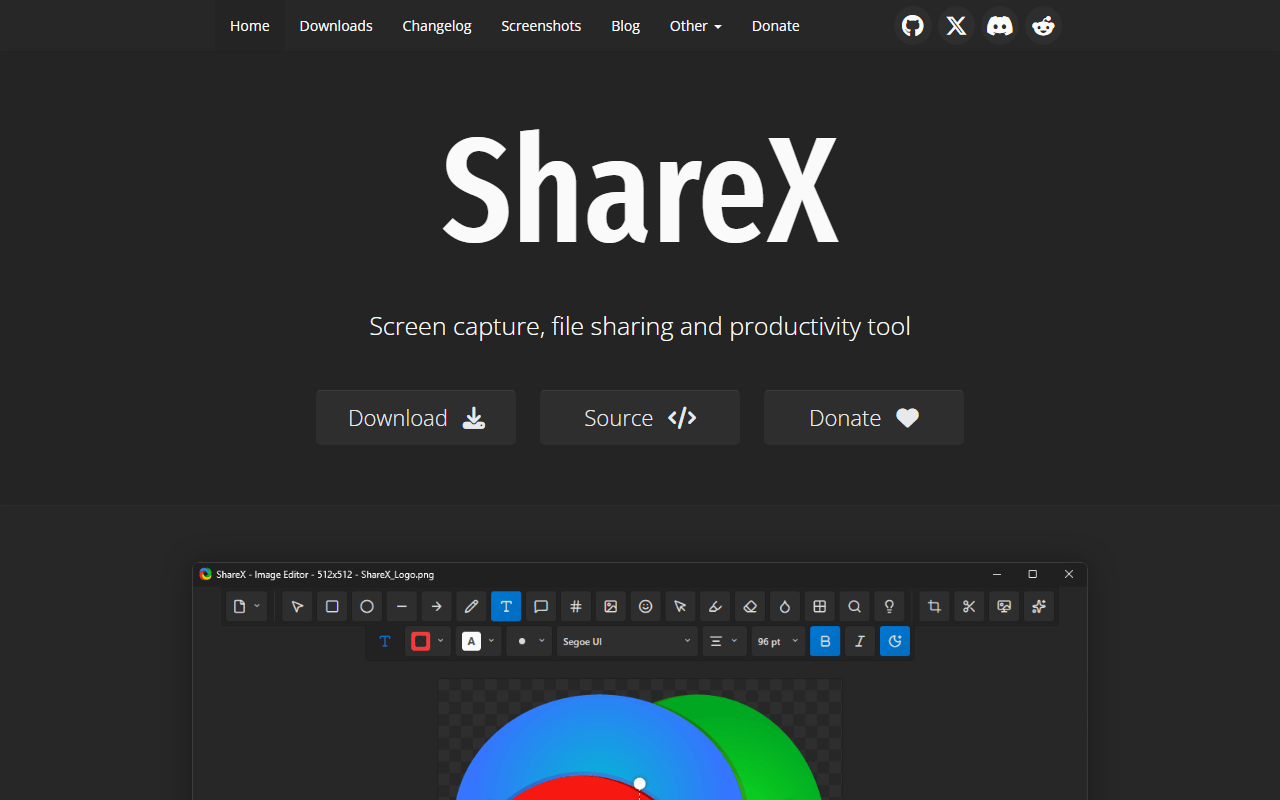
ShareX is completely free under GPL-3.0 and builds Kommodo's convenience out of parts you own. Record a screen video or GIF, annotate it, and ShareX uploads it to your own Amazon S3, Google Cloud Storage, or Cloudflare R2 bucket with the public link on your clipboard the moment you stop. You get the share link Kommodo gives you, except served from storage you control rather than a company's servers.
- Completely free (as of July 2026)
- Open source (GPL-3.0)
- Best for:
- Windows users who want automatic share links from storage they own instead of a hosted cloud
- The catch:
- It is Windows only, the interface is dense, and you set the upload destination up yourself before any link appears.
Compared to Kommodo
- Advantage: Auto-uploads to your own bucket and copies the link, so you own the files
- Advantage: Completely free with no limits and no hosted dependency
- Advantage: GIF export, OCR, and scrolling capture Kommodo does not offer
- Advantage: Open source under GPL-3.0, where Kommodo is closed
- Tradeoff: Windows only, where Kommodo runs on the web, macOS, Windows, and mobile
- Tradeoff: No transcription or AI summaries like Kommodo's
- Tradeoff: Requires one-time configuration before you get a link
The most polished hosted record-and-send experience, from a company with a public price
Loom, now part of Atlassian, is the hosted recorder Kommodo is chasing, and it is the smoothest version of the record-and-send habit. Record your screen and camera and the link is transcribed and ready before you close the app, with viewer comments and watch tracking. Its free Starter plan is thinner than Kommodo's, stopping at 25 videos of 5 minutes each per person (as of July 2026), but its pricing is public and the company is not going anywhere.
- Free plan, paid from $18/month (as of July 2026)
- United States
 United States
- Best for:
- Teams who want a polished hosted workflow backed by a large company with published pricing
- The catch:
- The free plan caps you at 25 videos of 5 minutes each, far tighter than Kommodo's unlimited free tier, and Business is $18 per user per month.
Compared to Kommodo
- Advantage: Published pricing and Atlassian's backing, versus Kommodo's unknown price and small team
- Advantage: Smoother, more refined share-and-comment experience
- Advantage: Embeds into Jira and Confluence
- Tradeoff: Free plan caps you at 25 videos of 5 minutes each, where Kommodo is unlimited
- Tradeoff: Closed source and cloud-only, the same ownership issue as Kommodo
- Tradeoff: Business is $18 per user per month, priced per creator
Free Mac recorder for quick clips and GIFs when a hosted tool is overkill
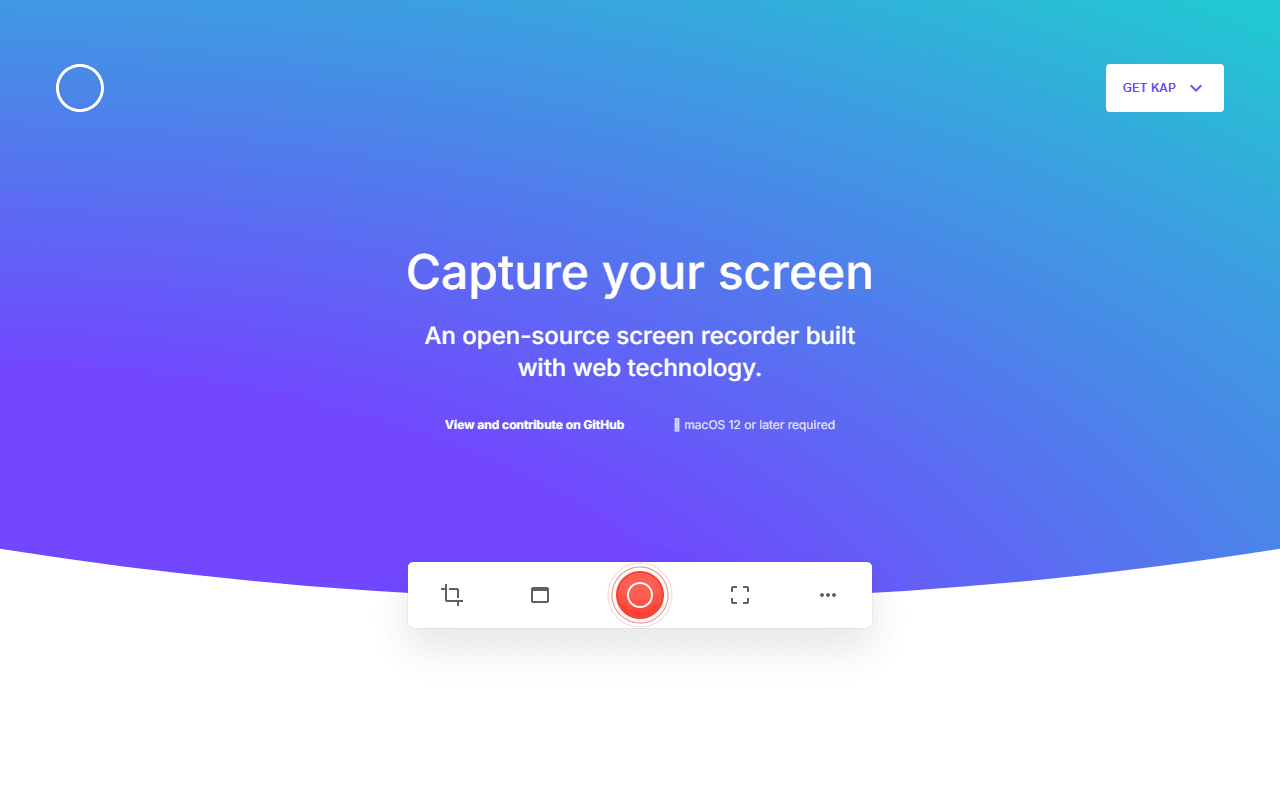
Kap is a small MIT-licensed macOS recorder for the times a full hosted tool is more than the moment needs. Drag a box around part of the screen, record, trim, export as video or GIF. It is completely free and never asks for an account, and GIF export is the reason most people keep it around. It hosts nothing, so it is the anti-Kommodo: everything stays on your Mac.
- Completely free (as of July 2026)
- Open source (MIT)
- Best for:
- Mac users who want a fast free clip or GIF with no account and nothing uploaded
- The catch:
- The last tagged release is v3.6.0 from October 2022, so confirm it runs on your macOS version before relying on it.
Compared to Kommodo
- Advantage: Completely free with no account and nothing hosted by a third party
- Advantage: GIF export, which Kommodo does not focus on
- Advantage: Records locally with zero cloud dependency
- Tradeoff: Last release was October 2022, so maintenance is a real question
- Tradeoff: macOS only, where Kommodo is cross-platform
- Tradeoff: No share links, transcription, or AI summaries like Kommodo's
How to choose
If the appeal was the free share link but you want to own the files, start with Cap: it does the same record-and-link workflow as open source software you can self-host. Pick Screenity when you want free unlimited local recording in Chrome with live drawing, or OBS Studio when you need streaming, Linux, or long high-quality captures. ShareX is the Windows pick for links served from your own storage, Loom is the polished hosted option if its 25-video free cap is enough, and Kap covers quick Mac clips and GIFs.