Free alternatives to Kap
The honest reason to move off Kap is maintenance. Its last tagged release is v3.6.0 from October 2022 (as of July 2026), so it has been quiet for years, and a recorder that depends on macOS not breaking it is a bet that gets riskier with every OS update. Kap is still a lovely little MIT-licensed tool for quick clips and GIFs, so what you want is the same low-friction feel from something under active development. These free recorders are maintained and cover Kap's job, ranked by how close they stay to that drag-a-box-and-go simplicity.
Facts checked as of July 2026Read our Kap review
Jump to an alternative


Cap
Best Free Alternative ToKapAn actively maintained macOS recorder with the simple capture Kap had, plus a share link and editor
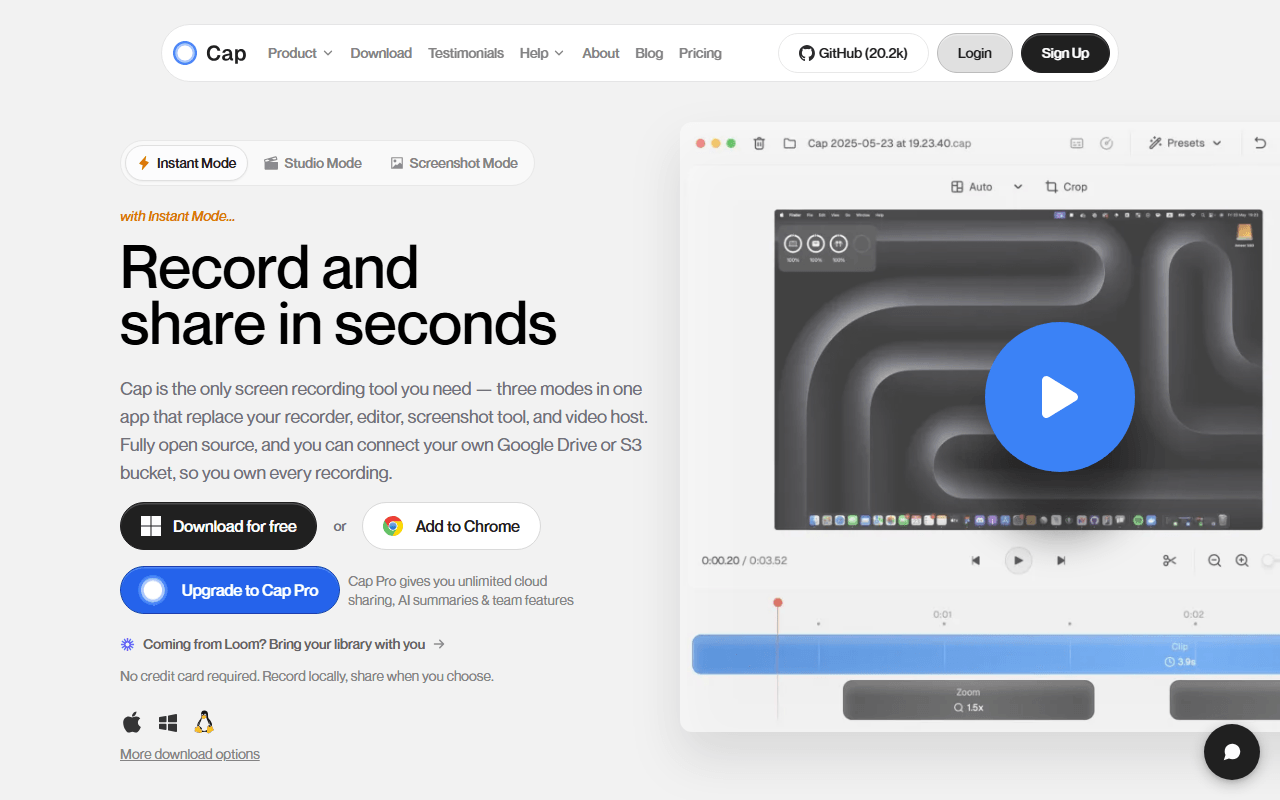
Cap is the maintained Mac recorder to move to. It runs on macOS like Kap, it is open source, and it is under active development from a team that ships regularly, which is the whole point of switching. It keeps recording simple, then adds what Kap never had: a share link and a Studio Mode editor with auto-zoom on clicks and 4K/60fps export. The free tier caps hosted recordings at 5 minutes (as of July 2026), which self-hosting with Docker removes.
- Free plan, paid from $29/year (as of July 2026)
- Open source (AGPL-3.0 (parts of the codebase are MIT))
- Best for:
- Kap users who want an actively maintained Mac recorder that also gives them a share link and an editor
- The catch:
- The free tier caps hosted recordings at 5 minutes and Cap does not make GIFs its focus the way Kap did.
Compared to Kap
- Advantage: Under active development, versus Kap's last release in October 2022
- Advantage: Runs on macOS like Kap, and on Windows too
- Advantage: Adds a share link and a Studio Mode editor Kap never had
- Advantage: Open source and self-hostable, like Kap's open roots
- Tradeoff: Hosted free tier caps recordings at 5 minutes, where Kap has no cap
- Tradeoff: No GIF-first workflow, which is Kap's signature
- Tradeoff: No Linux desktop app
Actively maintained free unlimited recording, with live drawing Kap never had
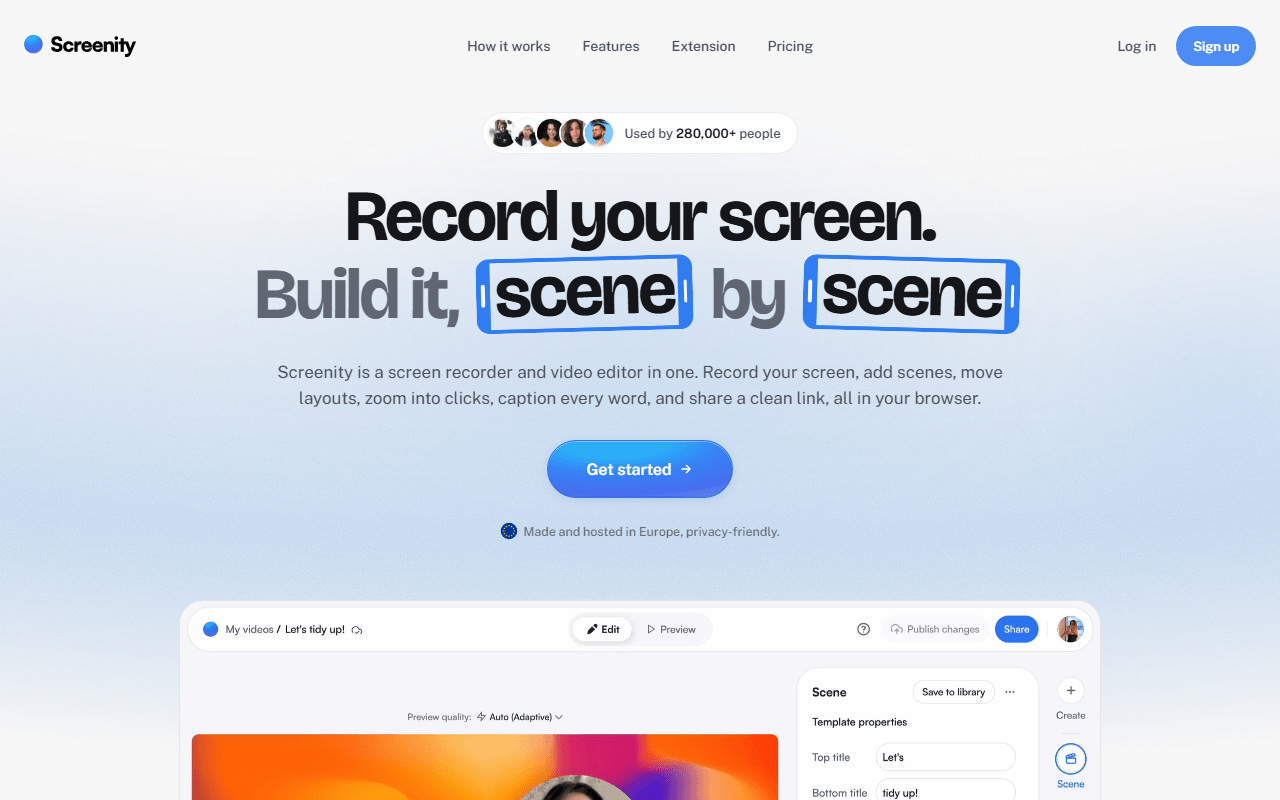
Screenity is a free GPL-3.0 Chrome extension under active maintenance, which is exactly what Kap is not. It records your screen, a tab, a window, or your camera with no account and no time limit, writing to your own disk. It keeps the no-account simplicity Kap fans like and adds live annotation: draw, blur a region, and spotlight the cursor while recording. Because it lives in Chrome it also runs beyond macOS.
- Free plan, paid from $10/month (as of July 2026)
- Open source (GPL-3.0)
- Best for:
- People who want a maintained, unlimited free recorder with live drawing, in or beyond macOS
- The catch:
- Free gives you a file, not a share link, it is Chrome only, and it is not GIF-first the way Kap is.
Compared to Kap
- Advantage: Actively maintained, unlike Kap's dormant October 2022 release
- Advantage: Unlimited free local recording with no account, like Kap
- Advantage: Live drawing, blur, and cursor spotlight while recording, which Kap does not do
- Advantage: Runs anywhere Chrome does, not just macOS
- Tradeoff: No GIF-first export like Kap's
- Tradeoff: Chrome only, so not a native desktop app
- Tradeoff: No share link on the free tier
Actively maintained, completely free, and far more capable than Kap ever aimed to be
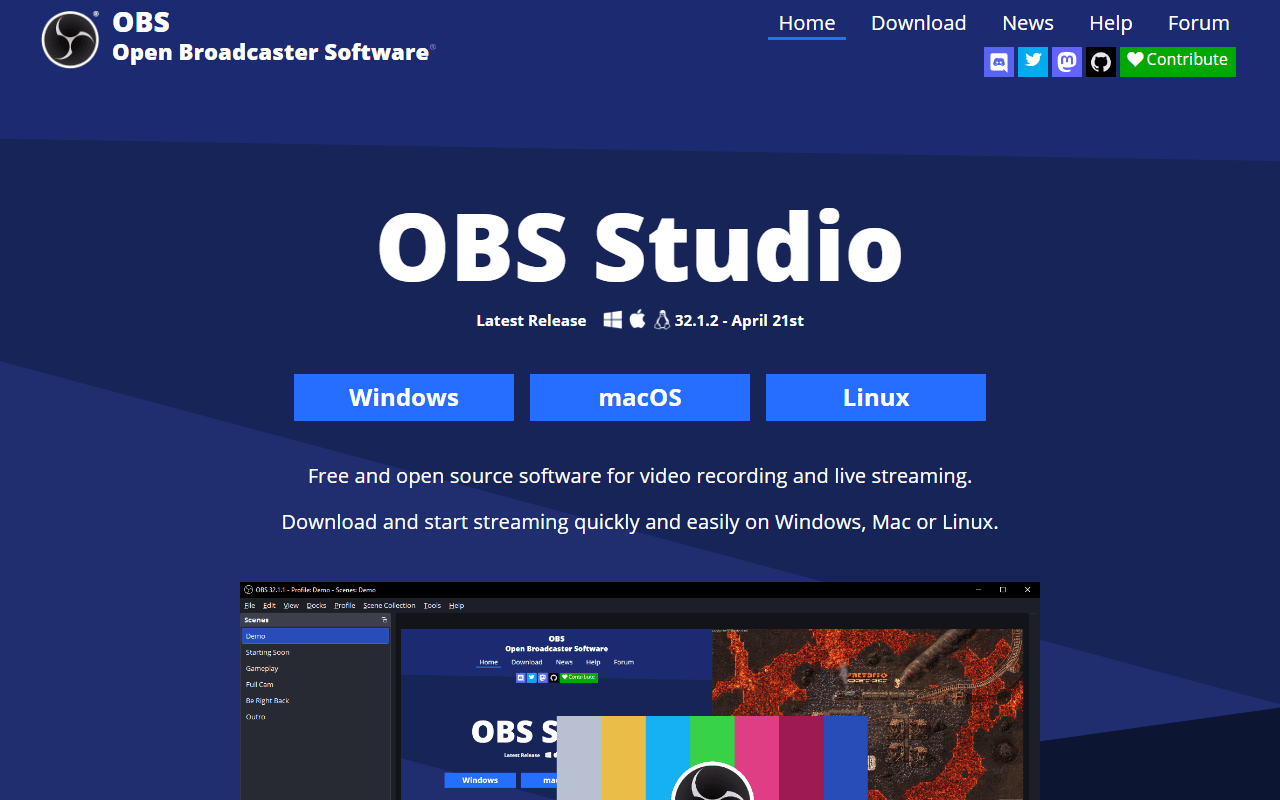
OBS Studio is completely free, open source, and very much alive, with regular releases on Windows, macOS, and Linux. Where Kap was built for quick clips, OBS records at whatever quality your hardware allows and streams live, so it is a big step up in capability. The trade is friction: OBS is broadcasting software, so you build scenes and set encoders before recording, which is the opposite of Kap's drag-a-box speed.
- Completely free (as of July 2026)
- Open source (GPL-2.0-or-later)
- Best for:
- Mac users who want a maintained free recorder for higher-quality or longer captures than Kap handled
- The catch:
- It is far heavier to set up than Kap, does no GIF export, and gives you a file with no share link.
Compared to Kap
- Advantage: Actively maintained with regular releases, unlike Kap since October 2022
- Advantage: Completely free with no limits, like Kap
- Advantage: Far higher recording quality and live streaming Kap never offered
- Advantage: Runs on Windows and Linux as well as macOS
- Tradeoff: Much heavier setup than Kap's drag-and-record
- Tradeoff: No GIF export, which is Kap's main draw
- Tradeoff: No share link or editor
A maintained, free hosted recorder with a share link Kap never had
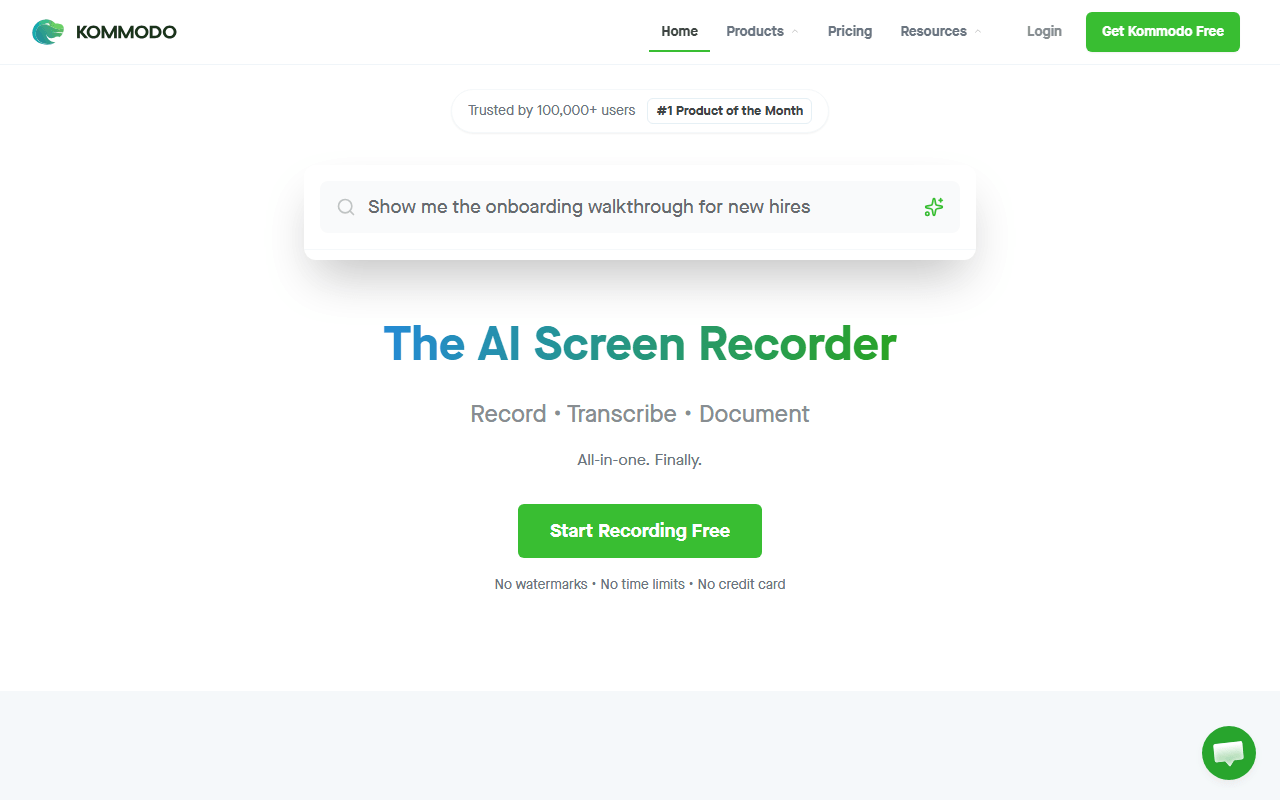
Kommodo (formerly Komodo Decks) is a maintained hosted recorder that adds what Kap lacks: a share link. Its free tier advertises unlimited videos of unlimited length with no watermark (as of July 2026), plus transcription and AI summaries. It runs as a browser extension or a desktop app on macOS and Windows, so a Kap user can keep working on a Mac while gaining a hosted link and an active product behind it.
- Free plan (as of July 2026)
- United States
 United States
- Best for:
- Kap users who want a maintained tool that also hands them a share link with a transcript
- The catch:
- It is closed source and cloud-only with no published paid pricing, where Kap was a local MIT tool.
Compared to Kap
- Advantage: Actively maintained and hosted, unlike Kap's dormant local app
- Advantage: Free hosted share links with transcription, which Kap has no version of
- Advantage: Unlimited free recording length, like Kap's no cap
- Advantage: Runs on macOS via extension or desktop app, like Kap's platform
- Tradeoff: Closed source and cloud-only, where Kap is local and MIT
- Tradeoff: No GIF-first export like Kap's
- Tradeoff: No published paid pricing
A polished, maintained hosted recorder with a real free tier
Loom, now part of Atlassian, is a well-maintained hosted recorder that trades Kap's local simplicity for a share link and a camera bubble. Record and the link is transcribed and ready before you close the app, on macOS, Windows, and mobile. Its free Starter plan stops at 25 videos of 5 minutes each per person (as of July 2026), which is a real limit Kap never had, but the product is active and backed by a large company.
- Free plan, paid from $18/month (as of July 2026)
- United States
- Best for:
- Kap users who want a maintained hosted flow with a camera bubble and share link, within the free cap
- The catch:
- The free plan caps you at 25 videos of 5 minutes each, where Kap had no cap, and it is closed source and cloud-only.
Compared to Kap
- Advantage: Actively maintained and backed by Atlassian, unlike Kap since October 2022
- Advantage: Instant hosted share links with transcription, which Kap has no version of
- Advantage: Camera bubble, comments, and watch tracking Kap does not do
- Tradeoff: Free plan caps you at 25 videos of 5 minutes each, where Kap had no cap
- Tradeoff: Closed source and cloud-only, where Kap is local and MIT
- Tradeoff: No GIF export like Kap's
A maintained free capture tool with GIF export, if you are on Windows rather than a Mac
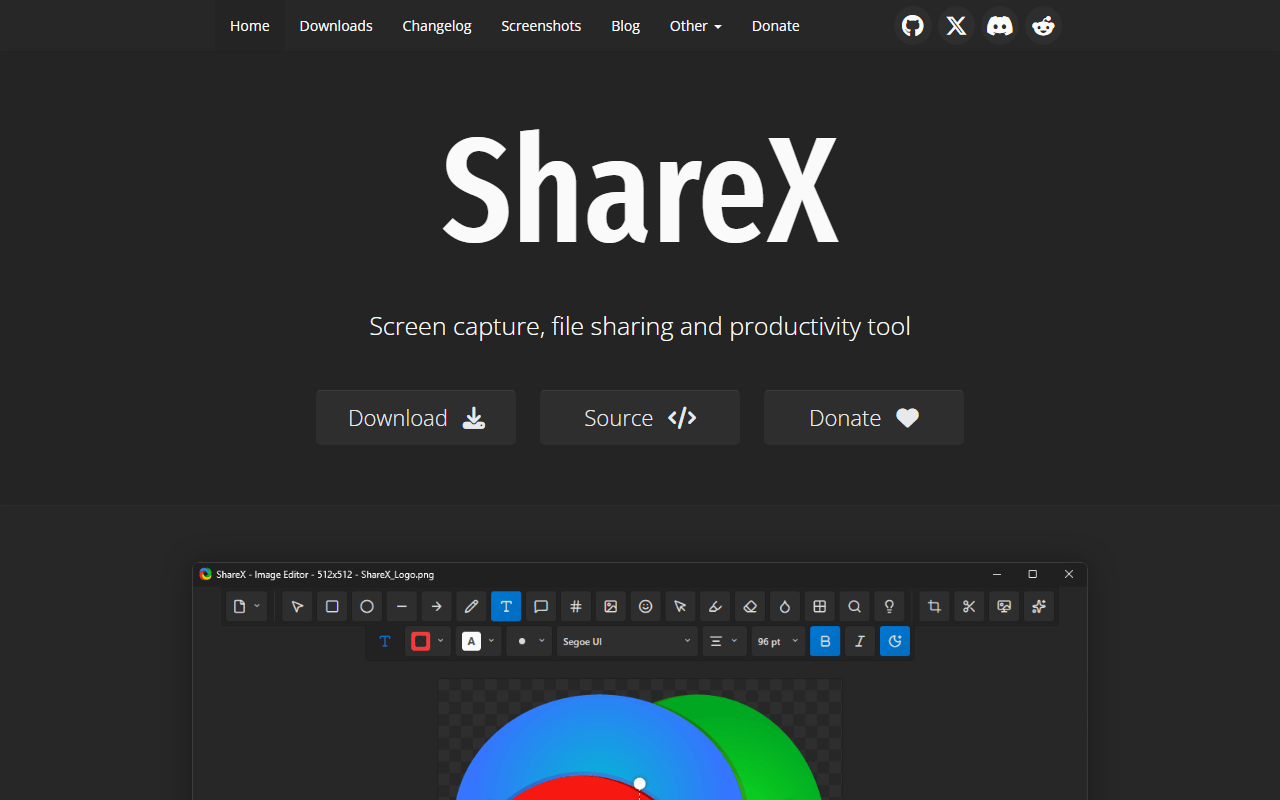
ShareX is completely free under GPL-3.0 and, unlike Kap, still ships regular releases, and it shares Kap's love of quick GIFs. The honest catch for a Kap user is platform: ShareX is Windows only and never came to macOS, so it only helps if you are switching machines. If you are, it records video and GIFs, annotates, and auto-uploads to your own storage with a link on your clipboard.
- Completely free (as of July 2026)
- Open source (GPL-3.0)
- Best for:
- Former Kap users who have moved to Windows and want a maintained GIF-and-capture tool
- The catch:
- It is Windows only, so it is no help on macOS where Kap ran, and the interface is dense.
Compared to Kap
- Advantage: Actively maintained with regular releases, unlike Kap since October 2022
- Advantage: GIF export, like Kap's main draw
- Advantage: Auto-uploads to your own storage with a clipboard link, which Kap never did
- Advantage: Completely free and open source, like Kap
- Tradeoff: Windows only, so no help on macOS where Kap ran
- Tradeoff: Dense interface, far from Kap's one-box simplicity
- Tradeoff: Upload destinations need a one-time setup
How to choose
For an actively maintained Mac recorder that keeps Kap's simple feel and adds a share link and editor, start with Cap. Pick Screenity when you want free unlimited recording in Chrome with live drawing, or OBS Studio when you need the highest quality, streaming, or Linux. Kommodo is the free hosted option with a share link and no length cap, Loom is the polished hosted flow within its 25-video free cap, and ShareX is worth knowing only if you are on Windows, since it never came to macOS. One honest gap: none of the maintained tools make GIFs their focus the way Kap did, so if GIF export is all you need, Kap may still be worth keeping for now.