
Discover honest, community-driven software alternatives. Learn about our mission

Lightworks logo

Lightworks review

A professional editor with real broadcast history whose free tier exports at 720p and whose free licence expires every 90 days.

Facts checked July 2026

Visit LightworksSee alternatives
lwks.com
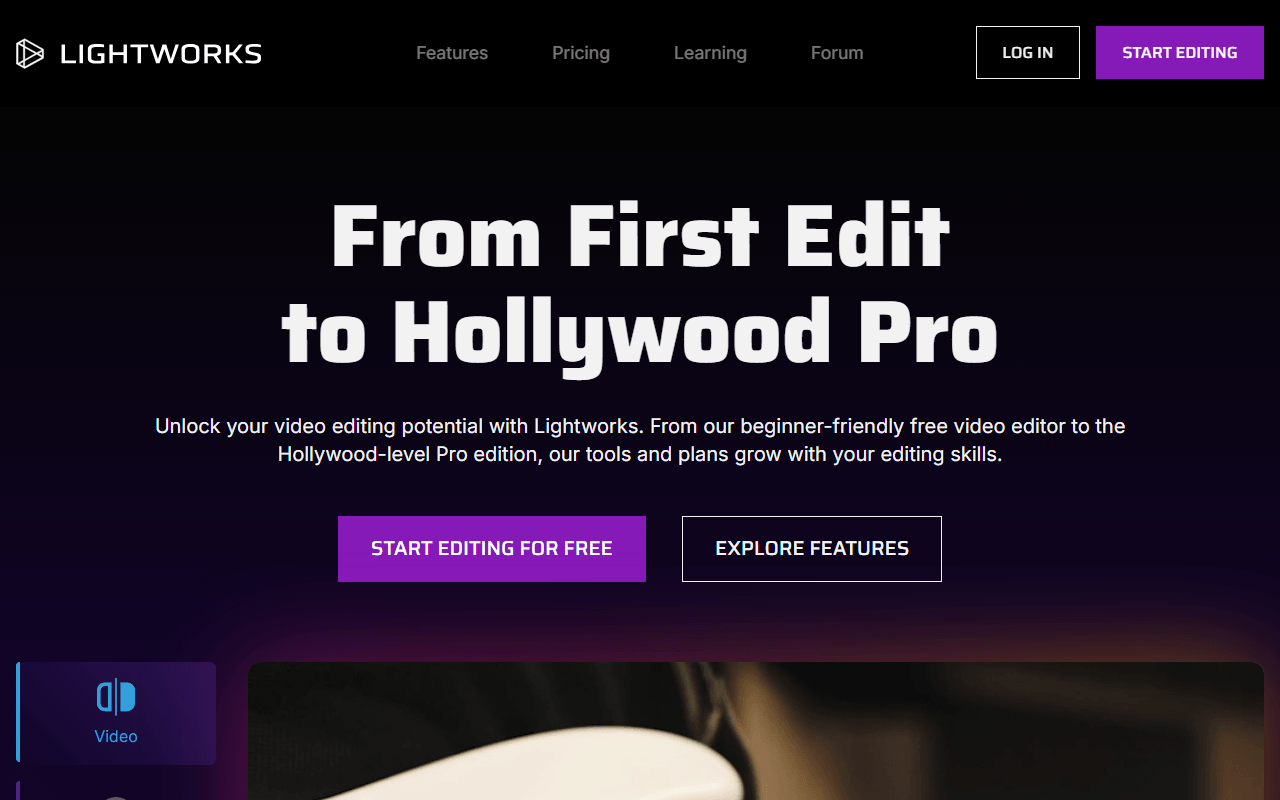
Lightworks homepage screenshot

Lightworks at a glance

Free plan
Yes
Free plan score
40/100Limited
Open source
Proprietary
Based in
United Kingdom
Company
LWKS Software Ltd

Our take

Lightworks is a genuine professional editor with a free tier that exports at 720p, confirmed three ways on LWKS's own site. There is no watermark, but you need an account and the free licence expires every 90 days until you sign back in, so it is a licence you maintain rather than a download you keep.

A broadcast editor with a consumer-grade ceiling

Lightworks is a non-linear editor from LWKS Software Ltd in Swindon, United Kingdom, with a long history in broadcast and film finishing. It runs on Windows, macOS and Linux from a single application whose capabilities are unlocked by whichever licence you are signed in with, and there are three of those: Free, Create and Pro.

The free tier is a real editor rather than a demo. There is no watermark, and LWKS says so on its own pricing page. What it has instead is a delivery ceiling that has not moved with the rest of the industry.

The product is actively shipped. The latest release listed by LWKS is 2025.2-56356, dated January 2026, with fixes to an audio fade crash and to AAC export bitrate.

Editors learning the craft on a 720p ceiling

  • Anyone learning a professional editing workflow who does not yet need to deliver in HD
  • Linux users who want a commercial-grade editor with an official first-party build
  • Editors who want to live in the interface for a while before deciding whether to pay
  • People cutting for internal review or rough assembly rather than final delivery

720p on the free tier, and paid prices we could not read

Free exports at up to 720p, and LWKS confirms it three ways on its own site. The pricing page lists "Up to 720p" for the Free tier. The comparison page says "Save your finished video in 720p resolution." The FAQ describes the free version as having "restricted file output limited to YouTube/Vimeo 720p" and tells you to upgrade to Create or Pro to go higher. A lot of 2025 and 2026 roundups claim that cap was lifted to 1080p. On 31 July 2026 it was not.

Free also gives you timeline editing, automatic saving, advanced transitions, simple VFX, inbuilt effects and titles, and audio levelling and EQ.

Above it, Create adds 4K export and a 4K timeline, advanced colour tools, native Quick Audio FX and social media templates. Pro adds 10-bit support, plugin support, advanced audio and video effects, cloud export and Native Audio FX, and the pricing page puts its export ceiling at 8K.

We are publishing no Lightworks price at all, and that is deliberate. The amounts on lwks.com/pricing render client-side and are simply not in the served HTML, and the comparison page and the FAQ do not carry them either. LWKS does say the figures come in USD, GBP and EUR, exclude applicable sales taxes, and can be paid monthly, yearly or once, and that subscriptions can be cancelled anytime. We would rather send you to LWKS's page than quote a number we could not read. One warning if you go looking: the pricing page and the comparison page disagree over whether Pro tops out at 4K or 8K, and we treat the pricing page as authoritative.

Sign in, then sign in again every 90 days: the limits

720p is the limit everyone quotes. The account is the one nobody mentions. Lightworks requires you to register and sign into the application, and the FAQ says the free licence "will expire every 90 days but can be renewed by simply signing back into the application with your Username and Password". LWKS's tech specs add that an internet connection is required to install Lightworks and register licences. So this is a licence you keep alive, not a file you keep.

There is one more thing the FAQ asks rather than enforces. If you use free-tier output commercially, LWKS asks you to place the Lightworks logo at the end of your video and a link to lwks.com in the description. That is a request in a support document, not something stamped into your export, and it should not be described as a watermark.

We also could not confirm whether the free tier restricts export formats as well as resolution. The FAQ's phrase "YouTube/Vimeo 720p" hints at it, and we are not going to claim it without reading it.

Would we edit here? Only if 720p is genuinely enough

Lightworks is the most professional application in this half of our list and the one whose free tier we would recommend least often. A 720p deliverable in 2026 is a hard sell, and a licence that lapses every 90 days is a second thing to remember on a machine you may not have online. If you want to learn a broadcast-style workflow without paying, the free tier is a legitimate place to do it. If you want to publish, a free editor with no resolution ceiling is the better trade, and our free video editors list ranks the ones we would reach for first.

What Lightworks offers

  • Multi-track timeline
  • Watermark-free exports
  • Audio mixing
  • Windows, macOS and Linux

Not included

  • 4K export
  • Colour grading
  • Motion tracking
  • Subtitles and captions
  • Proxy editing
  • Hardware acceleration
  • Open source
  • Works in the browser

Lightworks plans and pricing

Free forever with no watermark, but exports are capped at 720p, an account is required to sign in, and the free licence expires every 90 days until you sign back into the application

We publish no Lightworks price, on purpose. The amounts on lwks.com/pricing are rendered client-side and are absent from the served HTML, and the comparison page and the FAQ do not carry them either, so we give the tier names and the monthly / yearly / pay-once structure rather than quote a figure from a roundup. LWKS states that prices are shown in USD, GBP and EUR and exclude applicable sales taxes, and that subscriptions can be cancelled anytime. Note also that lwks.com/pricing and lwks.com/lightworks-comparison disagree on whether Pro tops out at 4K or 8K; we treat the pricing page as authoritative and do not quote the comparison page's tick matrix

Free

Free

Timeline editing, automatic saving, advanced transitions, simple VFX, inbuilt effects and titles, plus audio levelling and EQ, with no watermark

Export is capped at up to 720p. An account and sign-in are required, an internet connection is needed to install and register the licence, and the licence expires every 90 days until you sign back in

Create

Free

Adds 4K export and a 4K timeline, advanced colour tools, native Quick Audio FX and social media templates

Price not published in the served HTML of any LWKS page we could read. Sold monthly, yearly or as a one-off payment

Pro

Free

Everything in Create plus 10-bit support, plugin support, advanced audio and video effects, cloud export and Native Audio FX, with export up to 8K per the pricing page

Price not published in the served HTML of any LWKS page we could read. Sold monthly, yearly or as a one-off payment

As of July 2026. Check current pricing on the Lightworks pricing page.

Lightworks's free plan score

How good Lightworks's free plan really is, judged on four things and weighted into one number.

40/100

Limited

A broadcast editor for nothing, exporting at 720p on a licence that lapses every 90 days.

Free plan generosity

42/100

Feature depth for the category

34/100

Freedom and honesty

34/100

What free users report

50/100

Scored July 2026. How we calculate the free plan score.

Frequently asked questions about Lightworks

What resolution does Lightworks Free export?

Up to 720p, and that is still true in 2026 despite what most roundups say. LWKS confirms it three ways on its own site: the pricing page lists "Up to 720p" for Free, the comparison page says "Save your finished video in 720p resolution", and the FAQ describes free output as "restricted file output limited to YouTube/Vimeo 720p" (all read 31 July 2026). 4K sits behind the Create tier.

Does the free Lightworks licence expire?

Yes, every 90 days. The LWKS FAQ says the free licence "will expire every 90 days but can be renewed by simply signing back into the application with your Username and Password" (as of July 2026). It is free of charge and renewable indefinitely, but it is an account-gated licence you keep alive rather than a standalone download, and LWKS's tech specs say an internet connection is required to install and register licences.

Does Lightworks put a watermark on free exports?

No. The LWKS pricing page lists "No watermark" against the Free tier (as of July 2026). Separately, the FAQ asks users who use free-tier output commercially to include the Lightworks logo at the end of the video and a link to lwks.com in the description. That is a request in a support document, not something burned into your file, and we would not describe it as a watermark.

What do Lightworks Create and Pro cost?

We could not read a single Lightworks price first-party, so we publish none. The amounts on lwks.com/pricing render client-side and are absent from the served HTML, and the comparison page and FAQ do not carry them either (checked 31 July 2026). What LWKS does state is the structure: Create and Pro are each sold monthly, yearly or as a one-off payment, in USD, GBP or EUR, excluding sales tax.

Is Lightworks open source?

No. Lightworks is proprietary commercial software from LWKS Software Ltd, with no public repository and no licence identifier, and it is often grouped with open source editors in roundups by mistake. The free tier is a free commercial licence, not free software in the Kdenlive or Shotcut sense.

Latest Lightworks news

Changes that affect what you get for free: pricing, free plan limits, ownership, and whether the project is still maintained. Not every release.

We checked Lightworks's own blog, changelog and release notes in July 2026 and found nothing that changes the picture above.

Reader reviews

What people who actually use Lightworks think of it.

No reviews of Lightworks yet. If you have used it, yours would be the first.

The useful part is the specifics: what you used it for, and where it got in your way.

Loading...