

Discover honest, community-driven software alternatives. Learn about our mission

The best free video editor depends on the computer you own

Free video editors answer two different questions, and a single ranked list that pretends they are the same question is useless to half the people reading it. If you are walking away from a subscription and you own a machine with a real graphics card, DaVinci Resolve is the answer; if you want to trim a clip on a three-year-old laptop this afternoon, Resolve is the wrong answer, and Clipchamp in a browser tab or Shotcut on your desktop is the right one.

The reason people start looking is usually the rental. Premiere Pro and After Effects are subscription only, so the day you stop paying you stop having an editor, and Final Cut Pro's $299.99 one-time purchase is Mac only and now sits next to a $12.99 a month bundle (as of July 2026). The good news is that free here mostly means genuinely free rather than a trial: four of the ten tools below are open source and licensed for commercial work, with no paid tier gating the export button.

Our pick is DaVinci Resolve, because the free build is the same professional application Blackmagic sells, with no watermark and no time limit, up to Ultra HD 3840 x 2160 at 60 fps in 8-bit (as of July 2026). The catch is one most lists get backwards, and we price it below: the free version does not get hardware accelerated encoding and decoding, so it asks more of your computer than anything else here.

13 free tools, ranked and reviewed as of July 2026.

Not everyone should install the same editor

Best overall

DaVinci Resolve logo

DaVinci Resolve

Best FreeVideo Editor

The free build of DaVinci Resolve is the professional application Blackmagic sells, not a demo of it: no watermark, no time limit, no project cap, and editing, colour, Fusion compositing and Fairlight audio in one window, up to Ultra HD 3840 x 2160 at 60 fps in 8-bit (as of July 2026). Studio lifts the ceiling for a one-time $295 direct or $299.99 on the Mac App Store, and there is no subscription.

DaVinci Resolve wins because Blackmagic gives away the actual application. The free build is not a trial and not a demo: no watermark, no time limit, no project cap, and a ceiling of Ultra HD 3840 x 2160 at 60 fps in 8-bit, which is above what most people deliver (as of July 2026). Editing, colour, Fusion compositing and Fairlight audio all live in one window, and if you ever want the ceiling lifted, Studio is $295 direct or $299.99 on the Mac App Store as a one-time purchase, not a subscription. Now the part that decides whether it is right for you, because the honest cost of this free editor is hardware. Resolve free does not include hardware accelerated encoding and decoding: Blackmagic's own edition document puts that in the Studio column for desktop, so long H.264 and H.265 exports fall back to slower paths on exactly the machines most readers own. Most roundups state the opposite. Add the rest of the stack: the free download requires registering with Blackmagic, free support is the community forums only, and nearly every feature people associate with Resolve's AI, including Magic Mask, Speed Warp, SuperScale, auto subtitles, voice isolation and noise reduction, is Studio only per the same document, which is dated August 2024 and footers as Resolve 19 while 21.0.3 ships. On requirements, Blackmagic publishes a figure for macOS only: 8 GB of memory, 16 GB when using Fusion, macOS 15 or higher. It publishes no Windows or Linux minimum we could find, and the 16 GB and 4 GB VRAM numbers that circulate trace back to forum posts rather than a vendor spec sheet, so we will not repeat them. If your computer is modest, that unpriced hardware requirement is the real price of this free editor, and Kdenlive or Shotcut will treat you better.

Read our DaVinci Resolve review

Best for a modest machine and a fast start

GPL-3.0 with no resolution, time or watermark limits and commercial use permitted (as of July 2026). Take the free download from shotcut.org: the Microsoft Store listing of the same app is a paid build at $11.49 after a one-week trial.

Best for editing in a browser tab

Unlimited watermark-free exports capped at 1080p, with AI subtitles and voiceovers on the free side (as of July 2026). There is no macOS or Android app, and the Windows app accepts only a Microsoft account.

Best if you already own a Mac

Free on the Mac App Store with no in-app purchases and 4K export (as of July 2026). The current Mac build needs macOS 15.6 or later, and the iPhone and iPad version has not been updated since December 2024.

The four checks that decided this ranking

We rank on what the free build does when you press export, and we checked four things on every tool. First, the ceiling: a resolution cap counts against a tool, and a watermark counts more. Second, the licence, because a free build that covers personal use only is invisible until a client asks for an invoice. Third, maintenance: any project whose last release is over 18 months old is either flagged on its page or left off the list, which is why Olive and Pitivi are not here. Fourth, the hardware, because a free editor that stutters on the machine you own is not free, it is a reason to buy a computer, and we say so where it applies. Where we publish a review-site score in this category it is Capterra's, read on 31 July 2026. G2 and Trustpilot blocked every URL we tried, and we would not have averaged them together anyway: Trustpilot is where people go to complain about billing, Capterra is where people go to choose software, and the two measure different things.

Compare the export ceilings before you install anything

#ToolFree planStarting priceCountry
1
DaVinci Resolve logo
DaVinci Resolve
Yes$295 one-time-
2
Kdenlive logo
Kdenlive
Free / open source-Germany
3
Shotcut logo
Shotcut
Free / open source--
4
CapCut logo
CapCut
Yes-Singapore
5
Clipchamp logo
Clipchamp
Yes-Australia
6
OpenShot logo
OpenShot
Free / open source-United States
7
iMovie logo
iMovie
Free / open source-United States
8
VSDC logo
VSDC
Yes$19.99/year-
9
Lightworks logo
Lightworks
Yes-United Kingdom
10
Blender logo
Blender
Free / open source-Netherlands
11
Adobe After Effects logo
Adobe After Effects
No--
12
Adobe Premiere Pro logo
Adobe Premiere Pro
No--
13
Final Cut Pro logo
Final Cut Pro
No$299.99 one-time-

Ten editors, in the order we would try them

1.

DaVinci Resolve

Best FreeVideo Editor

The free build of DaVinci Resolve is the professional application Blackmagic sells, not a demo of it: no watermark, no time limit, no project cap, and editing, colour, Fusion compositing and Fairlight audio in one window, up to Ultra HD 3840 x 2160 at 60 fps in 8-bit (as of July 2026). Studio lifts the ceiling for a one-time $295 direct or $299.99 on the Mac App Store, and there is no subscription.

DaVinci Resolve screenshot
  • Free plan, paid from $295 one-time (as of July 2026)
Best for:
Anyone leaving a subscription with a capable machine to run it on, especially people grading footage or finishing work that a client will inspect.
The catch:
Hardware accelerated encoding and decoding is Studio only on desktop, per Blackmagic's own edition document, so long H.264 and H.265 exports lean on your CPU. The free download requires registering with Blackmagic, free support is the community forums, and most of the features people associate with Resolve's AI (Magic Mask, Speed Warp, SuperScale, auto subtitles, voice isolation, noise reduction) are Studio only in that same document, which is dated August 2024 while 21.0.3 ships.
2.

Kdenlive is the KDE community's editor, GPL-3.0-or-later, with no watermark, no export ceiling, no account and no paid tier of any kind. Release 26.04.3 landed on 6 July 2026 on a steady KDE Gear cadence, and there are first-class Windows, macOS Intel and macOS Apple silicon builds next to the Linux one.

Kdenlive screenshot
  • Completely free (as of July 2026)
  • Germany
  • Open source (GPL-3.0-or-later)
Best for:
People who want a full multi-track editor with no limits and no vendor relationship at all, and Linux users first of all, since Linux is the project's reference platform.
The catch:
It is a KDE desktop application before it is a cross-platform product: macOS needs Ventura or newer and unsigned builds trip Gatekeeper, only AppImage and Flatpak are officially supported on Linux (PPA support ended at release 24.02), and point releases routinely ship crash fixes, which is honest of the project and also tells you what to expect.
3.

Shotcut is the easier of the two open source timelines to pick up, GPLv3, and the publisher's own description of the free build is blunt: no limitations on resolution, time, watermark or pay features, support up to 8K, and commercial work permitted. It ships updates nearly every month, with v26.6.25 in June 2026.

  • Completely free (as of July 2026)
  • Open source (GPL-3.0)
Best for:
Anyone on a modest machine who wants a real multi-track editor today, without an account, a licence key or a tutorial series first.
The catch:
The free route is the shotcut.org download, which is ad-supported and does not update itself. The Microsoft Store listing of the same application is a paid build at $11.49 after a one-week trial (as of July 2026), sold by the maintainer to fund the project, so never assume the store version is the free one. There is no official Shotcut on the Mac App Store; similarly named apps there are unrelated.
4.

CapCut is the editor most people already have open, and its free tier is stronger on the timeline than the roundups suggest: CapCut's own help pages list 4K export on free across web, desktop and mobile, and manual edits export with no watermark. Ownership needs two sentences: globally the operator is Bytedance Pte. Ltd. in Singapore, and for US users the contracting entity has been TikTok USDS Joint Venture LLC since 23 January 2026, with ByteDance at 19.9%.

CapCut screenshot
  • Free plan (as of July 2026)
  • Singapore
Best for:
Short-form and social video, where templates, auto captions and moving a project between a phone and a desktop matter more than a colour page does.
The catch:
The gates are on assets rather than on the timeline. Templates and premium effects add a watermark to free exports, CapCut appends its own logo end card that you have to find and delete, and its help centre says free 4K may be watermarked or bitrate-limited. No price appears anywhere on capcut.com, so you cannot learn what Pro costs without signing in, and the content licence in its terms (last updated 15 April 2026) is perpetual, worldwide and sub-licensable.
5.

Clipchamp is Microsoft's browser editor and the built-in video editor in Windows 11, and the widely repeated claim that its free exports carry a watermark is simply wrong. Microsoft's own page promises unlimited watermark-free exports, and Clipchamp's pricing page puts free export at up to 1080p with no watermarks (as of July 2026). AI subtitles, voiceovers and silence removal sit on the free side.

Clipchamp screenshot
  • Free plan (as of July 2026)
  • Australia
Best for:
Editing on a machine you cannot install software on, on a Chromebook, or on any Windows 11 PC where it is already in the Start menu.
The catch:
1080p is a hard ceiling and 4K sits in the premium column. We could not read a standalone Premium price on any Microsoft or Clipchamp page, so we quote none. The Windows app accepts only a Microsoft account, though app.clipchamp.com still takes Google and email sign-in, and there is no macOS app and no Android app at all.
6.

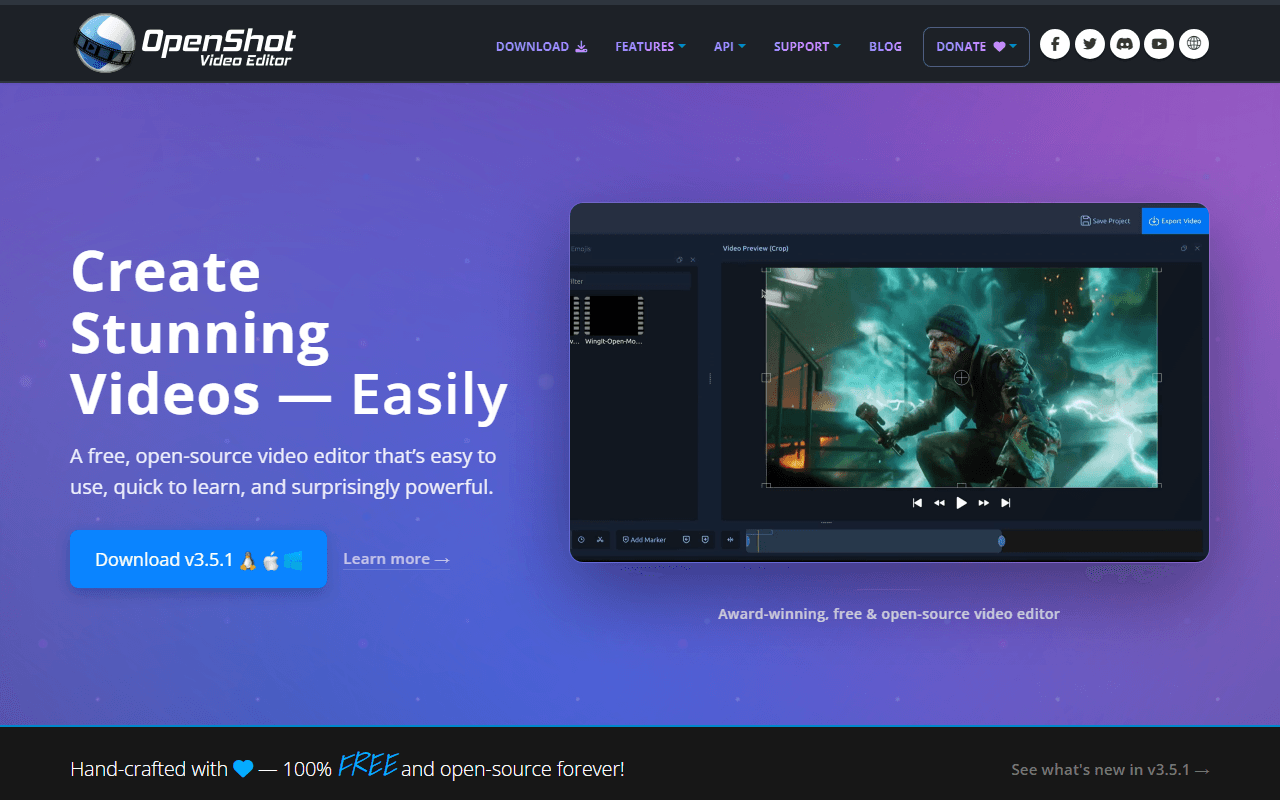
OpenShot is a GPL-3.0 editor built around being simple, and two things repeated about it are wrong. It is not abandoned: v3.5.1 shipped on 8 April 2026. And its download is not behind a donation prompt: the donate block sits below the platform buttons, which link straight at GitHub release binaries with no account and no cap.

OpenShot screenshot
  • Completely free (as of July 2026)
  • United States
  • Open source (GPL-3.0-only)
Best for:
A first editor, or a quick cut on Windows, macOS, Linux or Chrome OS where you want to be finished before you would have finished installing Resolve.
The catch:
Stability is the real problem and the project documents it itself. Its own user guide describes a Windows 11 freeze triggered by Ctrl+C, with an accompanying memory leak that worsens until the application crashes, and ships a keyboard workaround rather than a fix, alongside a GDB walkthrough for users filing crash reports.
7.

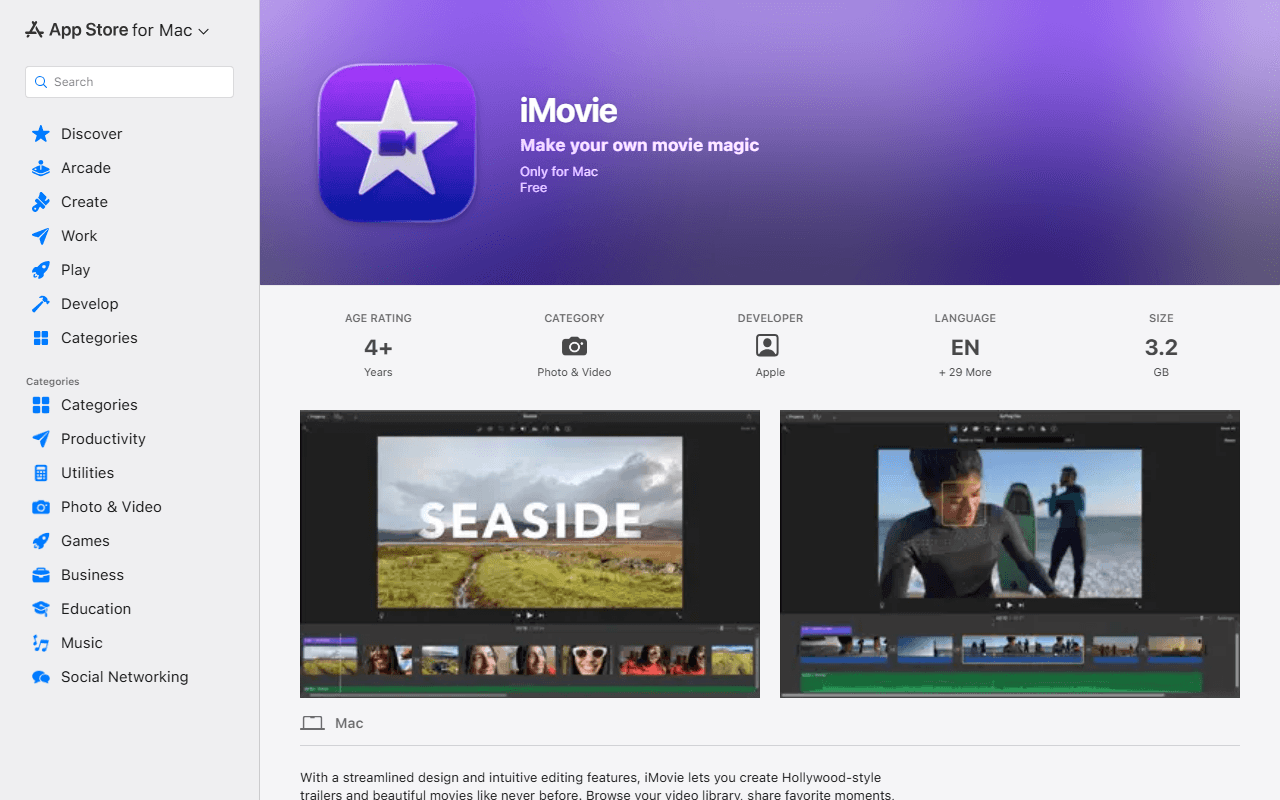
iMovie is free on the Mac App Store with no in-app purchases and no purchase condition attached, and it exports up to 4K. If you own a Mac it is the quickest honest answer on this page, because it is already installed. The macOS build is current at 10.4.4, dated 28 January 2026.

iMovie screenshot
  • Completely free (as of July 2026)
  • United States
Best for:
Mac, iPhone and iPad owners cutting family video, a first upload or anything where a timeline, titles and transitions are enough.
The catch:
It exists only on Apple hardware, so it is a non-answer for Windows and Linux readers. The current Mac build needs macOS 15.6 or later, which rules out older machines, and the iPhone and iPad build has not been updated since 16 December 2024. Apple has also retired the iMovie product page, so apple.com/imovie now redirects to a support hub.
8.

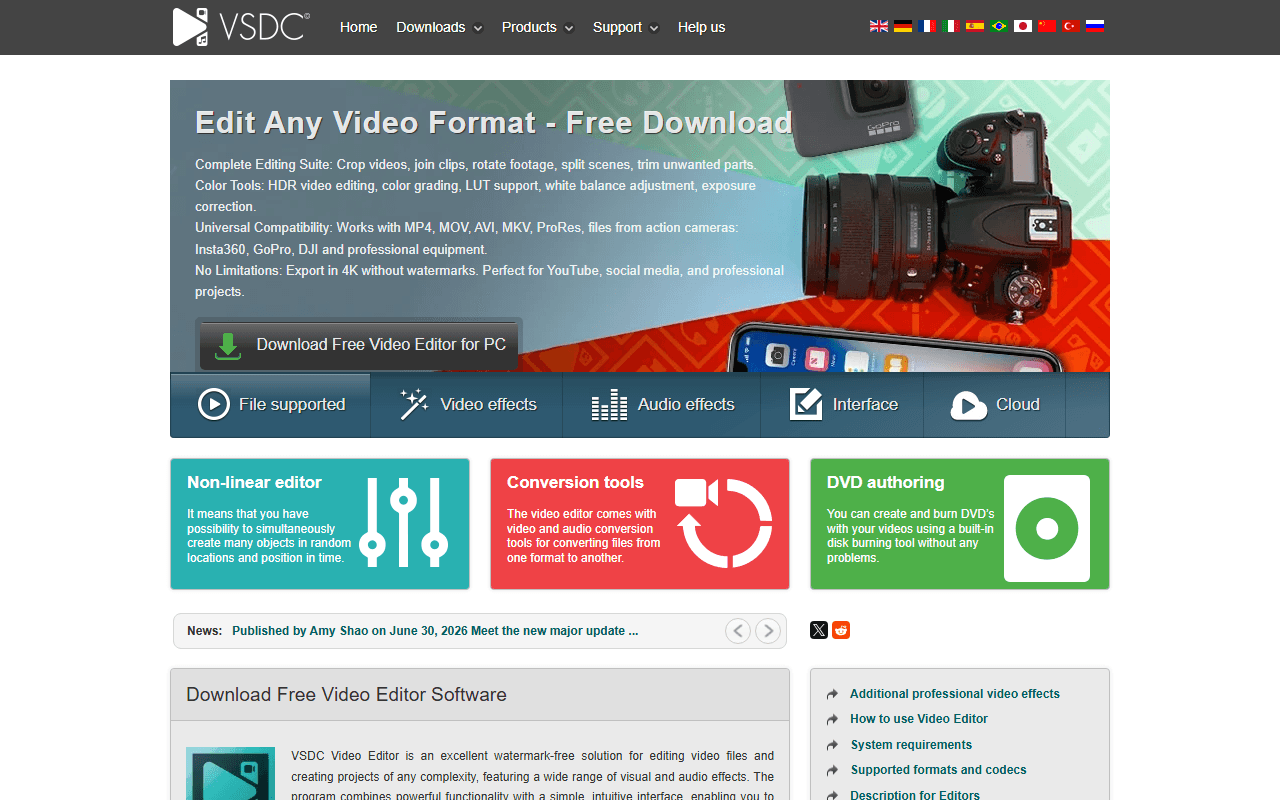
VSDC's free build is more capable than its reputation suggests: no watermark, no resolution gate, 4K and 8K export, no stated limit on file size or duration, and no account needed to download. It is Windows only, and version 11.2 was announced on 30 June 2026.

VSDC screenshot
  • Free plan, paid from $19.99/year (as of July 2026)
Best for:
Windows users editing for themselves or for coursework who want high-resolution export with no watermark and no subscription.
The catch:
The licence is the catch, not the feature list. VSDC's Terms and Conditions grant the free version for personal and educational use only, and commercial use comes with Pro at USD 19.99 for one year, which most roundups miss because they check for a watermark and stop. Hardware acceleration is Pro only too, so free 4K and 8K exports run on your CPU. The vendor's own FAQ calls Pro a one-time purchase while its Terms call it a one-year subscription, and on bundled adware the vendor denies it outright, which we report as a denial rather than as a test result.
9.

Lightworks is a genuine professional editor with a long broadcast and film history, made by LWKS Software Ltd in Swindon, and its free tier carries no watermark at all. The latest release is 2025.2-56356 from January 2026, on Windows, macOS and Linux.

Lightworks screenshot
  • Free plan (as of July 2026)
  • United Kingdom
Best for:
Editors who want to learn a broadcast-style toolset for nothing, and who can either deliver at 720p or expect to move up to a paid tier later.
The catch:
Free export is capped at 720p, which the vendor states three separate ways on its own site and which is below what most people now treat as deliverable. It also needs an account, and the free licence expires every 90 days and is renewed by signing back into the application. Lightworks renders its prices client-side, so we could not read a single figure for Create or Pro and we quote none.
10.

Blender's Video Sequencer is a real timeline with up to 32 slots, scopes, audio mixing and grading, inside a free GPL 3D suite (5.2.0 LTS, released 14 July 2026). It is a specialist entry rather than a ranked general editor, because Blender's own manual introduces the sequencer as one of two ways to edit video inside a 3D application.

Blender screenshot
  • Completely free (as of July 2026)
  • Netherlands
  • Open source (GNU GPL Version 2 or later for the source the Foundation develops, GNU GPL Version 3 or later for distributed binaries)
Best for:
People already working in Blender who want to cut and finish their renders without leaving it, and anyone whose edit is mostly 3D or motion work anyway.
The catch:
It is a 3D application with an editor in it, not an editor. The interface, keymap and vocabulary are built for 3D, the project ships a separate Video Editing app template you have to switch into, and there is no first-party route for someone who only wants to cut a video. Its Capterra rating of 4.7 from 953 reviews is rating the whole suite, not the Video Sequencer.
11.

Adobe's motion graphics and compositing application, subscription only, and not a video editor at all.

  • Paid (as of July 2026)
12.

The desktop editor most professional video still passes through, sold by subscription with no free tier.

  • Paid (as of July 2026)
13.

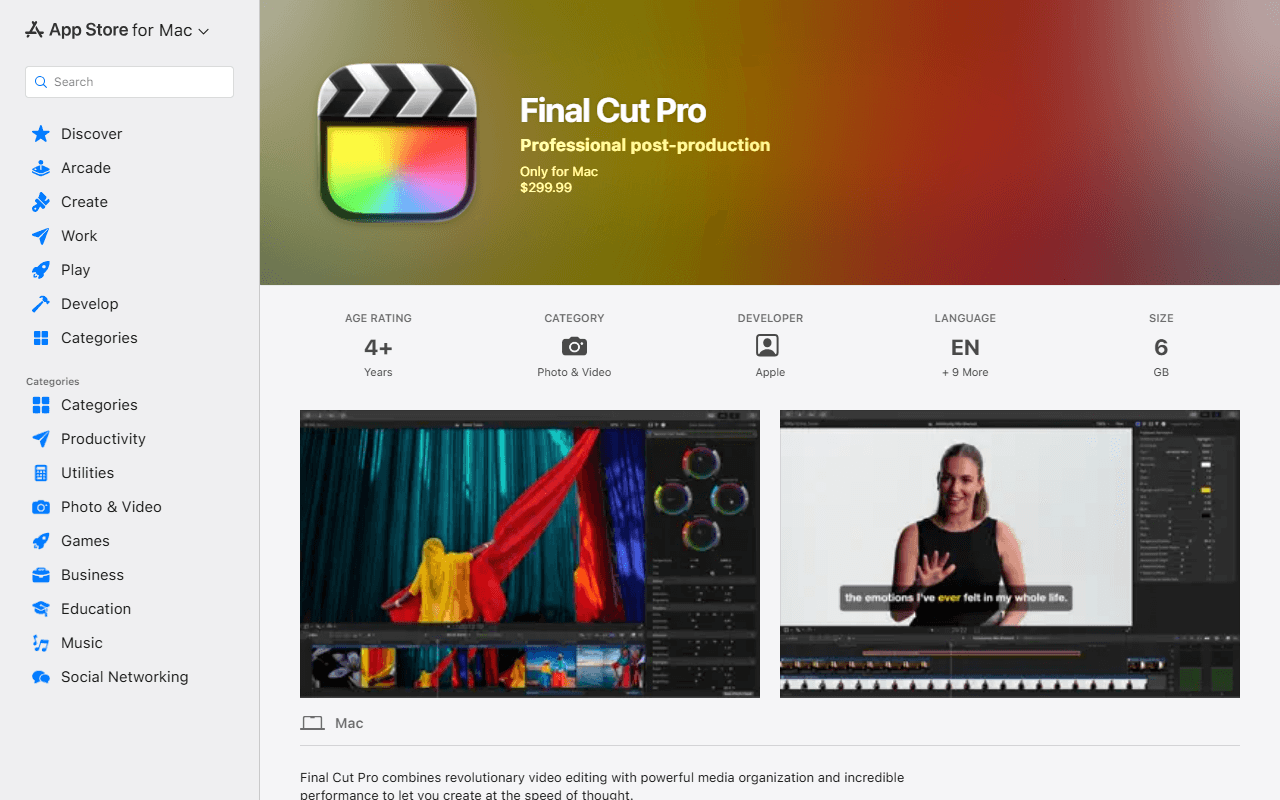
Apple's professional Mac editor, $299.99 once or $12.99 a month in a bundle, with no free plan and no Windows build.

Final Cut Pro screenshot
  • From $299.99 one-time (as of July 2026)

Your computer decides this more than your ambitions do

Start with your computer, not with the feature list. If your machine is comfortable running a large application and you want a ceiling you will not hit, DaVinci Resolve first and it is not close. If it is modest, or you simply want to open something and cut, Kdenlive and Shotcut are both open source with no watermark, no time limit and no export cap, and Shotcut is the gentler of the two to learn. When the browser is the computer, on a Chromebook or a locked-down work laptop, Clipchamp exports unlimited watermark-free video at up to 1080p. On a Mac, iMovie is free, already installed and exports up to 4K, so try it before you download anything. Two warnings worth reading twice: VSDC's free licence covers personal and educational use only, so paid client work needs Pro at USD 19.99 a year, and Lightworks free exports at 720p and expires every 90 days until you sign back in. And if the job is really 'cut this file in half without re-encoding it', that is a different kind of tool, closer to a lossless cutter like LosslessCut than to anything ranked here, and we have not reviewed one yet.

Watermarks, commercial use, and what 4K really costs

What is the best free video editor?

DaVinci Resolve, if your computer can carry it. The free build is the same professional application as the paid one, with no watermark and no time limit, up to Ultra HD 3840 x 2160 at 60 fps in 8-bit (as of July 2026). If your machine is modest, or you want something simpler, Kdenlive and Shotcut are fully open source with no limits of any kind, and Clipchamp handles it in a browser tab at up to 1080p.

Do free video editors put a watermark on your video?

Most of the ones we rank do not. DaVinci Resolve, Kdenlive, Shotcut, OpenShot, Clipchamp, iMovie, VSDC, Lightworks and Blender all export without vendor branding (as of July 2026). CapCut is the exception with a condition: manual edits export clean, but templates and premium assets stamp a watermark, CapCut appends its own logo end card that you delete yourself, and its help centre says free 4K exports may be watermarked or bitrate-limited.

Can I use a free video editor for paid client work?

Usually yes, but check the licence rather than the watermark. Kdenlive, Shotcut, OpenShot and Blender are GPL-licensed and permit commercial use, and DaVinci Resolve's free version is commercially usable. The one to watch is VSDC: its Terms and Conditions grant the free build for personal and educational use only, and commercial use requires Pro at USD 19.99 for one year (as of July 2026). Lightworks separately asks, in its FAQ, for a logo end card when free-tier output is used commercially.

Which free video editors export in 4K?

DaVinci Resolve goes up to Ultra HD 3840 x 2160 at 60 fps in 8-bit, VSDC exports 4K and 8K with no watermark, and iMovie exports up to 4K (as of July 2026). CapCut lists 4K on free across web, desktop and mobile, with its own caveat that free 4K may be watermarked or bitrate-limited. Two hard ceilings to know about: Clipchamp free stops at 1080p, and Lightworks free stops at 720p.

Is CapCut free, and who owns it?

It has a real free tier, gated on assets rather than on the timeline, and it publishes no prices anywhere on its own site, so you cannot see what Pro costs without signing in. Ownership takes two sentences, not one: outside the United States the contracting entity is Bytedance Pte. Ltd. in Singapore, per terms last updated 15 April 2026, and for US users it has been TikTok USDS Joint Venture LLC since 23 January 2026, with ByteDance holding 19.9%. It is not accurate to say CapCut is owned by TikTok.

Do I need a fast computer to edit video for free?

It depends which editor, and this is the cost nobody prices. DaVinci Resolve free does not include hardware accelerated encoding and decoding, per Blackmagic's own edition document, so long H.264 and H.265 exports lean on your CPU, and VSDC keeps hardware acceleration in its Pro tier too. Kdenlive, Shotcut and OpenShot ask far less of a machine, and Clipchamp runs in a browser tab, which is why our picks are split by hardware rather than by feature count.

Keep exploring

Browse every category, or read our full reviews of the tools above.