
Discover honest, community-driven software alternatives. Learn about our mission

Clipchamp logo

Clipchamp review

Microsoft's browser and Windows editor, with unlimited watermark-free exports capped at 1080p on the free tier.

Facts checked July 2026

Visit ClipchampSee alternatives
clipchamp.com
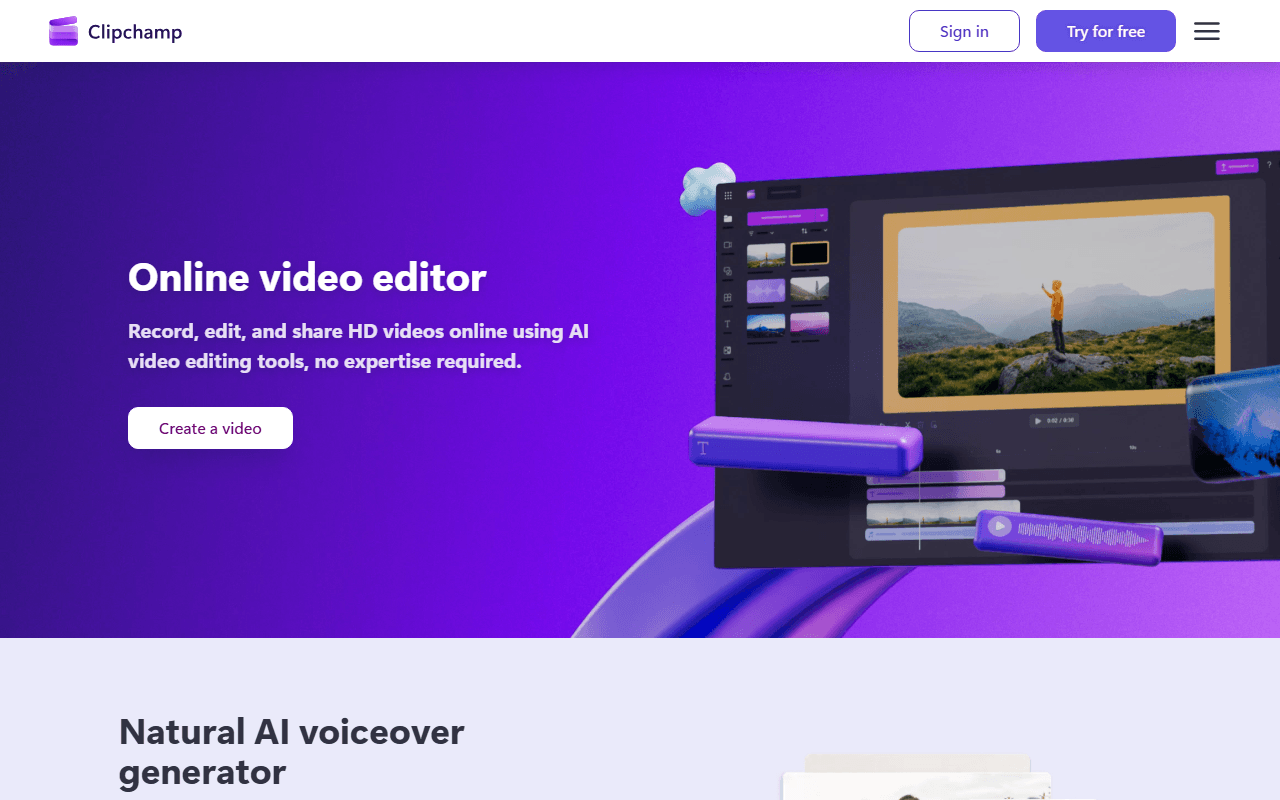
Clipchamp homepage screenshot

Clipchamp at a glance

Free plan
Yes
Free plan score
60/100Usable
Open source
Proprietary
Based in
Australia
Company
Microsoft Corporation
Founded
2014

Our take

Clipchamp free gives you unlimited exports with no watermark at up to 1080p, in a browser tab or built into Windows 11. The ceiling is the ceiling: 4K, premium stock, the brand kit and project backup are all paid, and there is no macOS or Android app.

Windows 11 ships it, the browser still runs it

Clipchamp began in Brisbane in 2014, joined Microsoft in 2021, and now does two jobs at once. It is the official video editor shipped with Windows 11, taking over the lineage that ran from Movie Maker through the Photos video editor, and it is still a standalone browser app at app.clipchamp.com that runs in Edge or Chrome on any operating system.

The editor itself is a timeline, not a template wizard: multiple tracks, trimming, transitions, text, a stock library, screen and webcam recording, and a set of AI features that are genuinely on the free side, including subtitles, voiceovers, silence removal and image background removal. Nothing about it is deep. Everything about it is quick, which is the point.

We rank it fifth because of a single number. The free tier is unusually clean, and it stops at 1080p.

For the person who needs a 1080p cut by lunchtime

  • Windows 11 users who want to trim and caption something without installing anything at all
  • Anyone on a Chromebook, a work laptop with locked-down software installs, or a machine too weak for a desktop NLE
  • People who already pay for Microsoft 365 and did not realise Clipchamp premium came with it
  • Social and internal video where 1080p is the delivery spec anyway
  • Not anyone who needs a 4K master, and not macOS or Android users who want a real app

Free at 1080p, and the prices we could and could not read

Free means free here in the way people hope it does: unlimited exports, no watermark, no export counter, free stock, free filters and effects, and the AI subtitles and voiceover tools included rather than teased (as of July 2026). What it does not mean is 4K, premium stock, the brand kit, or cloud backup for your projects.

Above free, Microsoft's own Clipchamp product page carries clear figures for the bundled routes. Microsoft 365 Personal is $99.99 a year or $9.99 a month, Family is $129.99 a year or $12.99 a month for up to six people, and on the business side Clipchamp Editor Standard is $3.00 per user per month and Editor Premium, which is where 4K UHD export lives, is $7.00 per user per month, both billed annually.

The one price we cannot give you is the standalone personal Clipchamp Premium subscription. It exists, it is bought through the Microsoft Store, and no Microsoft or Clipchamp page we could read prints a figure for it. The pricing page compares free against Microsoft 365 instead, one support article says only that the currency and price shown are the ones for your region, and the Store listing renders client-side. A specific monthly figure circulates widely for it. We are not repeating a number we could not source.

4K is the paywall; 1080p is the limit

Everything else on the free tier is generous enough that the resolution cap does all the work. If your deliverable is 1080p, you may never notice a limit at all. If it is 4K, you are paying, and the cheapest verified route to it is a Microsoft 365 subscription or the $7 business tier.

Three smaller limits sit behind it. Premium stock, premium filters and effects and the single brand kit are paid, so a free Clipchamp project leans on your own footage. Cloud backup for projects is paid and, unusually, is the one premium feature Microsoft says its own 365 subscribers do not get. And the account requirement tightened after the acquisition: the Windows app now signs you in with a personal or family Microsoft account and no longer accepts Google, though the browser version still takes Google, an email link, or an email and password.

The last limit is platform. There is a browser version, a Windows app and an iOS app, and that is the list. No macOS app, no Android app, no Linux app, so a large share of users are browser-only whether they like it or not.

Correcting the watermark myth, then our recommendation

Before the verdict, the correction: Clipchamp free does not watermark your exports, and it does not cap how many you make. Microsoft's page says unlimited watermark-free exports and Clipchamp's pricing page says exports are up to 1080p with no watermarks. Both claims to the contrary are leftovers from the Creator and Business plans that were discontinued in November 2022.

So, would we send you here? Yes, if 1080p is enough and you value not installing anything, and especially if you already pay for Microsoft 365, in which case the premium features are already yours. If you need 4K without paying, CapCut offers it on its free tier with its own caveats, and Kdenlive and Shotcut have no resolution ceiling at all. The full ranking is on our free video editing page.

What Clipchamp offers

  • Multi-track timeline
  • Watermark-free exports
  • Subtitles and captions
  • Works in the browser

Not included

  • 4K export
  • Colour grading
  • Motion tracking
  • Audio mixing
  • Proxy editing
  • Hardware acceleration
  • Windows, macOS and Linux
  • Open source

Clipchamp plans and pricing

Unlimited watermark-free exports at up to 1080p, with free stock assets, free filters and effects, and AI subtitles, voiceovers and silence removal included. 4K, premium stock, the brand kit and project backup are paid

The standalone personal Clipchamp Premium subscription has a price, but we could not read it on any Microsoft or Clipchamp page: the pricing page compares free against Microsoft 365 without a standalone figure, the support articles decline to give one, and the Store listing renders client-side. The widely quoted $11.99 a month does not appear on any first-party page we could read, so we omit it and quote no starting price. The Microsoft 365 and business figures above were read on Microsoft's own Clipchamp product page in July 2026

Free

Free

Export as many videos as you like at up to 1080p with no watermark, using free stock, free filters and effects, plus AI subtitles, voiceovers, silence removal and image background removal

1080p is a hard ceiling; 4K UHD appears only in the premium column. Premium stock, premium filters and effects, the brand kit and cloud backup for projects are all excluded. An account is required, and the Windows app accepts only a personal or family Microsoft account

Microsoft 365 Personal

$99.99/yr

Clipchamp premium features plus Word, Excel, PowerPoint, Outlook, OneNote, OneDrive, Teams and Defender. Also sold at $9.99 a month

Microsoft states that 365 Personal, Family and Premium subscribers get all Clipchamp premium features except cloud backup for video projects

Microsoft 365 Family

$129.99/yr

The same premium features for up to 6 people with 1 TB of storage each. Also sold at $12.99 a month

Same exclusion: cloud backup for video projects is not included with a Microsoft 365 subscription

Clipchamp Editor Standard (business)

$3/mo

HD export, core editing and recording, sold per user and billed annually

HD only. 4K UHD export is on the Premium business tier, not this one

Clipchamp Editor Premium (business)

$7/mo

Adds 4K (UHD) export resolution, premium stock and analytics, sold per user and billed annually

Per user, billed annually

As of July 2026. Check current pricing on the Clipchamp pricing page.

Clipchamp's free plan score

How good Clipchamp's free plan really is, judged on four things and weighted into one number.

60/100

Usable

Unlimited watermark-free exports in a browser tab, and 1080p is where it stops.

Free plan generosity

68/100

Feature depth for the category

52/100

Freedom and honesty

62/100

What free users report

55/100

Scored July 2026. How we calculate the free plan score.

Frequently asked questions about Clipchamp

Does Clipchamp watermark free exports?

No, and this is the most repeated wrong thing about it. Microsoft's own product page says unlimited watermark-free exports, and Clipchamp's pricing page says you can export in up to 1080p full HD for free with no watermarks. The watermark claim is a holdover from the Creator and Business tiers that Microsoft discontinued in November 2022 (as of July 2026).

Can I export 4K on the free plan?

No. 1080p is the ceiling on free, stated the same way on Microsoft's product page, Clipchamp's pricing page and Microsoft's support article. 4K UHD sits in the premium column, reachable through a Microsoft 365 subscription, a standalone Clipchamp Premium subscription, or the business Editor Premium tier at $7 per user per month billed annually (as of July 2026).

How many videos can I export for free?

As many as you like. Clipchamp's own wording is that you can work on and export as many videos as you like, and Microsoft's page calls them unlimited watermark-free exports. The monthly export caps people remember belonged to the Creator and Business plans discontinued in November 2022, and no export counter has replaced them (as of July 2026).

Do I need a Microsoft account to use Clipchamp?

Only in the Windows app. Microsoft's support article states that it is no longer possible to sign into the desktop app through another method such as Google, and personal users are logged in automatically with their personal or family Microsoft account. In the browser at app.clipchamp.com you can still use a Google login, an email link, or an email and password.

Is there a Clipchamp app for Mac or Android?

No. Microsoft lists a browser version for Edge or Chrome, the Windows 10 and 11 desktop app, and a free iOS app, and nothing else. macOS, Linux and Android users are browser-only (as of July 2026), which works, but it means no offline editing and no local app on those platforms.

What does a Microsoft 365 subscription add to Clipchamp?

Almost all the premium features, with one documented exception. Microsoft 365 Personal ($99.99 a year) and Family ($129.99 a year) unlock 4K export, premium stock, premium filters and the brand kit, but Microsoft states that 365 subscribers do not get cloud backup for video projects at this time. That single feature needs the standalone Clipchamp subscription (as of July 2026).

Latest Clipchamp news

Changes that affect what you get for free: pricing, free plan limits, ownership, and whether the project is still maintained. Not every release.

We have not checked Clipchamp's announcements yet. When we do, anything that changes the free plan or the price will show up here.

Reader reviews

What people who actually use Clipchamp think of it.

No reviews of Clipchamp yet. If you have used it, yours would be the first.

The useful part is the specifics: what you used it for, and where it got in your way.

Loading...