Free alternatives to Kdenlive
Kdenlive has no paywall, no watermark and no export ceiling, so nobody arrives here to save money. People come looking because something did not fit: the KDE interface is dense if all you wanted was to trim a clip, the macOS build needs Ventura or newer and trips Gatekeeper on first launch, and point releases keep shipping crash fixes because the project logs them honestly. If you want colour tools it does not have, or a simpler timeline than it offers, the editors below are the honest swaps.
Facts checked as of July 2026Read our Kdenlive review
Jump to an alternative


Shotcut
Best Free Alternative ToKdenliveThe same engine underneath, in a much simpler window
Shotcut is Kdenlive's closest sibling: both are built on the MLT framework, both are GPL, both are free with no ceilings, and both run on Windows, macOS and Linux. The difference is density. Shotcut keeps the timeline, filters and export in one window where Kdenlive spreads bins, effect stacks and configurable layouts across a KDE interface, and it is the quicker of the two to get productive in. Version 26.6.25 shipped on 26 June 2026.
- Completely free (as of July 2026)
- Open source (GPL-3.0)
- Best for:
- Kdenlive users who liked the freedom and not the interface
- The catch:
- The free route is the ad-supported shotcut.org download, the Microsoft Store build of the same app is a paid $11.49 listing, and there is no official Shotcut on the Mac App Store.
Compared to Kdenlive
- Advantage: A simpler single-window layout than Kdenlive's KDE interface
- Worth knowing: Same MLT engine underneath, so format support feels familiar
- Worth knowing: Free with no limits under GPL-3.0, exactly like Kdenlive
- Worth knowing: Publisher lists support up to 8K
- Tradeoff: Fewer built-in effects and title tools than Kdenlive
- Tradeoff: The convenient auto-updating Windows build costs $11.49, where every Kdenlive route is free
The scopes, curves and colour wheels Kdenlive has no equivalent of
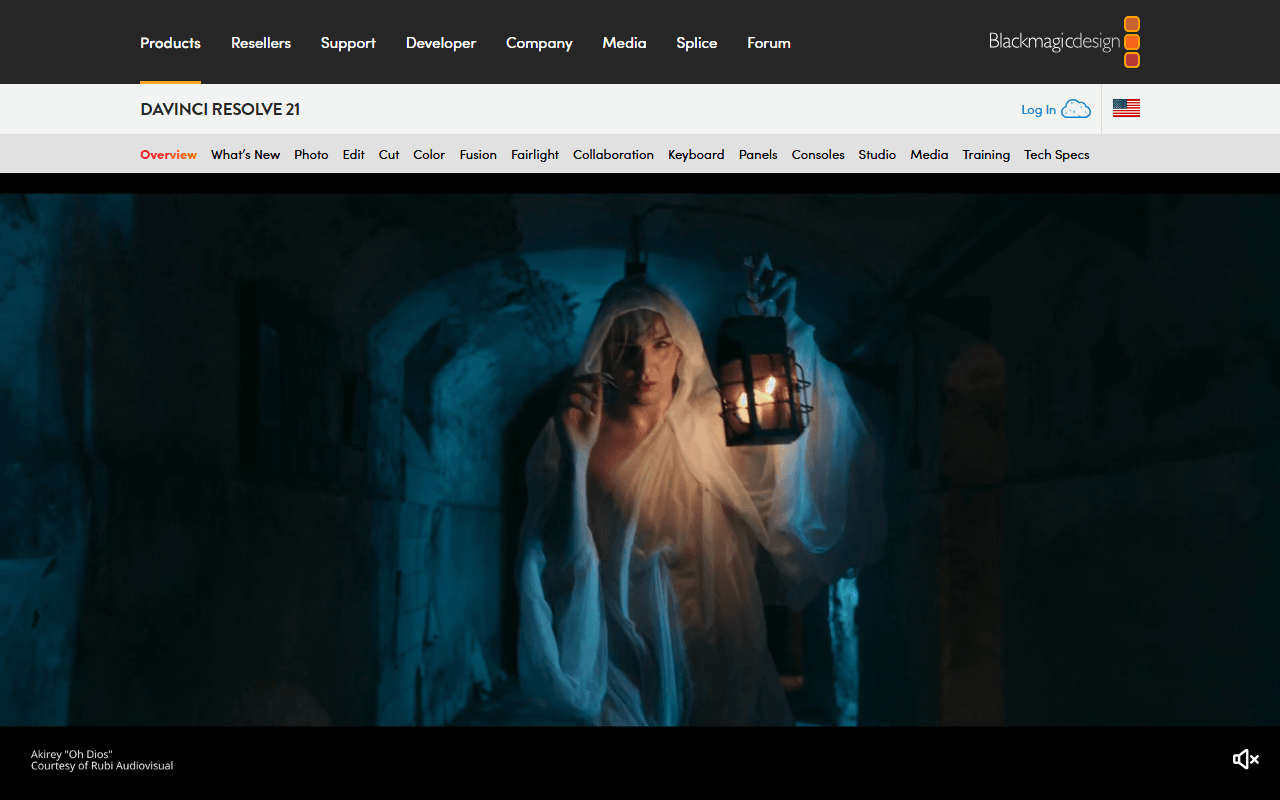
If you left Kdenlive because colour work hit a wall, Resolve is the free tool without that wall. The free build gives you the full colour page, node-based Fusion compositing and the Fairlight audio suite, edits and finishes up to Ultra HD 3840 x 2160 at 60fps in 8-bit, and carries no watermark and no time limit (as of July 2026). It is a much bigger commitment than Kdenlive in every sense, on disk, on hardware and on hours.
- Free plan, paid from $295 one-time (as of July 2026)
- Best for:
- Colour grading, compositing and audio post without paying for Studio
- The catch:
- You must register with Blackmagic to download the free version, and hardware accelerated encoding and decoding is Studio-only per Blackmagic's own edition document dated August 2024.
Compared to Kdenlive
- Advantage: A full colour grading page, which Kdenlive has no equivalent of
- Advantage: Node compositing and a dedicated audio post page
- Worth knowing: Runs on Windows, macOS and Linux like Kdenlive
- Tradeoff: Registration with Blackmagic is required before the free download
- Tradeoff: Free build caps at UHD 3840 x 2160, 60fps and 8-bit; Kdenlive has no cap
- Tradeoff: Proprietary, where Kdenlive is GPL-3.0-or-later
- Tradeoff: Much heavier to install and to learn
Fewer concepts than Kdenlive, and the same GPL freedom
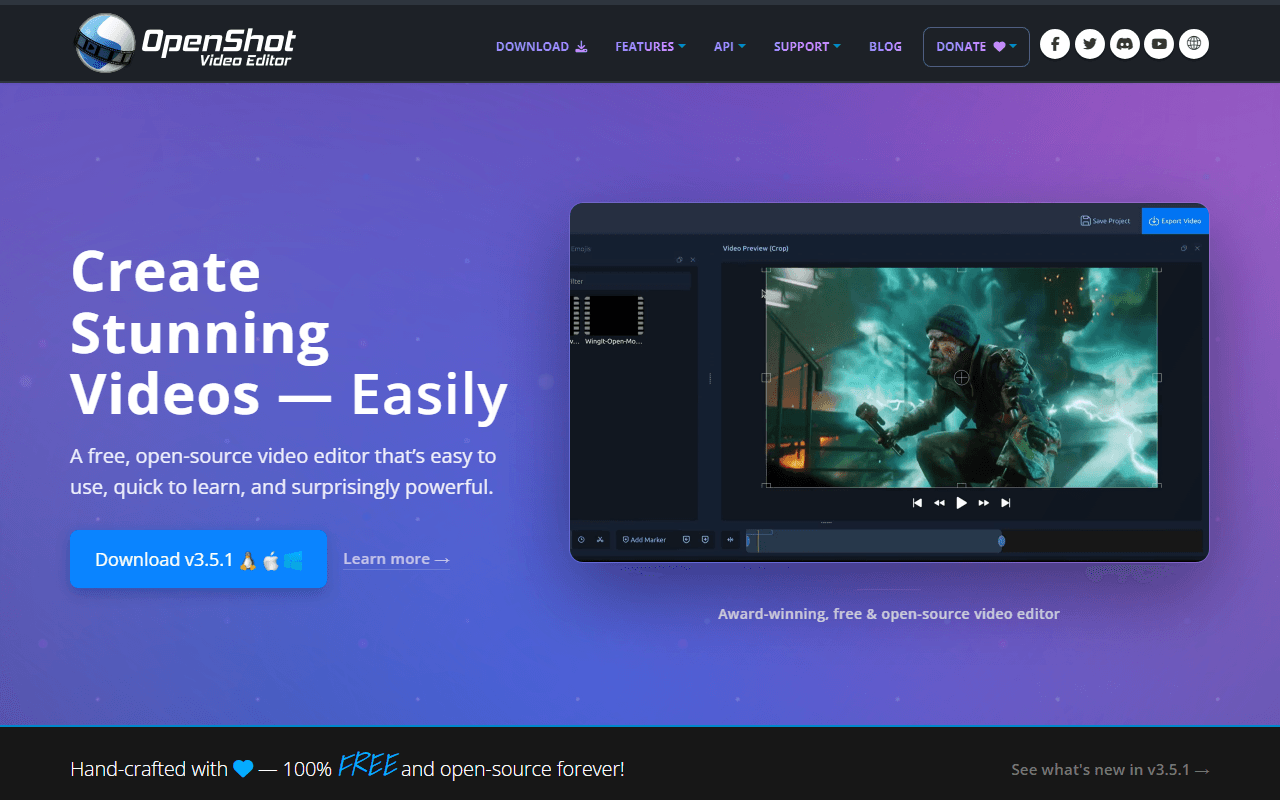
OpenShot is the step down for when Kdenlive's bins, effect stacks and configurable layouts were more than the job needed. It is GPL-3.0-only, free with no account and no export cap, and the download links go straight to GitHub binaries with the donation ask sitting below them (as of July 2026). Version 3.5.1 arrived on 8 April 2026 and added an Optimize Video proxy mode for heavy source files.
- Completely free (as of July 2026)
- United States
- Open source (GPL-3.0-only)
 United States
- Best for:
- Cuts, titles and transitions, without learning a second dense interface
- The catch:
- The project's own user guide documents a Windows 11 freeze triggered by Ctrl+C, with a memory leak and a documented workaround rather than a fix.
Compared to Kdenlive
- Advantage: A simpler interface with far fewer panels than Kdenlive
- Advantage: Also ships a Chrome OS build, which Kdenlive does not
- Worth knowing: Free with no account and no export cap, the same as Kdenlive
- Worth knowing: Open source under GPL-3.0-only against Kdenlive's GPL-3.0-or-later
- Tradeoff: Documented Windows 11 freeze in the project's own troubleshooting guide
- Tradeoff: Fewer effects, transitions and title tools than Kdenlive
Auto captions, templates and a phone app, none of which Kdenlive attempts
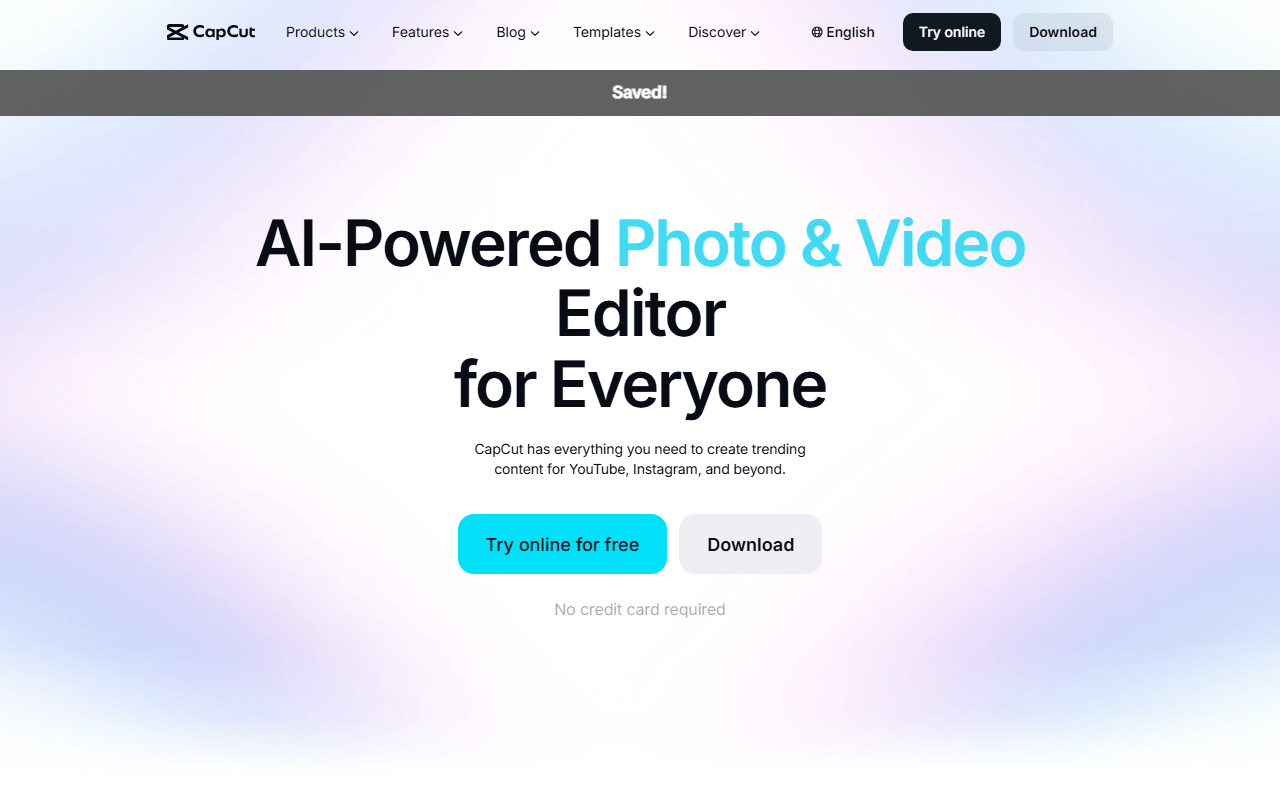
Kdenlive is a desktop NLE and nothing else, so captioned vertical video was always going to be uphill in it. CapCut does auto captions, background removal and templates on the free tier, and its own help pages put 4K export on free across web, desktop and mobile, with CapCut's stated caveat that free accounts may face watermarks or bitrate limits on 4K (as of July 2026).
- Free plan (as of July 2026)
- Singapore
 Singapore
- Best for:
- Short-form social video where captions and templates are the actual work
- The catch:
- Its terms, last updated 15 April 2026, take a perpetual, worldwide, sub-licensable licence over content you submit, and no Pro price is published anywhere on its site.
Compared to Kdenlive
- Advantage: Auto captions and background removal, which Kdenlive does not offer
- Advantage: Runs on phones and in a browser, where Kdenlive is desktop-only
- Advantage: Templates and a stock library included on the free tier
- Tradeoff: Proprietary, with terms taking a perpetual licence over submitted content
- Tradeoff: No Linux build, where Linux is Kdenlive's reference platform
- Tradeoff: Templates and premium assets stamp a watermark on free exports
- Tradeoff: Geo-restricted, with some features silently disabled by region
A browser timeline with nothing to install and nothing to update
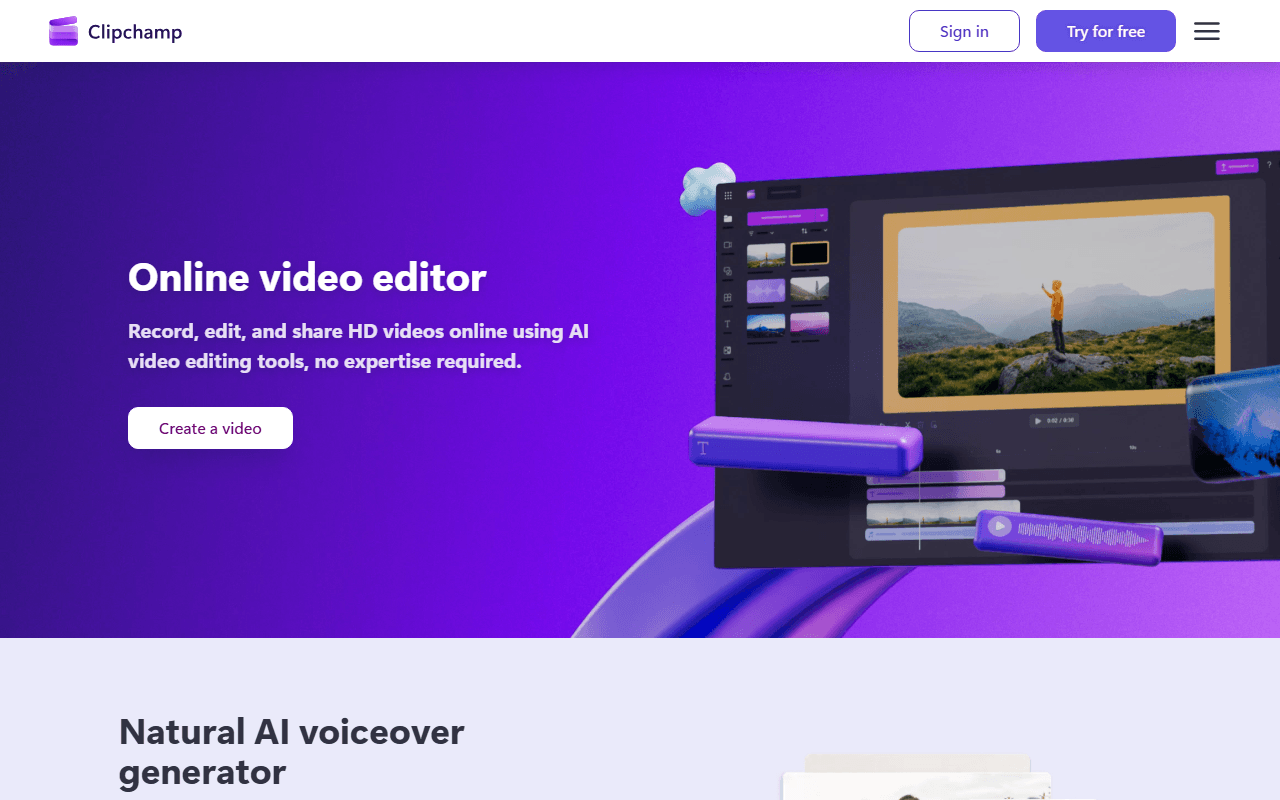
If Kdenlive's crash-fix release notes were the sticking point, moving into a browser tab removes the question entirely. Clipchamp runs in Edge or Chrome, free exports are watermark-free with no cap on how many you make, and AI subtitles, voiceovers and silence removal are all on the free tier (as of July 2026). The price is resolution: free stops at 1080p, where Kdenlive has no ceiling at all.
- Free plan (as of July 2026)
- Australia
 Australia
- Best for:
- Quick edits on any machine, including one you do not administer
- The catch:
- Free exports cap at 1080p, there is no macOS or Android app, and the Windows app accepts only a personal Microsoft account.
Compared to Kdenlive
- Advantage: Nothing to install, update or troubleshoot
- Advantage: AI subtitles and voiceovers included free
- Worth knowing: Watermark-free with unlimited exports, like Kdenlive
- Tradeoff: Free exports stop at 1080p; Kdenlive has no resolution ceiling
- Tradeoff: Proprietary and cloud-based, where Kdenlive is GPL-3.0-or-later and local
- Tradeoff: No Linux support at all
The Mac option, on the platform Kdenlive supports last
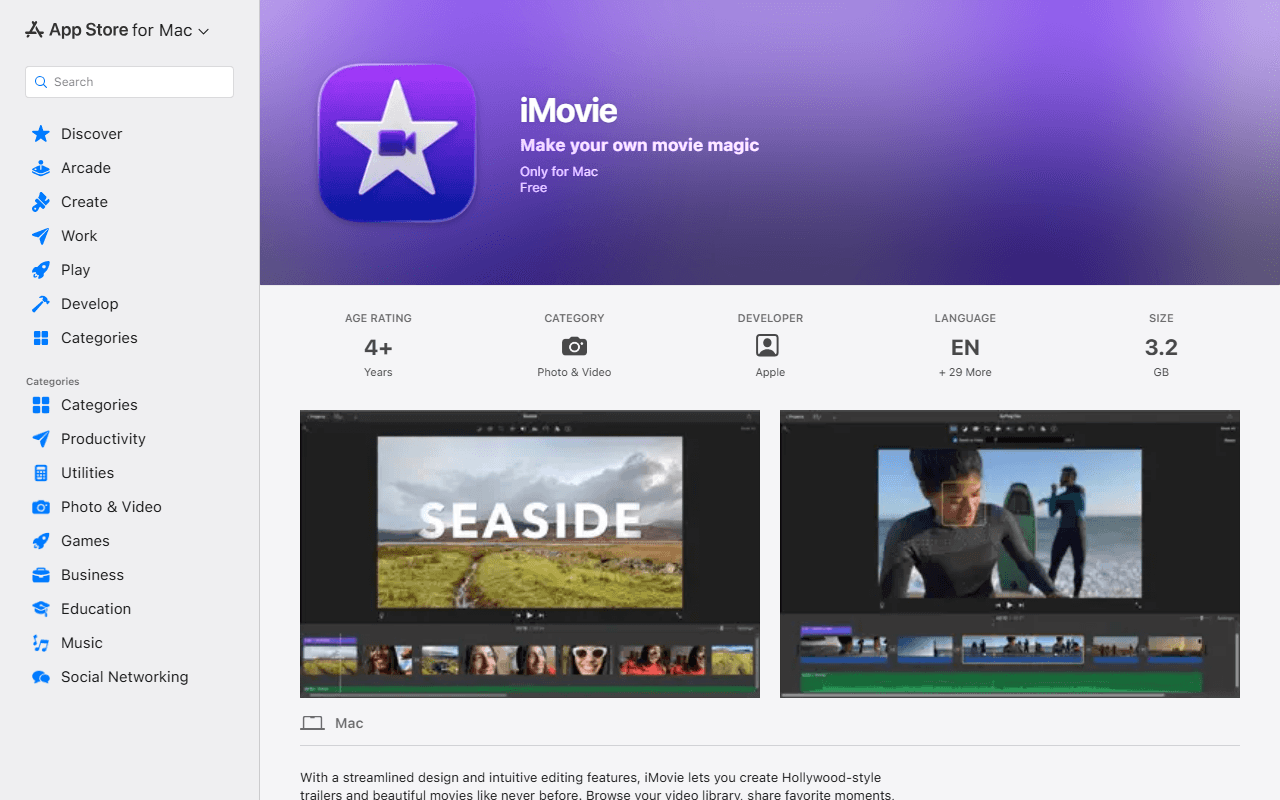
Kdenlive's macOS builds need Ventura or newer and trip Gatekeeper on first launch, so Mac users often want something that simply opens. iMovie is free with no in-app purchases, exports at up to 4K per Apple's own Mac App Store listing, and the current build, 10.4.4, is dated 28 January 2026 (as of July 2026). It does far less than Kdenlive, and it does that much without friction.
- Completely free (as of July 2026)
- United States
- Best for:
- Mac users who want a free editor that opens without a security dialog
- The catch:
- It needs macOS 15.6 or later, runs only on Apple platforms, and the iPhone and iPad build has not been updated since 16 December 2024.
Compared to Kdenlive
- Advantage: Installs and opens with no Gatekeeper warning, unlike Kdenlive's macOS build
- Worth knowing: Free with no account beyond an Apple Account
- Worth knowing: Exports up to 4K
- Tradeoff: macOS and iOS only, where Kdenlive covers Windows, macOS and Linux
- Tradeoff: Proprietary, where Kdenlive is GPL-3.0-or-later
- Tradeoff: Far fewer effects, transitions and keyframe controls than Kdenlive
How to choose
Match the swap to whatever did not fit. If Kdenlive felt heavy, Shotcut runs on the same MLT engine and is the easier of the two to learn, and OpenShot is simpler still if you only need cuts and titles. If you want proper scopes, curves and colour wheels, DaVinci Resolve is the free tool that has them, at the cost of registering with Blackmagic and a much larger install. CapCut and Clipchamp are the answers when the job is captions and social crops rather than a timeline, and iMovie is the free Mac option for the platform Kdenlive supports last.