
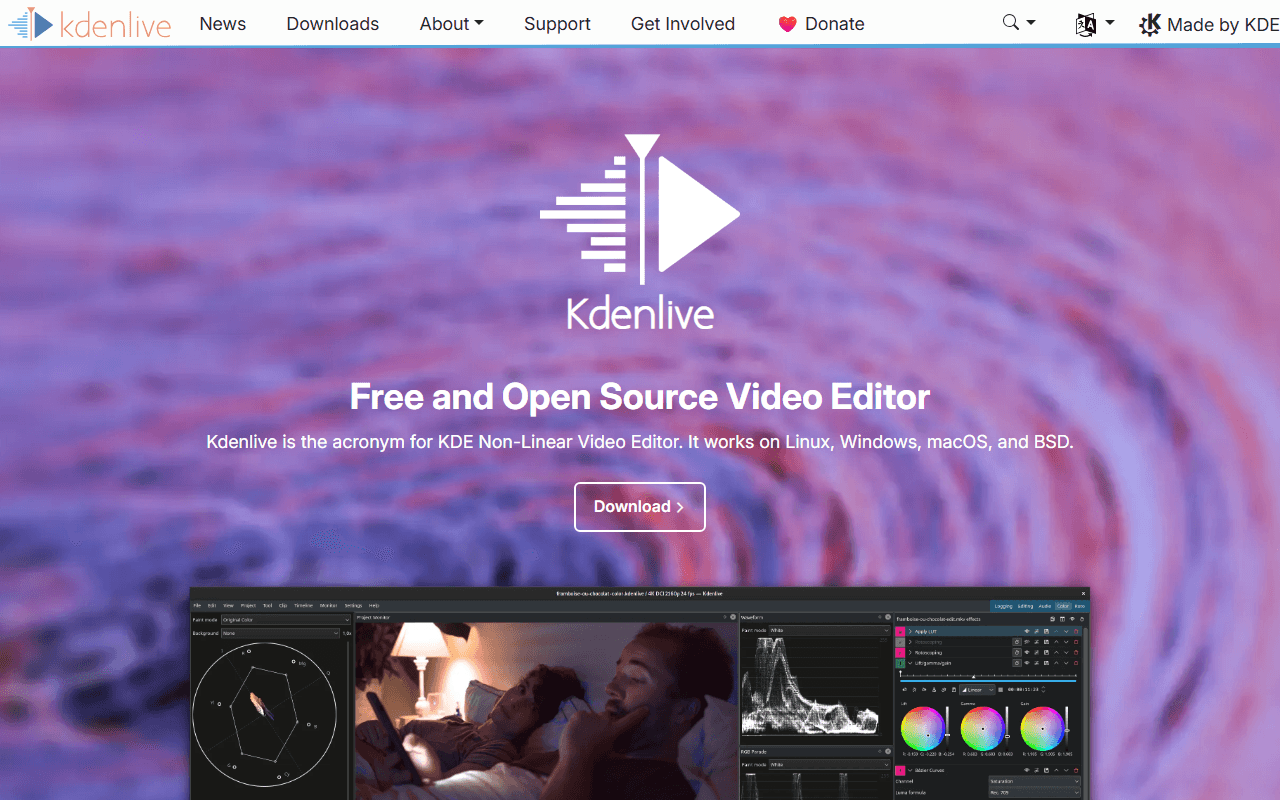

KDE's video editor, and the MLT engine underneath it
Kdenlive is a multi-track non-linear editor built by the KDE community on top of the MLT framework, which is the same engine Shotcut uses. It has been going for years, it ships on KDE's release cadence, and its legal and financial side is handled by KDE e.V., a registered non-profit in Berlin. Nobody is trying to convert you to anything.
In use it is dense in the way a mature editor is dense: effect stacks, keyframes, proxy clips, audio mixing, colour correction, subtitles and a configurable layout that will look familiar if you have used any timeline editor before. The current release is 26.04.3, out on 6 July 2026, and the project describes it as the last maintenance release of the 26.04 series.
We rank it second, behind DaVinci Resolve, for one reason: Resolve is the more capable application, but Kdenlive asks almost nothing of your hardware and nothing at all of your wallet or your inbox.
Linux desktops first, Windows and macOS genuinely second
- Linux users, who get the reference platform and the best-tested builds
- Anyone on a modest Windows machine who found Resolve unusable and does not want a watermark
- People who want to own their tool: no account, no telemetry pitch, no licence to renew
- Editors doing commercial client work who need the licence question settled before they start
- Not the person who wants to learn on a simple three-clip timeline. Shotcut is gentler for that
No paid edition exists, so there is no price to compare
Kdenlive is free under GPL-3.0-or-later, and that is the whole pricing story. No pro tier, no cloud add-on, no store listing, no in-app purchase, no export credits. The features you can see are the features you get.
Two things are worth naming so the word "free" stays honest here. First, the project runs on donations and sponsorship through KDE e.V. rather than licence revenue, so if you use it seriously, that is where support goes. Second, GPL-3.0-or-later explicitly permits commercial use, so there is no personal-use trap of the kind some free Windows editors carry.
The limits are Gatekeeper, Qt6 and a crash-fix cadence
The honest catches are all about platform, not features. On macOS the builds are unsigned, so you meet the Gatekeeper message that Apple cannot check the app for malware and have to open it manually, and the Qt6 move pushed the minimum up to macOS 13 (Ventura). On Windows you need 64-bit Windows 10 or newer, the project cannot guarantee behaviour on server or embedded editions, and the installer wants administrator rights, though the portable build does not.
On Linux the limit is a support boundary rather than a version number. The project states that AppImage and Flatpak are the only official packages, and that PPA support ended at release 24.02, so distro packages and the Snap listing are outside what the maintainers commit to.
Then there is stability, which we would rather state than skip. Kdenlive documents crashes release by release; 26.04.3 fixed a crash when recording without an audio device, a crash undoing a sequence created from a selection, and a crash on exit. That is a project being open about its bugs, not a project full of them, but save often. The one thing to avoid is the daily build, which carries the project's own warning that it can corrupt existing projects.
Where we would send a Premiere user who runs Linux
Here, and without much hesitation. Kdenlive is the closest thing to a no-strings replacement for a subscription editor: every feature, every resolution, every frame rate, commercial use included, on all three desktop platforms, and nothing to upgrade to. If you are on Linux it is the obvious first install.
If you are on macOS, know that you are on the platform that trails, and budget a minute for the Gatekeeper dance. If you want something simpler to learn, Shotcut does a similar job with fewer panels, and if you need grading tools and your machine can take it, DaVinci Resolve is the stronger application. The full ranking sits on our free video editing page.
Reader reviews
What people who actually use Kdenlive think of it.
No reviews of Kdenlive yet. If you have used it, yours would be the first.
The useful part is the specifics: what you used it for, and where it got in your way.
Loading...