Free alternatives to DaVinci Resolve
Resolve is free, unwatermarked and genuinely professional, so almost nobody leaves it over price. They leave because the free build hands hardware accelerated encoding and decoding to Studio, per Blackmagic's own edition document dated August 2024, so long H.264 and H.265 exports fall back to slower paths on the machine you already own, and because the Edit, Fusion, Colour and Fairlight pages are four applications' worth of interface to learn before your first cut. The free download also makes you register with Blackmagic first, and the editors below ask less of your hardware and your evening.
Facts checked as of July 2026Read our DaVinci Resolve review
Jump to an alternative


Kdenlive
Best Free Alternative ToDaVinci ResolveUnlimited and open source, with none of Resolve's hardware appetite
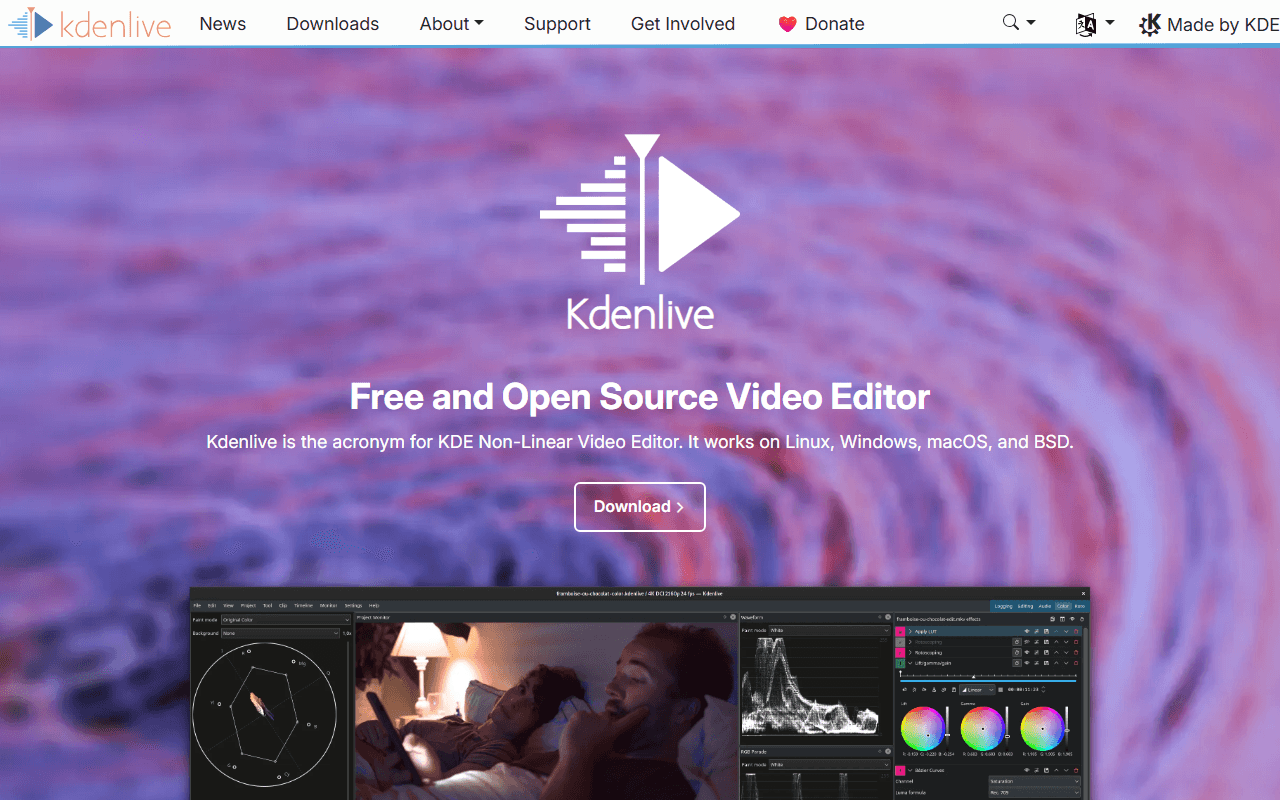
Kdenlive is the closest thing to a complete free NLE that does not care what GPU you have. It is GPL-3.0-or-later with no watermark, no resolution ceiling, no frame rate ceiling and no account of any kind, where Resolve's free build stops at Ultra HD 3840 x 2160, 60fps and 8-bit and wants you registered with Blackmagic before it downloads (as of July 2026). You get multi-track editing, effects, titles and keyframes on Windows, macOS and Linux, and the current release, 26.04.3, shipped on 6 July 2026.
- Completely free (as of July 2026)
- Germany
- Open source (GPL-3.0-or-later)
 Germany
- Best for:
- A complete free timeline on ordinary hardware, with no sign-up in the way
- The catch:
- Colour work is basic next to Resolve's grading page, the macOS build needs Ventura or newer and trips Gatekeeper on first launch, and point releases keep shipping crash fixes.
Compared to DaVinci Resolve
- Advantage: No registration to download, where Resolve free requires a Blackmagic account
- Advantage: No resolution, frame rate or bit depth ceiling; Resolve free stops at UHD 60fps 8-bit
- Advantage: Open source under GPL-3.0-or-later, where Resolve is proprietary
- Worth knowing: Runs on Windows, macOS and Linux, the same three platforms as Resolve
- Tradeoff: No equivalent of Resolve's colour page, Fusion compositing or Fairlight audio
- Tradeoff: The project documents crash fixes in most point releases
The quickest of these to actually learn, with no export ceiling
Shotcut is the one to try if Resolve's four-page layout was the problem. It is GPL-3.0 with no limits at all, and the publisher's own store description says there are no limitations of resolution, time, watermark or paid features, that it supports up to 8K, and that commercial use is permitted (as of July 2026). The timeline, filters and export panel live in one window rather than four workspaces, and version 26.6.25 landed on 26 June 2026.
- Completely free (as of July 2026)
- Open source (GPL-3.0)
- Best for:
- Anyone who wanted a timeline rather than a colour suite, running the same afternoon
- The catch:
- The free route is the ad-supported download from shotcut.org with no auto-updates, and the Microsoft Store build of the same app is a paid $11.49 listing (as of July 2026).
Compared to DaVinci Resolve
- Advantage: One window instead of Resolve's Edit, Fusion, Colour and Fairlight pages
- Advantage: No account or registration, where Resolve free requires one
- Advantage: Publisher lists support up to 8K; Resolve free stops at UHD 3840 x 2160
- Advantage: Open source under GPL-3.0, where Resolve is proprietary
- Tradeoff: Colour work is a filter stack, not Resolve's scopes, curves and wheels
- Tradeoff: No node compositor and no dedicated audio post page
Auto captions and templates free, where Resolve puts them behind Studio
Most of the AI features people install Resolve for are Studio-only, including subtitles and transcription from audio, Magic Mask, Speed Warp and SuperScale, per Blackmagic's own edition document dated August 2024. CapCut gives you auto captions, background removal and a template library on the free tier, and its own help pages put 4K export on free across web, desktop and mobile, with CapCut's stated caveat that free accounts may face watermarks or bitrate limits on 4K (as of July 2026). It is a consumer editor, so the trade is depth.
- Free plan (as of July 2026)
- Singapore
 Singapore
- Best for:
- Short-form social video where captions and speed matter more than grading
- The catch:
- Templates and premium assets stamp a watermark on free exports, CapCut appends its own logo end card that you have to delete manually, and no Pro price is published anywhere on its site.
Compared to DaVinci Resolve
- Advantage: Auto captions free, where Resolve puts subtitles from audio in Studio
- Advantage: Templates and stock assets included, which Resolve does not ship
- Worth knowing: Runs on phones and in a browser; Resolve is a desktop app plus a separate iPad version
- Tradeoff: Terms last updated 15 April 2026 take a perpetual, sub-licensable licence over content you submit
- Tradeoff: Free 4K may be watermarked or bitrate-limited per CapCut's own docs; Resolve free UHD is not
- Tradeoff: No Linux build, where Resolve runs on all three desktop platforms
- Tradeoff: No price published anywhere, against Resolve's stated $295 one-time Studio upgrade
A three-panel timeline you can learn in an afternoon
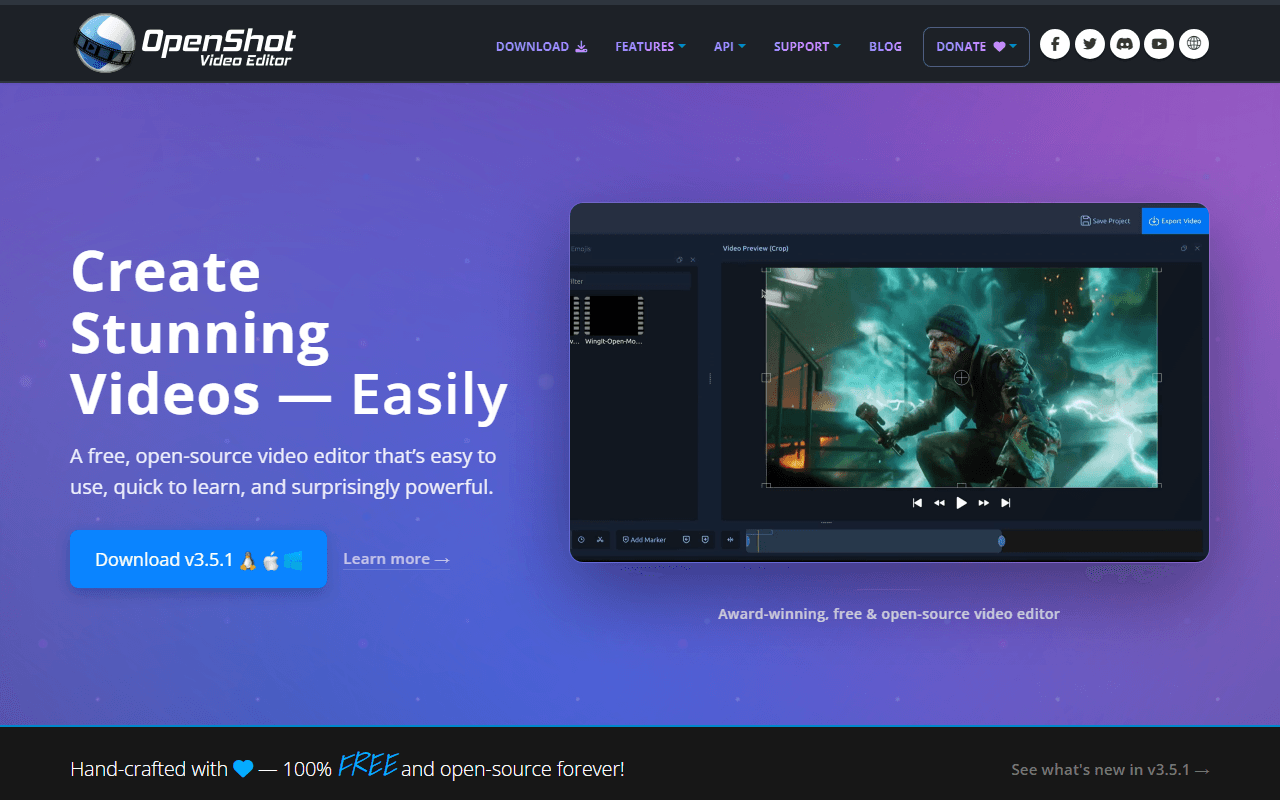
OpenShot is the shortest distance between having a video file and having a cut. It is GPL-3.0-only, free with no account, no watermark and no export cap, and the platform buttons on openshot.org link straight at GitHub release binaries with the donation ask sitting below them rather than in front (as of July 2026). Version 3.5.1 shipped on 8 April 2026 and added an Optimize Video proxy mode for heavy source files. Against Resolve it is a fraction of the install and a fraction of the concepts.
- Completely free (as of July 2026)
- United States
- Open source (GPL-3.0-only)
 United States
- Best for:
- Straight cuts, titles and transitions on a machine that struggles with Resolve
- The catch:
- OpenShot's own user guide documents a Windows 11 freeze triggered by Ctrl+C, with an accompanying memory leak, and ships a workaround rather than a fix.
Compared to DaVinci Resolve
- Advantage: Far fewer concepts to learn than Resolve's four workspaces
- Advantage: No registration and no Blackmagic account
- Advantage: No export resolution or frame rate cap, unlike Resolve free's UHD 60fps 8-bit
- Advantage: Open source under GPL-3.0-only, where Resolve is proprietary
- Tradeoff: Known Windows 11 freeze documented in the project's own troubleshooting guide
- Tradeoff: No colour grading, compositing or audio post to speak of
Nothing to install and nothing to register, in a browser tab
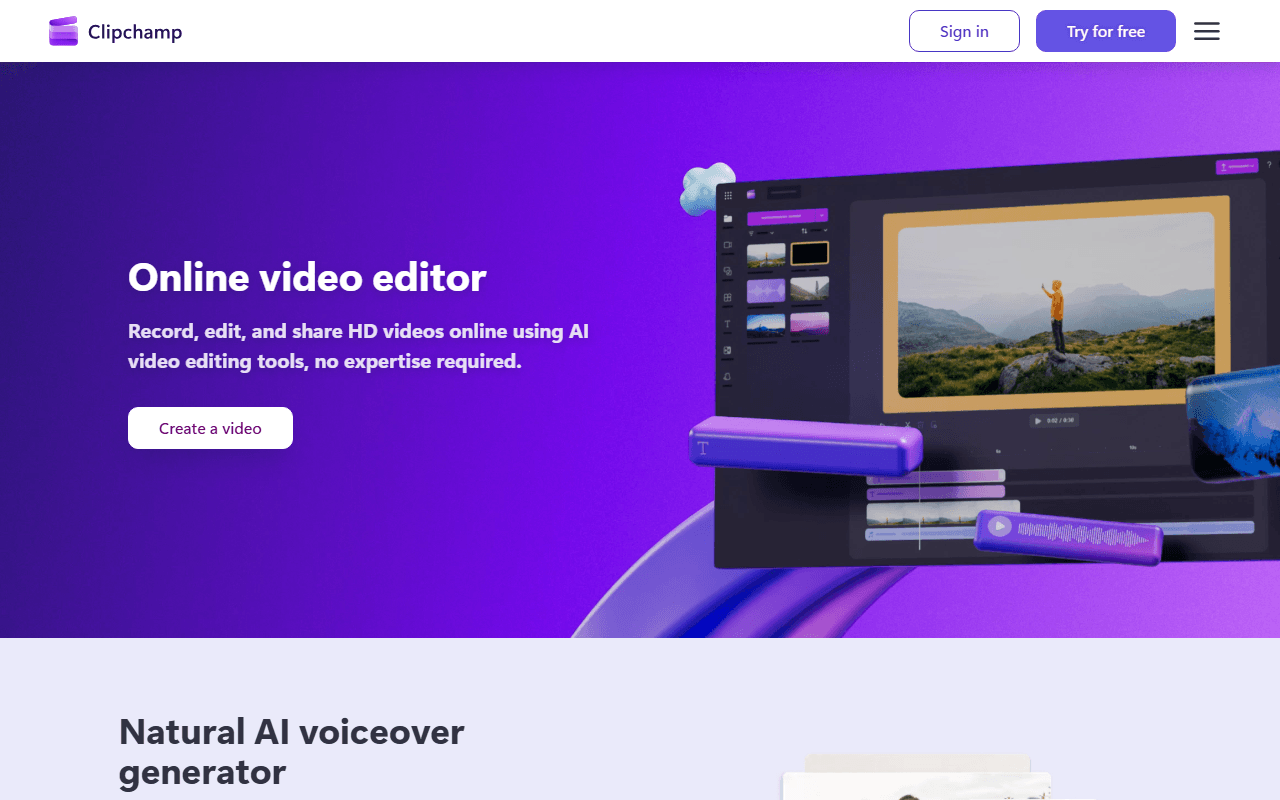
If Resolve's install size and registration form were the friction, Clipchamp removes both. It runs in Edge or Chrome, free exports are watermark-free with no cap on how many you make, and AI subtitles, voiceovers and silence removal are on the free tier at no cost (as of July 2026). The ceiling is 1080p, so this is a step down from Resolve free's Ultra HD, and it is a trade you make for speed rather than for quality.
- Free plan (as of July 2026)
- Australia
 Australia
- Best for:
- Quick edits on a laptop that cannot run Resolve, or on a machine you do not own
- The catch:
- Free exports stop at 1080p, 4K needs Premium or a Microsoft 365 subscription, and the Windows app accepts only a personal Microsoft account.
Compared to DaVinci Resolve
- Advantage: Nothing to install, where Resolve is a large desktop application
- Advantage: AI subtitles free, where Resolve puts subtitles from audio in Studio
- Worth knowing: Watermark-free with unlimited exports, the same as Resolve free
- Tradeoff: Stops at 1080p, well below Resolve free's UHD 3840 x 2160
- Tradeoff: No colour grading, compositing or audio post
- Tradeoff: No macOS or Android app, and the Windows app is Microsoft-account-only
Free 4K on a Mac you already own, with no download to register for
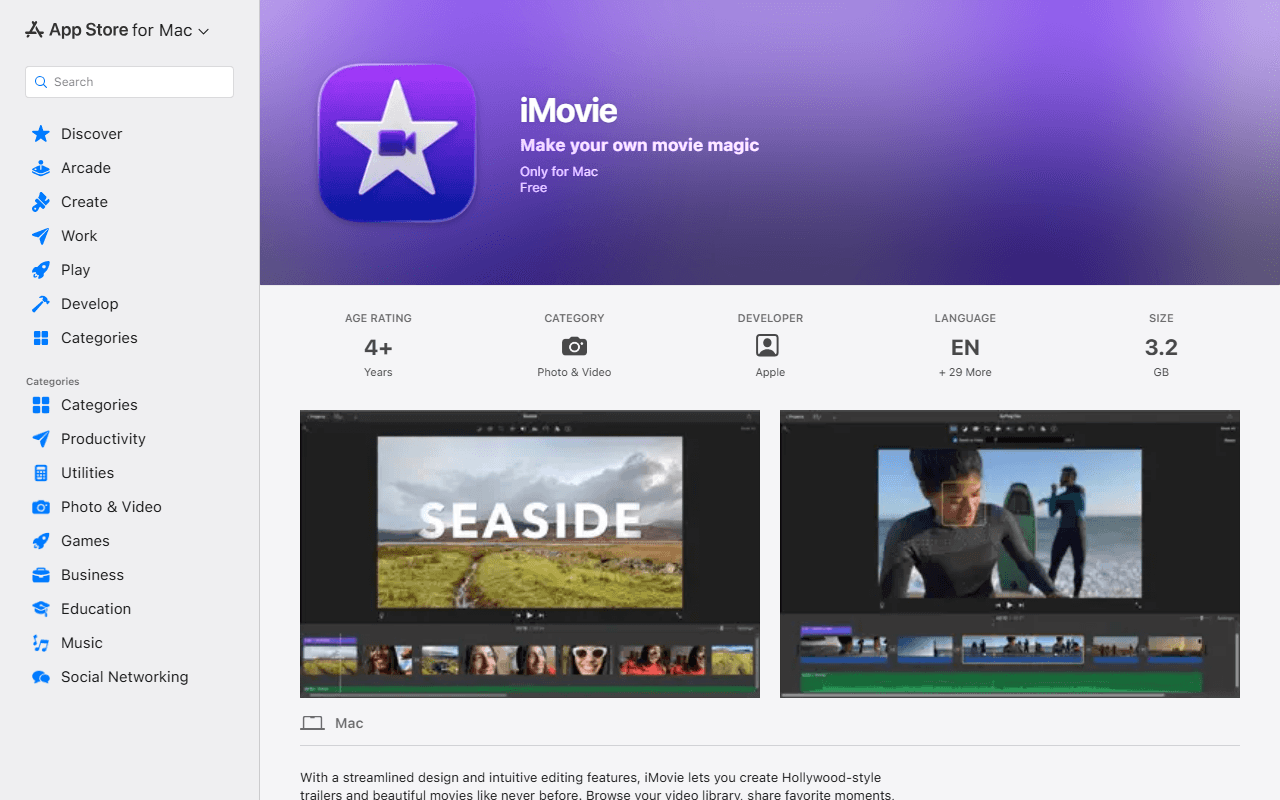
On a Mac, iMovie is already there and already free, with no in-app purchases on either build and no paid tier above it, per Apple's own App Store listings. The Mac listing says it edits at up to 4K, which lands close to Resolve free's Ultra HD ceiling for a fraction of the effort, and the current macOS build, 10.4.4, is dated 28 January 2026 (as of July 2026). It has a fraction of Resolve's depth, and for a lot of edits that is the point.
- Completely free (as of July 2026)
- United States
- Best for:
- Mac owners who want to find out whether they ever needed Resolve
- The catch:
- It runs only on macOS and iOS, the Mac build needs macOS 15.6 or later, and the iPhone and iPad build has not been updated since 16 December 2024.
Compared to DaVinci Resolve
- Advantage: Free with no registration, where Resolve free needs a Blackmagic account to download
- Advantage: Exports up to 4K, close to Resolve free's UHD ceiling
- Advantage: Far lighter to learn than Resolve's four pages
- Tradeoff: macOS and iOS only, where Resolve runs on Windows, macOS and Linux
- Tradeoff: No colour grading, node compositing or audio post
- Tradeoff: The iPhone and iPad build was last updated 16 December 2024
How to choose
Work out whether you are leaving the hardware or the interface. If it is the hardware, Kdenlive and Shotcut are both unlimited, both open source and both happy on an ordinary laptop, and Shotcut is the quicker of the two to learn. Pick CapCut or Clipchamp if what you wanted was captions and templates rather than a grading suite, keeping in mind that Clipchamp stops at 1080p and CapCut's terms deserve a read. If you own a Mac, iMovie is already installed, exports 4K and costs nothing, which makes it the cheapest way to find out whether you needed Resolve at all.