Free alternatives to CapCut
CapCut is free and quick, and most people who look elsewhere are not leaving the editor, they are leaving the paperwork. Its terms, last updated 15 April 2026, take a perpetual, worldwide, sub-licensable and royalty-free licence over the content you submit, and CapCut's own June 2025 statement says it has never claimed ownership of users' work and that the user content section was not what changed, so both of those sit on the same page. No Pro price is published anywhere on capcut.com, its terms say the service may not be available in all jurisdictions, and the editors below simply run on your own machine instead.
Facts checked as of July 2026Read our CapCut review
Jump to an alternative


Kdenlive
Best Free Alternative ToCapCutOpen source and entirely local, so nothing you cut is ever submitted anywhere
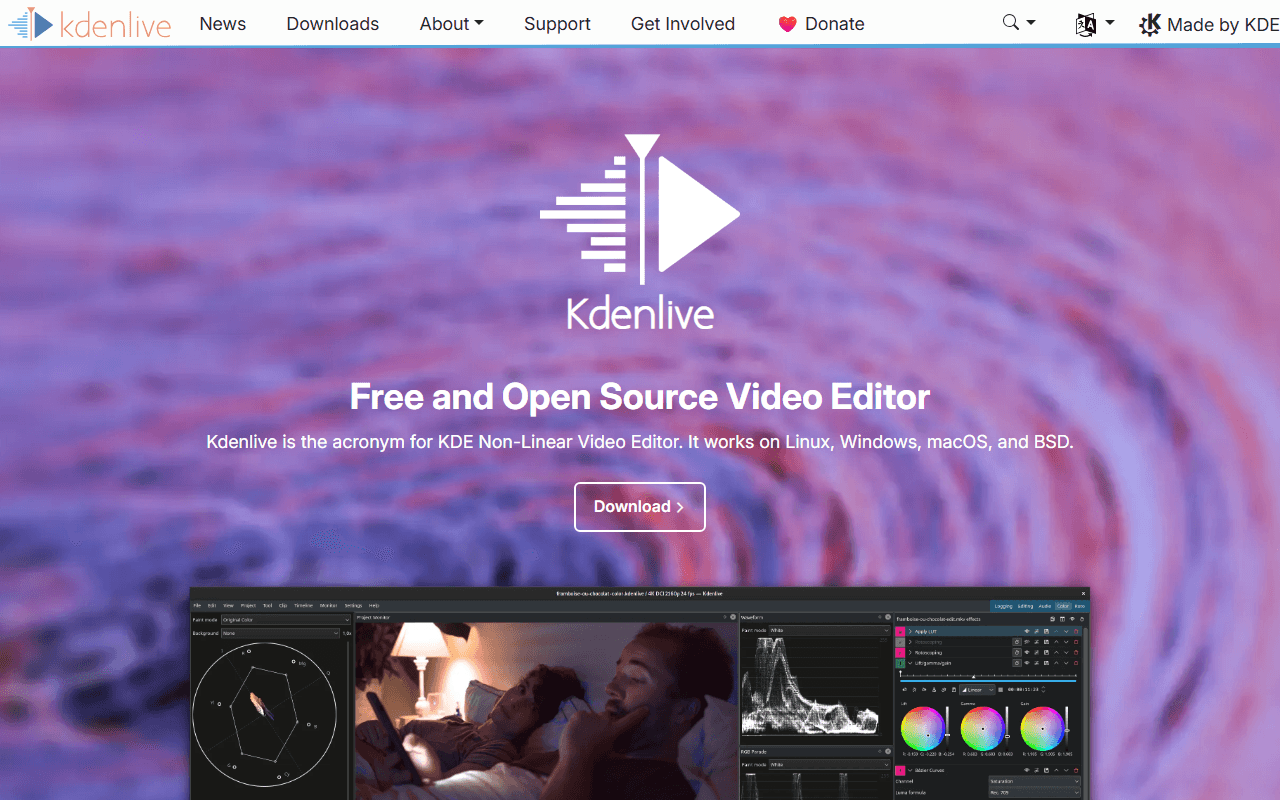
Kdenlive is the clean answer to every question CapCut's terms raise. It is GPL-3.0-or-later, it runs on your own computer, it needs no account, and no clause anywhere takes a licence over your footage because there is no service to submit it to. There is also no watermark, no resolution ceiling and no gated template that stamps one on your export, and the current release, 26.04.3, arrived on 6 July 2026 for Windows, macOS and Linux.
- Completely free (as of July 2026)
- Germany
- Open source (GPL-3.0-or-later)
 Germany
- Best for:
- Anyone who wants a real timeline and wants the terms question to disappear
- The catch:
- You lose the whole template and auto-caption workflow, there is no phone app, and the interface expects you to already know what a track is.
Compared to CapCut
- Advantage: No account and no cloud, where CapCut's terms take a perpetual worldwide licence
- Advantage: Open source under GPL-3.0-or-later; CapCut is proprietary with no published prices
- Advantage: No watermark from any asset, where CapCut's templates and premium stock add one
- Advantage: Runs on Linux, which CapCut has no build for
- Advantage: Nothing is region-gated, where CapCut's terms say it may not be available everywhere
- Tradeoff: No auto captions, background removal or template library
- Tradeoff: Desktop only, where CapCut is mobile-first
The same independence as Kdenlive, with less to learn on day one
Shotcut is the lighter of the two open source desktop editors and the faster switch from a phone app. It is GPL-3.0 with no account, and the publisher's own store description says there are no limitations of resolution, time, watermark or paid features, that it supports up to 8K, and that commercial use is permitted (as of July 2026). Nothing is uploaded, so nothing is licensed, and there is no region where it quietly stops working.
- Completely free (as of July 2026)
- Open source (GPL-3.0)
- Best for:
- CapCut users who want a desktop timeline without a week of learning
- The catch:
- The free route is the ad-supported shotcut.org download, the Microsoft Store build of the same app is a paid $11.49 listing, and there is no official Shotcut on the Mac App Store.
Compared to CapCut
- Advantage: Nothing uploaded and no licence granted over your content
- Advantage: Commercial use is explicit in the licence, where CapCut gates commercial-use assets behind Pro
- Advantage: No region gating; CapCut silently disables some features by region on desktop
- Advantage: Open source under GPL-3.0, and its one paid route has a published price, unlike CapCut's
- Tradeoff: No templates, auto captions or stock library
- Tradeoff: Desktop only, with no phone or browser version
A professional colour and audio suite for nothing, with a published upgrade price
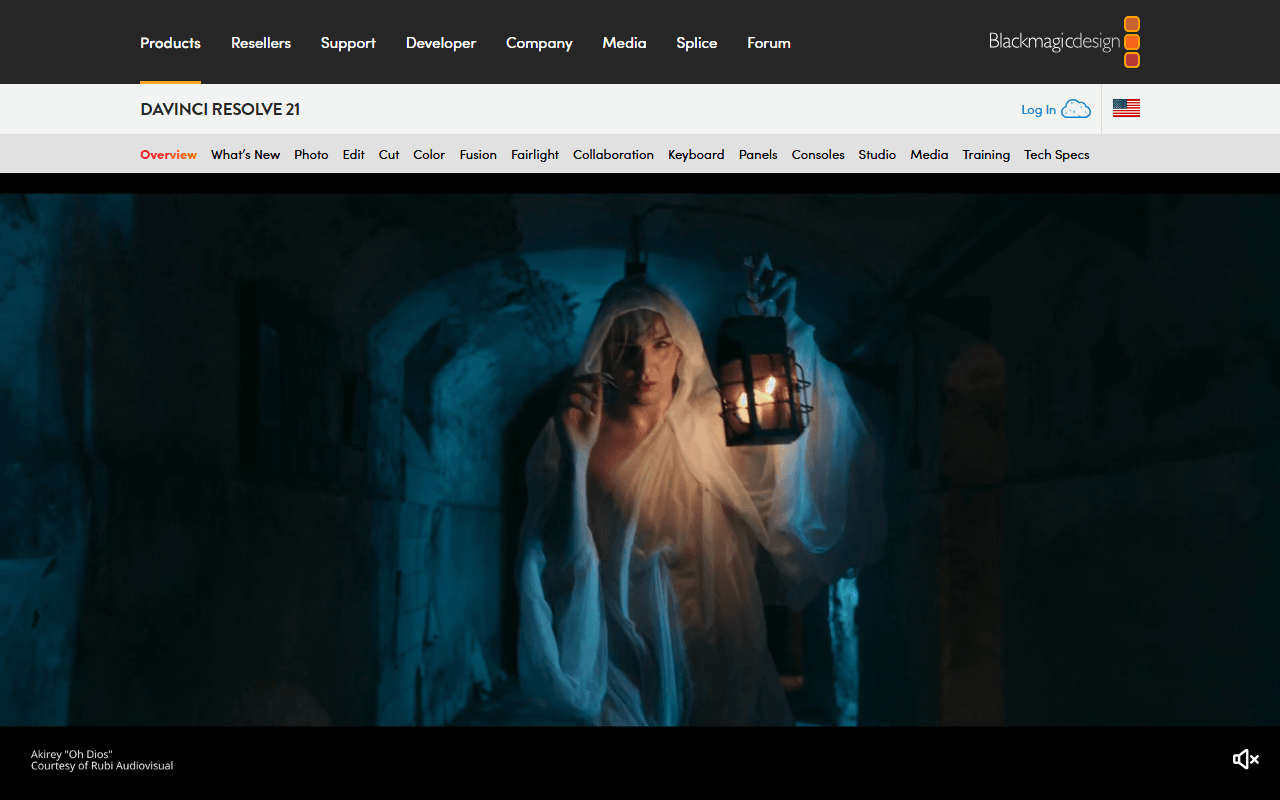
If you want to step up rather than sideways, Resolve free is the biggest jump available here. It edits and finishes up to Ultra HD 3840 x 2160 at 60fps in 8-bit with no watermark and no time limit, and the upgrade is a stated $295 one-time Studio licence rather than a price you can only see after signing in (as of July 2026). Where CapCut hands you templates, Resolve hands you scopes, curves, a node compositor and a full audio page.
- Free plan, paid from $295 one-time (as of July 2026)
- Best for:
- People leaving CapCut for craft reasons rather than for terms reasons
- The catch:
- The free download requires registering with Blackmagic, and hardware accelerated encoding and decoding is Studio-only per Blackmagic's own edition document dated August 2024, so long exports lean on your CPU.
Compared to CapCut
- Advantage: Runs locally with no licence taken over your footage
- Advantage: Upgrade price is published at $295 one-time; CapCut publishes no Pro price at all
- Advantage: Real colour grading, compositing and audio post, none of which CapCut has
- Advantage: UHD exports are unrestricted, where CapCut warns free 4K may be watermarked or bitrate-limited
- Tradeoff: Requires a Blackmagic account before the free download starts
- Tradeoff: Much heavier to learn and to run than CapCut
- Tradeoff: No auto captions on the free build; subtitles from audio are Studio-only
The closest browser swap, and no asset can put a watermark on your export
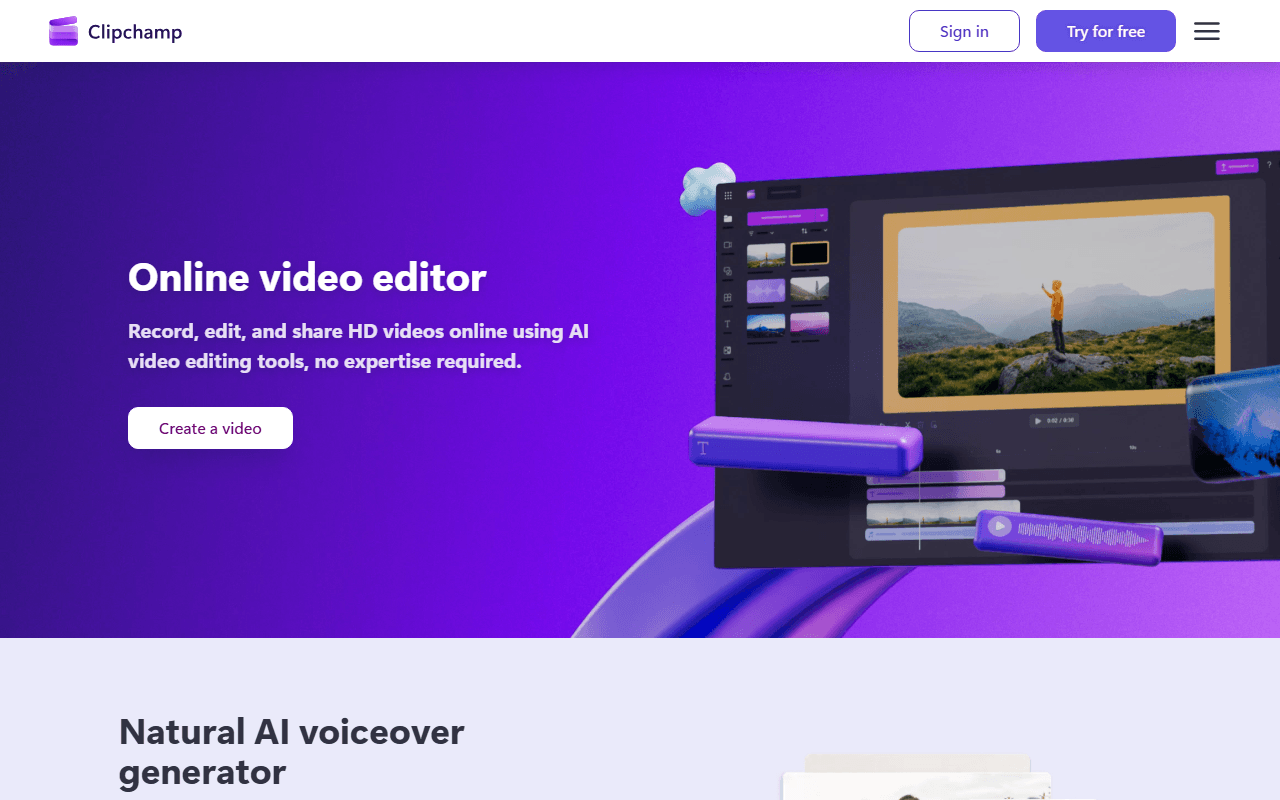
Clipchamp is the nearest thing to CapCut's workflow that is not CapCut: a browser timeline with templates, stock, AI subtitles, voiceovers and silence removal on the free tier (as of July 2026). The difference that matters is that free exports carry no watermark at all and there is no cap on how many you make, so no template or effect can stamp your video the way CapCut's gated assets do. It is a Microsoft product, so the terms and the prices are both published.
- Free plan (as of July 2026)
- Australia
 Australia
- Best for:
- Social video in a browser tab, with published prices and no watermark surprises
- The catch:
- Free exports stop at 1080p where CapCut free can reach 4K, and the Windows app accepts only a personal Microsoft account.
Compared to CapCut
- Advantage: No watermark from any asset, where CapCut's templates and premium stock add one
- Advantage: Prices are published; CapCut's own pricing page returns a 404
- Worth knowing: AI subtitles, voiceovers and silence removal free, close to CapCut's free captions
- Advantage: The browser version still accepts a Google or email sign-in
- Tradeoff: Free exports capped at 1080p, where CapCut free can export 4K
- Tradeoff: No Android app and no macOS app, where CapCut has both
A small local editor whose entire licence you can read in five minutes
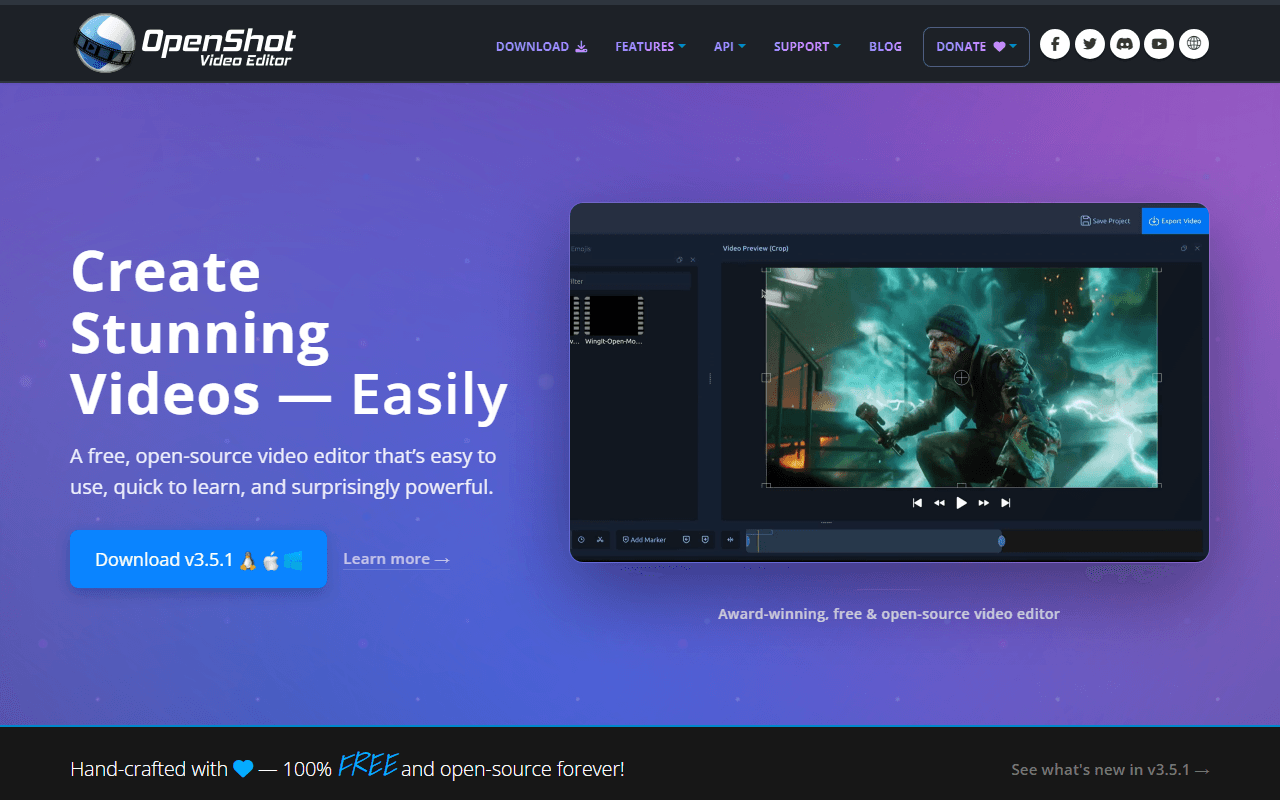
OpenShot is the plainest of the desktop swaps: install it, drag in clips, cut, export. It is GPL-3.0-only, free with no account and no export cap, and the download links on openshot.org go straight to GitHub release binaries (as of July 2026). Nothing is uploaded and nothing is licensed, which is the whole point if CapCut's terms are what brought you here.
- Completely free (as of July 2026)
- United States
- Open source (GPL-3.0-only)
 United States
- Best for:
- Simple local cuts where you want to know exactly what you agreed to
- The catch:
- The project's own user guide documents a Windows 11 freeze triggered by Ctrl+C, with a memory leak, and ships a workaround rather than a fix.
Compared to CapCut
- Advantage: Entirely local, so no content licence and no cloud storage to think about
- Advantage: Open source under GPL-3.0-only, where CapCut is proprietary
- Advantage: Runs on Linux and Chrome OS, neither of which CapCut supports
- Tradeoff: No templates, auto captions or stock assets
- Tradeoff: Documented Windows 11 freeze with a workaround rather than a fix
- Tradeoff: Desktop only, with no phone app
Free 4K on Apple hardware, with no paid tier sitting above it
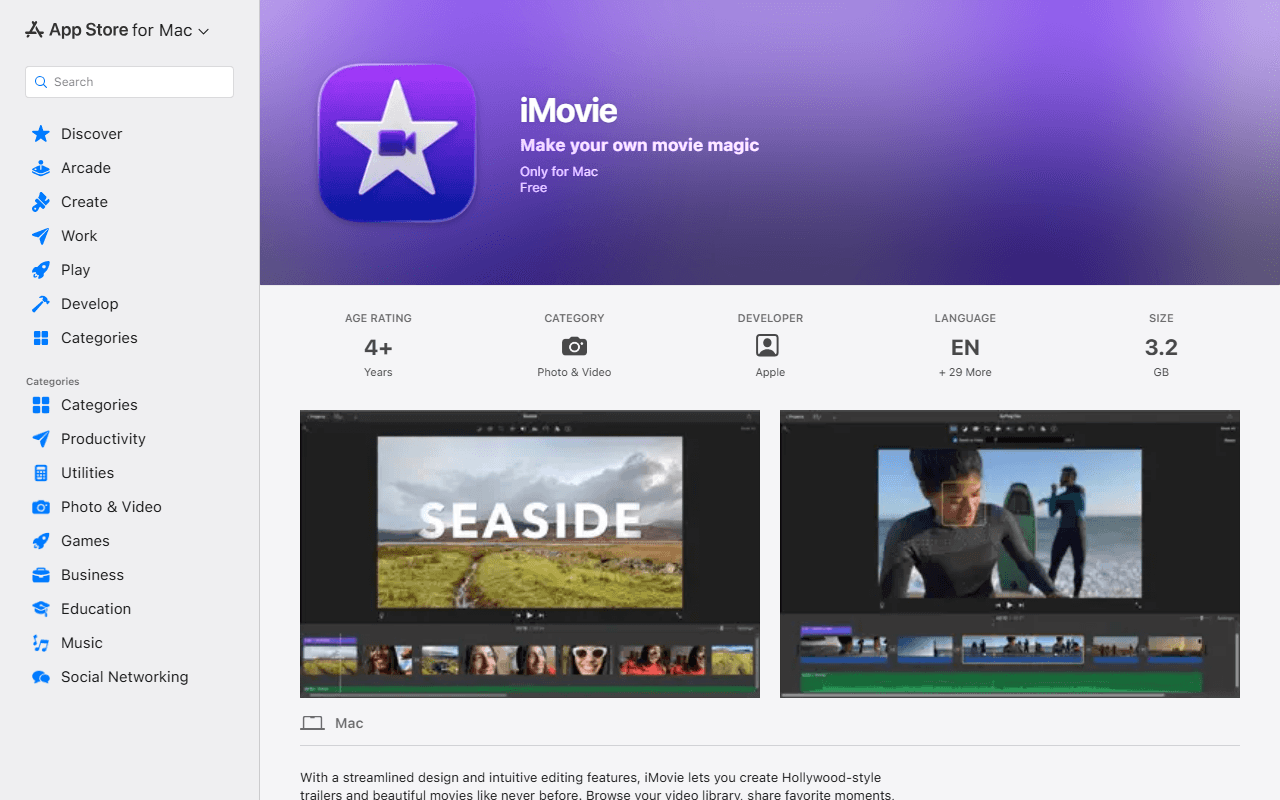
For Mac and iPhone users, iMovie does much the same consumer job as CapCut with none of the licensing questions. It is free with no in-app purchases on either build, per Apple's own App Store listings, and the Mac listing says it edits at up to 4K (as of July 2026). Projects hand off between iPhone, iPad and Mac, which is the CapCut habit most people miss when they switch to a desktop NLE.
- Completely free (as of July 2026)
- United States
- Best for:
- Apple users who want the phone-to-desktop workflow without CapCut's terms
- The catch:
- It exists only on macOS and iOS, needs macOS 15.6 or later on the Mac, and the iPhone and iPad build has not been updated since 16 December 2024.
Compared to CapCut
- Advantage: No account beyond an Apple Account, and no licence taken over your footage
- Advantage: Exports up to 4K with no watermark or bitrate caveat attached
- Advantage: No paid tier at all, where CapCut publishes no price for its paid tiers
- Tradeoff: macOS and iOS only; CapCut also runs on Windows, Android and the web
- Tradeoff: No template marketplace or auto captions of CapCut's kind
- Tradeoff: The iPhone and iPad build was last updated 16 December 2024
How to choose
Decide whether you want CapCut's speed or CapCut's independence. Kdenlive and Shotcut are the clean break: open source, no account, no cloud and no licence over your footage, though you give up the template library and the auto captions. DaVinci Resolve is the step up in craft if your machine can carry it, and Clipchamp is the closest thing here to CapCut's browser workflow, with the trade that free exports stop at 1080p. On a Mac, iMovie does the same consumer job for nothing and exports 4K.