Free alternatives to Clipchamp
Clipchamp free is better than its reputation, because exports are watermark-free and there is no cap on how many you make (as of July 2026). The wall is resolution: free stops at 1080p, 4K sits behind Premium or a Microsoft 365 subscription, and the Windows app now signs you in with a personal Microsoft account and nothing else, while there is no macOS or Android app at all. If you need a 4K master, or you need it on a platform Microsoft skipped, these are the free editors that deliver one.
Facts checked as of July 2026Read our Clipchamp review
Jump to an alternative


DaVinci Resolve
Best Free Alternative ToClipchampUltra HD 3840 x 2160 at 60fps free, where Clipchamp stops at 1080p
Resolve free is the biggest single jump past Clipchamp's 1080p wall. Blackmagic's own pages say the free version edits and finishes up to Ultra HD 3840 x 2160 at 60fps in 8-bit, with no watermark, no time limit and no export count (as of July 2026), and it adds a full colour page, node-based Fusion compositing and the Fairlight audio suite that Clipchamp has no version of. If a Microsoft 365 subscription was mainly buying you 4K exports, this is the free way out of it.
- Free plan, paid from $295 one-time (as of July 2026)
- Best for:
- Anyone who needs a 4K master and has a desktop that can carry the application
- The catch:
- The free download requires registering with Blackmagic, and hardware accelerated encoding and decoding is Studio-only per Blackmagic's own edition document dated August 2024.
Compared to Clipchamp
- Advantage: UHD 3840 x 2160 at 60fps free, against Clipchamp's 1080p ceiling
- Advantage: Real colour grading, compositing and audio post, which Clipchamp does not have
- Advantage: Runs on Windows, macOS and Linux, where Clipchamp's app is Windows-only
- Worth knowing: Watermark-free with unlimited exports, the same as Clipchamp free
- Tradeoff: Requires a Blackmagic account before the free download starts
- Tradeoff: A large desktop install against Clipchamp's browser tab
- Tradeoff: Subtitles from audio are Studio-only, where Clipchamp gives you AI subtitles free
No resolution ceiling at all, on all three desktop platforms
Kdenlive has no export cap of any kind, so 4K and beyond is a project setting rather than a purchase. It is GPL-3.0-or-later, free with no account, no watermark and no premium asset tier, and it runs on Windows, macOS and Linux, which matters because Clipchamp has no macOS app and no Android app. The current release is 26.04.3, dated 6 July 2026.
- Completely free (as of July 2026)
- Germany
- Open source (GPL-3.0-or-later)
 Germany
- Best for:
- People who want 4K without a subscription and do not mind installing something
- The catch:
- There is no browser version, the macOS build needs Ventura or newer and trips Gatekeeper on first launch, and point releases regularly ship crash fixes.
Compared to Clipchamp
- Advantage: No resolution ceiling, where Clipchamp free stops at 1080p
- Advantage: Open source and free with no premium tier above it
- Advantage: Runs on macOS and Linux, which Clipchamp does not
- Advantage: No sign-in of any kind; Clipchamp's Windows app requires a Microsoft account
- Tradeoff: No browser version, so nothing runs on a locked-down machine
- Tradeoff: A dense interface next to Clipchamp's template-first editor
Up to 8K per its own publisher, and free on every desktop platform
Shotcut is the simpler open source route past 1080p. The publisher's own store description says there are no limitations of resolution, time, watermark or paid features and that it supports up to 8K (as of July 2026), which is a set of ceilings Clipchamp free has and Shotcut does not. It runs on Windows, macOS and Linux, needs no account, and version 26.6.25 shipped on 26 June 2026.
- Completely free (as of July 2026)
- Open source (GPL-3.0)
- Best for:
- 4K and above on a desktop, without a subscription or a sign-in
- The catch:
- The free download is the ad-supported one from shotcut.org, the Microsoft Store build of the same app costs $11.49, and there is no official Shotcut on the Mac App Store.
Compared to Clipchamp
- Advantage: Publisher states support up to 8K; Clipchamp free stops at 1080p
- Advantage: No account required, where Clipchamp's Windows app needs a Microsoft account
- Advantage: Runs on macOS and Linux, which Clipchamp does not
- Advantage: Open source under GPL-3.0, where Clipchamp is a proprietary Microsoft product
- Tradeoff: No browser version and no stock library
- Tradeoff: The convenient auto-updating Windows build costs $11.49 in the Microsoft Store
4K on the free tier in a browser, which is the thing Clipchamp charges for
CapCut is the browser-based editor that does not stop at 1080p. Its own export help pages list 4K on free across web, desktop and mobile, with CapCut's stated caveat that free accounts may face watermarks or bitrate limits on 4K (as of July 2026), so it is 4K with an asterisk rather than 4K outright. It also brings templates, auto captions and background removal, and it runs on Android and macOS, both of which Clipchamp skips.
- Free plan (as of July 2026)
- Singapore
 Singapore
- Best for:
- Social video that needs a 4K master and lives on a phone or in a browser
- The catch:
- Templates and premium assets stamp a watermark on free exports, CapCut appends a logo end card you have to delete, and its terms take a perpetual worldwide licence over content you submit.
Compared to Clipchamp
- Advantage: 4K export on the free tier, where Clipchamp free stops at 1080p
- Advantage: Runs on Android and macOS, neither of which Clipchamp supports
- Tradeoff: Free 4K may be watermarked or bitrate-limited per CapCut's docs; Clipchamp free is watermark-free at 1080p
- Tradeoff: Terms last updated 15 April 2026 take a perpetual, sub-licensable licence over submitted content
- Tradeoff: No price is published anywhere on capcut.com, where Microsoft publishes Clipchamp's
- Tradeoff: Geo-restricted, with some features silently disabled by region
The free 4K editor for the Macs Clipchamp has no app for
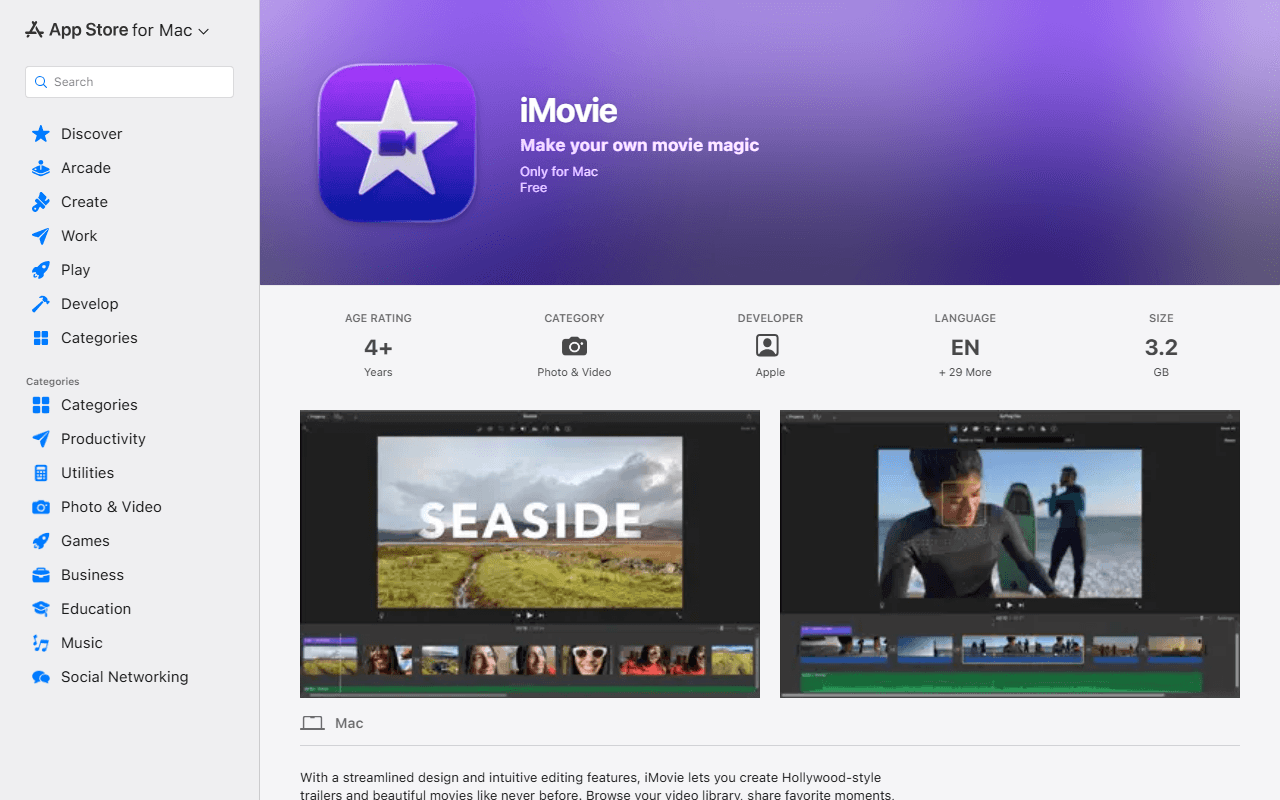
Clipchamp has no macOS app, so Mac users are browser-only and still capped at 1080p on the free tier. iMovie is Apple's answer: free with no in-app purchases, and Apple's own Mac App Store listing says it edits at up to 4K (as of July 2026). The current Mac build is 10.4.4, dated 28 January 2026, so this is a maintained application rather than a leftover.
- Completely free (as of July 2026)
- United States
 United States
- Best for:
- Mac owners who want a 4K export today and nothing to install but an App Store download
- The catch:
- It requires macOS 15.6 or later, exists only on Apple platforms, and the iPhone and iPad build has not been updated since 16 December 2024.
Compared to Clipchamp
- Advantage: Exports up to 4K free, against Clipchamp's 1080p ceiling
- Advantage: A real macOS application, where Clipchamp has none
- Advantage: No paid tier and no subscription sitting above it
- Tradeoff: Nothing for Windows, Android or the web
- Tradeoff: Requires macOS 15.6 or later, so older Macs are out
- Tradeoff: No stock library or AI voiceovers of Clipchamp's kind
No resolution cap, no account, and an installer under GPL-3.0
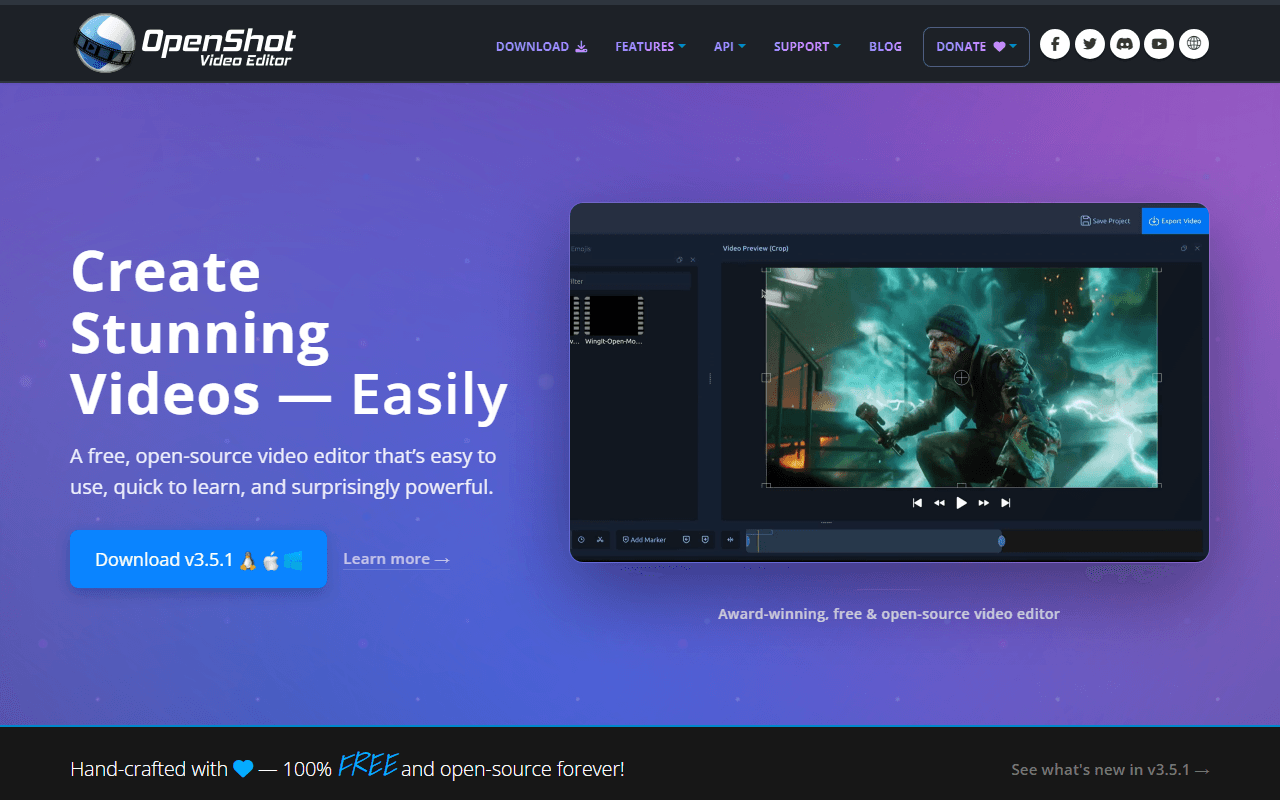
OpenShot is the least demanding way off the 1080p ceiling. It is free under GPL-3.0-only with no export cap, no watermark and no account, and the platform buttons on openshot.org link straight at GitHub release binaries (as of July 2026). Version 3.5.1 shipped on 8 April 2026 and added an Optimize Video proxy mode, which is what you want when 4K source files stutter during playback.
- Completely free (as of July 2026)
- United States
- Open source (GPL-3.0-only)
- Best for:
- A simple free desktop editor with no sign-in and no resolution limit
- The catch:
- The project's own user guide documents a Windows 11 freeze triggered by Ctrl+C, with a memory leak and a workaround rather than a fix.
Compared to Clipchamp
- Advantage: No export resolution cap, where Clipchamp free stops at 1080p
- Advantage: No account at all; Clipchamp's Windows app requires a Microsoft account
- Advantage: Runs on Linux and Chrome OS as well as Windows and macOS
- Tradeoff: Documented Windows 11 freeze in the project's own troubleshooting guide
- Tradeoff: No templates, stock library or AI captions
- Tradeoff: Nothing runs in a browser
How to choose
Start with the resolution question, because it is the only reason most people leave. DaVinci Resolve gives you Ultra HD 3840 x 2160 at 60fps free and is the biggest single jump available here, as long as your machine and your patience can take it. Kdenlive and Shotcut have no resolution ceiling at all and run on Linux and macOS too, which Clipchamp's desktop app does not. If you want to stay in a browser tab, CapCut is the nearest equivalent, and on a Mac iMovie exports 4K for nothing.