Free alternatives to Final Cut Pro
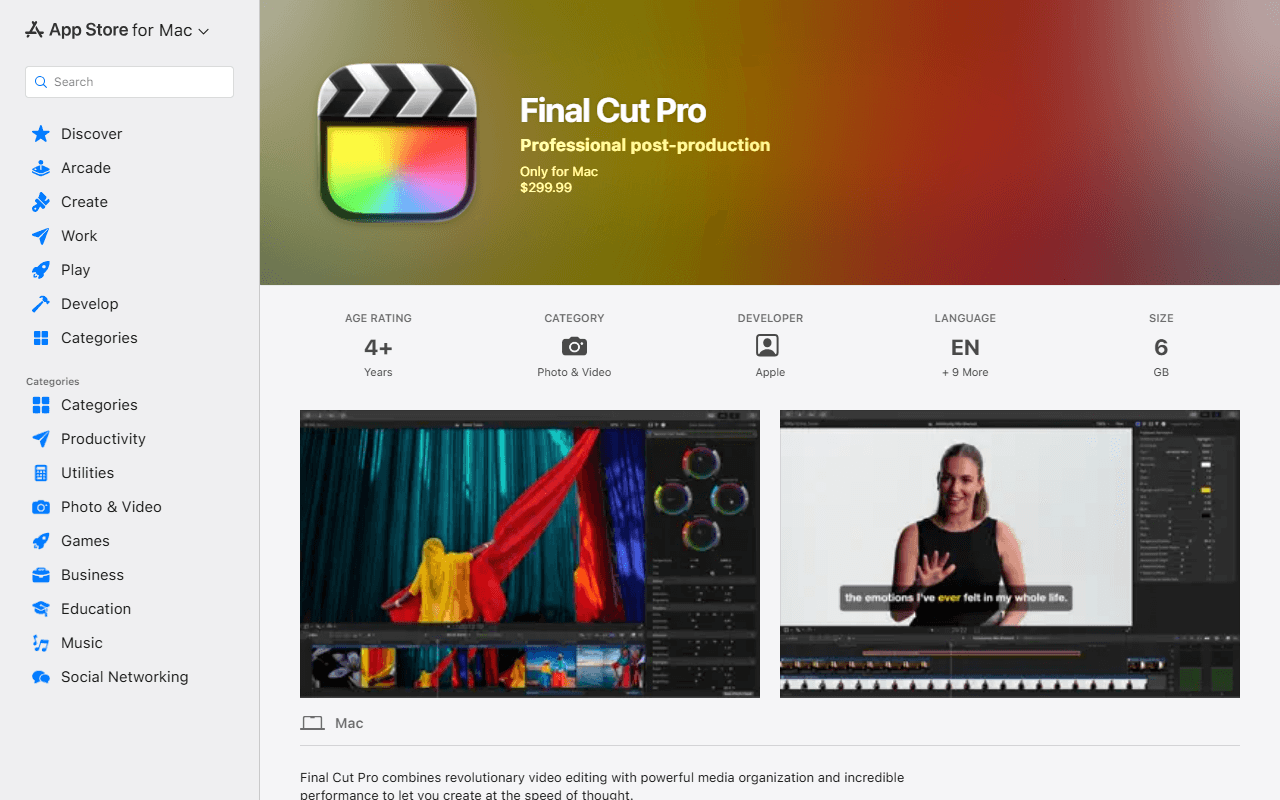
Final Cut Pro is $299.99 on the Mac, or $399.97 once you add Motion and Compressor at $49.99 each, which is a lot to spend before you know if it suits you (as of July 2026). Two things most comparison pages still tell you are now wrong: the 90-day trial is gone, and Final Cut Pro is also sold by subscription through Apple Creator Studio at $12.99 a month or $129 a year, so the old 'one-time purchase, no subscription' line is half true at best. On iPad it is subscription only at the same $12.99 or $129, even though the original $4.99 and $49 prices are still visible as legacy entries on the App Store listing.
Facts checked as of July 2026Read our Final Cut Pro review
Jump to an alternative


DaVinci Resolve
Best Free Alternative ToFinal Cut ProThe only free application that does what people actually buy Final Cut Pro for
Resolve free is the professional application rather than a trial of it: editing, color grading, Fusion compositing and Fairlight audio in one window, no watermark, no time limit, commercial work allowed. Blackmagic puts the free ceiling at Ultra HD 3840 x 2160, 60 fps and 8-bit (as of July 2026). Its Mac App Store listing asks for a current Apple silicon Mac, 8 GB of memory (16 GB when using Fusion) and macOS 15 or higher, which is close to what Final Cut Pro 12.3 asks for anyway.
- Free plan, paid from $295 one-time (as of July 2026)
- Best for:
- Editors who need multicam, real color and delivery, and were about to spend $299.99 to get them
- The catch:
- Per Blackmagic's own edition document (dated August 2024), hardware accelerated encoding and decoding is Studio only, so long H.264 and H.265 exports run slower than Final Cut's do on the same Mac, and the Neural Engine features (Magic Mask, Speed Warp, SuperScale, voice isolation, auto subtitles) are Studio too.
Compared to Final Cut Pro
- Advantage: Free and unwatermarked, against $299.99 for Final Cut Pro or $399.97 once Motion and Compressor are added (as of July 2026)
- Advantage: Color grading, compositing and audio post are in the box, where Final Cut leans on Motion and Compressor at $49.99 each
- Advantage: Runs on Windows and Linux as well as macOS, so it survives a change of computer that Final Cut Pro would not
- Tradeoff: The free build stops at Ultra HD 3840 x 2160, 60 fps and 8-bit, and hardware accelerated encode and decode is Studio only per Blackmagic's August 2024 document
- Tradeoff: Nothing in it behaves like the magnetic timeline, and there is no path for opening a Final Cut project
- Tradeoff: The free download needs a Blackmagic registration, and free support is the community forums
- Worth knowing: Studio is a one-time $295 direct or $299.99 on the Mac App Store, so the paid step is a purchase rather than the $12.99 a month Apple now offers (as of July 2026)
Already on your Mac, free with no in-app purchases, and it exports up to 4K
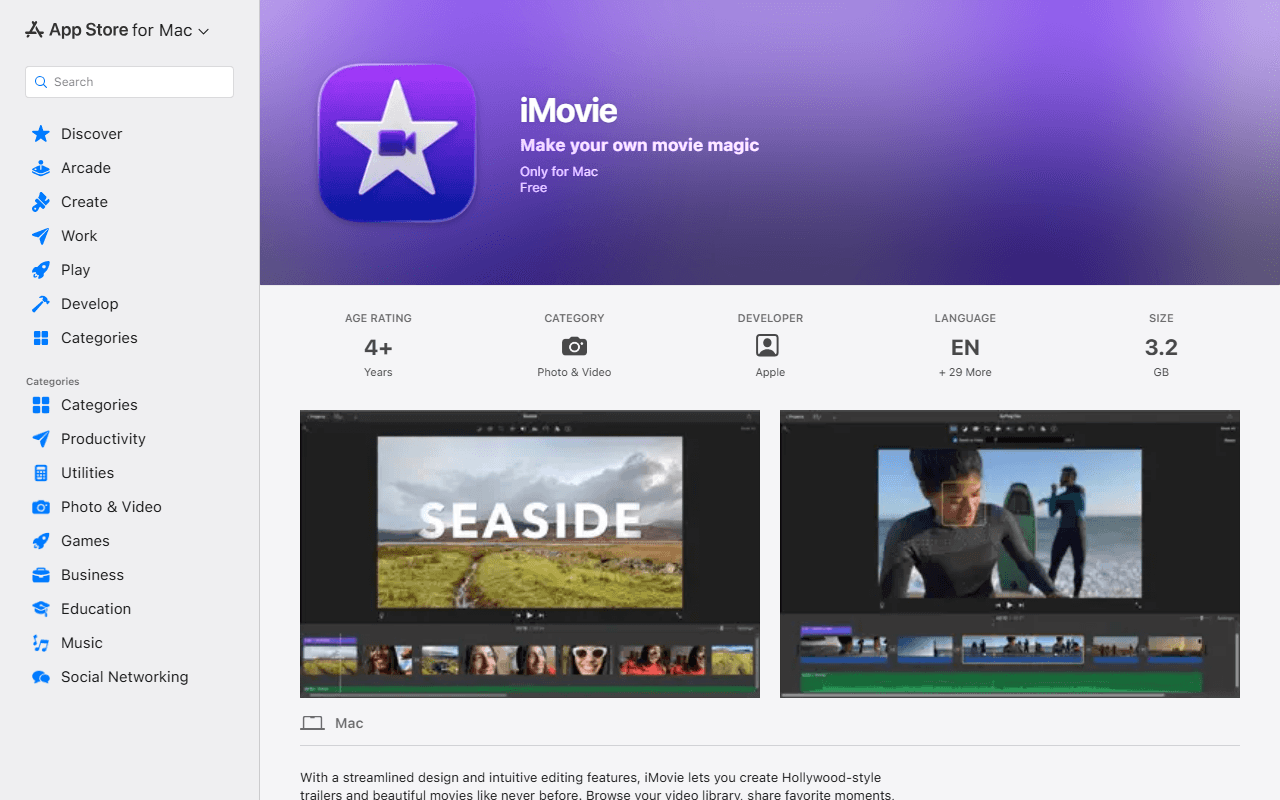
iMovie is Apple's own free editor and for a large share of would-be Final Cut buyers it is the honest answer. Free with no in-app purchases, no watermark, no export count and 4K export, per Apple's own Mac App Store listing. The macOS build is current: version 10.4.4 dated 28 January 2026, needing macOS 15.6 or later, 4 GB of memory and 3.5 GB of disk space.
- Completely free (as of July 2026)
- United States
 United States
- Best for:
- Family video, school projects and straightforward story cuts on a Mac you already own
- The catch:
- It is a consumer editor: no multicam, no advanced color work, and a much shallower timeline than Final Cut's. The iPhone and iPad build is also stale, last updated on 16 December 2024, while the Mac build shipped in January 2026.
Compared to Final Cut Pro
- Advantage: Free with no purchase condition and no in-app purchases, against $299.99 for Final Cut Pro
- Advantage: Exports up to 4K, so the resolution ceiling is not the thing that stops you
- Advantage: One free App Store download, with Apple's own conventions rather than a new application to learn
- Tradeoff: No multicam, no advanced color grading and none of Final Cut's delivery tooling
- Tradeoff: Needs macOS 15.6 or later, much like Final Cut Pro, so an older Mac is stuck on an older build
- Tradeoff: The iOS and iPadOS build has not been updated since 16 December 2024
- Worth knowing: Mac, iPhone and iPad only, exactly like Final Cut Pro, so neither helps if you move to Windows
A full multi-track editor under GPL-3.0-or-later that also runs on the Mac you already have
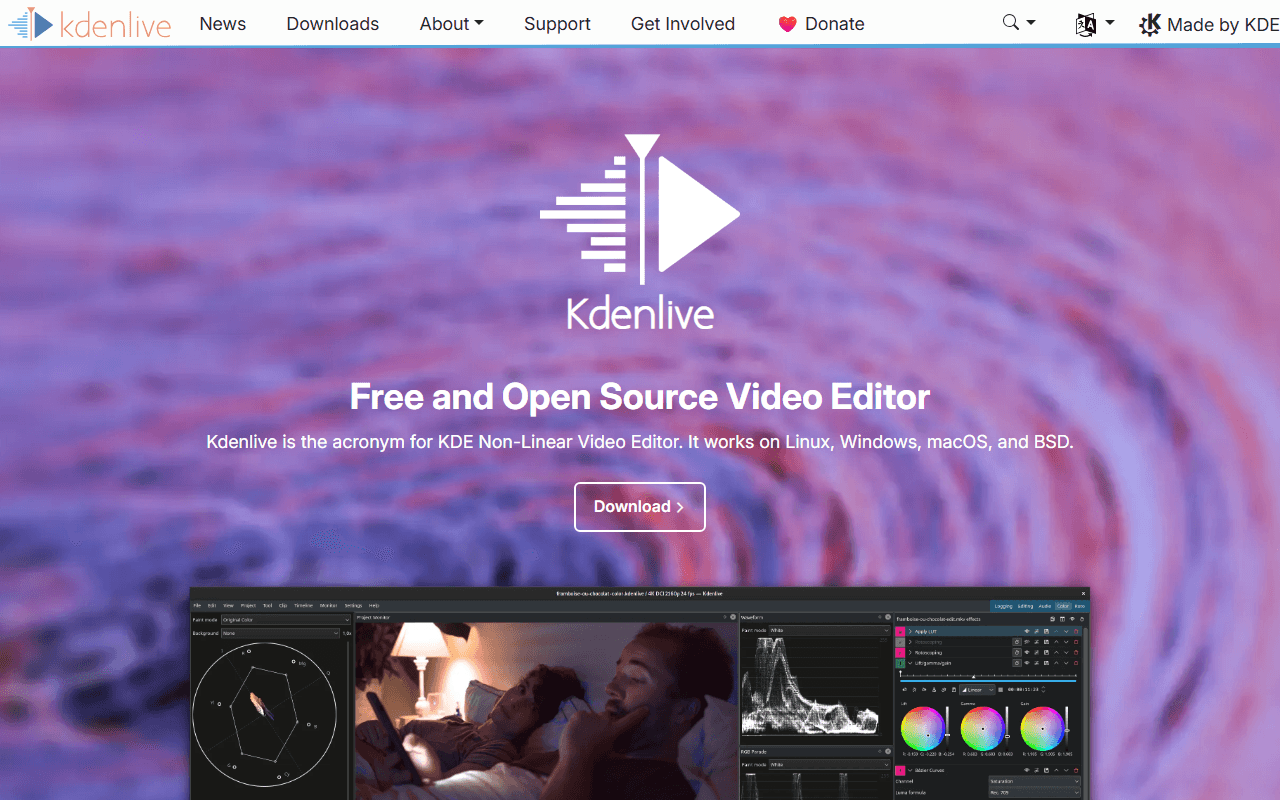
Kdenlive is the KDE community's editor: multi-track timeline, keyframes, effects and titles, with no watermark, no resolution or frame rate cap, no account and no paid edition. Release 26.04.3 landed on 6 July 2026, and the macOS build needs only macOS 13 or newer, so it installs on Macs that Final Cut Pro 12.3 has already left behind. There are Windows and Linux builds from the same page.
- Completely free (as of July 2026)
- Germany
- Open source (GPL-3.0-or-later)
 Germany
- Best for:
- Mac users on older hardware, and anyone who might not be on a Mac next year
- The catch:
- Linux is the reference platform, so macOS support lags: the unsigned build trips Gatekeeper on first open and you have to allow it by hand, and point releases routinely ship crash fixes.
Compared to Final Cut Pro
- Advantage: Free under GPL-3.0-or-later with no export, resolution or project limits at all
- Advantage: Runs on macOS 13 or newer, where Final Cut Pro 12.3 requires macOS 15.6 or later
- Advantage: Windows and Linux builds come from the same project, so the editor is not tied to your Mac
- Tradeoff: The unsigned macOS build trips Gatekeeper, and macOS support trails the Linux build
- Tradeoff: No magnetic timeline, no Motion templates and nothing like Compressor's delivery presets
- Tradeoff: Point releases keep shipping crash fixes, which is honest of the project and a real difference from Final Cut's polish
GPL and unlimited, with macOS builds going back to macOS 12
Shotcut is the simpler of the two MLT-based editors, and its publisher's own store description says there are no limitations of resolution, time, watermark or extra pay features, that it goes up to 8K, and that commercial use is permitted (read July 2026). Version 26.6.25 shipped in June 2026 with HDR preview and export. The macOS builds cover macOS 12 through 26, so it runs on Macs three OS versions older than Final Cut Pro accepts.
- Completely free (as of July 2026)
- Open source (GPL-3.0)
- Best for:
- An older Mac that cannot reach macOS 15.6, or a straightforward cut with no learning budget
- The catch:
- There is no official Shotcut on the Mac App Store, so the similarly named apps you find there are unrelated third parties. The free route is the shotcut.org download, which is ad-supported and does not update itself, and the auto-updating Microsoft Store build costs $11.49 after a one-week trial (as of July 2026).
Compared to Final Cut Pro
- Advantage: Free and GPL-3.0 with commercial use permitted, against $299.99 for Final Cut Pro
- Advantage: Supports macOS 12 through 26, so it installs on Macs Final Cut Pro 12.3 will not
- Advantage: Windows and Linux builds exist too, which Final Cut Pro will never have
- Tradeoff: No official Mac App Store listing, so installing it means trusting a download rather than Apple's store
- Tradeoff: The interface is panels and menus, a long way from Final Cut's finish, and it cannot open a Final Cut project
- Worth knowing: Its own older feature page still says 4K while the current store listing says 8K, so the vendor contradicts itself
Free 4K export and a social workflow that finishes in minutes, on the same Mac
If what you wanted Final Cut for was short-form and social video, CapCut gets there far faster. Its own help pages list 4K export on the free tier across web, desktop and mobile (as of July 2026), with their stated caveat that free accounts may face watermarks or bitrate limits on 4K exports. Auto captions, background removal and templates are included without a plan, and the same project follows you from the Mac app to your phone.
- Free plan (as of July 2026)
- Singapore
 Singapore
- Best for:
- Short-form and social video where speed matters more than a grading suite
- The catch:
- Templates and premium assets stamp a watermark on free exports, CapCut appends a logo end card you have to delete yourself, and no price is published anywhere on capcut.com, so you cannot see what Pro costs without signing in.
Compared to Final Cut Pro
- Advantage: Free tier with 4K export available, against $299.99 up front or $12.99 a month for Final Cut Pro
- Advantage: Auto captions, background removal and templates are free, where Final Cut would send you to Motion or a plugin
- Advantage: The same edit opens on Windows, on the web and on your phone, so it is not tied to the Mac
- Tradeoff: Its terms (last updated 15 April 2026) grant a perpetual, worldwide, sub-licensable, royalty-free license over content you submit, which a locally installed Final Cut never asks for
- Tradeoff: No published prices at all, so there is no way to plan a budget beyond the free tier
- Tradeoff: Nowhere near Final Cut for multicam, color finishing or long-form work, and some features are silently disabled in some regions
Watermark-free unlimited exports from a browser tab, with no Mac install
Clipchamp is Microsoft's editor and it runs in Edge or Chrome, which is the entire setup step on a Mac. The free tier gives unlimited watermark-free exports up to 1080p, plus AI subtitles, voiceovers and silence removal (as of July 2026), and the browser version still accepts a Google or email sign-in rather than insisting on a Microsoft account.

- Free plan (as of July 2026)
- Australia
 Australia
- Best for:
- A quick cut on a Mac you would rather not install anything on, or on a borrowed machine
- The catch:
- There is no macOS app at all, so Mac users are browser-only, and free exports stop at 1080p with 4K only in the paid column. Premium stock, the brand kit and cloud project backup are all paywalled.
Compared to Final Cut Pro
- Advantage: Unlimited watermark-free exports on the free tier, against a $299.99 purchase or a $12.99 a month subscription
- Advantage: Nothing to install and no macOS version requirement, so an old Mac that cannot run Final Cut Pro can still edit
- Advantage: AI subtitles, voiceovers and silence removal are included free
- Tradeoff: Free exports are capped at 1080p, where Final Cut delivers well beyond that
- Tradeoff: No macOS app, so everything happens in a browser tab and offline editing is not the point
- Tradeoff: A simple timeline with no multicam and no real color grading, so it replaces the easy half of Final Cut only
- Worth knowing: If you already pay for Microsoft 365 Personal at $99.99 a year or Family at $129.99 a year, the premium features are already yours (as of July 2026)
How to choose
Be honest about which half of Final Cut you were buying. If it was for holiday footage, school projects and the occasional edit for a friend, iMovie is already on your Mac, exports up to 4K and costs nothing, and you can stop reading there. If it was for multicam, real color work and delivery, DaVinci Resolve is the only free application that does all of it on the same Mac, with the caveat that Blackmagic keeps hardware accelerated encoding and decoding in the paid Studio version. If you are leaving macOS as well as leaving Final Cut, Kdenlive and Shotcut are the two GPL editors that follow you onto Windows or Linux without a license to move.