Free alternatives to Adobe Premiere Pro
Premiere Pro is subscription only, so the day you stop paying is the day you stop having an editor, with your project files still sitting on a disk you own. That is the reason most people end up on a page like this, and it is a good enough reason on its own. One scoping note before the list: Adobe Premiere for iOS is free to download per Adobe's own App Store listing, so this page is about Premiere Pro on the desktop, which is the part you cannot open without a plan.
Facts checked as of July 2026Read our Adobe Premiere Pro review
Jump to an alternative


DaVinci Resolve
Best Free Alternative ToAdobe Premiere ProThe only free editor that covers the whole Premiere job, from timeline to color to delivery
DaVinci Resolve free is the same application Blackmagic sells as Studio, not a cut-down build of it. Editing, color grading, Fusion compositing and Fairlight audio all live in one window, there is no watermark, no time limit and no project cap, and commercial work is allowed. Blackmagic's own pages put the free ceiling at Ultra HD 3840 x 2160, 60 fps and 8-bit (as of July 2026), which covers most delivery work, and version 21.0.3 shipped on 22 July 2026 for Windows, macOS and Linux.
- Free plan, paid from $295 one-time (as of July 2026)
- Best for:
- Editors who want the full professional workflow and have a machine that can drive it
- The catch:
- Per Blackmagic's own edition document (dated August 2024), hardware accelerated encoding and decoding is Studio only, so long H.264 and H.265 exports fall back to slower paths, and most of the AI features people associate with Resolve (Magic Mask, Speed Warp, SuperScale, voice isolation, auto subtitles) are Studio too. The free download also requires registering with Blackmagic.
Compared to Adobe Premiere Pro
- Advantage: Free with no watermark, no time limit and commercial use allowed, where Premiere Pro stops opening when the subscription does
- Advantage: One application covers editing, color, compositing and audio post, so there is no round trip to a second Adobe app
- Advantage: Runs on Linux as well as Windows and macOS, which Premiere Pro never has
- Tradeoff: The free build stops at Ultra HD 3840 x 2160, 60 fps and 8-bit, and hardware accelerated encode and decode is Studio only per Blackmagic's August 2024 edition document
- Tradeoff: The node-based color and Fusion pages work nothing like Premiere's, so budget a week of unlearning
- Tradeoff: The free version is behind a Blackmagic registration form, and free support is the community forums only
- Worth knowing: If you outgrow it, Studio is a one-time $295 from Blackmagic or $299.99 on the Mac App Store, not a subscription (as of July 2026)
A full multi-track editor under GPL-3.0-or-later with no limits and no account
Kdenlive is the KDE community's video editor, and it has no free tier because there is nothing else to buy. Multi-track timeline, keyframes, effects and titles, no watermark, no resolution or frame rate cap, no sign-in. Release 26.04.3 landed on 6 July 2026 with builds for Linux, Windows 10 or newer, and macOS 13 or newer, and it asks nothing of your hardware that Resolve does.
- Completely free (as of July 2026)
- Germany
- Open source (GPL-3.0-or-later)
 Germany
- Best for:
- Premiere users on ordinary hardware who want a real timeline without a GPU shopping trip
- The catch:
- Linux is the reference platform, so macOS lags (the unsigned build trips Gatekeeper the first time you open it) and point releases routinely ship crash fixes, which tells you how often people hit them.
Compared to Adobe Premiere Pro
- Advantage: Free under GPL-3.0-or-later, so nothing expires, nothing is gated and commercial use is fine
- Advantage: No resolution, frame rate, export count or project limits of any kind, unlike anything with a plan attached
- Advantage: Runs on Linux, which Premiere Pro does not
- Tradeoff: No Premiere project import, so an in-progress timeline gets rebuilt by hand
- Tradeoff: Far fewer third-party plugins than Premiere's ecosystem, and no round trip to After Effects
- Tradeoff: macOS support trails the Linux build, and each point release ships crash fixes
The easiest GPL editor to pick up, and its publisher says it goes to 8K
Shotcut is the other MLT-based editor and the simpler of the two to learn. Its publisher's own store description says there are no limitations of resolution, time, watermark or extra pay features, that it supports up to 8K, and that commercial use is permitted (read July 2026). Version 26.6.25 shipped in June 2026 with HDR preview and export, and it runs on Windows 10 and 11 including ARM, macOS 12 through 26, and 64-bit Linux.
- Completely free (as of July 2026)
- Open source (GPL-3.0)
- Best for:
- Anyone who wants a working timeline this afternoon rather than a new grading model to learn
- The catch:
- The free route is the shotcut.org download, which is ad-supported and does not update itself. The Microsoft Store build is the same app, sold by the publisher at $11.49 after a one-week trial (as of July 2026), and there is no official Shotcut on the Mac App Store, so the similarly named apps there are unrelated.
Compared to Adobe Premiere Pro
- Advantage: Free and GPL-3.0, with commercial use explicitly permitted by the publisher
- Advantage: The publisher's current store description claims support up to 8K, above the ceiling most free editors publish
- Advantage: Runs on Linux and on Windows ARM, neither of which Premiere Pro covers
- Tradeoff: Panels and menus rather than Premiere's finish, and no path for opening an existing Premiere project
- Tradeoff: The free download route is ad-supported with manual updates, and the auto-updating Windows build costs $11.49
- Worth knowing: Its own older feature page still says 4K while the current store listing says 8K, so the vendor contradicts itself
The fastest route from clips to a posted video, with 4K available on the free tier
If most of what you did in Premiere was cut talking-head and social video, CapCut does that job in a fraction of the time, on the web, on Windows and macOS, and on your phone. CapCut's own help pages list 4K export on the free tier across web, desktop and mobile (as of July 2026), with their stated caveat that free accounts may face watermarks or bitrate limits on 4K exports. Auto captions, background removal and templates are all there without a plan.
- Free plan (as of July 2026)
- Singapore
 Singapore
- Best for:
- Social and short-form work where turnaround matters more than color science
- The catch:
- Templates and premium assets stamp a watermark on free exports, CapCut appends its own logo end card that you have to scroll to and delete before exporting, and CapCut publishes no prices anywhere on its site, so you cannot find out what Pro costs without signing in.
Compared to Adobe Premiere Pro
- Advantage: A free tier with 4K export available, against a subscription you cannot opt out of
- Advantage: Auto captions, background removal and templates are free here, where Premiere keeps them inside the plan
- Advantage: The same project opens in a browser, on desktop and on your phone, which Premiere Pro does not do
- Tradeoff: Its terms (last updated 15 April 2026) grant a perpetual, worldwide, sub-licensable, royalty-free license over content you submit, which is a different deal from a desktop app that never sees your footage
- Tradeoff: No price is published on capcut.com at all, so you cannot budget past the free tier before signing in
- Tradeoff: No Linux build, and some Pro and AI features are silently switched off in some regions
- Worth knowing: Ownership takes two sentences: outside the US the operator is Bytedance Pte. Ltd. of Singapore, and for US users the contracting entity has been TikTok USDS Joint Venture LLC since January 2026, with ByteDance at 19.9%
Watermark-free unlimited exports in a browser tab, with nothing to install
Clipchamp is Microsoft's editor and the lowest-effort thing on this page: open it in Edge or Chrome, cut, export. The free tier gives unlimited watermark-free exports up to 1080p, plus AI subtitles, voiceovers and silence removal (as of July 2026). It is also the built-in video editor in Windows 11, so on a Windows machine there is nothing to download at all.
- Free plan (as of July 2026)
- Australia
 Australia
- Best for:
- Quick cuts on a laptop that cannot run a desktop editor, or on a machine you do not control
- The catch:
- 1080p is a hard ceiling on free, with 4K only in the paid column, and premium stock, the brand kit and cloud project backup all sit behind the paywall. There is no macOS or Android app, so those users are browser-only, and the Windows app signs you in with a Microsoft account only.
Compared to Adobe Premiere Pro
- Advantage: Unlimited exports with no watermark on the free tier, which is where most browser editors quietly get you
- Advantage: Nothing to install and no GPU to think about, where Premiere Pro wants a workstation
- Advantage: AI subtitles, voiceovers and silence removal are included free
- Tradeoff: Free exports stop at 1080p, so 4K footage comes out smaller than it went in
- Tradeoff: A much simpler timeline than Premiere's, with no real color grading and no multicam
- Tradeoff: No macOS app and no Android app, and the Windows app requires a Microsoft account
- Worth knowing: If you already pay for Microsoft 365 Personal at $99.99 a year or Family at $129.99 a year, the premium Clipchamp features are already included (as of July 2026)
A genuinely simple GPL editor whose download asks you for nothing
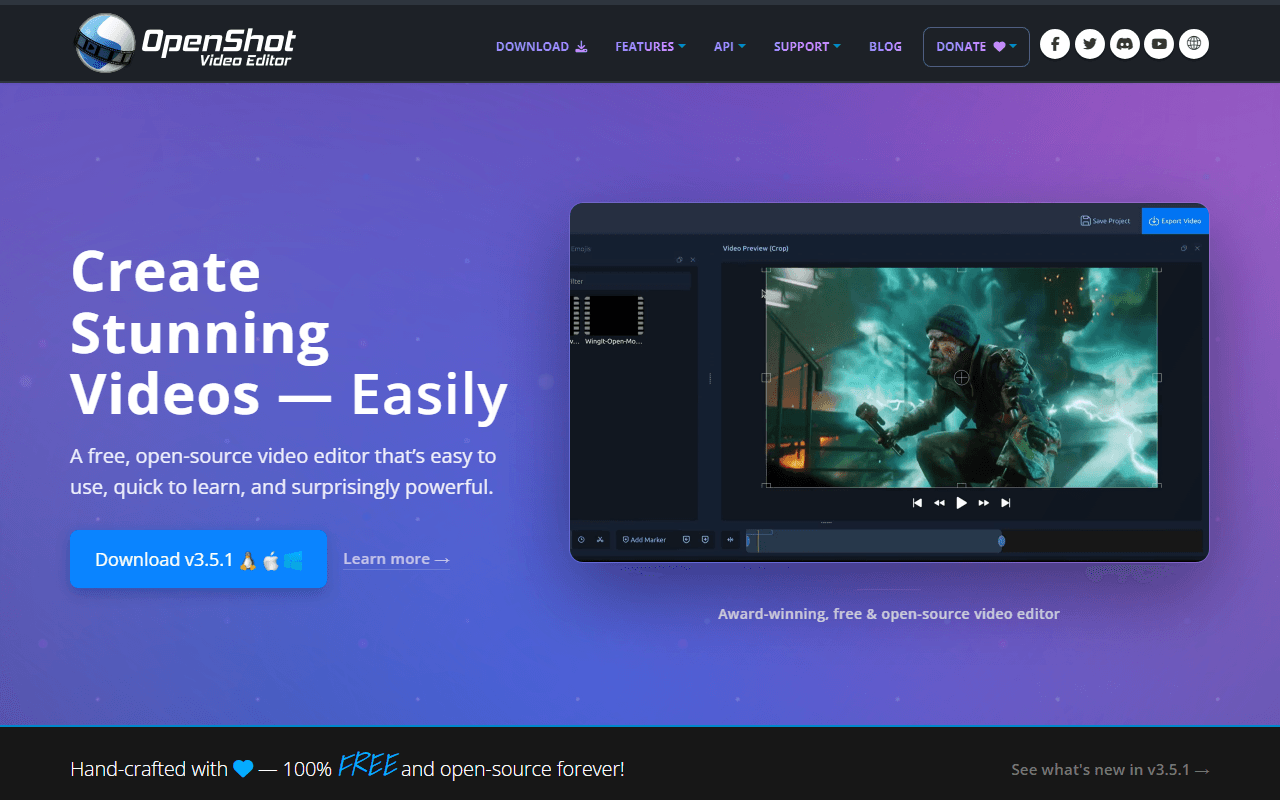
OpenShot is the gentlest landing here. Drag clips onto a track, trim, add a title, export, with no account, no watermark, no export cap and nothing unlocked by paying. The platform buttons on openshot.org link straight at GitHub release binaries and the donation block sits below them rather than in front of them. Version 3.5.1 shipped on 8 April 2026 and added an Optimize Video proxy mode for large source files.
- Completely free (as of July 2026)
- United States
- Open source (GPL-3.0-only)
 United States
- Best for:
- Simple cuts and family video, and anyone who found Premiere's interface exhausting
- The catch:
- OpenShot's own user guide documents a Windows 11 freeze triggered by Ctrl+C, with a memory leak alongside it, and ships a workaround (use the right-click menus instead) rather than a fix.
Compared to Adobe Premiere Pro
- Advantage: Free under GPL-3.0 with no export cap, no watermark and no account, against a monthly plan
- Advantage: Learnable in an afternoon, where Premiere Pro rather expects you to know it already
- Advantage: Windows, macOS, Linux and a Chrome OS AppImage, so it reaches machines Premiere never has
- Tradeoff: Its own documentation carries a known Windows 11 freeze with a workaround instead of a fix
- Tradeoff: No color grading worth the name, no multicam and nothing like Premiere's audio tools
- Tradeoff: Large source files want the new proxy mode before playback is comfortable
A professional editor with real finishing history, free at 720p
Lightworks is a genuine professional NLE, and its free tier is the full application with no watermark, on Windows, macOS and Linux. What the free tier will not do is deliver above 720p: LWKS states that ceiling on its pricing page, on its comparison page and in its FAQ (all read July 2026). The current build is 2025.2-56356 from January 2026.
- Free plan (as of July 2026)
- United Kingdom
 United Kingdom
- Best for:
- Learning a professional cutting workflow before deciding whether a delivery ceiling is worth paying to lift
- The catch:
- 720p is not a deliverable for most people now, and the free license expires every 90 days and is renewed by signing back into the application, so it is an account-gated license rather than a standalone free download.
Compared to Adobe Premiere Pro
- Advantage: A professional NLE with no watermark, free, on Windows, macOS and Linux
- Advantage: Runs on Linux, which Premiere Pro does not
- Tradeoff: Free exports stop at 720p, far below anything you would deliver out of Premiere
- Tradeoff: The free license expires every 90 days and needs a sign-in to renew, plus an internet connection to register
- Tradeoff: Create and Pro prices render in the browser and we could not read a single figure first-party, so we cannot tell you what lifting the 720p cap costs
- Worth knowing: The ladder is Free, Create and Pro, billed monthly, yearly or once, so a one-off purchase is at least on the table (as of July 2026)
How to choose
Start with what your machine can do. DaVinci Resolve is the only free editor here that covers the whole Premiere job (edit, color, audio, delivery), but it wants a real GPU, and Blackmagic's own edition document puts hardware accelerated encoding and decoding in the paid Studio version, so long H.264 exports run slower on the hardware most people already own. If your laptop is ordinary, Kdenlive and Shotcut ask nothing special of it, and both are GPL with no watermark, no resolution cap and no account. If what you actually cut in Premiere was social video, CapCut and Clipchamp get you there faster, and Clipchamp needs nothing but a browser tab.