Free alternatives to Blender
If you landed here you almost certainly want to edit video, and Blender is a 3D creation suite that happens to include a Video Sequencer. Blender's own manual introduces it that way, as one of two ways to edit video inside Blender, and the project ships a separate Video Editing app template precisely because the default 3D workspace is the wrong room for a cut. Blender is very good at its actual job, and 5.2.0 LTS shipped on 14 July 2026 free and GPL-licensed (as of July 2026), so this page is not a complaint about Blender but a shortcut to an application built for cutting video.
Facts checked as of July 2026Read our Blender review
Jump to an alternative


Kdenlive
Best Free Alternative ToBlenderA free open source editor where the timeline is the whole application, not one workspace
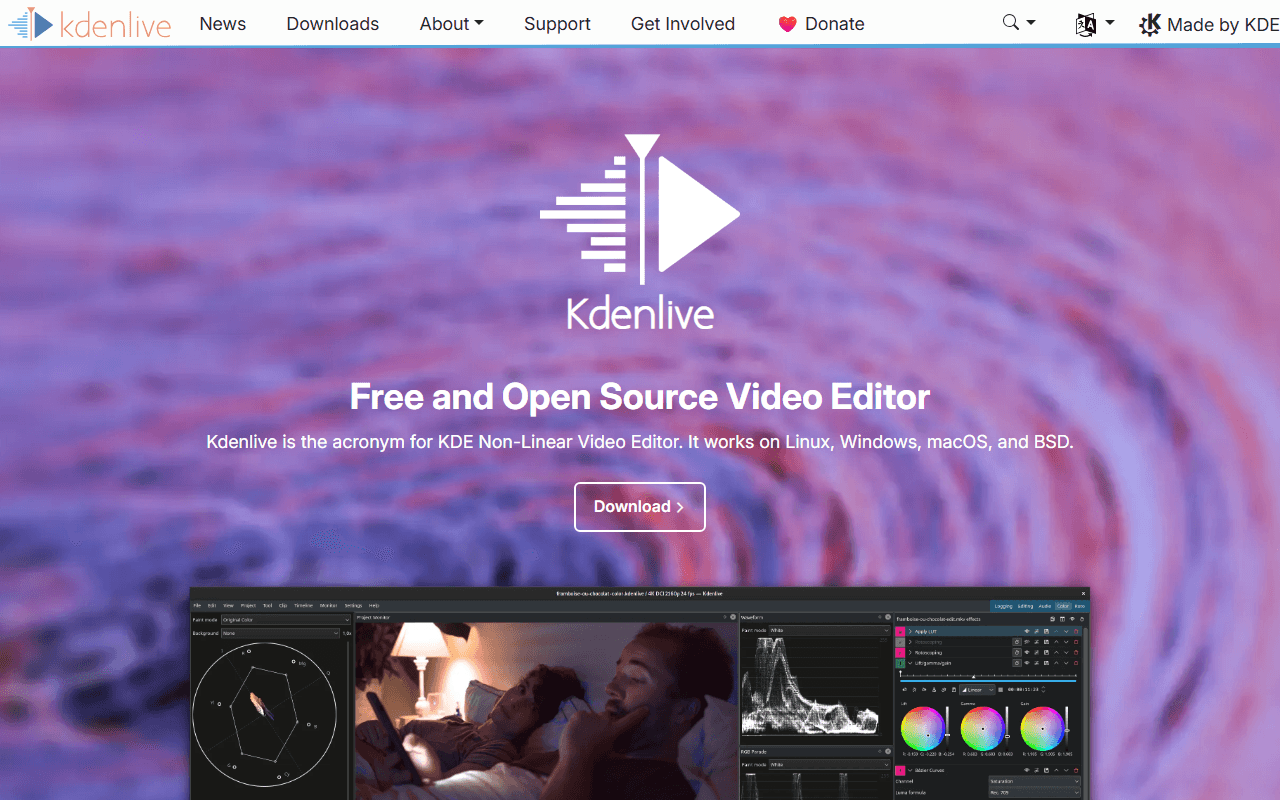
Kdenlive is the natural landing spot for someone leaving Blender's Video Sequencer: free, GPL-3.0-or-later, no account, no caps, and built around editing rather than around a 3D scene (as of July 2026). It gives you effects, keyframes and proxy editing aimed at footage, and it runs on Windows 10 or newer, macOS 13 or newer and Linux. Version 26.04.3 shipped on 6 July 2026.
- Completely free (as of July 2026)
- Germany
- Open source (GPL-3.0-or-later)
 Germany
- Best for:
- Blender users on Linux who want a real editor with the same free and open source terms
- The catch:
- Point releases routinely ship crash fixes, and the macOS builds are unsigned so Gatekeeper blocks the first launch.
Compared to Blender
- Advantage: Built for editing, so you open a timeline instead of switching into a Video Editing app template
- Advantage: Free and open source like Blender, under GPL-3.0-or-later, with no account
- Advantage: Effects, keyframes and proxy editing aimed at footage rather than at 3D scenes
- Worth knowing: Windows, macOS 13 or newer and Linux, the same desktop platforms Blender covers
- Tradeoff: No modelling, rendering or animation, so it replaces the sequencer and not Blender
- Worth knowing: Point releases routinely fix crashes; 26.04.3 arrived on 6 July 2026
A lighter dedicated editor with no workspace to switch into first
Shotcut opens straight into a timeline, which is the whole point of leaving a 3D suite to cut video. It is free under GPL-3.0 with no watermark, no time limit and no export cap, and the publisher's description puts it at up to 8K (as of July 2026). It is also a much smaller download than Blender's 348 MB Windows installer, and new versions land nearly every month.
- Completely free (as of July 2026)
- Open source (GPL-3.0)
- Best for:
- People who want the simplest free open source timeline on any desktop platform
- The catch:
- The free route is the ad-supported shotcut.org download with no automatic updates, and the Microsoft Store build is a paid listing at $11.49 after a one-week trial (as of July 2026).
Compared to Blender
- Advantage: A dedicated editor, so there is no app template or 3D keymap between you and the cut
- Advantage: Free and open source under GPL-3.0, with no watermark, time limit or export cap
- Advantage: Much lighter to install than Blender's 348 MB Windows build
- Advantage: Ships nearly every month; v26.6.25 arrived in June 2026
- Tradeoff: No 3D, motion graphics or rendering; Blender's sequencer at least sits beside those tools
- Tradeoff: The free download is ad-supported and does not update itself, and the Microsoft Store version costs $11.49
Free, and the closest thing here to Blender's node way of working, through Fusion
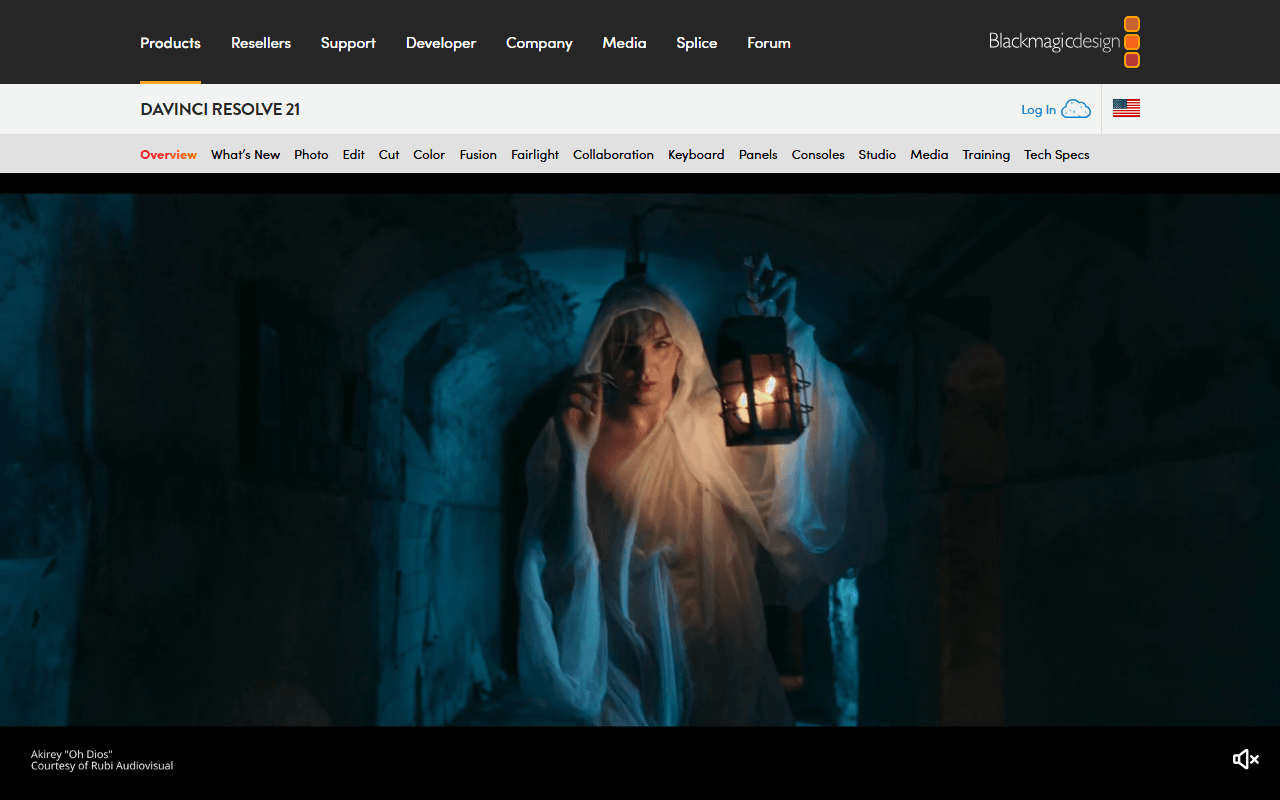
DaVinci Resolve free bundles editing, colour grading, node-based compositing in Fusion and audio post into one application, with no watermark and no time limit (as of July 2026). If what you valued in Blender was building effects out of nodes, Fusion is the nearest equivalent in a tool that is built to cut video. Blackmagic caps free at Ultra HD 3840x2160, 60 fps and 8-bit.
- Free plan, paid from $295 one-time (as of July 2026)
- Best for:
- Blender users doing VFX-heavy work who want an editor with real compositing attached
- The catch:
- It is proprietary, the free download requires registering with Blackmagic, and hardware accelerated encoding and decoding is Studio only per its August 2024 edition document.
Compared to Blender
- Advantage: Editing, colour, node compositing and audio post in one free application built for video
- Advantage: Free with no watermark and no time limit, like Blender
- Advantage: Fusion is a node compositor, the closest match here to how Blender asks you to think
- Worth knowing: Free edits and finishes up to Ultra HD 3840x2160 at 60 fps, 8-bit
- Tradeoff: Proprietary, where Blender is GPL-licensed and open
- Tradeoff: The free download requires registering with Blackmagic; Blender's does not
- Tradeoff: Hardware accelerated encoding and decoding is Studio only per Blackmagic's edition document dated August 2024
The fastest of these to learn, free and GPL, with a documented stability caveat
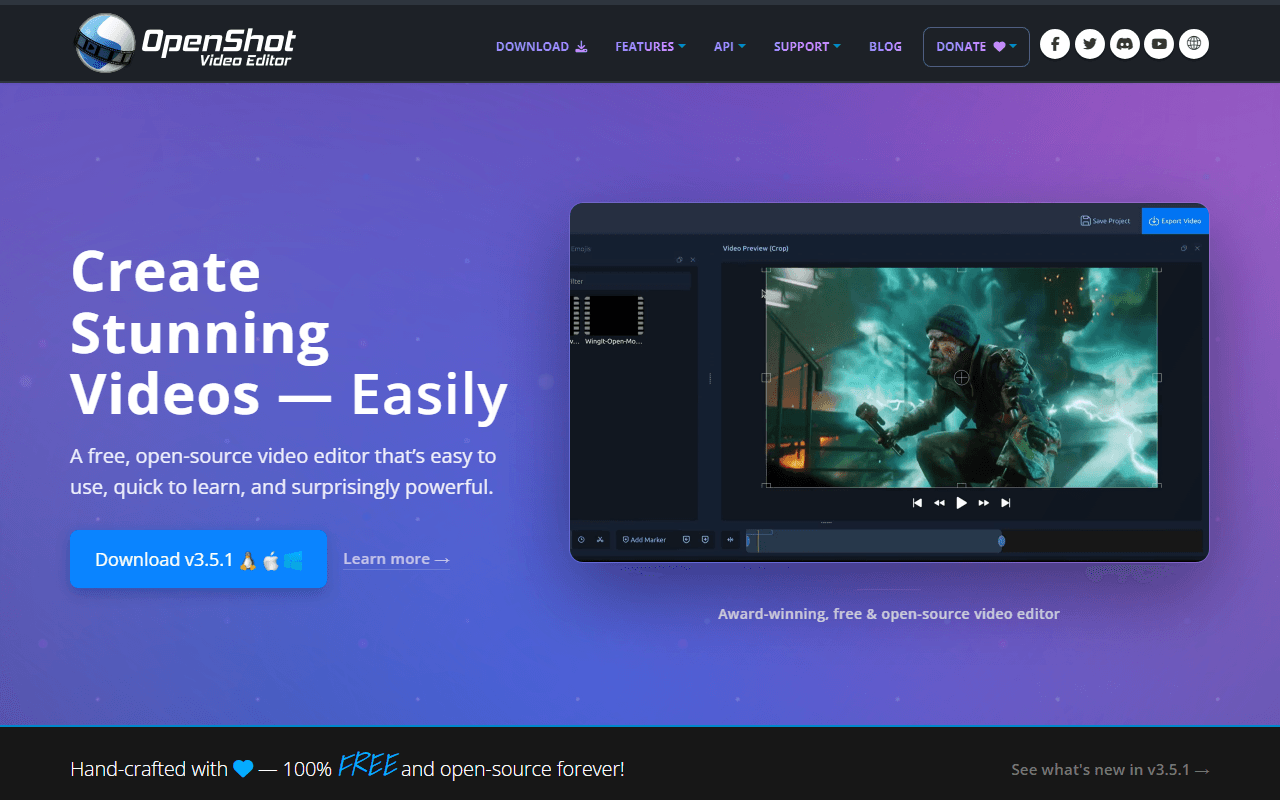
OpenShot is the shortest path from wanting to cut a clip to actually cutting it: free under GPL-3.0, no account, no watermark and no export cap, on Windows, macOS, Linux and Chrome OS (as of July 2026). Version 3.5.1 landed on 8 April 2026 and added an Optimize Video proxy mode. It is the least capable editor on this page, and it is the one you will be productive in soonest.
- Completely free (as of July 2026)
- United States
- Open source (GPL-3.0-only)
 United States
- Best for:
- Blender users who want a simple timeline for straightforward cuts and titles
- The catch:
- OpenShot's own user guide documents a Windows 11 freeze triggered by Ctrl+C, with a memory leak that grows until the app crashes, shipped with a keyboard workaround rather than a fix (as of July 2026).
Compared to Blender
- Advantage: Opens straight into a timeline, with none of Blender's 3D navigation or vocabulary
- Advantage: Free and open source under GPL-3.0, with no account, watermark or export cap
- Advantage: Windows, macOS, Linux and a Chrome OS build, and still shipping; v3.5.1 arrived 8 April 2026
- Tradeoff: Its own user guide documents a Windows 11 freeze triggered by Ctrl+C, with a workaround rather than a fix
- Tradeoff: Nothing like Blender's masking or colour work in the sequencer
- Worth knowing: No 3D, rendering or animation, so Blender stays installed for that half of the work
How to choose
If you are on Linux, which is where a lot of Blender users already are, Kdenlive and Shotcut are the two free open source timelines that need no account and impose no caps, and Kdenlive is the more capable of the pair. Pick DaVinci Resolve if what you liked about the Blender way of working was the node graph, since Fusion is a node compositor sitting in the same free download, and if your machine can carry it. OpenShot is the simplest and fastest to learn, with the honest caveat that its own guide documents a Windows 11 freeze. None of these replaces Blender itself, so keep it installed for the 3D work.