Free alternatives to Lightworks
Lightworks free is a real professional editor with no watermark, and then it exports at 720p (as of July 2026), which is below what most people can actually deliver. Two smaller catches come with it: an account is required, and the free licence expires every 90 days and is renewed by signing back into the application. If that ceiling is what sent you here, every editor below clears it without charging you.
Facts checked as of July 2026Read our Lightworks review
Jump to an alternative


DaVinci Resolve
Best Free Alternative ToLightworksThe same professional class of editor, free, and finishing at Ultra HD rather than 720p
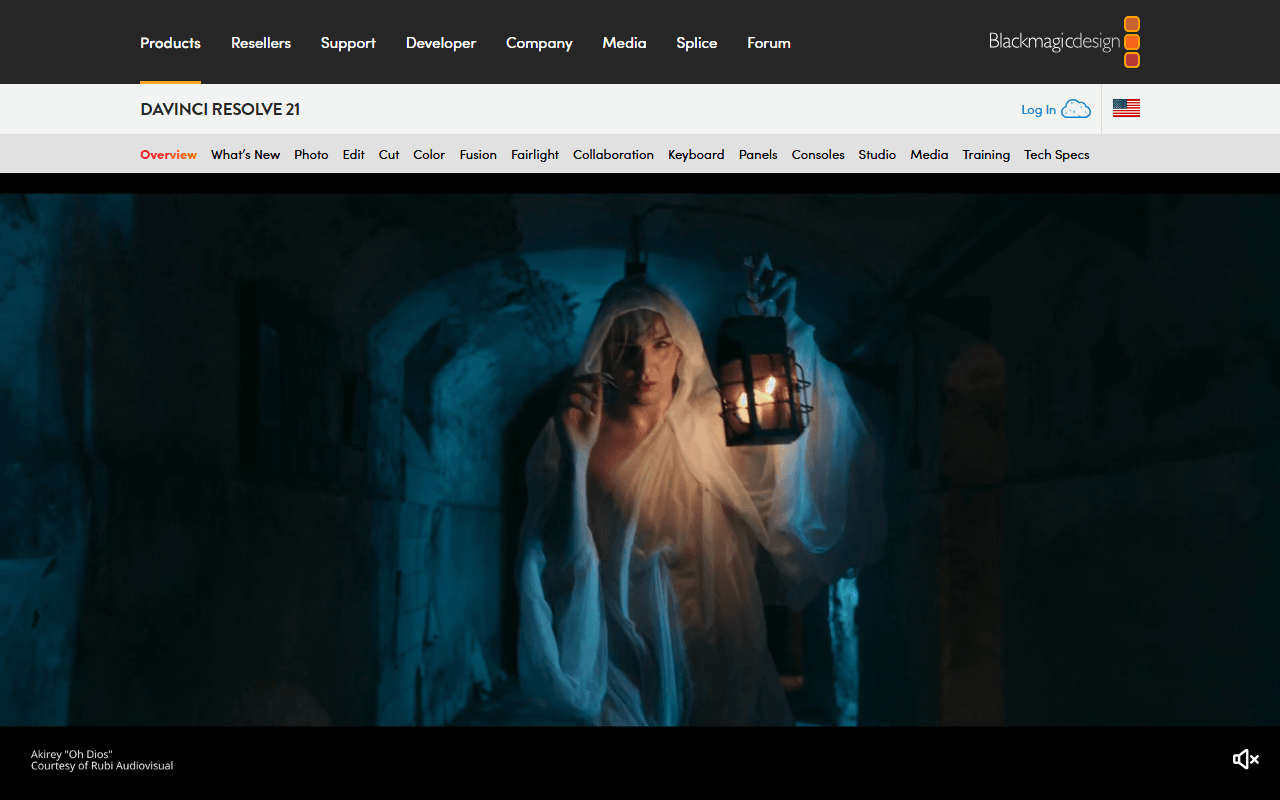
DaVinci Resolve free is the closest thing to what Lightworks free wants to be: a professional editor with no watermark and no time limit, except that it finishes up to Ultra HD 3840x2160 at 60 fps and 8-bit rather than 720p (as of July 2026). Editing, colour grading, Fusion compositing and Fairlight audio all sit in the same free download. There is also no 90-day licence to renew.
- Free plan, paid from $295 one-time (as of July 2026)
- Best for:
- Lightworks users who want professional tools and a deliverable export in the same free app
- The catch:
- Blackmagic requires registration before the free download, free support is community forums only, and hardware accelerated encoding and decoding is Studio only per its August 2024 edition document.
Compared to Lightworks
- Advantage: Free finishes up to Ultra HD 3840x2160 at 60 fps and 8-bit, against Lightworks free's 720p
- Advantage: No watermark and no time limit, and the free build is the professional application
- Advantage: Colour grading, Fusion compositing and Fairlight audio in one place
- Advantage: No licence to renew every 90 days
- Worth knowing: Still account-gated: Blackmagic's own download API marks every free build as requiring registration
- Tradeoff: Hardware accelerated encoding and decoding is Studio only per Blackmagic's edition document dated August 2024
- Tradeoff: Heavier on hardware; the only minimum Blackmagic publishes is macOS, at 8 GB of memory and 16 GB with Fusion
No export cap, no account and nothing to reactivate every 90 days
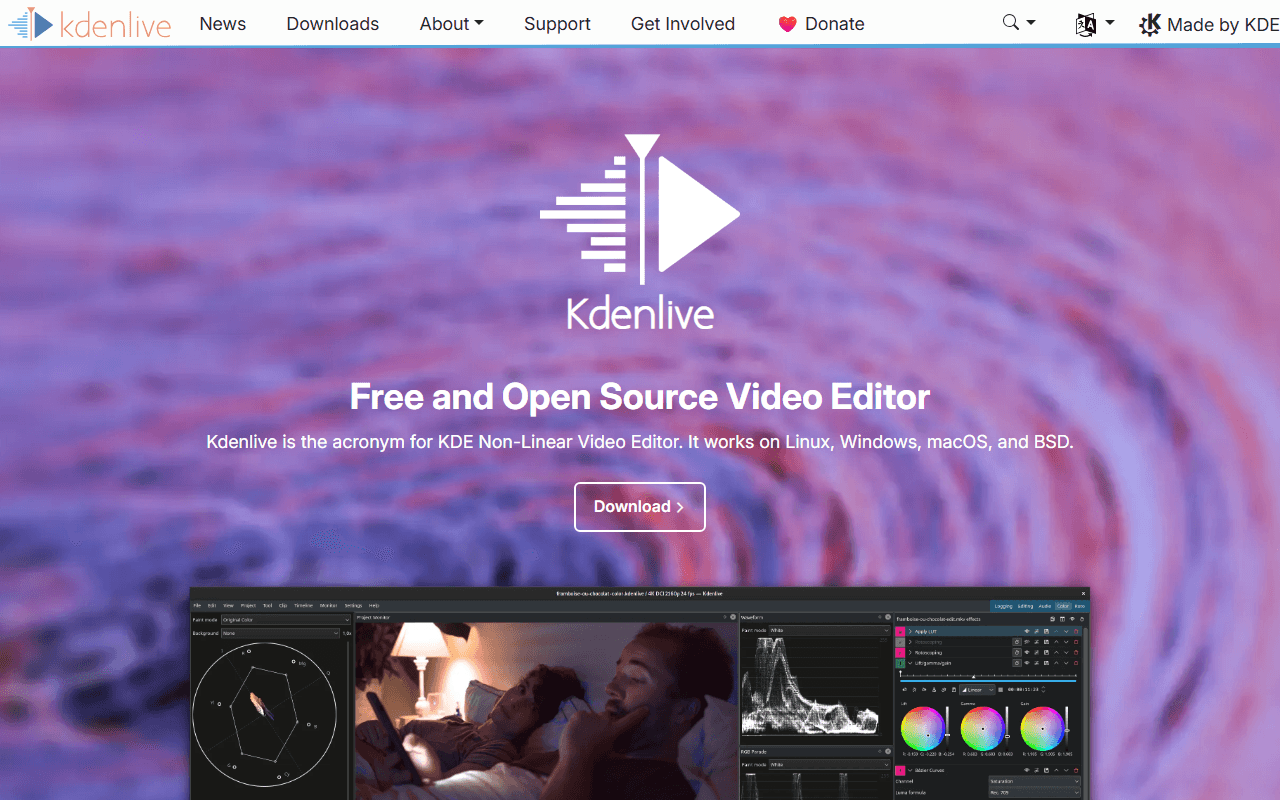
Kdenlive answers both Lightworks catches at once: there is no resolution cap, no account and no licence that expires, because it is GPL-3.0-or-later software you download and keep (as of July 2026). It covers the same three desktop platforms Lightworks does, on Windows 10 or newer, macOS 13 or newer and Linux. Version 26.04.3 shipped on 6 July 2026.
- Completely free (as of July 2026)
- Germany
- Open source (GPL-3.0-or-later)
 Germany
- Best for:
- Editors who want an unlimited free timeline and never want to sign in to keep it working
- The catch:
- It is less refined than Lightworks on trimming and finishing, point releases routinely fix crashes, and the macOS builds are unsigned so Gatekeeper blocks the first launch.
Compared to Lightworks
- Advantage: No export cap at all, against Lightworks free's 720p ceiling
- Advantage: No account, and no licence that expires every 90 days
- Advantage: GPL-3.0-or-later on Windows, macOS 13 or newer and Linux, the same three platforms Lightworks covers
- Advantage: Free with no paid tier, so no feature is held back
- Tradeoff: Less refined than Lightworks on trimming and finishing, and point releases routinely fix crashes
- Tradeoff: macOS builds are unsigned, so the first launch has to be approved manually
Up to 8K by the publisher's own description, with nothing to sign into
Shotcut is the simpler unlimited option: free under GPL-3.0, no watermark, no time limit and no export cap, with the publisher's own description putting it at up to 8K (as of July 2026). No account is involved at any point, so there is nothing to renew. It runs on Windows, macOS and Linux and ships nearly every month, most recently v26.6.25 in June 2026.
- Completely free (as of July 2026)
- Open source (GPL-3.0)
- Best for:
- People who want the 720p ceiling gone without learning a heavier application
- The catch:
- The free route is the ad-supported shotcut.org download with no automatic updates, and the Microsoft Store build costs $11.49 after a one-week trial (as of July 2026).
Compared to Lightworks
- Advantage: No resolution, time or watermark limits; the publisher's description says up to 8K against Lightworks free's 720p
- Advantage: No account and nothing to reactivate every 90 days
- Advantage: Windows, macOS and Linux, with a release nearly every month; v26.6.25 arrived in June 2026
- Tradeoff: Nothing like Lightworks' broadcast heritage in the trim and edit model
- Tradeoff: The free download is ad-supported and does not update itself, and the Microsoft Store version is a paid listing at $11.49
4K on free for social work, if you can live with the asset gates
CapCut jumps you from 720p to 4K on the free tier, with CapCut's own caveat that free accounts may face watermarks or bitrate limits on 4K exports (as of July 2026). It is built for short-form social video rather than long-form finishing, with auto captions, background removal and templates. It runs on the web, Windows, macOS, iOS and Android.
- Free plan (as of July 2026)
- Singapore
 Singapore
- Best for:
- Social and short-form work that needs to look sharper than 720p right now
- The catch:
- Templates and premium assets watermark free exports, CapCut appends its own end card for you to delete, and no price is published anywhere on its site.
Compared to Lightworks
- Advantage: 4K export on free, well past Lightworks free's 720p, with CapCut's stated caveat about watermarks or bitrate limits
- Advantage: Auto captions, background removal and templates, none of which Lightworks free offers
- Advantage: Runs on the web, Windows, macOS, iOS and Android
- Worth knowing: Also account-gated for anything cloud-backed, so you do not escape signing in
- Tradeoff: Templates and premium assets stamp a watermark on free exports, and an auto-appended end card has to be deleted by hand
- Tradeoff: No prices published anywhere on CapCut's own site
- Tradeoff: No Linux build, where Lightworks has one
1080p watermark-free exports in a browser tab, with no licence to renew
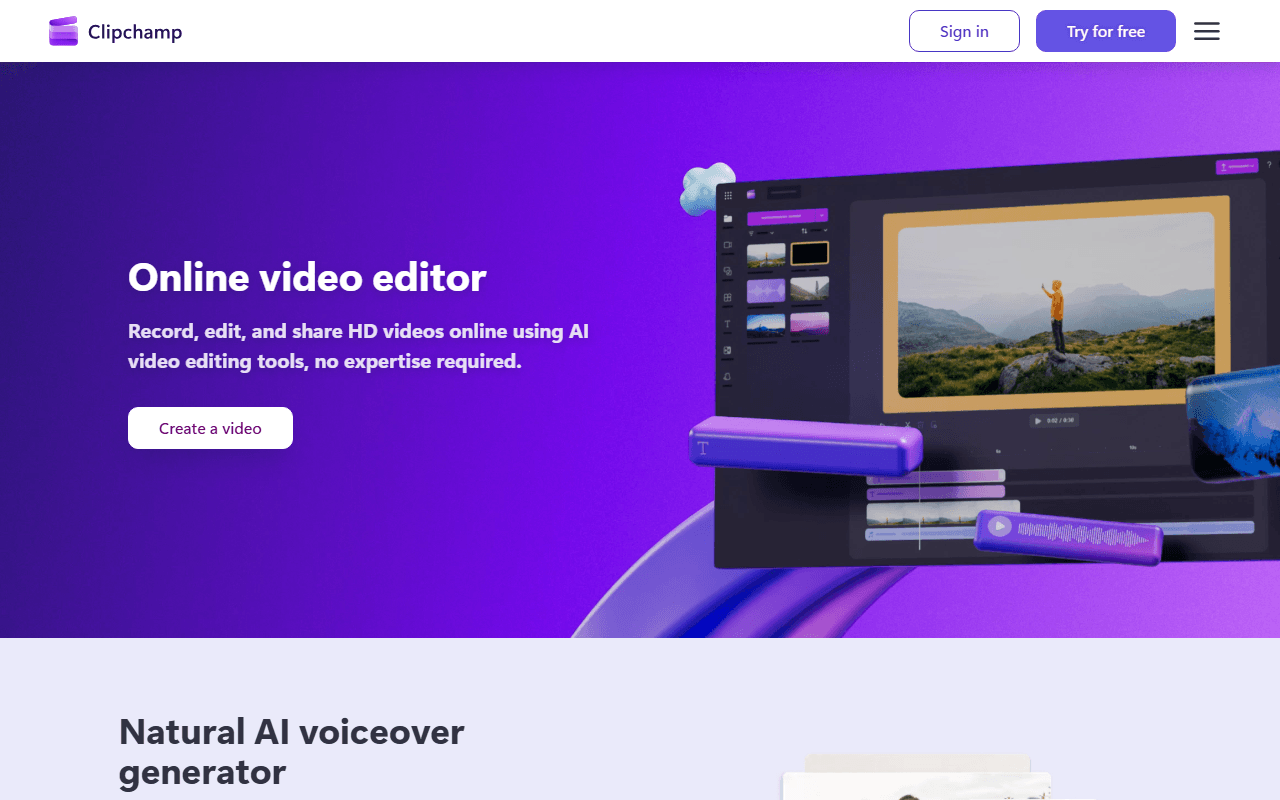
Clipchamp is the low-effort step up from 720p: unlimited watermark-free exports capped at 1080p, in Edge or Chrome or the built-in Windows 11 app, plus free AI subtitles, voiceovers and silence removal (as of July 2026). It is a modest jump rather than a route to 4K, but nothing installs and nothing expires. Business plans reach 4K at $7 per user per month billed annually.
- Free plan (as of July 2026)
- Australia
 Australia
- Best for:
- Anyone who just needs 1080p delivered quickly with no software to maintain
- The catch:
- Free tops out at 1080p, an account is still required, and there is no macOS, Linux or Android app, so those readers stay in the browser.
Compared to Lightworks
- Advantage: 1080p watermark-free exports on free, above Lightworks free's 720p
- Advantage: Unlimited exports, with free AI subtitles, voiceovers and silence removal
- Advantage: Runs in a browser tab, with nothing to install and no licence to renew every 90 days
- Worth knowing: Still needs an account, and the Windows app takes a personal Microsoft account only
- Tradeoff: Stops at 1080p, so it lifts the ceiling rather than removing it
- Tradeoff: No macOS, Linux or Android app; Lightworks ships builds for all three desktop platforms
- Tradeoff: Nowhere near Lightworks on trimming, effects or audio control
How to choose
If you want the professional editor without the export cap, DaVinci Resolve is the closest match, and its free version finishes up to Ultra HD 3840x2160 at 60 fps, though Blackmagic wants a registration and your machine has to keep up. If the account and the 90-day renewal are the part that wore you down, Kdenlive and Shotcut ask for neither and cap nothing. CapCut and Clipchamp are the quick answers when the job is a social clip rather than a cut you will grade. One note on what is missing here: we quote no Lightworks paid price on this page, because Lightworks renders its figures client-side and we could not read them first-party.