Free alternatives to iMovie
iMovie is free, exports up to 4K and is already on the Mac, so the two reasons people go looking are simple: it only exists on macOS, iPhone and iPad, and sooner or later you want something it will not do. Worth being accurate about the second reason, because it gets reported wrongly: the Mac build is current at version 10.4.4, dated 28 January 2026, and only the iPhone and iPad build is stale, at 3.0.5 from 16 December 2024 (as of July 2026). So this is not a page about abandonware: it is a page about editing on Windows or Linux, or about wanting tracks and colour tools iMovie was never going to hand you.
Facts checked as of July 2026Read our iMovie review
Jump to an alternative


DaVinci Resolve
Best Free Alternative ToiMovieThe free step up from a consumer editor, on the same Mac or on Windows and Linux
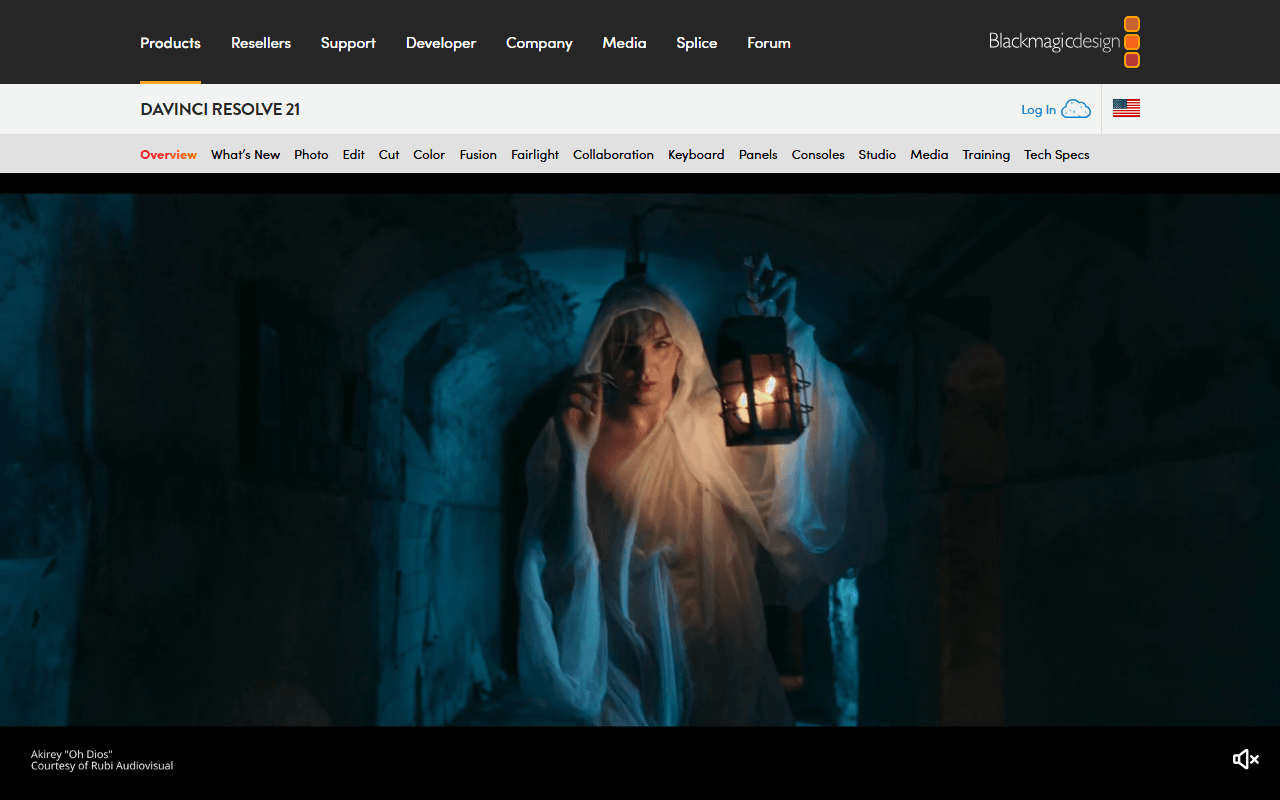
DaVinci Resolve free gives you everything iMovie deliberately leaves out: colour wheels and scopes, Fusion node compositing and a full audio page, with no watermark and no time limit (as of July 2026). Blackmagic caps free at Ultra HD 3840x2160, 60 fps and 8-bit, which sits about where iMovie's 4K ceiling does, so the gain is control rather than resolution. It also runs on Windows and Linux, which iMovie never will.
- Free plan, paid from $295 one-time (as of July 2026)
- Best for:
- Mac users who outgrew iMovie and have the hardware to run a professional suite
- The catch:
- Blackmagic requires registration before the free download, hardware accelerated encoding and decoding is Studio only per its August 2024 edition document, and the app is far heavier than iMovie.
Compared to iMovie
- Advantage: Free with no watermark and no time limit, like iMovie
- Advantage: Runs on Windows and Linux as well as macOS
- Advantage: Adds colour grading, node compositing and real audio post, none of which iMovie has
- Worth knowing: Free edits and finishes up to Ultra HD 3840x2160 at 60 fps, roughly where iMovie's 4K sits
- Tradeoff: Needs a Blackmagic registration to download; iMovie is a plain App Store install
- Tradeoff: Much heavier: Blackmagic's published macOS minimum is 8 GB of memory, 16 GB with Fusion, on macOS 15 or later
- Tradeoff: Hardware accelerated encoding and decoding is Studio only per Blackmagic's edition document dated August 2024
The nearest thing to iMovie's feel, on Windows, Android and the web as well
CapCut is the consumer editor iMovie users tend to land on: templates, auto captions and background removal, with the same start-on-a-phone-finish-on-a-laptop habit iMovie built. Its own help pages put 4K export on the free tier, with the stated caveat that free accounts may face watermarks or bitrate limits on 4K exports (as of July 2026). It runs on the web, Windows, macOS, iOS and Android.
- Free plan (as of July 2026)
- Singapore
 Singapore
- Best for:
- People who liked iMovie's simplicity but need it on Windows, Android or in a browser
- The catch:
- Templates and premium assets watermark free exports, CapCut appends its own end card for you to delete, and its terms take a broad licence over anything you submit.
Compared to iMovie
- Advantage: Runs on the web, Windows, macOS, iOS and Android, so it is not tied to Apple hardware
- Advantage: Auto captions, background removal and a template library iMovie does not have
- Worth knowing: Exports at 4K on free, with CapCut's own caveat about watermarks or bitrate limits on free 4K exports
- Tradeoff: Templates and premium assets stamp a watermark on free exports, and the auto-appended end card must be deleted by hand
- Tradeoff: No Linux build
- Tradeoff: Its terms grant a perpetual, worldwide, sub-licensable licence over content you submit (last updated 15 April 2026); iMovie edits stay on your device
- Tradeoff: No prices published on CapCut's own site, so Pro's cost is invisible until you sign in
A free open source timeline with more tracks and no Apple hardware attached
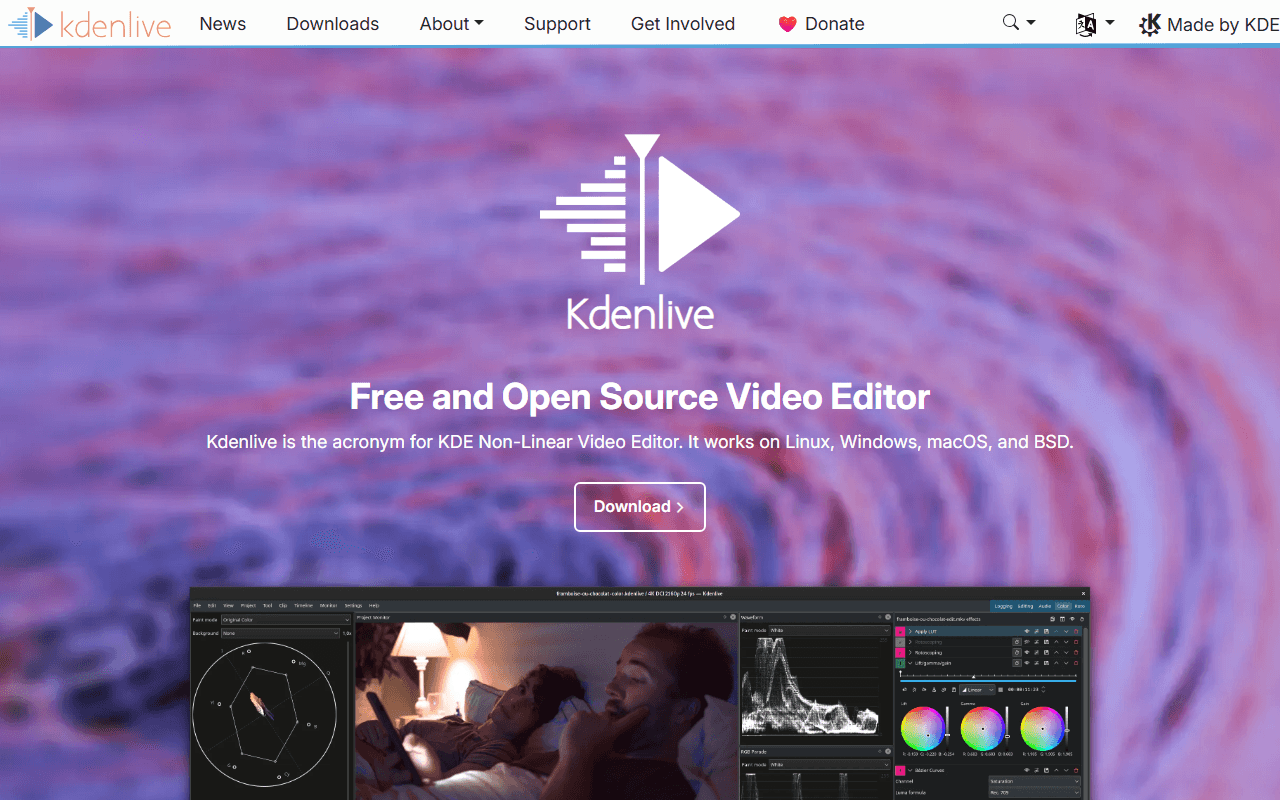
Kdenlive is the free editor to take with you when you leave the Mac: GPL-3.0-or-later, no account, no watermark and no export cap of any kind (as of July 2026). It runs on Windows 10 or newer, macOS 13 or newer and Linux, and 26.04.3 shipped on 6 July 2026. Compared with iMovie you get many more tracks, real keyframing and proxy editing, at the cost of iMovie's guided feel.
- Completely free (as of July 2026)
- Germany
- Open source (GPL-3.0-or-later)
 Germany
- Best for:
- iMovie users moving to Windows or Linux who want no caps and no subscription
- The catch:
- It is rougher than iMovie: point releases routinely ship crash fixes, and the macOS builds are unsigned so Gatekeeper blocks the first launch.
Compared to iMovie
- Advantage: Free and open source under GPL-3.0-or-later, on Windows, macOS 13 or newer and Linux
- Advantage: No account and no hardware requirement beyond a 64-bit desktop, where iMovie needs Apple hardware
- Advantage: More tracks, keyframes and proxy editing than iMovie's timeline allows
- Advantage: Actively shipping; 26.04.3 arrived on 6 July 2026
- Tradeoff: Point releases routinely fix crashes, so expect the occasional rough edge
- Tradeoff: Nothing like iMovie's 29 trailer templates or its guided flow
The simpler open source timeline, free on all three desktop platforms
Shotcut is the easier of the two open source desktop editors to pick up, and it is free under GPL-3.0 with no watermark, no time limit and no export cap (as of July 2026). The publisher's own description says it handles up to 8K and permits commercial work. New versions land nearly every month, with v26.6.25 out in June 2026.
- Completely free (as of July 2026)
- Open source (GPL-3.0)
- Best for:
- iMovie users who want a straightforward free timeline on Windows, macOS or Linux
- The catch:
- The free route is the ad-supported shotcut.org download with no automatic updates, and there is no official Mac App Store listing, so Mac installs come from the website.
Compared to iMovie
- Advantage: Free and open source on Windows, macOS and Linux, not just Apple hardware
- Advantage: No watermark, time limit or export cap; the publisher's description says up to 8K
- Advantage: Ships nearly every month; v26.6.25 arrived in June 2026
- Tradeoff: Nothing like iMovie's trailer templates or its guided project flow
- Tradeoff: The free download is the ad-supported website build with no automatic updates, and the Microsoft Store version costs $11.49
- Tradeoff: No official Mac App Store listing, so a Mac install comes from shotcut.org
iMovie's job in a browser tab, on hardware Apple does not sell
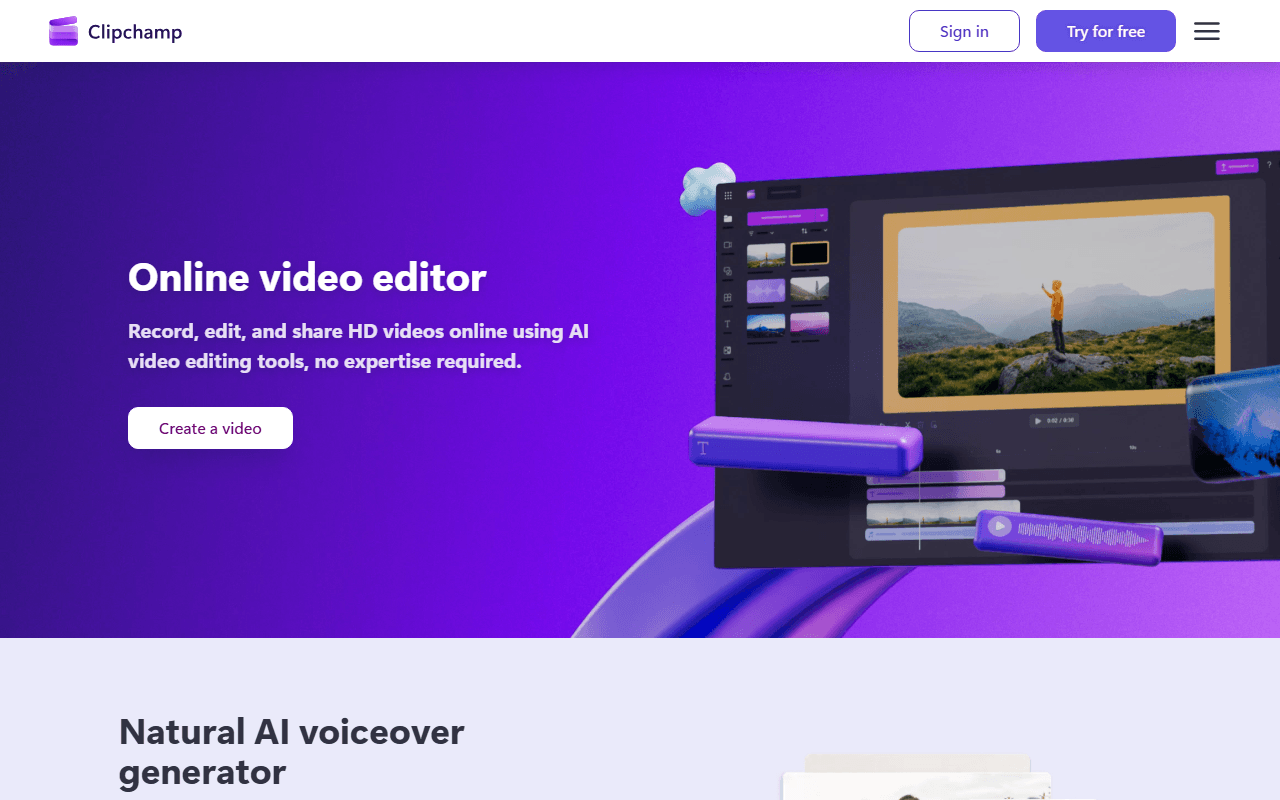
Clipchamp is the closest thing Windows has to iMovie being already there: it is the built-in video editor in Windows 11 and it also runs in Edge or Chrome on any desktop. Free gives you unlimited watermark-free exports capped at 1080p, plus AI subtitles, voiceovers and silence removal (as of July 2026). Nothing installs if you use the browser version.
- Free plan (as of July 2026)
- Australia
 Australia
- Best for:
- People switching to Windows who want the same low-effort editor they had on the Mac
- The catch:
- Free exports stop at 1080p where iMovie reaches 4K, the Windows app takes a personal Microsoft account only, and there is no macOS or Android app.
Compared to iMovie
- Advantage: Runs in a browser on any desktop, including Windows and Linux
- Advantage: Unlimited watermark-free exports, with free AI subtitles, voiceovers and silence removal
- Advantage: Built into Windows 11, the way iMovie is built into the Mac
- Tradeoff: Free exports stop at 1080p; iMovie goes to 4K
- Tradeoff: The Windows app accepts a personal Microsoft account only, though the browser version still takes Google or email sign-in
- Tradeoff: No macOS or Android app at all, so Mac users stay in the browser
- Tradeoff: Projects live in Microsoft's cloud rather than on your own machine
How to choose
If you are staying on the Mac and simply outgrew iMovie, DaVinci Resolve is the step up and it costs nothing, provided your machine has the memory for it. If you are moving to Windows or Linux, Kdenlive and Shotcut are the free open source timelines with no accounts and no caps. CapCut is the closest match for iMovie's feel across phone and desktop, and Clipchamp is the one that needs no install at all. Sort one thing out first: iMovie projects do not open in any of these, so finish anything in flight before you switch.