
Discover honest, community-driven software alternatives. Learn about our mission

Excalidraw logo

Excalidraw review

Verified

Free virtual whiteboard with a hand-drawn look, live collaboration, and no account required.

Facts checked July 2026

Visit ExcalidrawSee alternatives
excalidraw.com
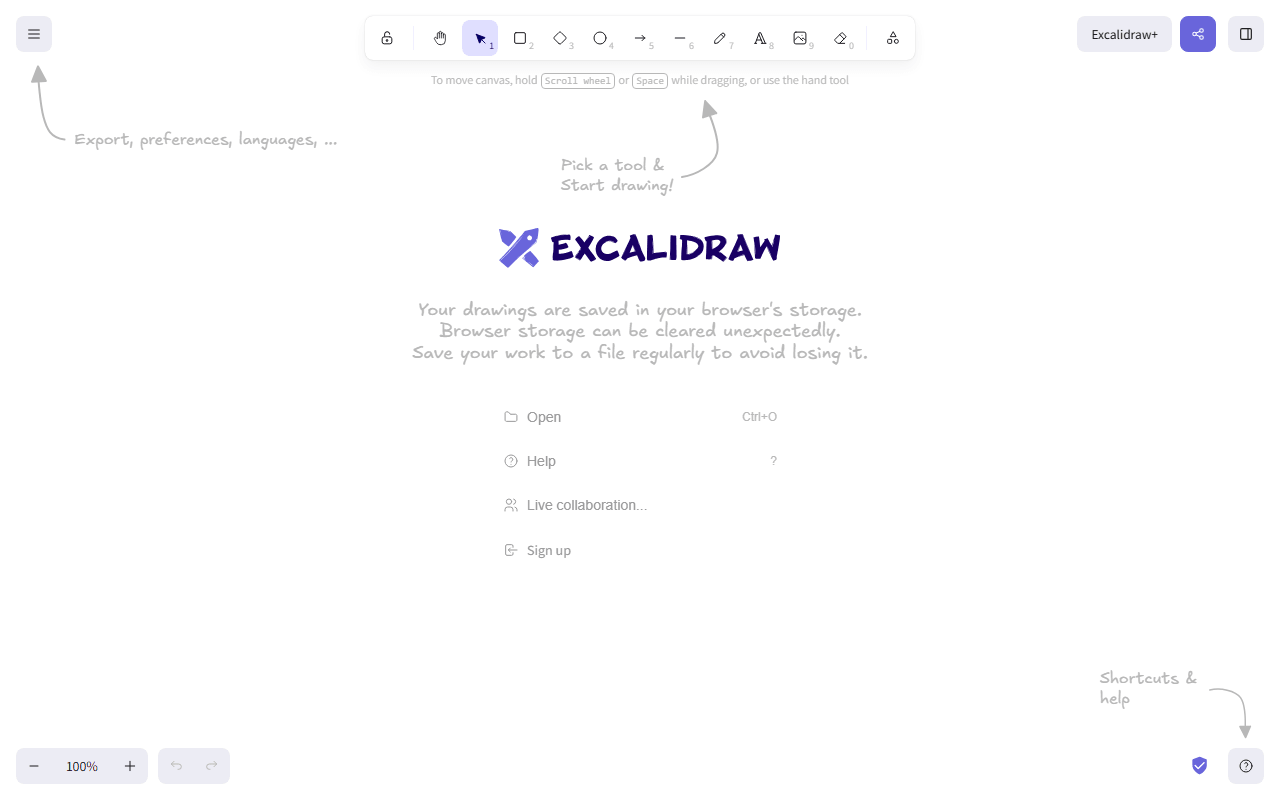
Excalidraw homepage screenshot

Excalidraw at a glance

Free plan
Yes
Free plan score
77/100Strong
Starting price
$6/month
Open source
MIT
Based in
Czech Republic
Company
Excalidraw

Our take

Excalidraw is the fastest way to sketch an idea with other people, free with no account, though the free app gives you one canvas saved in your browser.

Excalidraw is an open source virtual whiteboard with a deliberate hand-drawn style, which quietly signals "this is a sketch, not a spec" in a way polished diagrams never do. You open excalidraw.com, draw, and share a live collaboration link. Sessions are end-to-end encrypted, and the whole editor is MIT licensed on GitHub, so developers embed it in their own products all the time.

Engineers on calls, and teams that left Miro's 3 boards

  • Engineers sketching system diagrams during calls
  • Anyone who wants to whiteboard with someone in under ten seconds, no accounts
  • Teams that left Miro over the 3-board cap and mostly need freehand diagrams
  • Developers who want to embed or self-host a whiteboard (the MIT license allows it)

What the $6 Plus price adds to a free scratchpad

The web app is free with no account. As of July 2026, free means one scene (a single infinite canvas) stored in your browser, unlimited collaborators, shape libraries, and PNG, SVG, and JSON export. Excalidraw+ costs $6 per user per month billed annually (about 14 percent more if you pay monthly) and adds unlimited scenes with cloud storage, folders, comments, presentations, and read-only share links.

What one scene in browser storage actually limits

  • The free app is one scene saved in browser storage, so clearing your browser data can lose work; export the .excalidraw file to be safe
  • No cloud sync or multi-file organization without Plus
  • Freehand style is the point, but it is wrong for pixel-exact UI mockups or print work
  • No native desktop app, though the web app works offline once loaded

The scratchpad we recommend, with one habit

For quick collaborative sketching, we have not found anything faster. Treat the free version as a scratchpad and export files you care about, or pay for Plus when you need a real archive.

What Excalidraw offers

  • Real-time collaboration
  • Infinite canvas
  • Self-hosting
  • Flexible export formats

Not included

  • Vector editing
  • Offline & desktop apps
  • Components & design systems
  • Prototyping
  • Photo editing
  • Templates & stock assets

Excalidraw plans and pricing

The full editor free with no account: 1 scene stored in your browser, unlimited collaborators, and PNG, SVG, and JSON export

The editor itself is MIT licensed, so self-hosting or embedding it is free.

Free

Free

All editor features with no account required

1 scene, stored locally in your browser

Excalidraw+

$6/mo

Per user per month billed annually (about 14 percent more on monthly billing), with unlimited scenes, cloud storage, folders, comments, presentations, and read-only share links

As of July 2026. Check current pricing on the Excalidraw pricing page.

Excalidraw's free plan score

How good Excalidraw's free plan really is, judged on four things and weighted into one number.

77/100

Strong

The whole editor free with no account, and one scene saved in your browser.

Free plan generosity

80/100

Feature depth for the category

78/100

Freedom and honesty

92/100

What free users report

55/100

Scored July 2026. How we calculate the free plan score.

Frequently asked questions about Excalidraw

Can I self-host or embed Excalidraw?

Yes. The editor is MIT licensed, so self-hosting it or embedding it in your own product costs nothing, which is why it turns up inside other companies' apps. What self-hosting does not hand you is the Excalidraw+ cloud layer, since unlimited scenes, folders and comments are part of the paid service rather than the editor.

Does Excalidraw work offline?

The web app keeps working offline once it has loaded, though there is no native desktop app (as of July 2026). Your scene lives in browser storage rather than on a server, which is what makes that possible and also why clearing site data can take the drawing with it.

Are Excalidraw collaboration sessions private?

Live sessions are end to end encrypted, and the free app puts no cap on collaborators (as of July 2026). You share a link and anyone holding it can draw with you, with no account needed on either side.

What does Excalidraw+ add for $6 a month?

Not one drawing tool. $6 per user per month billed annually (about 14 percent more on monthly billing) buys unlimited scenes with cloud storage, folders, comments, presentations and read-only share links (as of July 2026). The free app already gives you the whole editor and one scene, so what you are paying for is a filing cabinet.

Which formats can I export to on the free version?

PNG, SVG and the .excalidraw JSON file, all free and all without a watermark (as of July 2026). Exporting that JSON file is also the habit worth building, because the free app keeps its single scene in your browser rather than in the cloud.

Latest Excalidraw news

Changes that affect what you get for free: pricing, free plan limits, ownership, and whether the project is still maintained. Not every release.

We checked Excalidraw's own blog, changelog and release notes in July 2026 and found nothing that changes the picture above.

Reader reviews

What people who actually use Excalidraw think of it.

No reviews of Excalidraw yet. If you have used it, yours would be the first.

The useful part is the specifics: what you used it for, and where it got in your way.

Loading...