

Discover honest, community-driven software alternatives. Learn about our mission

Miro logo

Miro review

Verified

Popular online whiteboard for workshops and visual planning, free for 3 editable boards.

Facts checked July 2026

Visit MiroSee alternatives
miro.com
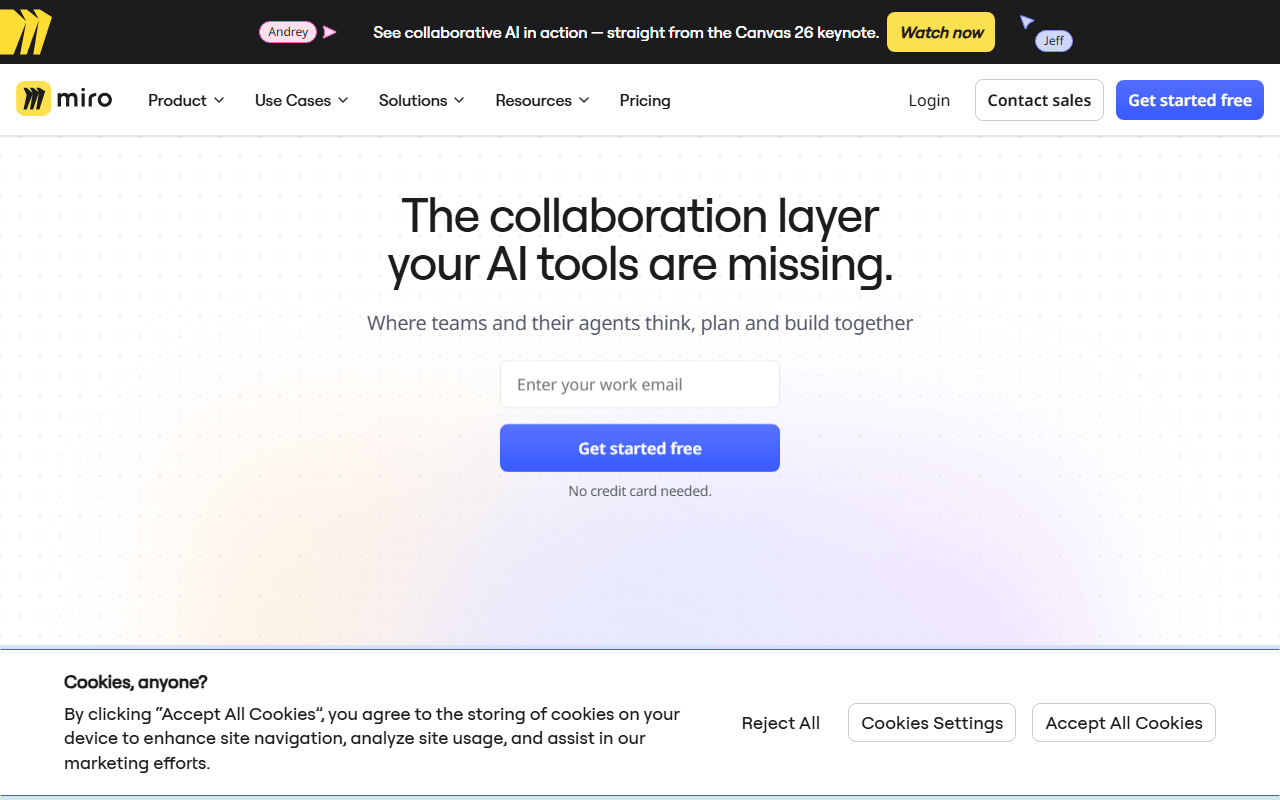
Miro homepage screenshot

Miro at a glance

Free plan
Yes
Free plan score
47/100Limited
Starting price
$8/month
Open source
Proprietary
Based in
United States
Company
Miro

Our take

Miro is the most complete workshop whiteboard available, but the 3-board cap on the free plan arrives fast, and per-member pricing adds up for large groups.

Templates, timers, and a room full of sticky notes

Miro is an online whiteboard built for group work: workshops, sprint planning, retrospectives, user story mapping, and diagramming. Its strength is everything around the canvas, including thousands of templates, voting, timers, breakout frames, and integrations with Jira, Slack, and Teams. The company is headquartered in San Francisco and Amsterdam.

Facilitators first, and the teams they run sessions for

  • Facilitators running structured workshops and retros with distributed teams
  • Organizations that want one visual collaboration platform with admin controls
  • Teams that live in Jira or Slack and want boards connected to both

The price of the fourth board is $8 a member

Miro is freemium. As of July 2026, the free plan includes 3 editable boards, unlimited team members, and 10 AI credits per month. The Starter plan is $8 per member per month billed yearly for unlimited and private boards, and Business is $20 per member per month. Enterprise is custom-priced from 30 members.

Free canvases with no board limit at all

Three boards run out quickly once a team uses Miro for real work, and every workshop participant who needs to edit counts toward paid membership on upgraded plans. Excalidraw and tldraw give you free collaborative canvases with no board caps and no accounts. draw.io is free without limits for the structured diagramming many teams actually use Miro for. Canva's free tier includes whiteboards alongside its design tools if your team already uses it.

Ahead for workshops, beatable for sketching

For facilitation-heavy workshops, Miro's tooling is genuinely ahead of every free option, and the free plan is a fair trial of it. If what your team really does is sketch diagrams and talk, the free alternatives cover that without the board cap countdown.

What Miro offers

  • Real-time collaboration
  • Infinite canvas
  • Templates & stock assets

Not included

  • Vector editing
  • Offline & desktop apps
  • Self-hosting
  • Components & design systems
  • Prototyping
  • Photo editing
  • Flexible export formats

Miro plans and pricing

3 editable boards, unlimited team members, and 10 AI credits per month on the free plan

Enterprise is custom-priced from 30 members. Monthly billing costs about 20 percent more than yearly.

Free

Free

Full canvas and template access for unlimited members

3 editable boards, 10 AI credits per month

Starter

$8/mo

Per member per month billed yearly, with unlimited and private boards and 25 AI credits per member per month

Business

$20/mo

Per member per month billed yearly, adding AI workflows, interactive prototypes, and two-way integrations

As of July 2026. Check current pricing on the Miro pricing page.

Miro's free plan score

How good Miro's free plan really is, judged on four things and weighted into one number.

47/100

Limited

Unlimited members, 3 editable boards, and the cap arrives fast.

Free plan generosity

28/100

Feature depth for the category

68/100

Freedom and honesty

45/100

What free users report

55/100

Scored July 2026. How we calculate the free plan score.

Frequently asked questions about Miro

How many people can work on a Miro board for free?

Unlimited team members, which is unusual in this category (as of July 2026). What is capped is boards rather than people: the free plan allows 3 editable boards, so a twelve-person workshop costs nothing as long as it happens on one of those three.

How much does Miro cost per member?

Starter is $8 per member per month billed yearly and Business is $20, with Enterprise custom-priced from 30 members (as of July 2026). Monthly billing costs about 20 percent more than yearly. Because the free plan encourages you to invite everybody, the first paid step scales with headcount quickly.

Are Miro boards private on the free plan?

Private boards are listed as a Starter feature, so on free, privacy is part of what you are not getting (as of July 2026). Plan around it if you are working on something you would not want every member to open.

Does the free Miro plan include AI features?

10 AI credits per month (as of July 2026), against 25 per member per month on Starter, with AI workflows arriving on Business at $20 per member per month. It is a taste rather than a working allowance, and nobody upgrades Miro for the credits.

Which devices does Miro run on?

The web app plus native apps for Windows, macOS, iOS and Android. It also connects to Jira, Slack and Teams, which is much of why it ends up as the default whiteboard inside larger organizations.

Latest Miro news

Changes that affect what you get for free: pricing, free plan limits, ownership, and whether the project is still maintained. Not every release.

We checked Miro's own blog, changelog and release notes in July 2026 and found nothing that changes the picture above.

Reader reviews

What people who actually use Miro think of it.

No reviews of Miro yet. If you have used it, yours would be the first.

The useful part is the specifics: what you used it for, and where it got in your way.

Loading...